 BinhouOuO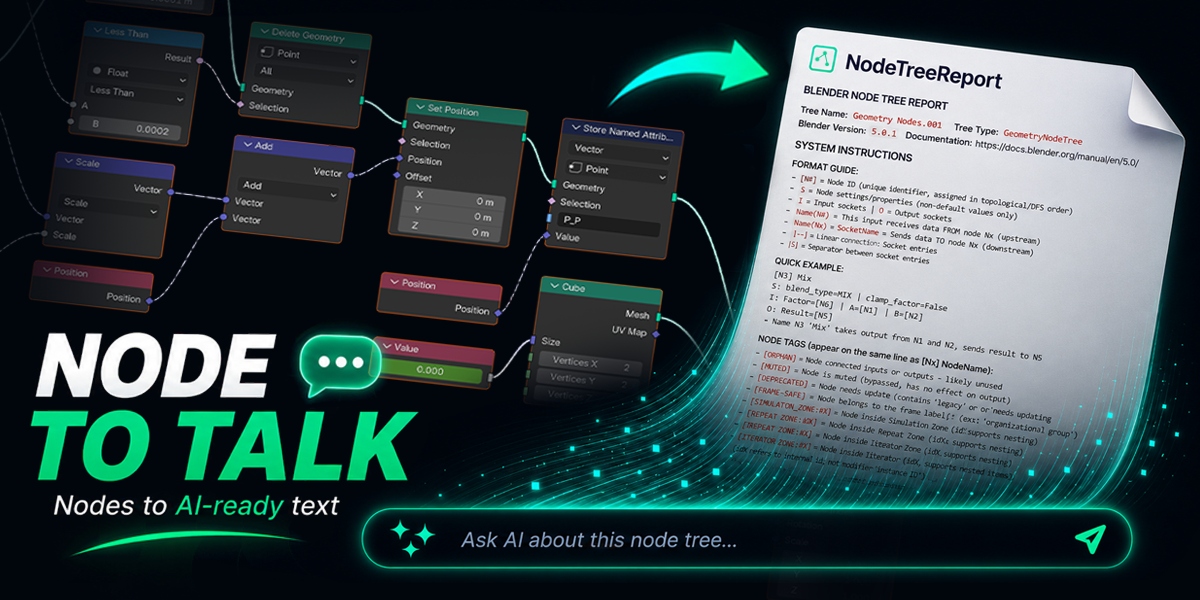



| // 01 NODE TO TALK |
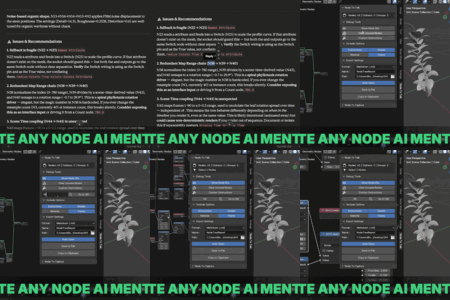
A complete structured report—connections, settings, execution order—formatted for AI to actually understand.
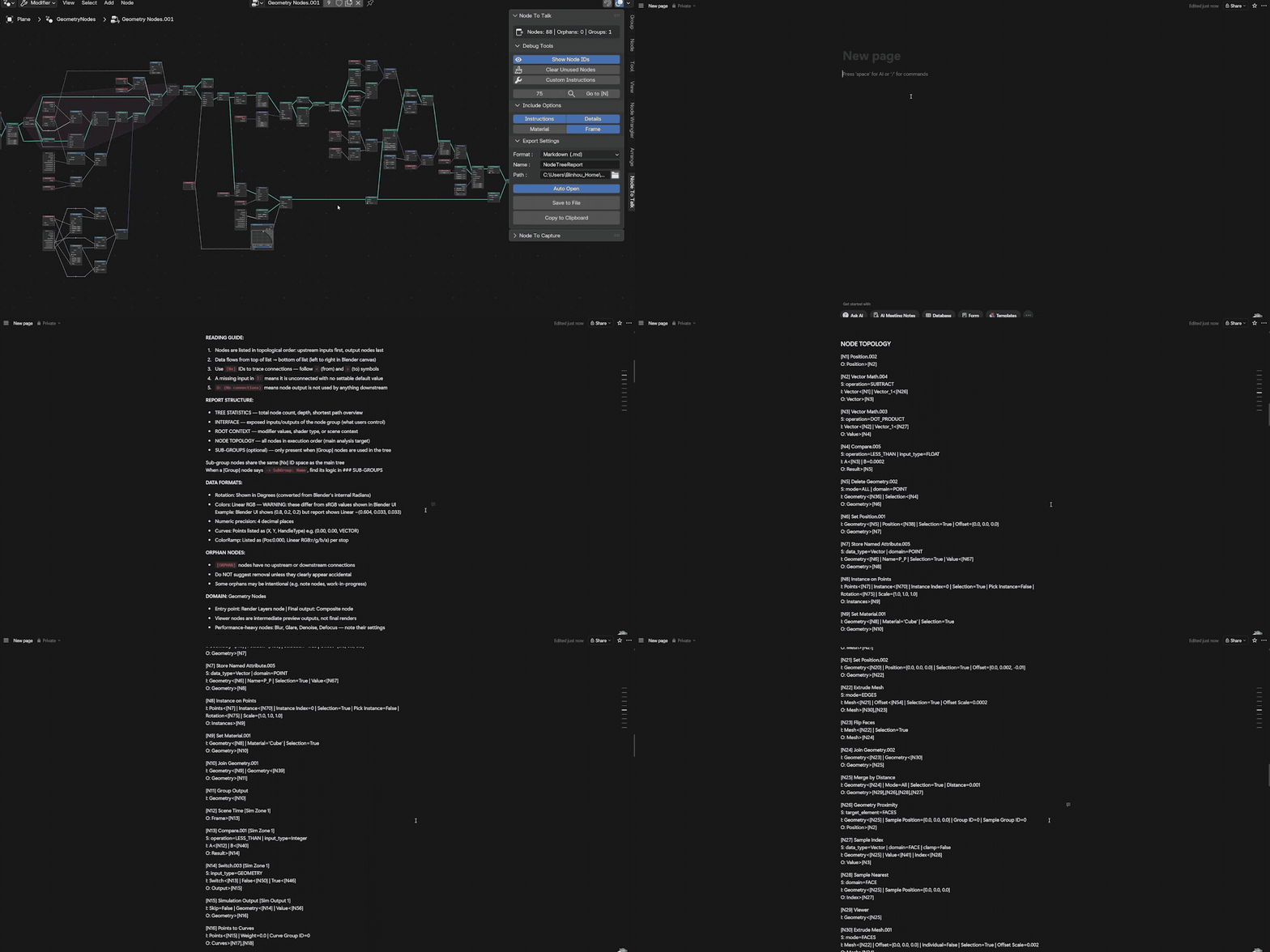
Structured Text Export
Topology-ordered, connection-mapped, and AI-readable. Provides a reliable logical backbone that never blurs.
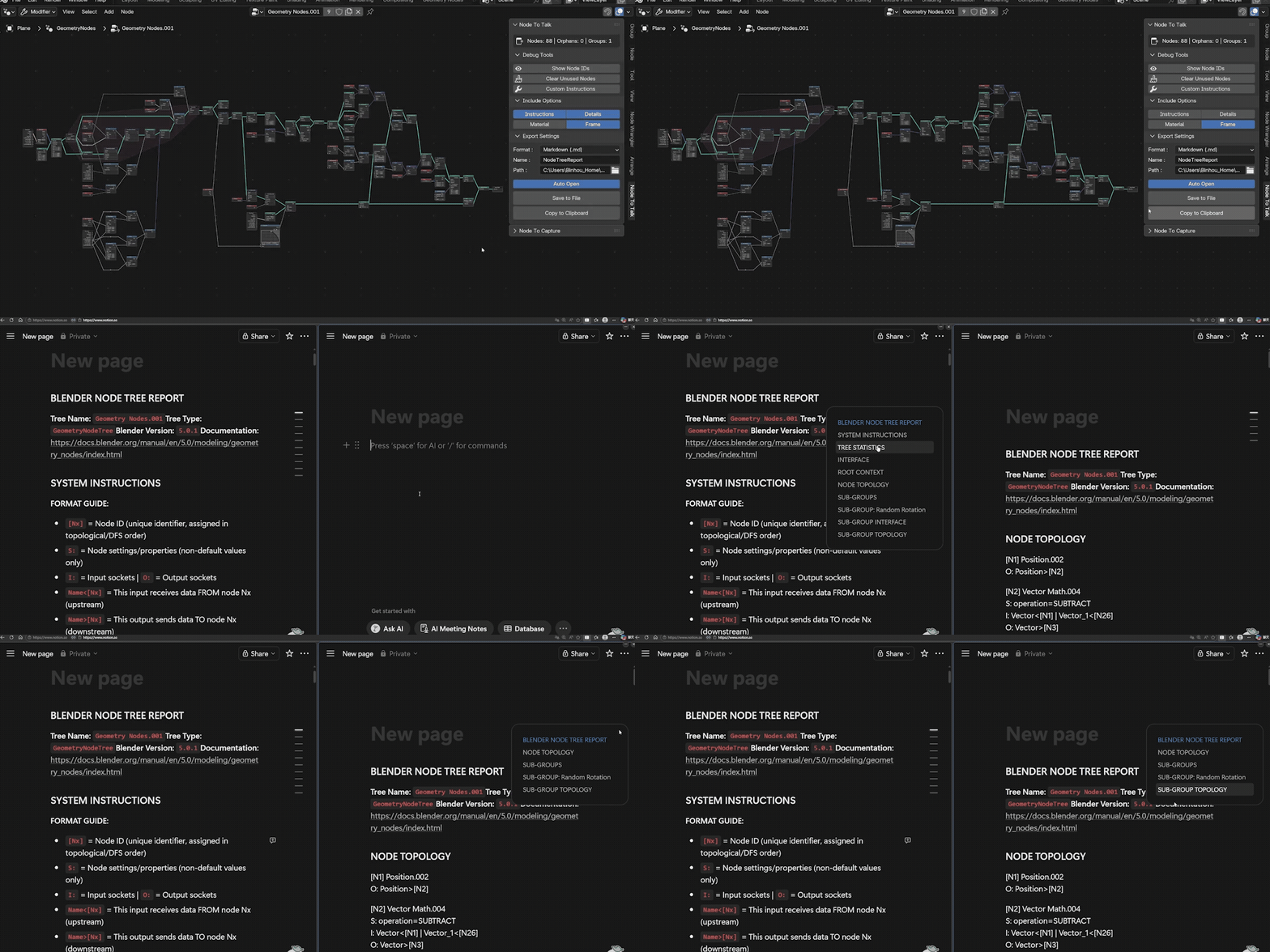
Include Options
Toggle Instructions, Details, Frames, or Materials. Optimize your report for follow-up questions to save tokens.
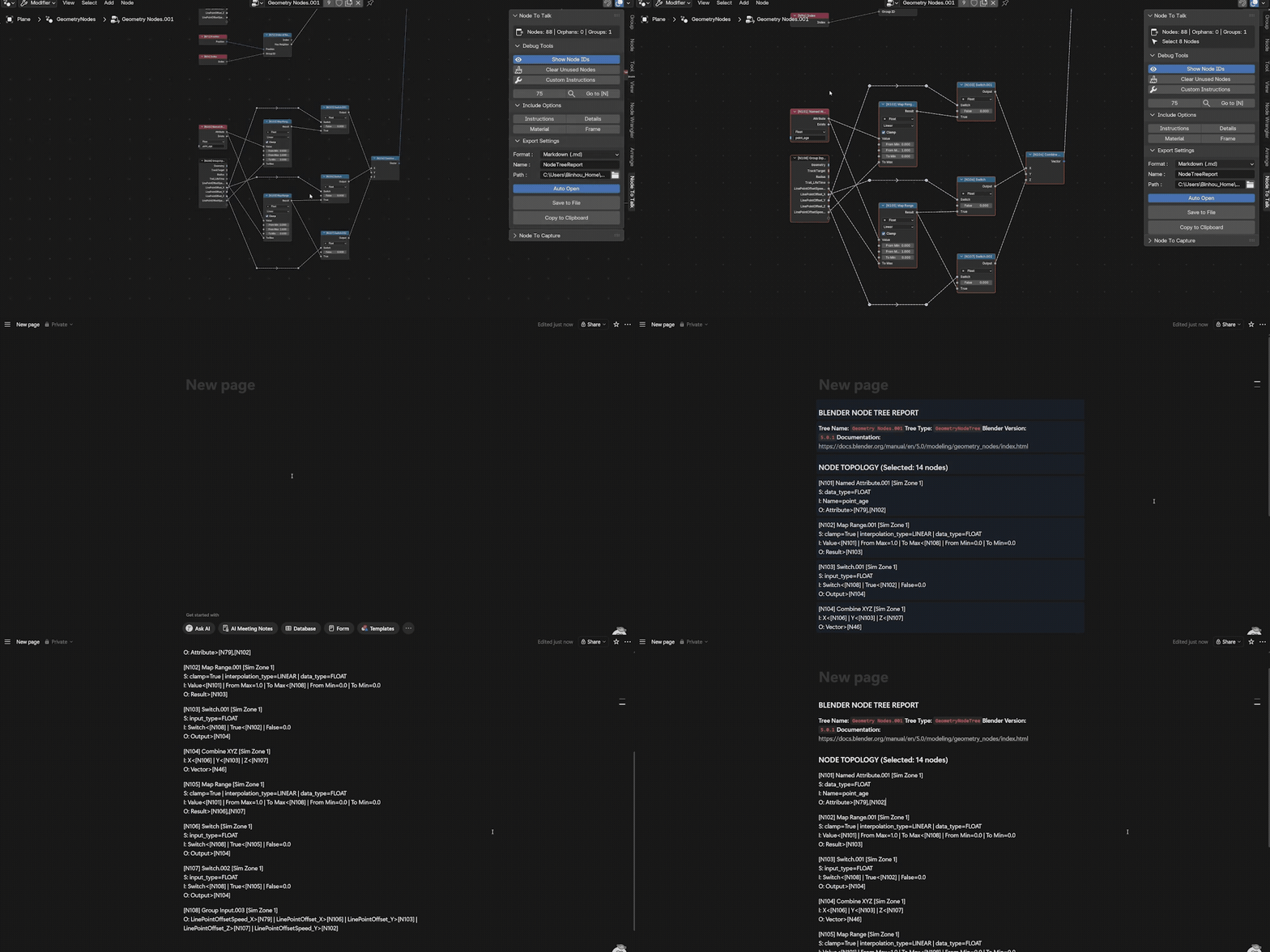
Selected-Node Export
Focus the report only on what you're working on. Perfect for isolated debugging or modular node group development.
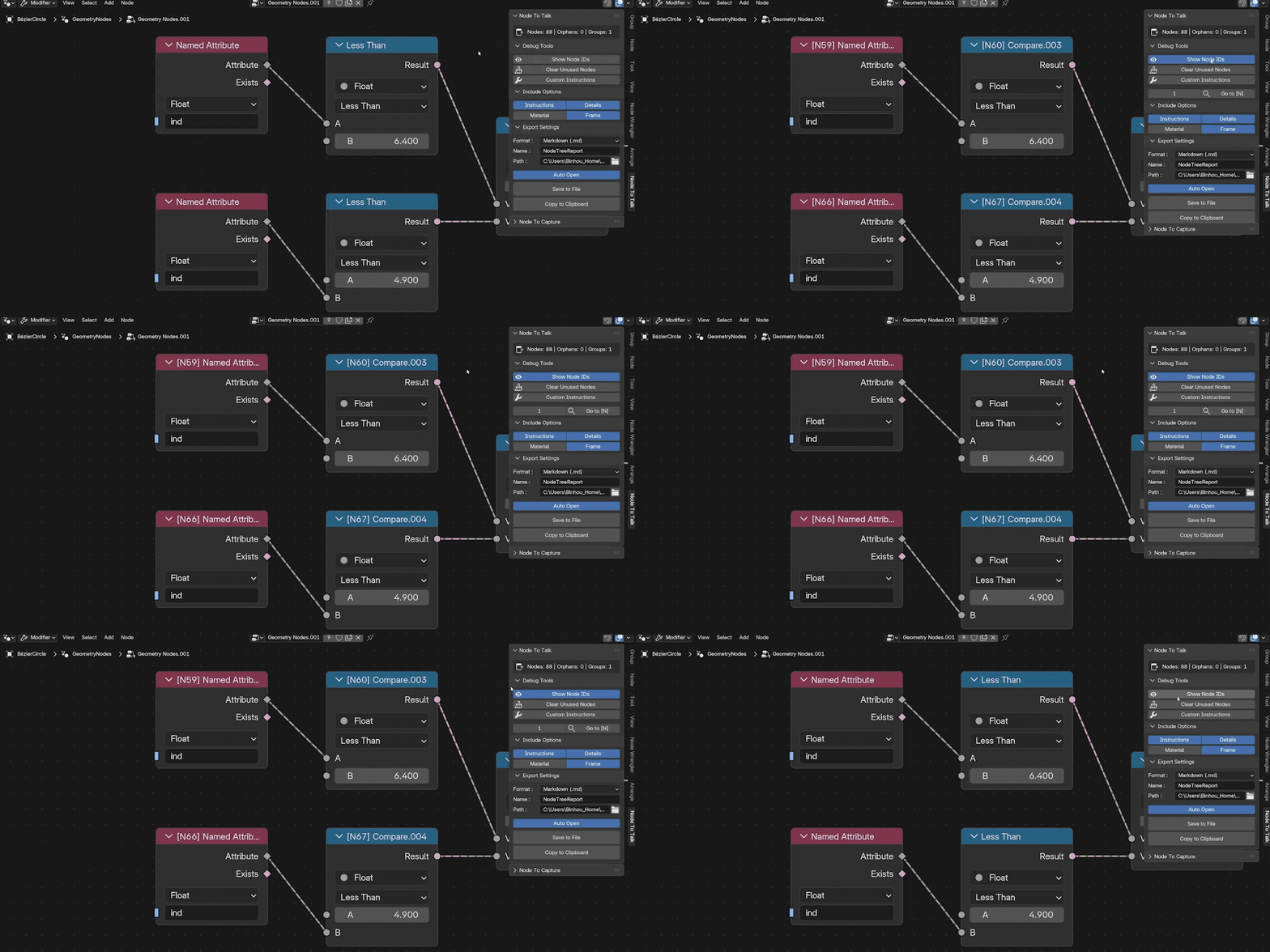
Show Node IDs
Persistent ID overlay on every node. Toggle on to replace labels with IDs for AI alignment—toggle off to restore your original names instantly. Nothing is overwritten.
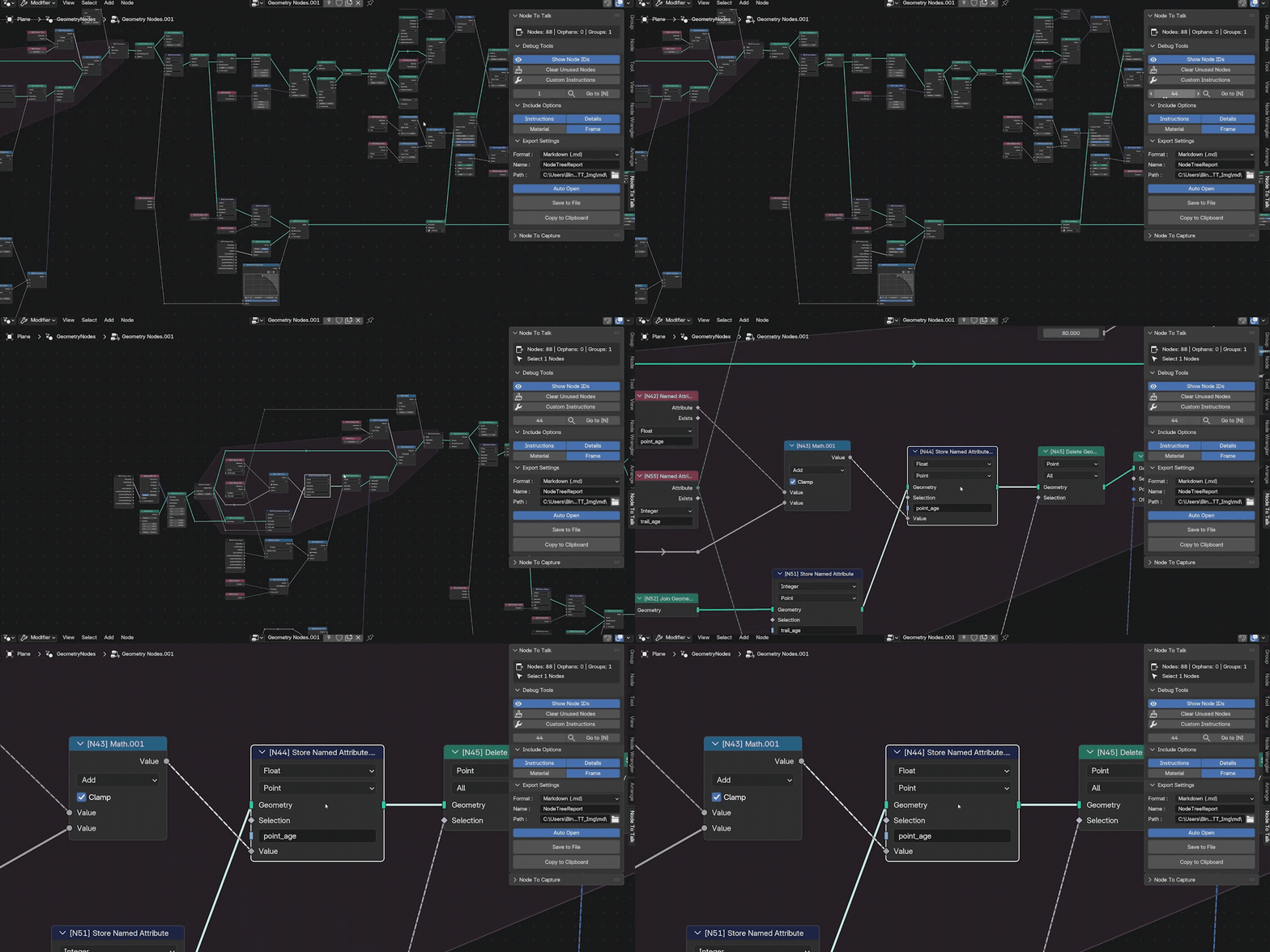
Go To [N]
When AI says "fix N47," type the number and jump straight to the target in seconds. Close the debug loop instantly.
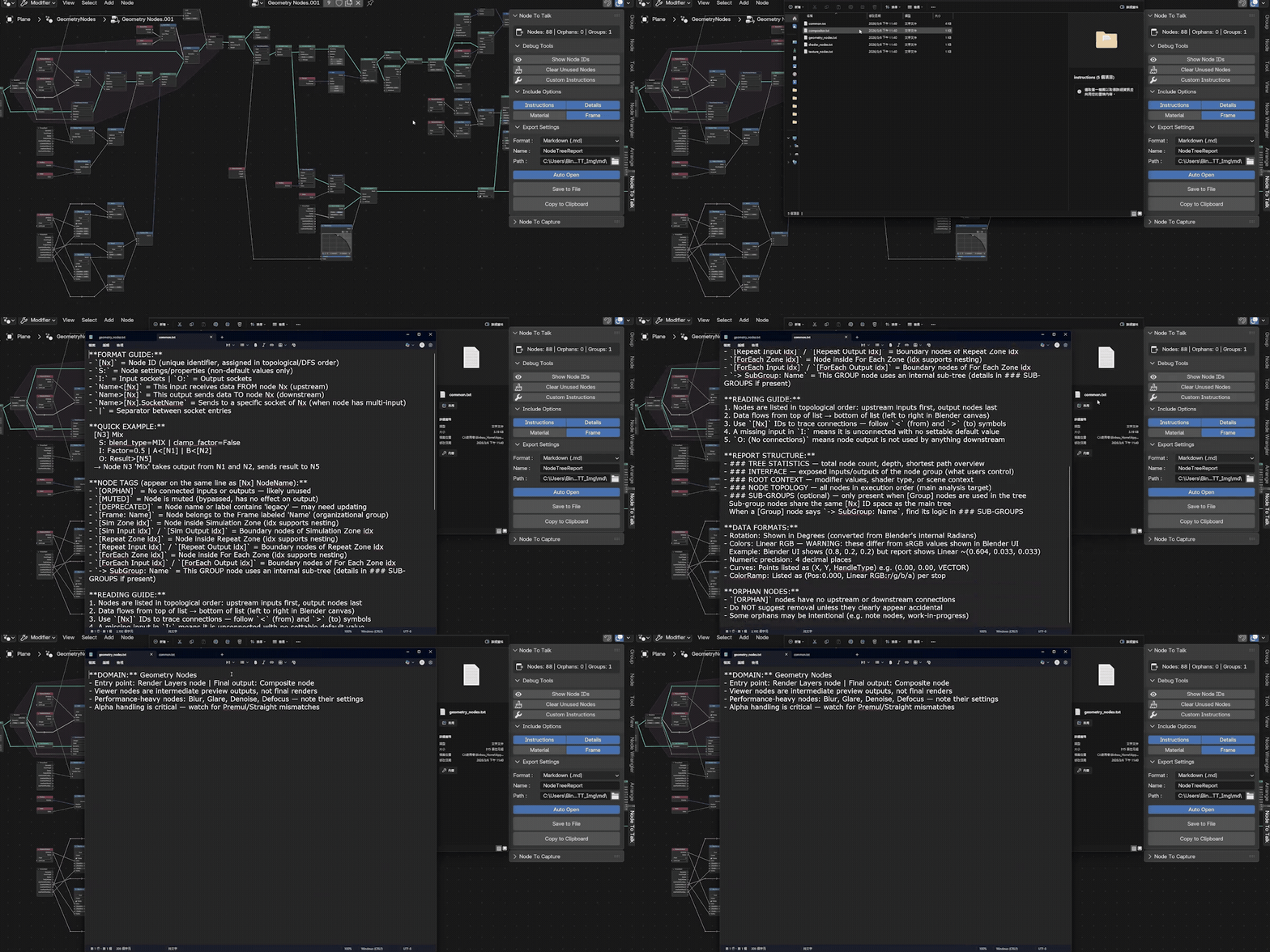
Custom Instruction Files
The add-on ships with editable instruction files. Adjust terminology or priorities—AI will follow your rules.
| // 02 NODE TO CAPTURE |
A tile-based high-resolution capture system for node trees of any size—with full visual control over what gets captured.
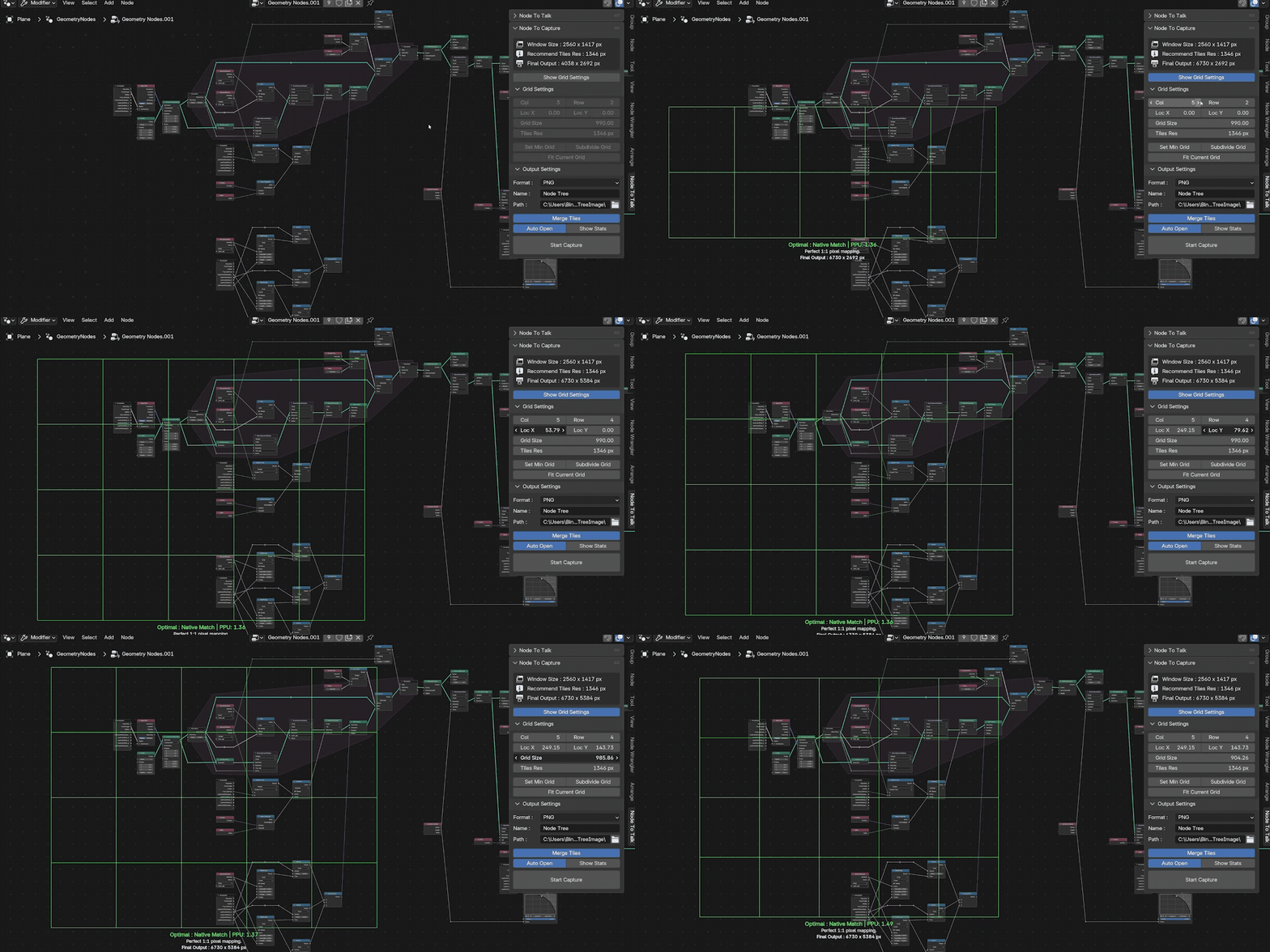
Visual Capture Zone Overlay
See exactly what's being captured directly in the node editor. The persistent grid overlay ensures framing is perfect.
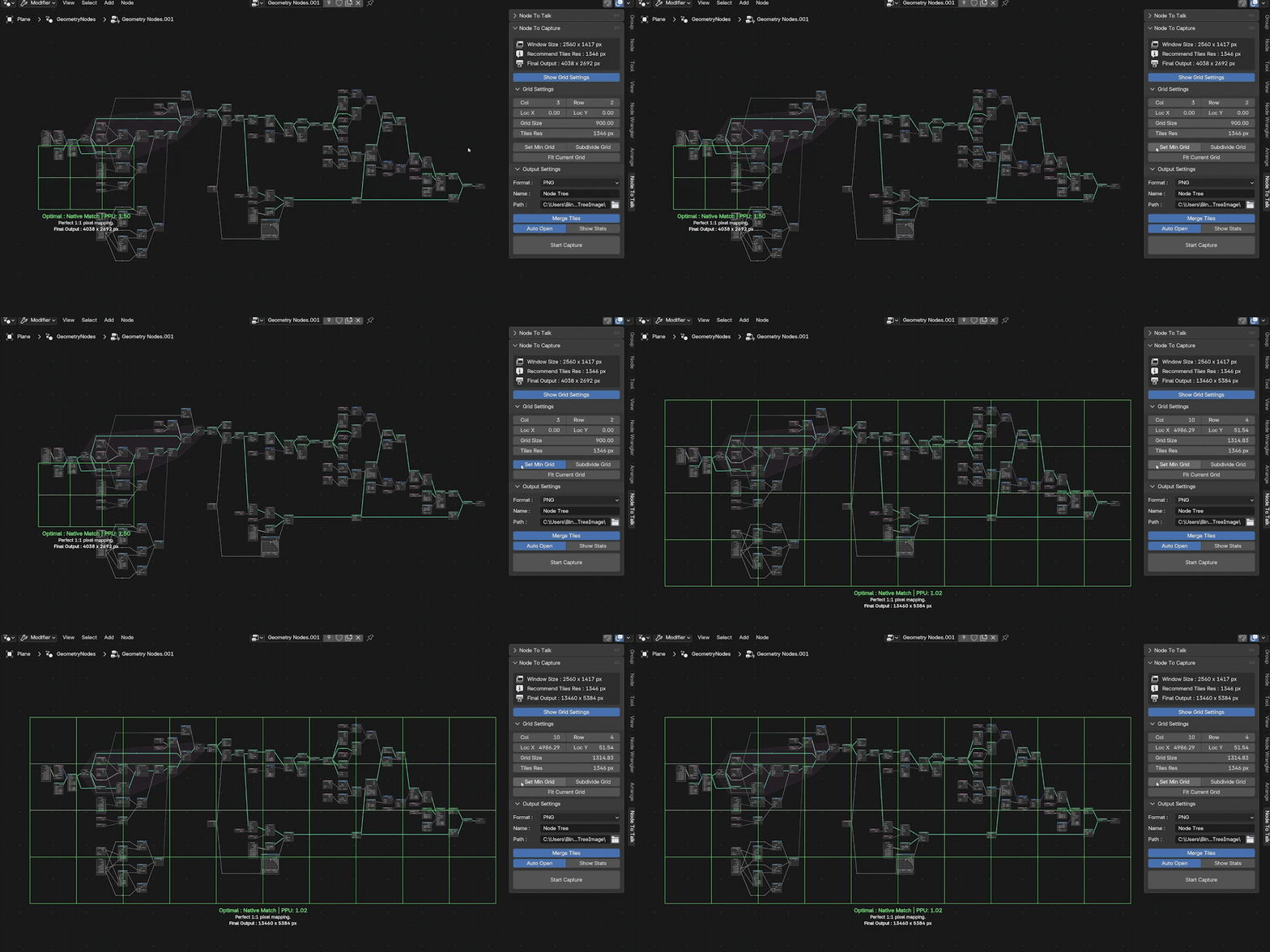
Auto Fit
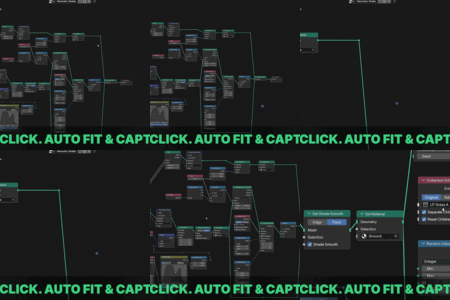
Instantly wrap the capture area around your logic using "Set Min Grid" or "Fit Current Grid". No more manual adjustments.
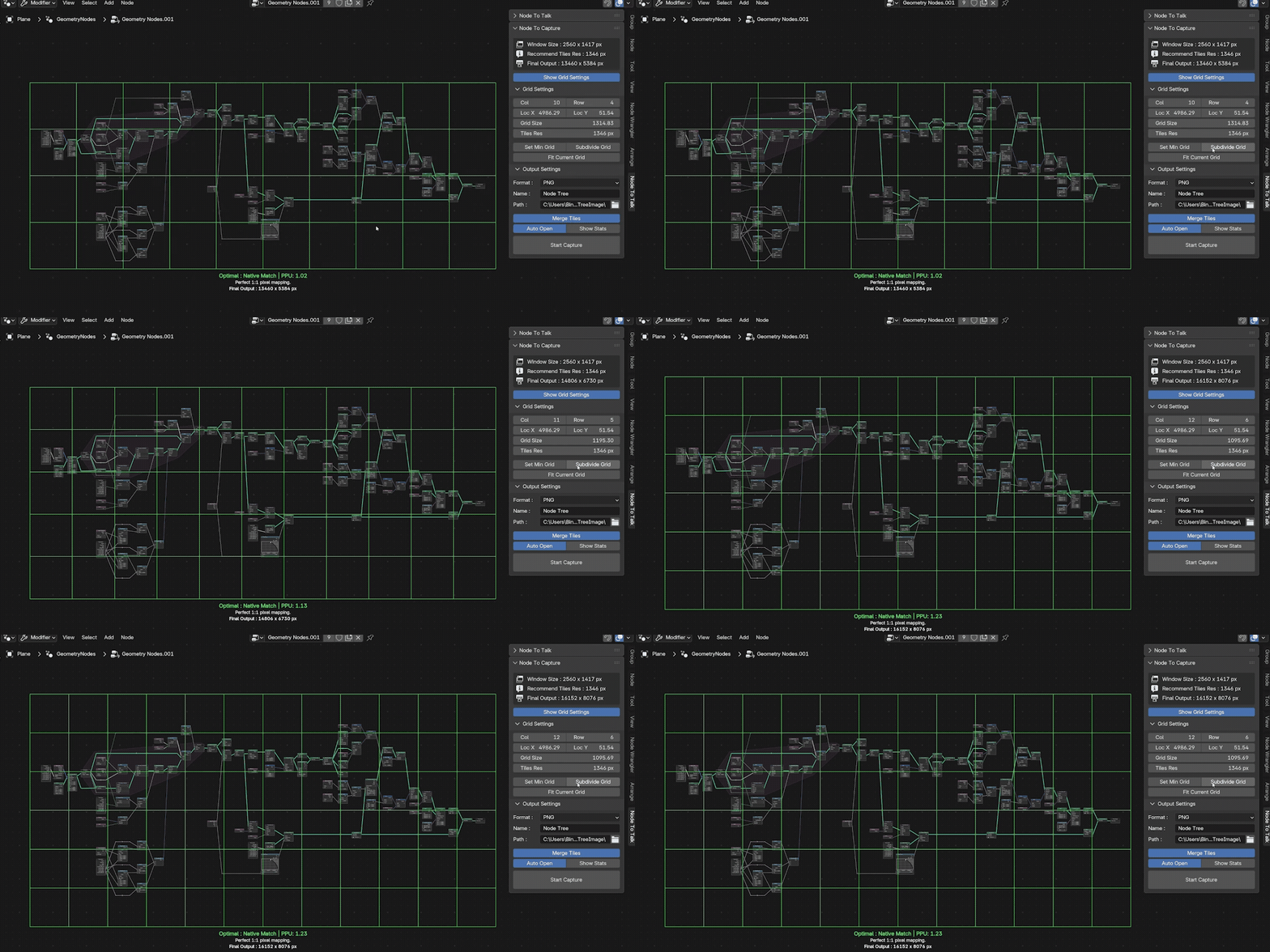
Subdivide Grid
Increase the tile count to boost resolution. Ideal for complex setups where every parameter must remain readable.
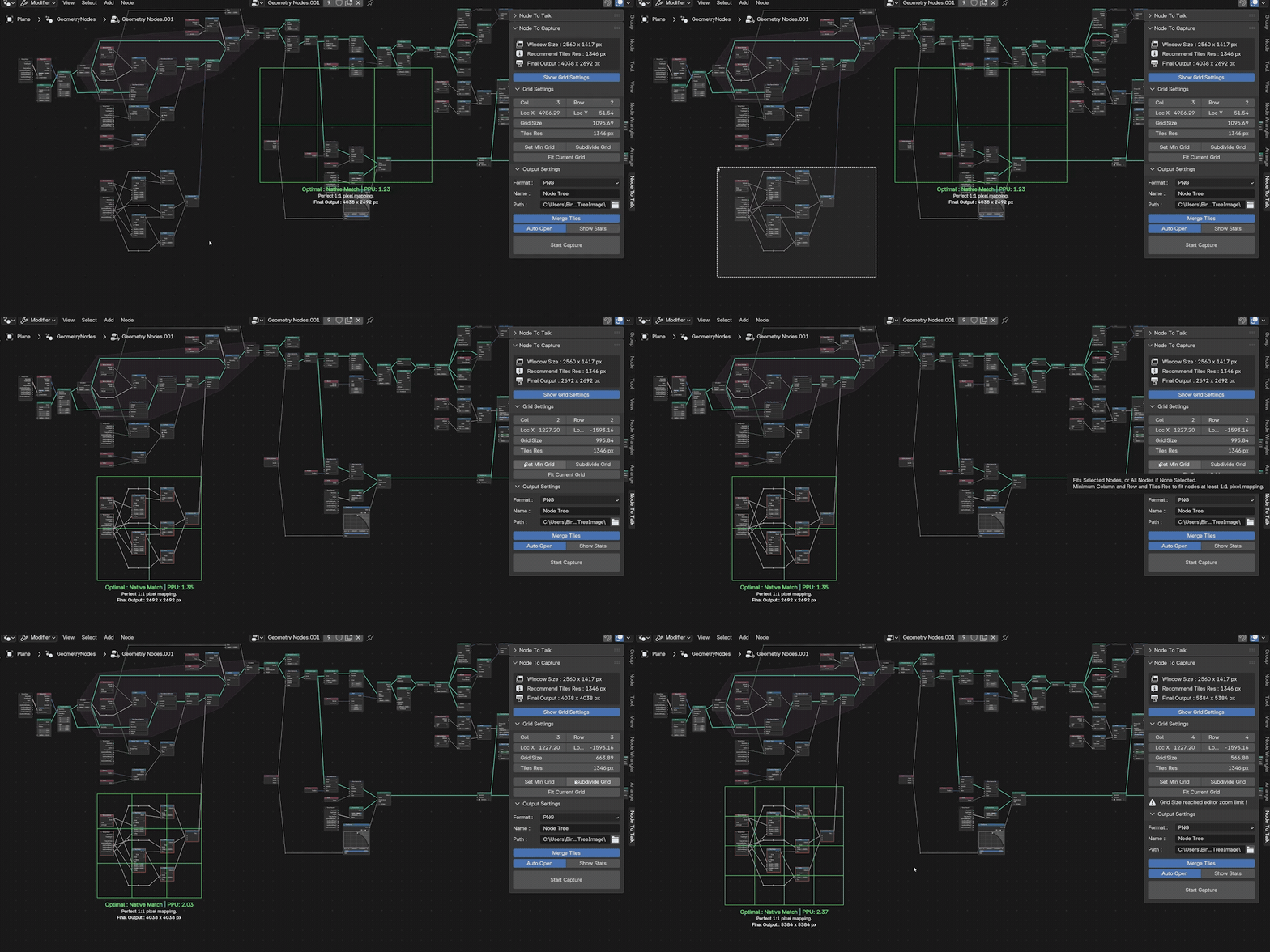
Selection-Aware AutoFit
The Auto Fit logic intelligently recognizes your selection and fits the capture grid only to those specific nodes.
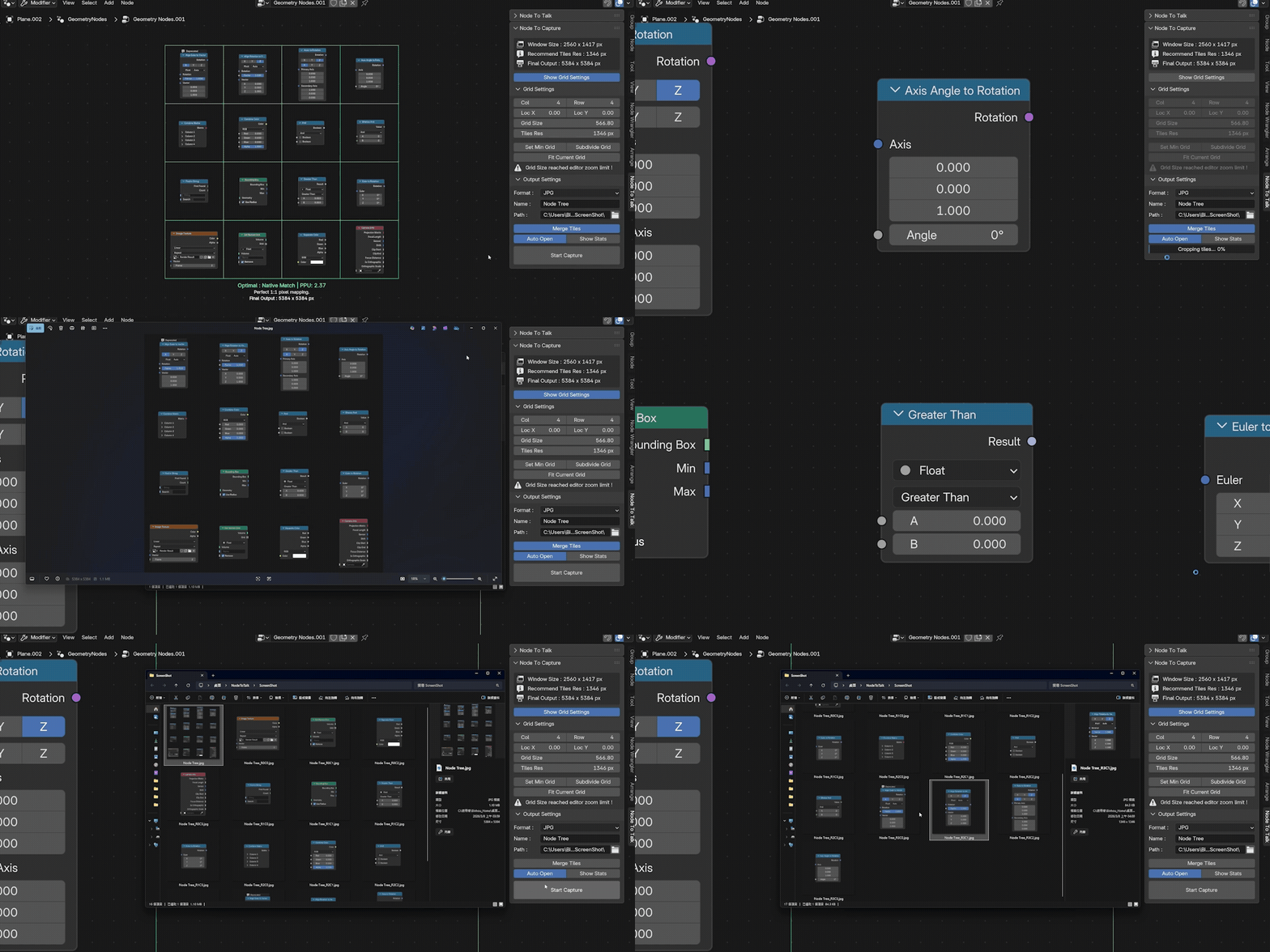
Merge Tiles ON / OFF
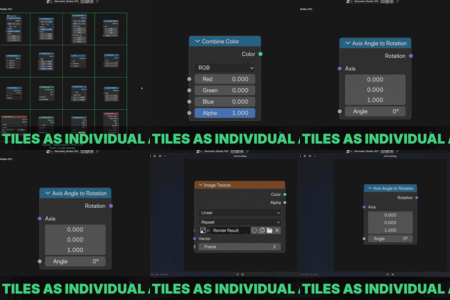
Output a single massive high-res image or save each tile independently for custom technical documentation.
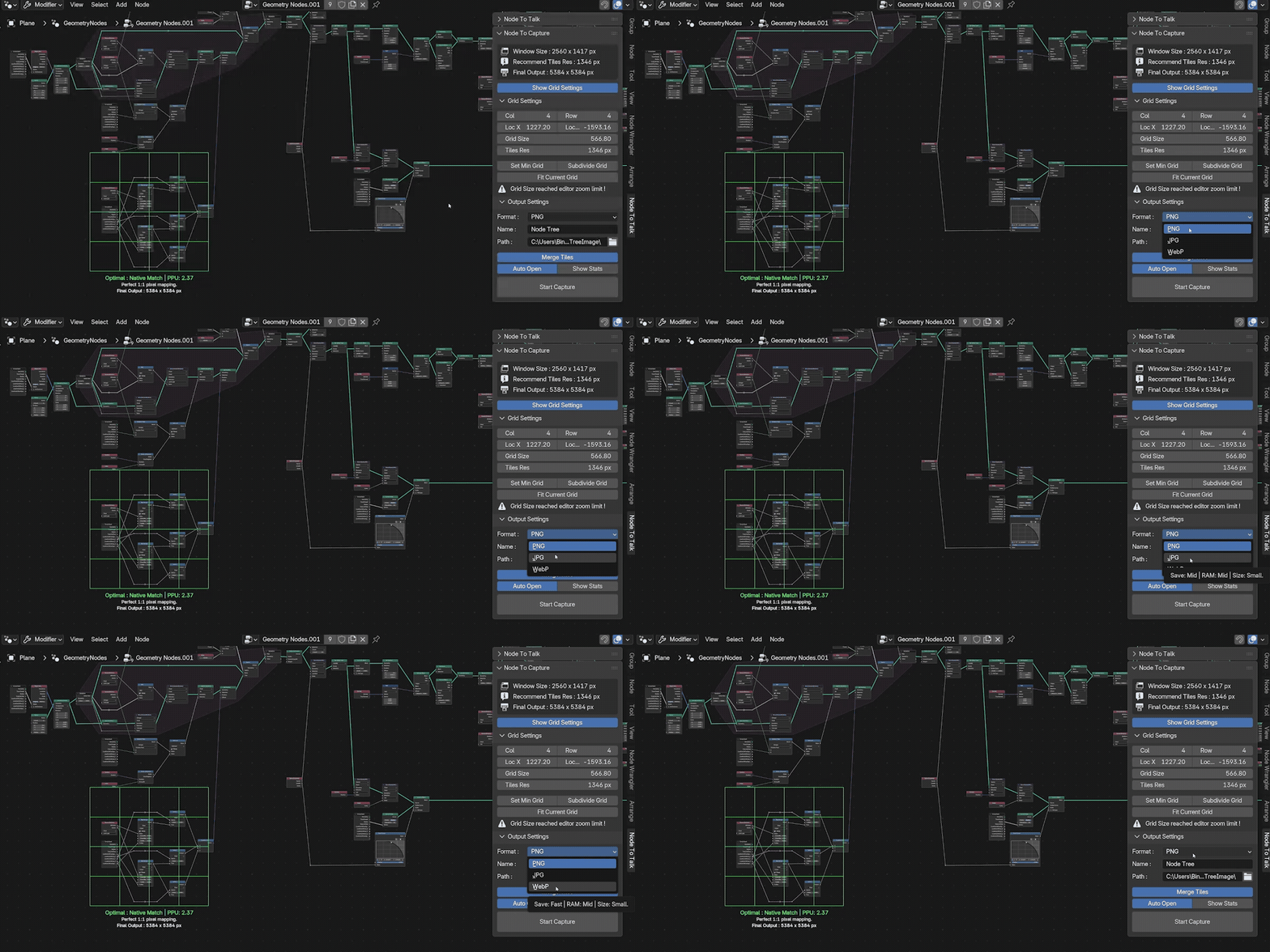
Three Web Format Support
Full support for PNG, JPG, and WEBP. Choose the perfect balance between quality and file size for sharing.