 MNC Development
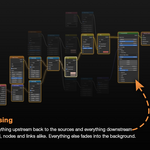
Double-click it. Trace it.
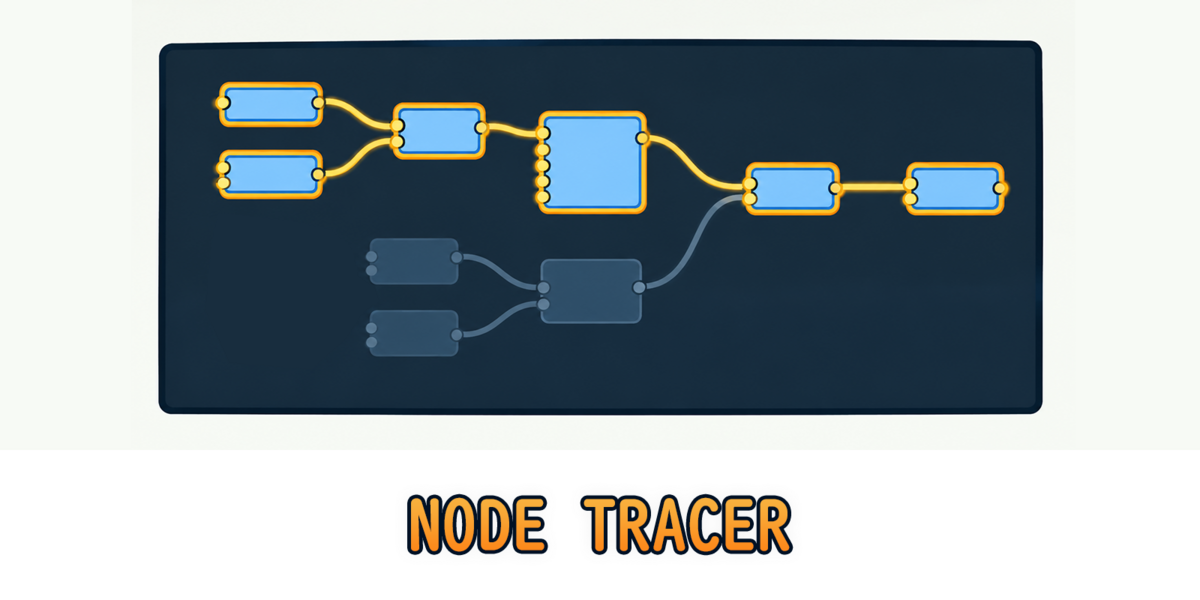
Double-click any node and its whole chain lights up while the rest of the tree fades away.
In a big shader or Geometry Nodes tree, links cross, overlap and slip behind other nodes. Finding out what feeds a node — or what it ends up driving — means following wires one by one across the whole canvas.
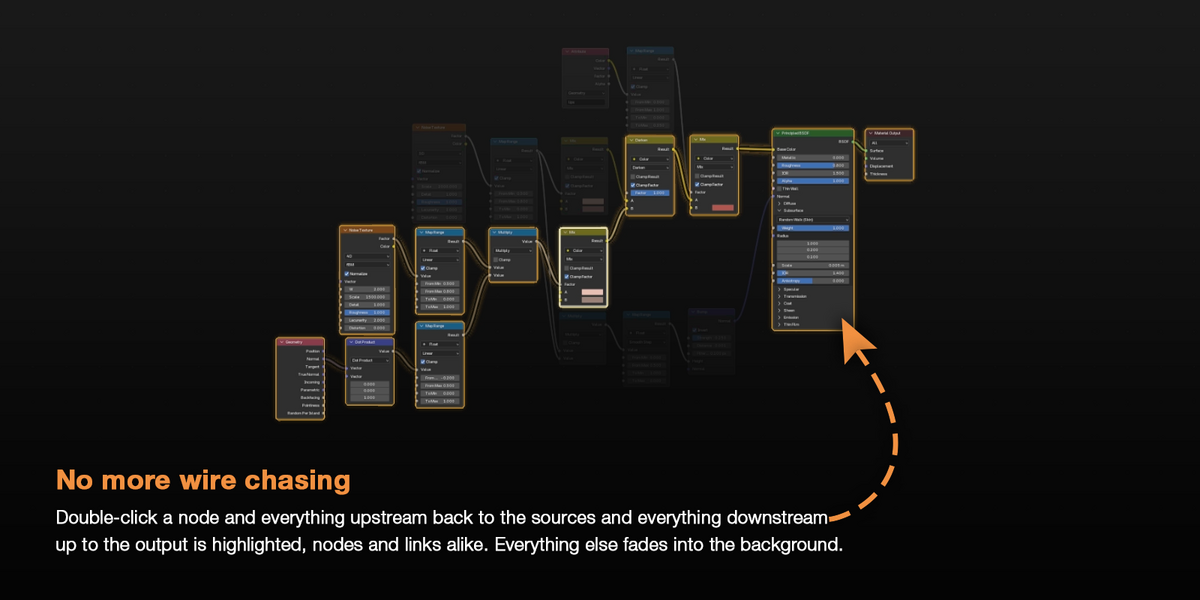
Node Tracer follows them for you. Double-click a node and everything upstream back to the sources and everything downstream up to the output is highlighted, nodes and links alike. Everything else fades into the background.
No panel to open, nothing new to learn. Double-click to trace, double-click again to clear.
Every path the data takes is part of the picture.
Node Tracer reads the node tree itself, so the chain follows every link the data travels:
| Upstream | Every node feeding the traced node, back to its very first sources |
| Downstream | Every node it feeds, all the way to the output |
| Links | The links of the chain light up right on top of your wires, curves included |
| Reroutes | Followed like any other node, however many you chain |
| Zones | Repeat, Simulation, For Each and Closure zones keep their input and output together |
| Every node editor | Shader, Geometry Nodes and Compositor, inside node groups too |
Only the paths the traced node's data really travels are lit. A link that bypasses it stays in the background, even between two highlighted nodes.
A Principled BSDF has dozens of inputs. Sometimes you only care about one of them.
Double-click a socket instead of the node body and Node Tracer follows only the chain flowing through that socket. A ring marks the socket being traced.
Double-click the Roughness input to see what drives the roughness — the Base Color branch stays in the background.
Double-click is the default. It isn't the only way.
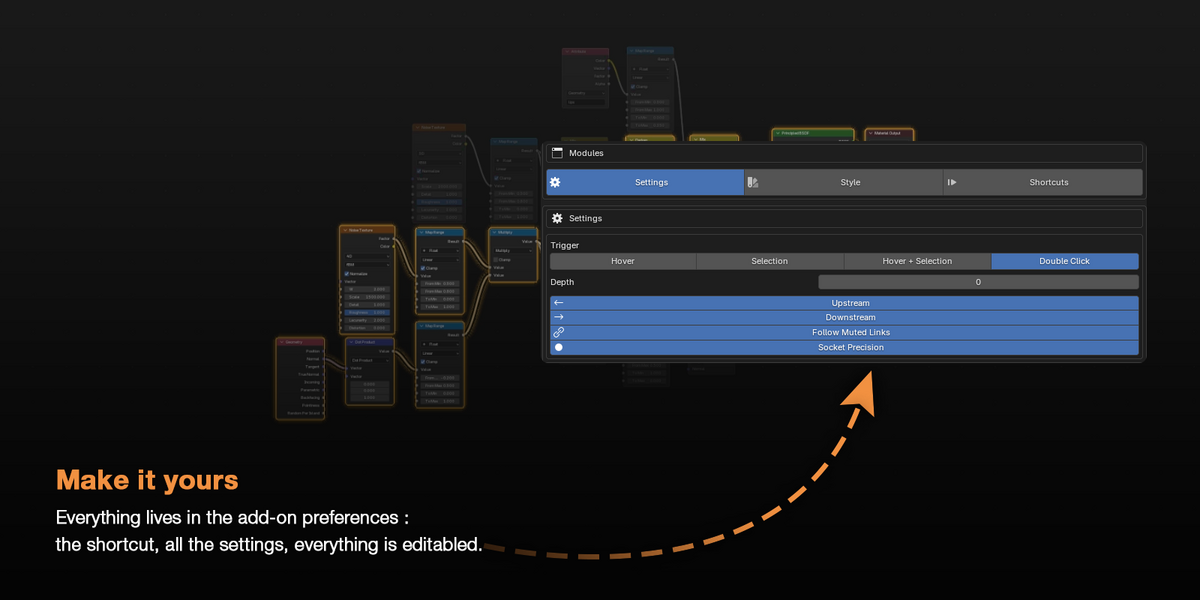
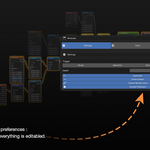
Choose in the add-on preferences what starts a trace:
| Double Click | The chain stays lit until you double-click the node again or double-click empty space — the default |
| Hover | The chain follows your mouse cursor, node after node |
| Selection | The chain of the active node stays lit while it is selected |
| Hover + Selection | Hovering wins, and the active node comes back as soon as the cursor leaves |
In Double Click mode, double-clicking a node group traces it instead of opening it. Tab still takes you inside.
A highlight should be easy on the eyes.
By default the chain shares one highlight color, with a thin outline around each node and a soft glow around the chain. The rest of the tree fades toward the editor background, and every change eases in and out.
| Fade | How far the rest of the tree fades out |
| Colors | One color for the whole chain, or Direction to tell upstream from downstream |
| Focus | The traced node gets a color of its own |
| Outline & Glow | Width, strength and size of the highlight |
| Link Tint | From your original wire colors to the full chain color |
| Transition | How fast the highlight fades in and out |
Changed too much? Reset Style brings every default back in one click.
In a huge tree, a full chain can cover half the canvas.
Narrow it down to exactly the part you want to see:
| Depth | Limit how many links are followed from the traced node — 0 follows the whole chain |
| Upstream / Downstream | Trace one side only, or both |
| Follow Muted Links | Keep tracing through muted links, or stop where they start |
| Socket Precision | Trace a single socket, or always the whole node |
Want to move, frame or copy the chain you are looking at?
Press Ctrl + L in the Node Editor and every node of the traced chain is selected, ready to move, frame or duplicate. When nothing is traced, the chain of the active node is used.
It follows your Depth, Upstream and Downstream settings, and it is a regular undo step.
| BY HAND | WITH NODE TRACER |
| Follow wires one by one across the canvas | The whole chain lights up in one double-click |
| Lose track of links running behind other nodes | Everything outside the chain fades into the background |
| L and Shift + L select one level of links at a time | Ctrl + L selects the whole chain at once |
| Untangle a node with dozens of inputs by eye | Trace one socket and see only its branch |
| Nothing tells what feeds a node from what it drives | Direction colors split upstream from downstream |
Whatever node you pick, follow its whole flow.