Buildings Generator
 Jakob
Jakob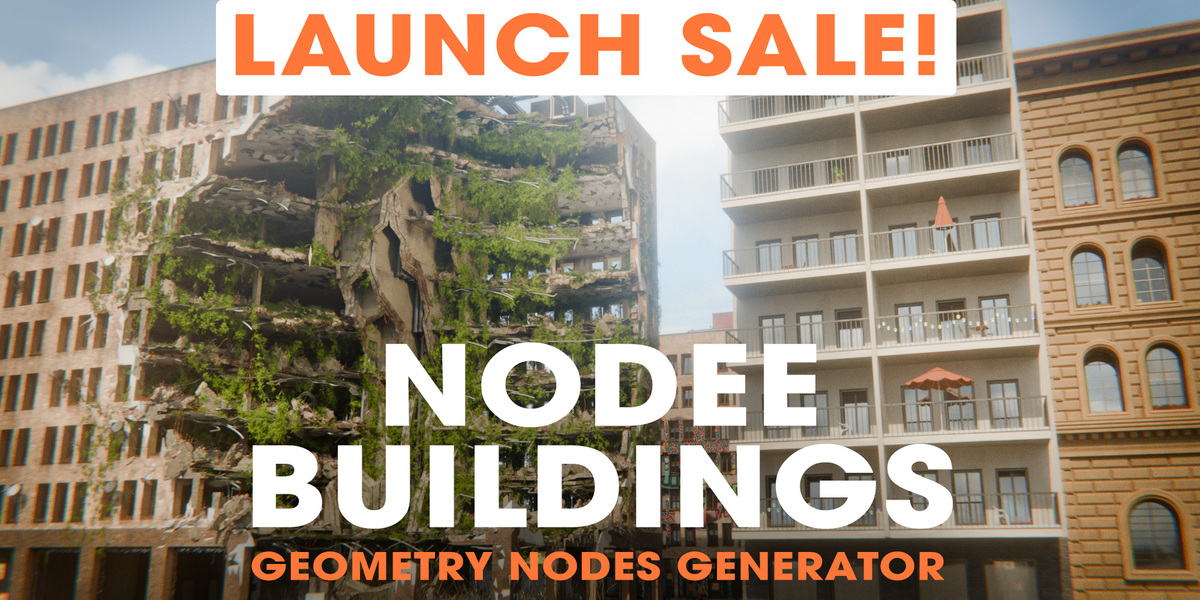
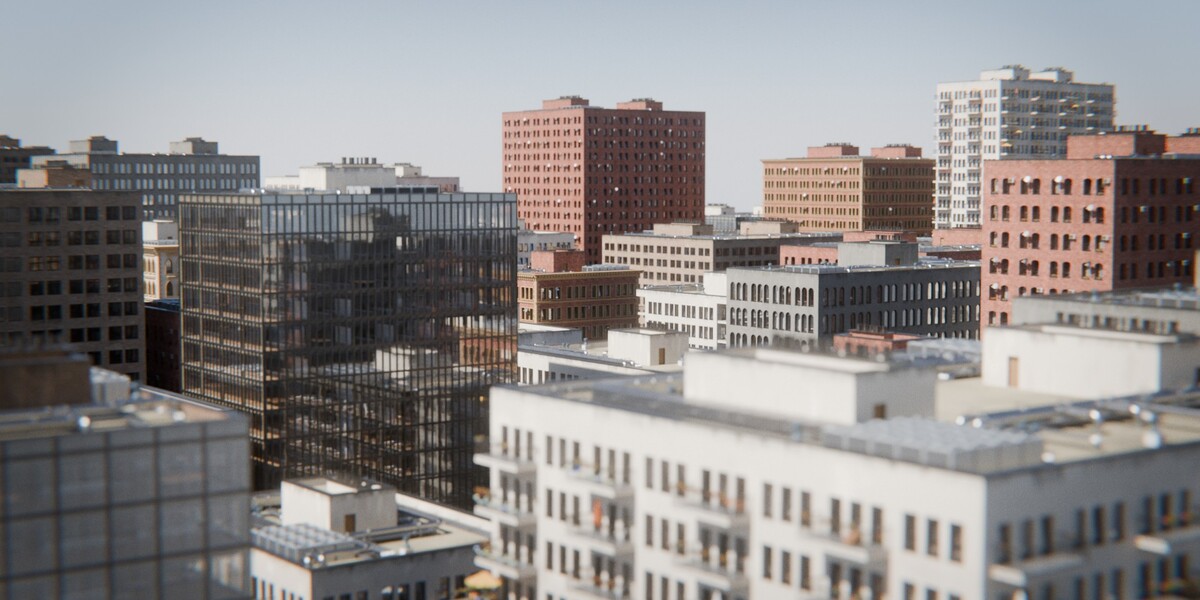
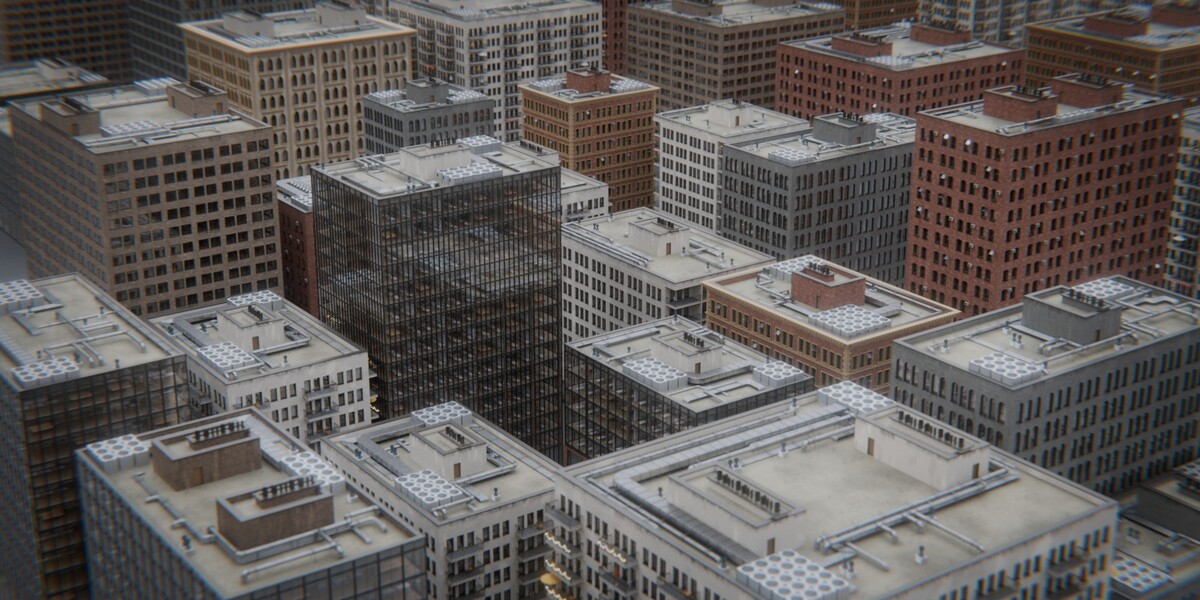
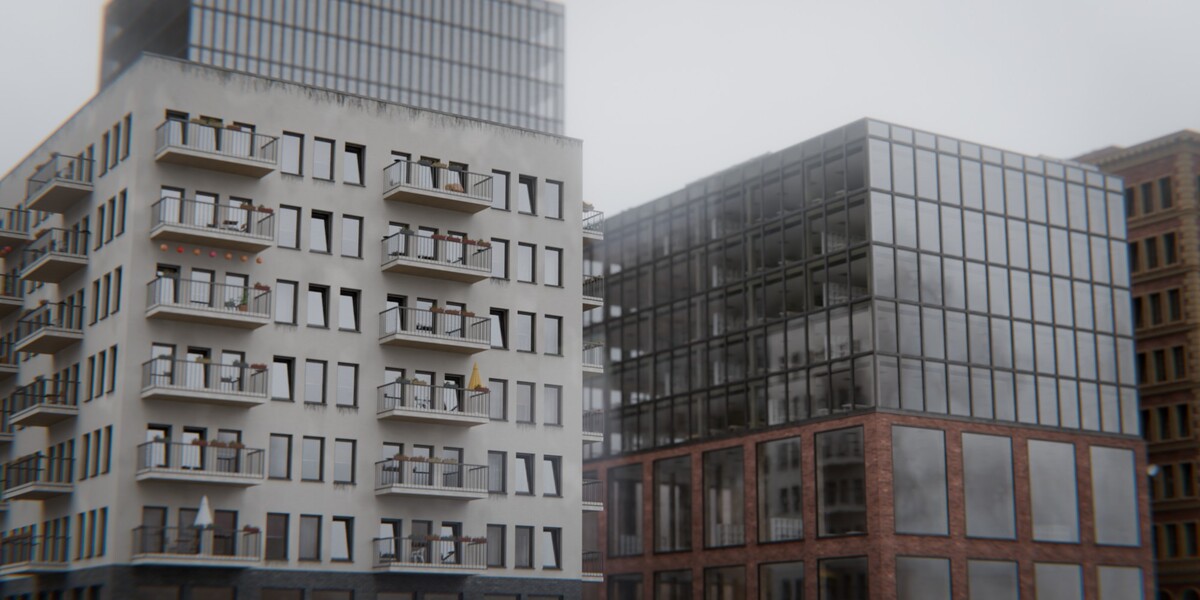
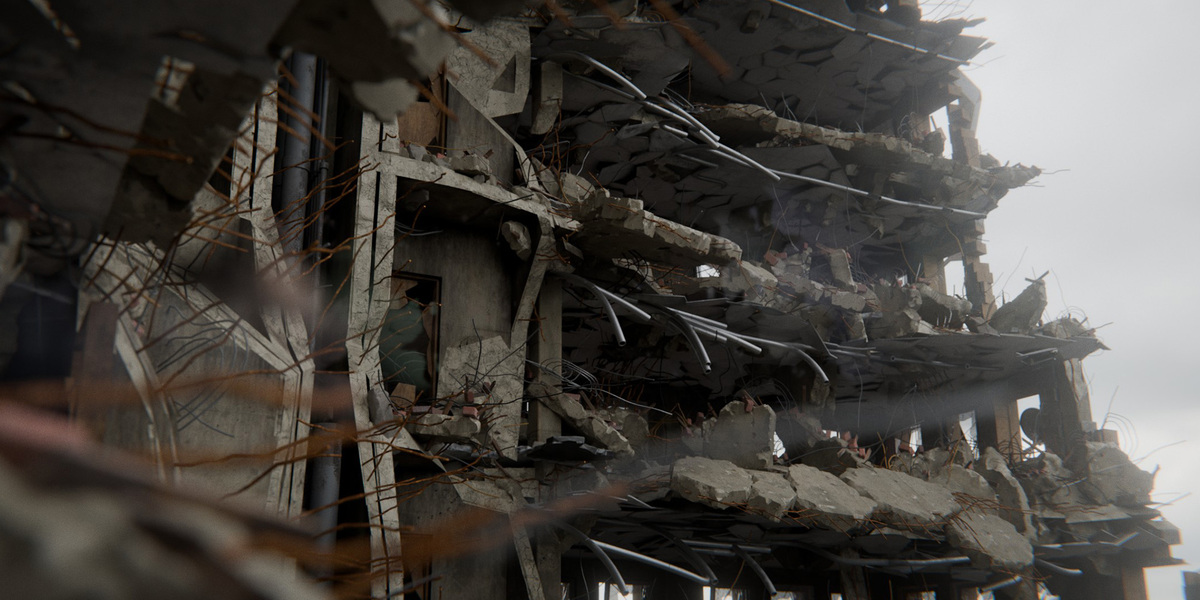
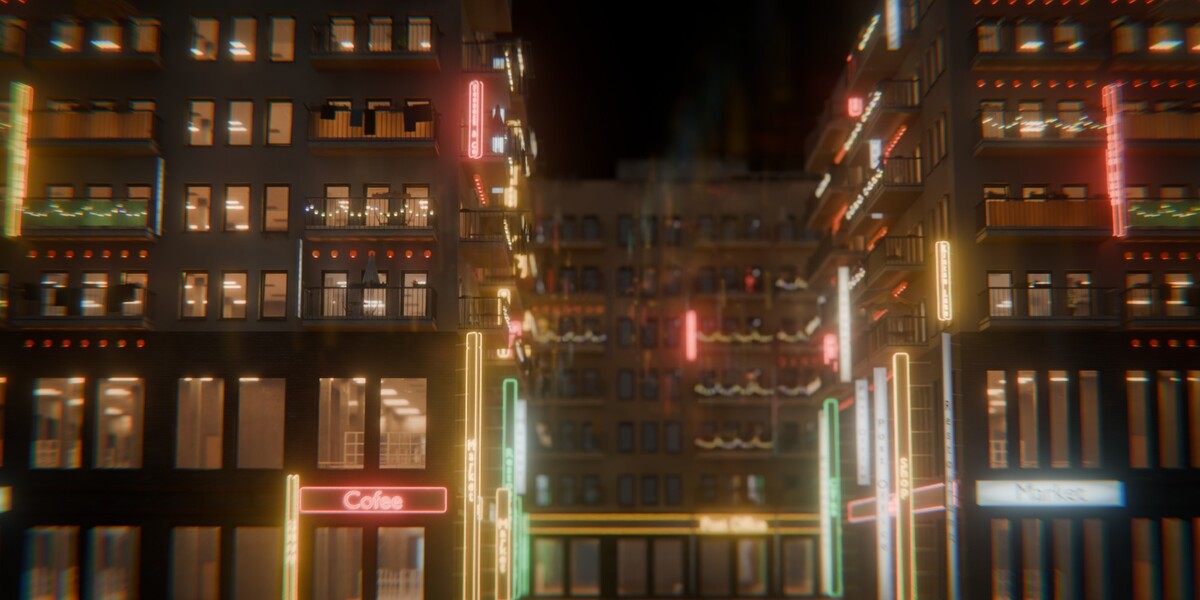
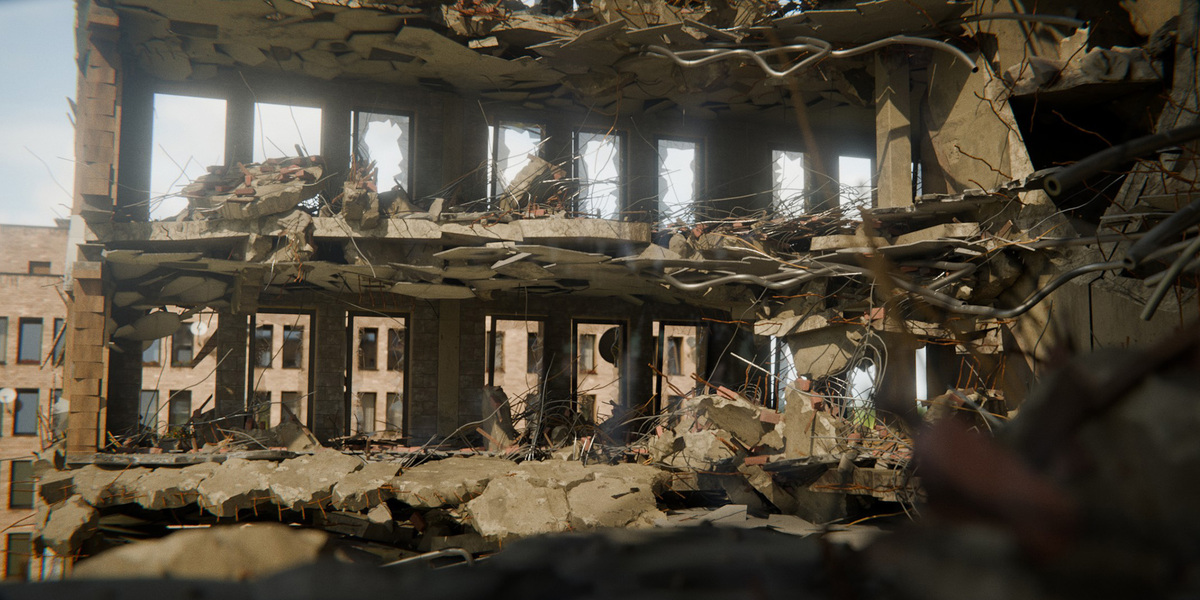

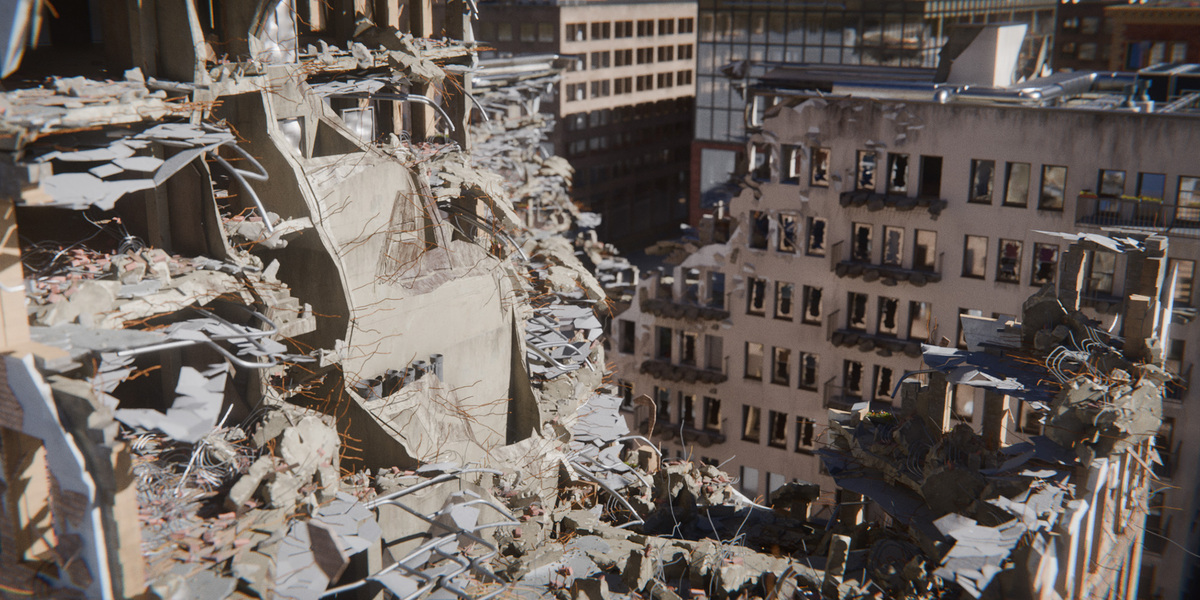
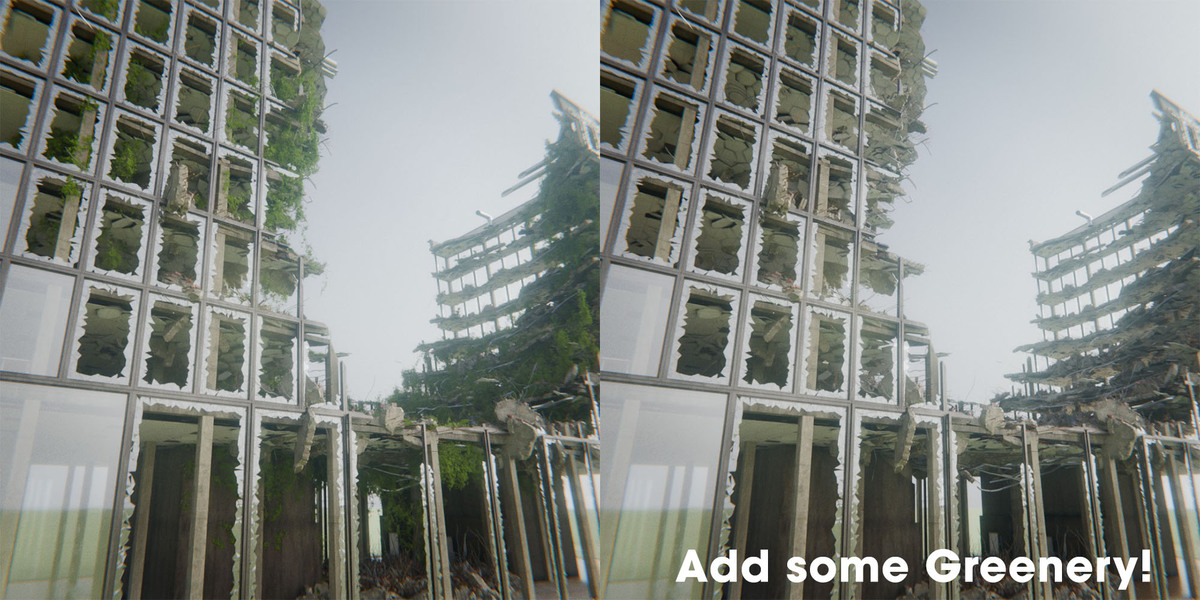


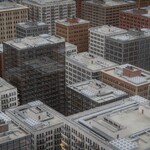
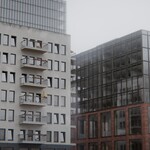


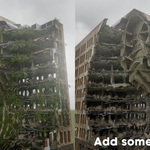
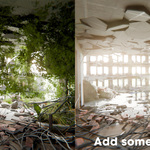


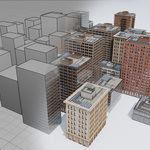

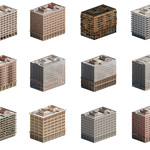

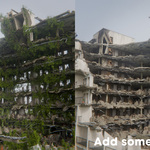

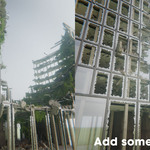
Yes! You get:
In-editor tooltips: Simply hover your mouse over any socket or parameter in the modifier panel for a concise explanation of what it does.
Comprehensive video documentation: A full, in-depth video tutorial covering setup, influence volumes, destruction, and material workflows is linked directly on the product page.
Nodee Buildings is built specifically for city-scale performance:
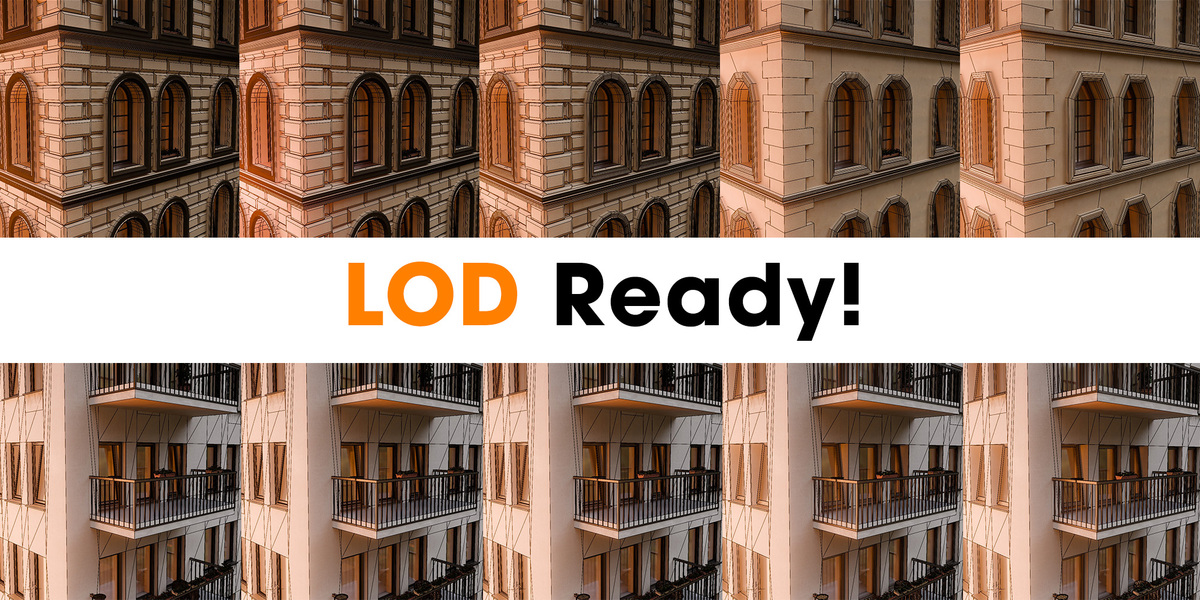
5-Level LOD System: Switch from LOD 0 (hero close-up, ~130k+ verts) down to LOD 4 (distant skyline, ~8k verts, up to 94% vertex reduction).
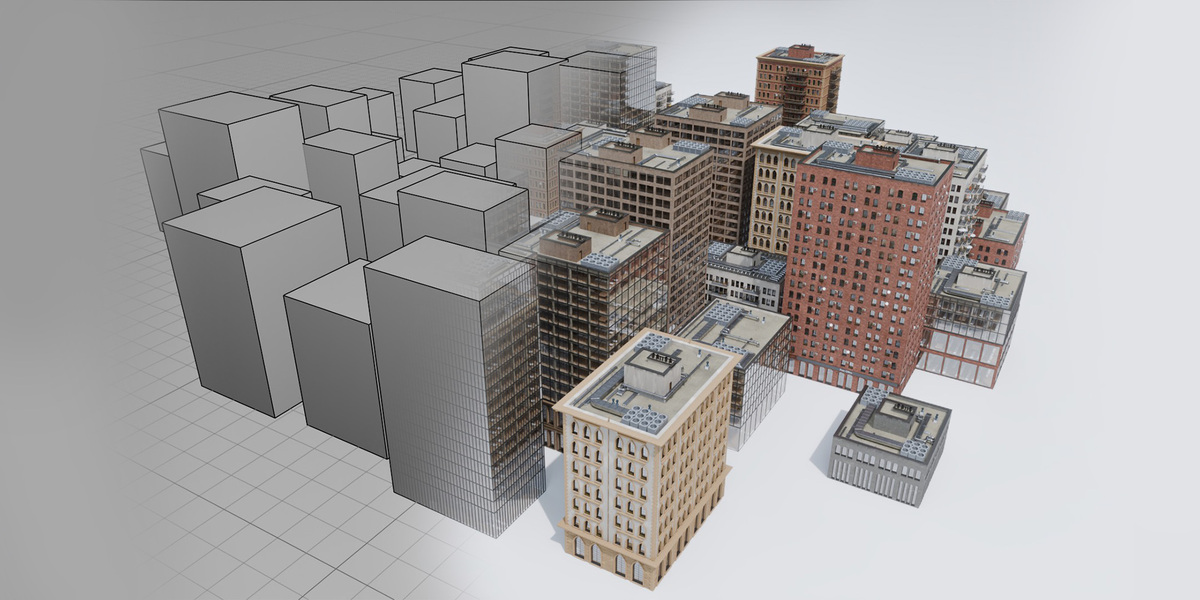
Viewport Proxy Mode: Replaces complex buildings in the viewport with lightweight bounding boxes for blistering viewport FPS, while rendering full geometry at render time.
Smart Culling: Purges micro-details automatically at distance thresholds to save memory.
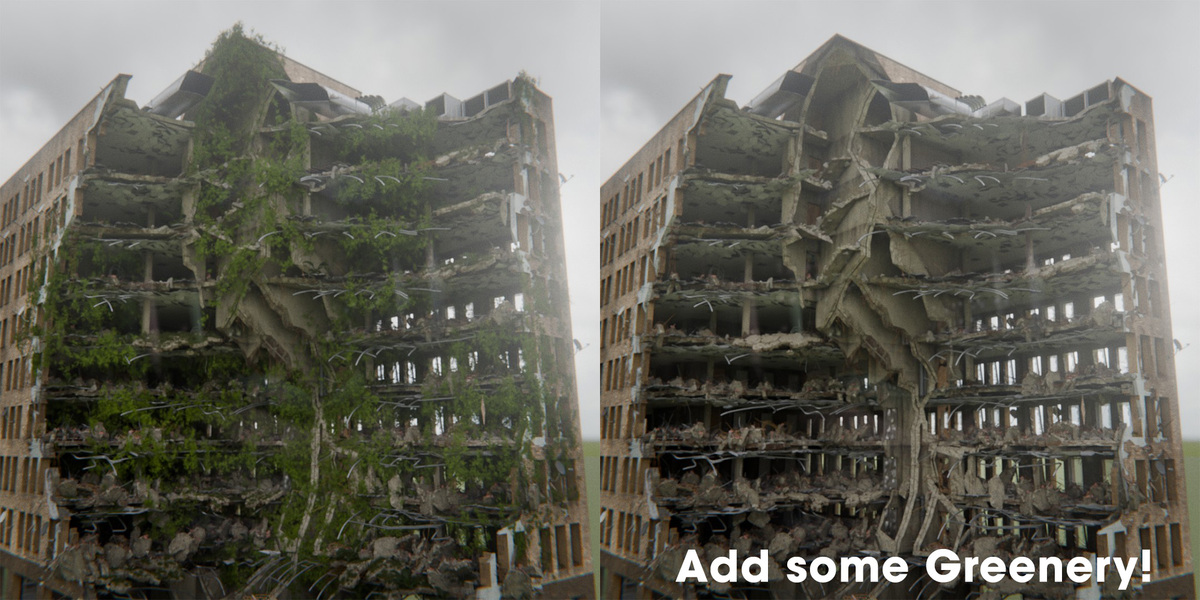
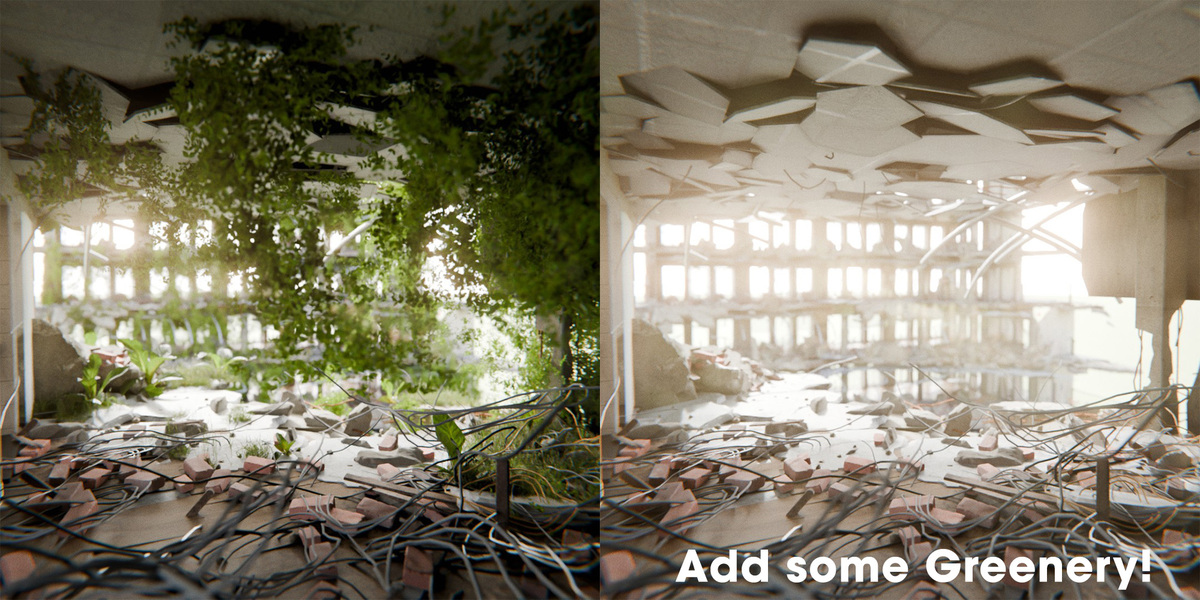
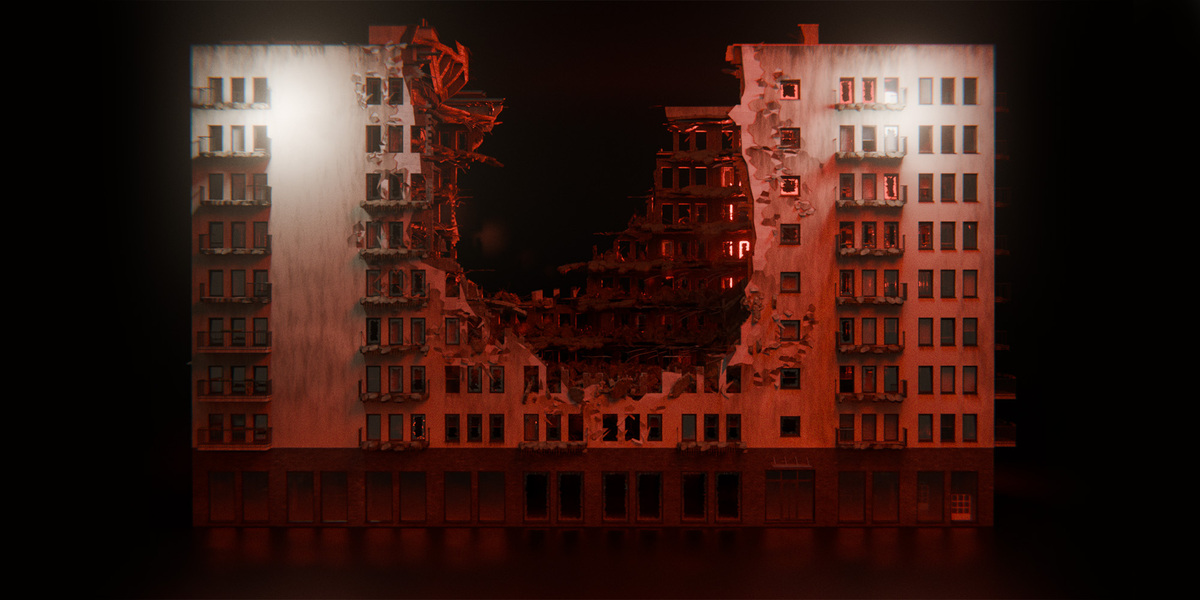
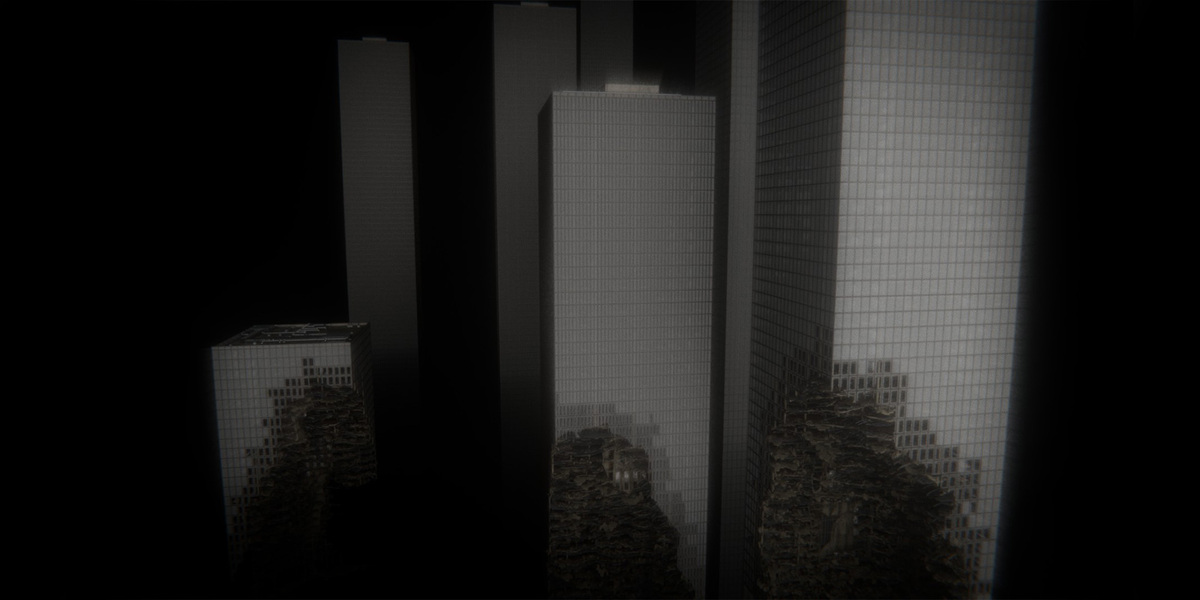
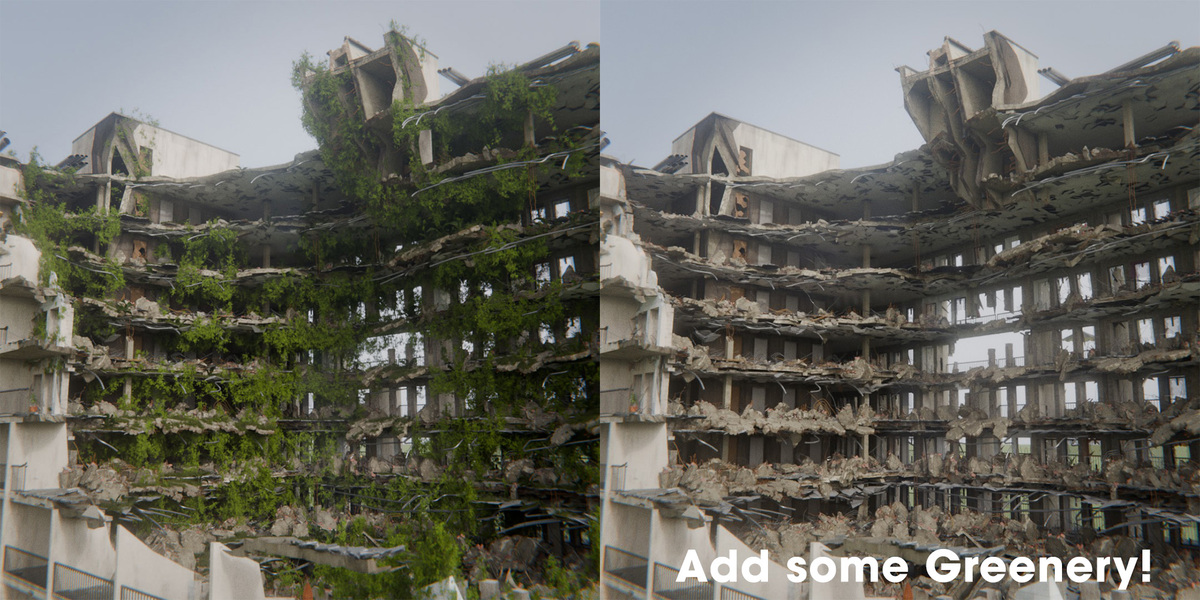
Basic Edition: Includes the full procedural generator core, 1 base preset, 1 material preset, all 7 Influence Volumes, 5-level LOD system, viewport proxy mode, destruction & greenery engine, companion addon, and a Personal / Non-Commercial License (single seat).
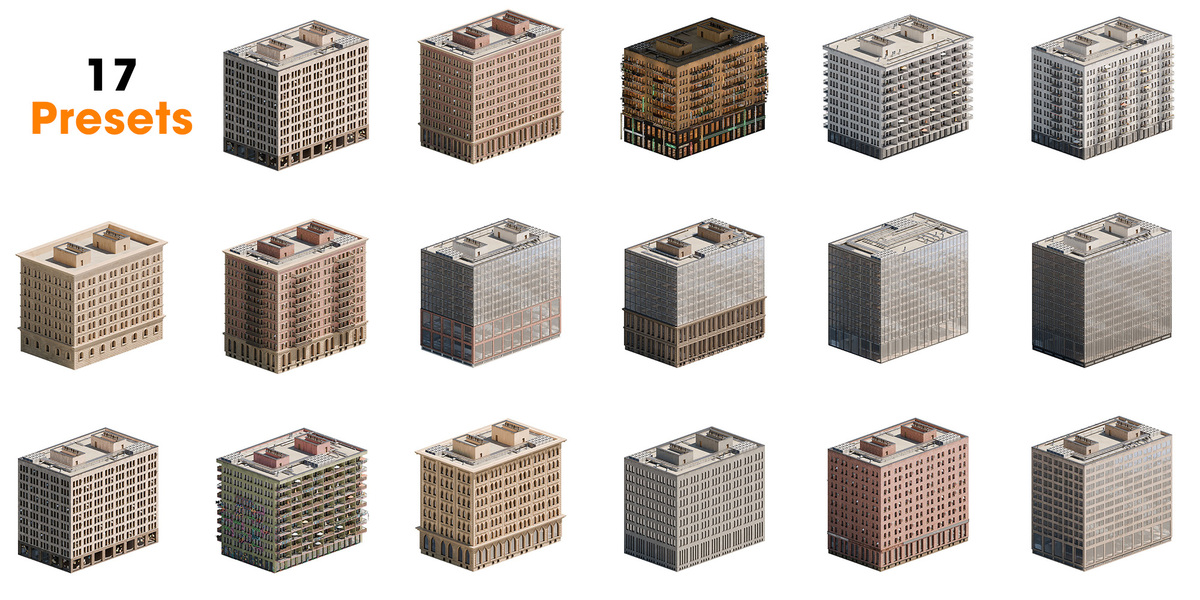
Pro Edition: Includes everything in Basic, plus 17 ready-to-use Asset Browser presets, an extensive procedural material library, future updates and new presets, priority customer support, and a Single-Seat Commercial License for freelance and commercial client work.
Studio Edition: Includes all features, presets, materials, and perks of the Pro Edition, backed by a Multi-Seat Studio License covering all artists and employees across your entire studio/company.
Nodee Buildings is built and optimized for Blender 5.1.2 and 5.2.2. Because it relies on modern Geometry Nodes features and performance enhancements, it is recommended to always use the supported Blender versions mentioned in the product specs.
-
$59.99
Personal Non-Commercial License If you don't plan to make money with this product.
-
$129.99
Commercial License If you plan to make money with this product.
-
$399.99
Pro Commercial License For all employees of your Studio
 Included
Includes 12 months of
- Support from Jakob
- Product updates
Extend this product’s Support Period +12 months: 50% of product price
Have questions before purchasing?
Login to message
| Published | 1 day ago |
| Blender Version | 5.1 - 5.2 |
| Render Engine Used | Cycles, Eevee |
| License | Royalty Free |

Discover more products like this
advanced geometry nodes Blender geometry nodes destruction Generator procedural 3dcity building generator city building 3dbuilding