 Jakob
Jakob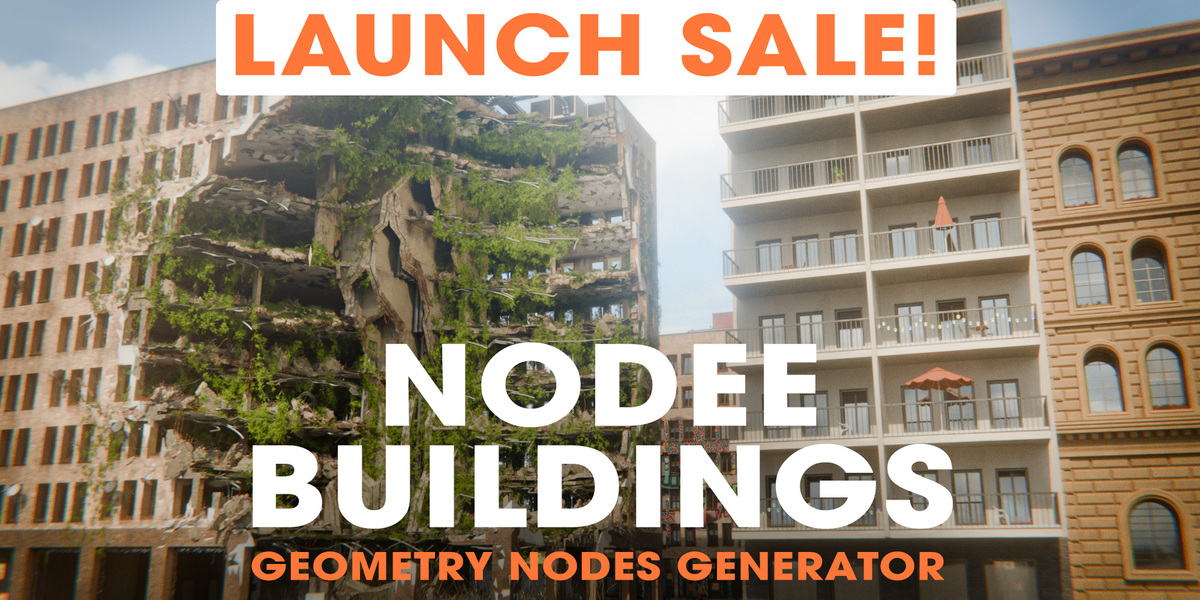

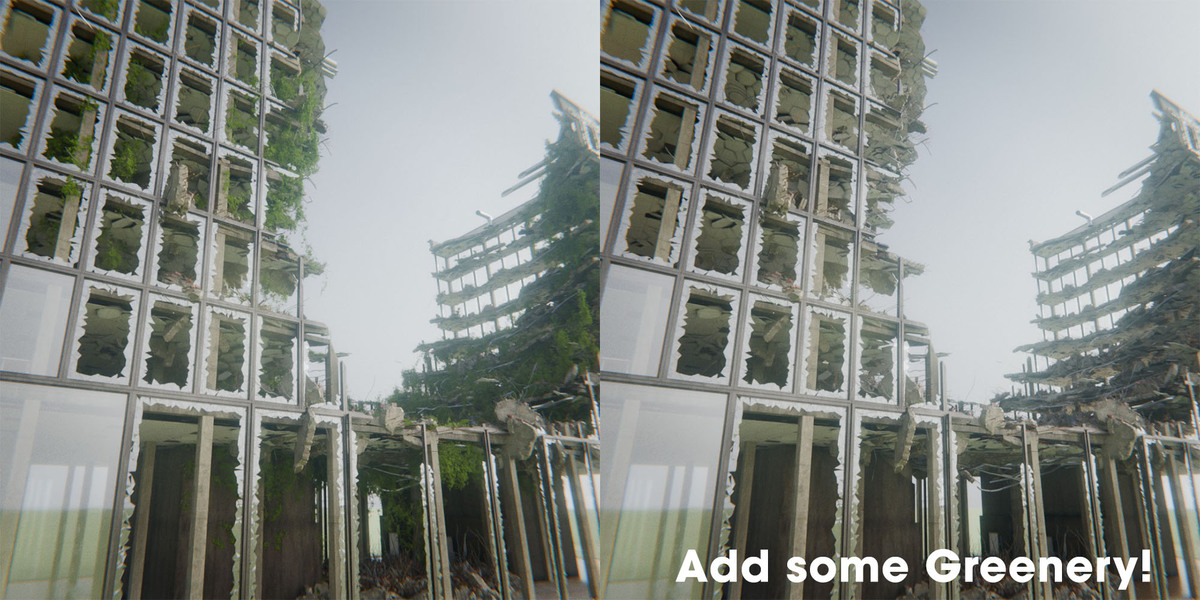









Buildings for Any Scenario
Imagine being able to customize every single detail of your building - not just static presets.
Watch the Trailer!
Experience what makes Nodee Buildings a game changer for Blender artists - from real-time parametric tweaking and architectural styles to dynamic LODs and procedural destruction.
Take Full Control
Nodee Buildings takes the powerful approach of a fully procedural building generator. Thanks to that, you can adjust almost everything - starting with window shapes, dimensions, and floor distribution, continuing through base structural framing, and ending on the finest architectural details.
Choose Your Own Style
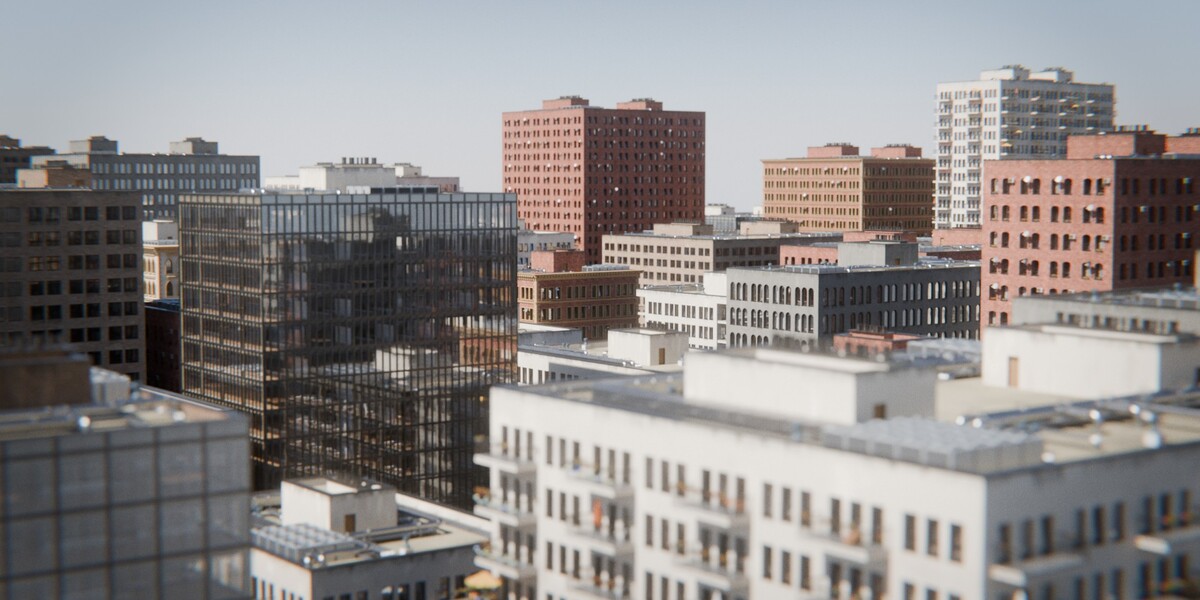
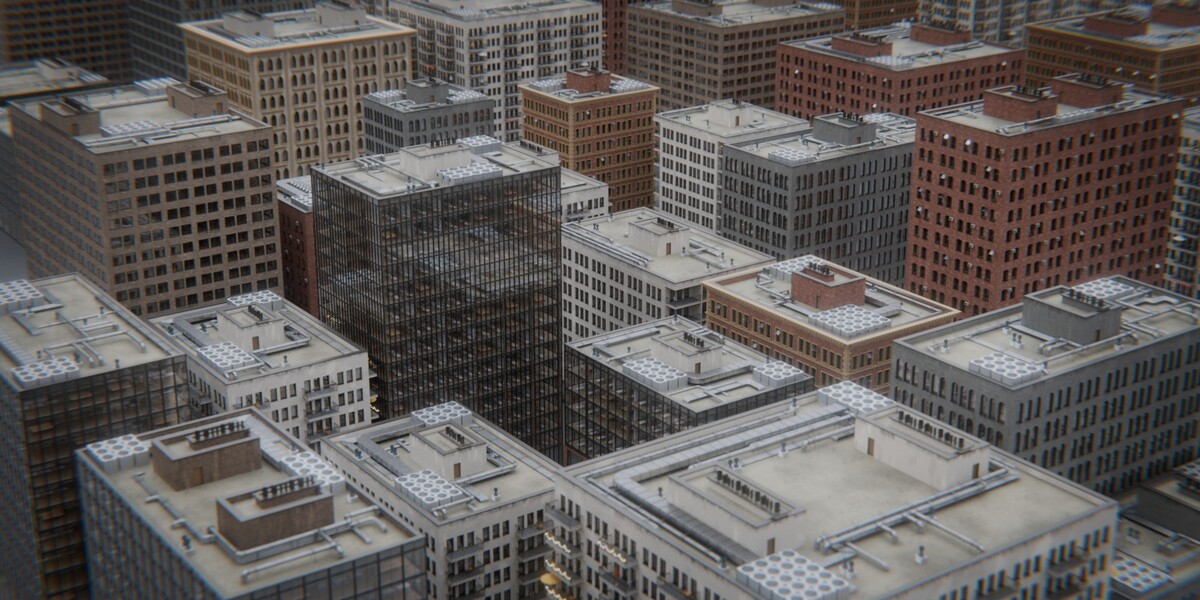
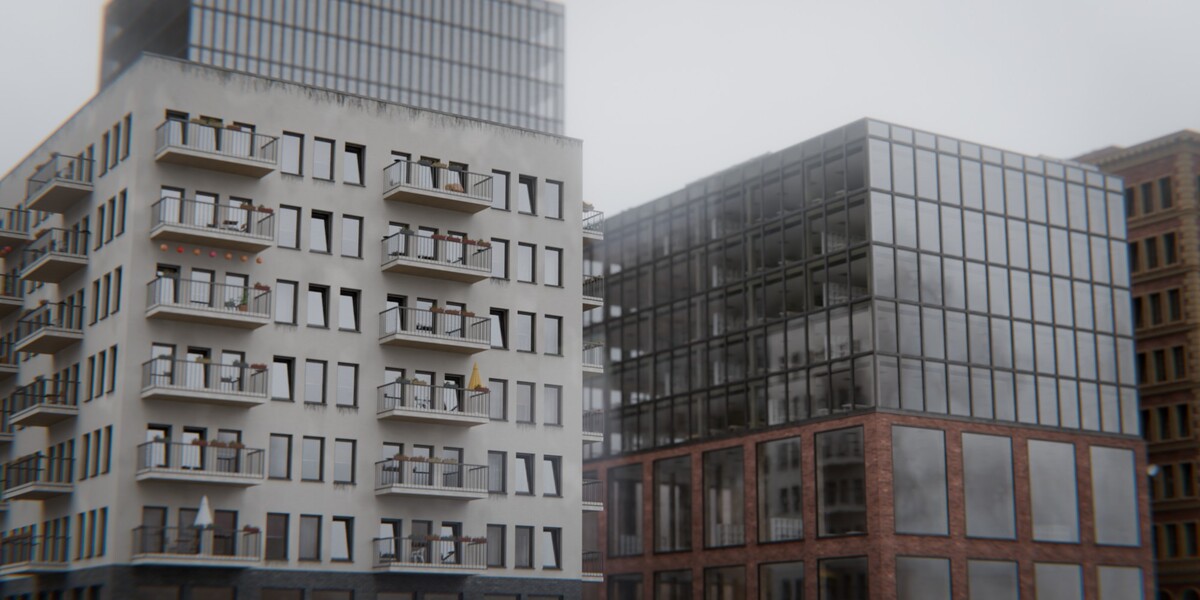
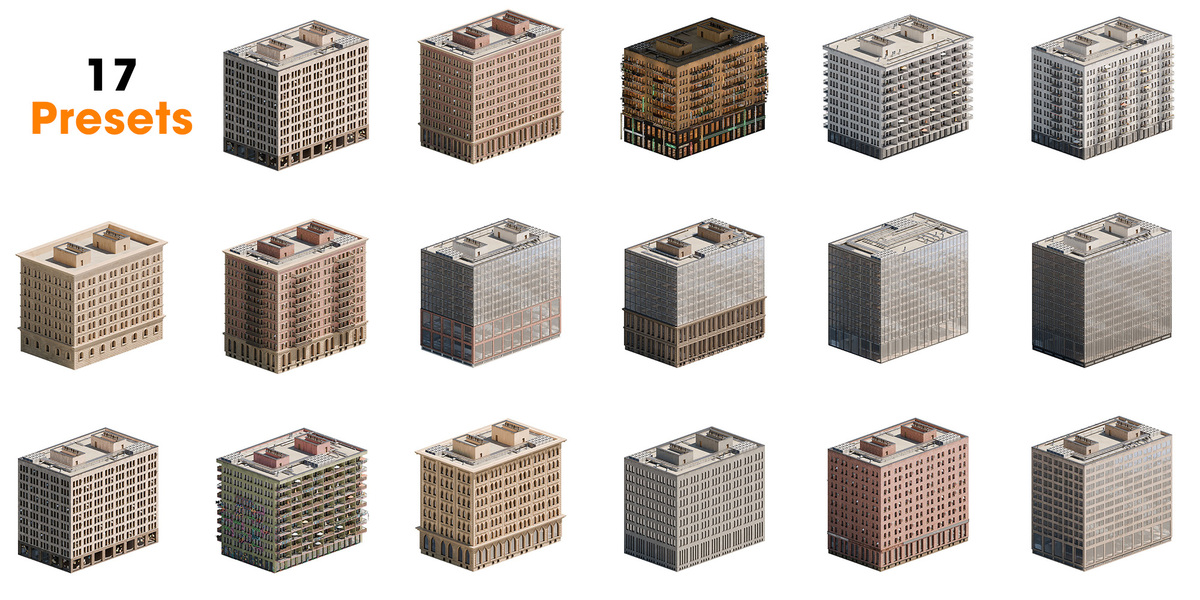
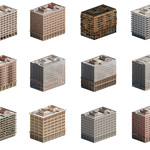
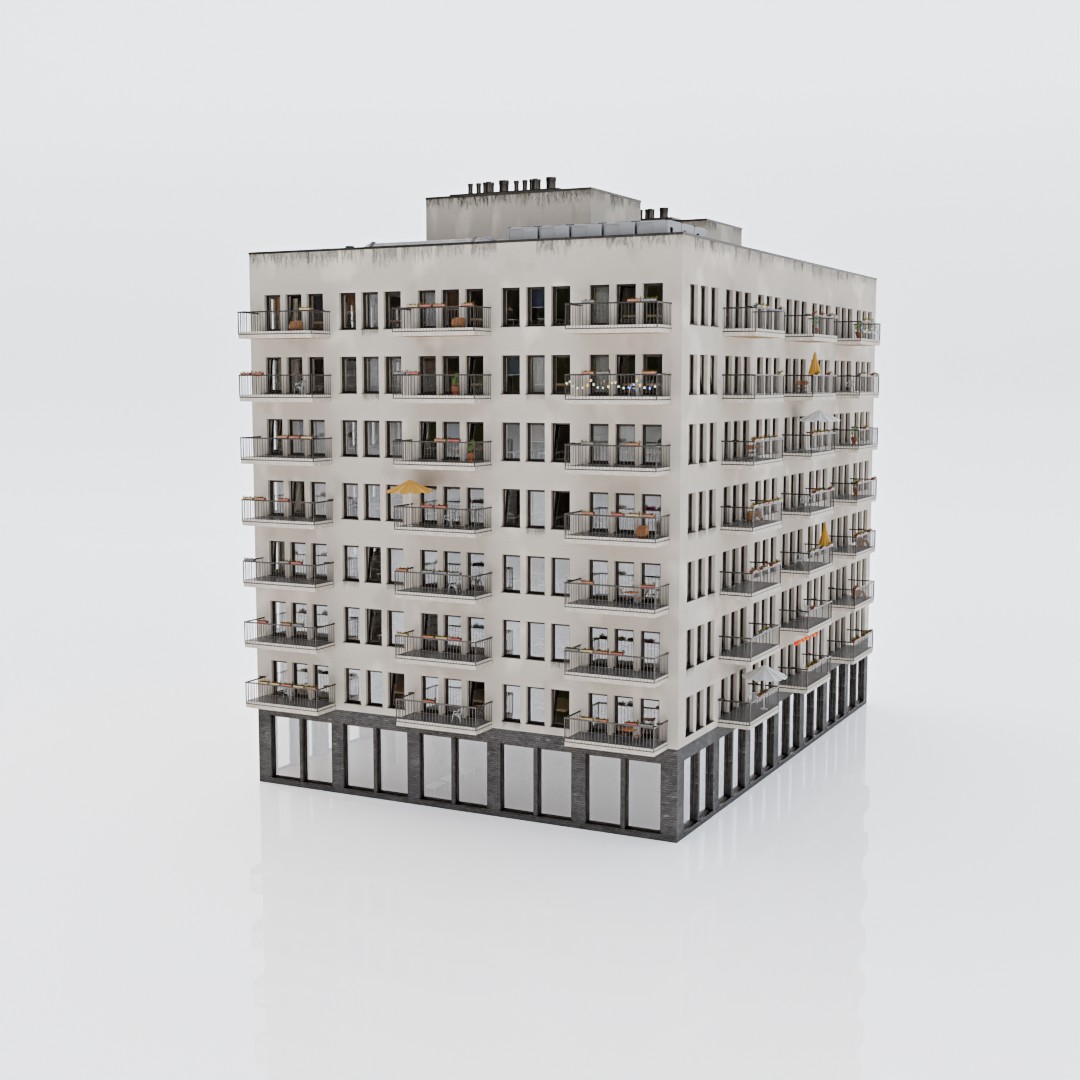
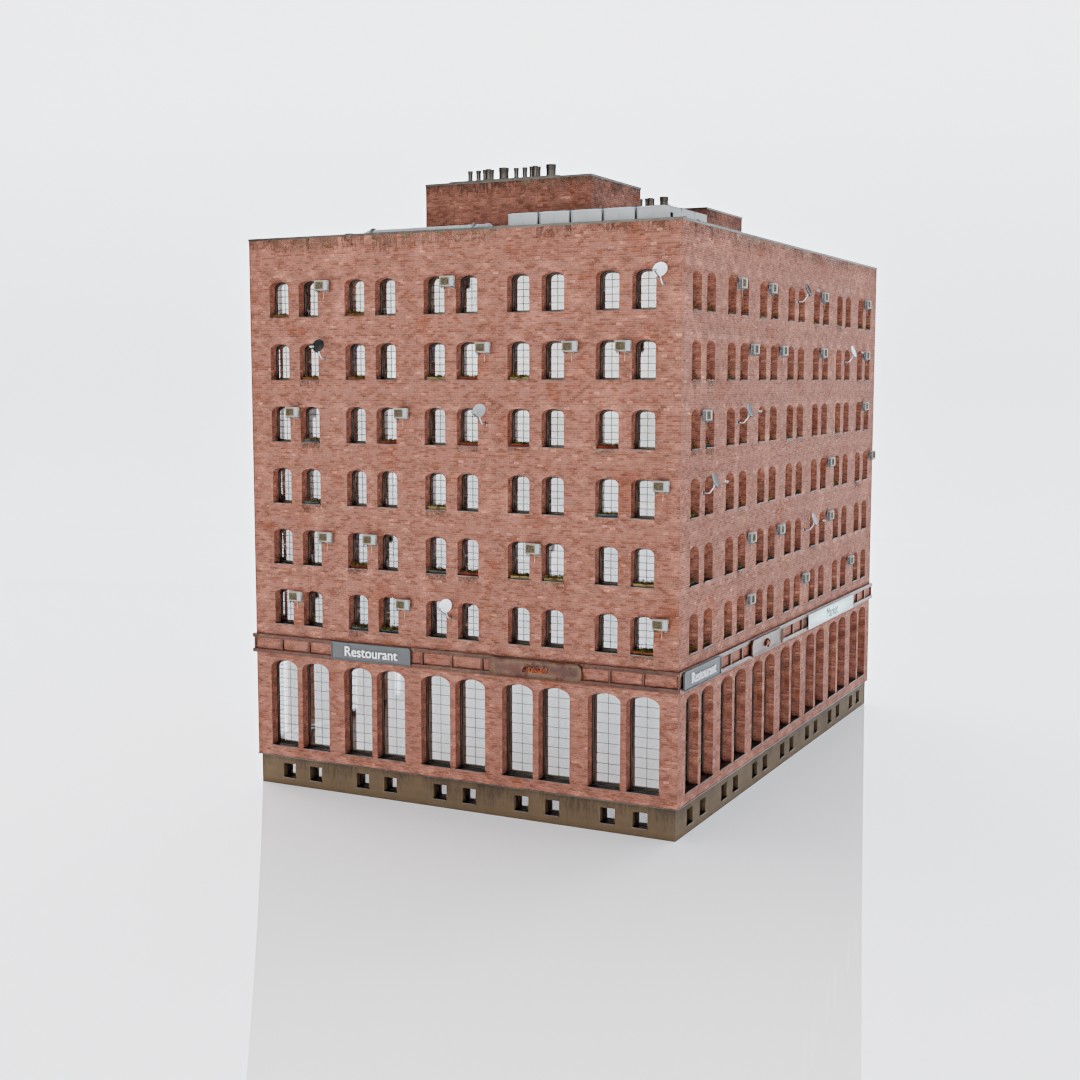
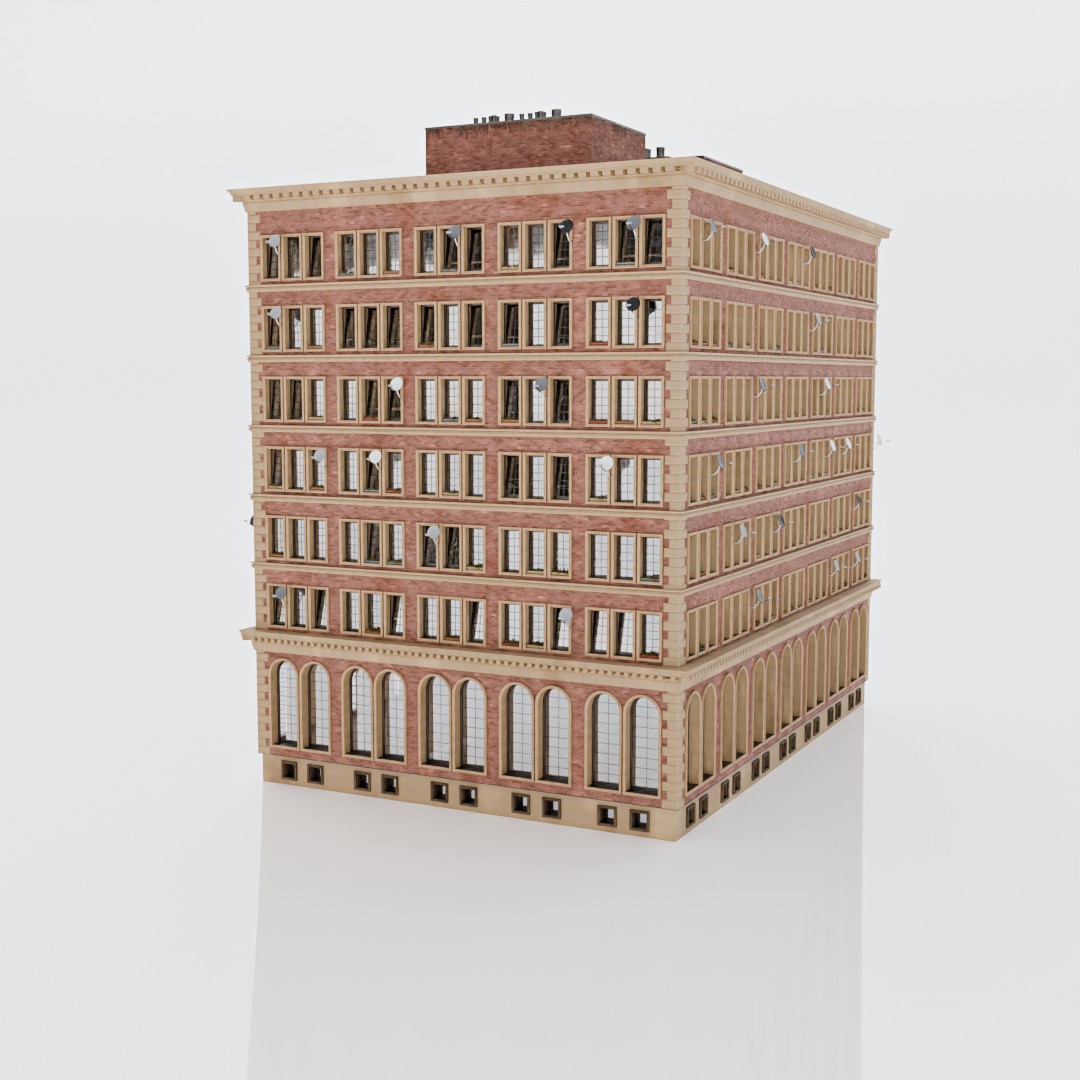
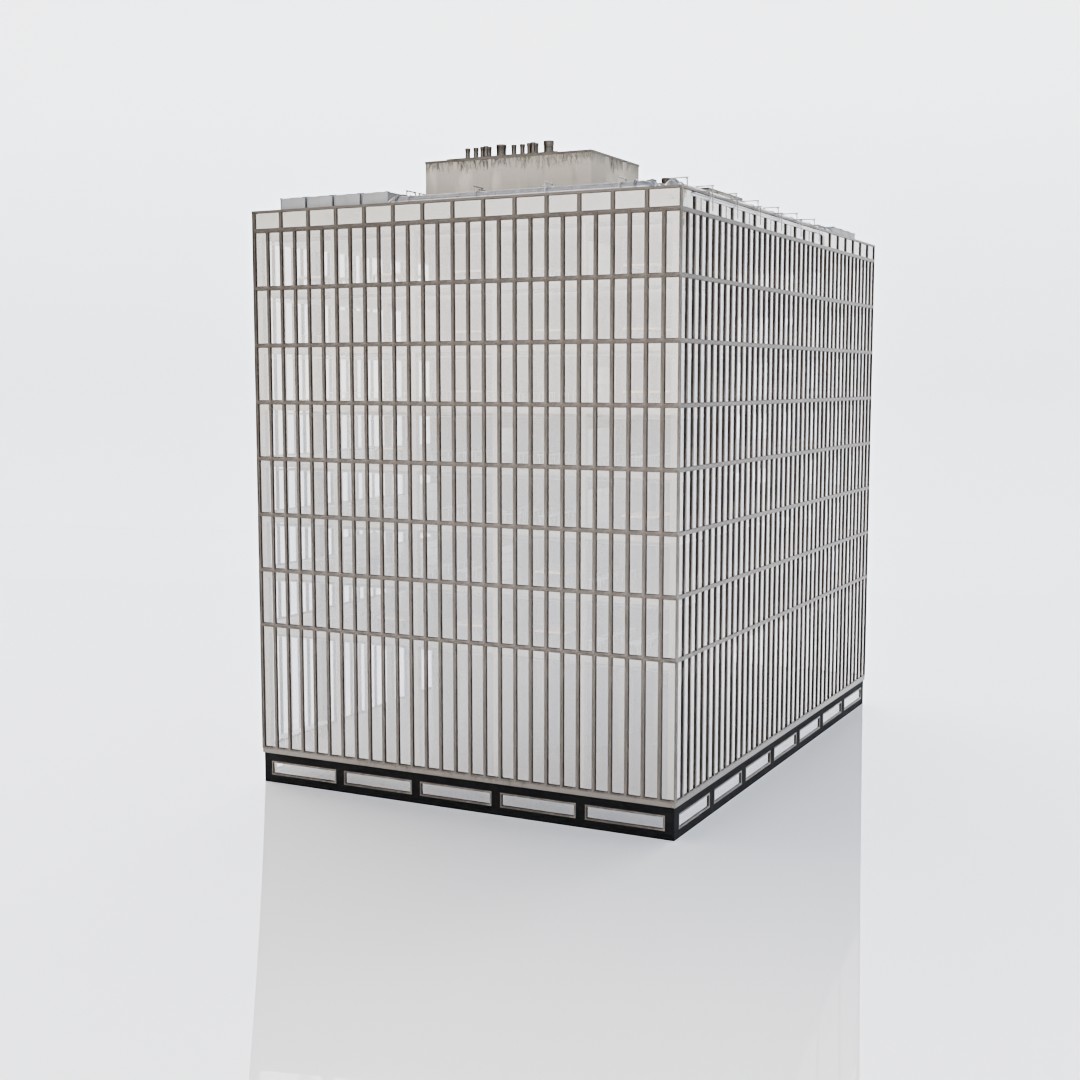
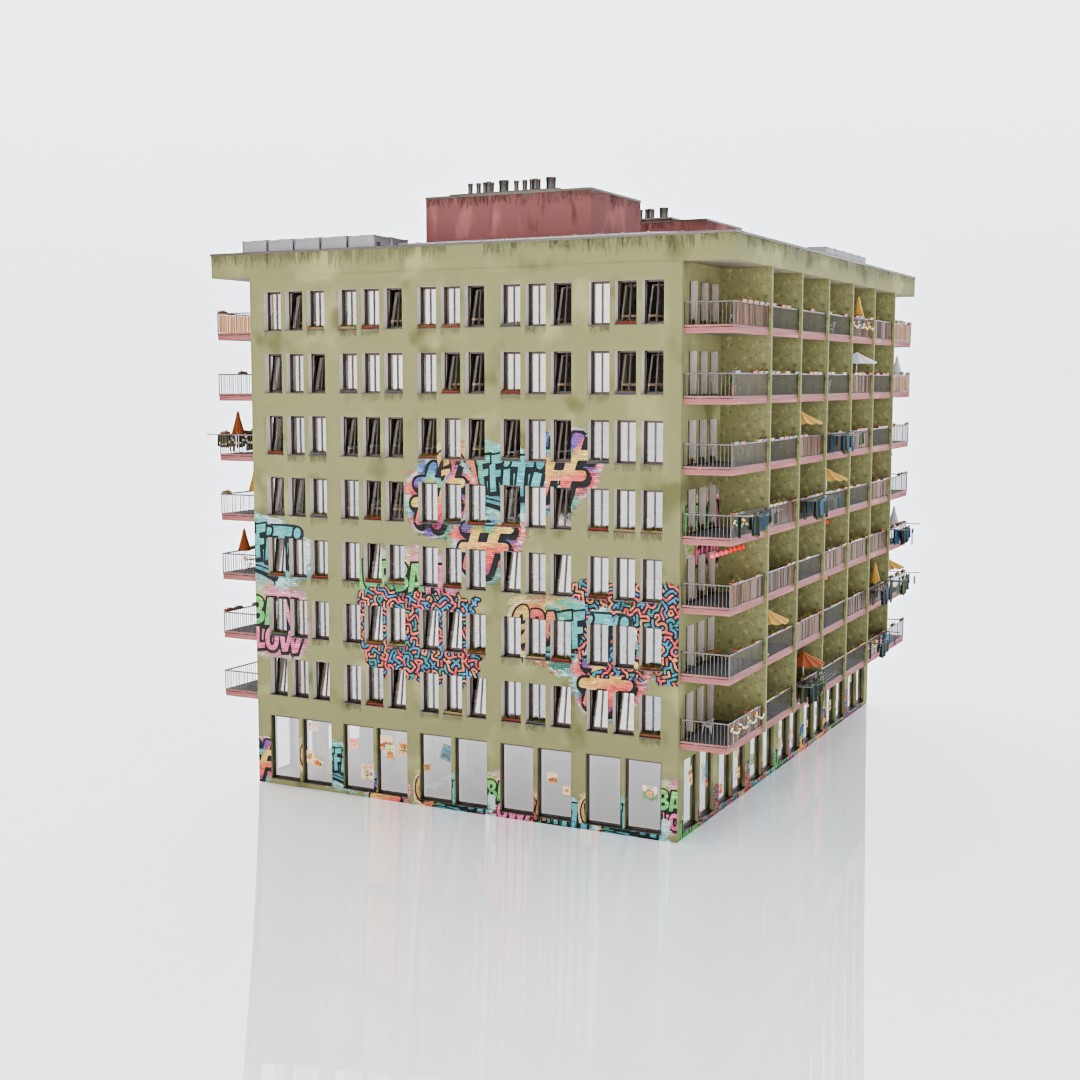
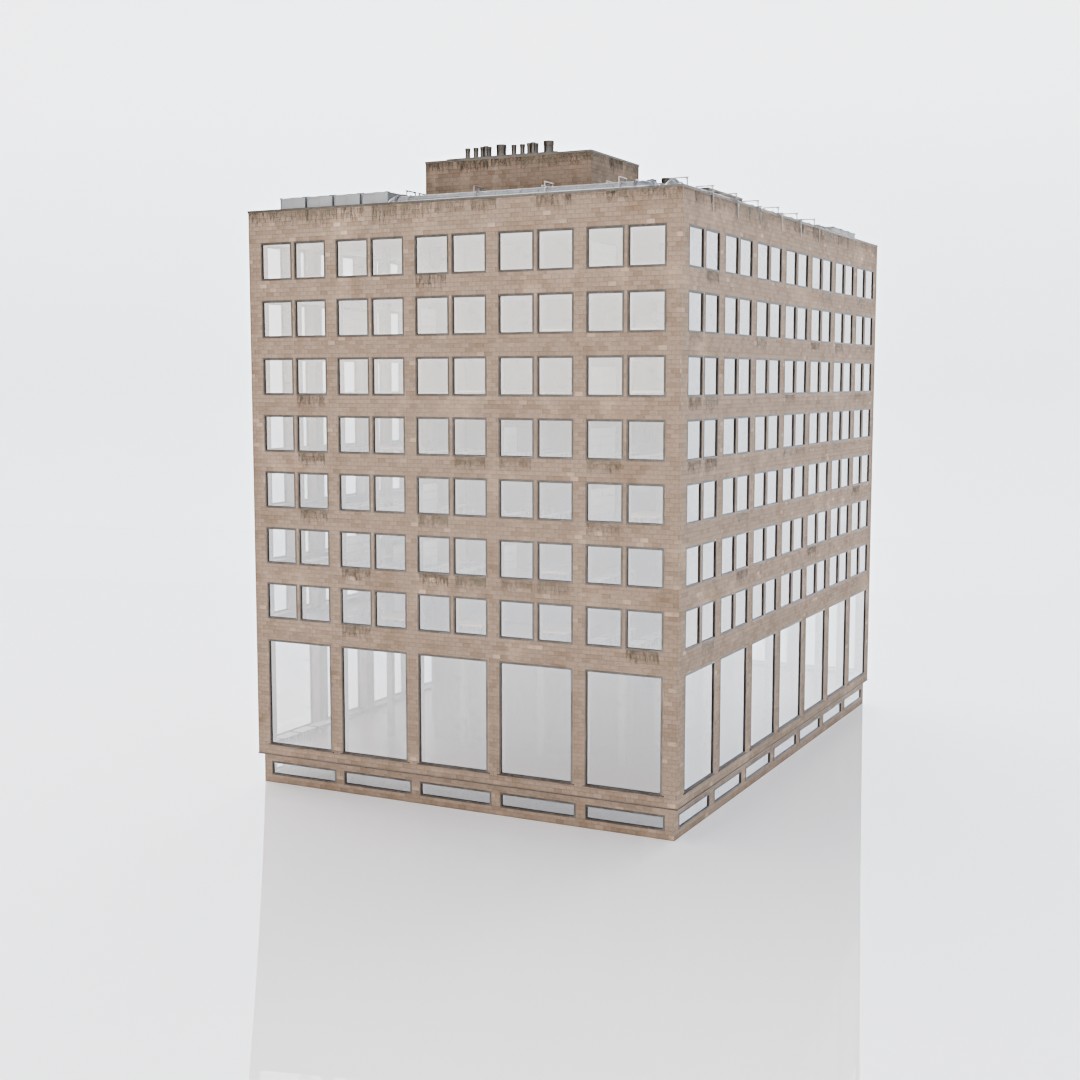
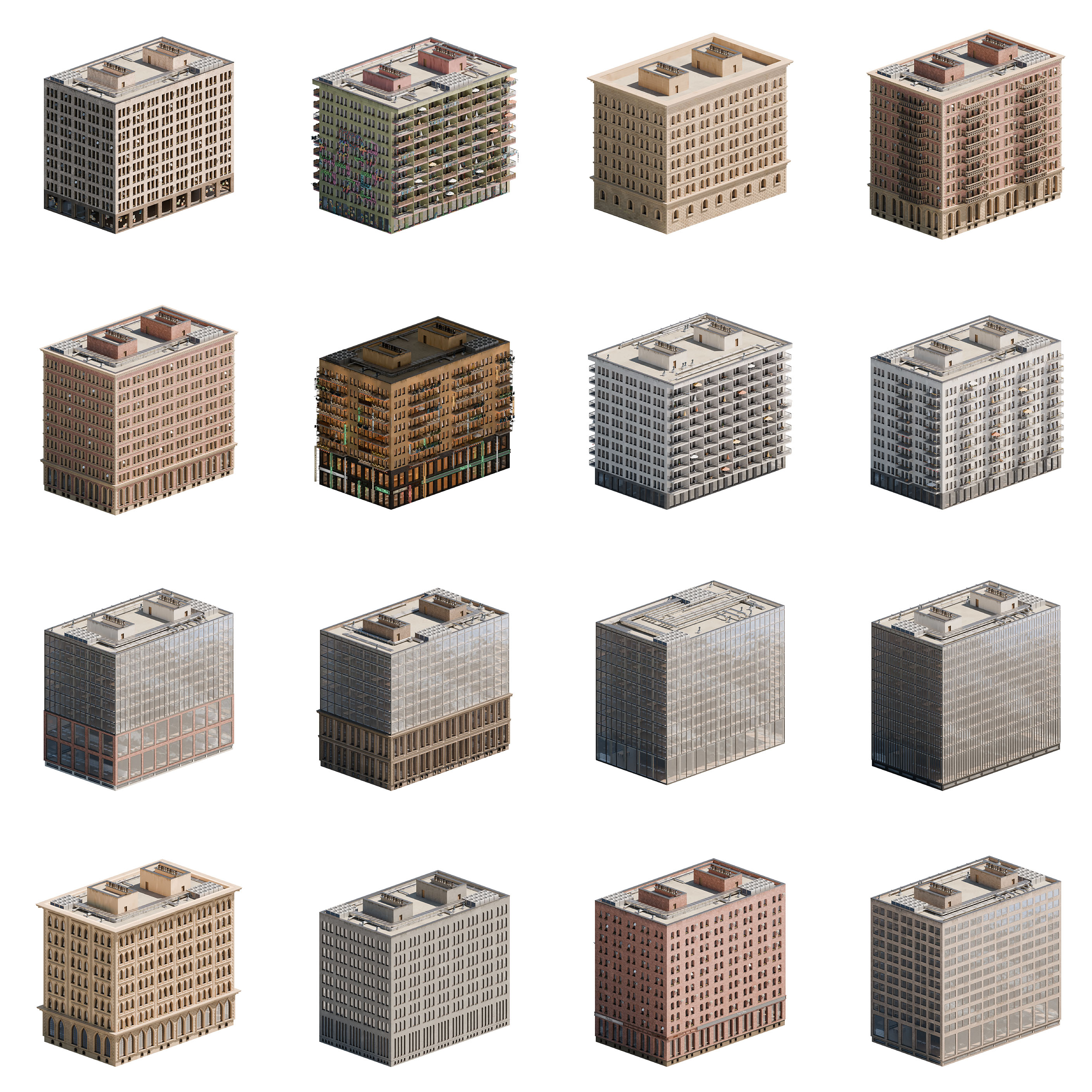
Create buildings in any architectural style you want. You decide whether you want to go with a classical European palace, a red-brick industrial warehouse, or a sleek modern glass skyscraper.
Explore Sample Architectural Styles Generated with Nodee
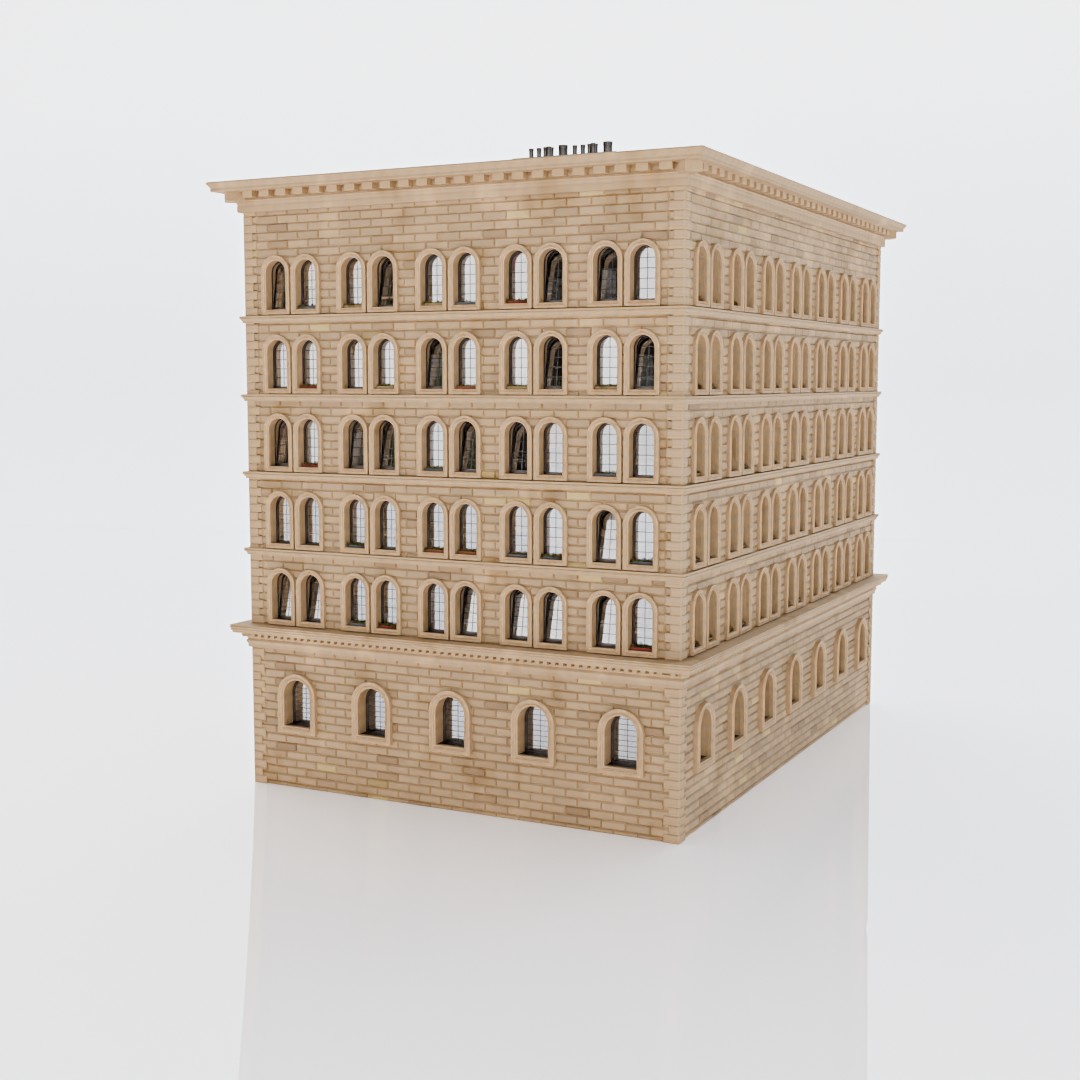
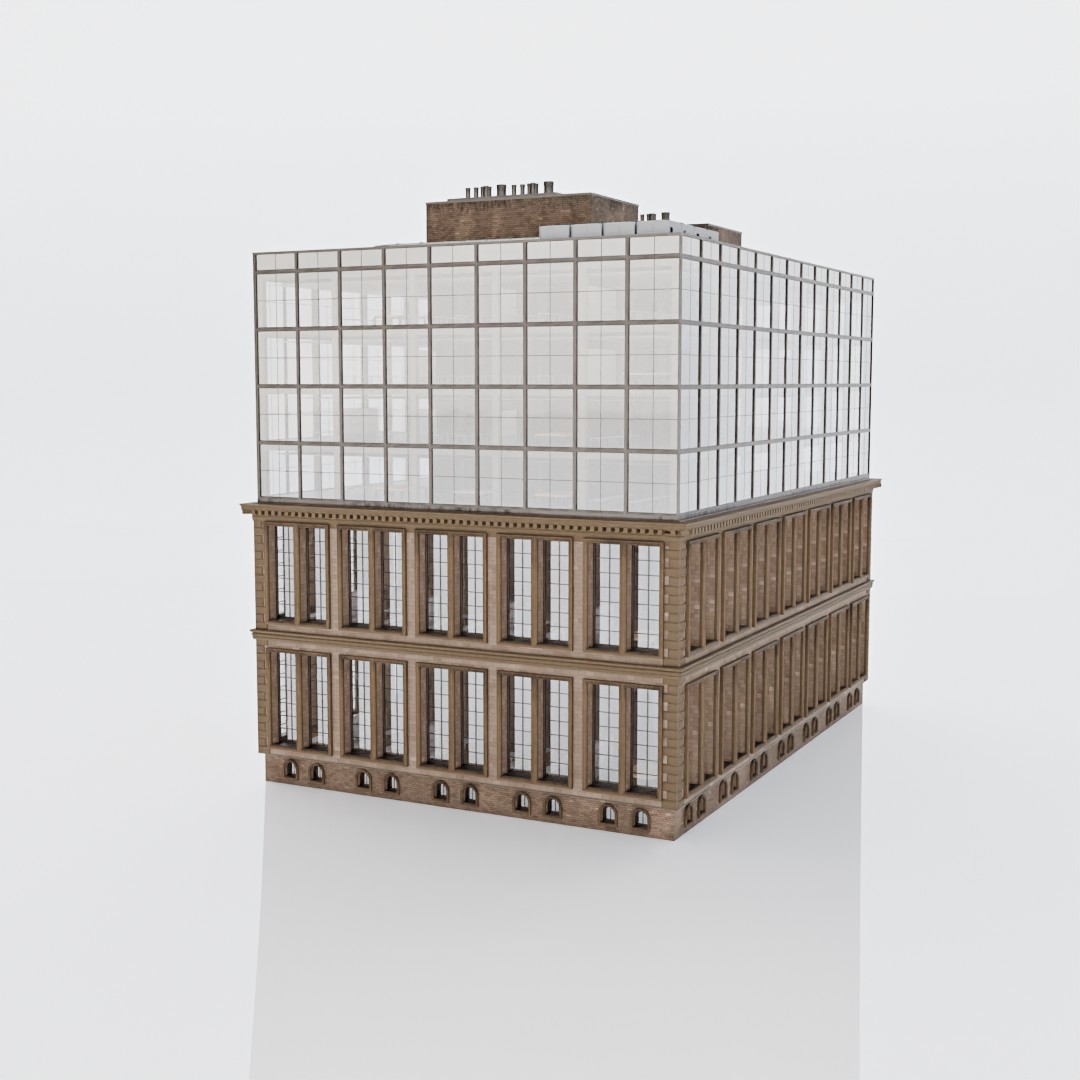
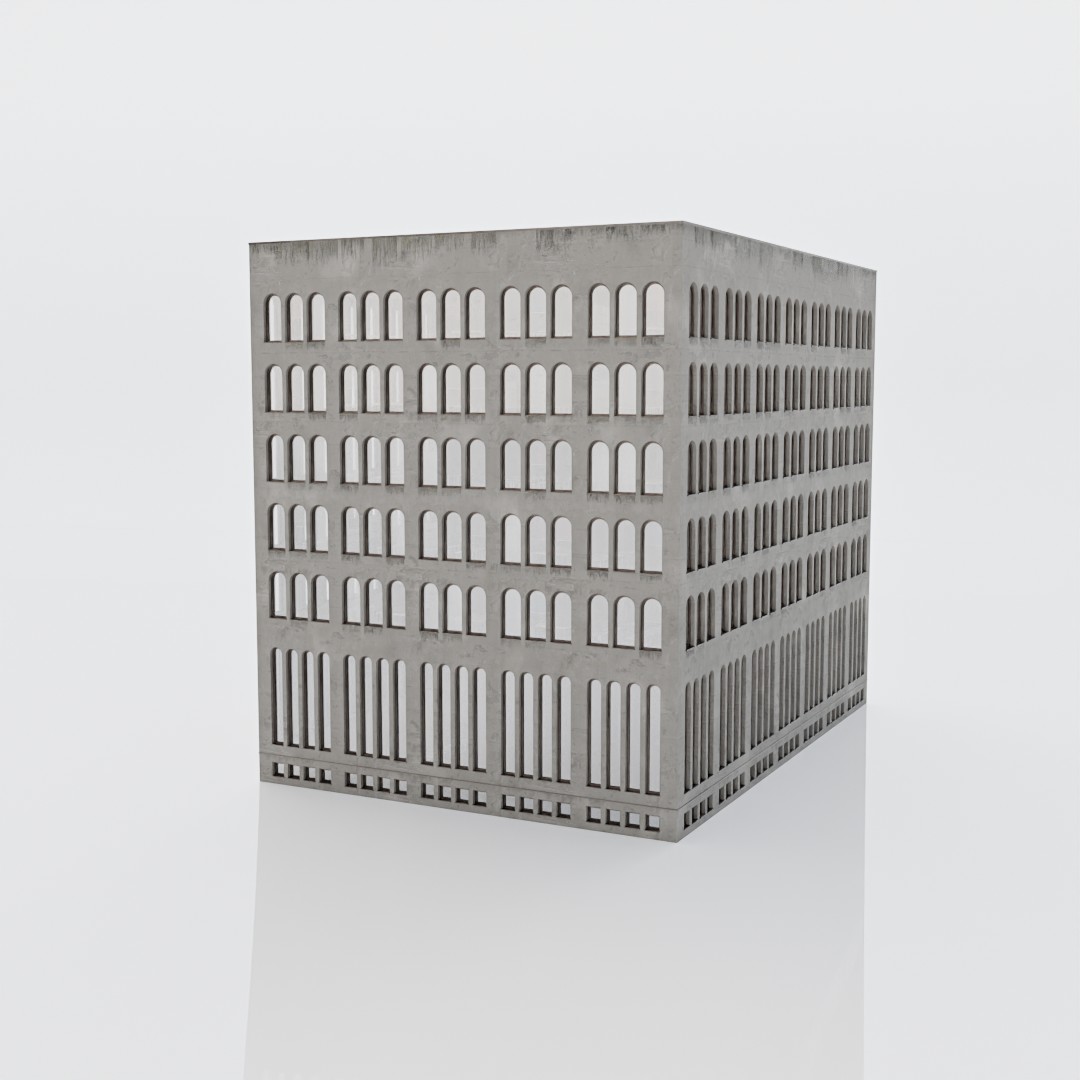
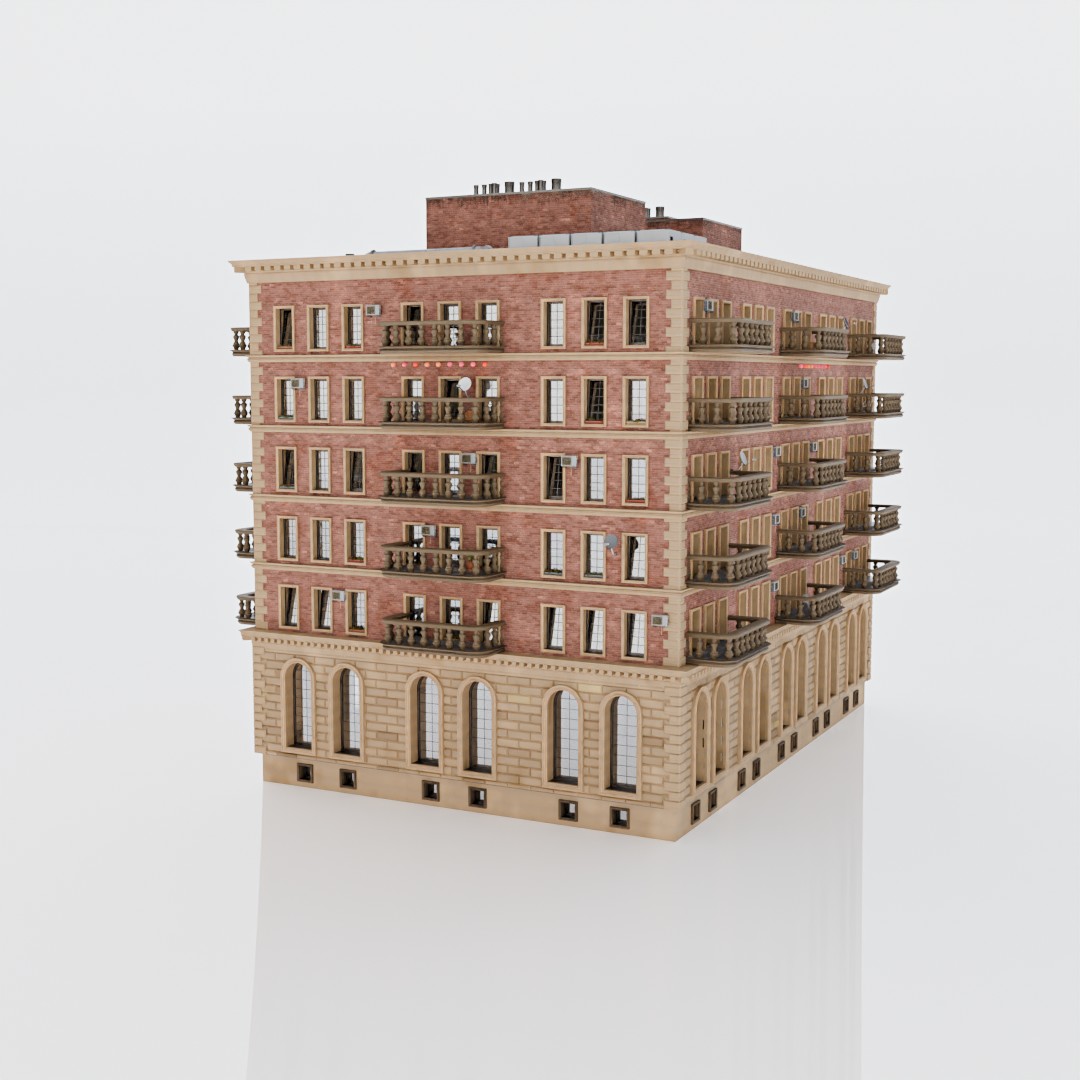
Construction? In Mind!
This generator was designed from the ground up keeping the fundamental laws of building construction in mind. You can even choose to generate only the structural skeleton of the building and customize details like pillar distribution, structural dimensions, beams, slabs, and insulation thickness.
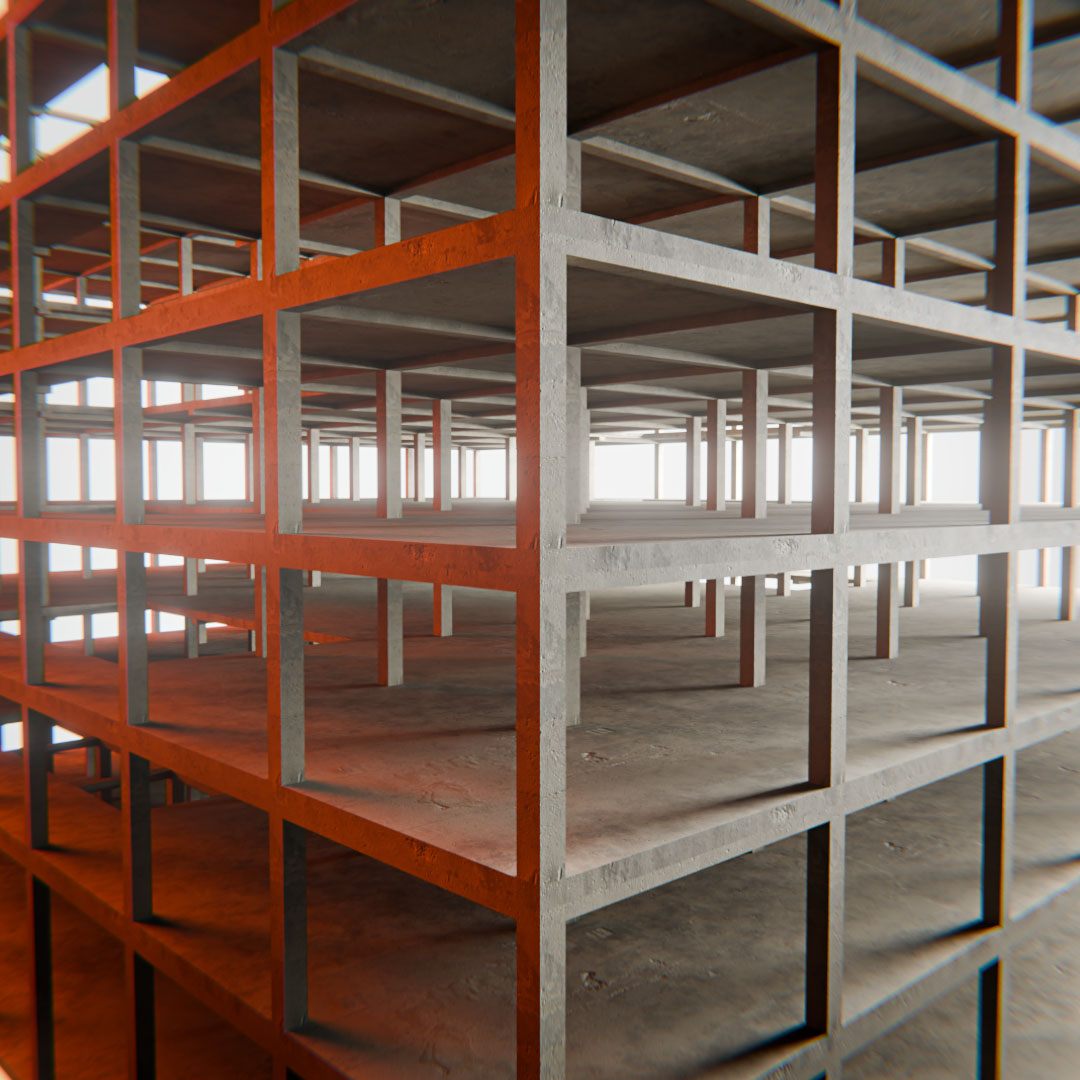
Performance? Try LOD System!
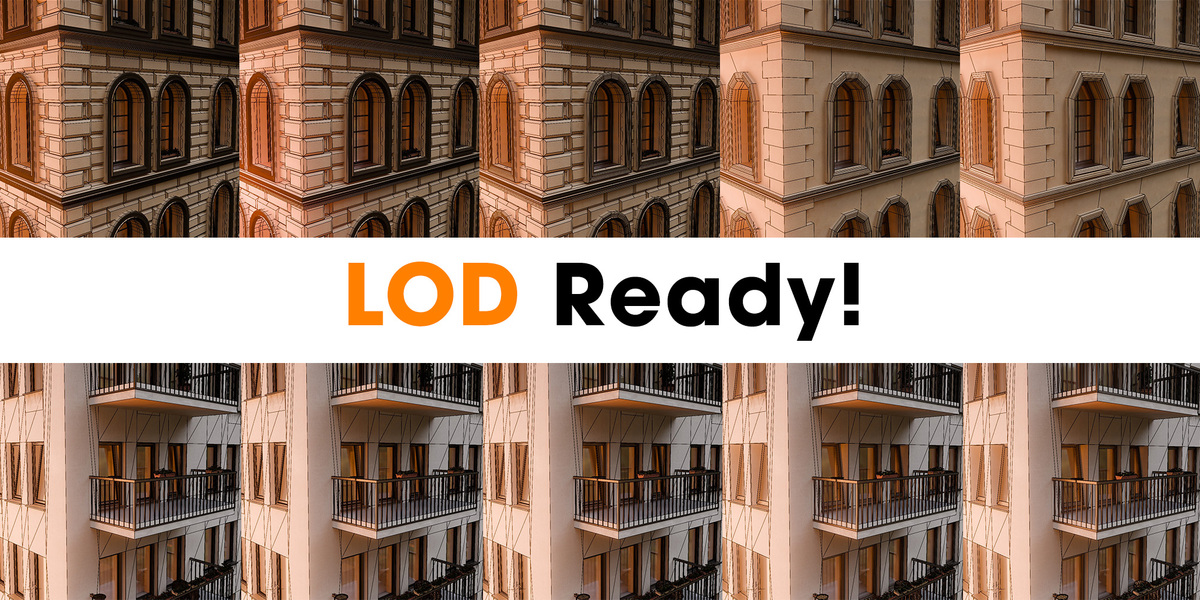
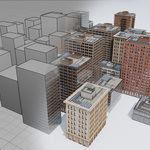
Creating a city may be challenging. Try to use the LOD system! Each building can be generated in 5 different LOD resolutions, so you can choose which one you want for the project.
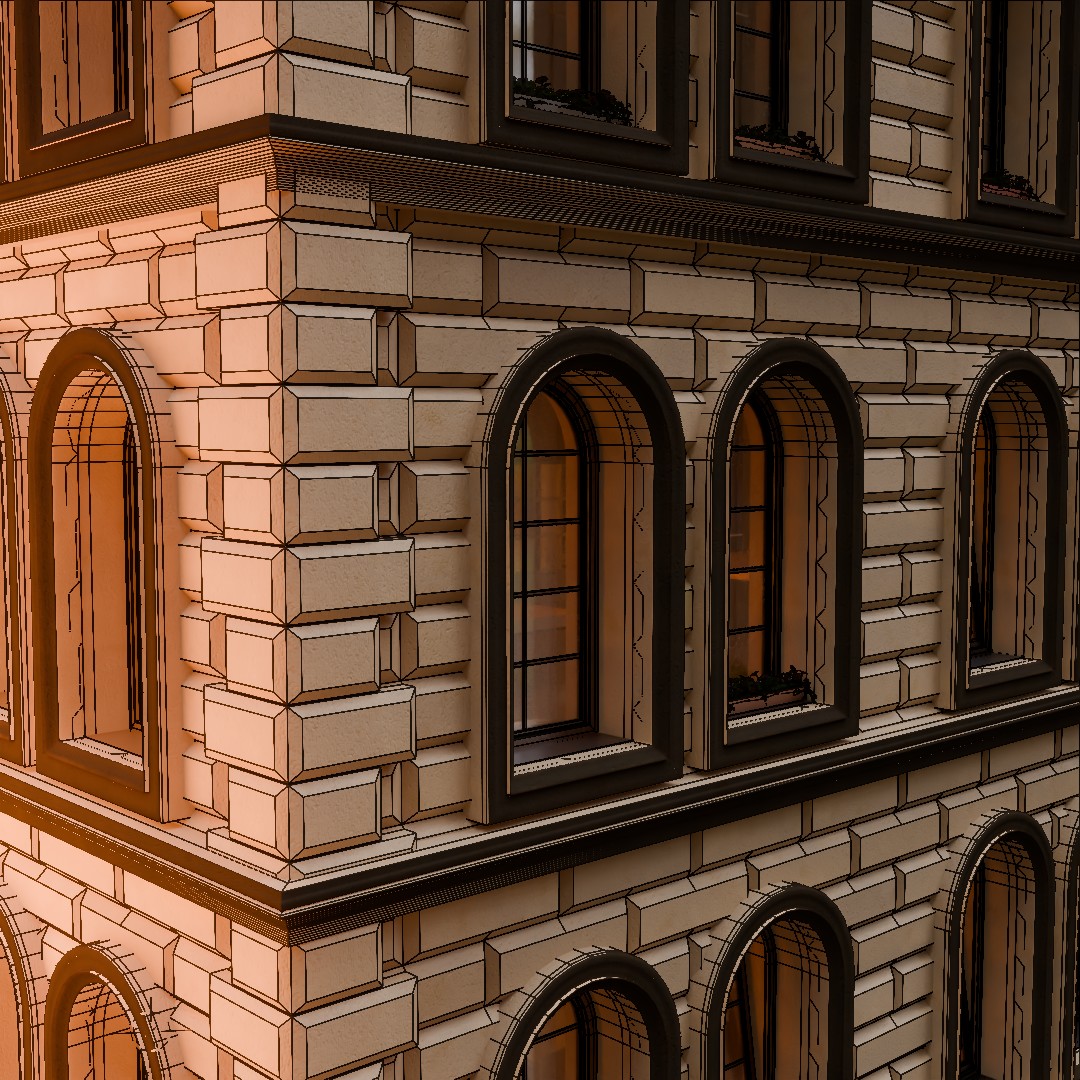
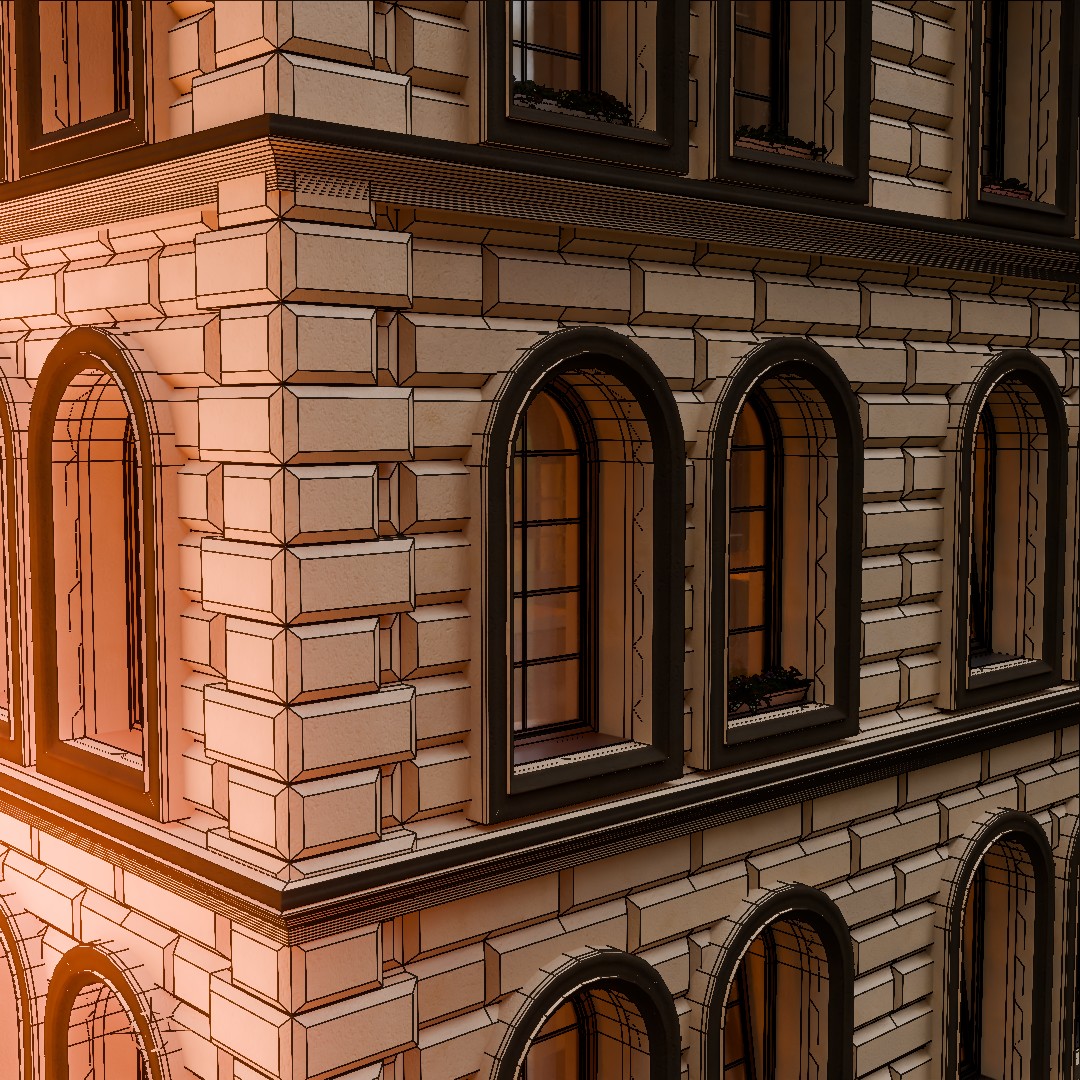
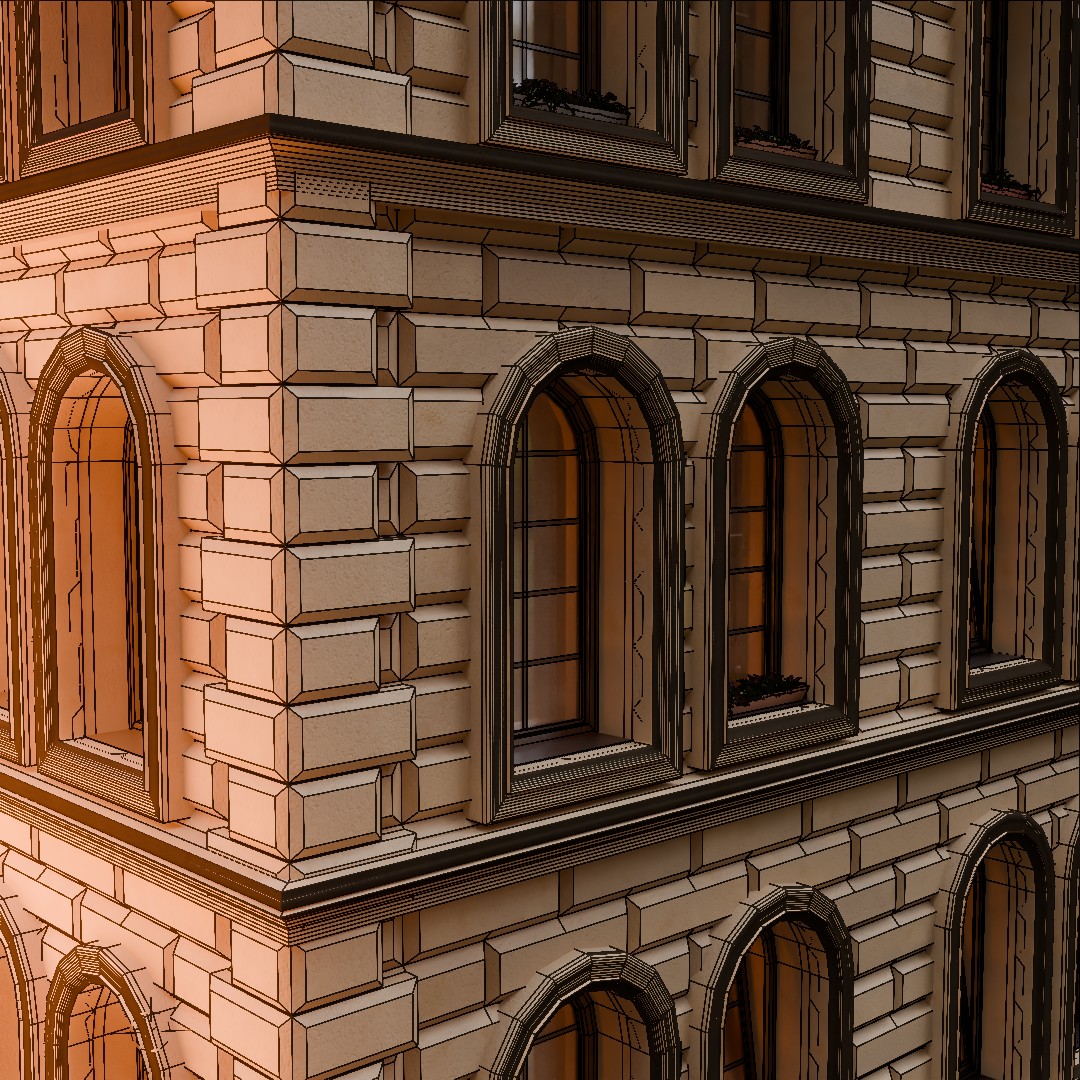
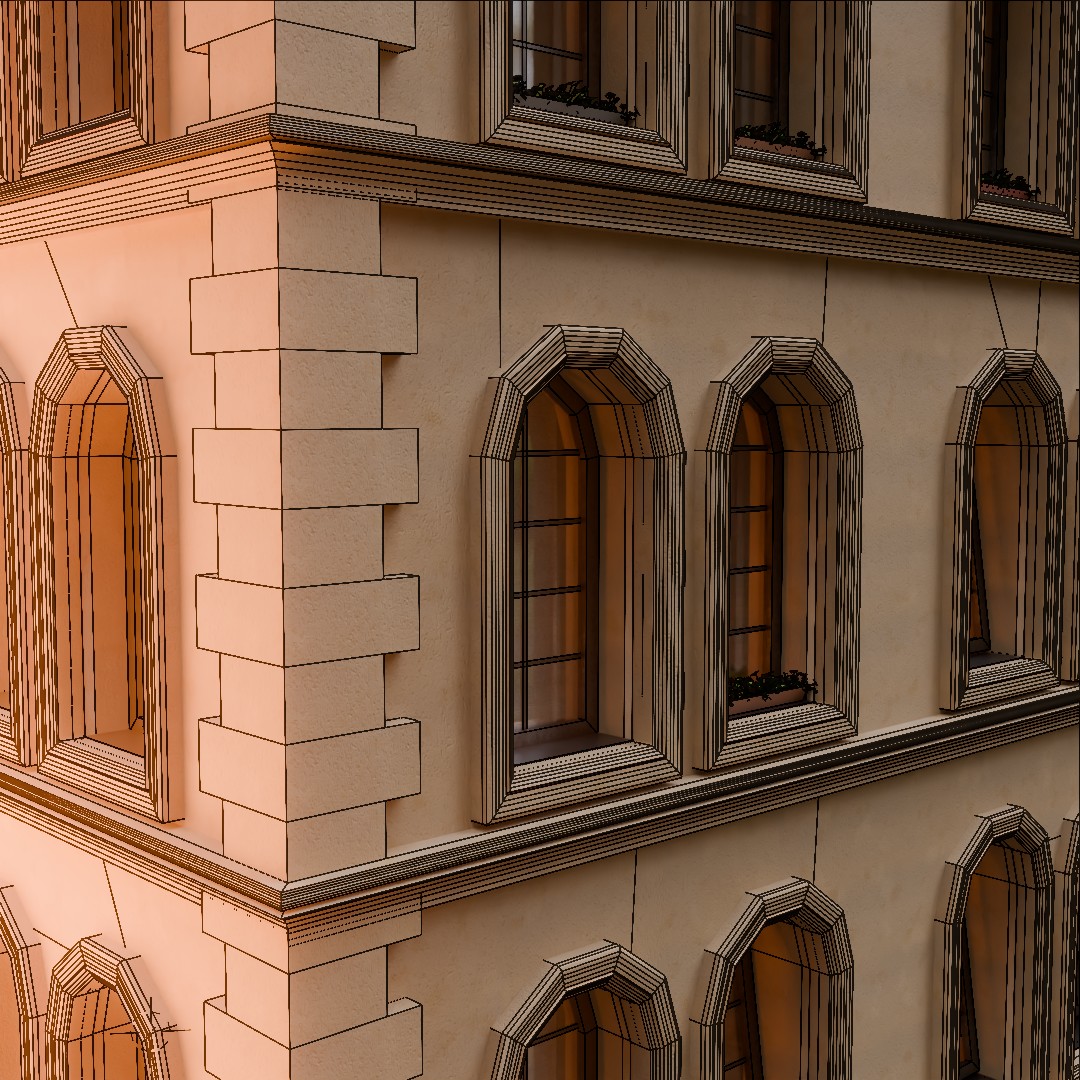
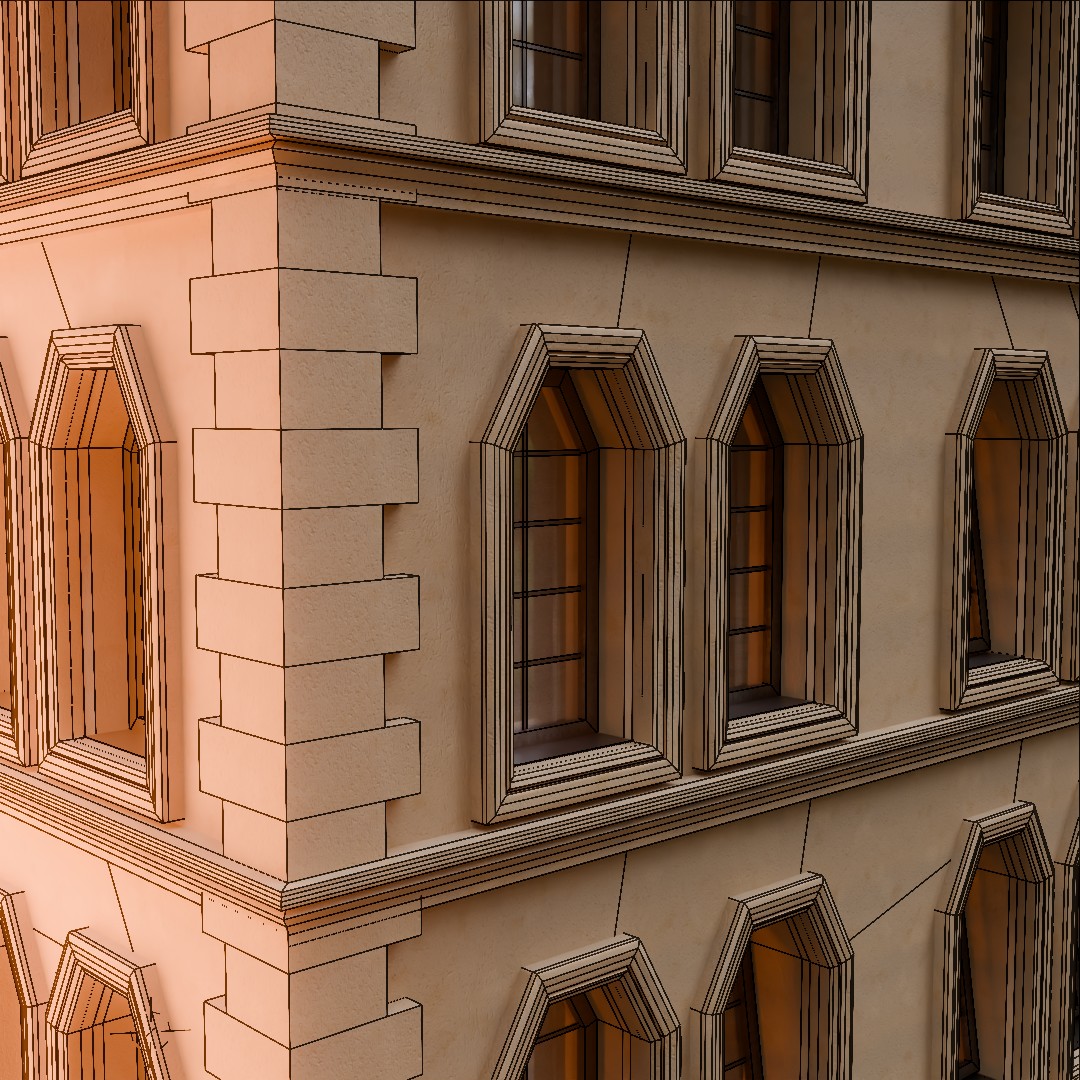
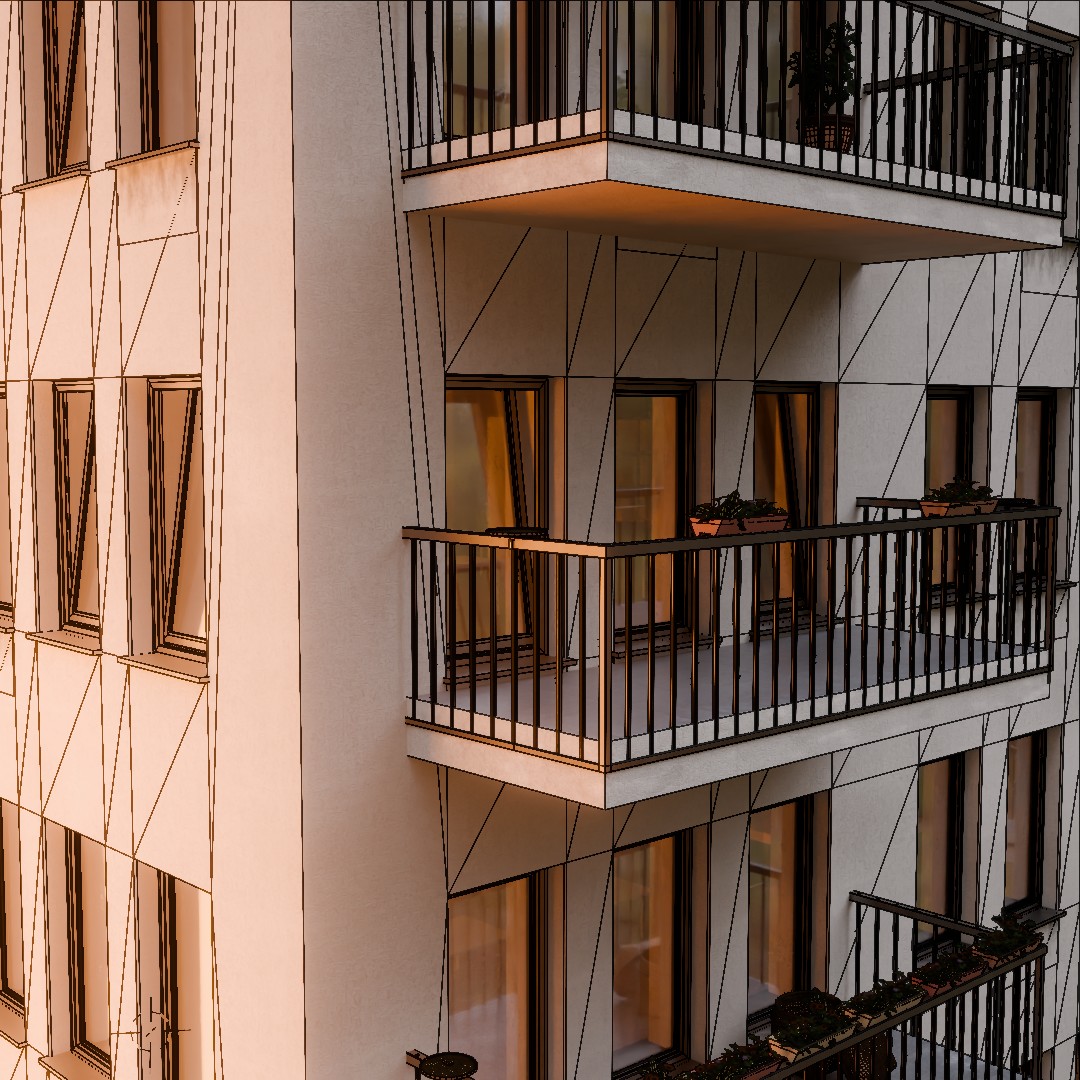
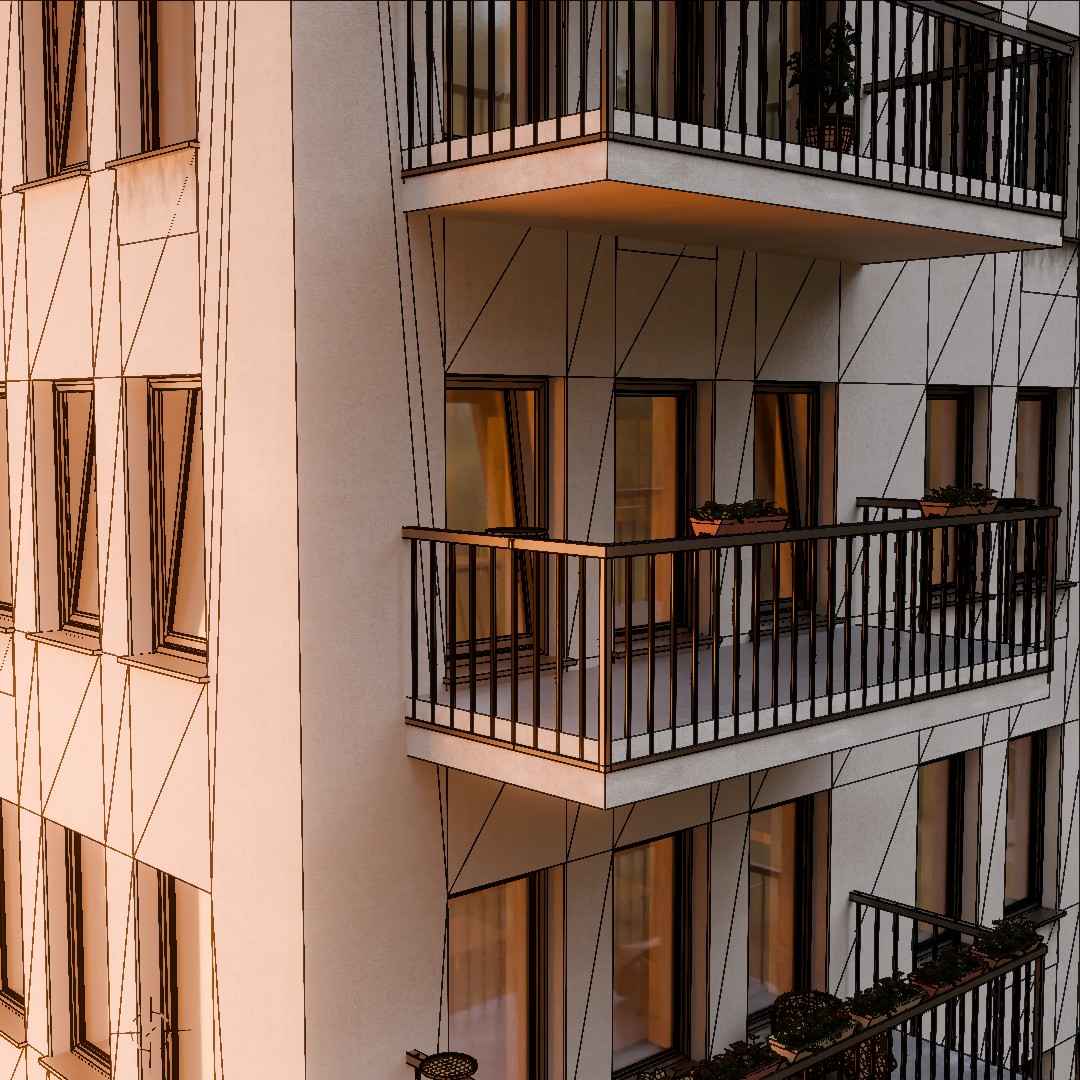
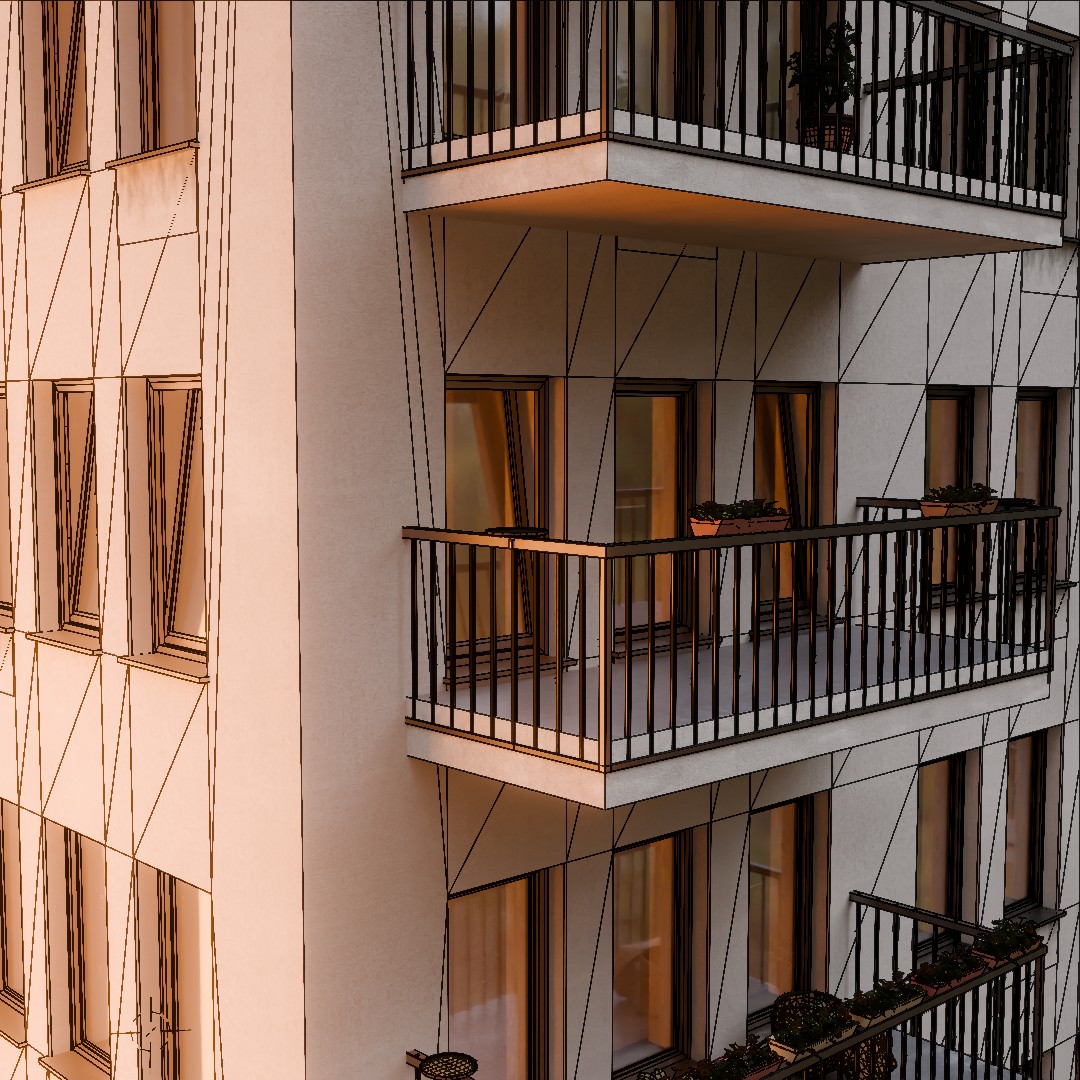
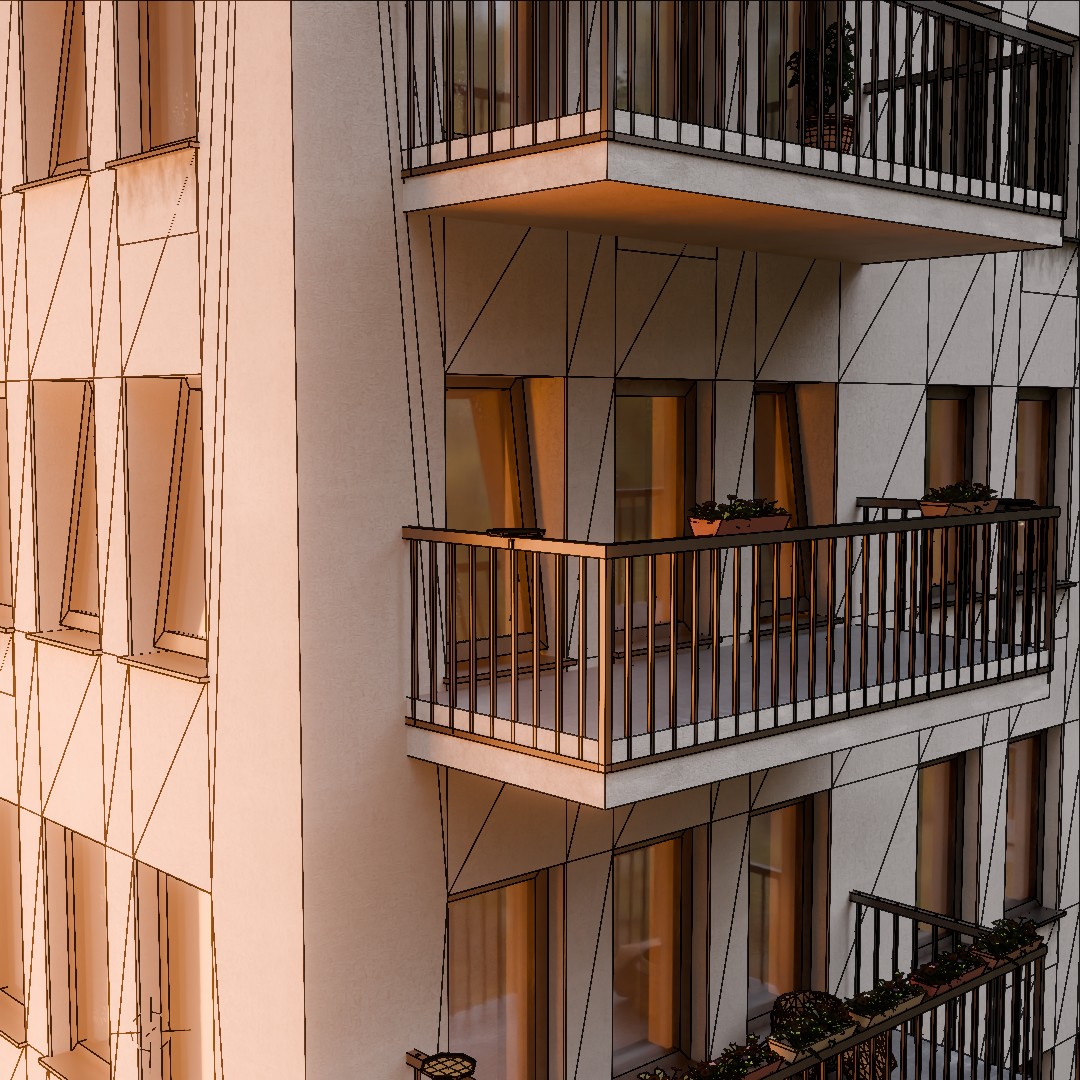
Note: Auto-switch LOD based on camera distance: instantly save millions of polygons across city-scale scenes!
Viewport? Try Proxy!
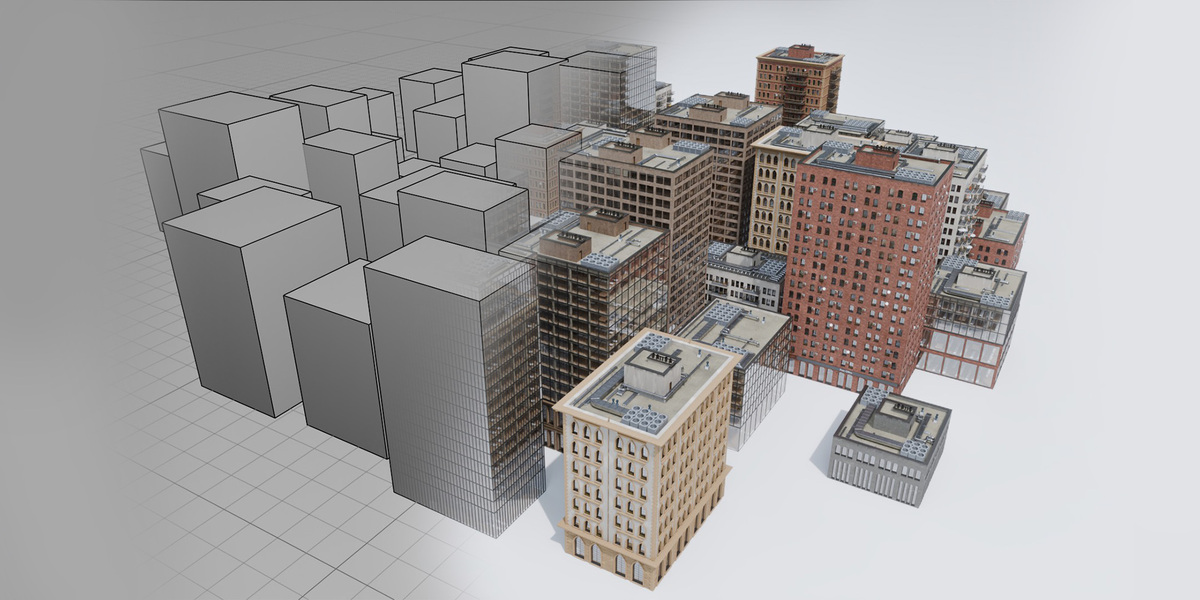
Do you want to use higher quality in the final render, but you want to have a smooth experience while working on the scene in the viewport? Try Proxy mode! Thanks to this feature you can work with simple bounding box of the building and then render full building.
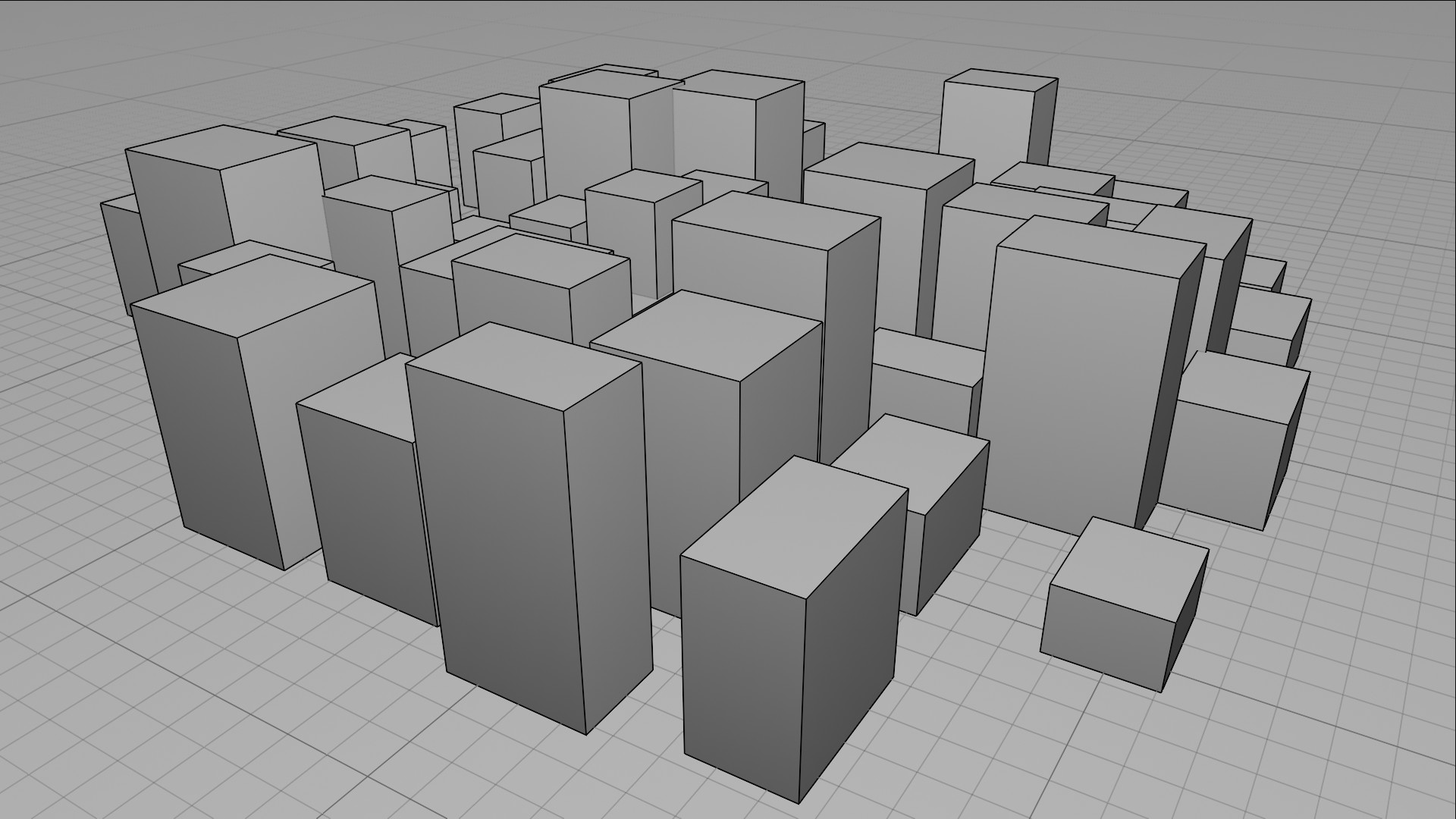
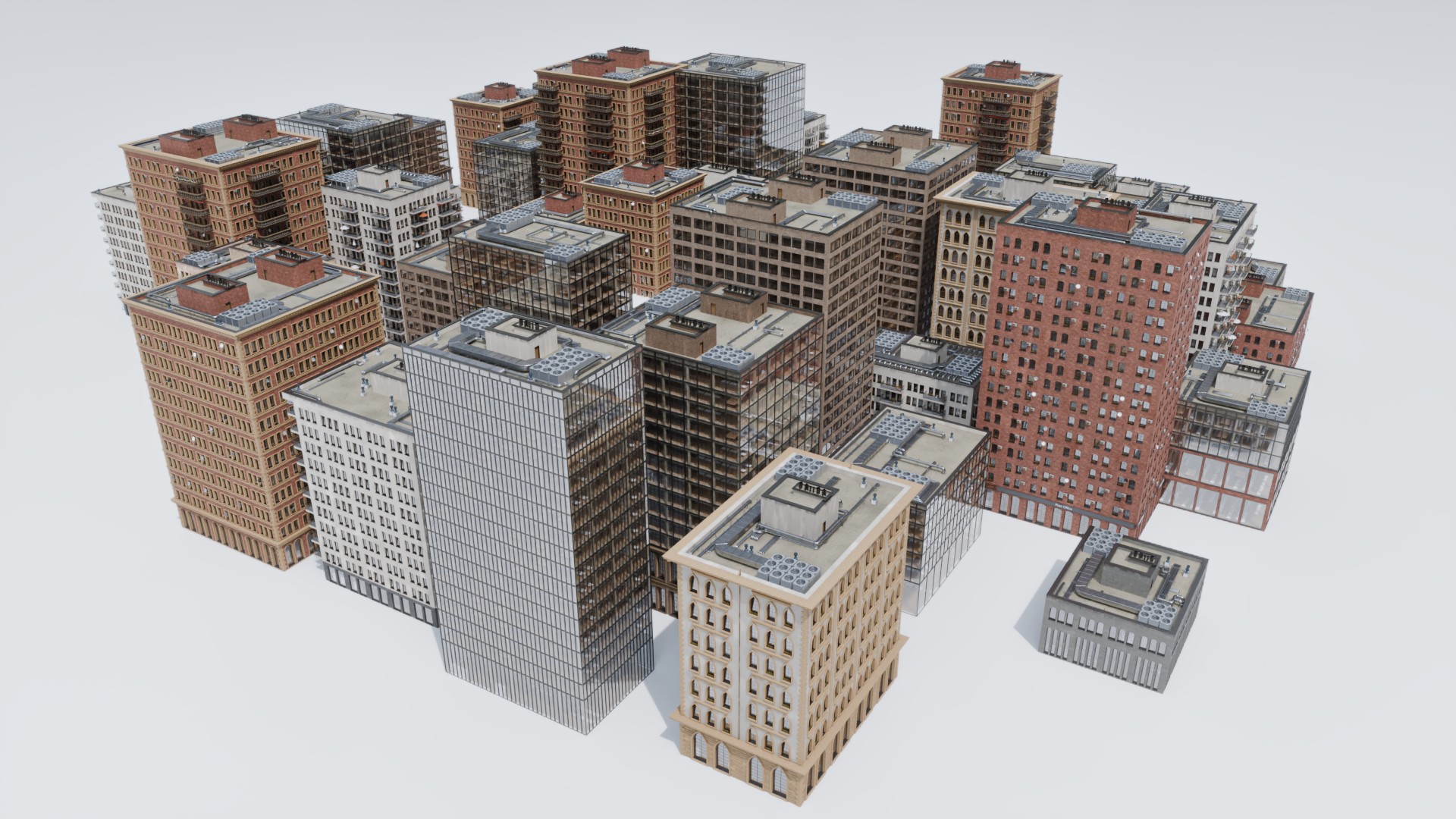
Compare viewport bounding boxes with the final render.
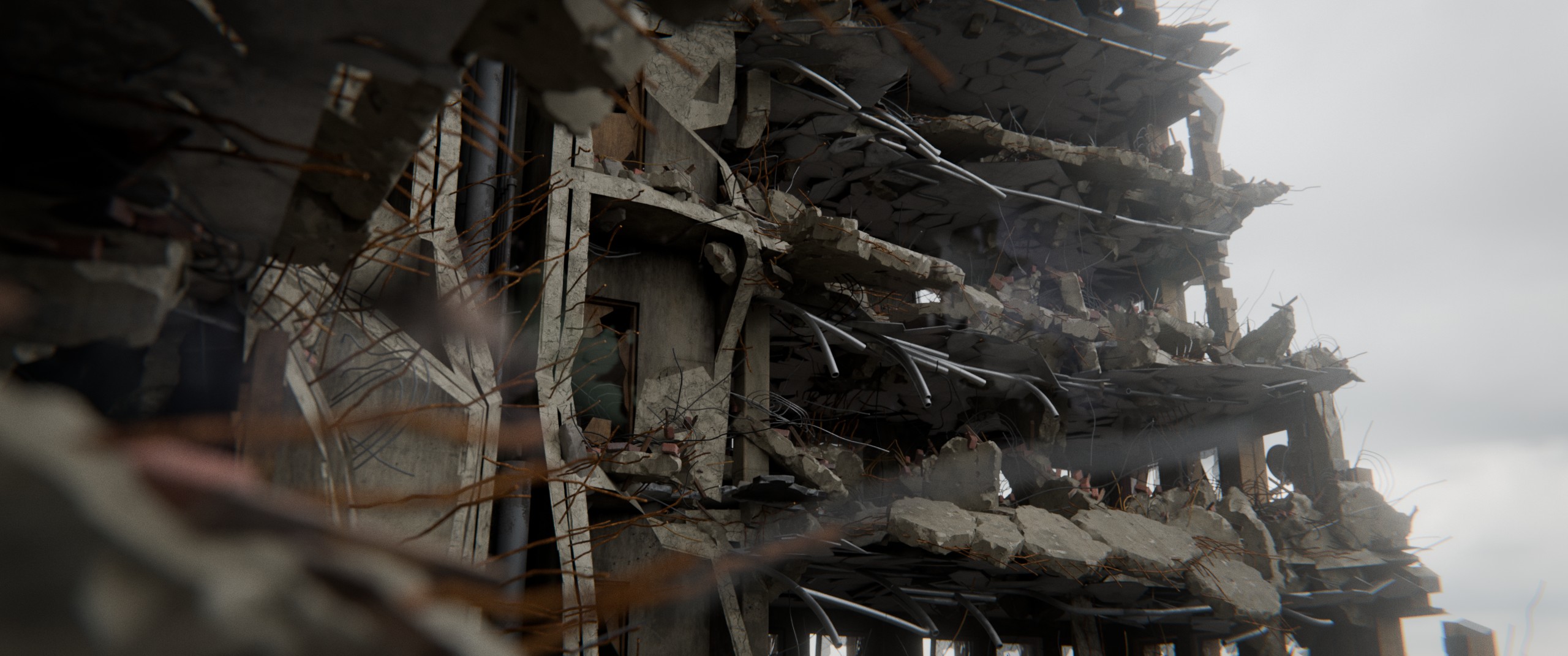
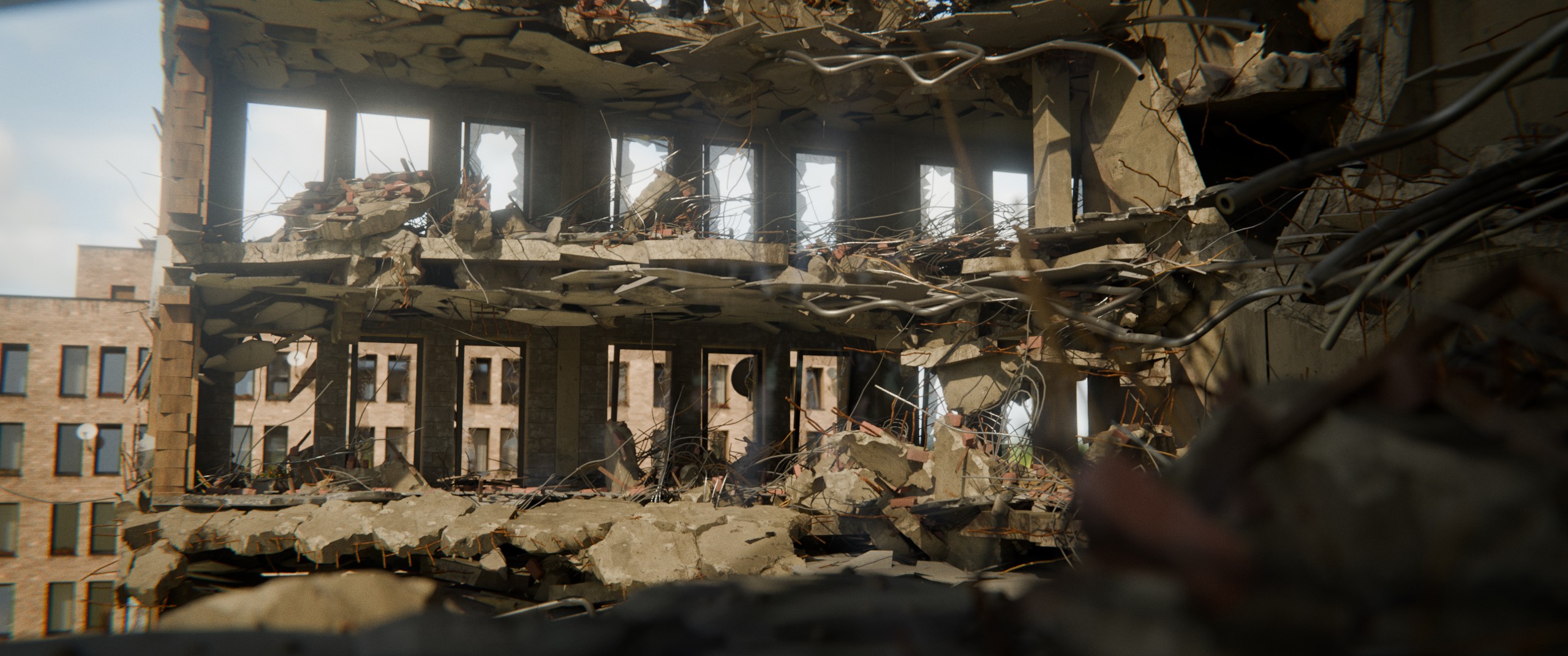
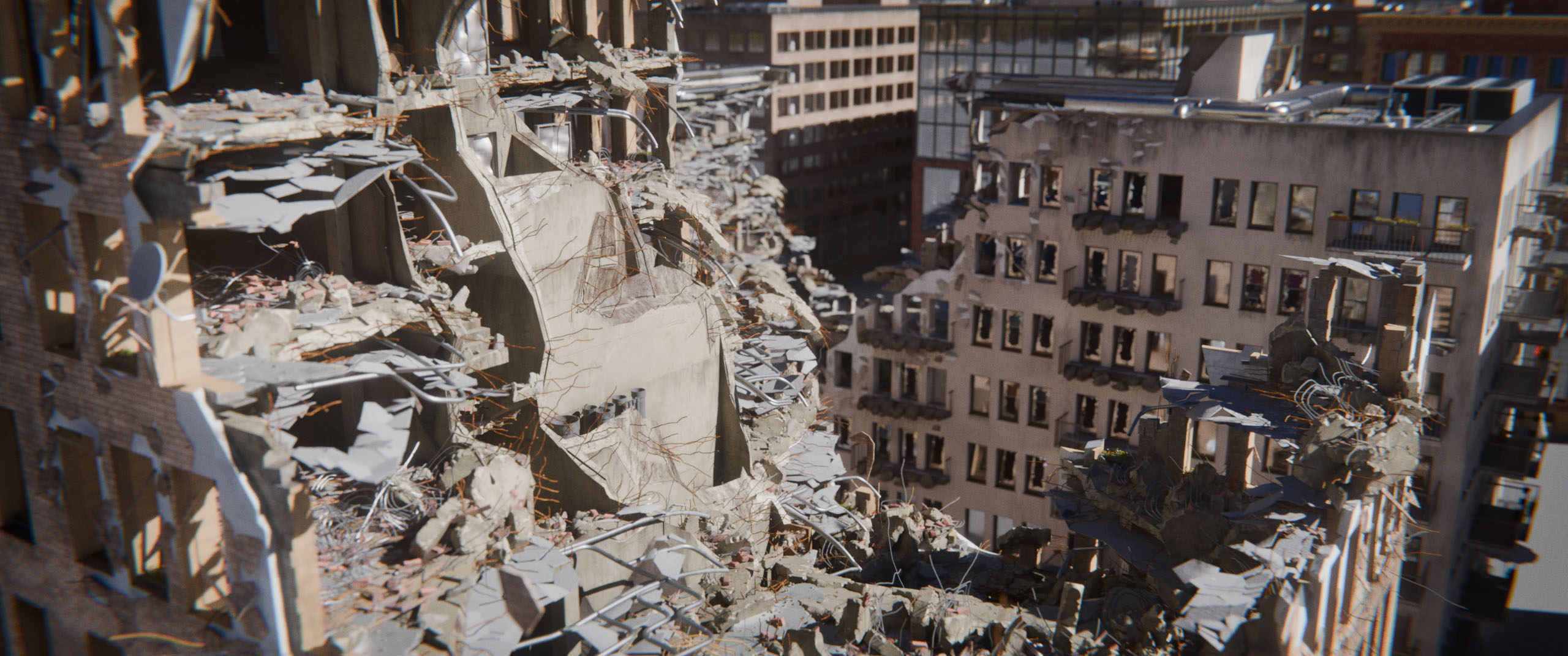
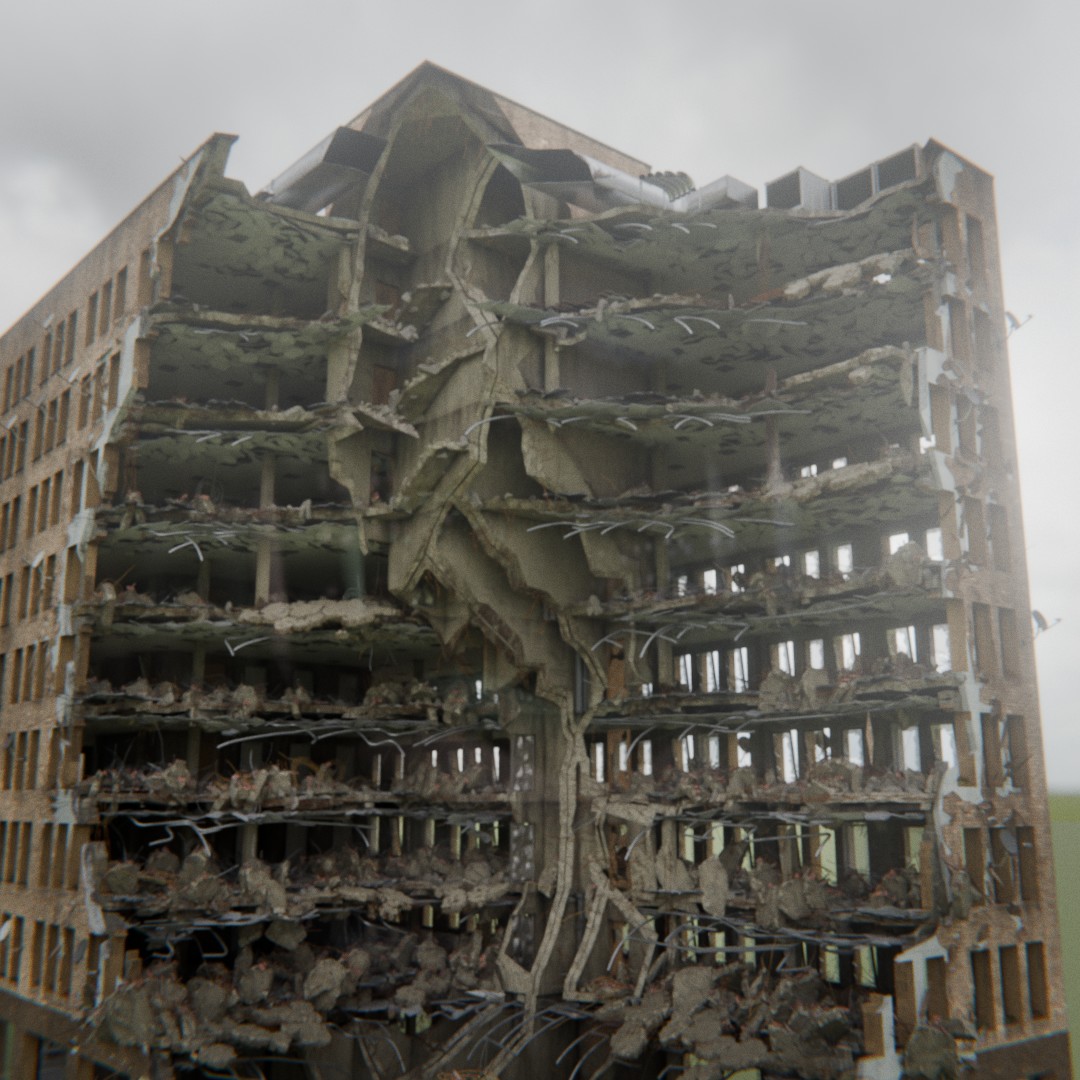
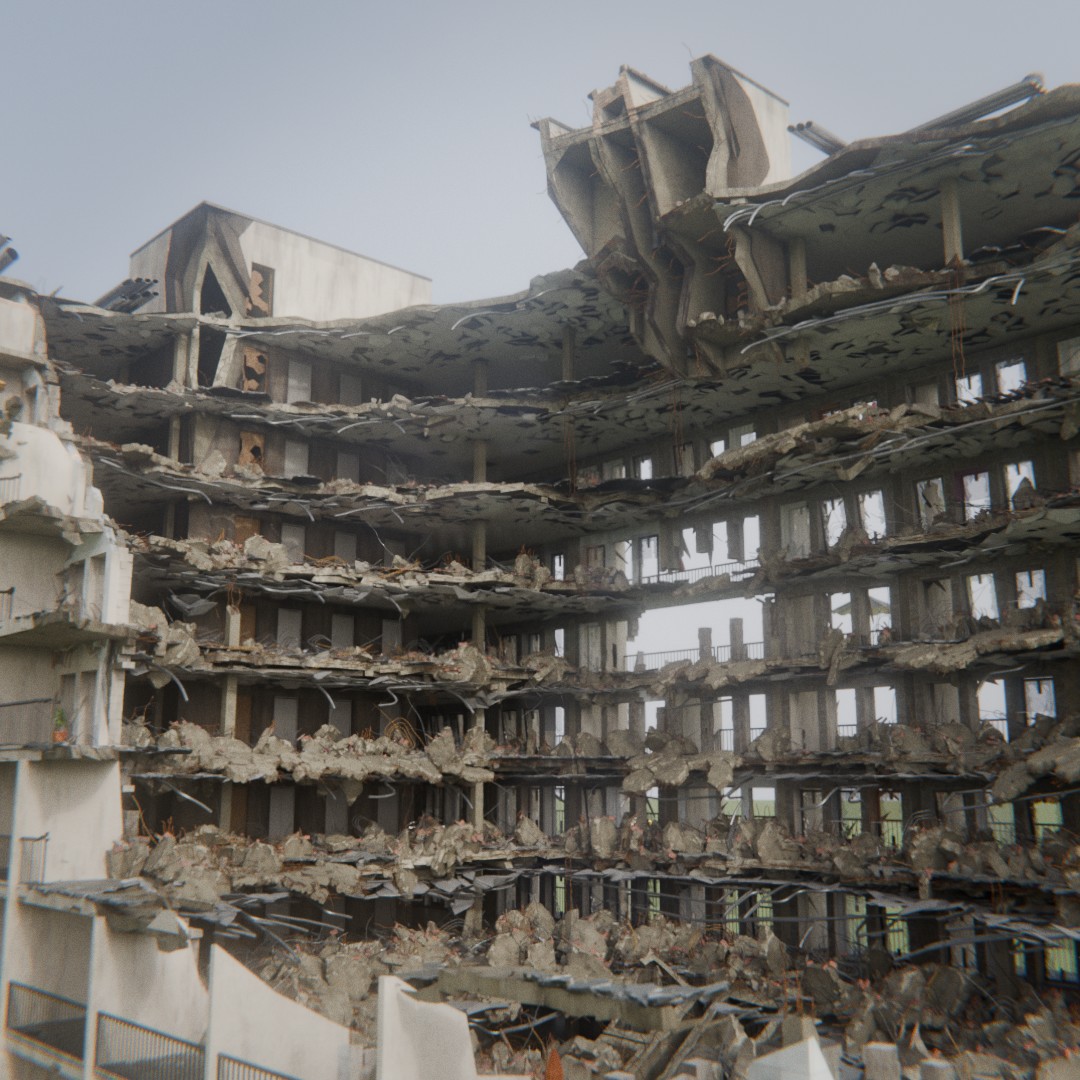
Post-apo? Let's Break It!
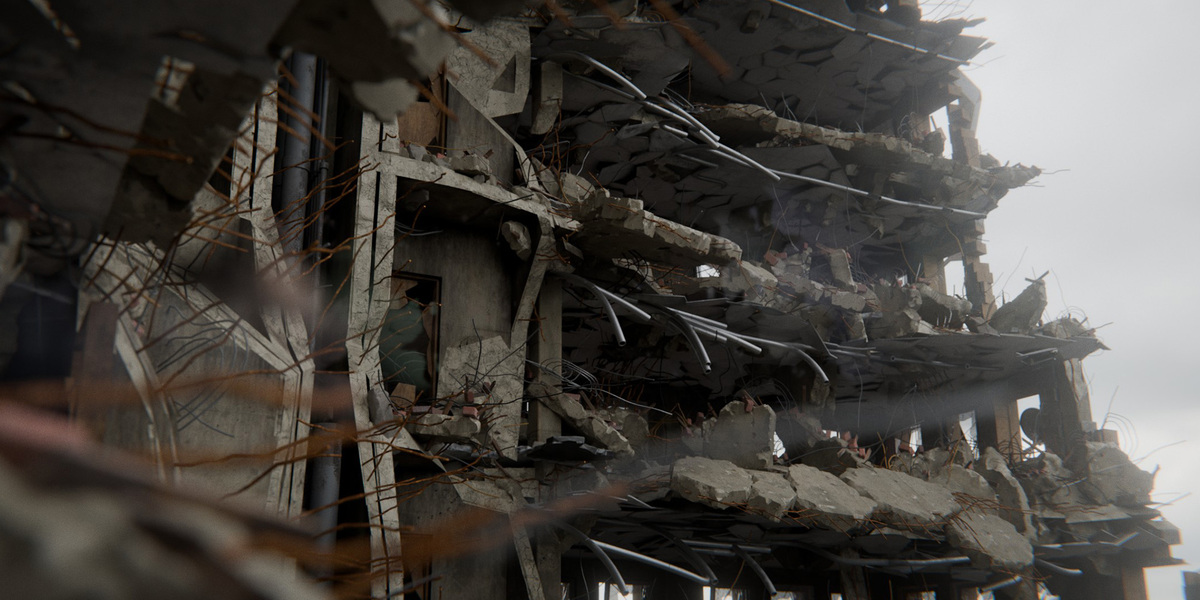
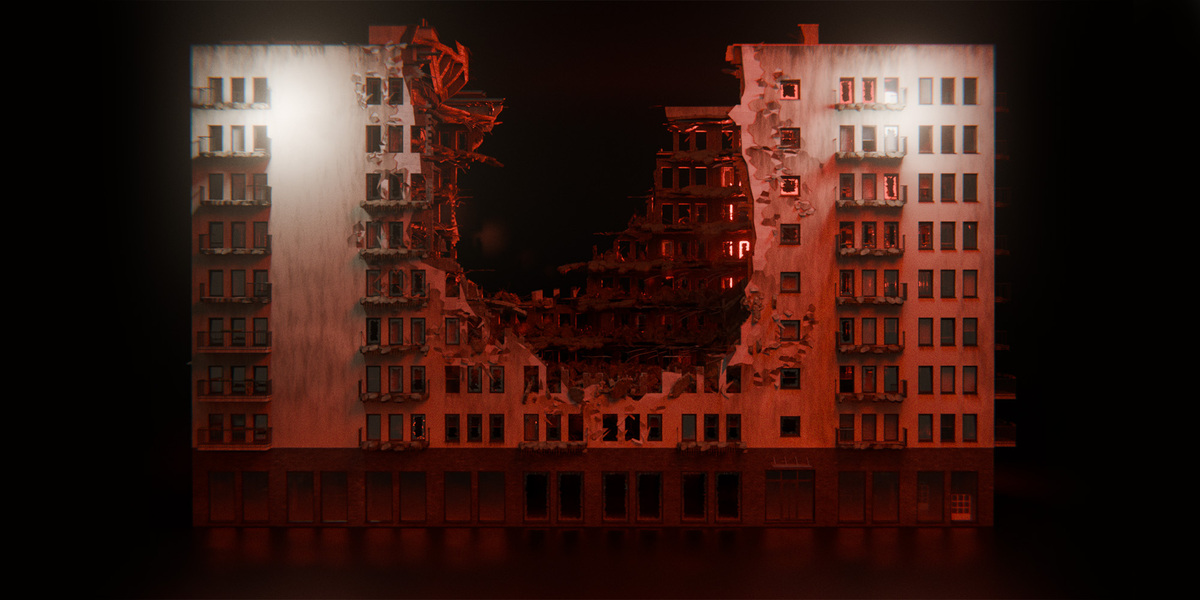
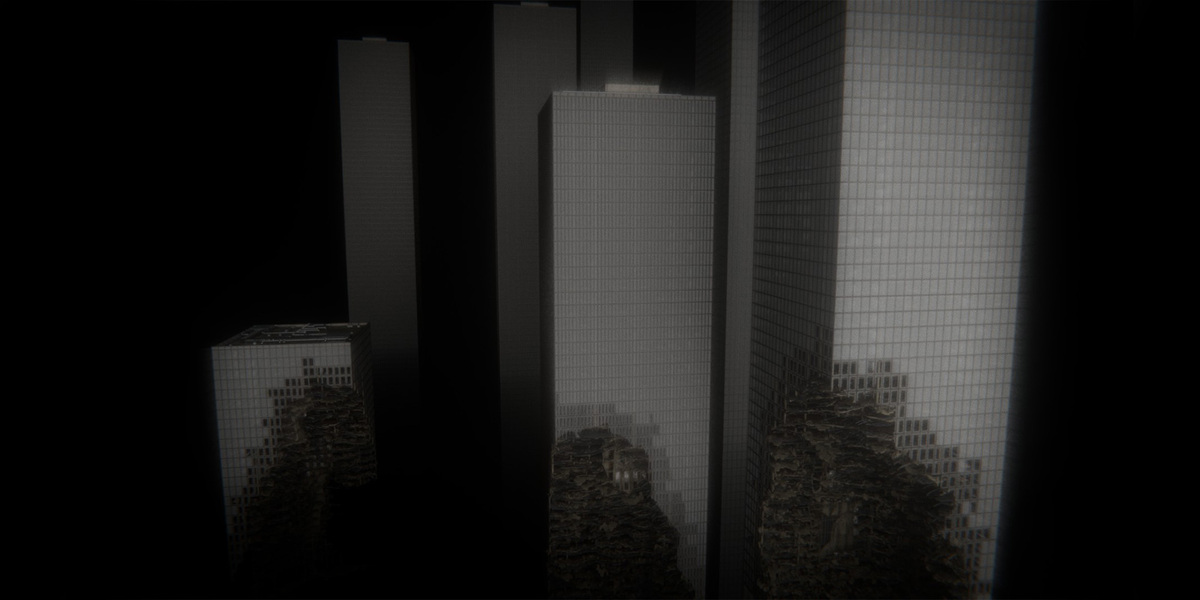
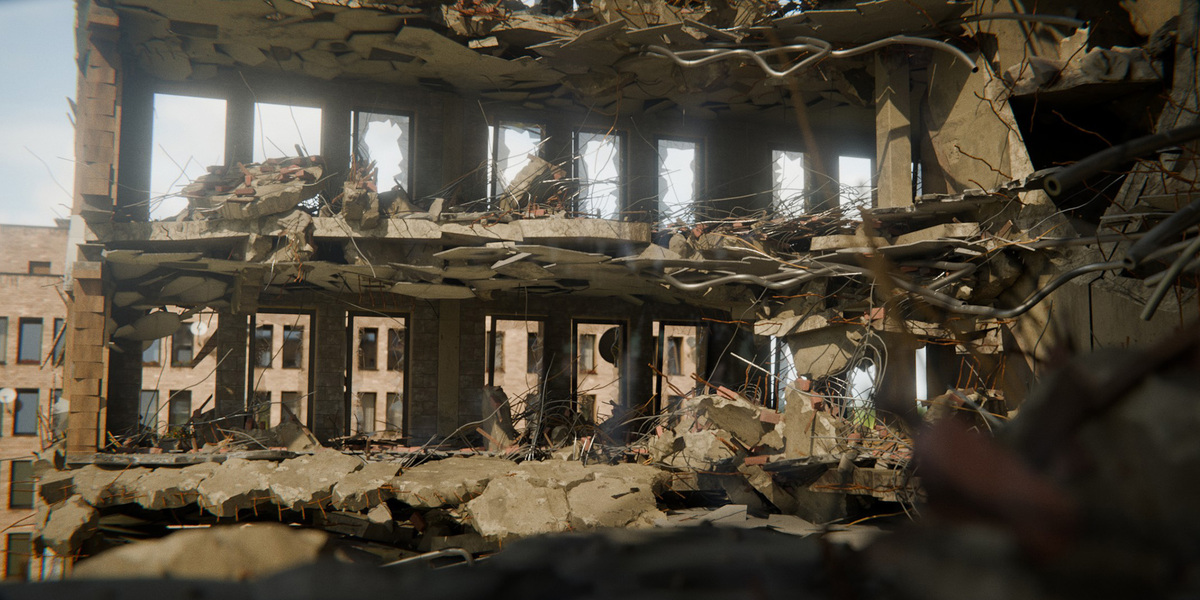
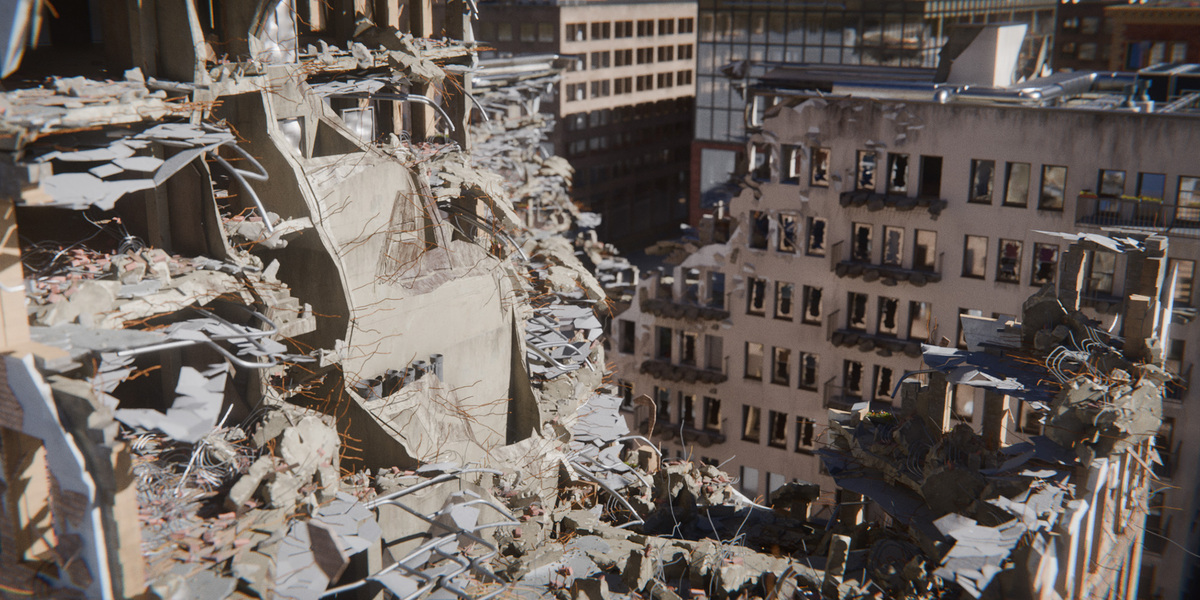
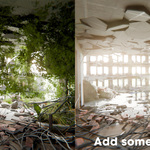
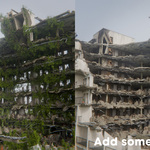
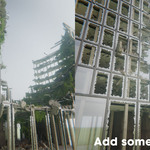
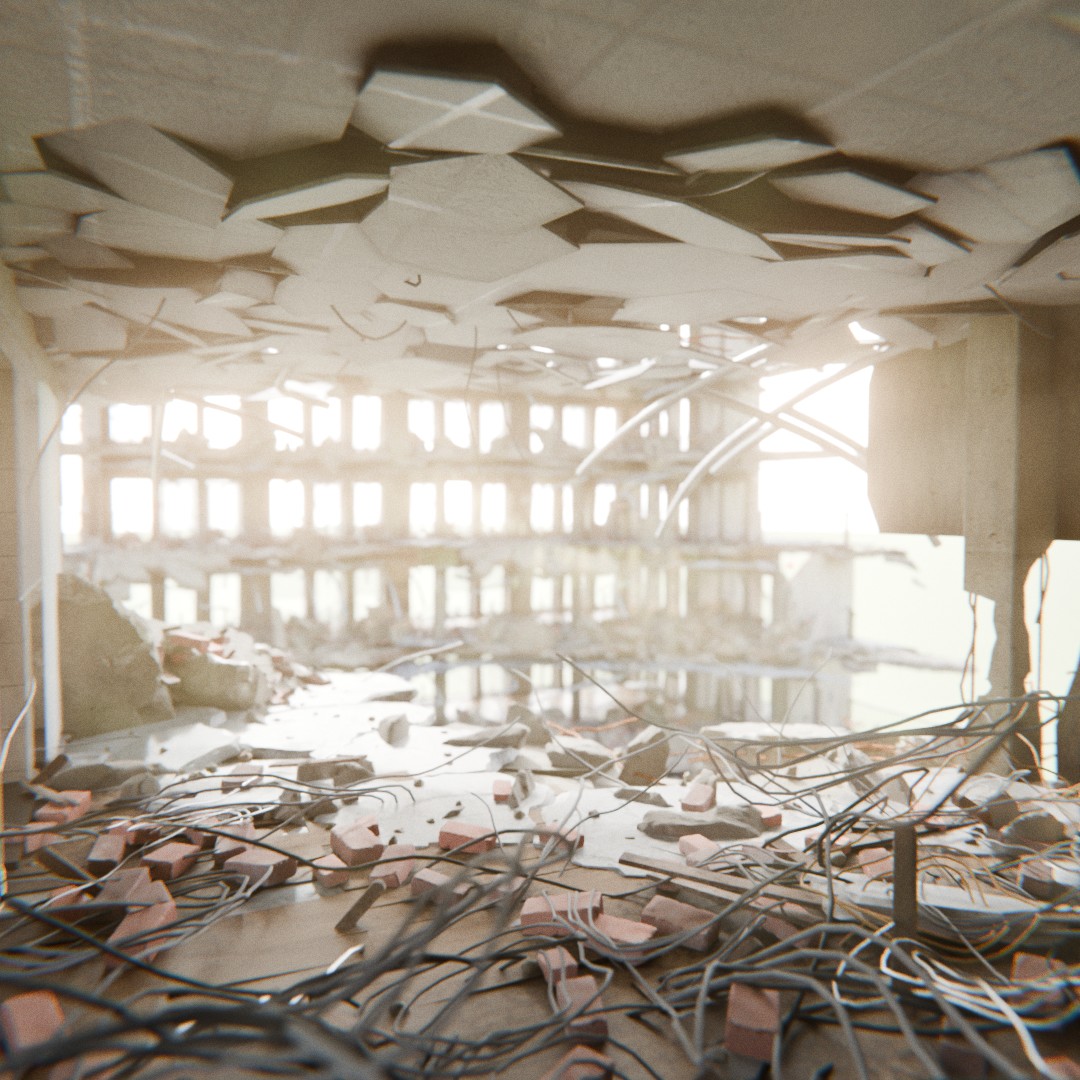
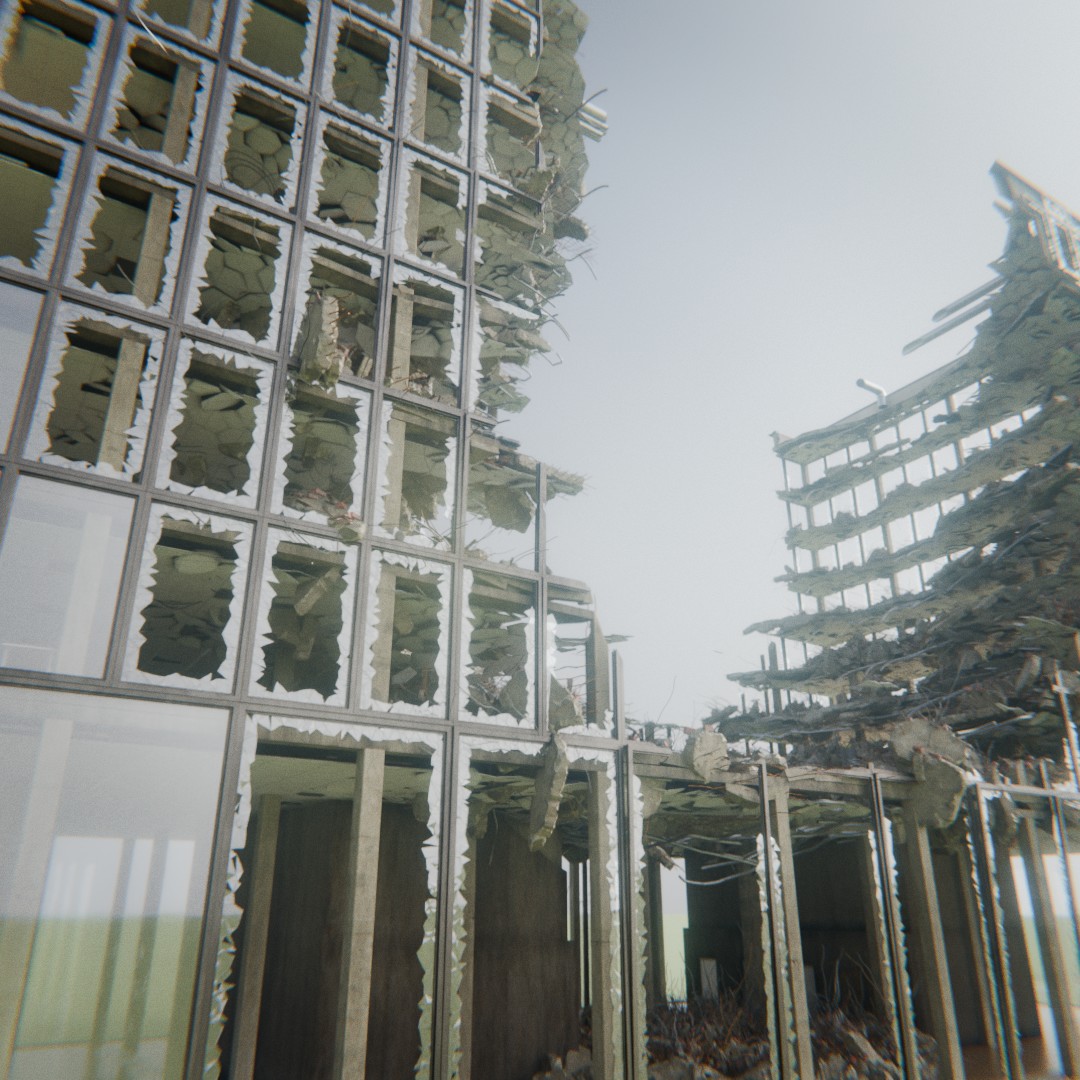
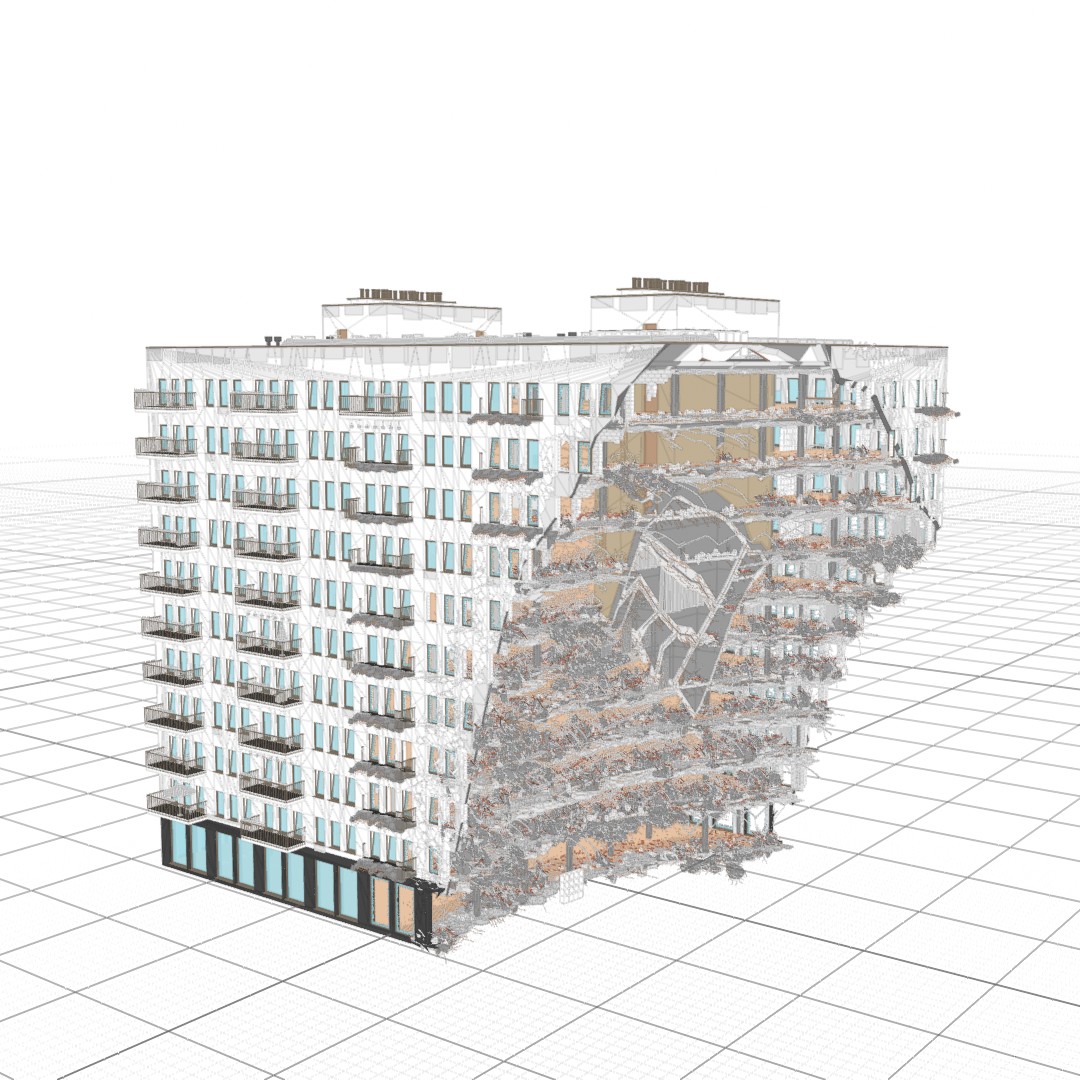
You can destruct buildings in any way you want! Thanks to advanced building structure the destruction system works in realistic way covering element such as: slabs, insulation, beams, ceiling, reinforcement rods, hanging concrete chunks, staircases, debris and much more! And it all work with the powerful LOD system!
Beauty Renders of Destructed Buildings in Panoramic View
Explore ultra-high-resolution panoramic renders showcasing complex procedural damage anatomy, broken concrete, and exposed rebar.
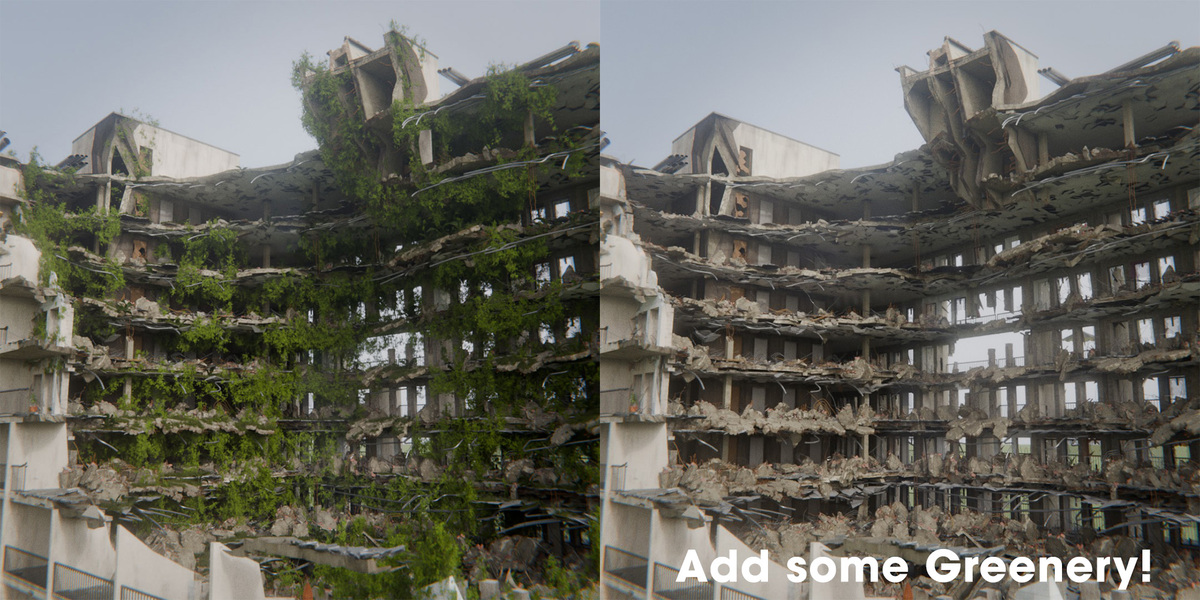
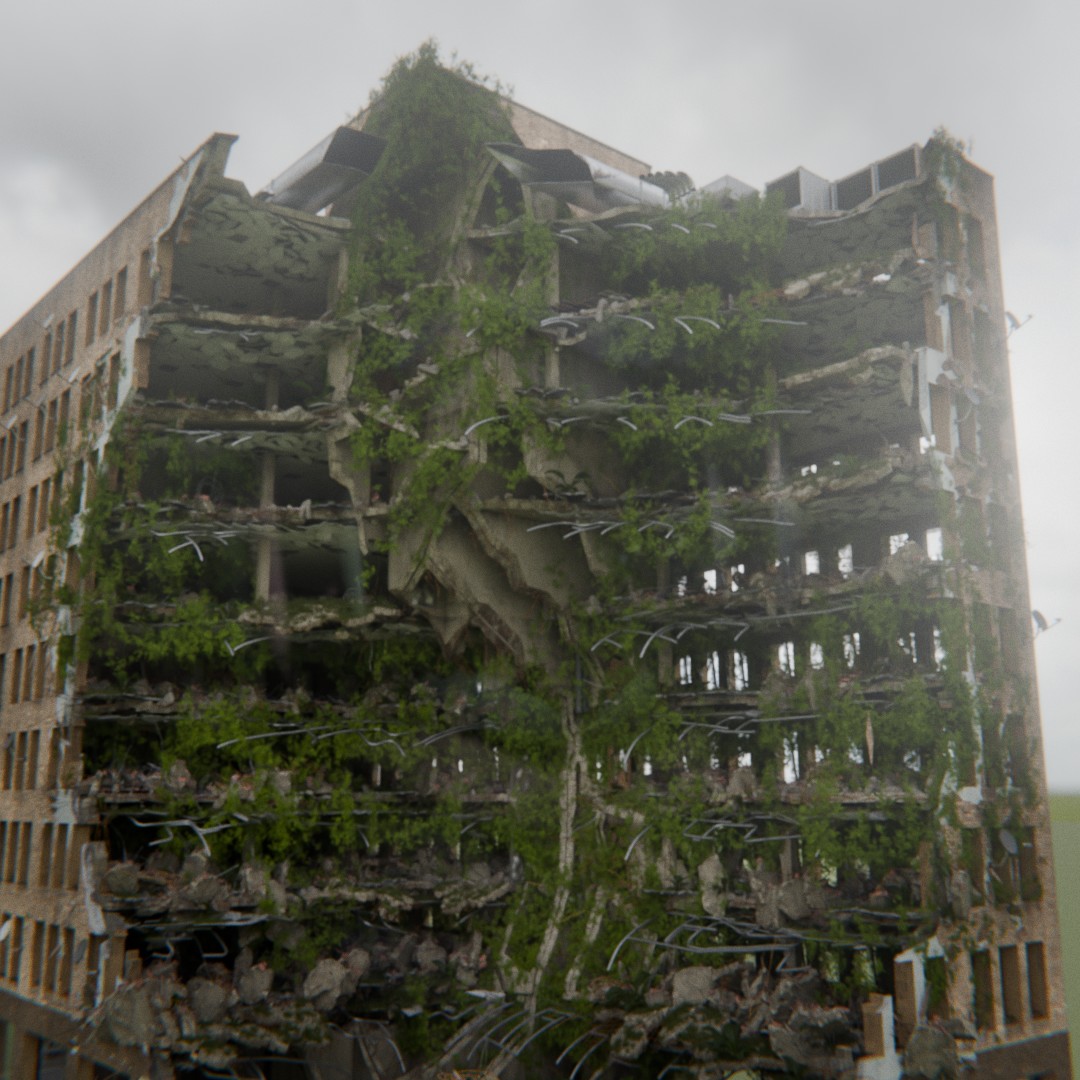
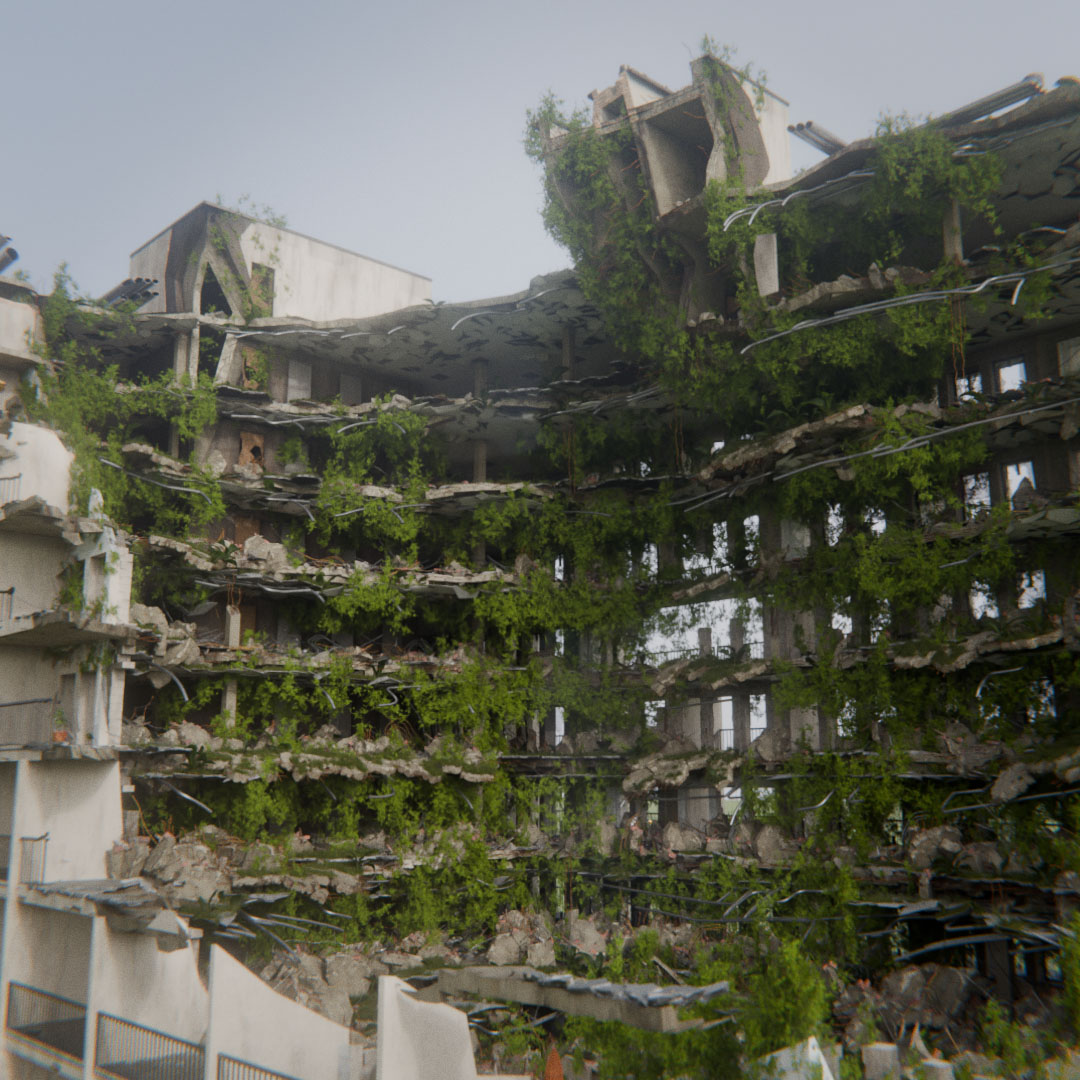
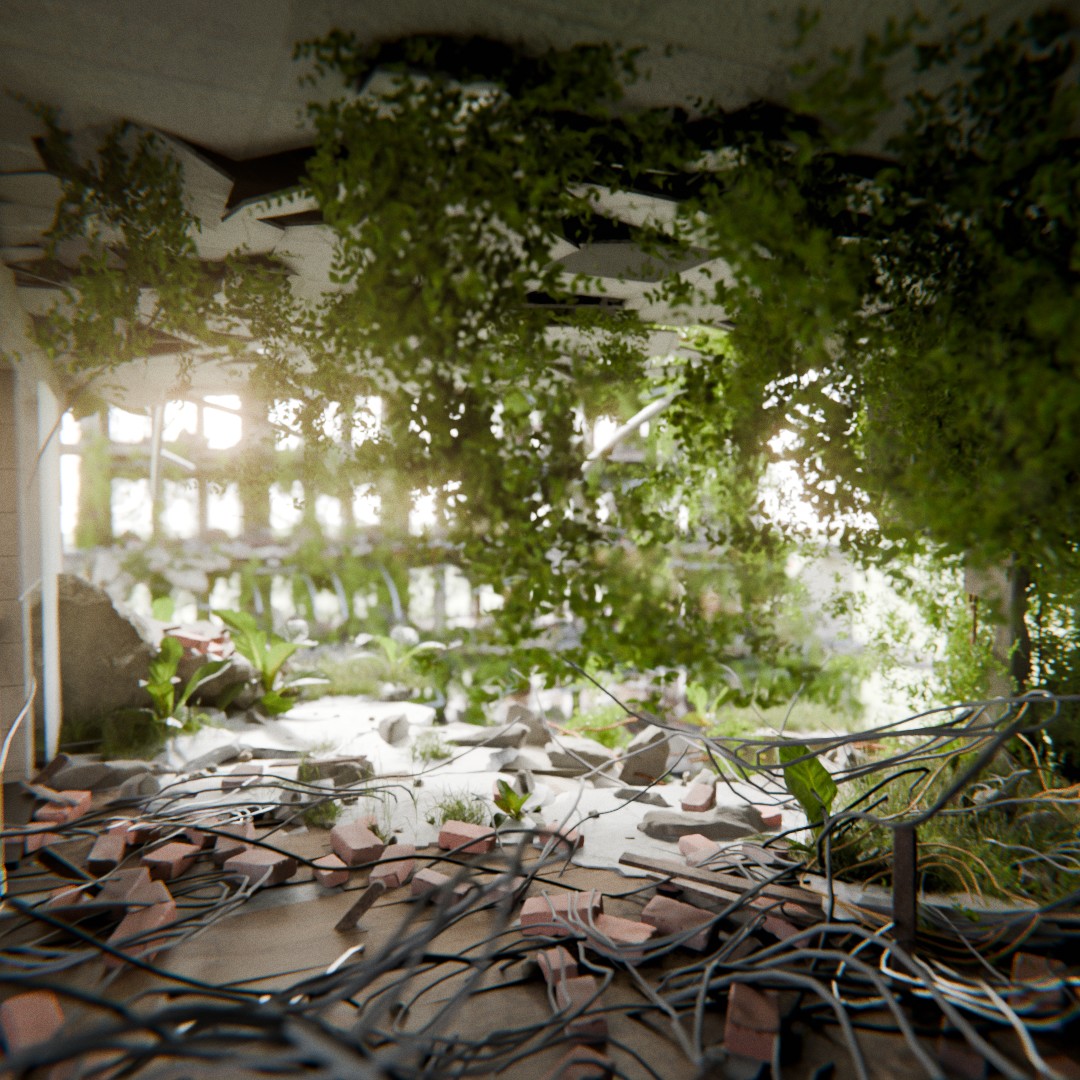
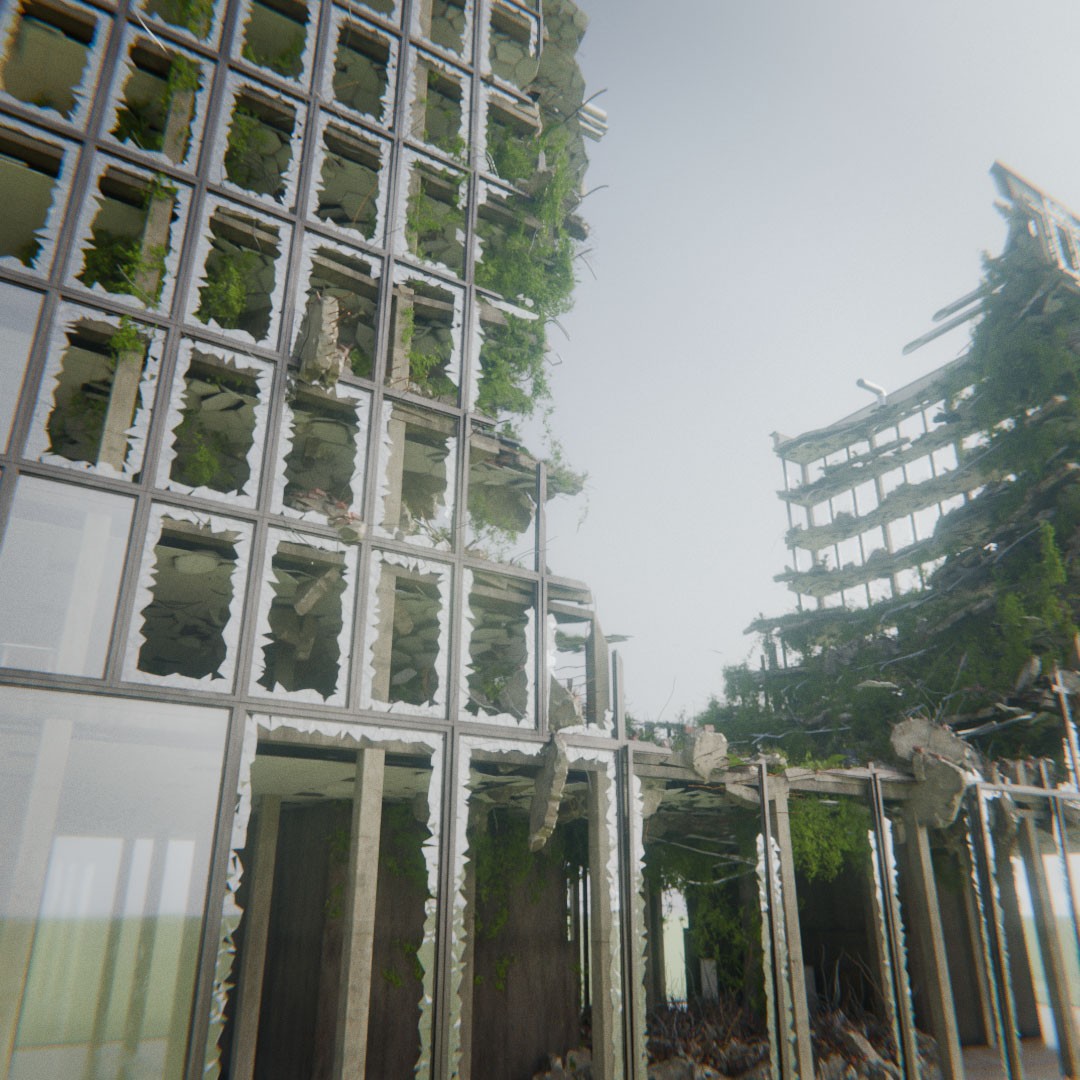
Greenery? Let It Groooow!
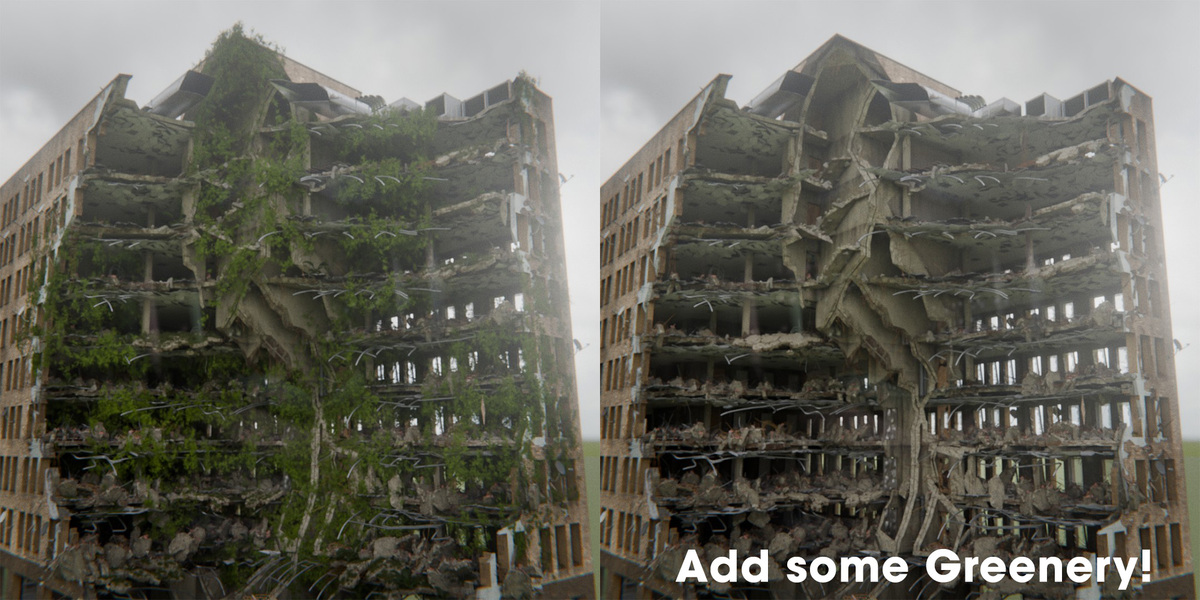
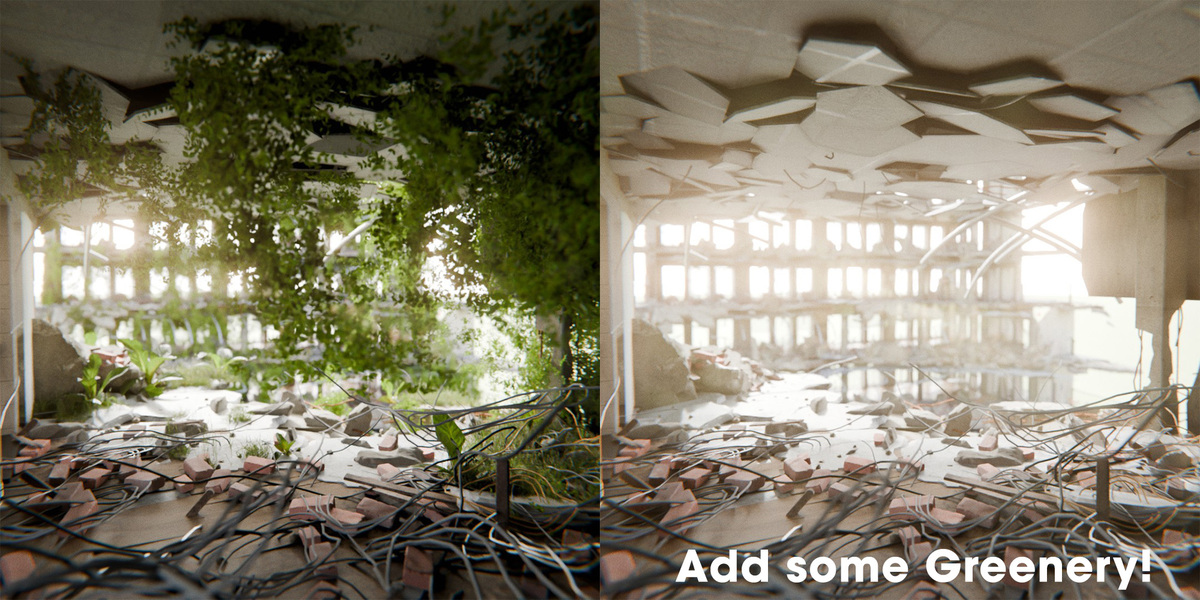
Do you want to recreate this iconic look of destructed building covered with ivy, grass and other greenery? No problem! Just check a single checkbox and the system will take care of it!
Customize? Presenting InfluenceVolumes
Thanks to InflueceVolumes system you can adjust buildings with even greater precision! Create entrances, adjust windows distribution and geometry, change Balconies and Loggia patterns - take the full control over every detail!
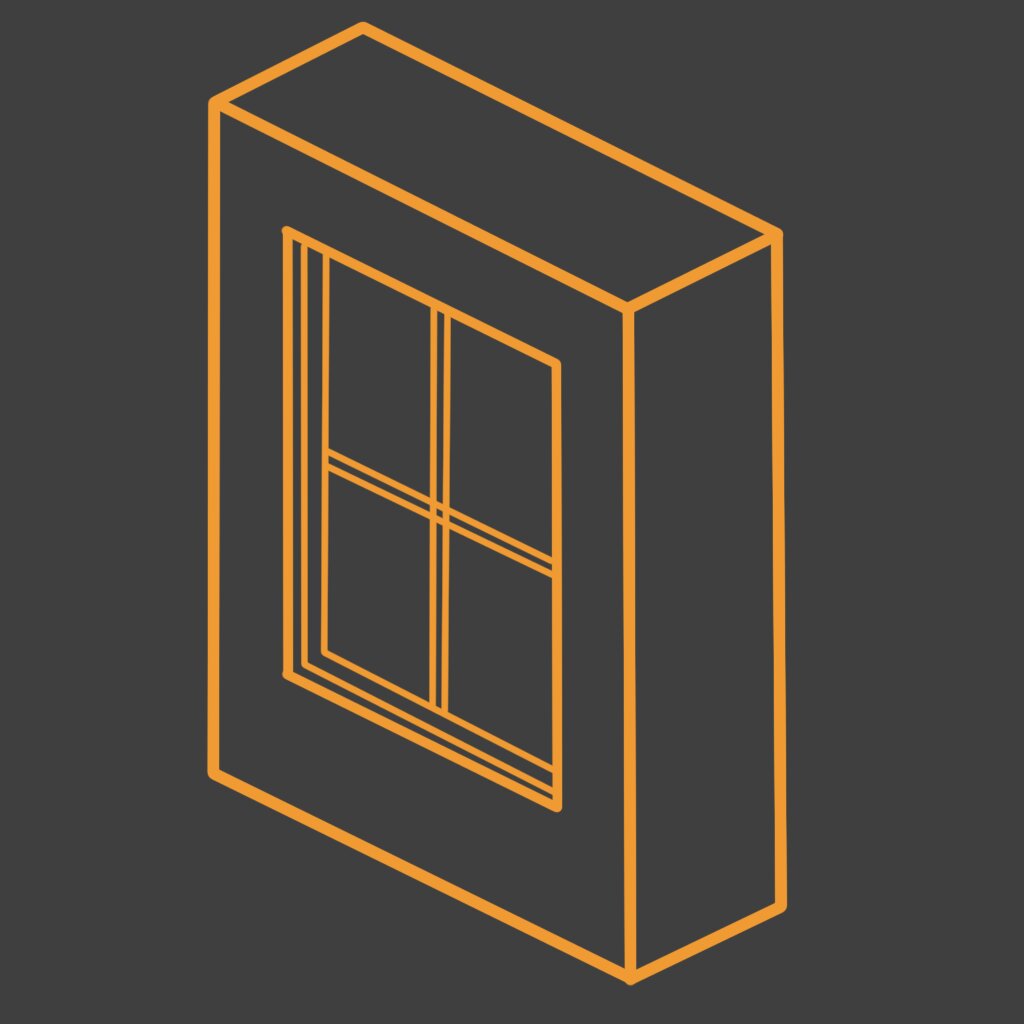
Windows TypeInfluenceVolume
allows edit windows that are inside this volume
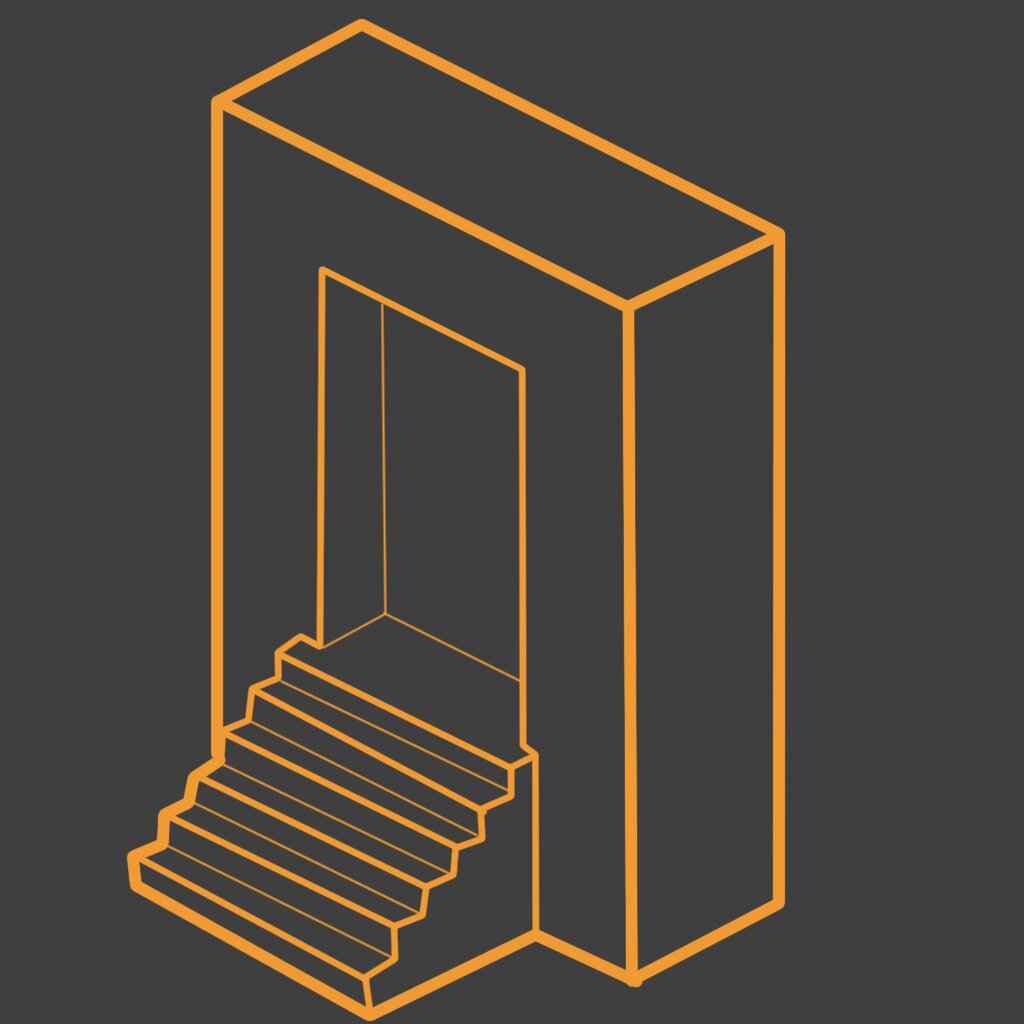
EntrenceInfluenceVolume
create entrance between construction pillars in the are of influence
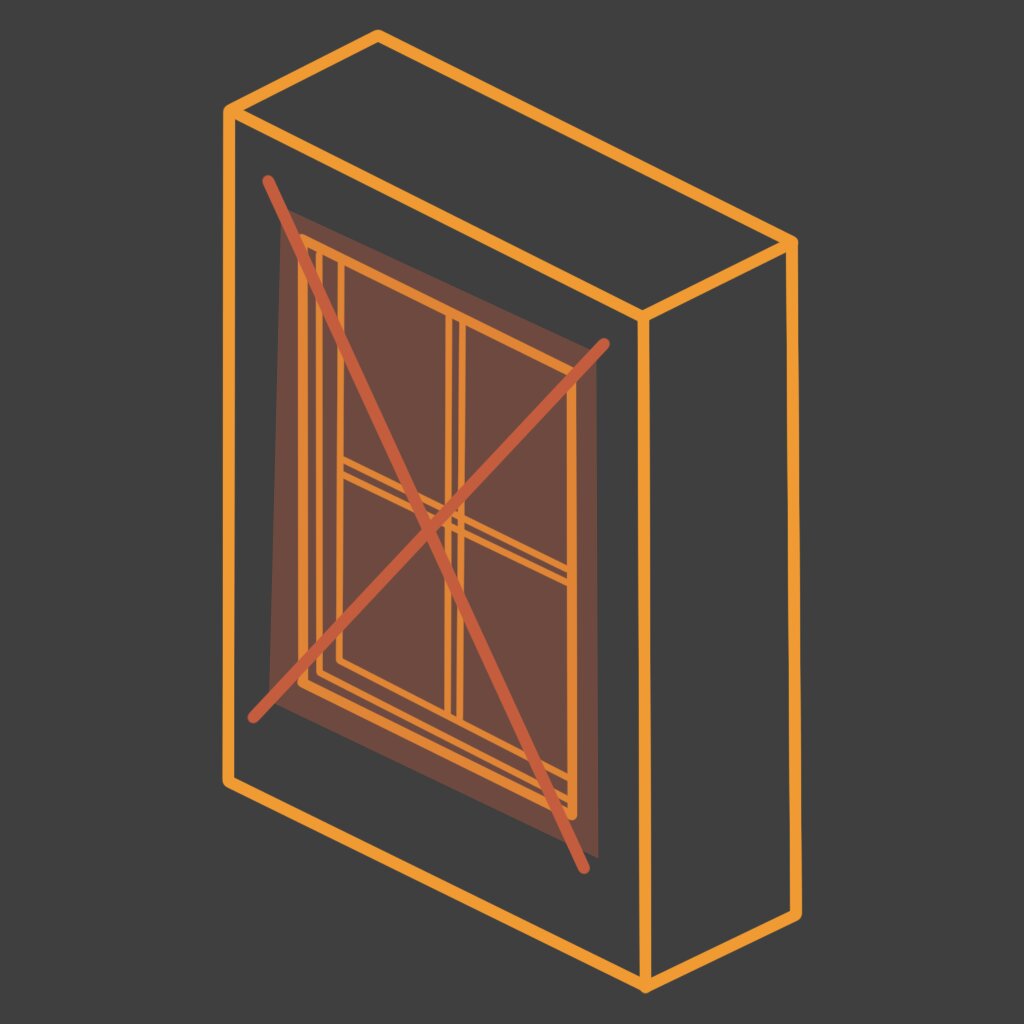
Delete Windows InfluenceVolume
delete windows that are inside influence volumes
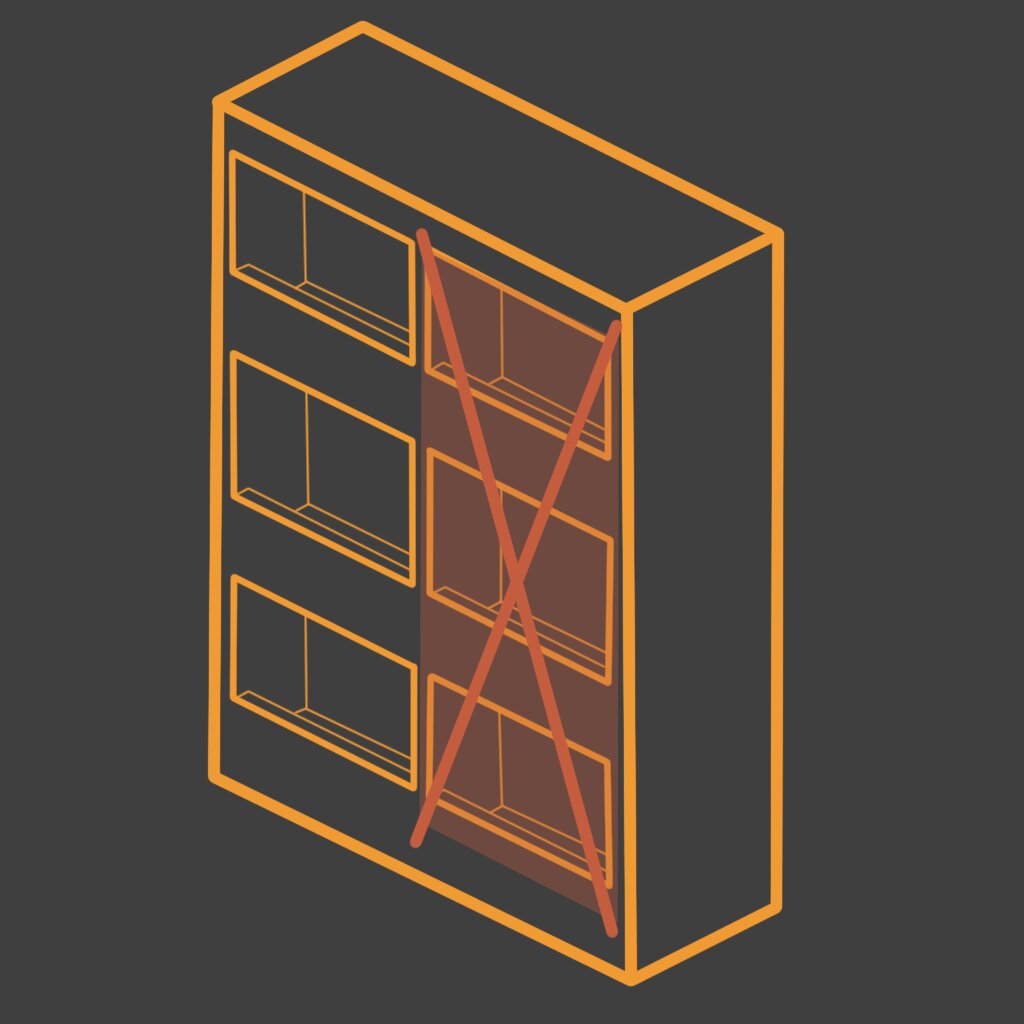
Delete Loggia InfluenceVolume
delete loggia colum that are inside it influence
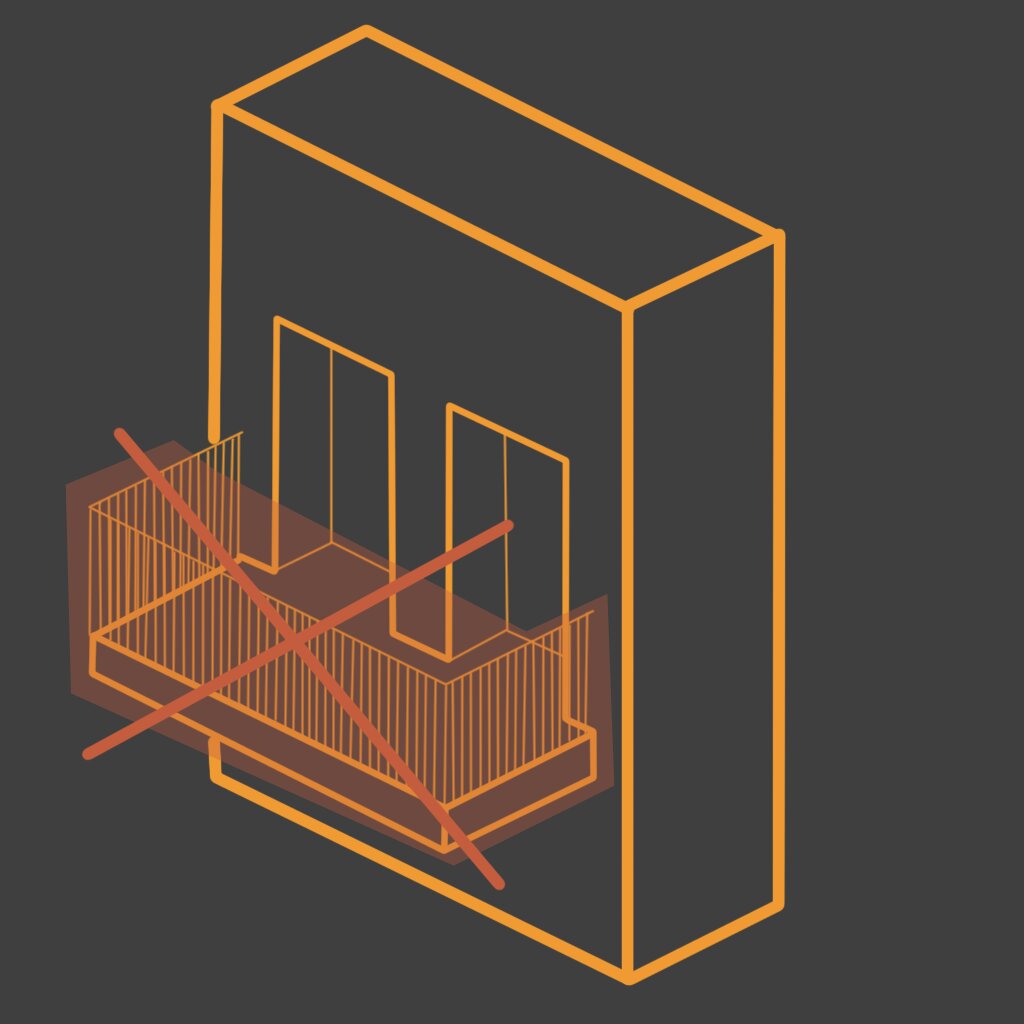
Delete Balconies InfluenceVolume
deletes balconies that are inside influence volume

Destructor
defines the are a of destructed builing

Cleaner InfluenceVolume
Cleaner influence volum allows to delete specific domains like Mesh, Mesh islands, instances that are inside it influence
Need a Start Point? Try Presets!
Need a good starting point? Try one of 17 presets, directly from Blender Asset Browser!
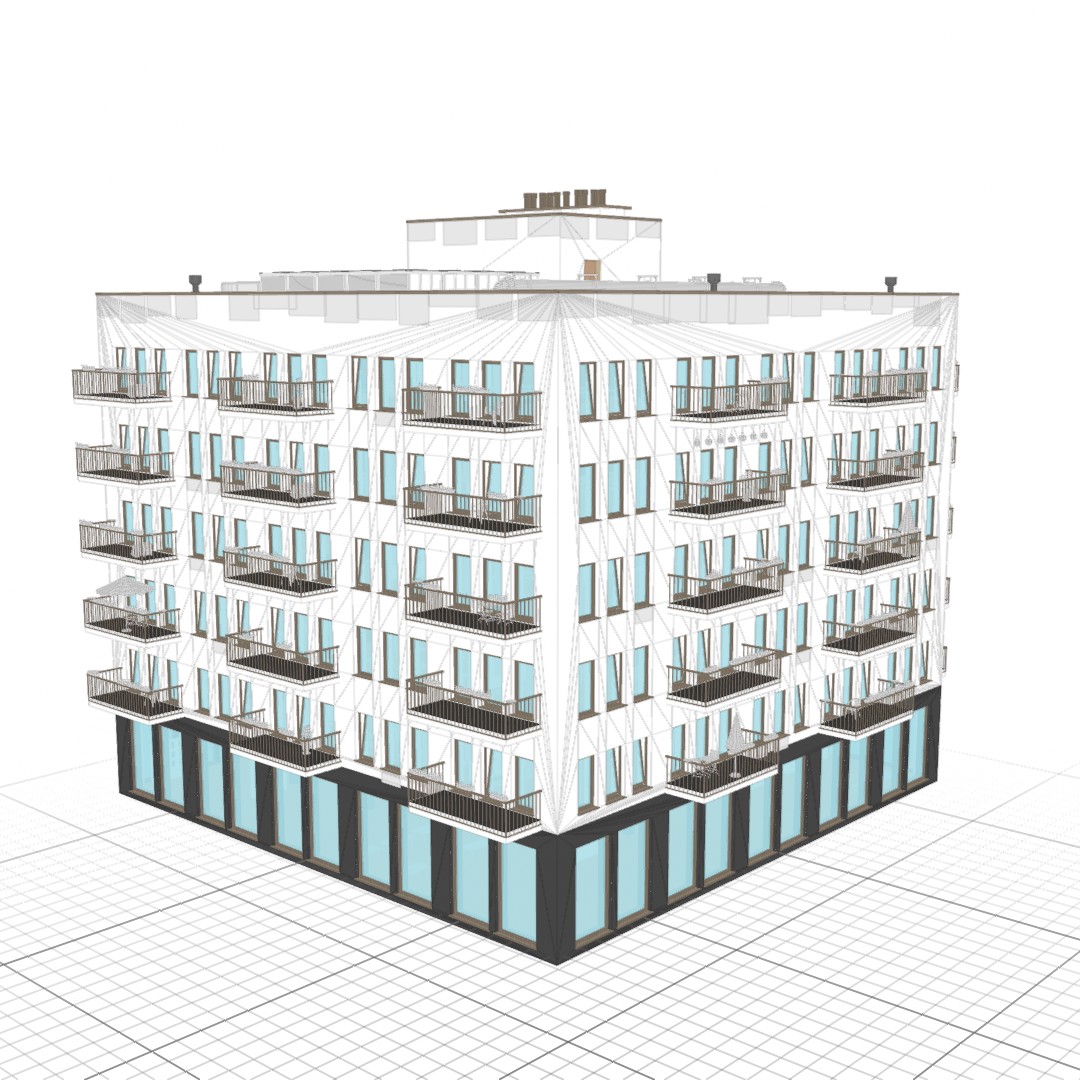
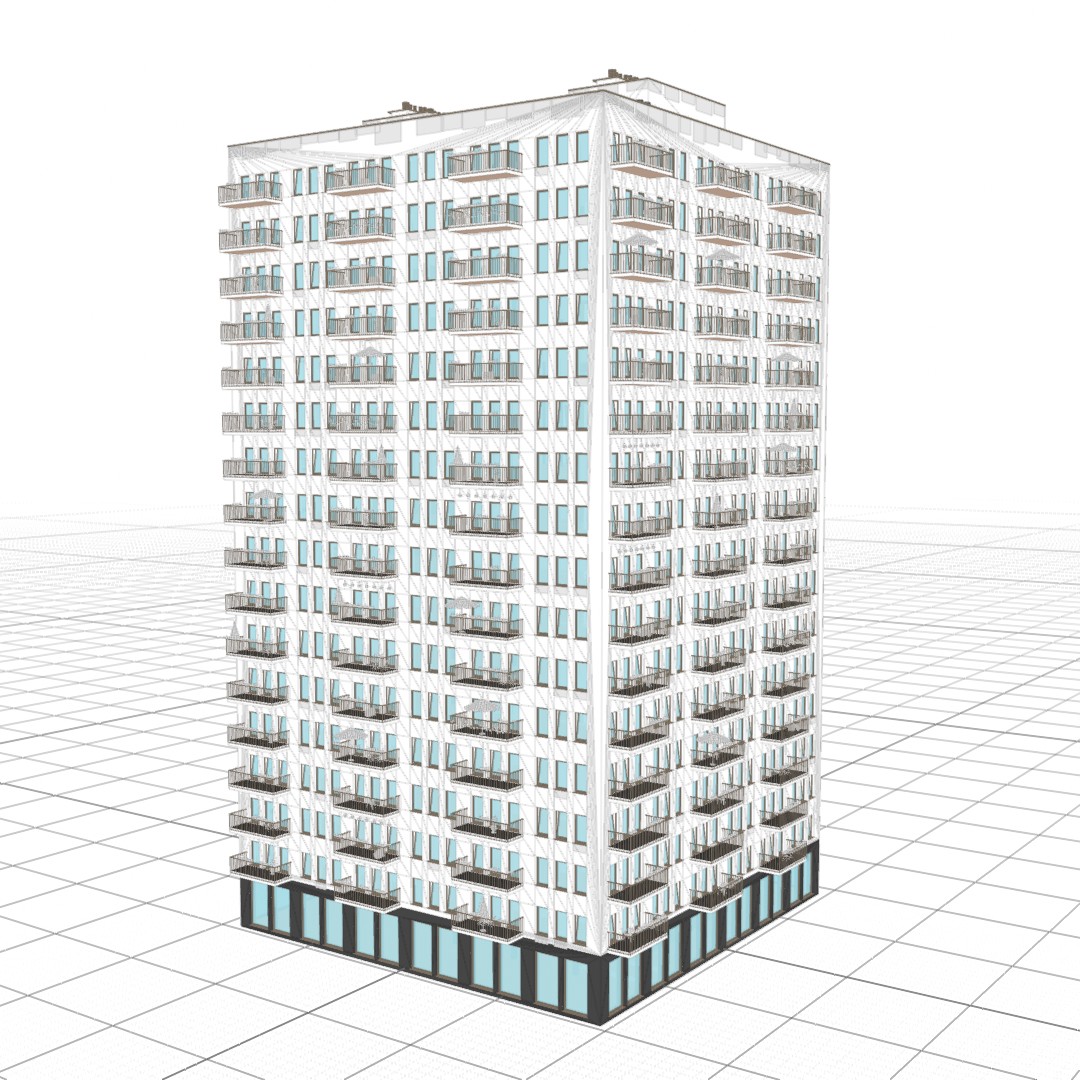
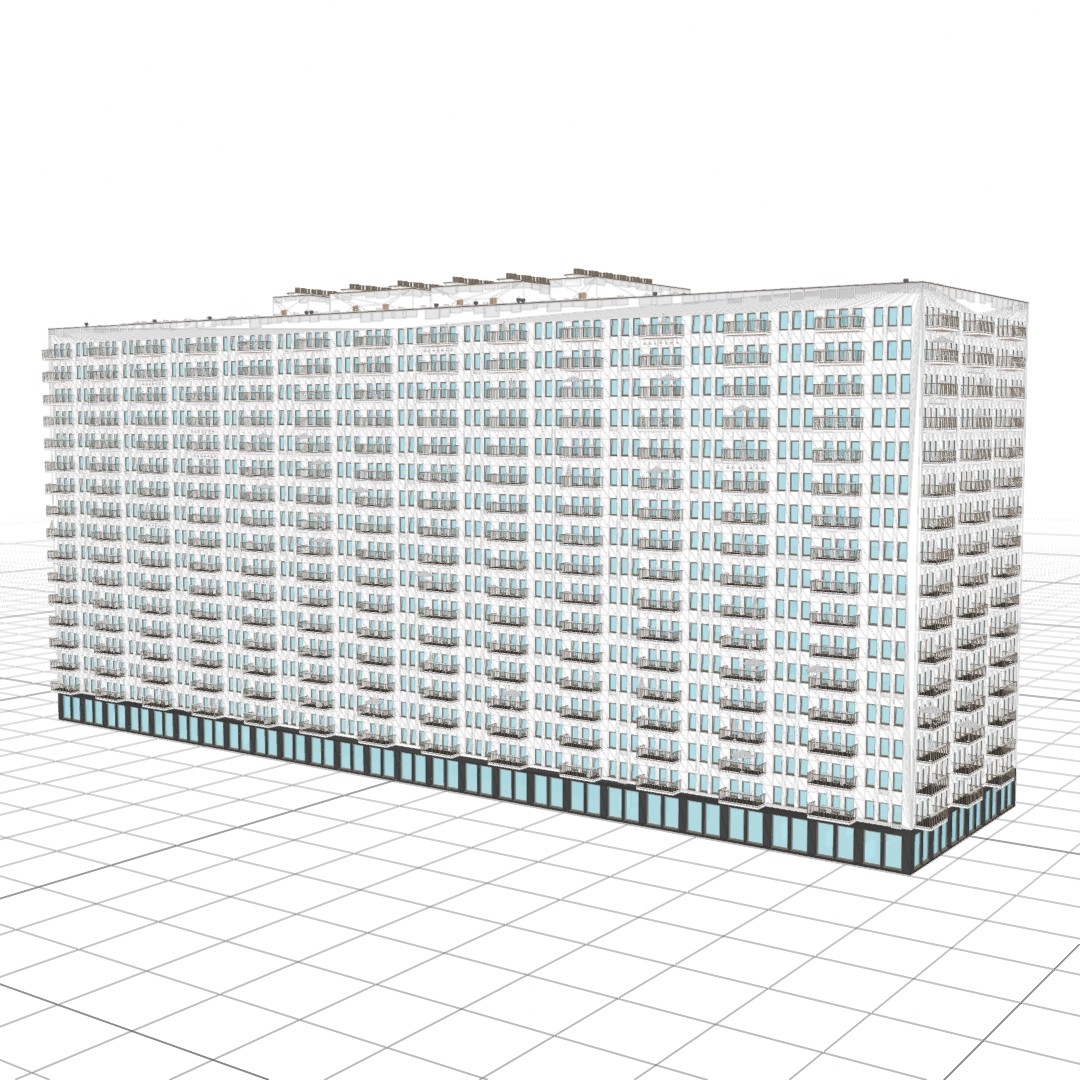
Optimized! So you don't have to wait...
Engineered with algorithmic efficiency in Blender Geometry Nodes. From real-time parameter tweaking to complex multi-story structures, generation times are fast:
HelperAddon: Keep things Organized
Use this small utility addon to organize collections for Influence Volumes, and preparing building geometry for the modifier, just 1 click solution for all the setup necessary!
Feature List? Here is a shortened one:
It’s so many that it wouldn't fit - here is a quick overview of all important features:
Core Geometry & Performance
- 5-Level LOD System (LOD 0 to LOD 4) with seamless camera distance switching
- Viewport Proxy Mode for buttery-smooth scene navigation and city-scale layout
- Smart Clutter Culling: Automatically purges micro-assets at distance thresholds to preserve VRAM
- Civil Engineering Framing: Realistic load-bearing pillars, beams, floor slabs, and layered insulation anatomy
- 3-Tier Architectural Hierarchy: Independent controls for Semi-Basement, Retail Ground Floor, and Main Residential/Office floors
- Structural Communication Core: Generates interior elevator shafts, continuous stairwells, and access doors
- Global & Element Seed Randomization for instant architectural variations
Architecture & Art Direction
- Interactive 3D Influence Volumes: Interactively place entrances, swap window styles, remove balconies, or clean clutter directly in the viewport
- Rhythmic Balcony & Loggia Patterns: Algorithmic distribution (staggered, checkerboard, stepped, or inverted layouts)
- 3 Railing & Handrail Architectures: Modern horizontal/vertical bars, Classical turned balustrades, and Solid parapets
- Hybrid Elevation Styles: Seamlessly blend Classical ornamentation (rustication, modillion cornices, fluted pilasters, quoins) with Modern Structural Glass curtain walls
- Fully Parametric Openings: Control window reveals, frames, wing depths, sashes, and custom division grids
- Customizable Ground Entrances: Commercial storefronts, entrance stairs, and multi-style door configurations
Urban Realism & Destruction
- Anatomical Destruction Engine: 3D Destructor volume carves realistic structural damage revealing rebar, cracked insulation, dangling cables, and internal pipes
- Multi-LOD Debris & Greenery: Scattered concrete chunks, bricks, wooden debris, and adaptive climbing Ivy
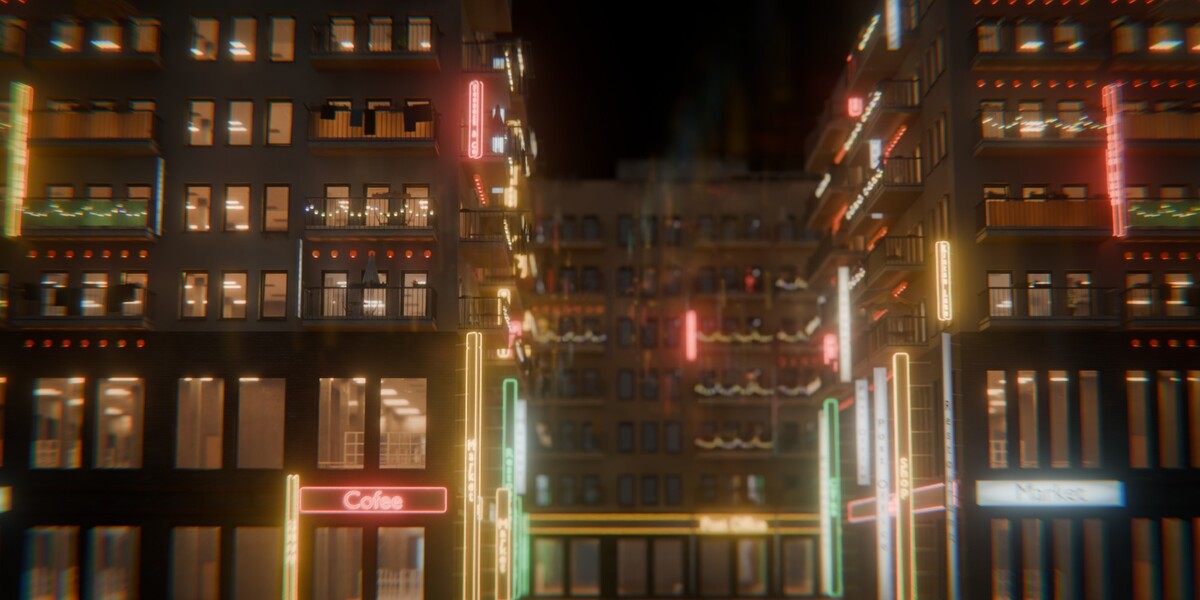
- Type-Your-Own 3D Signage: Live text & custom font support for Neons (with tubes & brackets), Billboards, Classic, and Minimalist signs
- Lived-In Facade Dressing: Probability of open windows, functional roller blinds, fabric curtains, and windowsill flower pots
- Balcony Living Clutter: Configurable umbrellas, hanging laundry lines, bird feeders, and toggleable string garlands & ceiling lanterns
- Street-Level Grime & Weathering: Realistic window/roof water leak streaks, procedural graffiti, and window ad stickers
- Industrial Rooftop MEP Installations: Modular HVAC chillers, multi-scale pipe networks, and industrial vents
Pro vs Basic: Pick Your Tier
Compare capabilities between Basic and Pro editions:
| Feature / Capability | Basic Edition | Pro Edition (Recommended) |
|---|---|---|
| License Type | Non-Commercial Only | Commercial License |
| Asset Browser Presets | 1 Base Preset | 17 Full Presets (+16 Additional Presets) |
| Procedural Material Presets | Single Material Preset | Extensive Material Presets Library |
| Future Updates & Content | Generator with single material preset | More presets and materials in the future |
| Customer Support | Standard Support | Priority Support |
| 5-Level LOD System (LOD 0-4) | Included | Included |
| Proxy System for Viewport | Included | Included |
| Destruction & Greenery System | Included | Included |
| All 7 Influence Volumes | Included | Included |
| Nodee Helper Companion Addon | Included | Included |
| Choose Edition | Get Basic Edition | Get Pro Edition (Recommended) → |
Documentation? Hover over Socket!
For a quick explanation of the feature just hover over socket in the modifier interface and a short note with explanation will appear.
Need Help? Full documentation tutorial
Do you want quick start or a full depth tutorial, you can watch it here:
Elevate Your 3D Environments Today
Get instant access to Nodee: Buildings and build massive, hyper-detailed cities with unmatched procedural control and lightning-fast optimization.

