Nodee: Pipes
 Jakob
Jakob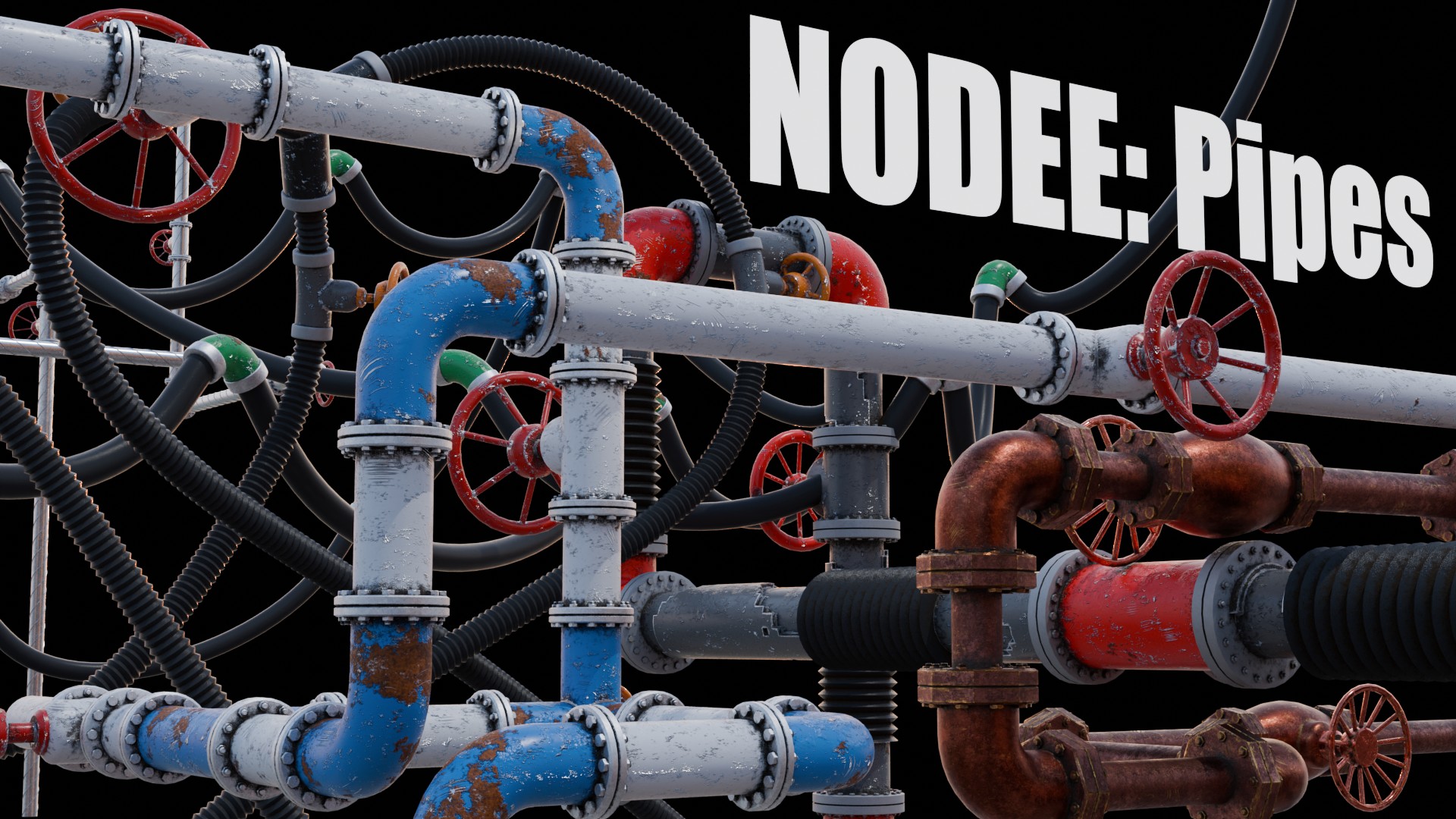
Documentation
NODEE
Pipes
1.0
Blender 4.1.1
How to install?
After downloading .blend file, inside Blender go to edit > preferences

Under the File Paths tab go on the bottom and create a new Asset Library. Choose name and file path on your disk, and after that put downloaded .blend file inside of that folder

Then you can open Asset Browser panel. To add a pipe system to the scene, just drag and drop it from the asset browser tab.

1. NODEE Pipes

Each property has an explenation note what it does. You just need to hover over it.
2. NODEE Materials

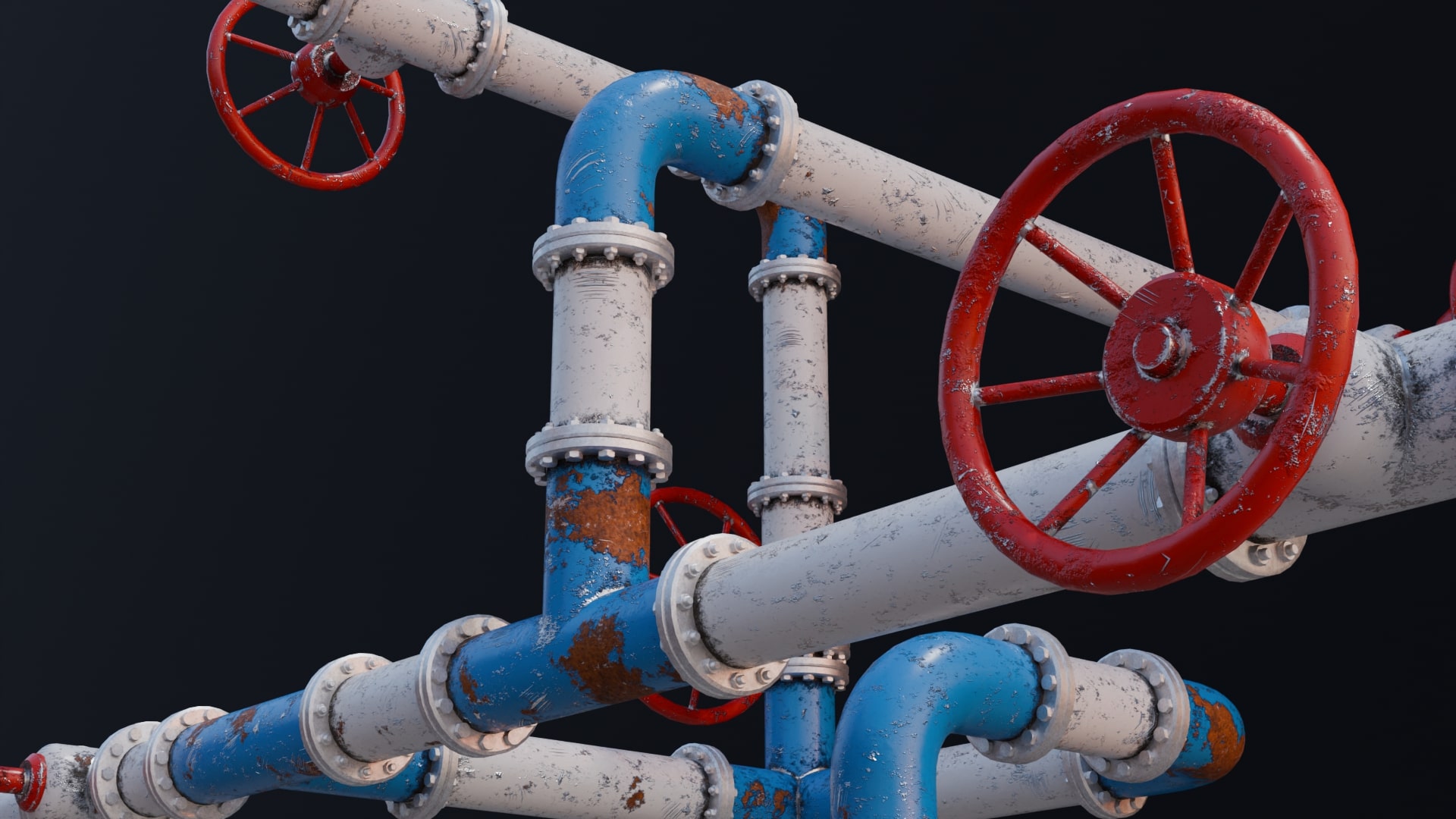
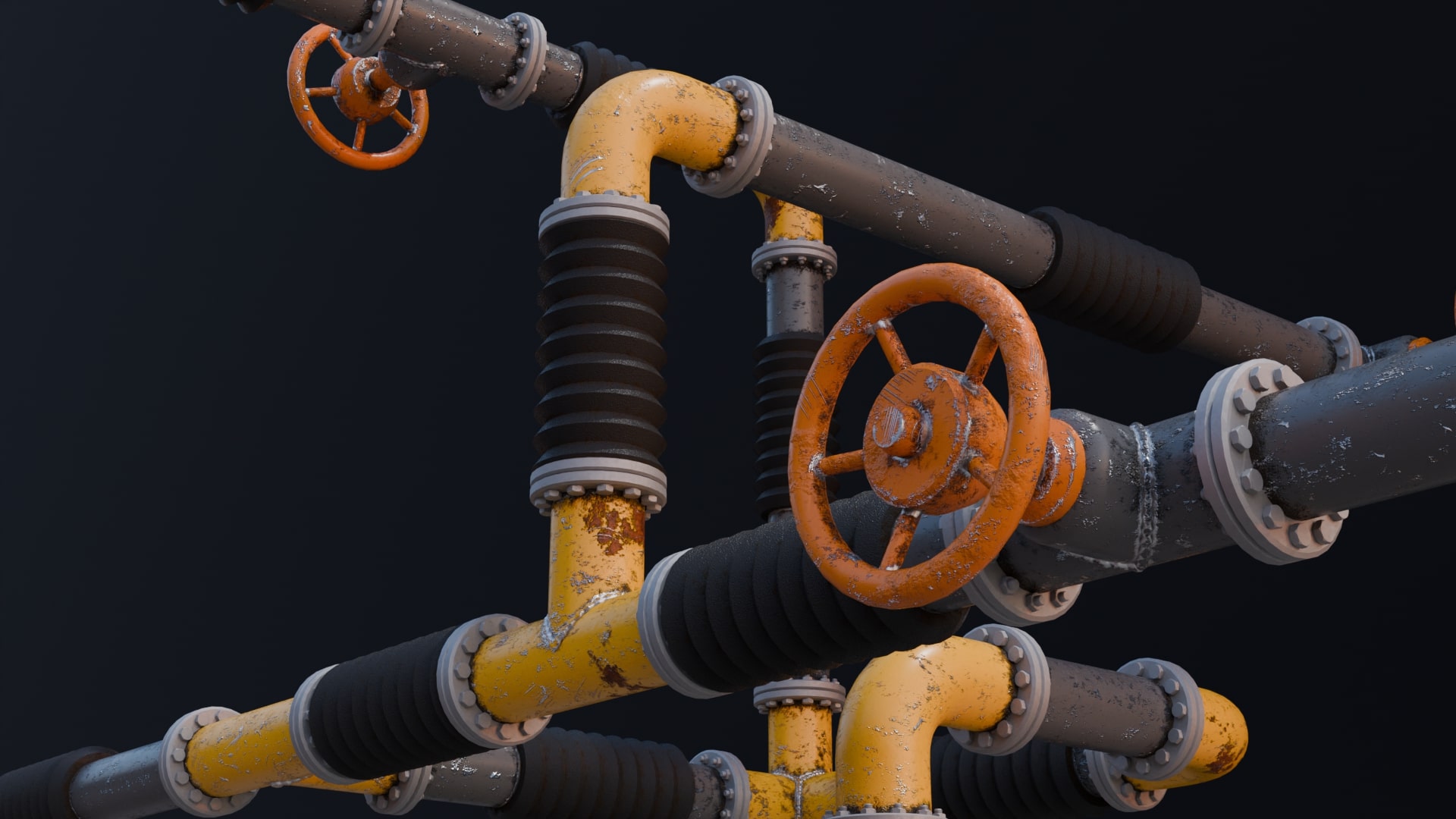
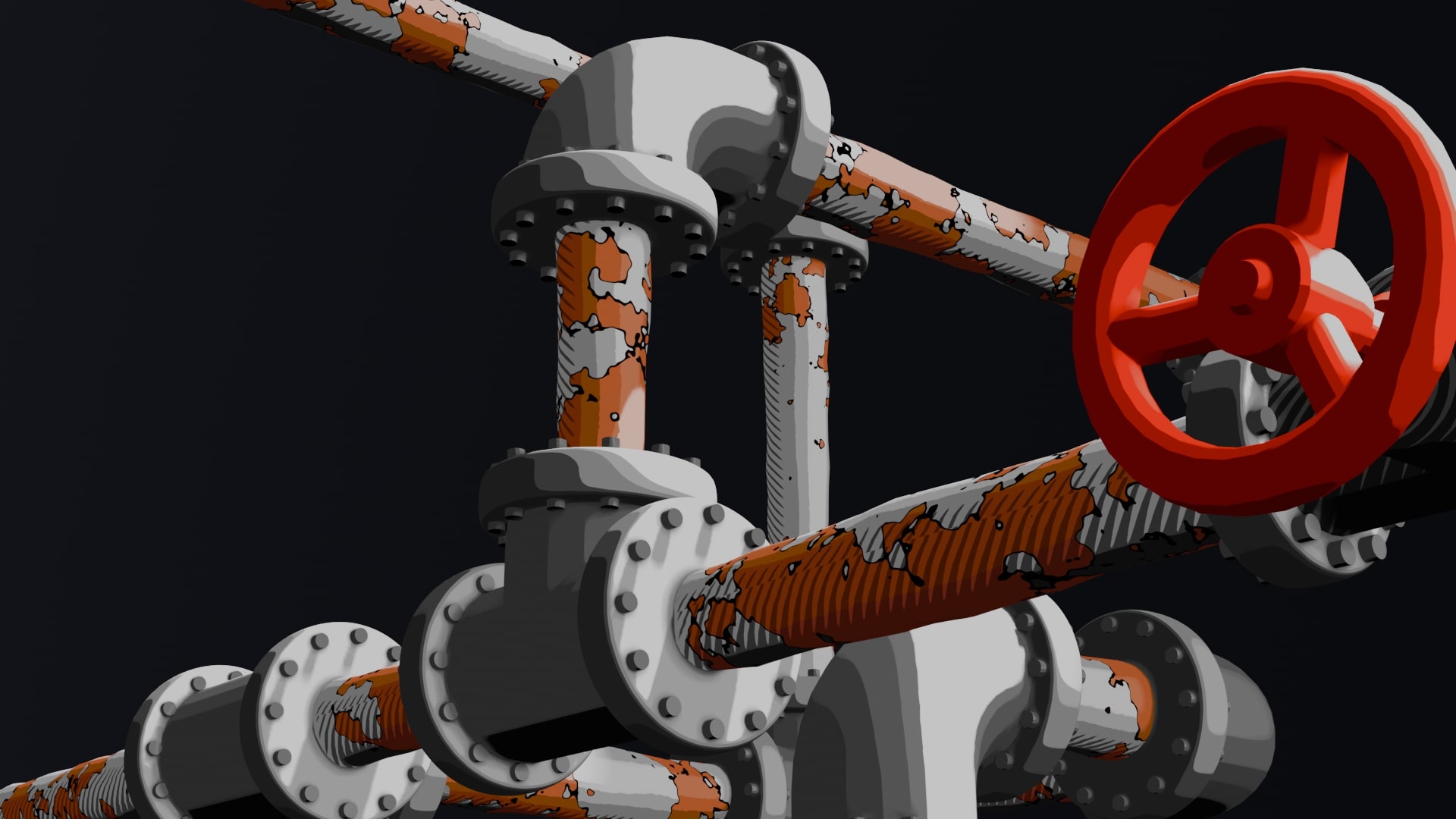
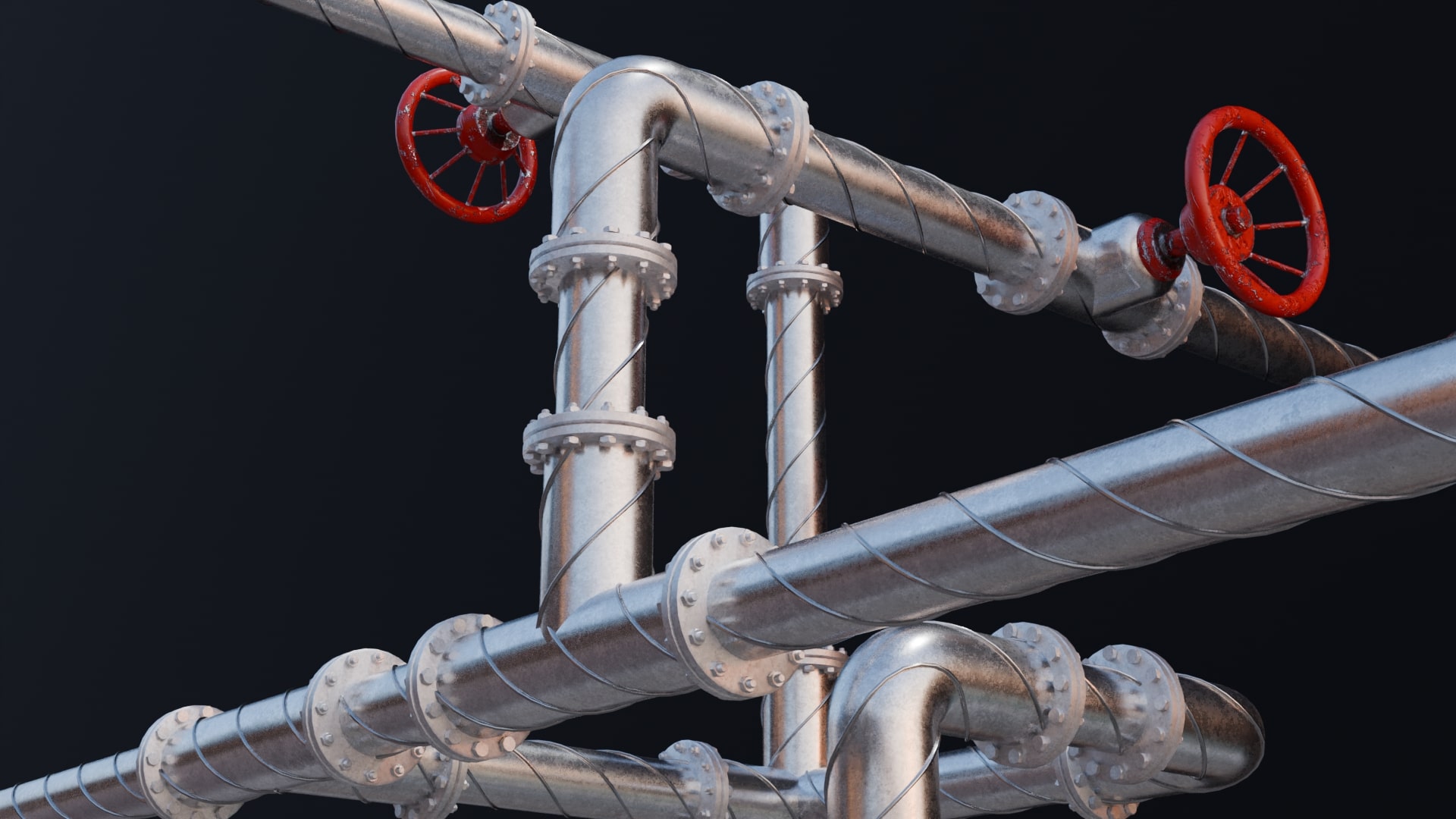
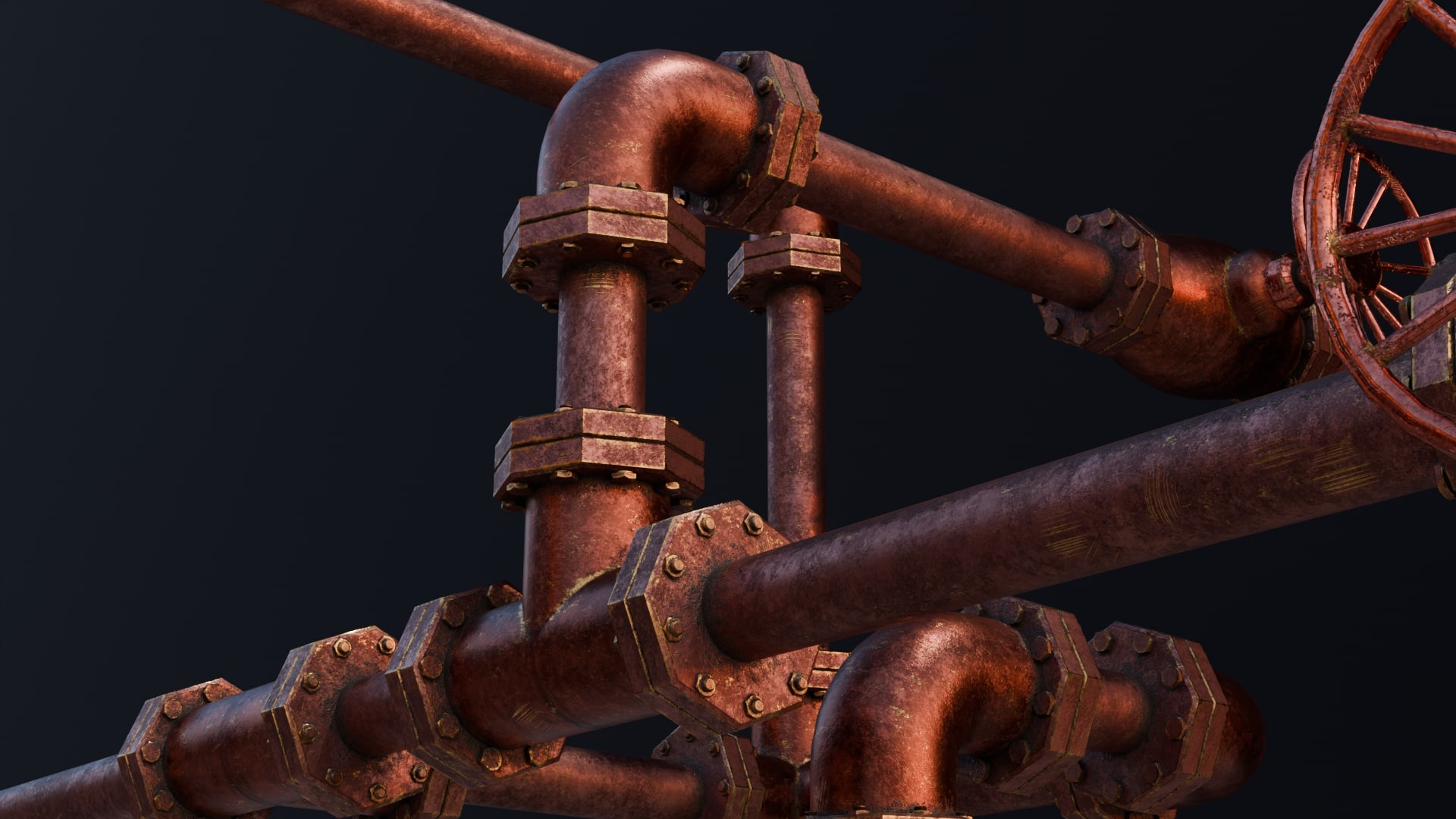
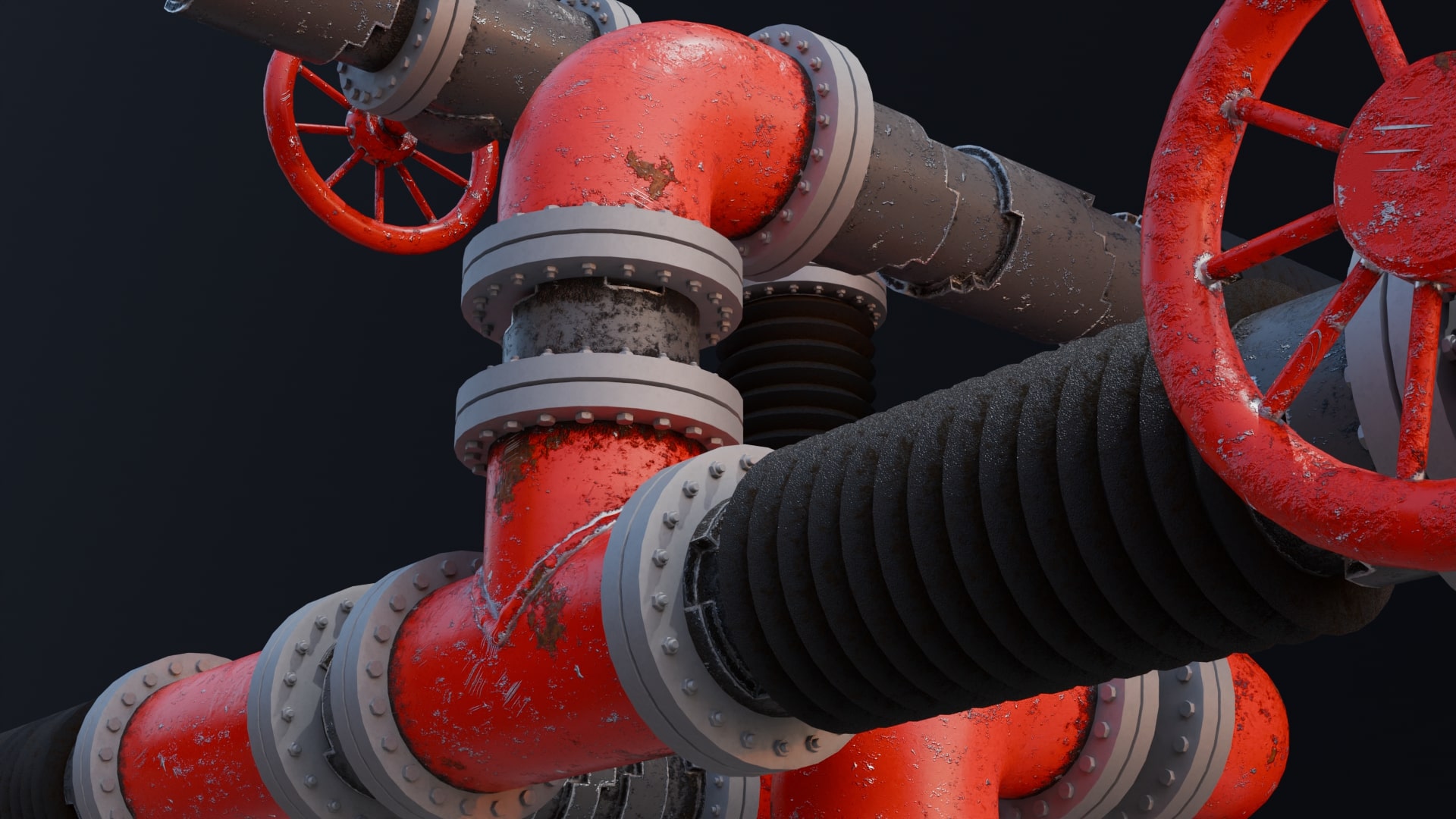
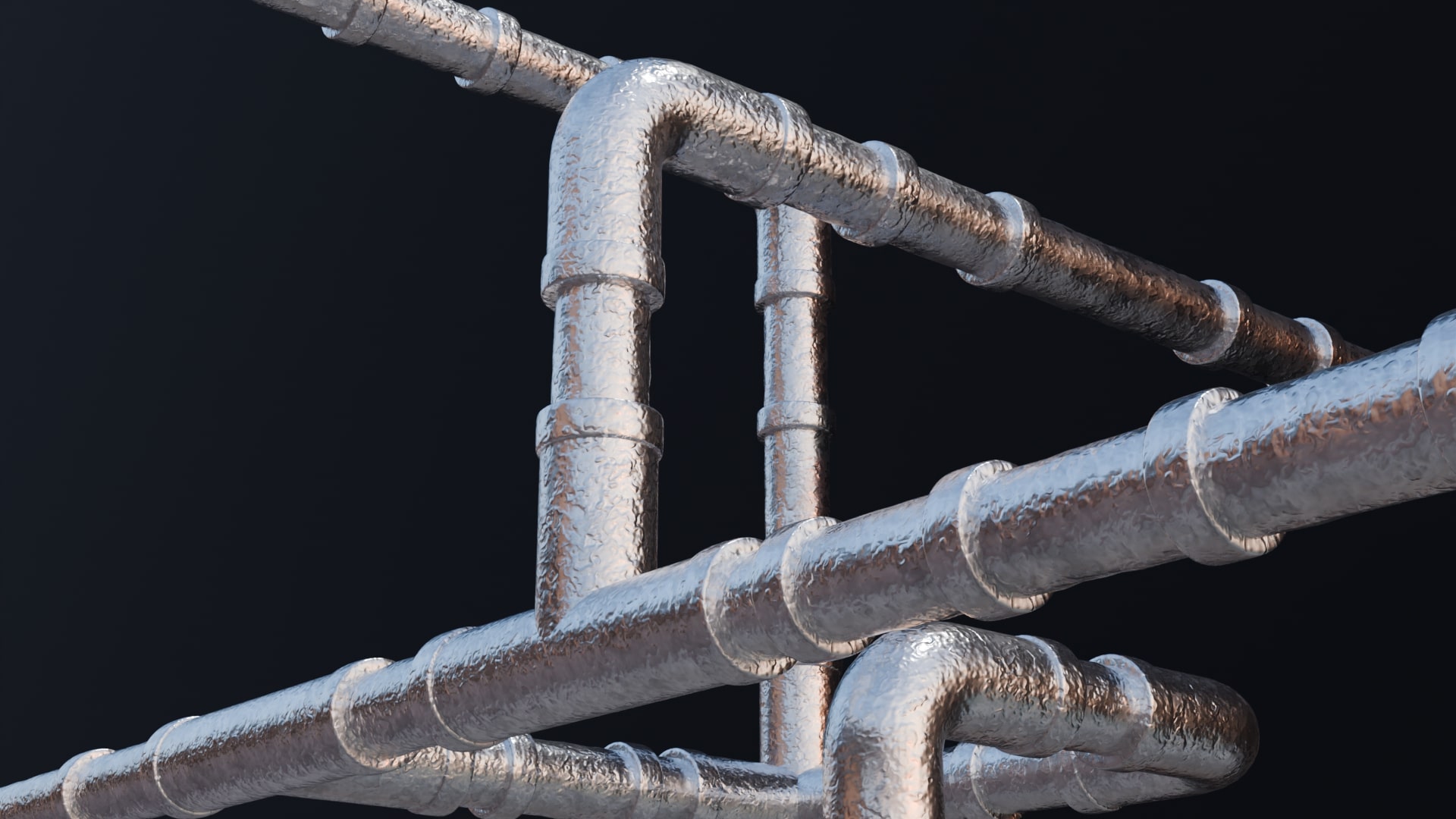
Procedural materials that come with Nodee: Pipes are created in a specific way. Basically, there are light green nodes - the materials. In a more advanced setup like the one above, the light green nodes are connected to the Mix nodee - the dark green node. This node allows mixing two materials with a mask, the gray node that generates procedural noises, scratches, and edge wear. The final effect is simply connected to the Normal Principled BSDF.
-
$40
If you plan to make money with this product. 10 Pipe system, 22 materials
-
$21
If you don't plan to make money with this product. 10 Pipes system, 22 materials
-
$22
If you plan to make money with this product. 1 Pipe system (Basic), 4 materials
-
$11
If you don't plan to make money with this product. 1 Pipe system (Basic), 4 materials
Have questions about this product?
Login to message

Discover more products like this
spring24 geometry node generator line scifi sprinq24 tube winter24 Generator realistic Steampunk pipes pipe generator procedural pipe Pipe summer24 procedural