 孙堪伟
孙堪伟


NodeFlow 3 Pro Documentation
1. Overview
NodeFlow 3 Pro is a powerful toolkit designed for the Node Editor. It streamlines your workflow with features like drag-to-create reroutes, a node alignment pie menu, a visual connection helper, an intelligent auto-mixer, a navigation minimap, node transform gizmos, and value fine-tuning tools.
Important Note: This add-on is an enhancement built upon the native Node Wrangler. Please be aware of potential hotkey conflicts. For the best experience, we recommend disabling conflicting hotkeys from the original Node Wrangler in your Blender preferences.
2. Installation
1. You will receive a .zip file. **Do not unzip it.**
2. In Blender, navigate to Edit → Preferences → Add-ons.
3. Click the "Install..." button at the top right of the Preferences window.
4. Locate and select the downloaded .zip file, then click "Install Add-on".
5. Search for "NodeFlow 3 Pro" in the add-on list and check the box next to it to enable it.
3. Features & Usage
All features are operated within the Node Editor. Below are the core functions and their default hotkeys:
Core Node Operations
- Perpendicular Node Creation: Press `V` to quickly create a reroute node perpendicular to the input/output direction, making it easy to organize connections.
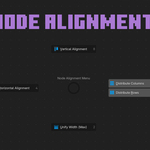
- Align Pie Menu: Select multiple nodes and press `W` to open a pie menu with various alignment and distribution options.
- Dynamic Node Width: Press `E` to dynamically adjust a node's width based on its content.
- Fine-Tune Node Values: Hold `Alt + Shift` and drag with the `Right Mouse Button` to make precise adjustments to node values. You can also use `Alt + Shift + Mouse Wheel`.
- Quick Rename Socket: Press `Alt + F2` to quickly rename the input/output sockets of a node group.
Connections & Links (Node Wrangler+)
- Quick Links: Hold `Alt` and drag with the `Right Mouse Button` from one socket to another for smarter node connections.
- Intelligent Mixer: Hold `Ctrl + Shift` and drag with the `Right Mouse Button` between two nodes to automatically create and connect a Mix Node.
- Swap Inputs: Press `Alt + S` to quickly swap the input links of nodes like the Mix Node.
- Quick Texture Setup: Press `Ctrl + T` to create a complete texture coordinate setup for the selected shader node instantly.
- Merge/Unlink Reroute Chain: `Alt + Double Left Click` to merge a chain of reroutes; `Ctrl + Double Left Click` to unlink it.
Navigation & View
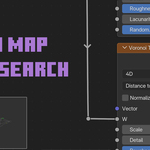
- Minimap: Press `Alt + ` ` (Backquote/Tilde key)` to toggle a navigation minimap of the node area, perfect for navigating large and complex node networks.
4. Configuration & Preferences
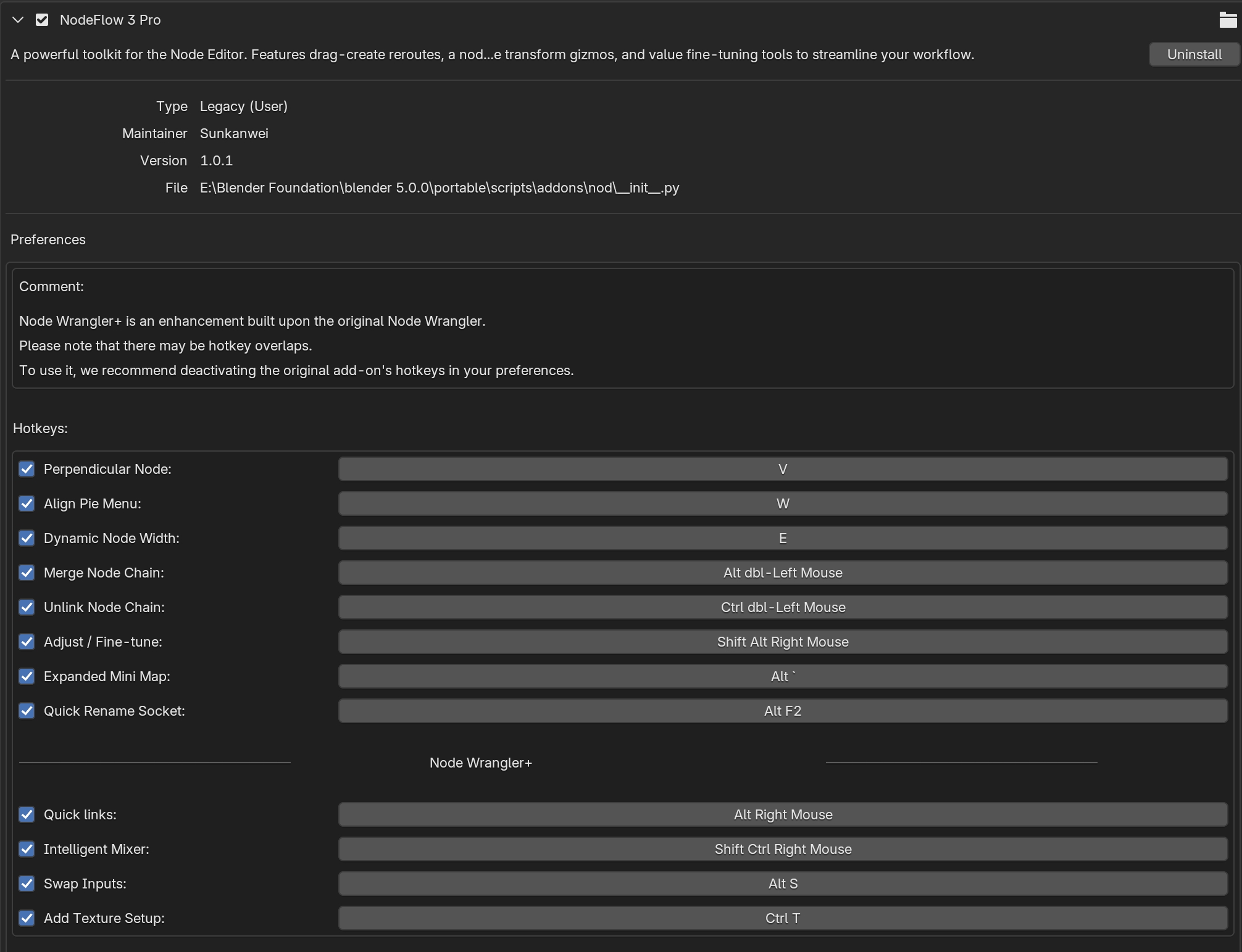
You can enable or disable individual hotkeys and customize the minimap's appearance in the add-on's preferences.
1. Go to Edit → Preferences → Add-ons.
2. Search for and expand the "NodeFlow 3 Pro" add-on panel.
3. Here, you can check or uncheck the hotkeys for each feature and adjust settings for the minimap, such as its corner position and offset.
5. Support
If you encounter any issues or have feature suggestions, please contact me through the platform where you purchased the add-on. Thank you for your support!
Have questions about this product?
Login to message