 孙堪伟
孙堪伟


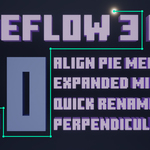
NODE EDITING TOOLKIT / VERSION 1.0.5
Less node maintenance.
More building.
NodeFlow 3 Pro brings cleaner connections, faster layout tools, direct navigation, and precise controls into Blender's Node Editor - so complex graphs stay easier to build and understand.
Readable links by design
Build perpendicular routes, create visual connections, and clean up reroute chains without breaking your flow.
Layout without the busywork
Align, distribute, match widths, and resize selected nodes through a compact set of focused tools.
Keep large graphs in reach
Use an interactive minimap, quick socket renaming, fine value control, and a visual movement gizmo.
THE WORKFLOW
Four friction points. One focused toolkit.
NodeFlow 3 Pro is built around the repetitive moments that make node work feel heavier than it should. Each tool stays close to the graph and can be enabled, disabled, or remapped from the add-on preferences.
Turn tangled links into readable routes
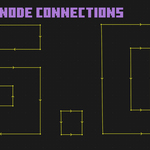
Create perpendicular reroute chains, preview links as you draw, and merge or unlink reroute chains with direct gestures. Connection work becomes a visible part of the design instead of a cleanup task left for later.
Included tools
- Perpendicular node routing
- Visual quick links
- Merge or unlink reroute chains
- Axis locking while routing
Organize a selection as a system
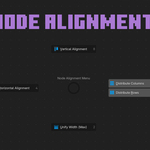
Open one pie menu to align node centers, distribute rows or columns, and match widths. A separate width tool lets you adjust selected nodes together when the layout needs a more deliberate touch.
Included tools
- Horizontal and vertical alignment
- Even row and column distribution
- Match selected node widths
- Interactive multi-node resizing
Move through the graph without losing context
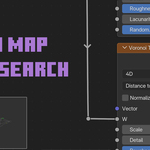
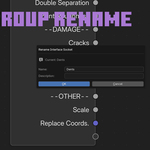
Keep an overview of large node trees with the minimap, rename group sockets under the pointer, fine-tune values with the mouse wheel, and move nodes with an optional coordinate gizmo.
Included tools
- Interactive corner or expanded minimap
- Quick group socket rename
- Context-aware value fine-tuning
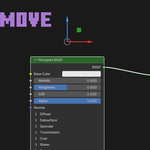
- Optional node movement gizmo
Shorter paths through common node actions
Create a compatible Mix node between selected connections, swap inputs, or add a texture-coordinate setup with dedicated shortcuts. These tools extend familiar Node Wrangler-style workflows.
Included tools
- Intelligent Mix node creation
- Quick input swapping
- Texture-coordinate setup
- Individually configurable hotkeys
FEATURE TOURS
See the tools in motion
Short demonstrations show how NodeFlow behaves inside real node workflows. The controls stay visible, direct, and close to the work.
Perpendicular connections
Build and edit clean reroute paths directly in the Node Editor.
Alignment and distribution
Turn a rough selection into a consistent layout through one pie menu.
Interactive minimap
Read the whole graph, jump to a region, or drag the visible area.
Visual movement gizmo
Move selected nodes by axis or freely with familiar viewport-style control.
PRACTICAL DETAILS
Know what fits your setup
BEFORE YOU BUY
Node Wrangler hotkeys
Some Node Wrangler+ shortcuts may overlap with Blender's original Node Wrangler. If a conflict appears, disable the matching original shortcut or remap the NodeFlow action in the add-on preferences.
DEFAULT SHORTCUTS
Fast when you want them. Configurable when you don't.
Every feature shortcut can be enabled or disabled from the add-on preferences. Default mappings include:
LATEST UPDATE
Version 1.0.5
- Added compatibility support for Blender 5.2.
- Fixed Alt + Right Click quick connections.
- Improved extension packaging and manifest compatibility.
MORE FROM THIS CREATOR
Discover more tools
Purpose-built Blender tools for modeling, interface organization, materials, animation, and lighting.
 Bend Flow X
Interactive bend and twist tools with direct viewport controls.
Bend Flow X
Interactive bend and twist tools with direct viewport controls.
 Lattice Craft
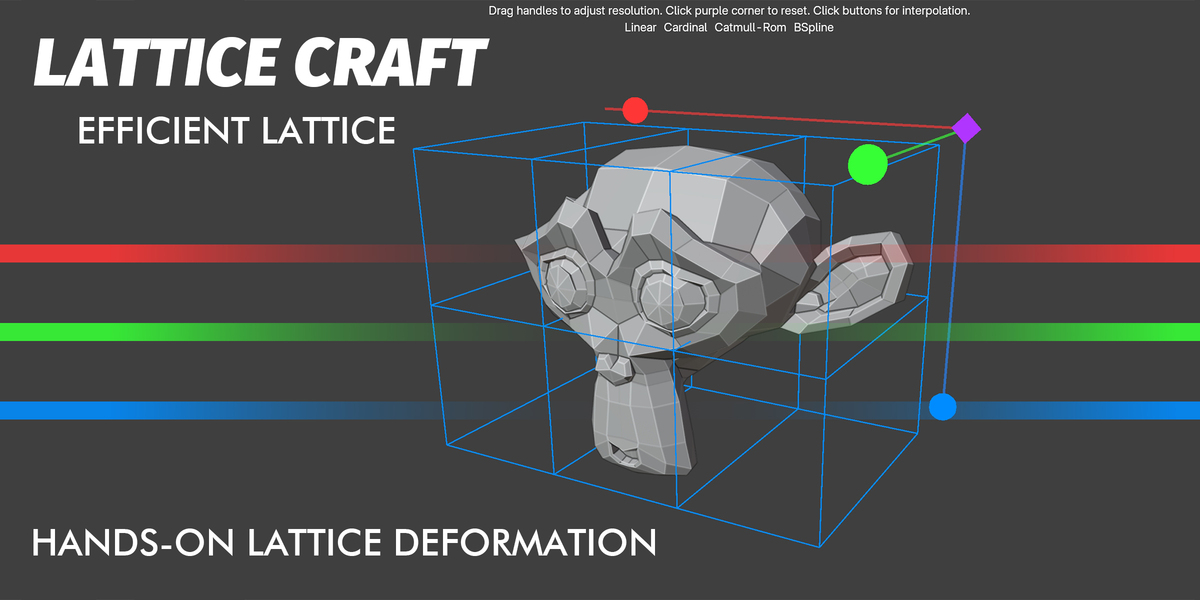
Fast, intuitive lattice deformation directly in the viewport.
Lattice Craft
Fast, intuitive lattice deformation directly in the viewport.
 N-Panel Orchestrator
Organize, search, and control Blender sidebar panels.
N-Panel Orchestrator
Organize, search, and control Blender sidebar panels.
 Knifepro
Projection, Boolean, and template-based cutting tools.
Knifepro
Projection, Boolean, and template-based cutting tools.
 Animax Rotator
Create hard-surface rotation animation without rigging.
Animax Rotator
Create hard-surface rotation animation without rigging.
 NormalCanvas Pro
Edit textures and generate depth or normal maps inside Blender.
NormalCanvas Pro
Edit textures and generate depth or normal maps inside Blender.
 RayPilot
Interactive lighting, light linking, gobos, and viewport controls.
RayPilot
Interactive lighting, light linking, gobos, and viewport controls.
NODEFLOW 3 PRO
Make complex node work feel lighter.
A focused collection of connection, layout, navigation, and control tools for Blender artists who spend real time inside the Node Editor.