 ORM3DCreations
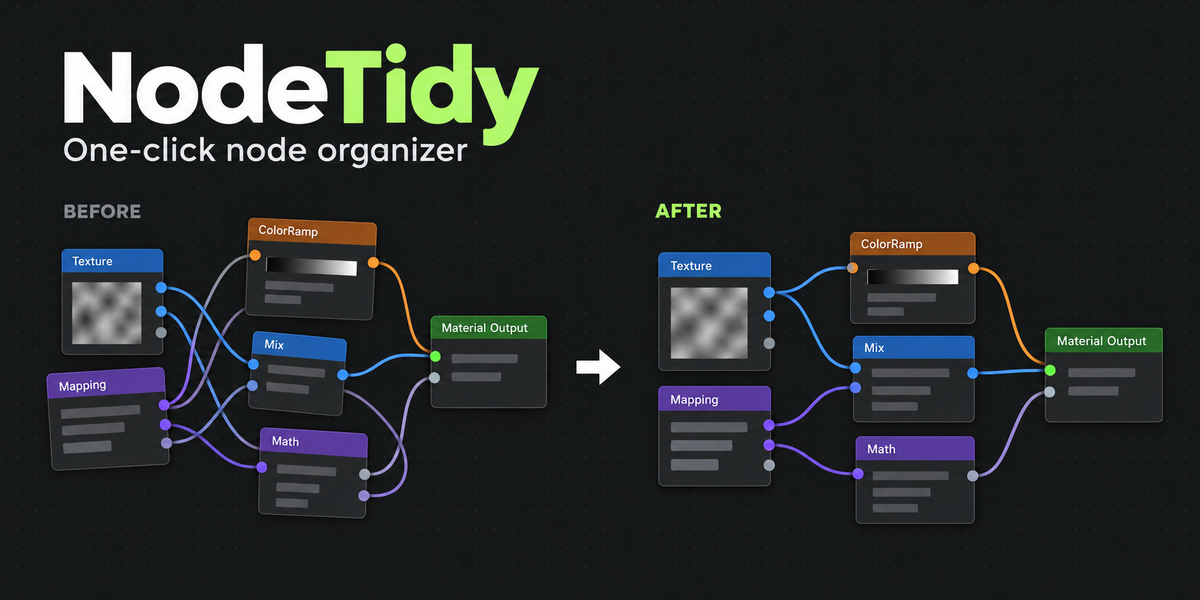
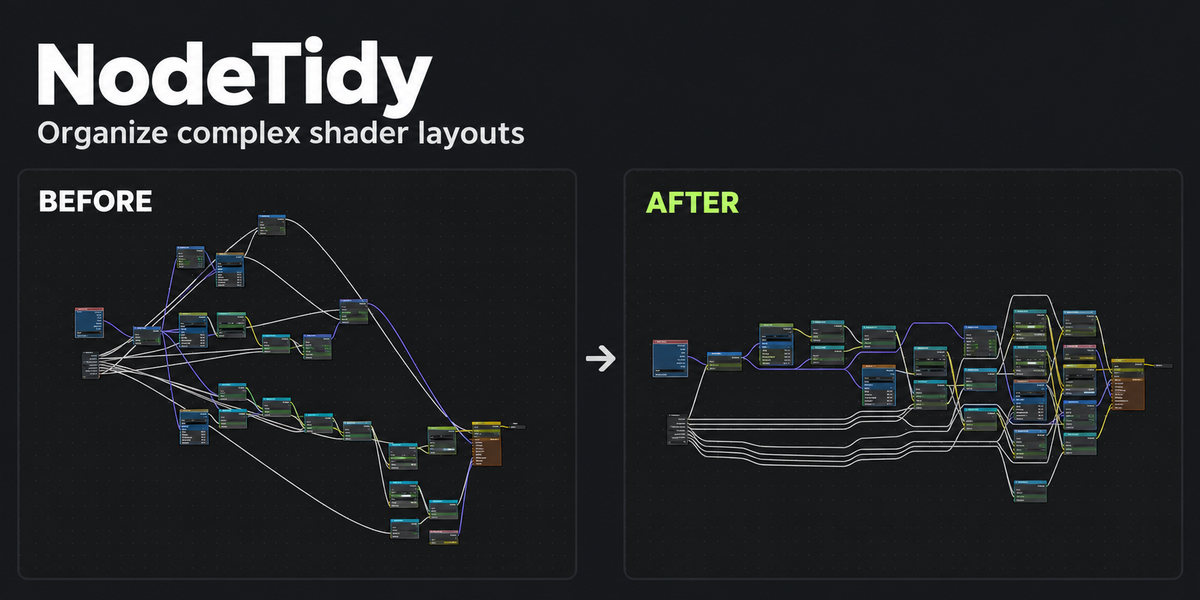
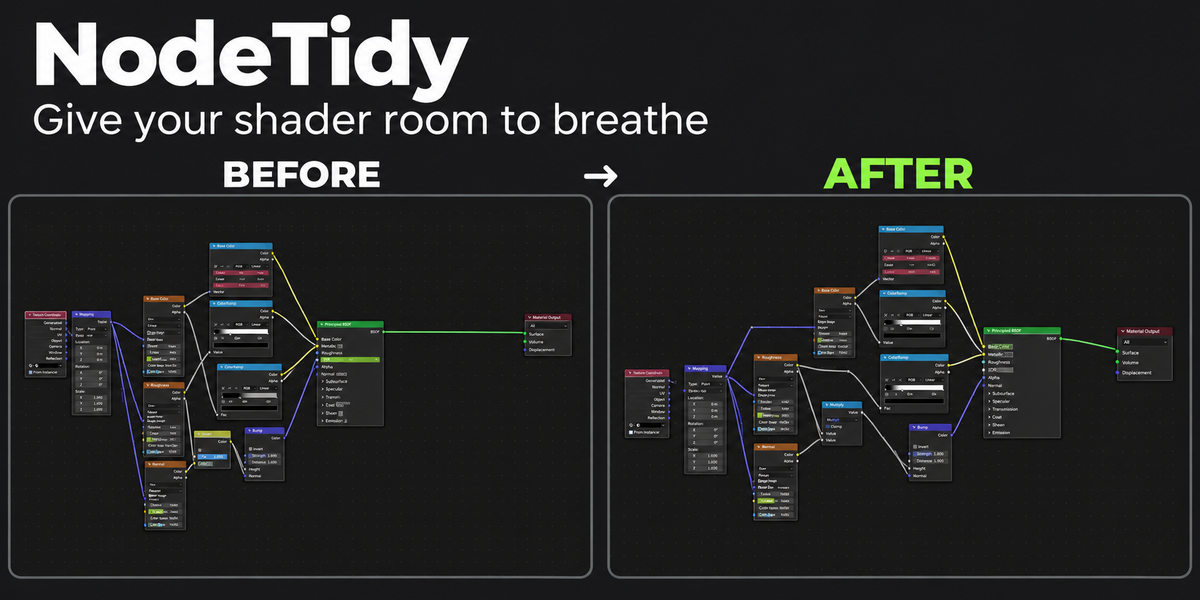
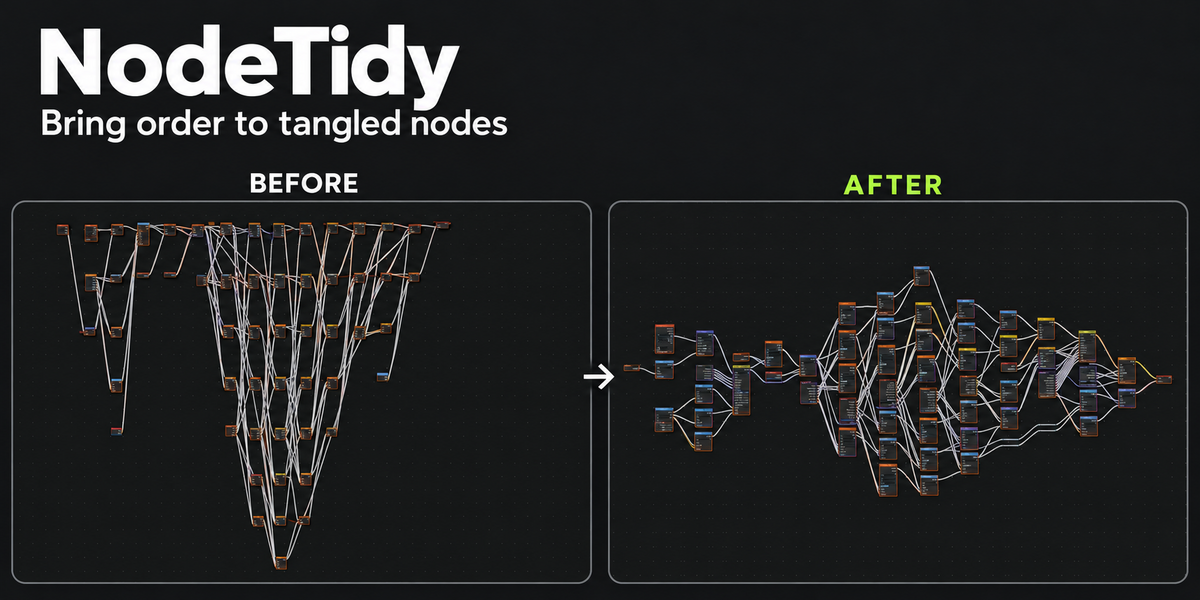
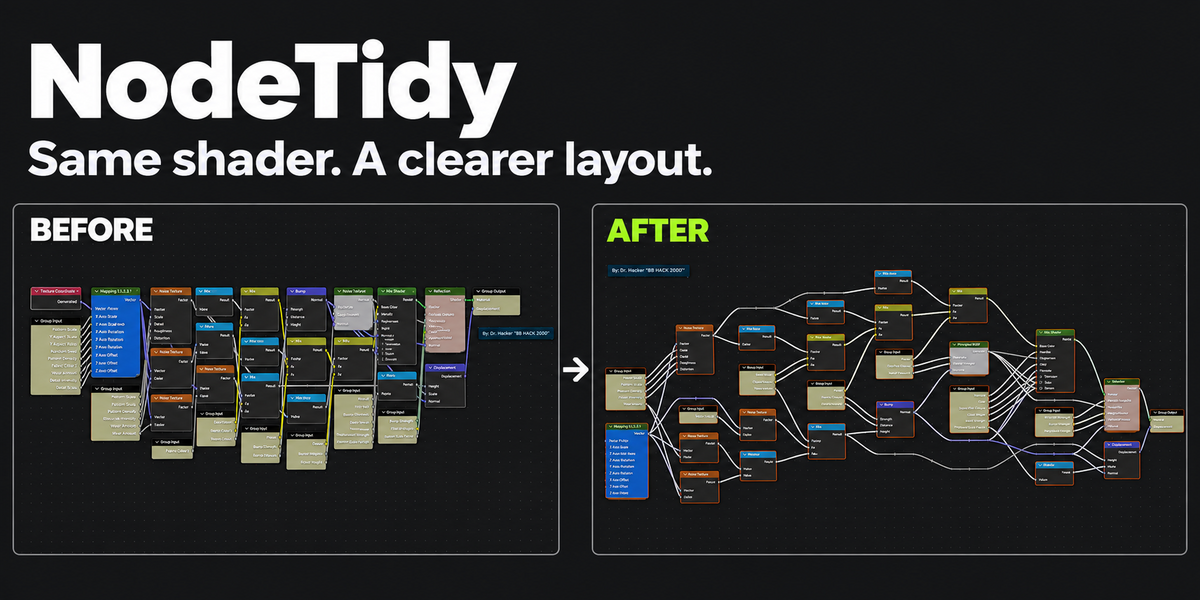

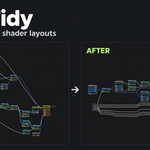
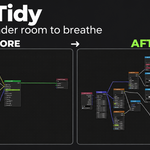
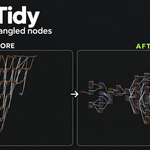
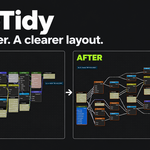
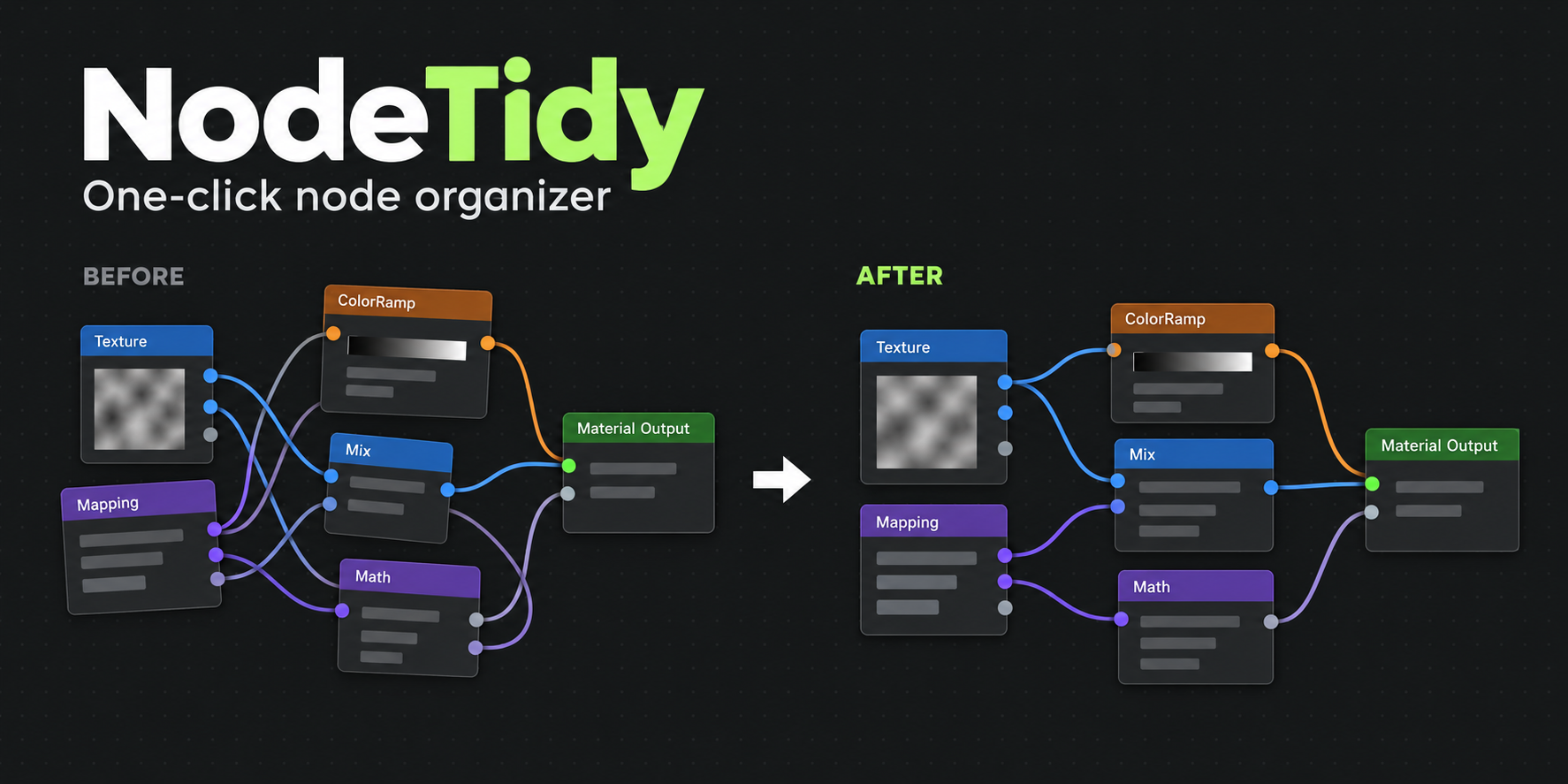
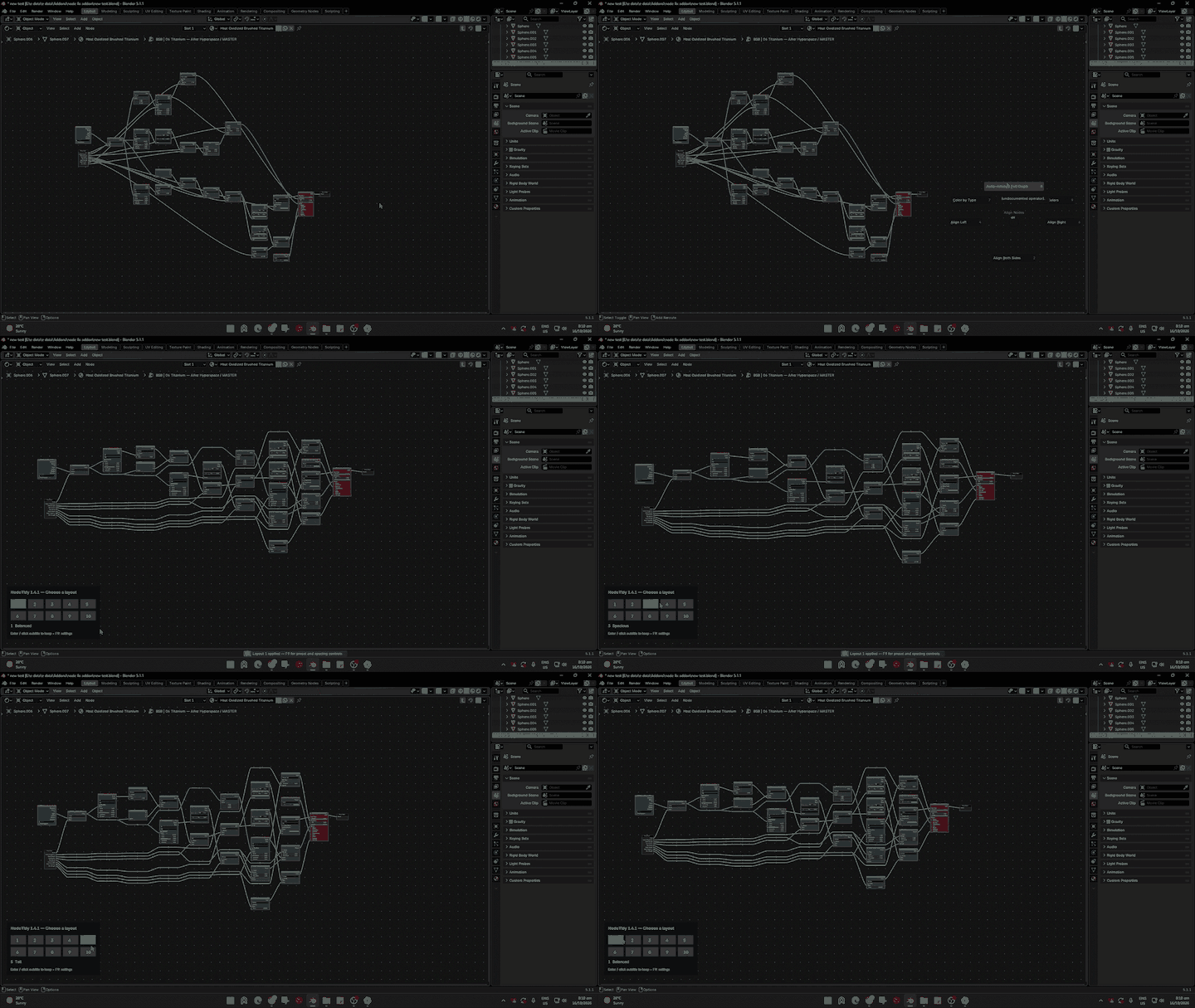
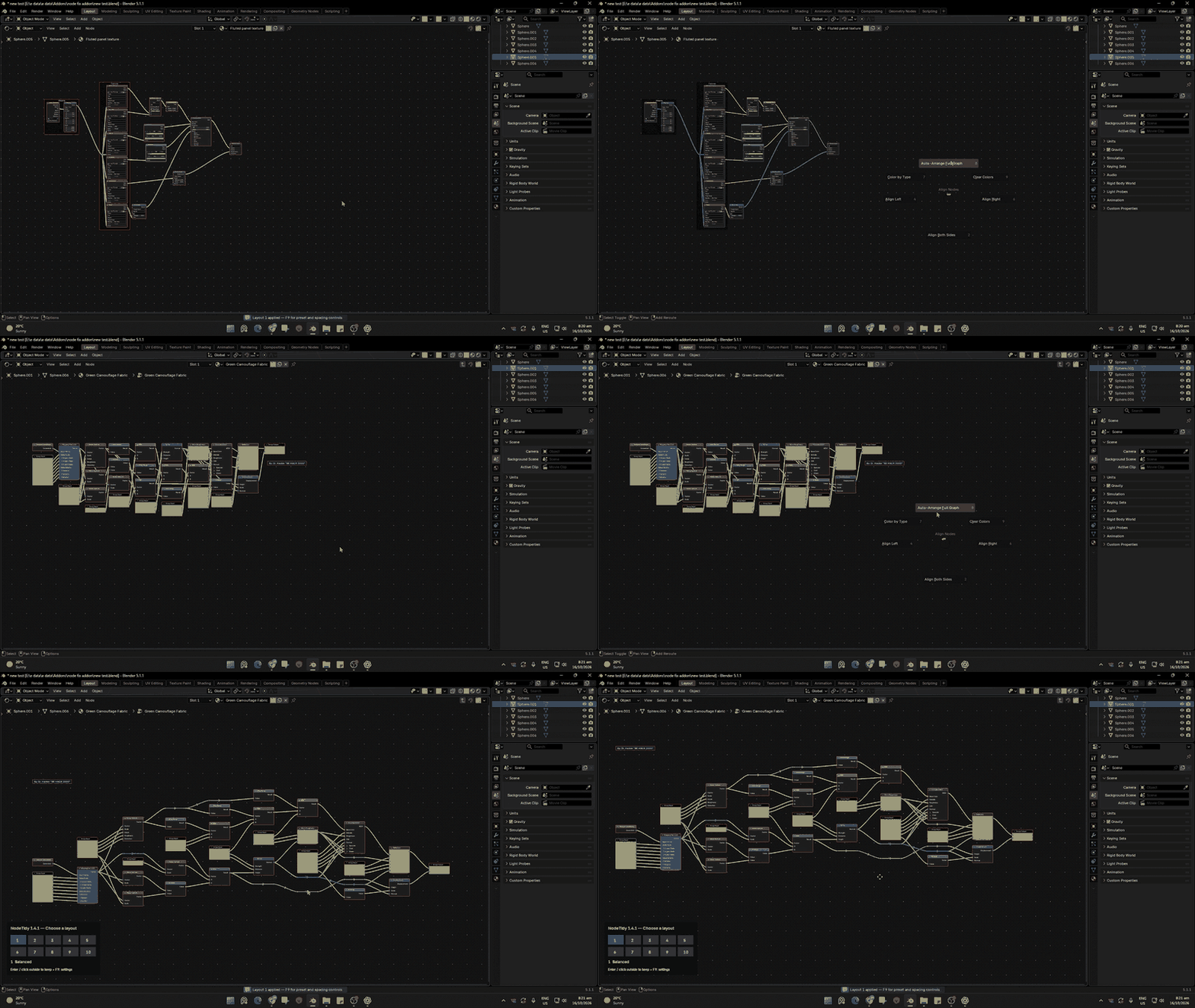
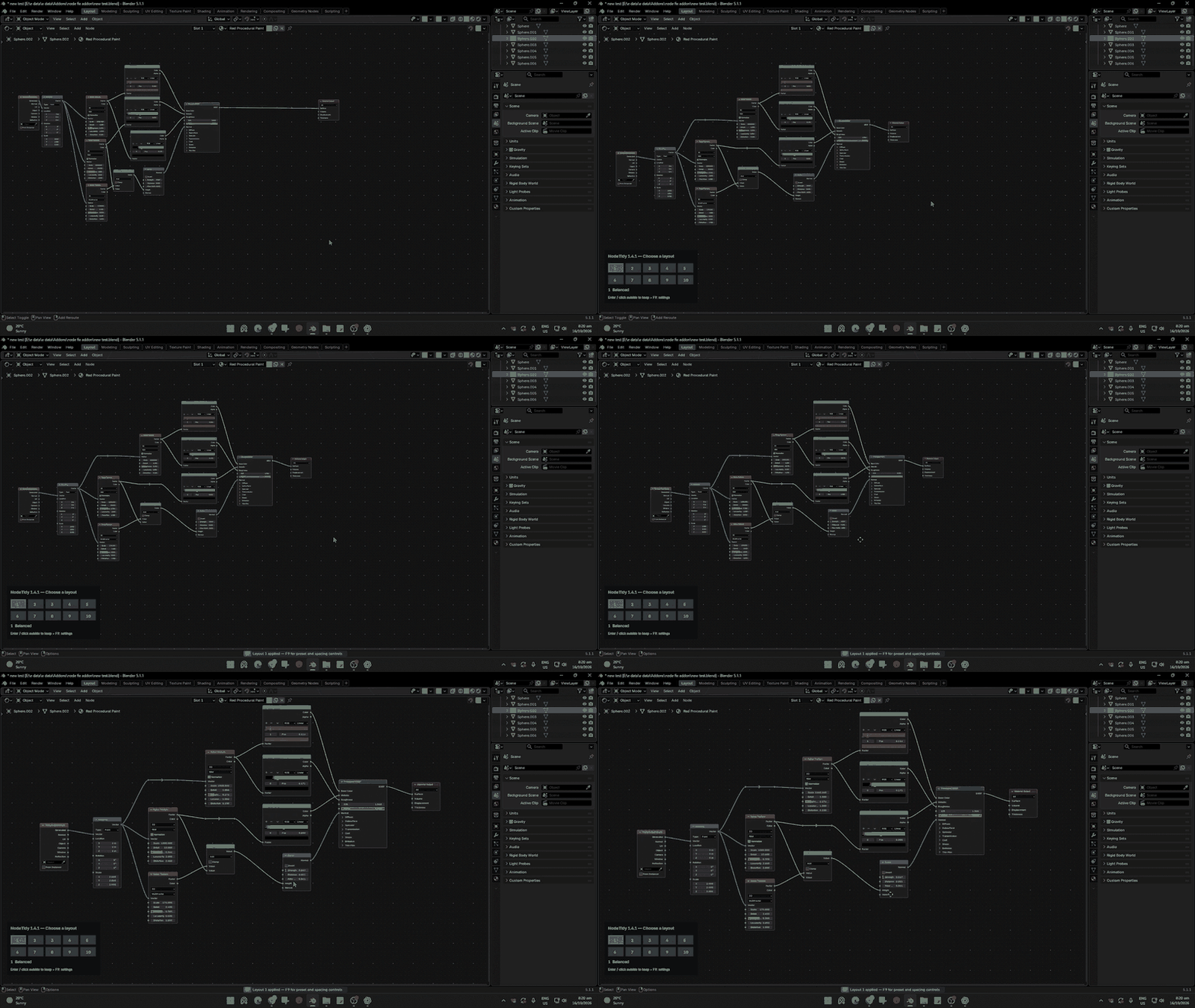
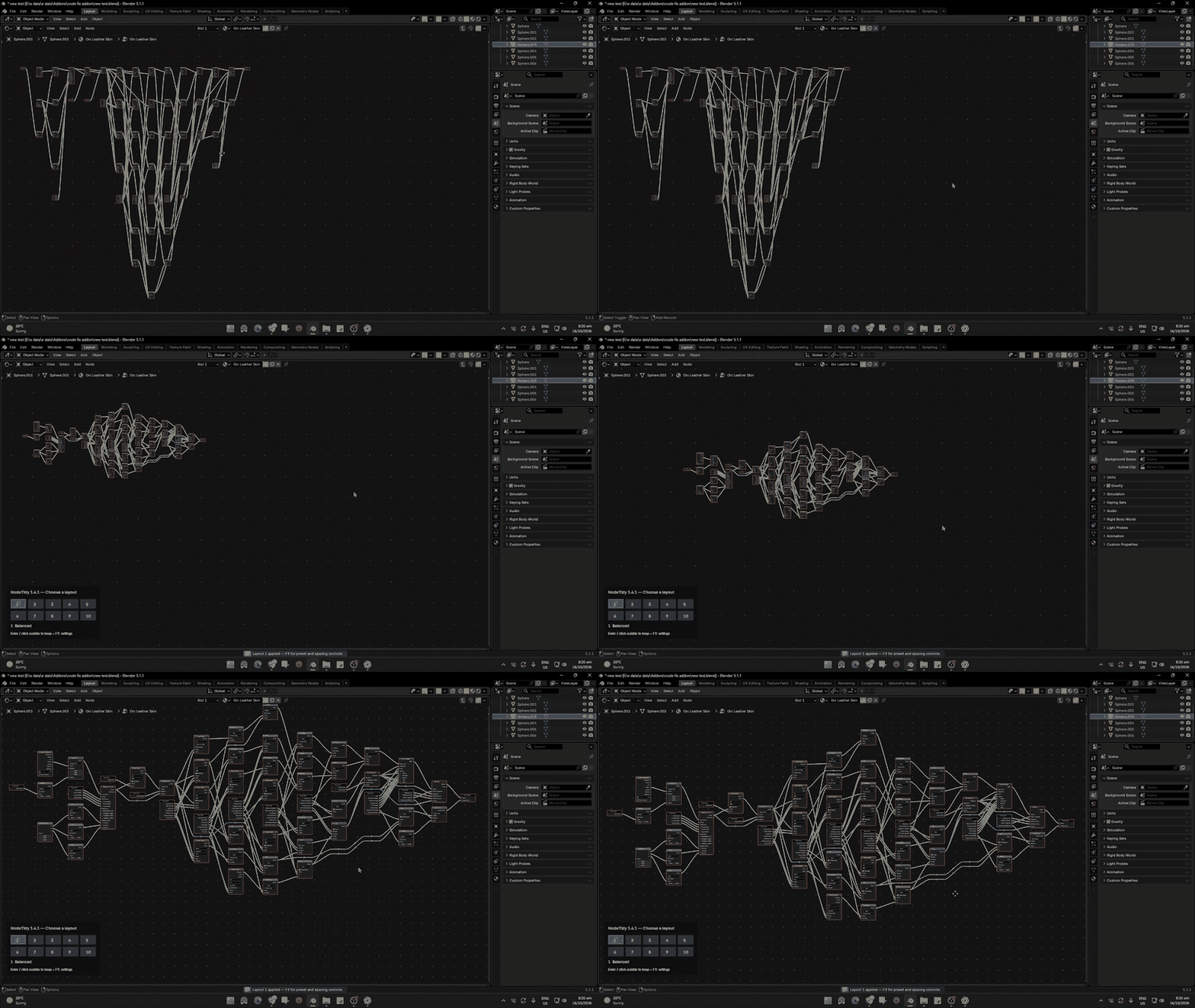
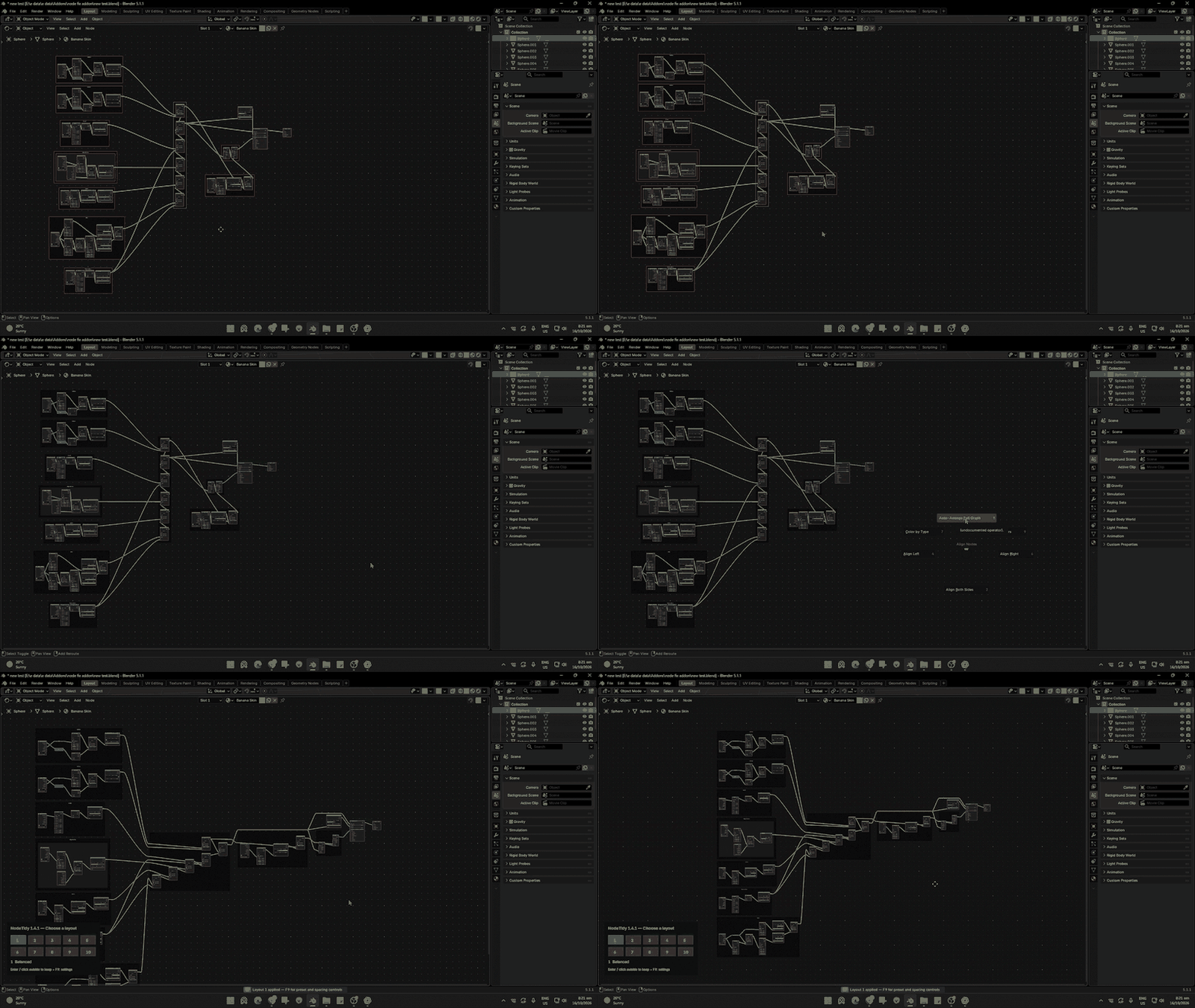
Turn crowded shader graphs into clear, organized layouts with NodeTidy. Arrange your nodes, explore 10 layout presets, and choose the style that suits your workflow—all inside Blender’s Node Editor.
Whether you’re working with a simple material or a complex shader, NodeTidy helps you spend less time moving nodes and more time creating.
Features
- One-click Auto Arrange: Organize the current node graph.
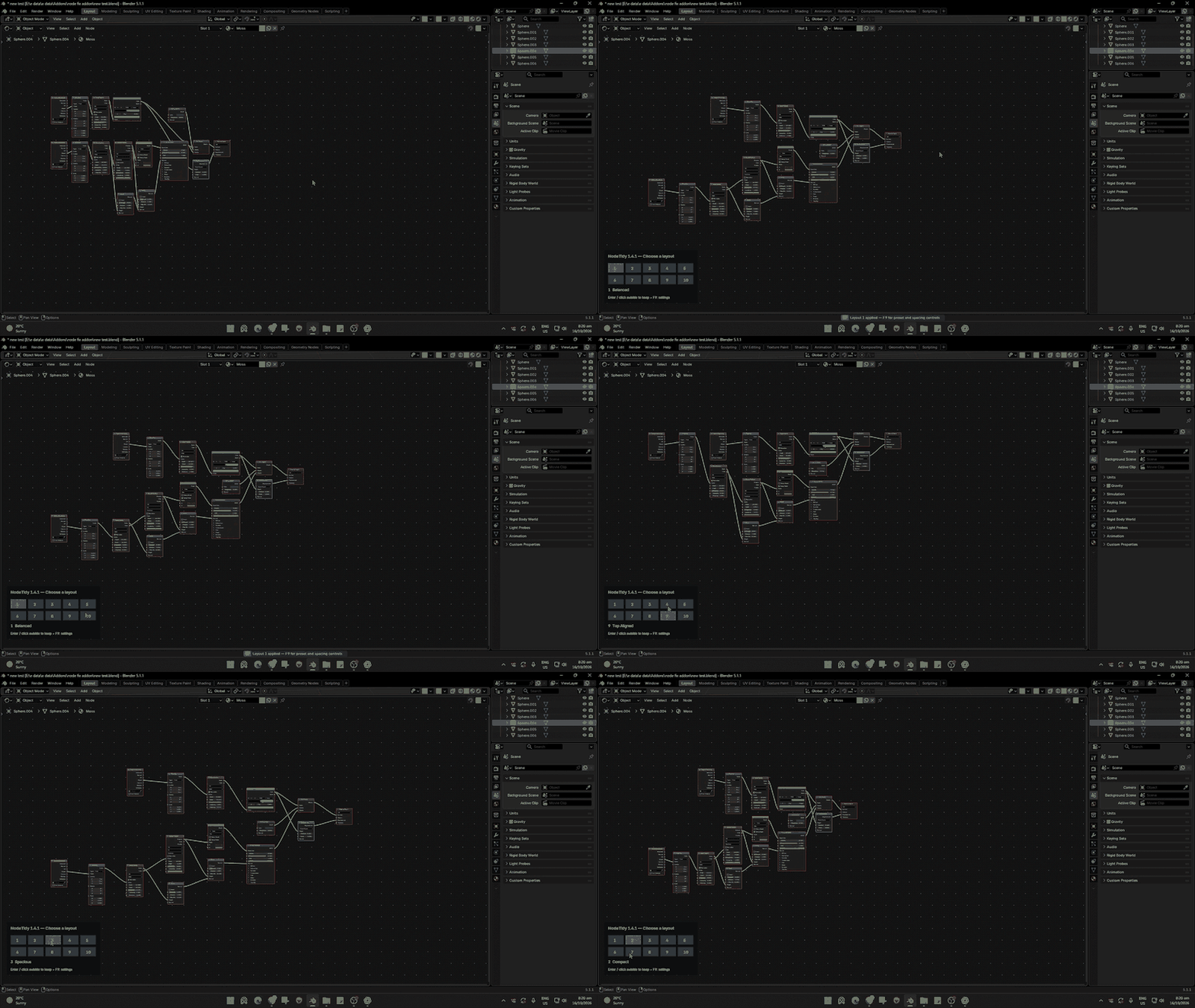
- 10 layout presets: Quickly try different arrangements using the on-screen preset picker.
- Frame-aware layouts: Arrange nodes within frames and nested frames.
- Adjustable spacing: Fine-tune column gaps, row gaps, and frame padding.
- Connection checks: Check connections after arranging and restore the original wiring if a mismatch is detected.
- Manual alignment tools: Align nodes left, right, or on both sides.
- Node colors: Apply colors by node type or clear custom colors.
How to use
Place your cursor over the Node Editor, press Shift + E, and choose Auto-Arrange Full Graph. Try the numbered presets, then press Enter or click outside the picker to keep your choice. Use F9 for preset and spacing controls.
Current version: 1.4.1
Tested in: Blender 5.2.2
Layout results vary with the structure of your graph; presets and spacing controls help you refine the arrangement.