 3DMAGIC
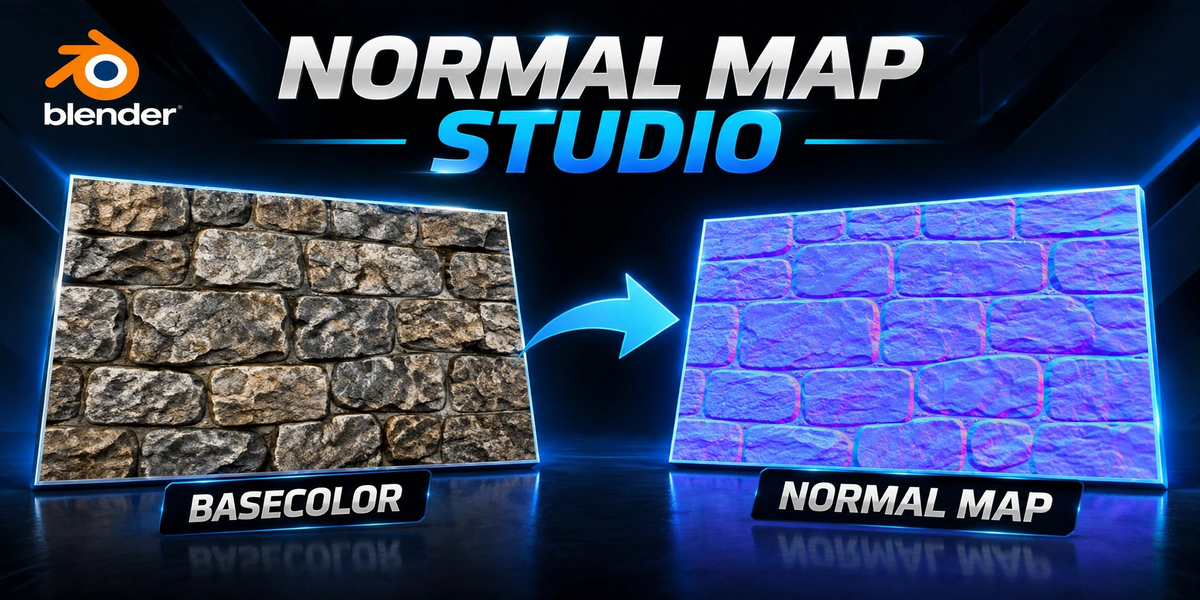
Universal Normal Map Studio
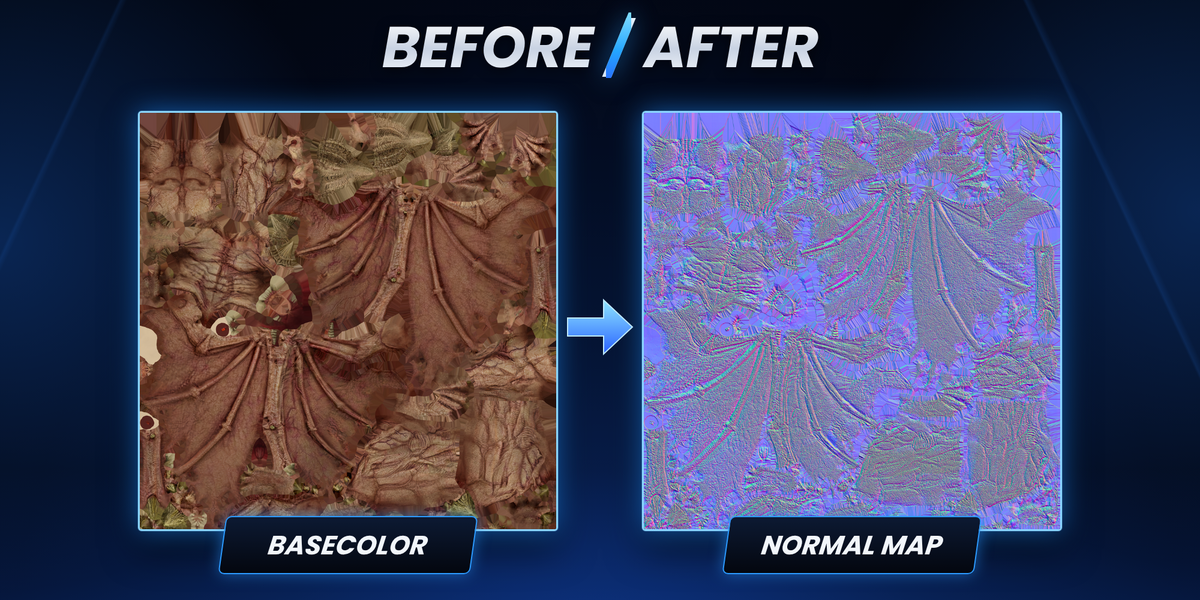
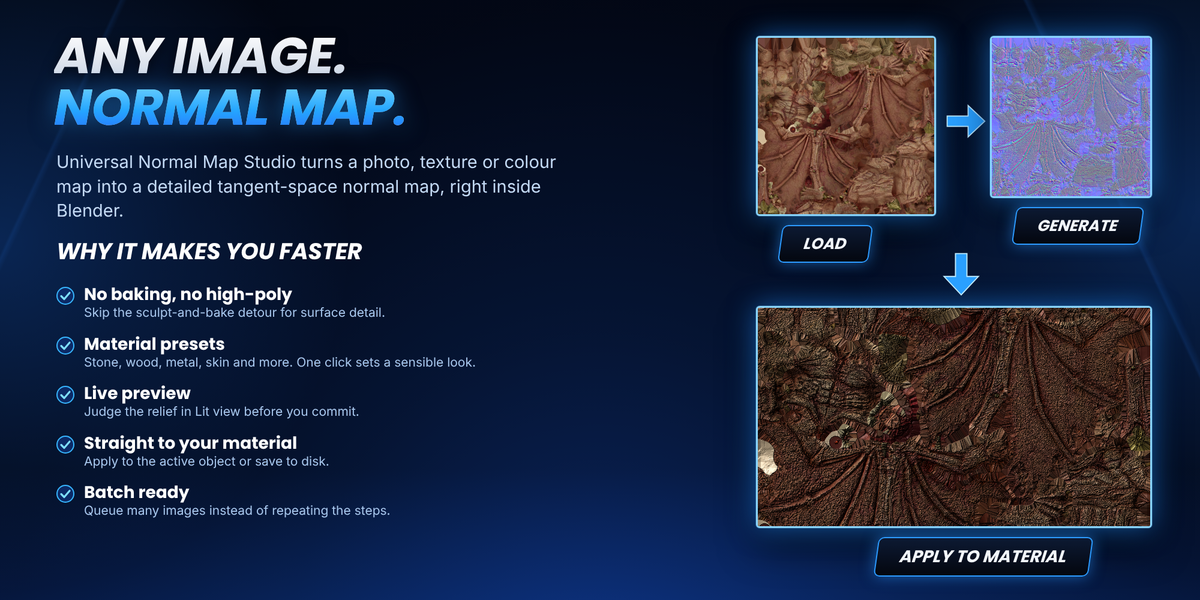
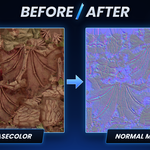
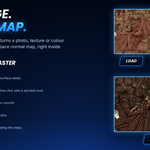
Convert any image into a detailed tangent-space normal map, right inside Blender.
Load a photo, texture or colour map, pick the material that looks closest, press Generate. No baking, no external apps.

What you get
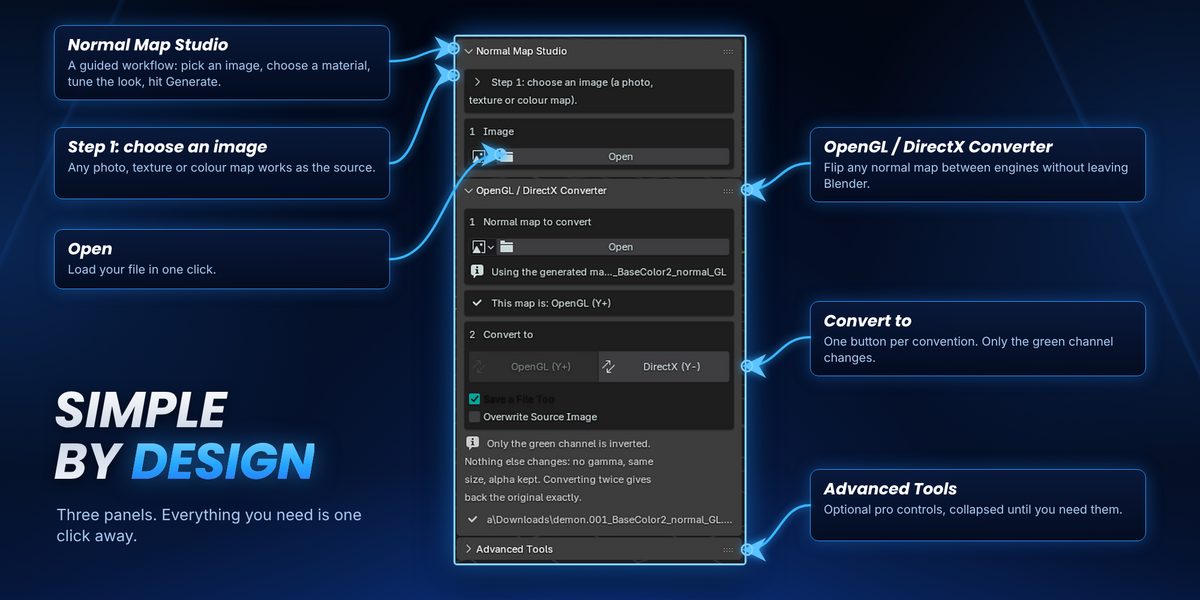
- Guided main panel: three simple steps from image to finished map.
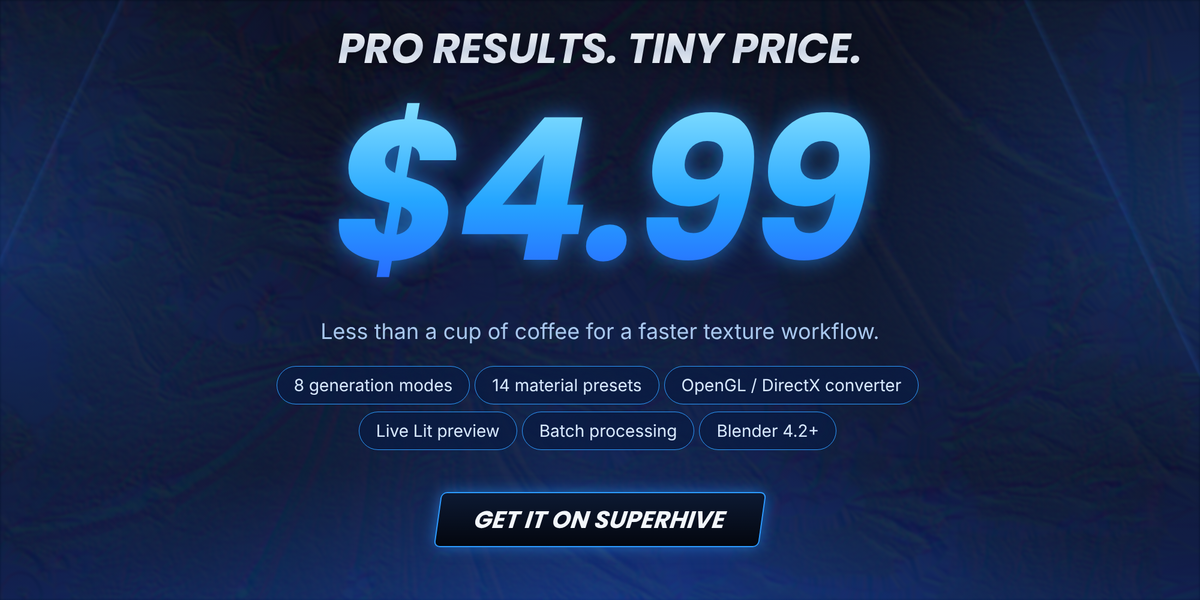
- 8 generation modes: Auto (recommended), Standard, Advanced, Detail-Preserving, Smooth Surface, High-Detail, Multi-Scale and Custom.
- 14 material presets: Stone, Rock, Concrete, Brick, Wood, Metal, Brushed Metal, Leather, Fabric, Skin, Plastic, Ceramic, Organic and Sci-Fi.
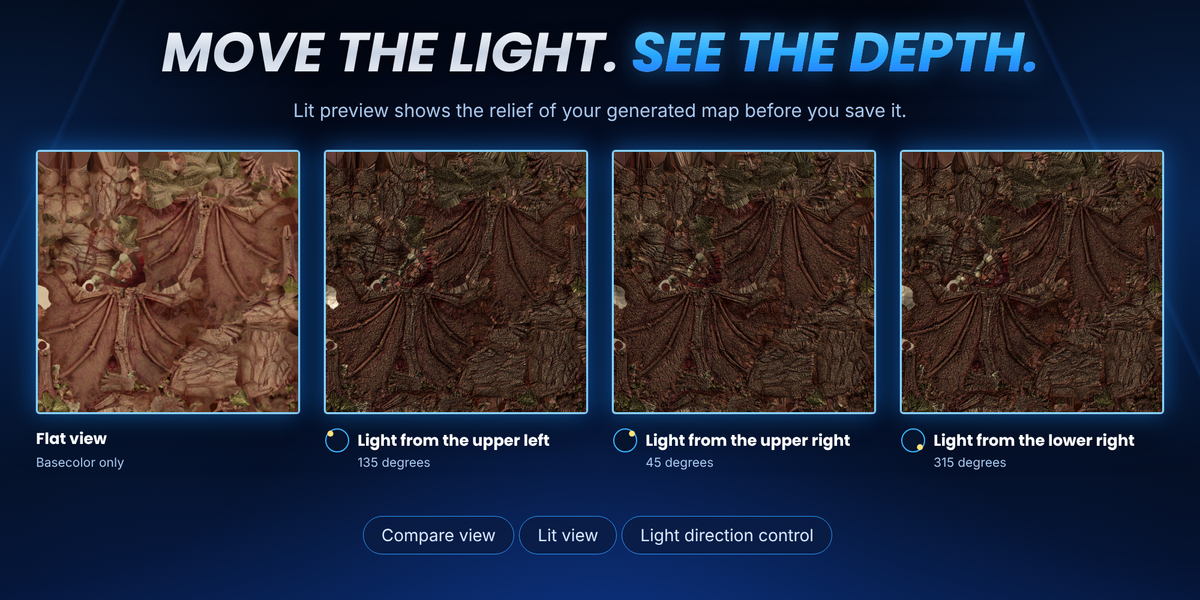
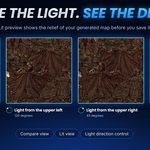
- Live preview: Compare view and Lit view with a light direction control, so you can judge the relief before saving.
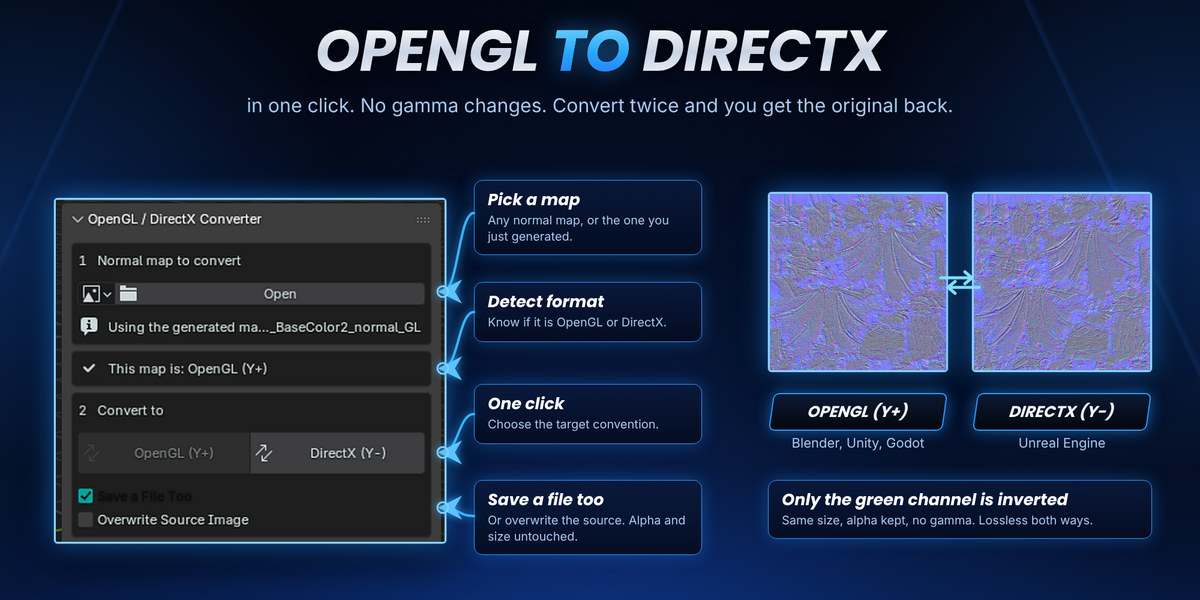
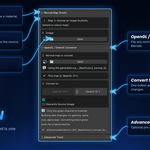
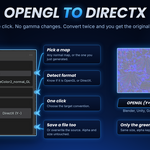
- OpenGL / DirectX converter: flip any normal map in one click.
- Apply to Material: sends the map to the active object’s material, or save it to disk.
- Batch processing: queue several images instead of repeating the steps.
Four steps, done

- Load an image. A photo, texture or colour map.
- Pick a material. Choose the preset that looks closest.
- Tune the look. Strength, Detail and Smoothing sliders, plus OpenGL or DirectX output.
- Generate. Then apply to your material or save to disk.
Modes and material presets

Every preset writes ordinary slider values that you can still adjust by hand. They are visual processing profiles, not material recognition, so always check the result in Lit view.
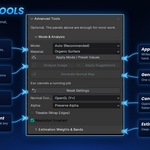
Advanced Tools (optional)
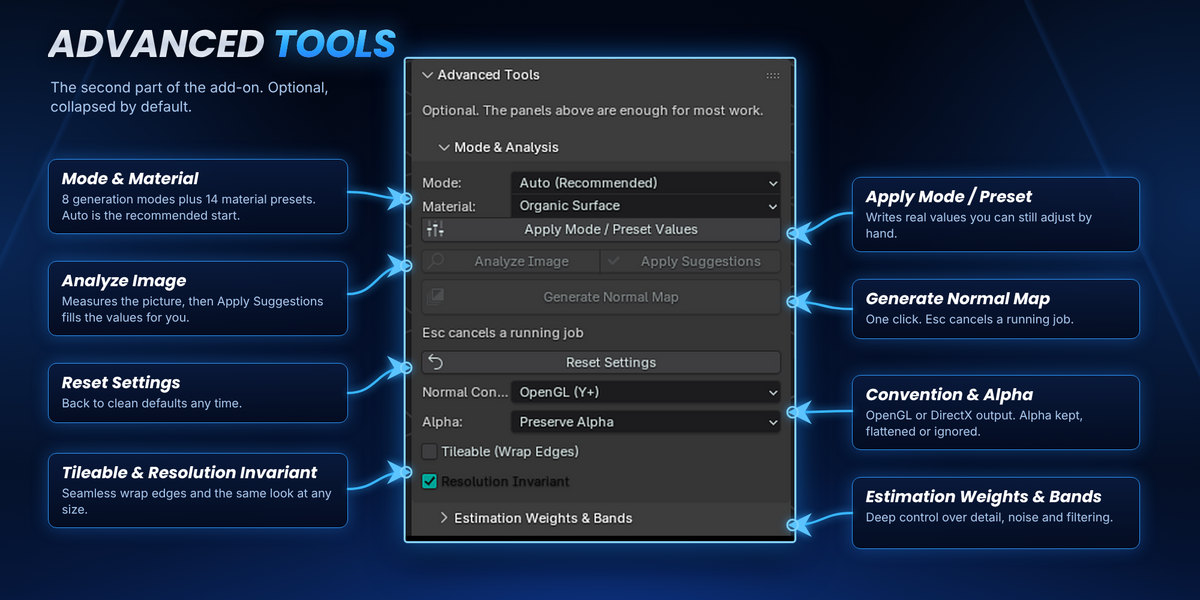
The second panel is collapsed by default and is only there when you need more control:
- Analyze Image + Apply Suggestions: measure the picture and fill in suggested values.
- Tileable (Wrap Edges): seamless results for repeating textures.
- Resolution Invariant: keeps the same look at different image sizes.
- Alpha handling: preserve, flatten transparent areas, or ignore alpha.
- Estimation weights, detail bands and filtering: deep control for experienced users.
OpenGL / DirectX converter
Different engines expect a different green channel direction. The converter flips it for you.
- OpenGL (Y+): Blender, Unity, Godot.
- DirectX (Y-): Unreal Engine.
- Safe by design: only the green channel is inverted. Same size, alpha kept, no gamma change. Converting twice gives back the original exactly.
- Your choice: save a new file, or overwrite the source image.
Requirements
- Blender: 4.2 or newer.
- Install: Edit > Preferences > Get Extensions > Install from Disk, then pick the downloaded zip.
- Where to find it: 3D Viewport sidebar (N panel), UNMS tab.
- License: GPL-3.0-or-later.
Very large images (4096 x 4096 and up) need several GB of RAM while generating. Press Esc to cancel a running job.