 3DMAGIC

6. Where do I find it after installing?
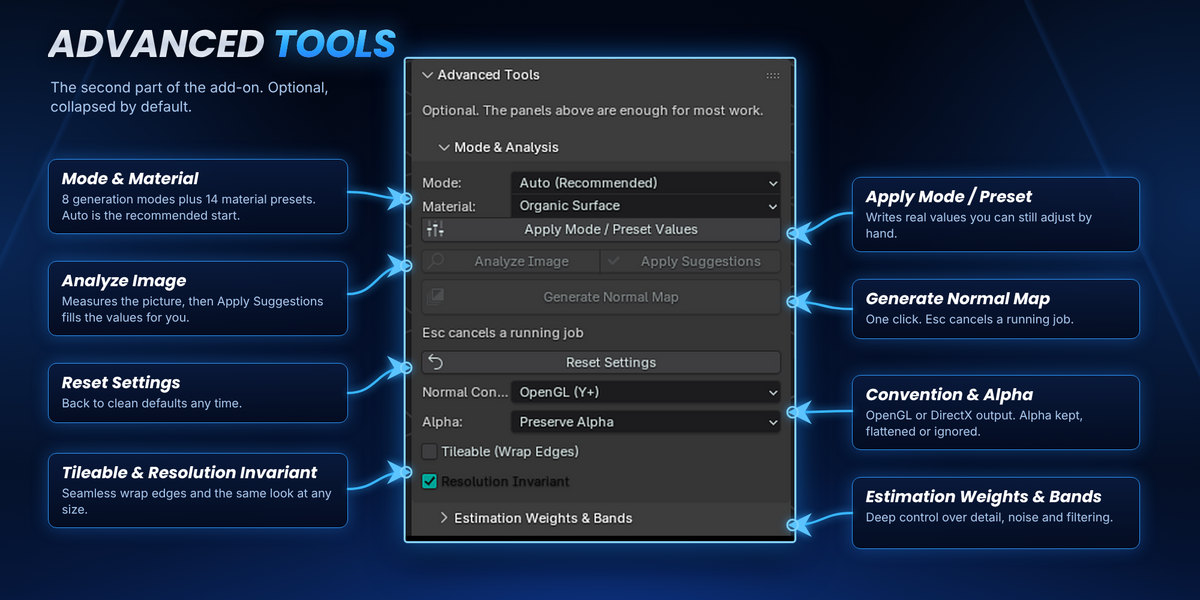
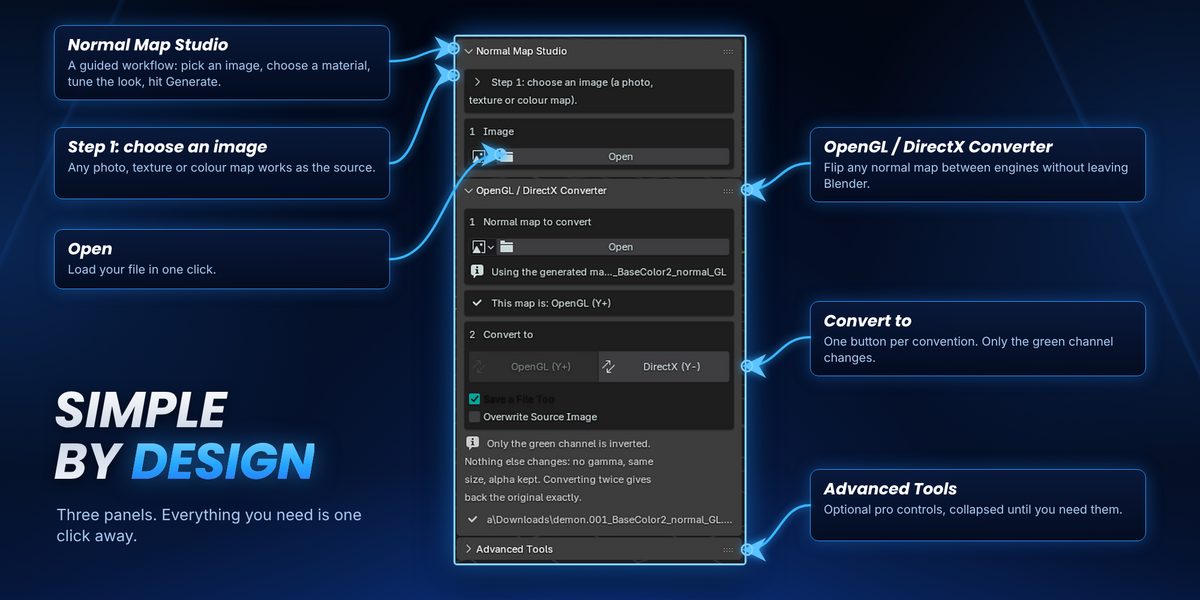
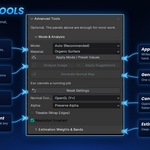
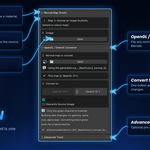
In the 3D Viewport sidebar (press N), in the UNMS tab. Install it from Edit > Preferences > Get Extensions > Install from Disk.
5. Can I process many textures at once, or make them tileable?
Yes. Batch processing lets you queue several images, and the Tileable (Wrap Edges) option helps create seamless results for repeating textures.
4. Does it work with Unity, Unreal and Godot?
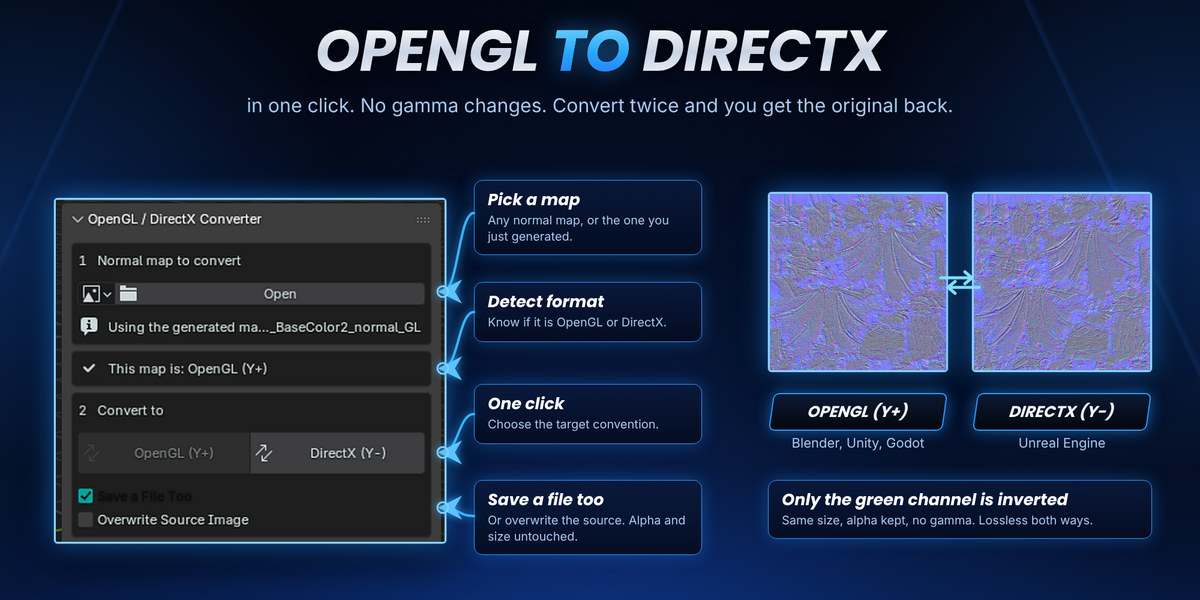
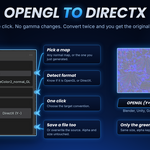
Yes. Generate in OpenGL (Blender, Unity, Godot) or DirectX (Unreal), and use the built-in converter to flip any normal map between the two. Only the green channel is inverted, so converting twice gives back the original.
3. Does this replace baking from a high-poly model?
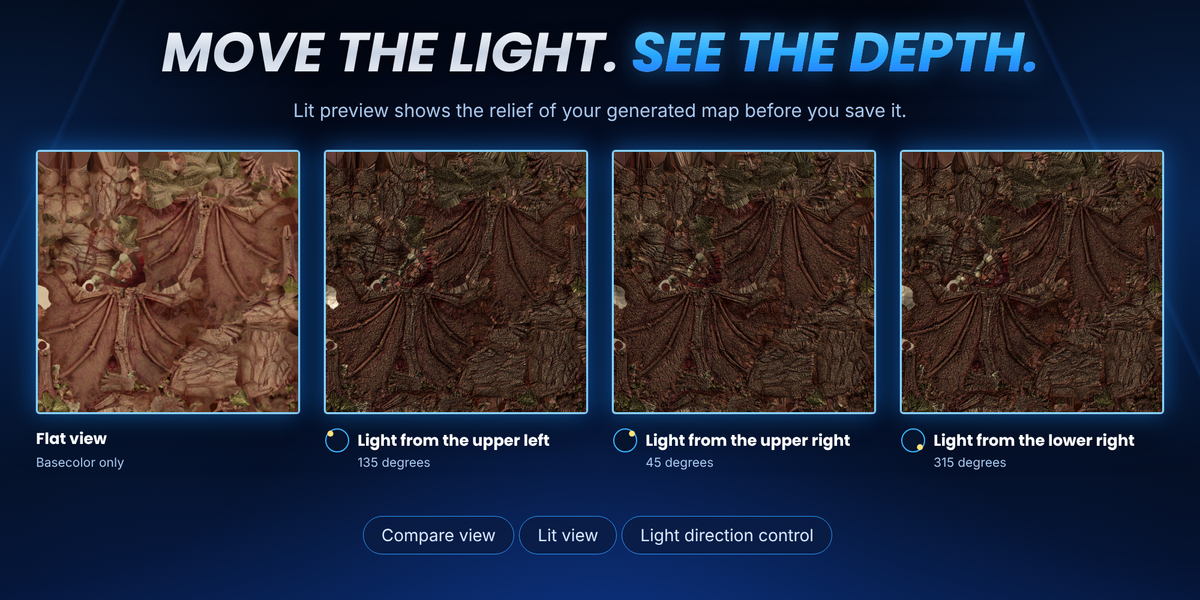
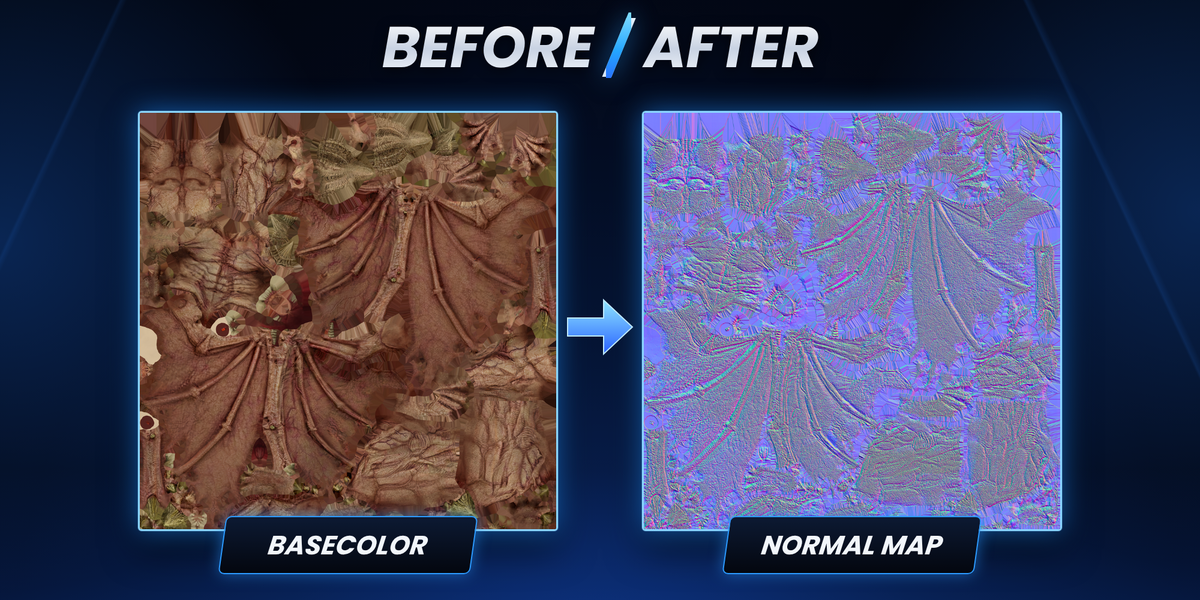
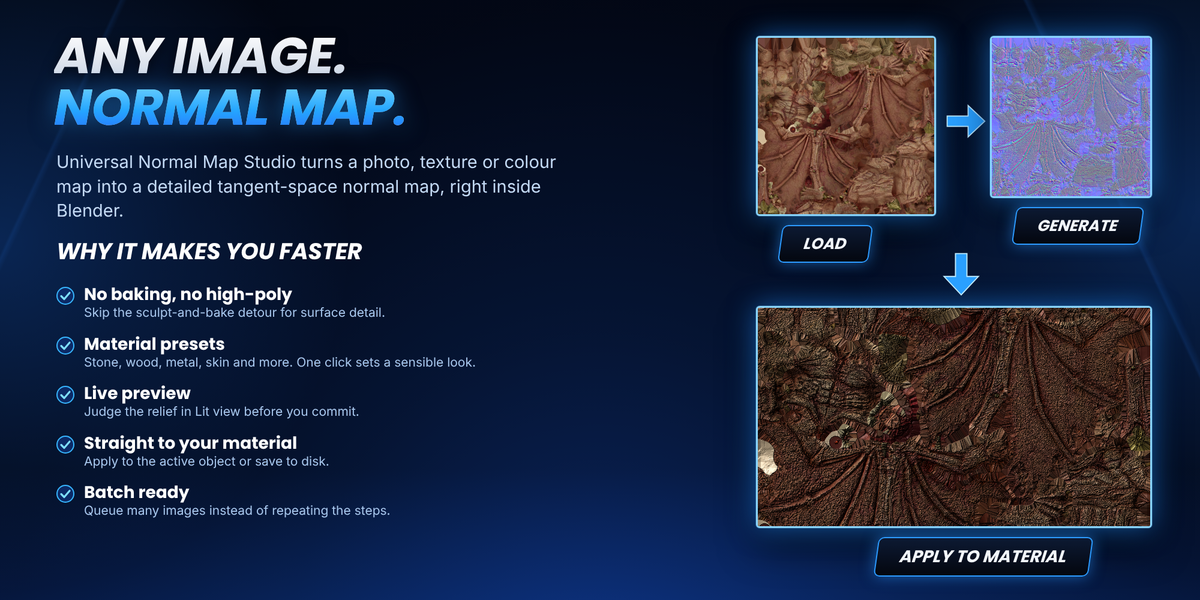
No. The add-on estimates surface relief from the image itself, so it is perfect for adding fine detail fast. It does not recover true geometry. If you need exact detail from a sculpt, baking is still the right tool.
2. What kind of images can I use?
Any photo, texture or colour map. Larger, sharper sources give better results. Very large images (4096 x 4096 and up) need several GB of RAM while generating, and you can press Esc to cancel a running job.
1. Which Blender versions are supported?
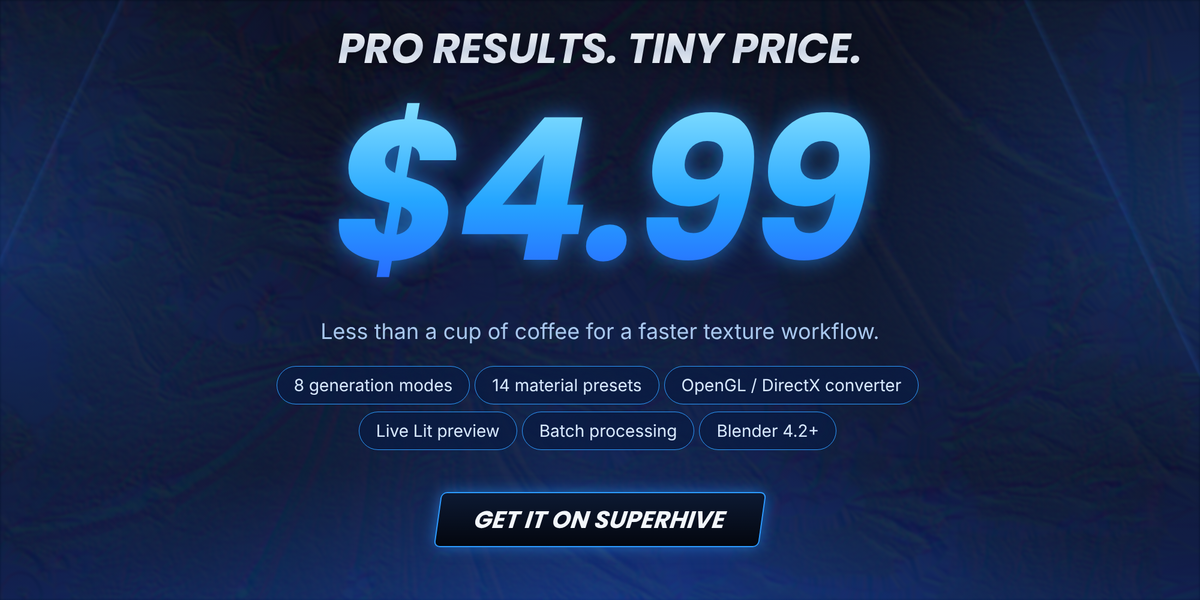
Blender 4.2 and newer.
Have questions about this product?
Login to message
| Blender Extension Compatible | Yes |
| Published | about 3 hours ago |
| Blender Version | 4.0 - 5.2 |
| Extension Type | Add-on |
| Render Engine Used | Cycles, Eevee |
| License | GPL |
Discover more products like this
image to normal Map normal map converter tangent space opengl texture tools Normal Map Generator Batch processing game assets directx texture to normal map PBR normal map