Normalproof — Is Your Normal Map Upside Down? Checked, Fixed, Proven
 Skava
Skava
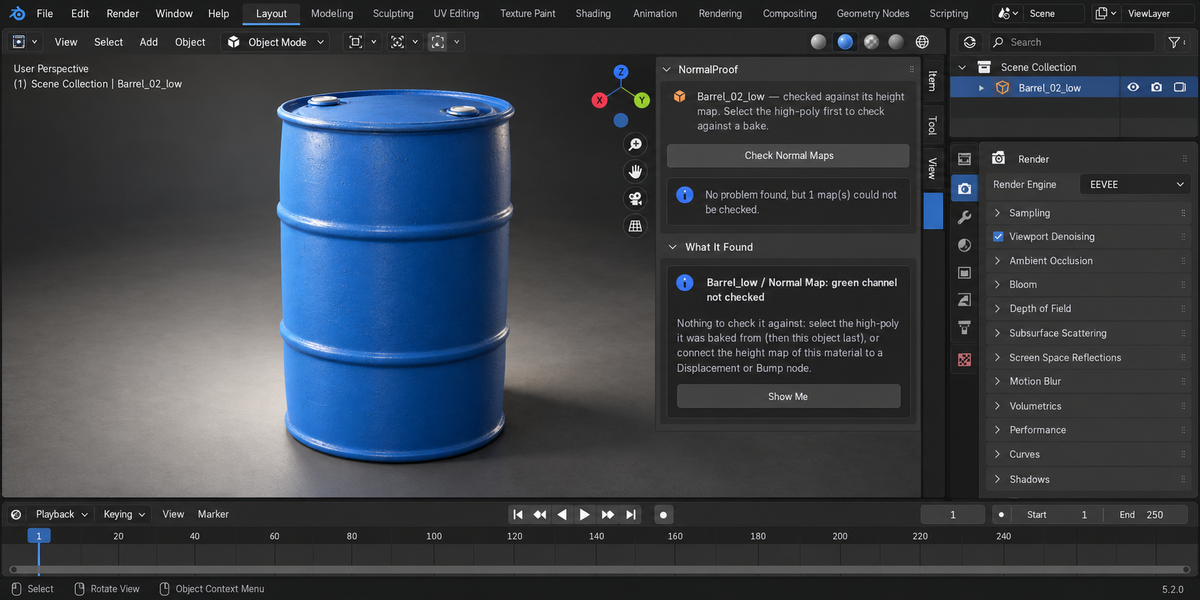
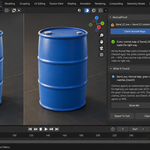
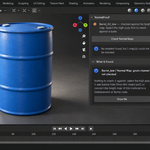
Does it guess the format from the map alone?
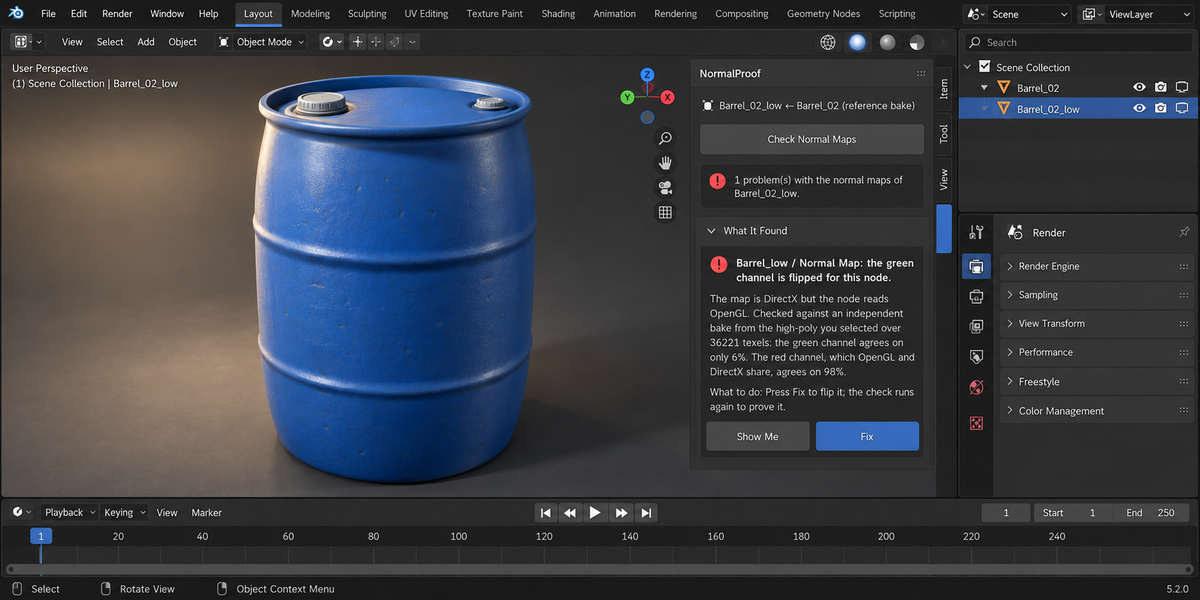
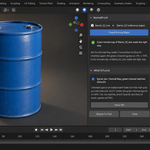
No. A map cannot tell you on its own which way its green channel points, so NormalProof always compares it with something independent: a bake from your high-poly, or the height map of the same material. With neither, it says the map was not checked.
What does Fix change?
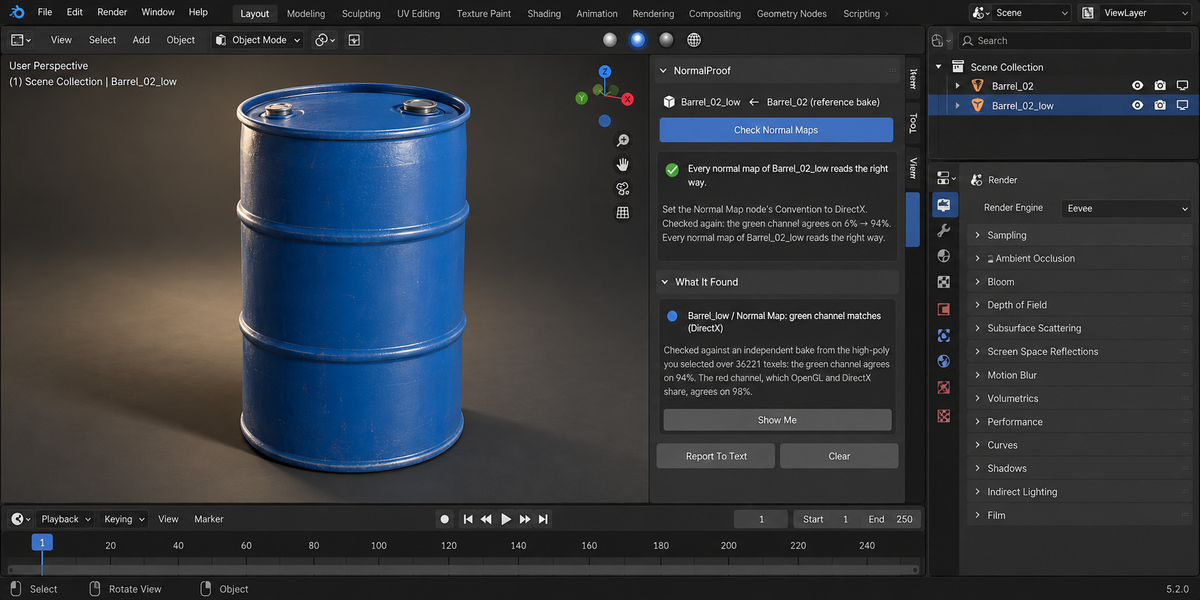
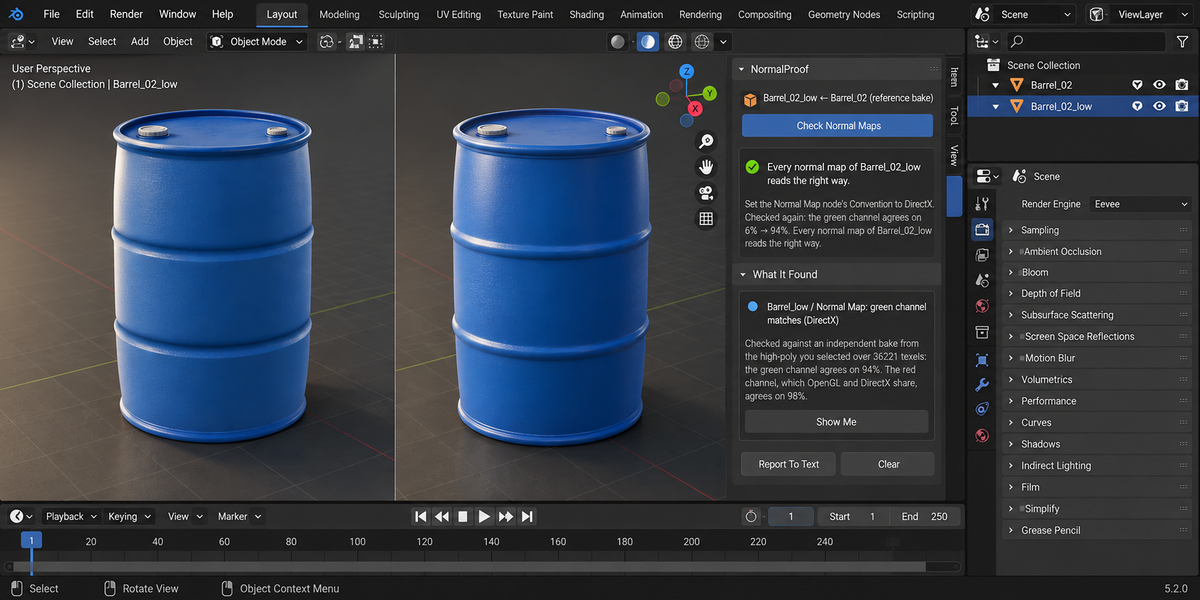
On Blender 5.x it switches the Normal Map node's Convention between OpenGL and DirectX. On 4.2 it inserts a green-channel flip in front of that node; pressing Fix again removes it. For a map read as colour it sets the image to Non-Color, unless the image is used as a colour elsewhere. Every fix can be undone with Ctrl+Z.
Does checking change my scene?
No. The bakes run on temporary copies; bake settings, render engine, selection and your data are put back.
Why does it say "cannot tell"?
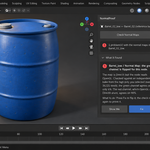
When the green channel agrees with the reference too close to half, or when the red channel — which OpenGL and DirectX share — does not agree either, the reference does not match this map well enough to call it. It says so instead of guessing.
Which maps are checked?
Tangent-space Normal Map nodes in the object's materials. Object-space maps and maps inside node groups are not checked.
$49
Have questions about this product?
Login to message
| Published | 1 day ago |
| Blender Version | 4.2 - 5.2 |
| Extension Type | N/A |
| Render Engine Used | Cycles |
| License | GPL |
Discover more products like this
normal map green channel validation proof baking directx texture colour space Game asset PBR materials opengl