What happens after 12 months?
You keep NorthSlice and every version released during your 12 months, forever. To keep getting new updates and support after that, you can renew at 50% of the current price, which starts a new 12-month period. Renewing is optional.
Do you offer Support?
Bug fixes, help with installing, and questions about how NorthSlice works, through messages. I usually reply within 3-5 business days. It doesn’t cover general Blender, modelling or slicer questions.
What does the GPL licence mean for me?
The code is licensed under GPL-3.0-or-later, the same licence as Blender. You can use it for personal and commercial work without limits.
Are updates included?
Yes. Every purchase includes 12 months of updates and support, starting on your purchase date.
What’s the difference between Standard, Supporter and Studio?
Standard and Supporter are the same download for one person; Supporter also funds development. Studio covers up to 5 users within one company. All three include 12 months of updates and support.
Can I sell the prints I make with it?
Yes. NorthSlice is a tool. What you print and sell depends on the licence of the model you’re cutting, not on NorthSlice.
Does it need an internet connection?
No. Everything in NorthSlice works offline. The only online feature is an optional update check: once a day it reads one small file to see whether a newer version is out. It only runs when Blender's Allow Online Access is on, and you can switch it off in the add-on's preferences. It sends no personal data, models or usage information.
Which Blender versions are supported?
Blender 4.2 LTS and newer. Tested on Windows with Blender 4.2, 4.5, 5.2 and 5.3, and on macOS with Blender 4.2 and 5.3. Linux hasn’t been tested yet, but NorthSlice is pure Python, so it’s expected to work.
What file formats can I export?
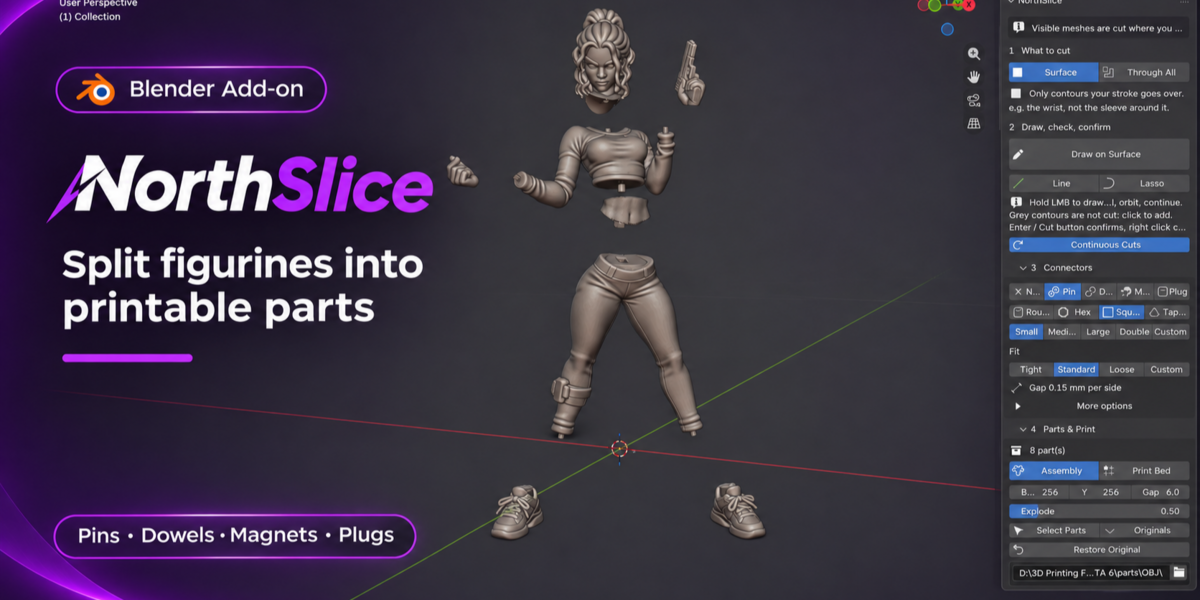
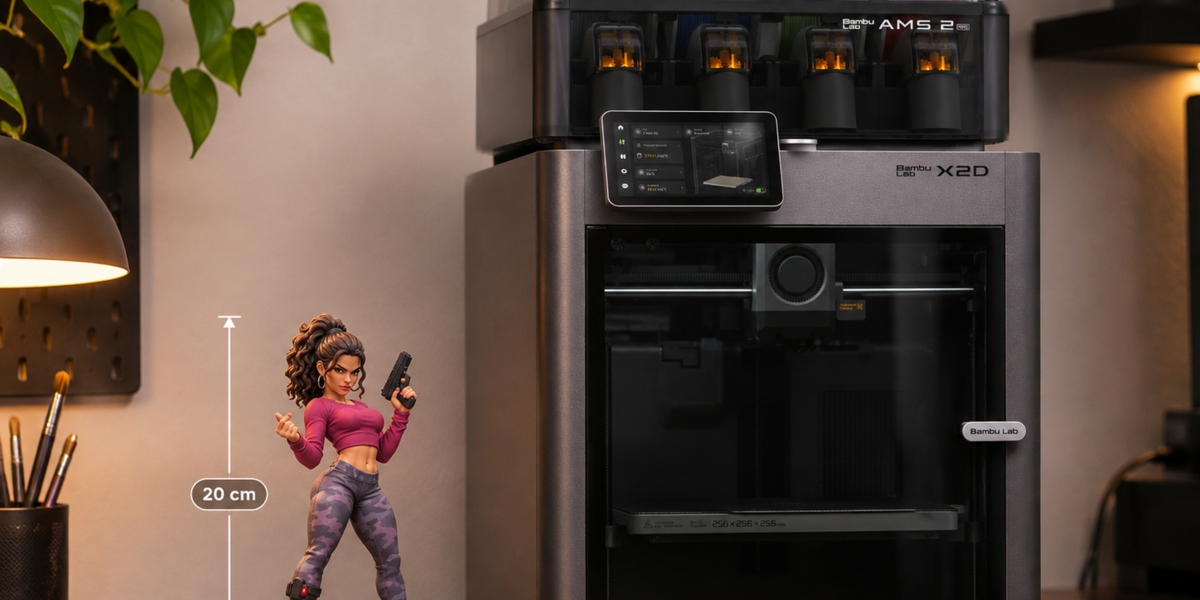
One STL or OBJ file per part, in millimetres, ready for any slicer.
Does it work for resin and FDM?
Yes. Use a tighter fit gap for resin and a looser one for FDM.
Which connectors are included?
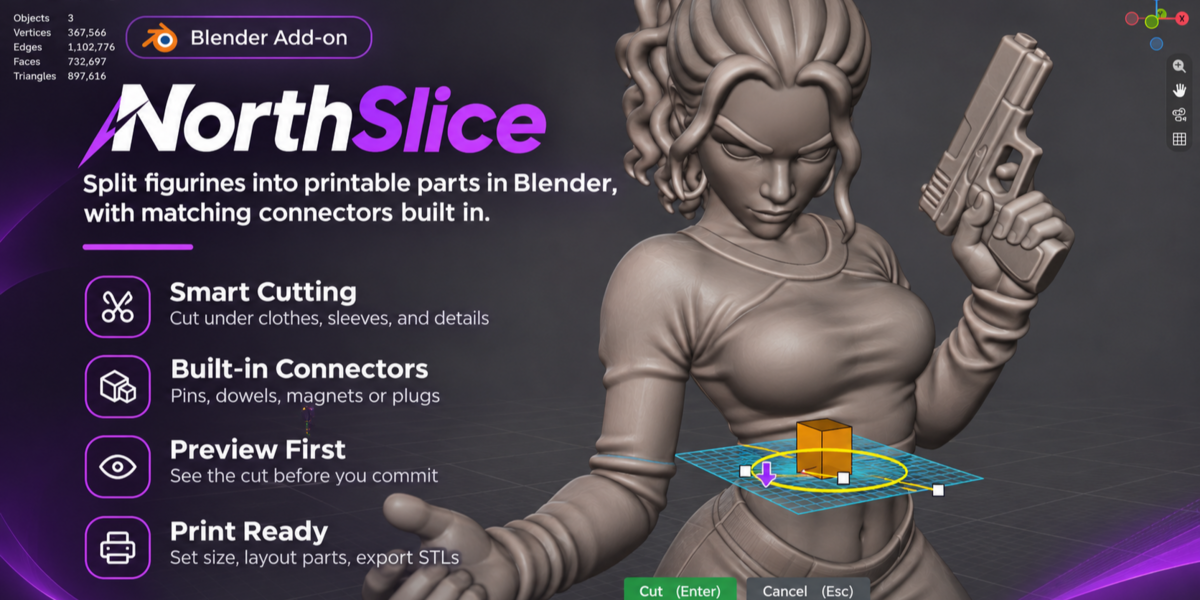
Pins (round, hex, square, tapered), dowels with a separate printable dowel, magnet pockets for your magnet size, and plugs that fit into a hidden socket.
Will the pins actually fit after printing?
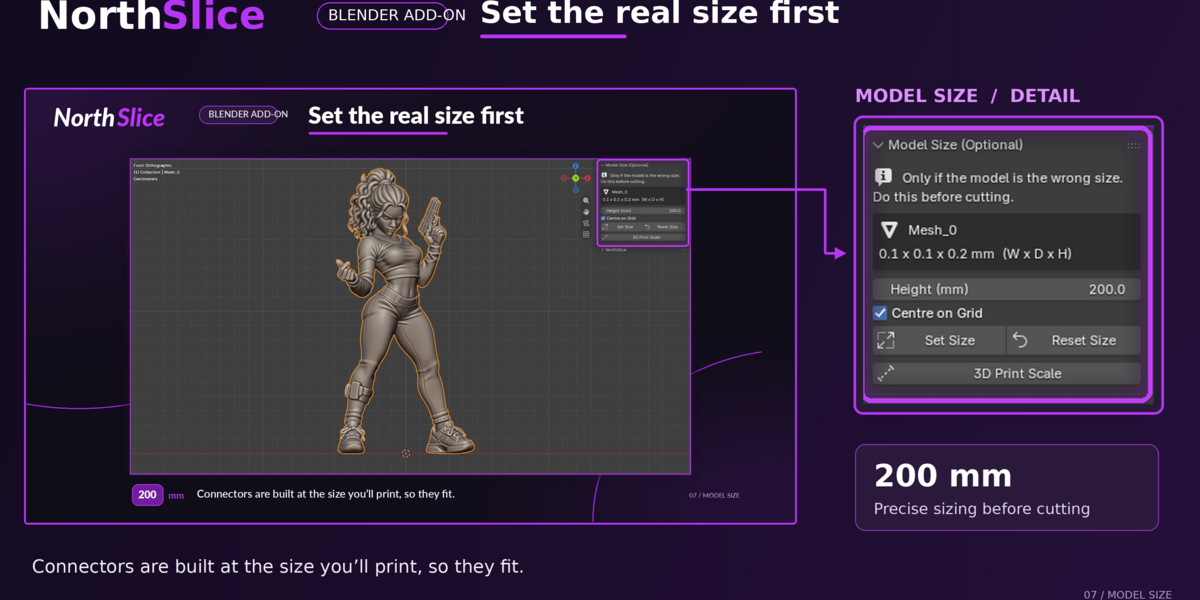
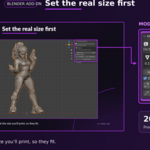
Connectors are built at your real print size, with an adjustable fit gap (Tight 0.10, Standard 0.15 or Loose 0.25 mm per side). Every printer and material is a bit different, so print one small test cut first.
Is my original model changed?
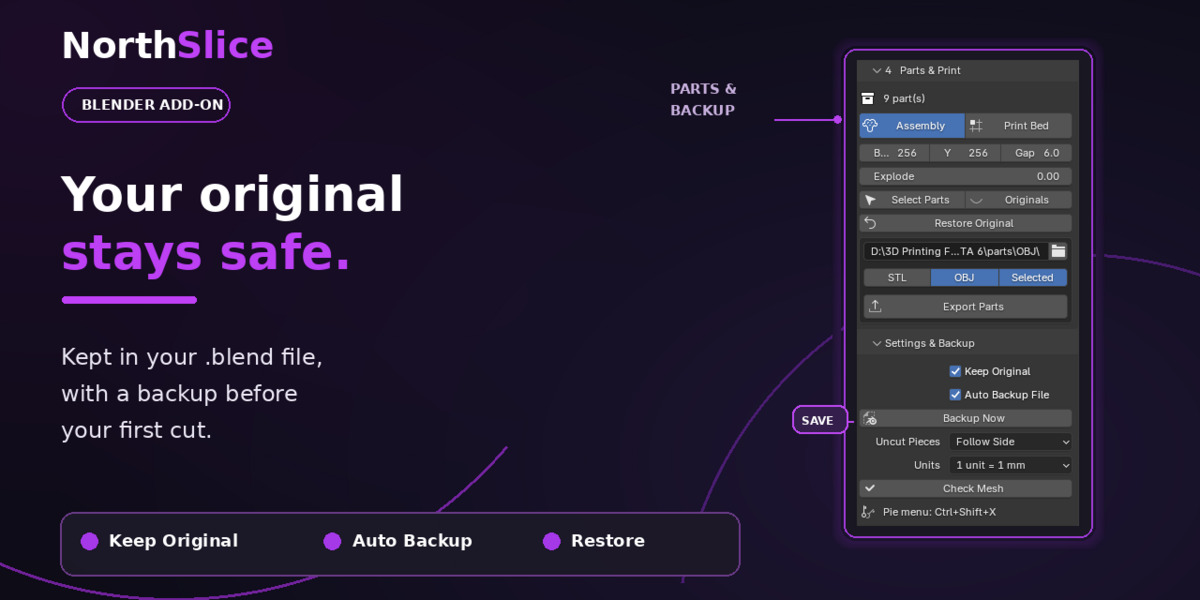
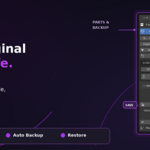
No. The original is kept in the file, a .blend backup is saved before your first cut (once the file is saved), and Restore Original brings it back at any time.
Can I cut a part that’s inside clothing, like a wrist inside a sleeve?
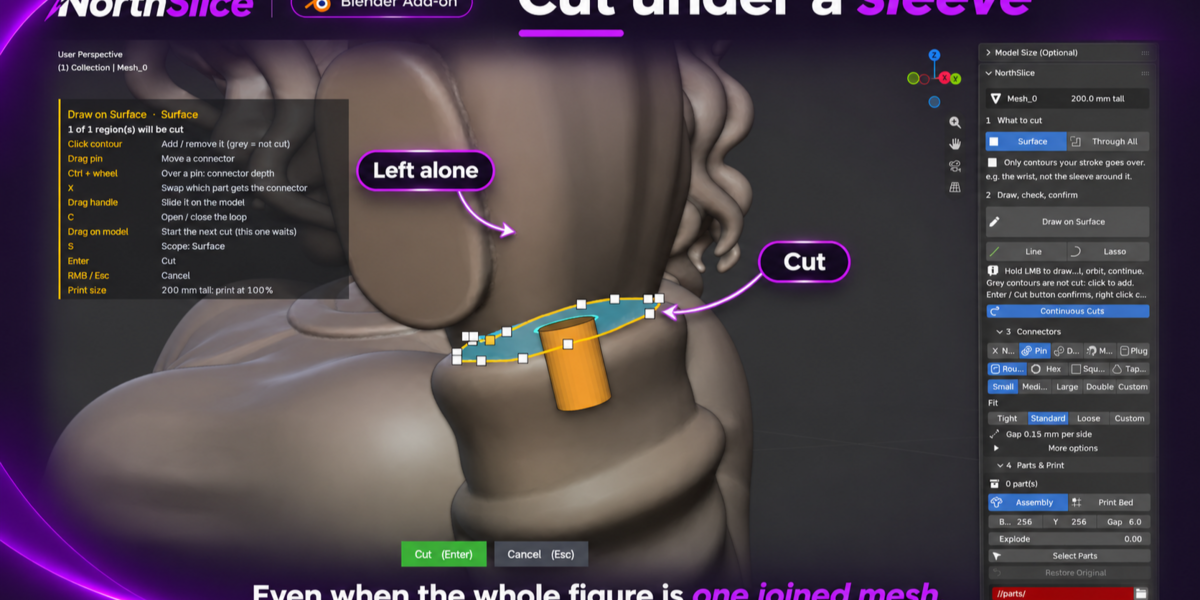
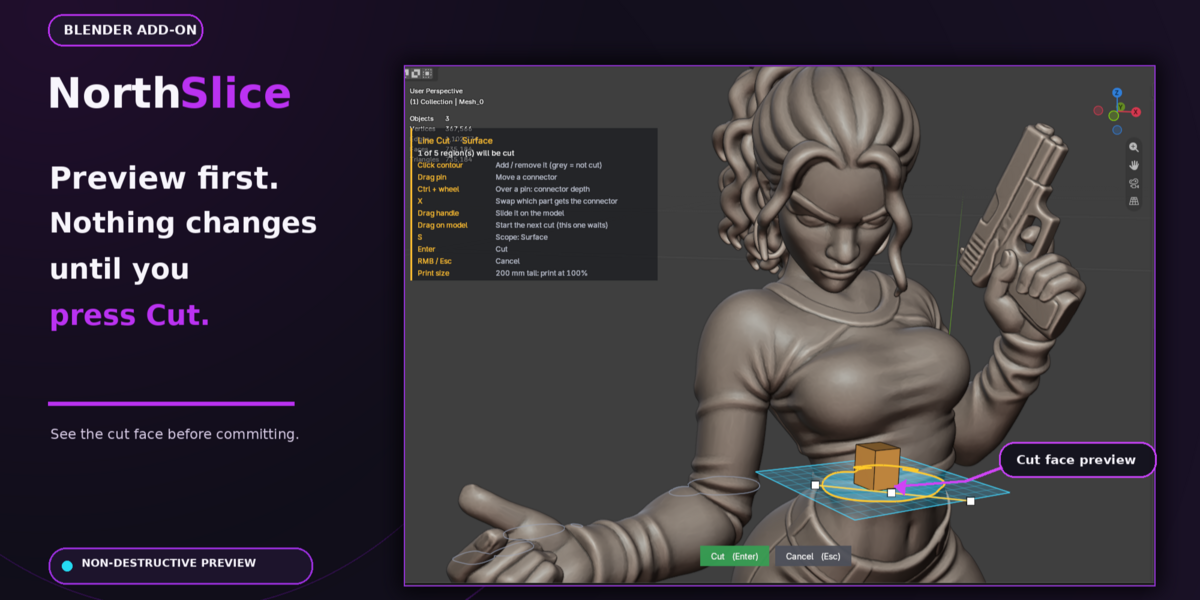
Yes. With the Surface scope, NorthSlice cuts only what your line encloses. The wrist is cut, the sleeve isn’t, even if both are one mesh.
Does it work with AI-generated models?
Yes, including ones with fused parts and small defects. For the cleanest result, fix large holes first if your mesh has any. If the model was exported in the wrong units, set its real height with Model Size before cutting.
Does my model need to be clean or manifold?
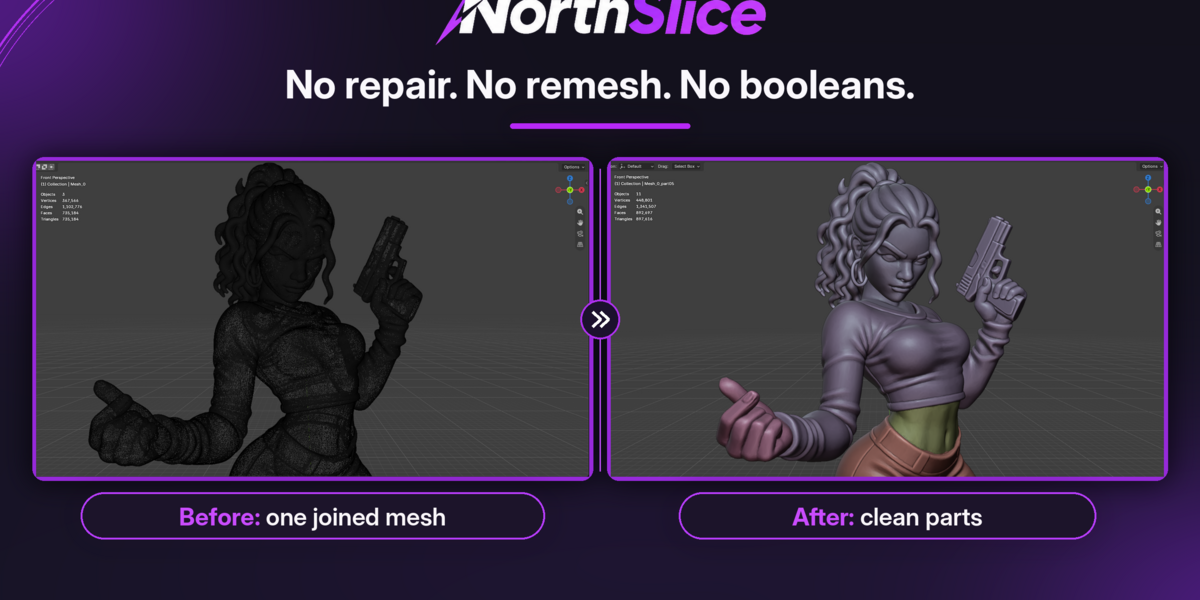
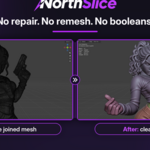
It’s not required. NorthSlice works on dense sculpts, STL files and models where clothing and body are fused into one mesh, with no repair, remesh or boolean step. A clean, closed mesh still gives the cleanest result: on meshes that already have holes, a few open edges can remain near the cut. Most slicers repair those automatically, and Check Mesh shows you how many there are.
Who is it for?
Anyone printing figurines, miniatures, statues, busts or props that are too big or too detailed to print in one piece, on resin or FDM printers.
What does NorthSlice do?
It splits a model into printable parts inside Blender. You draw where you want the cut, check a preview, and get clean parts with pins, dowels, magnet pockets or plugs built into the cut faces, ready to export.
 North Shutter
 Included