Notemark — 3D Viewport Notes
 Tivan Hajiloo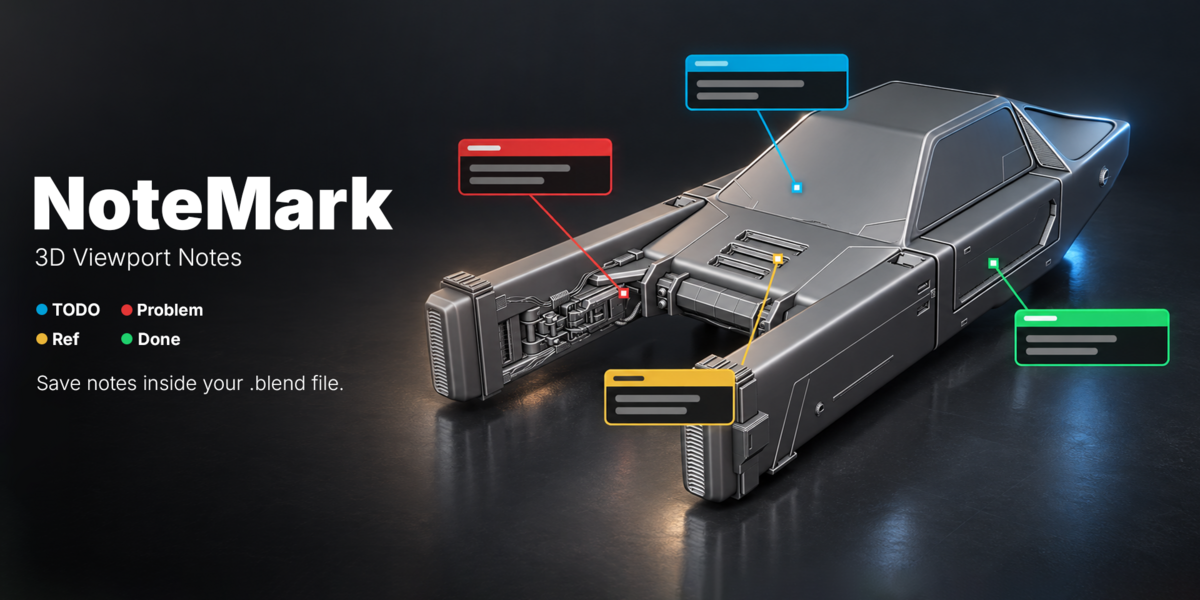
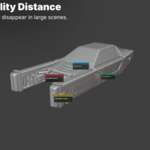
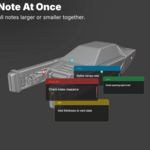
NoteMark Documentation
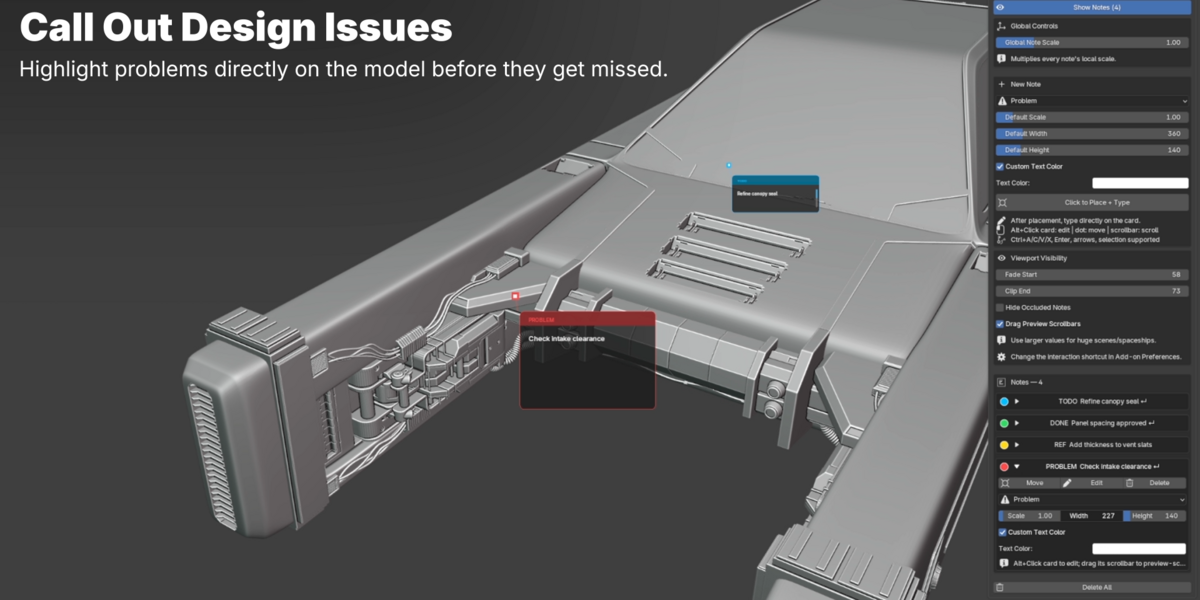
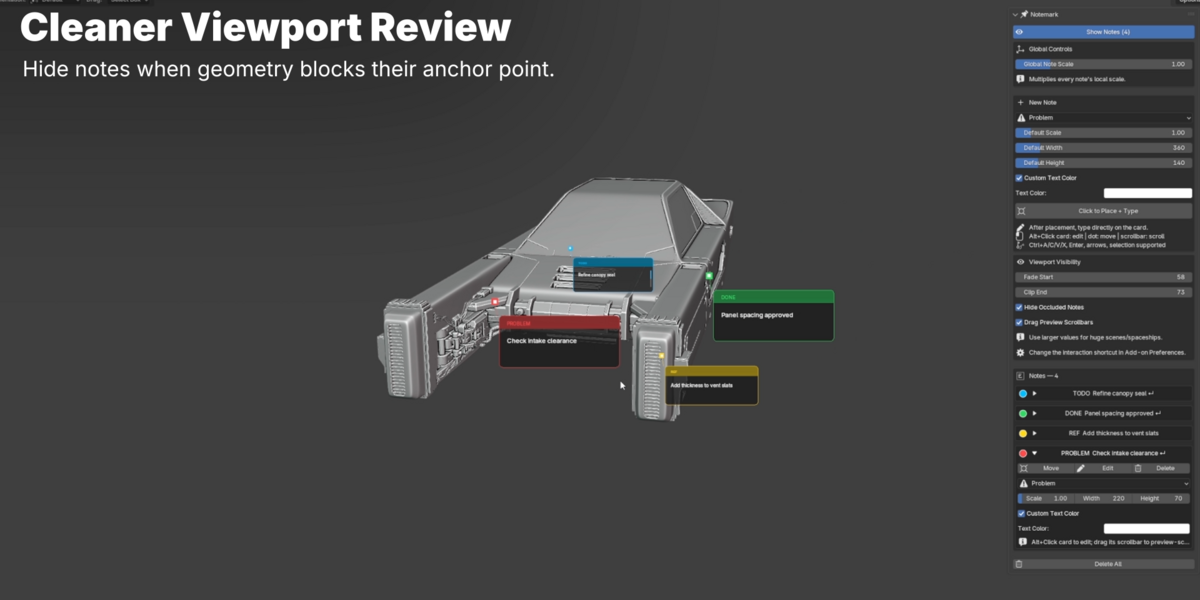
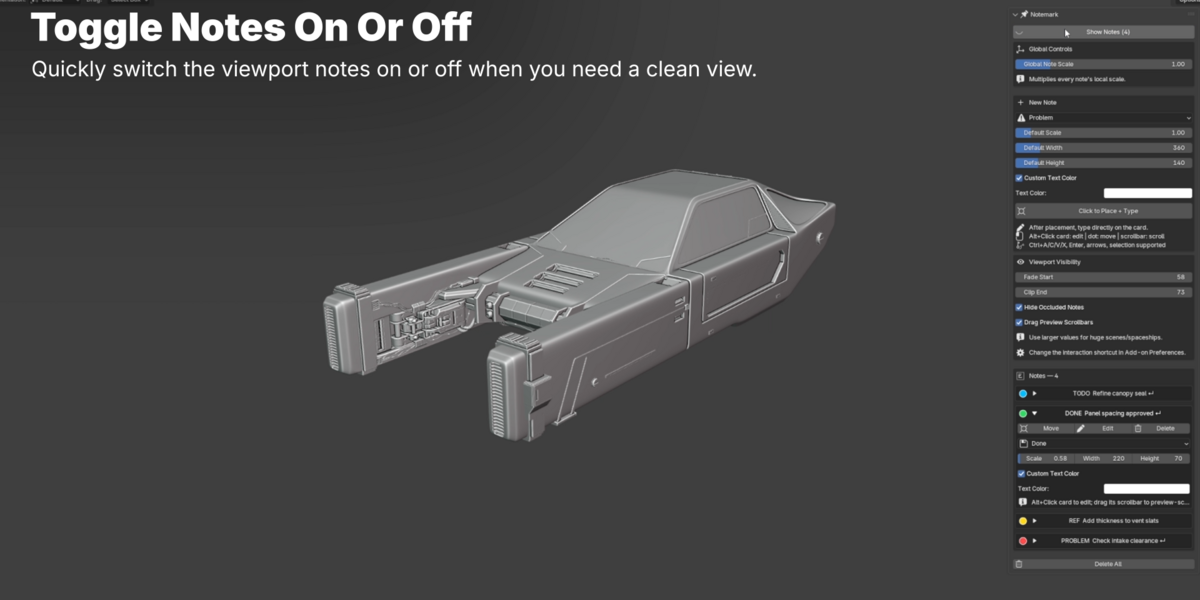
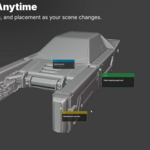
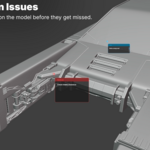
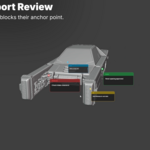
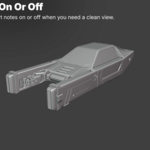
NoteMark is a Blender addon for placing sticky notes directly inside the 3D Viewport. Use it to leave TODOs, problems, references, and design feedback exactly where they belong in your scene.
Install
1. Open Blender.2. Go to `Edit > Preferences > Add-ons`.
3. Click `Install from Disk`.
4. Select the NoteMark `.zip` file.
5. Enable the addon.
6. Open the 3D Viewport sidebar with `N` and find `NoteMark`.
Create A Note
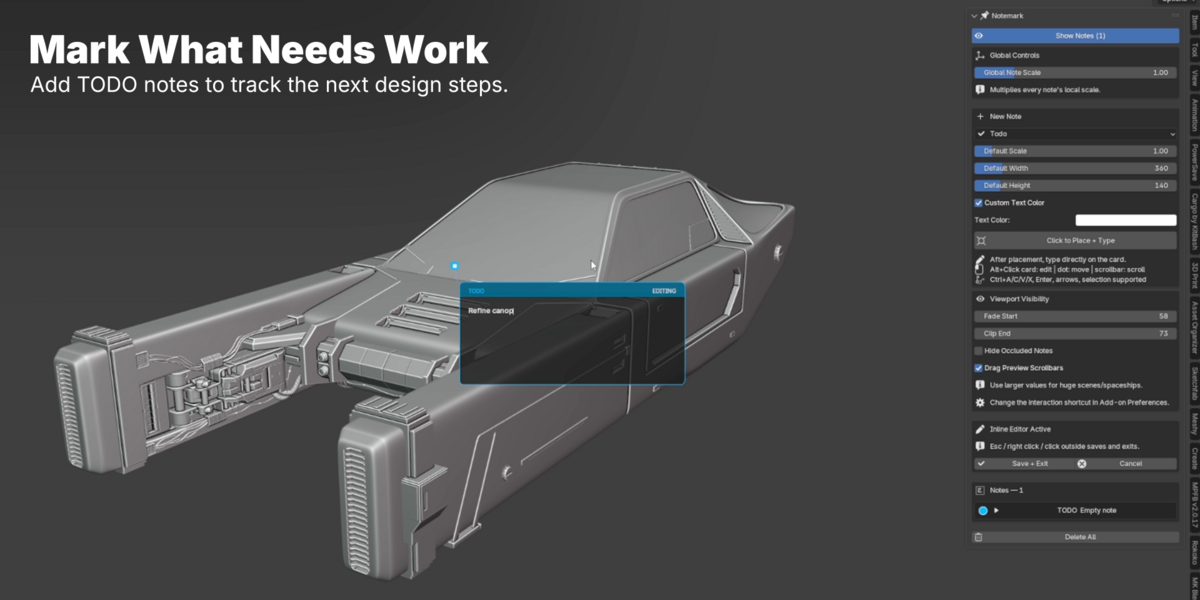
1. Click `Place Note`.
2. Click a point in the 3D Viewport.
3. Type your note.
4. Confirm when finished.
Notes are saved inside the `.blend` file and load automatically with the scene.
Note Types
Use categories to keep feedback easy to scan:
- `Todo` for tasks
- `Problem` for issues
- `Done` for completed items
- `Reference` for reminders or design notes
Each type has its own viewport color.
Edit And Organize
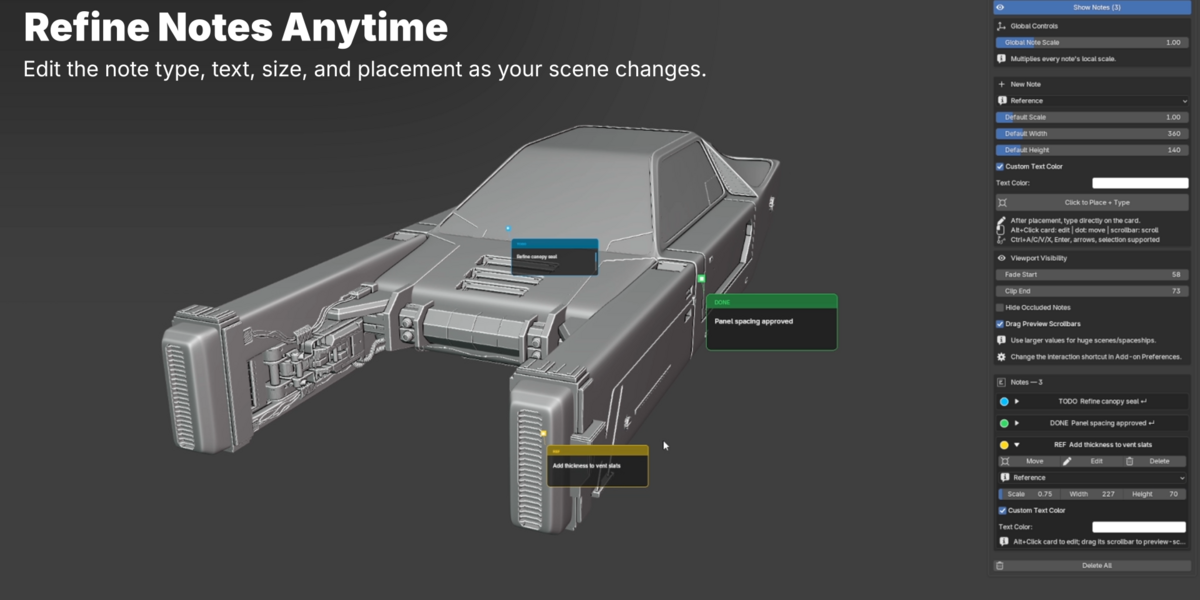
From the NoteMark panel, you can:- Edit note text
- Move or delete notes
- Change note type
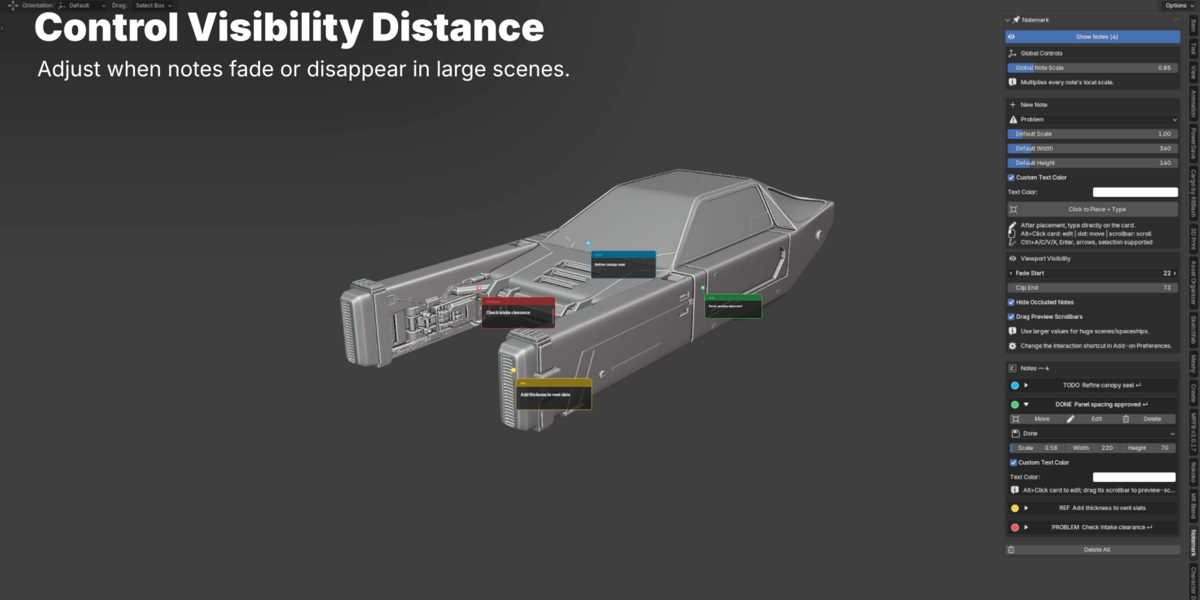
- Adjust width, height, and scale
- Set custom text color
- Collapse notes in the sidebar
Scaling
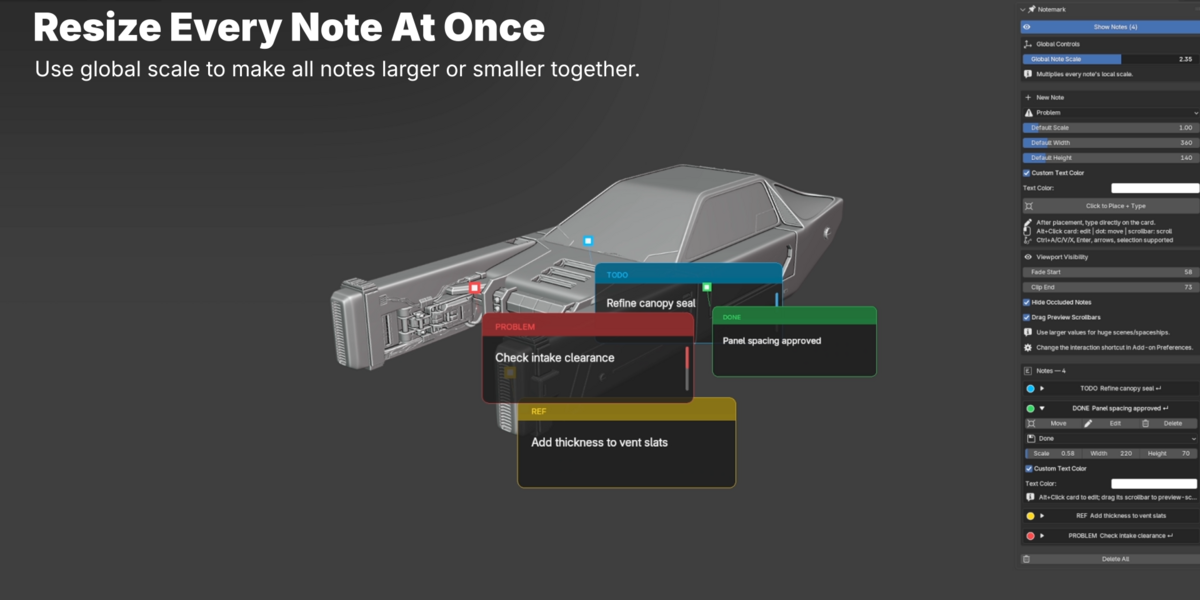
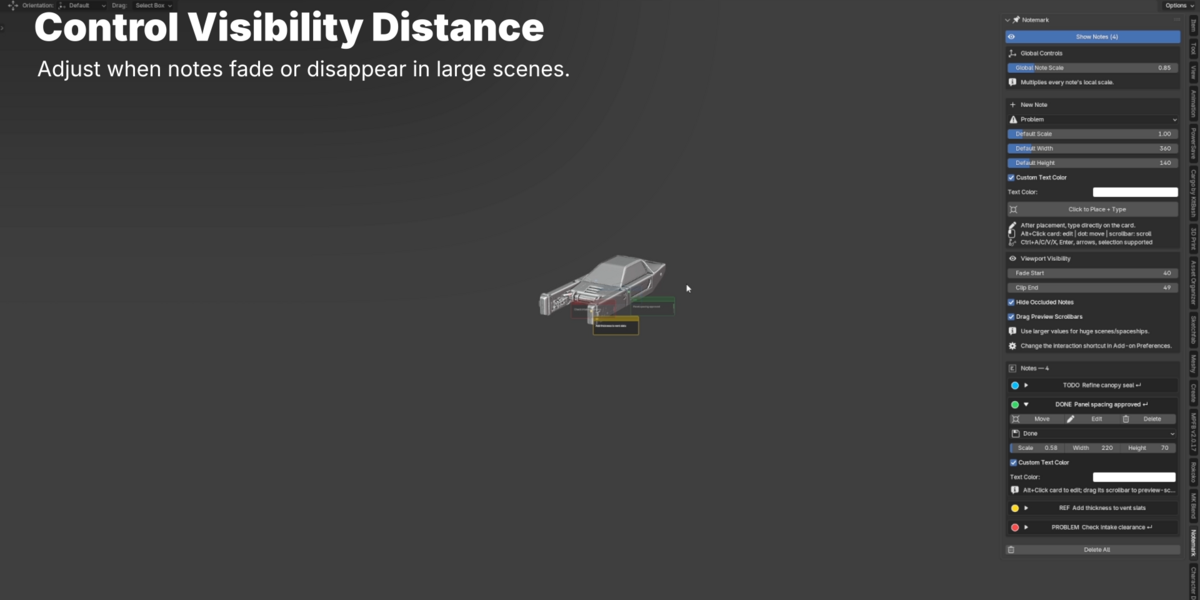
Use global scale to resize all notes at once, or individual scale to adjust one note.Important
NoteMark is a viewport workflow tool. Notes are for planning, feedback, and scene organization inside Blender. They do not appear in final renders.
Support
For support, send your Blender version, operating system, and a short description of the issue through Superhive.
$12
 Included
Includes 12 months of
- Support from Tivan Hajiloo
- Product updates
Extend this product’s Support Period +12 months: 25% of product price
Have questions before purchasing?
Login to message
| Blender Extension Compatible | Yes |
| Published | about 13 hours ago |
| Blender Version | 4.5 - 5.2 |
| Extension Type | Add-on |
| License | GPL |
Discover more products like this
todo Annotations notes scene notes viewport design review sticky notes