Notemark — 3D Viewport Notes
 Tivan Hajiloo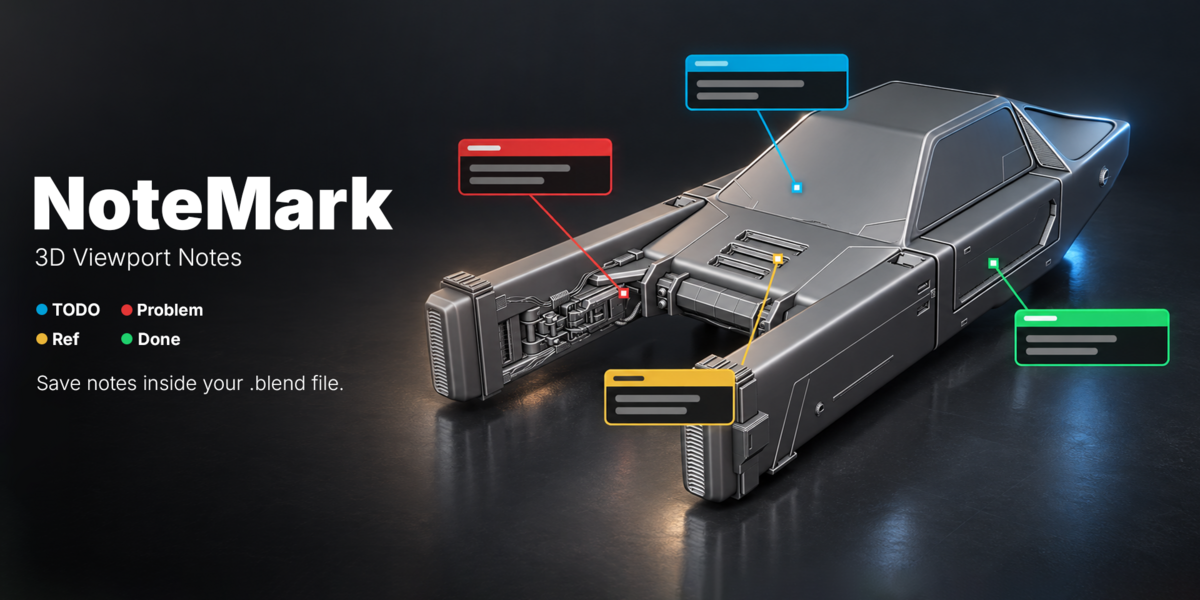
What is NoteMark?
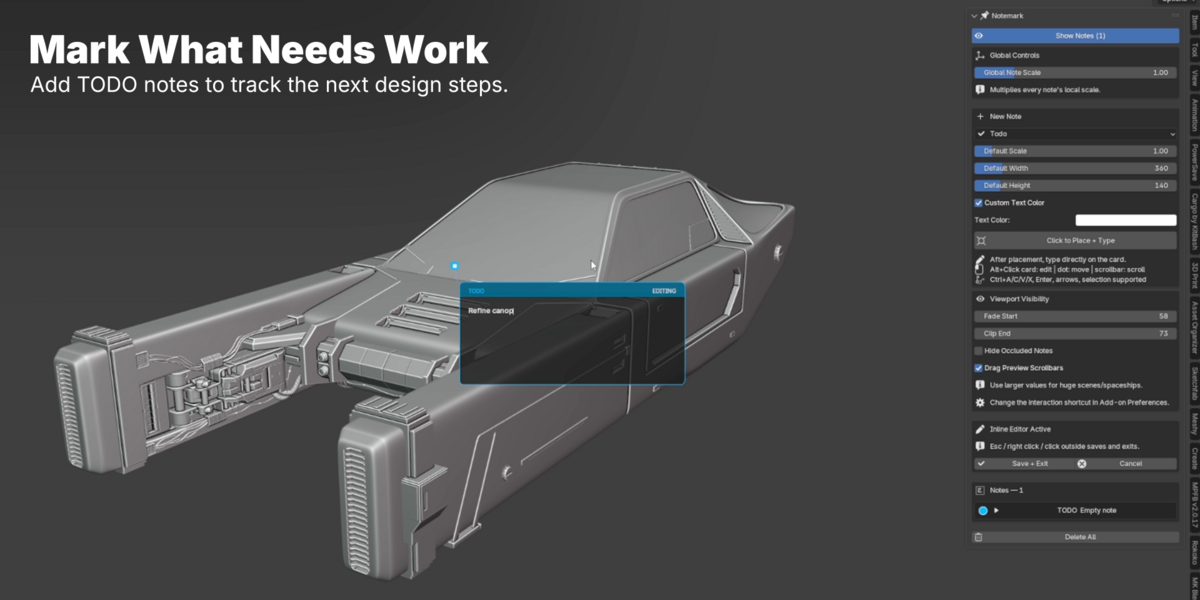
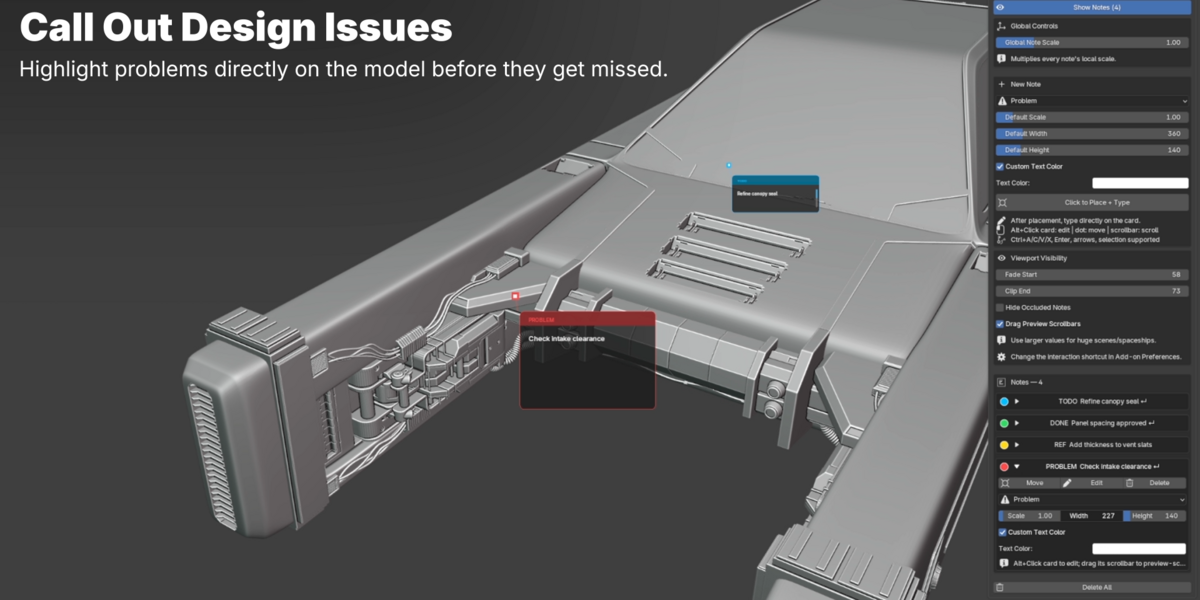
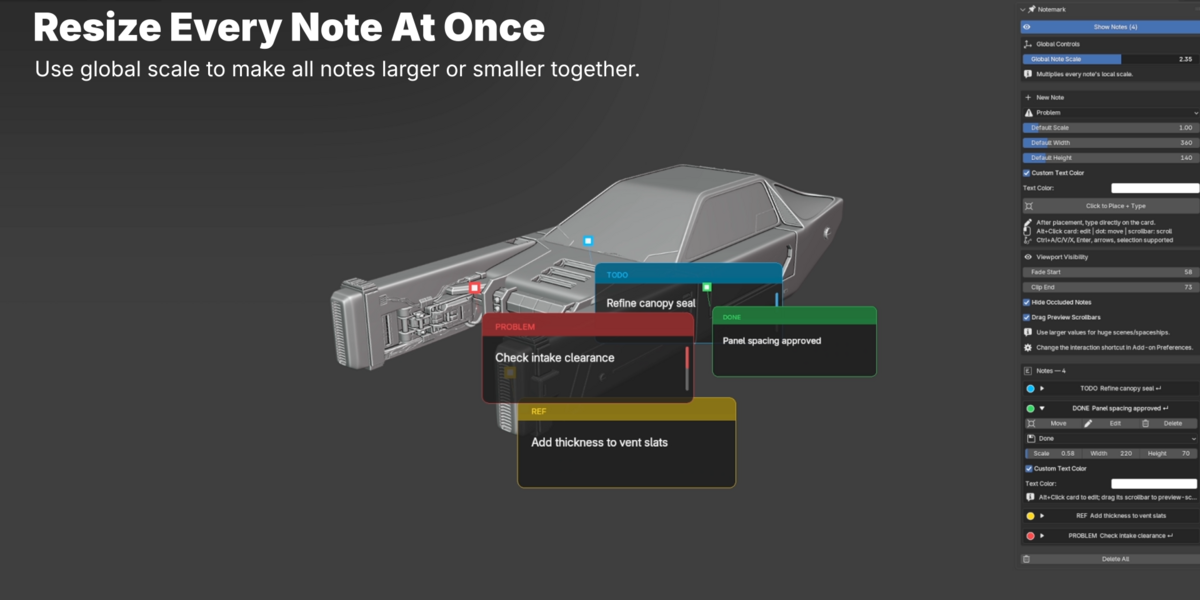
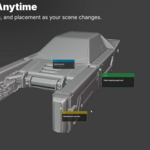
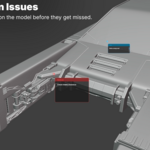
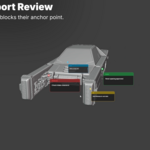
NoteMark is a Blender addon for placing sticky notes directly inside the 3D Viewport. It helps artists, modelers, students, and teams leave design notes, TODOs, problems, references, and completed tasks exactly where they matter in the scene.
What can I use NoteMark for?
You can use NoteMark for modeling feedback, design reviews, asset notes, class assignments, client revisions, personal TODO lists, scene planning, and production checklists. Instead of keeping notes in a separate app, NoteMark keeps your comments visually attached to your Blender scene.
Does NoteMark work inside the 3D Viewport?
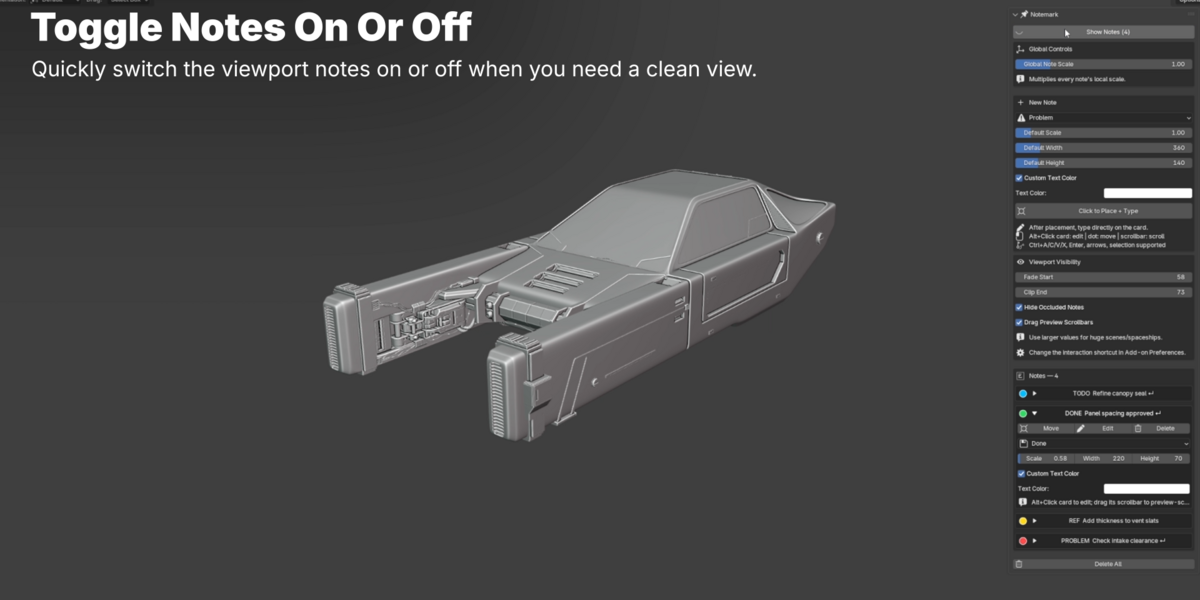
Yes. NoteMark is designed specifically for the Blender 3D Viewport. Notes appear directly over your scene while you work, making feedback and task tracking feel natural inside Blender.
Which Blender versions does NoteMark support?
NoteMark is built for modern Blender versions and is currently packaged for Blender 4.5+. Always check the version listed on the product page for the latest tested compatibility.
Do notes save with my Blender file?
Yes. NoteMark stores notes inside the Blender scene, so they save and load with your .blend file automatically. When you reopen the project, your viewport notes are still there.
Does NoteMark render notes in the final image?
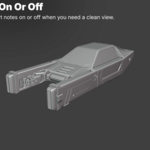
No. NoteMark is a viewport workflow tool. The notes are designed for planning, feedback, and production organization inside Blender, not for final render output
Is NoteMark useful for teams and client feedback?
Yes. NoteMark is especially useful when sharing Blender files with collaborators, teachers, clients, or teammates. Notes stay inside the file, so feedback can travel with the scene instead of being scattered across screenshots, messages, or separate documents.
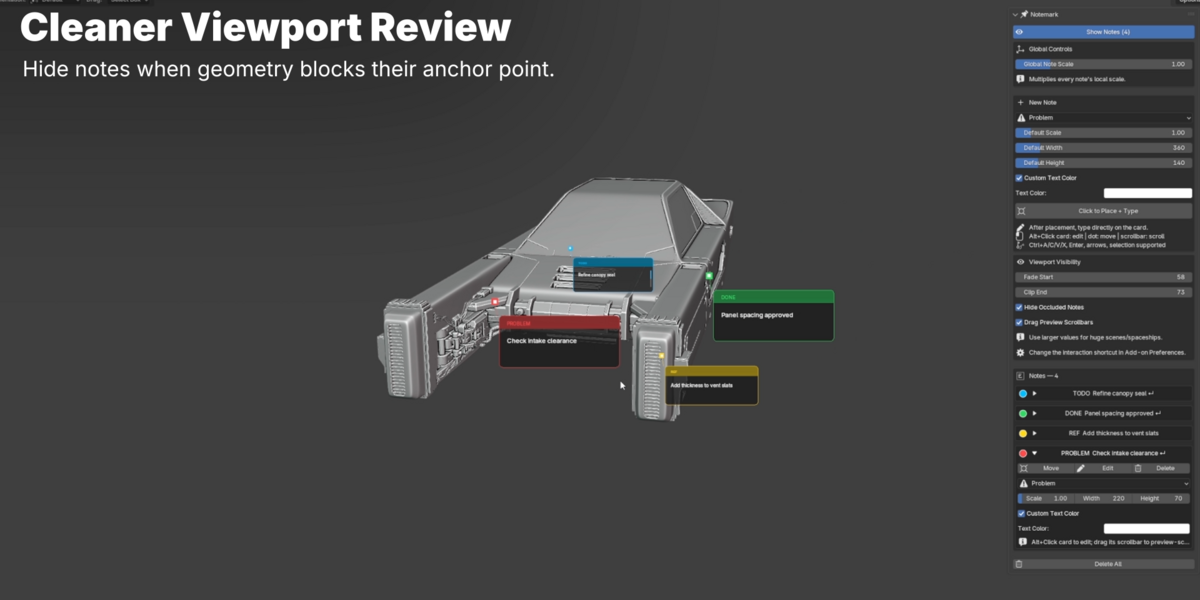
Can I hide notes behind geometry?
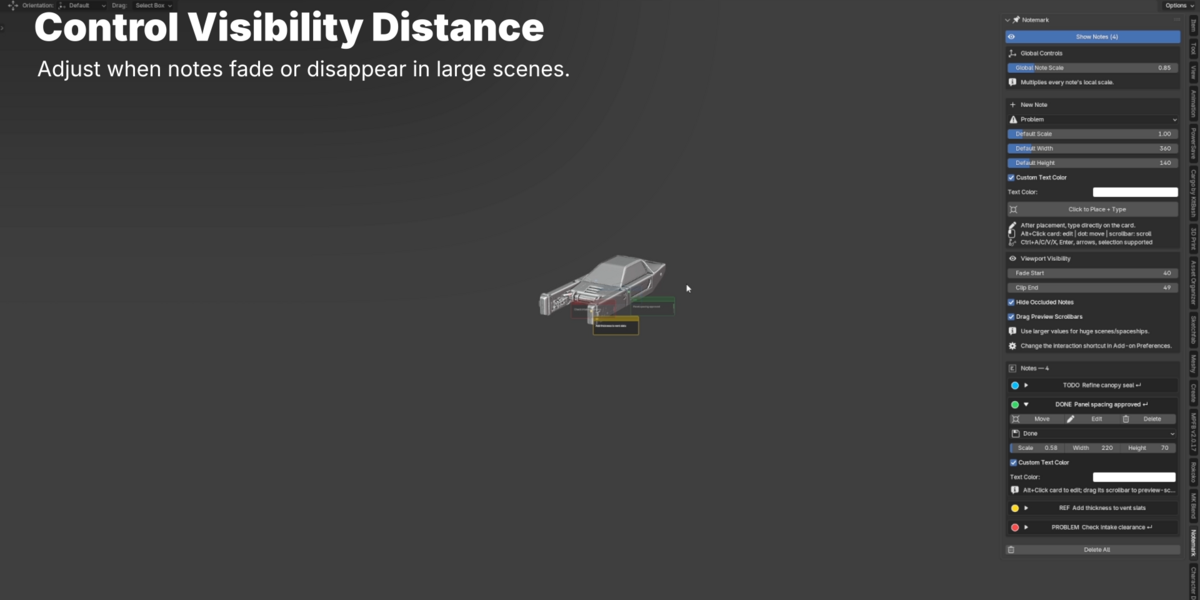
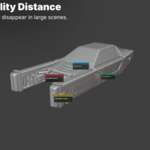
Yes. NoteMark includes optional viewport-aware behavior such as occlusion, so notes can be hidden when geometry is between the camera and the note anchor. This helps keep the viewport cleaner in complex scenes.
Are the notes attached to objects?
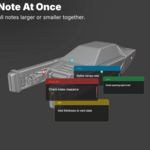
NoteMark notes are anchored to 3D world positions in your scene. They appear as clean 2D note cards in the viewport while staying connected to a point in 3D space. This makes them useful for marking specific design areas, model details, or scene locations.
Does NoteMark require external software or dependencies?
No. NoteMark is a pure Python Blender addon and does not require external dependencies, accounts, cloud services, or additional installation steps beyond enabling the addon in Blender.
Can I customize the look of the notes?
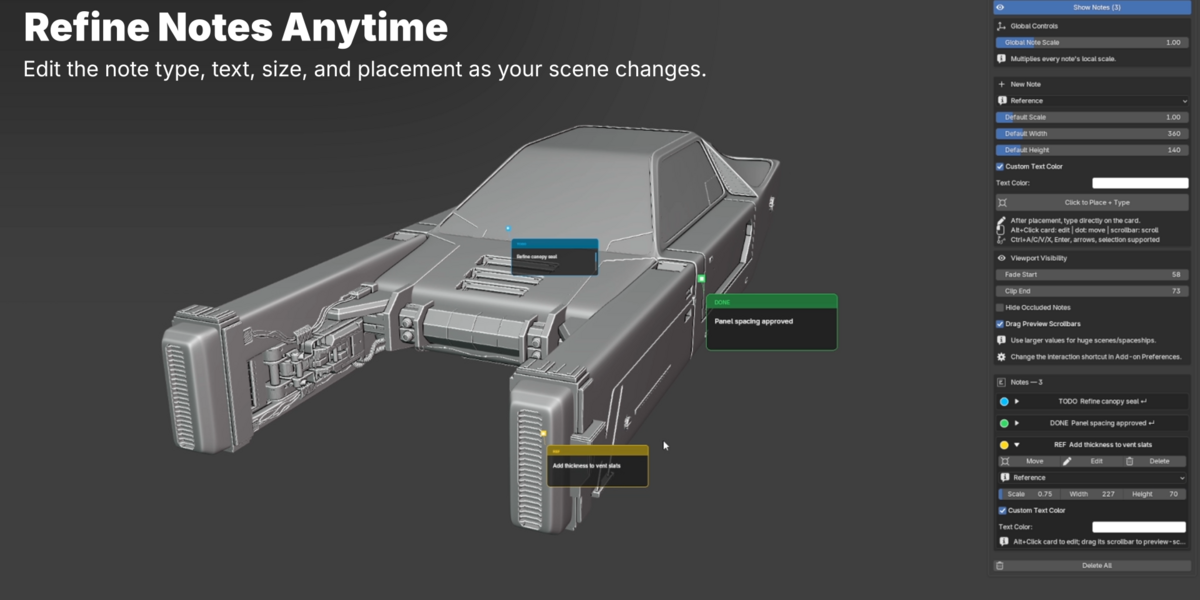
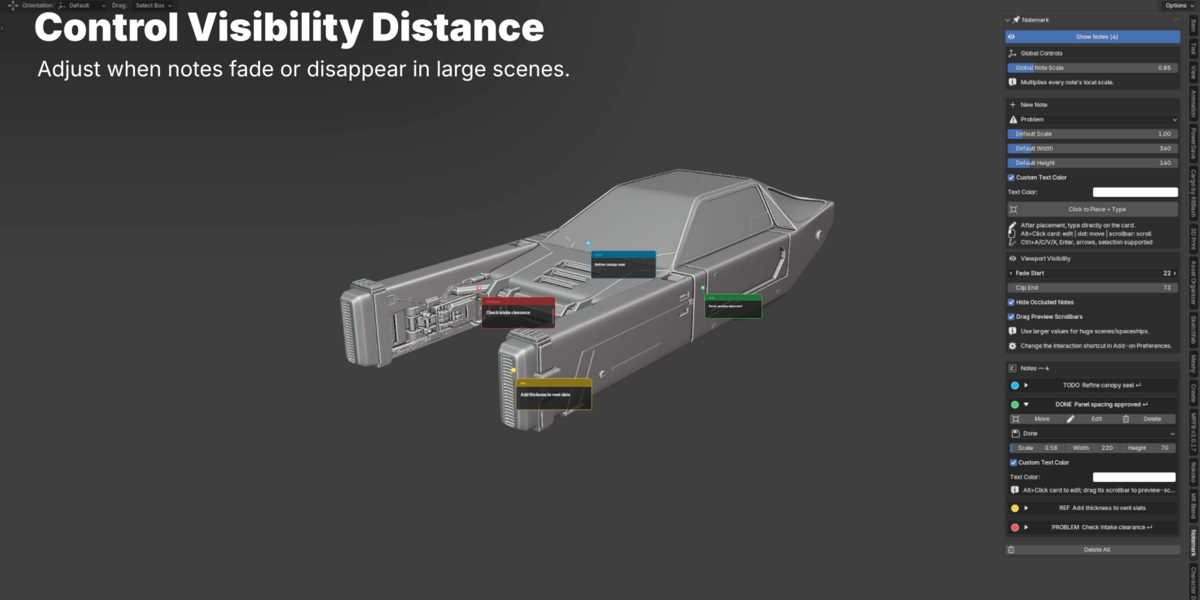
Yes. You can adjust note size, width, height, global scale, individual note scale, and text color. This gives you control over how visible or subtle your notes appear in different scenes.
Can I organize notes by type or category?
Yes. NoteMark includes built-in note categories such as Todo, Problem, Done, and Reference. Each category has its own color, making it easy to scan your scene and understand what needs attention.
$12
 Included
Includes 12 months of
- Support from Tivan Hajiloo
- Product updates
Extend this product’s Support Period +12 months: 25% of product price
Have questions before purchasing?
Login to message
| Blender Extension Compatible | Yes |
| Published | about 21 hours ago |
| Blender Version | 4.5 - 5.2 |
| Extension Type | Add-on |
| License | GPL |
Discover more products like this
scene notes todo design review viewport sticky notes Annotations notes