 Nick Sayce Designs


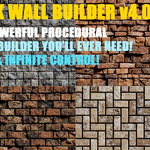
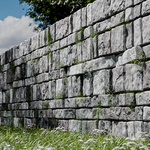
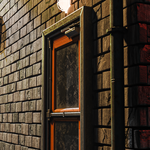
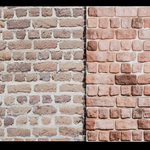
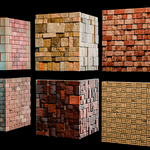
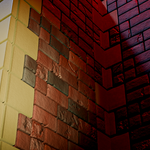
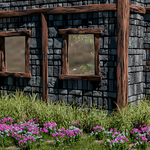
The most powerful, customisable brick wall builder available!
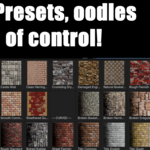
Now with 22 presets!
NS Brick Wall Builder Demo
NS Brick Wall Builder Guide
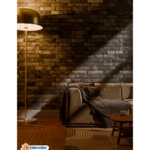
The NS Brick Wall Builder can build any type of brick wall for use in all of your scenes! No more searching for memory-eating RGB textures and maps, just load up the builder, choose a ready-to-go preset or make a few changes and away you go!
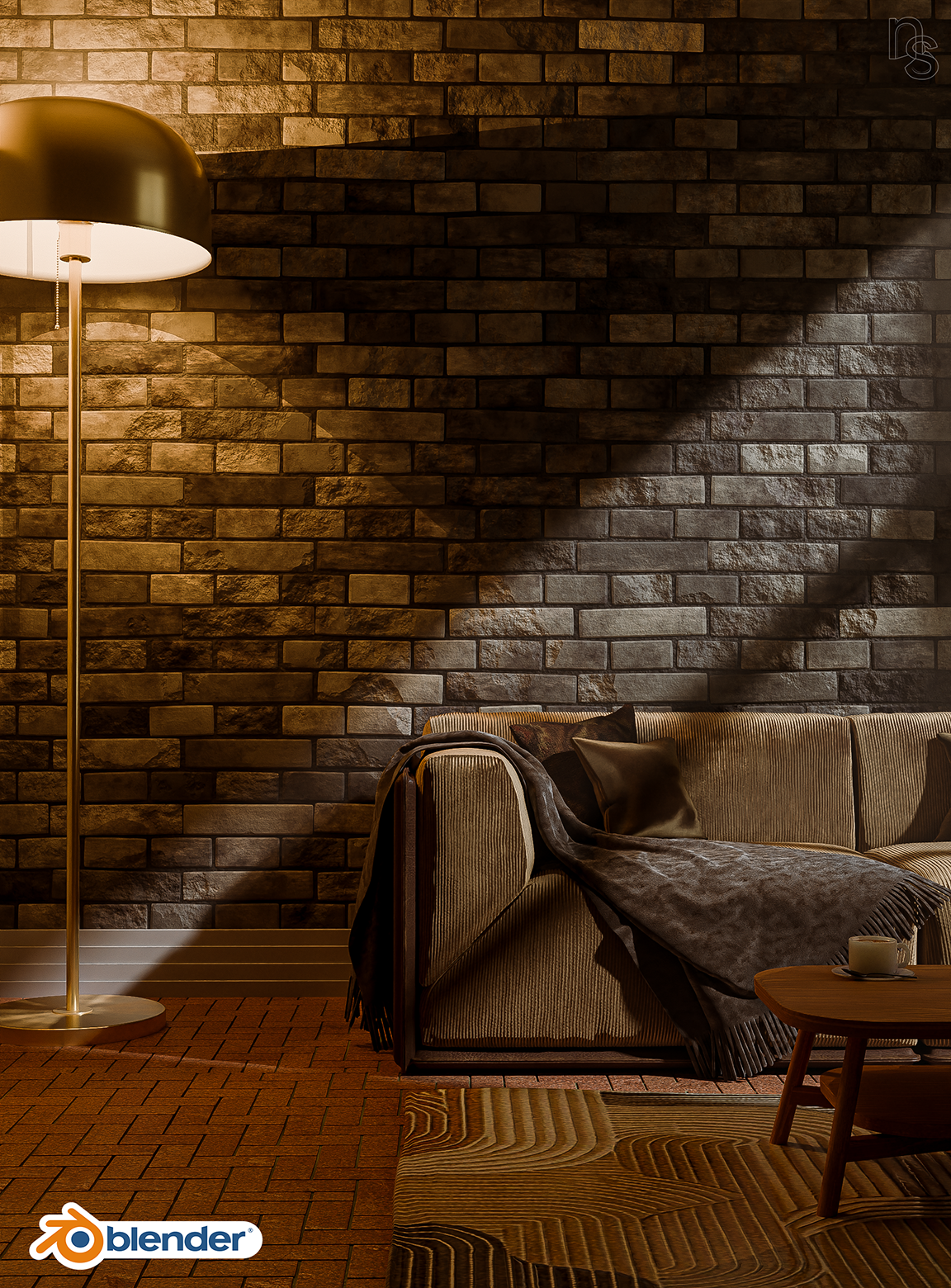
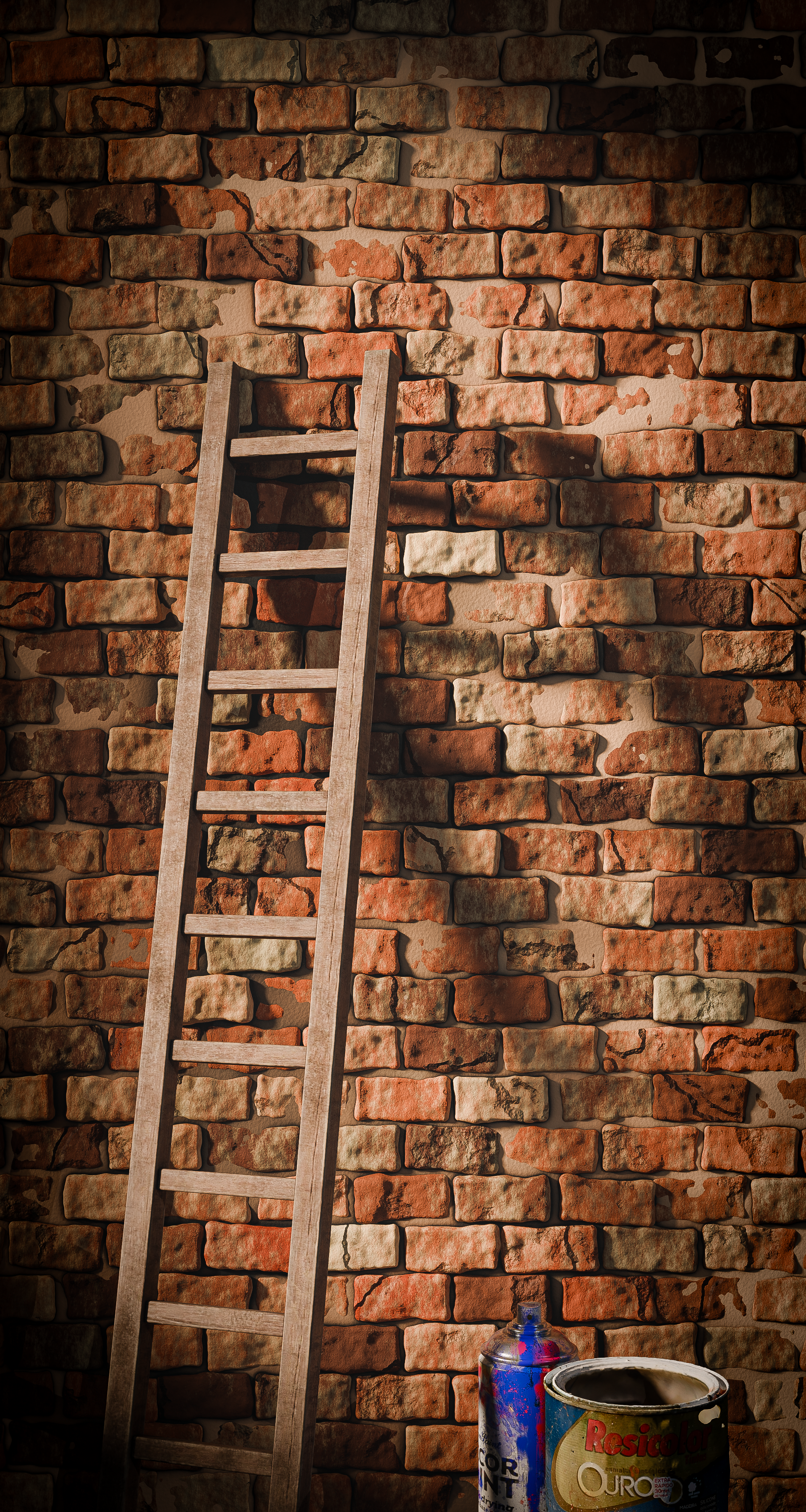
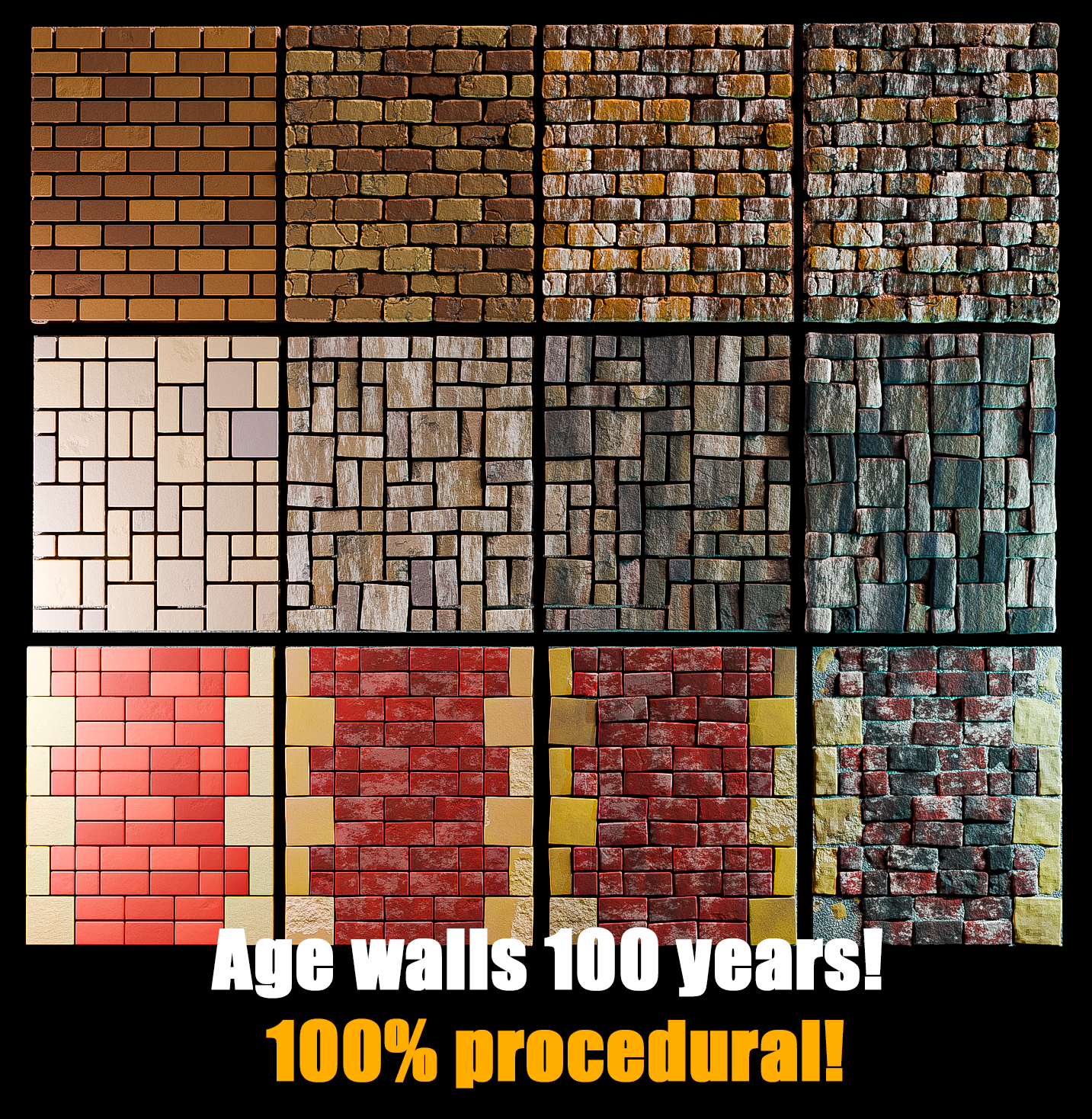
Very simple and easy to navigate UI, a few clicks and you'll have a wall!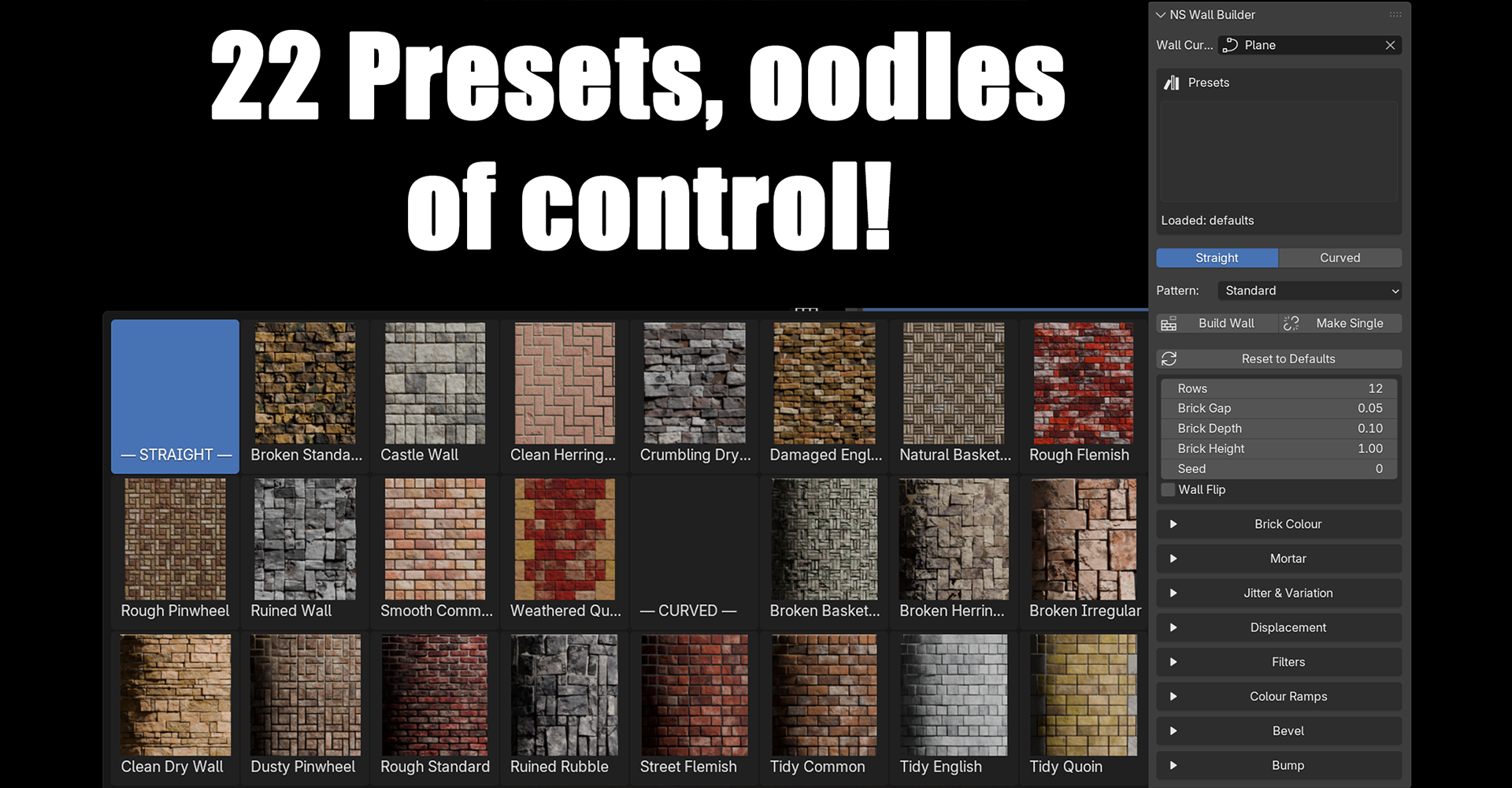
Found a wall you like? Make it!
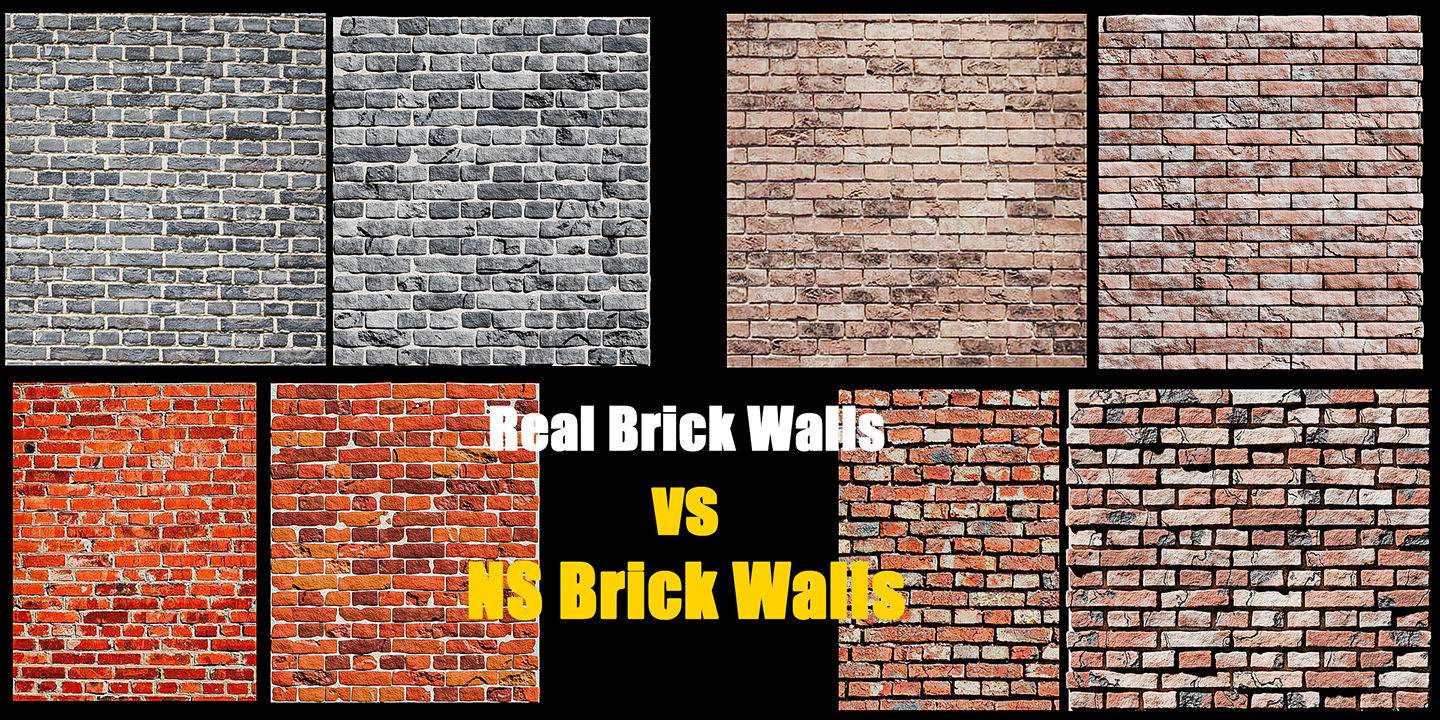
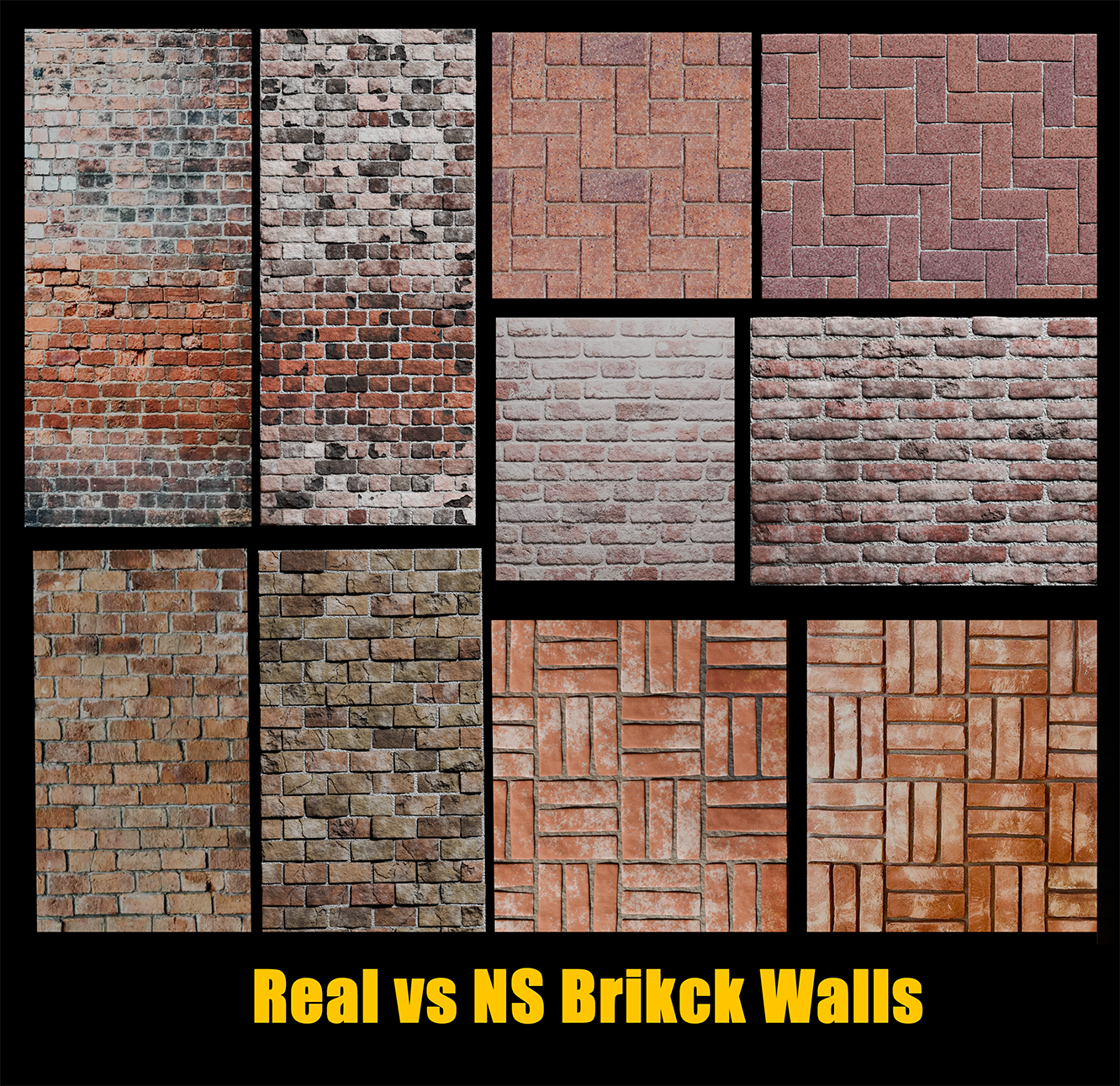
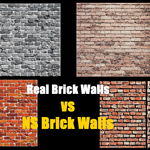
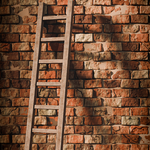
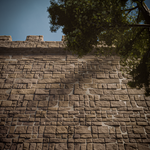
Mimicking a Real Brick Wall
Mimicking a Real Brick Wall 2
The NS Wall Builder Addon is a powerful addition to any Blender toolkit, offering unparalleled capabilities in wall modelling and customization. Its ease of use, combined with the depth of its features, makes it an invaluable resource for professionals and hobbyists alike. It quickly and easily creates physical brick geometry so any wall can be exported for use in other software. All future updates and added patterns will be free!
KEY FEATURES
Variety of Patterns and presets:
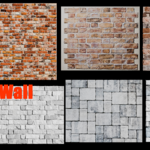
Generate walls using multiple brick patterns such as standard, basketweave, irregular, English bond, course rubble, quoin, Herringbone and Flemish bond.
Customize brick patterns to fit specific design requirements.
Choose from a range of presets or load up one and continue to edit.
Curve and Straight Path Support:
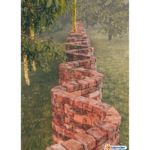
Build walls along smooth curves with automatic deformation or follow straight and corner paths for precise architectural modeling.
Easily switch between straight and curved modes to suit project needs.
Advanced Customization:
Control various parameters such as brick size, gap, depth, rotation variance, and scale variance to achieve the desired aesthetic.
Fine-tune materials and textures for realistic wall appearances.
Dynamic Interaction:
The "Make Single" feature allows users to disconnect walls from the addon, enabling further customization and repositioning without affecting newly generated walls.
Materials and textures are made unique to prevent changes across different wall instances.
User-Friendly Interface:
Intuitive panel in Blender’s 3D view sidebar for easy access to wall-building tools and settings.Quick adjustments to brick dimensions, colors, and variations through a straightforward UI.
Efficient Workflow:
Supports real-time updates and interactive adjustments, allowing for rapid iteration and experimentation.
Handles complex geometry and material setups efficiently, optimizing performance for large scenes.
Advanced Texturing:
All bricks occupy their own texture space, so no pattern repeats from one brick to the next for a much more natural look..
Why Choose NS Wall Builder?
Versatility: Whether you’re designing a modern building or a rustic architectural scene, the NS Wall Builder provides the tools to create walls that match your vision.
Detail-Oriented: With precise control over brick placement and appearance, this addon ensures your models look realistic and polished.
Productivity Boost: By automating the creation of detailed walls, it saves hours of manual modeling, allowing you to focus on creativity and design.
Ideal For
Architects and designers looking to enhance their visualization projects.
3D artists seeking a robust tool for creating realistic brick structures.
-
Anyone in need of a powerful, customizable solution for wall creation in Blender.
UPDATE TO version 4.0 19.07.26
I've made some more significant changes an additions so I've jumped straight to version 4!
ADDED
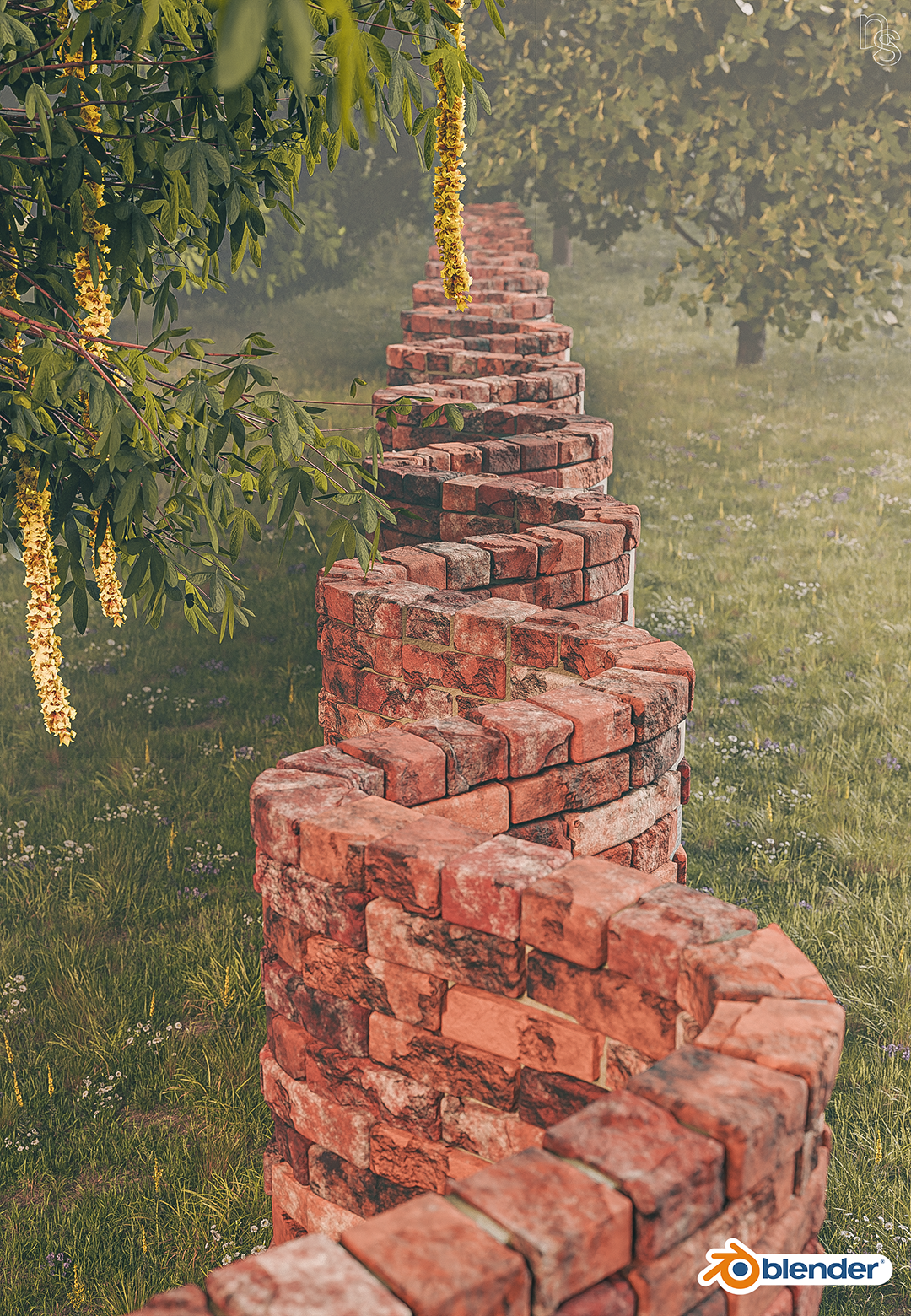
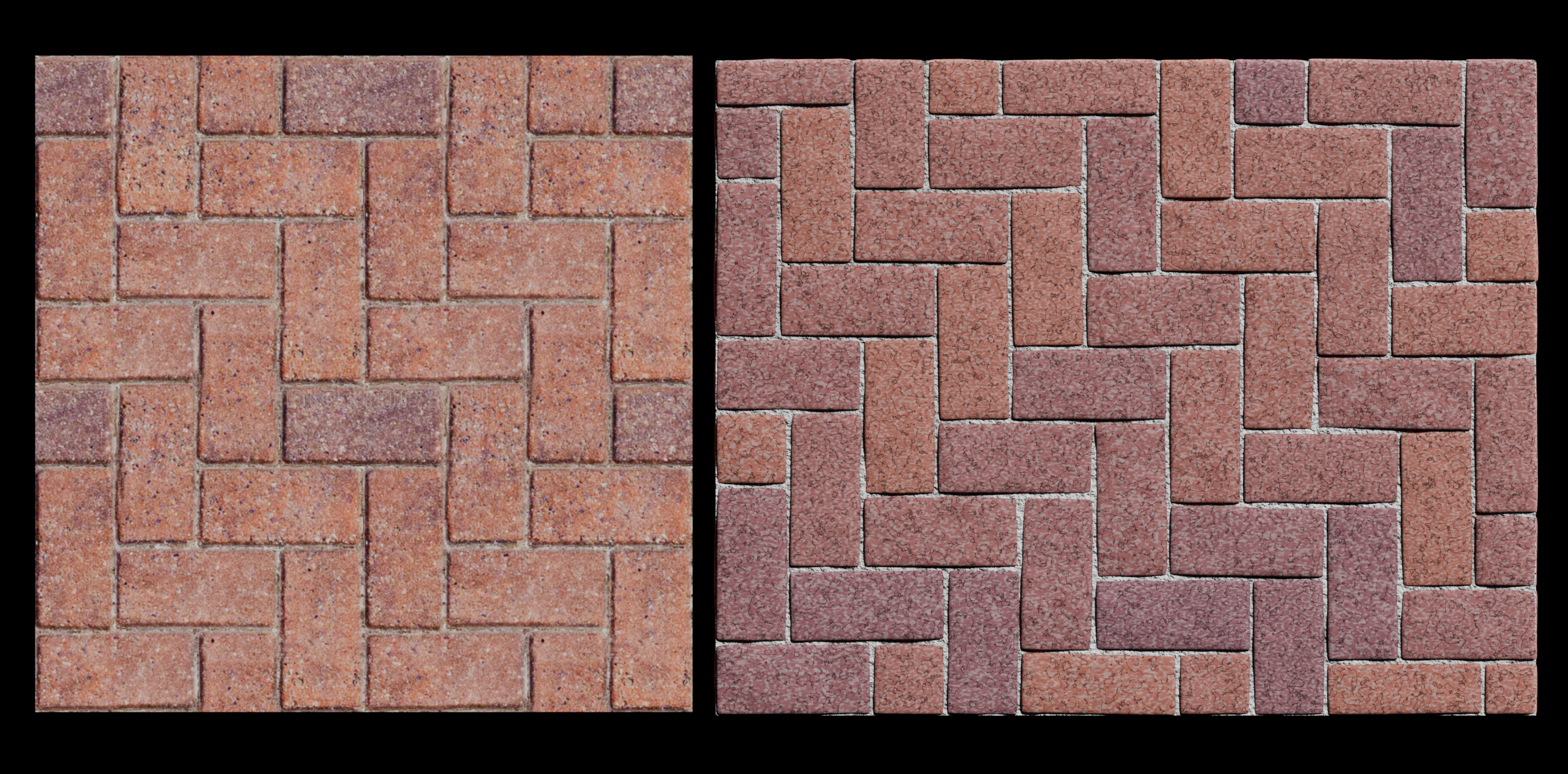
- 3 new patterns, Dry Rubble, Common Bond and Pinwheel
- Brightness & Contrast added to Brick Colour
- Standard Bump A & B now have their own filters and colour ramps
- Added a total of 22 presets across straight and curved walls
- Added a scale control for Pinwheel and Dry Wall
- Added a 'Reset to Defaults' button to bring everything back to default without changing the pattern
- Added extra controls for Material Displacement 2 filter.
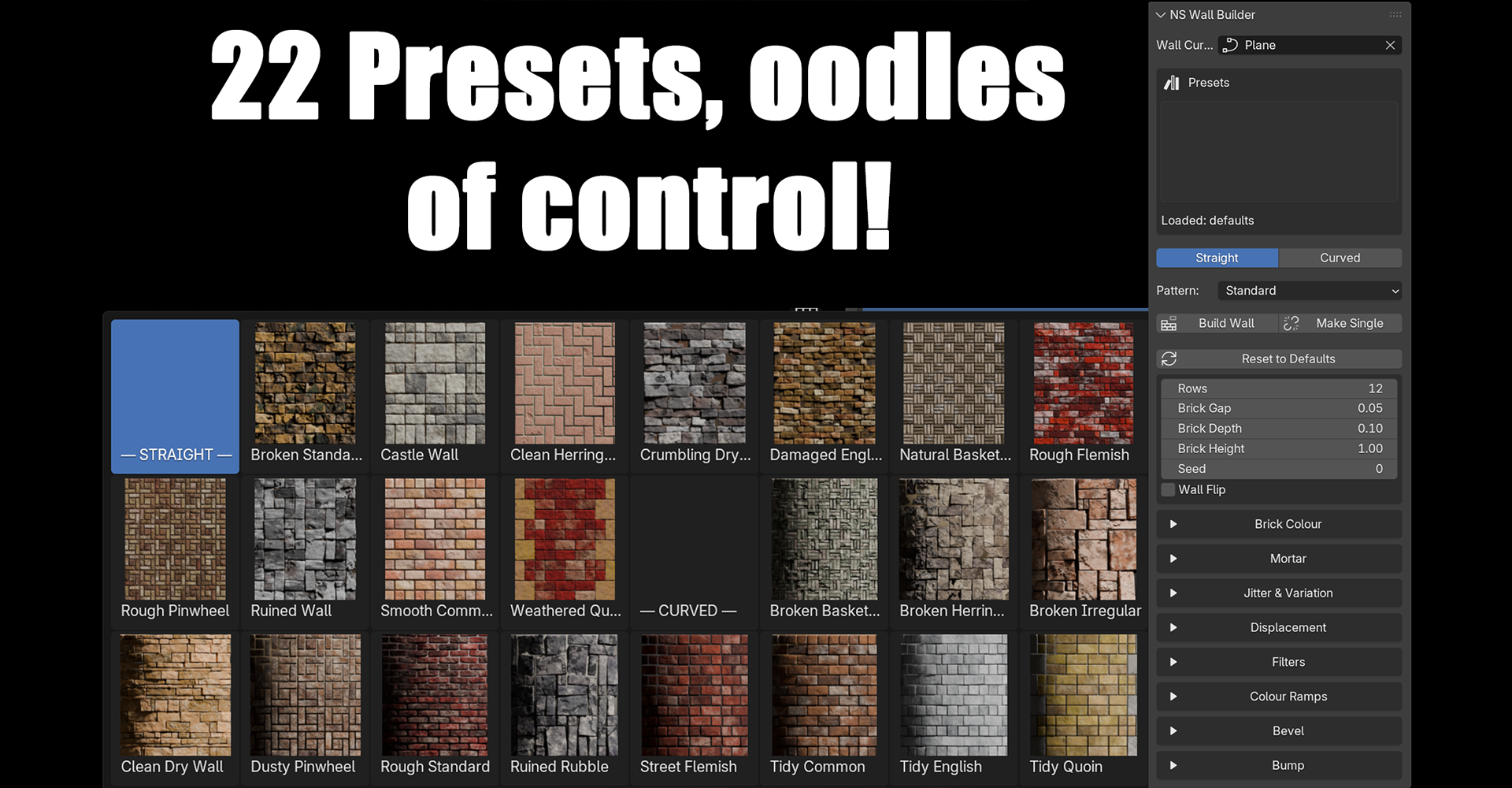
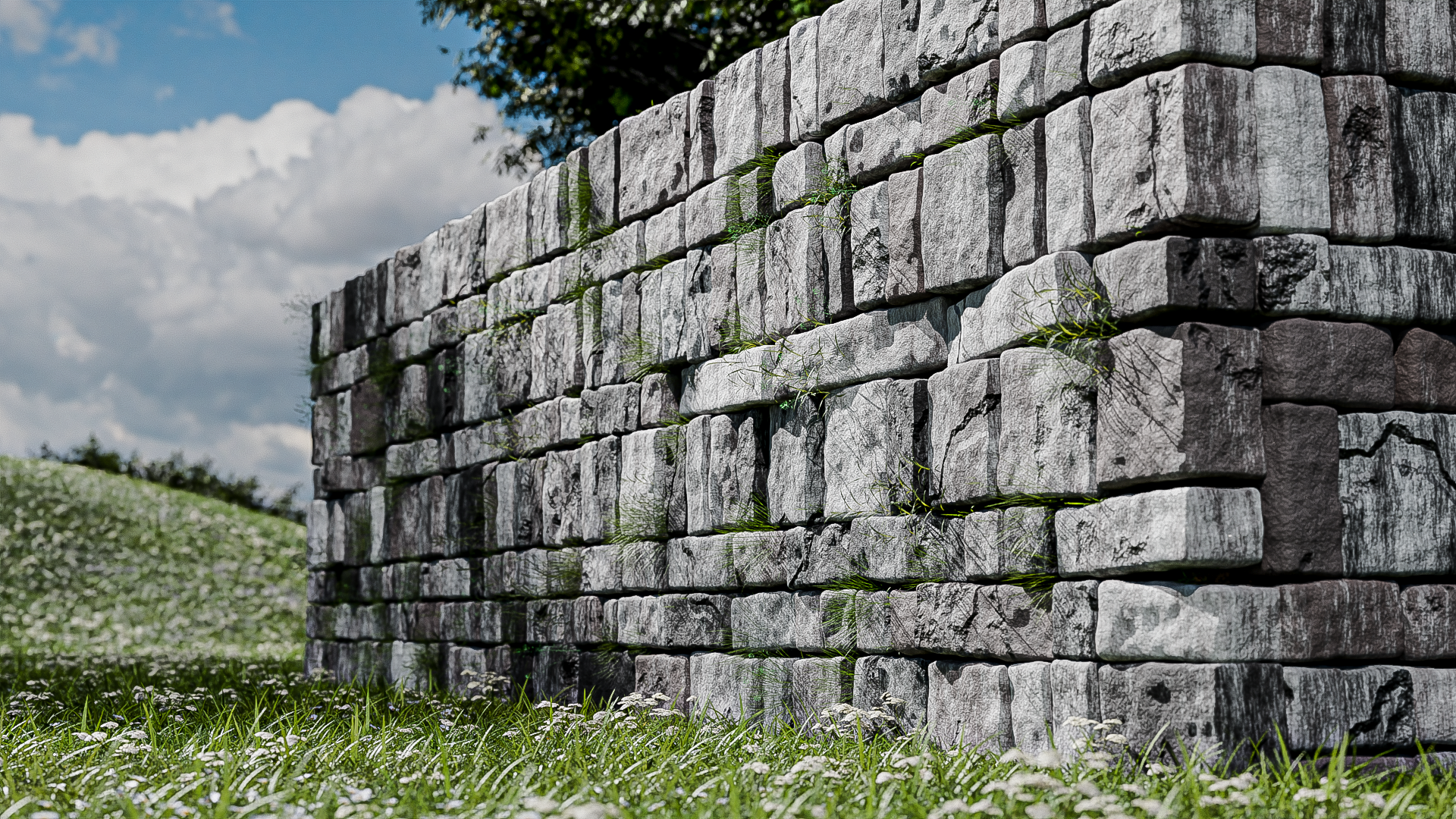
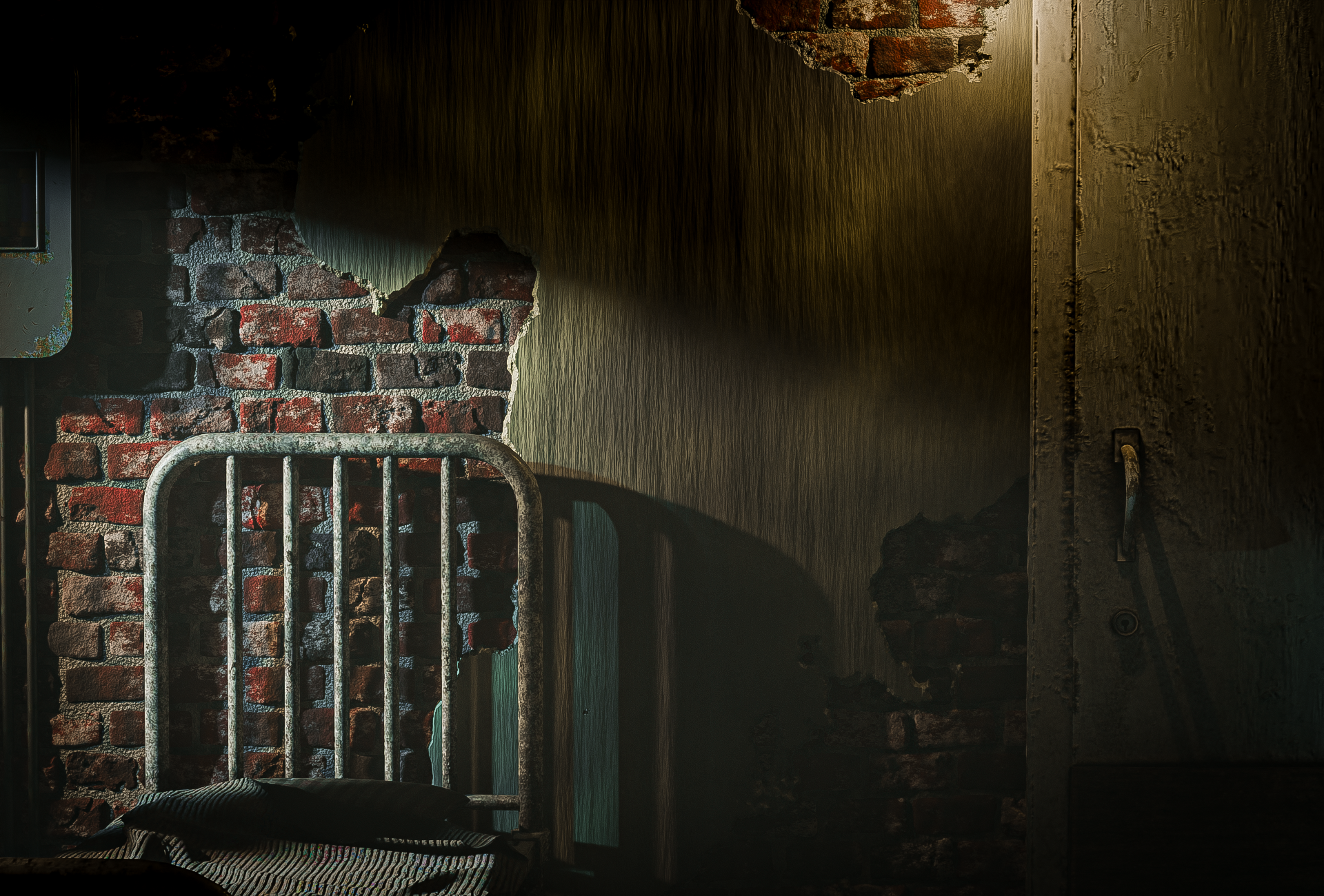
 Created using NS Brick Wall Builder and The Infinite Tree Builder
UPDATE TO version 3.5 13.07.26
Another update in quick succession!
I've added presets to the addon, so now you can simply click one of them and the wall will instantly generate! You can either keep it as it is, or use it as a base for further editing, they remain connected to the UI so you can edit to your hearts content.
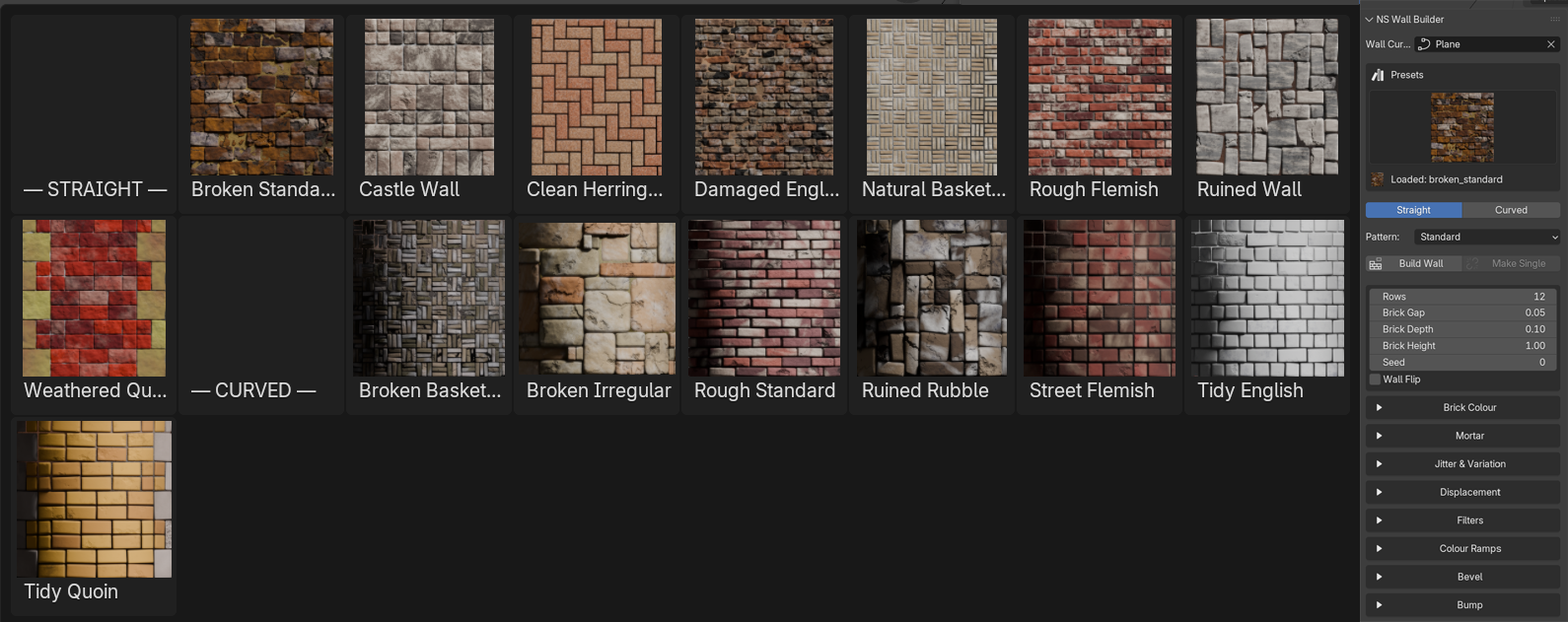
Now it's even quicker to get a wall you're happy with!
Added
- Filters are now nested to differentiate them more from the main dropdowns
- Brick Height - allows you to squash the height to widen the bricks. The width of the bricks in all patterns needsto remain for correct placement.
- Added Added a new Herringbone Pattern to Straight mode - implementation into curve mode will come with the next update
- Added a new crack displacement, which can be mixed between using the new Displacement 1/2 Mix
- Added a Dirt Filter and moved the dirt and dust colour pickers into their respective filters in the Filters dropdwon.
- Added a choice of bump for Quoin bricks with a new slider labelled 'Standard / Eroded bump', which is found in the Bump dropdown
- Added Colour Ramps dropdown and populated it with usefulcolour ramps for various colour, bump and displacement filters
Bug Fixes
- Several patterns in curve mode weren't filling the wall correctly, they've been fixed
- English bond was creating strange gaps every 2m.
- Various patterns have been tidied up.
-
Follow my NS Designs page for regular updates!