Null Cast
 Null Station


Does Null Cast capture audio?
No, Null Cast currently captures video and image data only. It does not process audio streams.
Can I project onto multiple objects simultaneously?
Yes. You can select multiple objects and use the "Apply to Selected" tool to cast the same video feed onto all selected meshes at once.
Does this work with Blender 4.2 or 5.0?
Yes, Null Cast supports Blender versions 4.0 through 5.0 and newer.
How do I install the required libraries (OpenCV/MSS)?
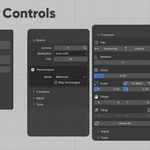
The addon includes a built-in dependency manager. Simply go to the Addon Preferences after installation and click the "Install" buttons. No manual Python coding is required.
Can I capture a specific window instead of the whole screen?
Yes. You can use the "Region Capture" feature to define specific coordinates or use the "Visual Picker" to drag and select the exact area of your screen you wish to cast.
Why is my playback lagging?
Real-time capturing can be resource-intensive. To improve performance, try lowering the capture Resolution (e.g., to 640×480) or reducing the FPS limit in the addon settings.
What is Null Cast?
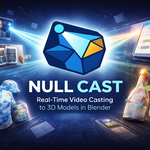
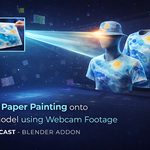
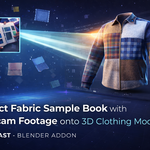
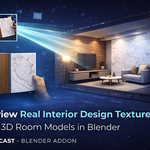
Null Cast is a Blender addon that enables real-time video streaming from webcams or screen captures directly onto 3D object textures.
 Included
Includes 12 months of
- Support from Null Station
- Product updates
Extend this product’s Support Period +12 months: 50% of product price
Have questions before purchasing?
Login to message
| Blender Extension Compatible | Yes |
| Published | 8 months ago |
| Blender Version | 4.0 - 5.0 |
| Extension Type | Add-on |
| License | GPL |
Discover more products like this
Projection Mapping Null Cast OpenCV 3d tools Webcam Capture Screen Mirroring Texture Streaming blender addon ArchViz motion graphics Real-time rendering VFX