 Nurc Studio


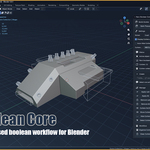
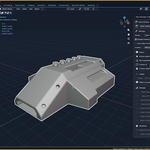
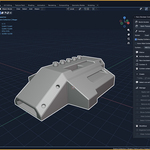
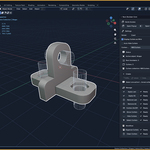
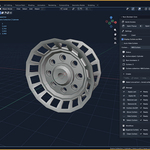
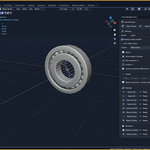
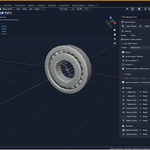
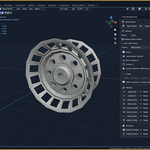
Nurc Boolean Core
Fast, clean, and focused boolean workflow for Blender.
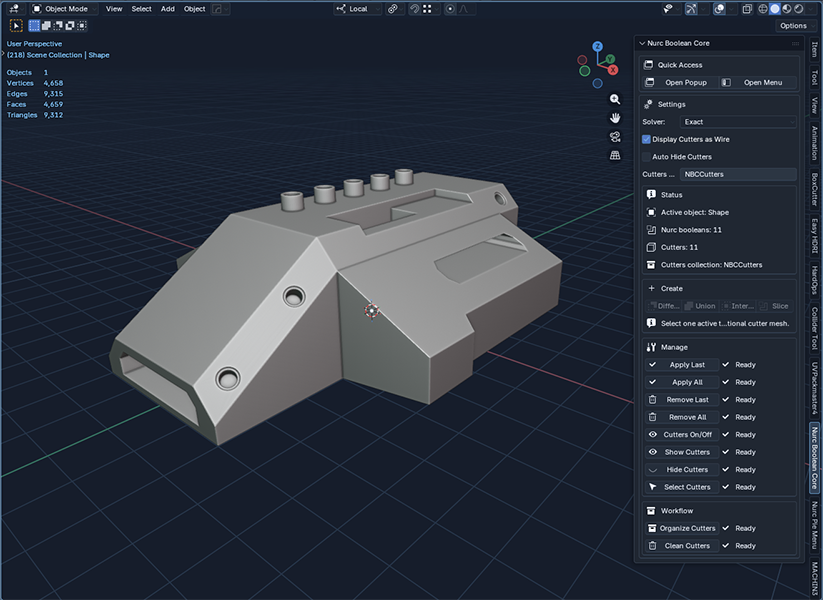
Blender already includes powerful boolean tools, but the workflow is still too manual. Setting up modifiers, managing cutters, hiding helper objects, cleaning collections, and keeping the scene readable can quickly slow down the modeling process.
Nurc Boolean Core is built to simplify that workflow with a focused toolset for creating, managing, and cleaning boolean operations without adding unnecessary complexity.
It gives you direct access to the core actions you actually use, keeps cutters organized, and lets you switch between precise and fast destructive workflows depending on the job.
Why use Nurc Boolean Core?
-
Faster boolean setup with fewer repetitive steps
- Cleaner cutter management inside the scene
- Quick access from the Sidebar, popup, and menu
- Exact or Fast Destructive workflow modes
- Standalone boolean toolset with a clean production-oriented approach
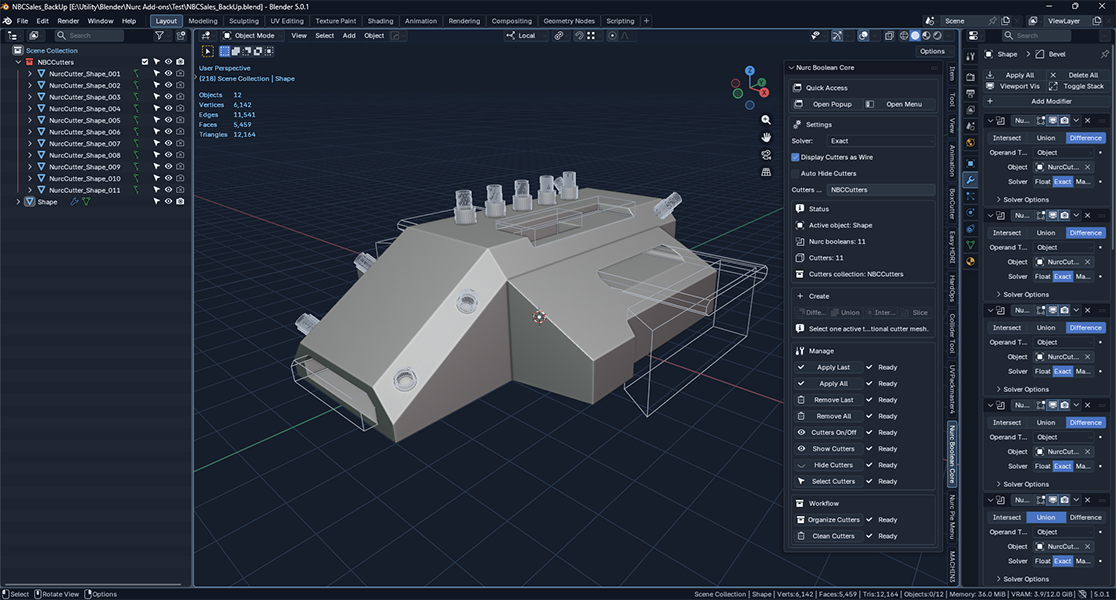
Core Features
Create booleans quickly
Nurc Boolean Core gives you direct access to the essential boolean operations:
- Difference
- Union
- Intersect
- Slice
This makes it easier to build forms, cut shapes, and iterate on hard-surface designs without breaking your flow.
Manage your boolean stack
Control your active boolean setup with practical cleanup and finalization tools:
-
Apply Last
- Apply All
- Remove Last
- Remove All
You keep control over when your booleans stay editable and when they become final geometry.
Control cutters without scene clutter
Cutter objects are a necessary part of boolean work, but they often make scenes harder to read and manage. Nurc Boolean Core includes dedicated tools to handle them efficiently:- Cutters On or Off
- Show Cutters
- Hide Cutters
- Select Cutters
- Organize Cutters
- Clean Cutters
Dedicated cutter collection
The addon helps keep your scene cleaner by organizing cutters into a dedicated collection with consistent naming. This makes heavier boolean workflows easier to maintain over time.
Two workflow modes
Choose the workflow that fits the task:
-
Exact for more robust and precise boolean operations
- Fast Destructive for faster iteration by applying the boolean immediately and deleting the used cutter
This gives you flexibility between control and speed, depending on where you are in the modeling process.

Quick access where it matters
Nurc Boolean Core is available directly from:
-
the 3D View Sidebar
- a popup
- a menu
That keeps the addon close to your modeling workflow instead of hiding core actions behind unnecessary navigation.
Who is it for?
Nurc Boolean Core is designed for Blender users who want a faster and cleaner boolean workflow without the overhead of a larger procedural system.
It is especially useful for:
-
hard-surface modeling
- blockout workflows
- sci-fi and mechanical asset creation
- fast iterative shape exploration
- artists who want practical boolean tools and cleaner scene organization
Installation and workflow walkthrough
A full video walkthrough is included to show both the installation process and the core workflow in action.This helps buyers get started quickly and see exactly how the addon fits into a real Blender workflow.
Compatibility
Commercially declared support for this release line:
Blender 4.5 to 5.1
Installation
- Open Blender
- Go to Edit > Preferences > Extensions
- Choose Install from Disk
- Select the provided
.zipfile - Enable Nurc Boolean Core
or
- Use the Online Service
- Search Nurc Boolean Core
- Click Install
- Enable Nurc Boolean Core
Location:
View3D > Sidebar > Nurc Boolean Core
Latest Update - Version 1.0.1
Improvement of the Cutters system:
- Added a function to detect Cutters that are still used in Modifiers, preventing them from being deleted during Clean Cutters.
- Stabilization update
- Added Blender undo support to the main action operator