Nurc Boolean Core
 Nurc Studio


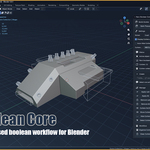
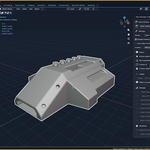
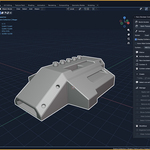
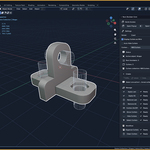
User Guide
Nurc Boolean Core — Version: 1.0.0
What Is Nurc Boolean Core?
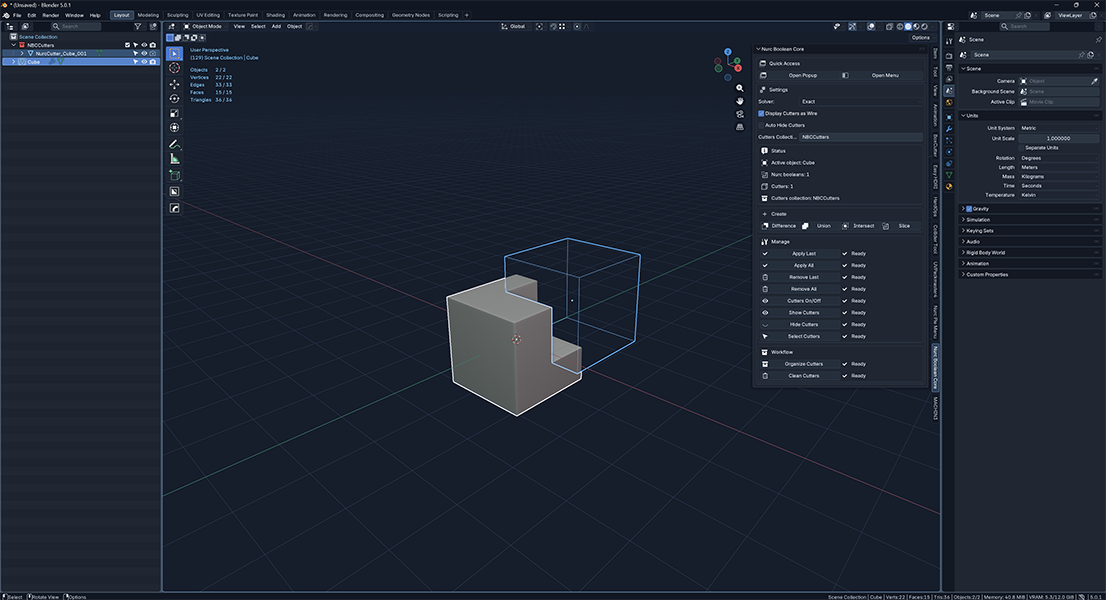
Nurc Boolean Core is a focused boolean workflow add-on for Blender. It treats one active mesh as the target and one or more selected meshes as cutters.
The add-on creates, manages, organizes, hides, selects, applies, removes, and cleans Nurc Boolean modifiers and their cutter objects. It is not a general-purpose mesh toolkit.
Installation & Access
Open Preferences
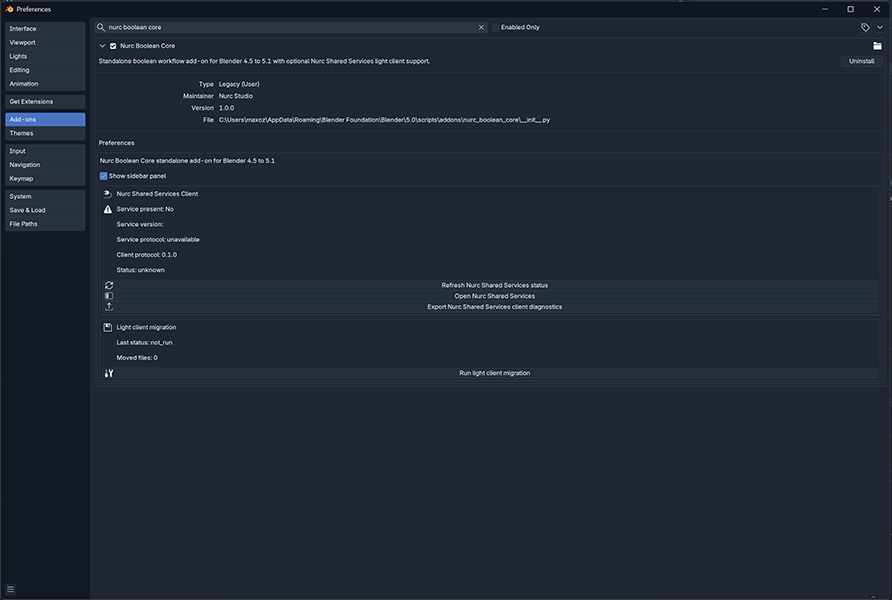
Go to Edit › Preferences › Extensions in Blender.
Install from Disk
Open the top-right menu and choose Install from Disk. Select the Nurc Boolean Core ZIP.
Enable the Add-on
Toggle it on. Find the panel at View3D › Sidebar › Nurc Boolean Core.
Standard Workflow
EXACT keeps cutters for a non-destructive workflow. FAST applies immediately and deletes the cutter used.
Core Concepts
Target Object
The active object — must be a mesh for all creation and management actions.
Cutter Objects
Additional selected mesh objects used as boolean operands against the target.
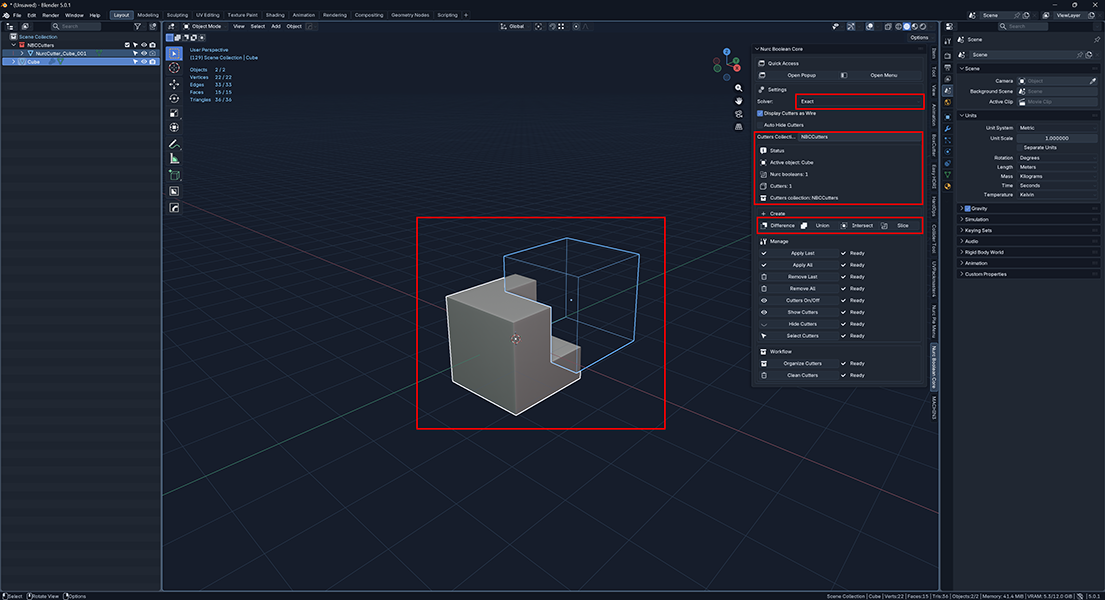
Exact Mode
Non-destructive. Modifier is created and the cutter is kept, moved to the cutter collection.
Fast Mode
Destructive. Boolean is applied immediately and the cutter is deleted. Use only when cutter preservation is not needed.
Slice
Duplicates the target as _Slice. Original gets Difference; duplicate gets Intersect — using the same cutters.
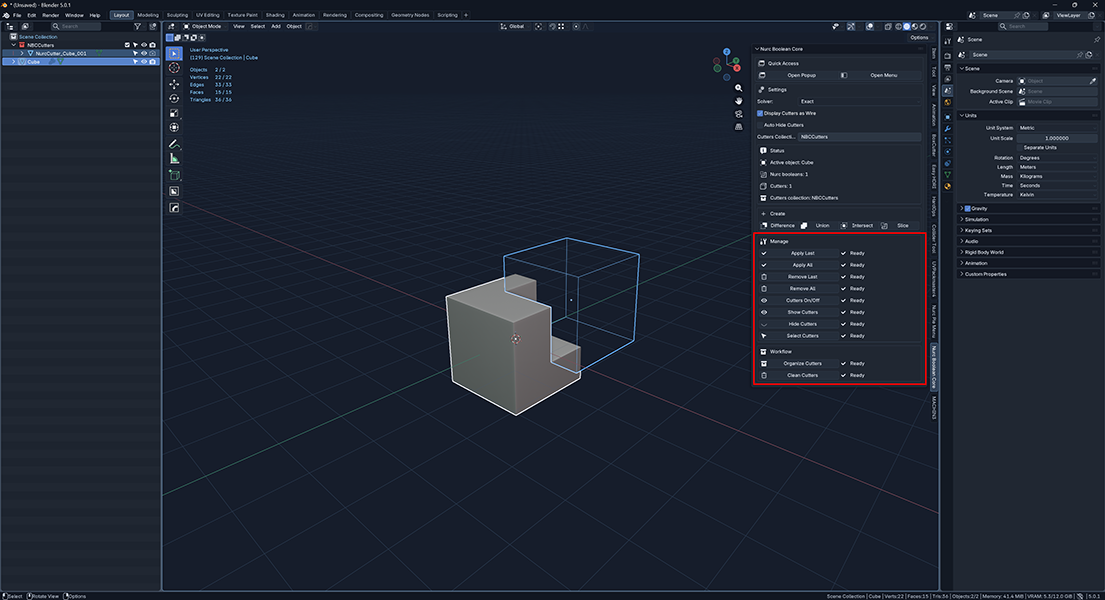
Settings Reference
Setting |
Default |
Behavior |
Solver |
Exact |
Exact = reusable modifier. Fast = applies immediately, deletes cutter. |
Auto Hide Cutters |
Off |
Hides newly prepared cutters after boolean creation. |
Display Cutters as Wire |
On |
Shows cutters as wire objects for easier scene readability. |
Cutters Collection |
NBCCutters |
Destination collection for organizing cutters. Legacy names normalize to NBCCutters. |
Action Reference
Create
Difference, Union, Intersect, Slice — requires active mesh target + at least one selected cutter mesh in Object Mode.
Manage
Apply Last / All, Remove Last / All — requires active mesh with existing Nurc Boolean modifiers.
Cutters
On/Off, Show, Hide, Select — requires valid cutter references linked to the active scene.
Workflow
Organize Cutters renames and sorts. Clean Cutters removes modifiers, deletes cutters, and removes the collection.
Recommended Workflows
Non-Destructive
Set Solver to Exact. Run Difference, Union, or Intersect. Manage cutters freely. Apply only when the result is final.
Destructive
Set Solver to Fast. Run the creation action. Modifier applies immediately and the cutter is deleted.
Slice
Select target + cutters. Run Slice. Original gets Difference; _Slice duplicate gets Intersect — both volumes preserved.
Finalize & Reset
Use Apply All to bake, Remove All to cancel, or Clean Cutters for a full teardown of all managed boolean data.
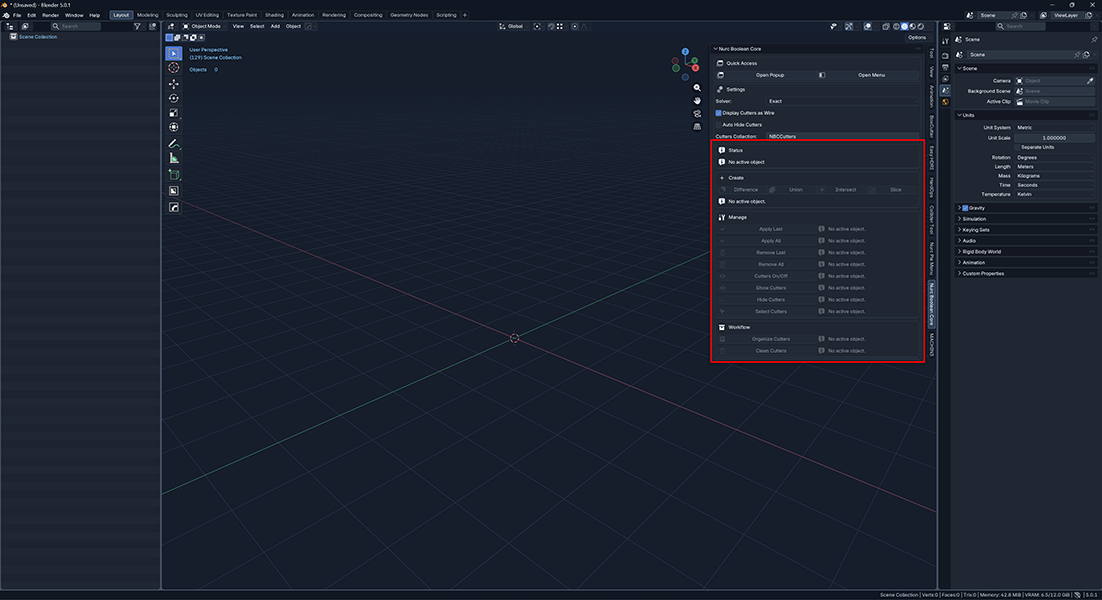
Troubleshooting
Problem |
Corrective Action |
No active object |
Select an object before running any action. |
Active object is not a mesh |
Make a mesh object active. |
Wrong mode |
Switch to Object Mode first. |
No cutter selected |
Select one active target + at least one additional mesh as cutter. |
No Nurc Boolean modifier found |
Apply/Remove only work when Nurc Boolean modifiers already exist on the mesh. |
Broken cutter reference |
Cutter object is missing or detached from the scene. Rebuild or run Clean Cutters. |
Nothing to clean |
Clean Cutters only runs when boolean-related data exists. |
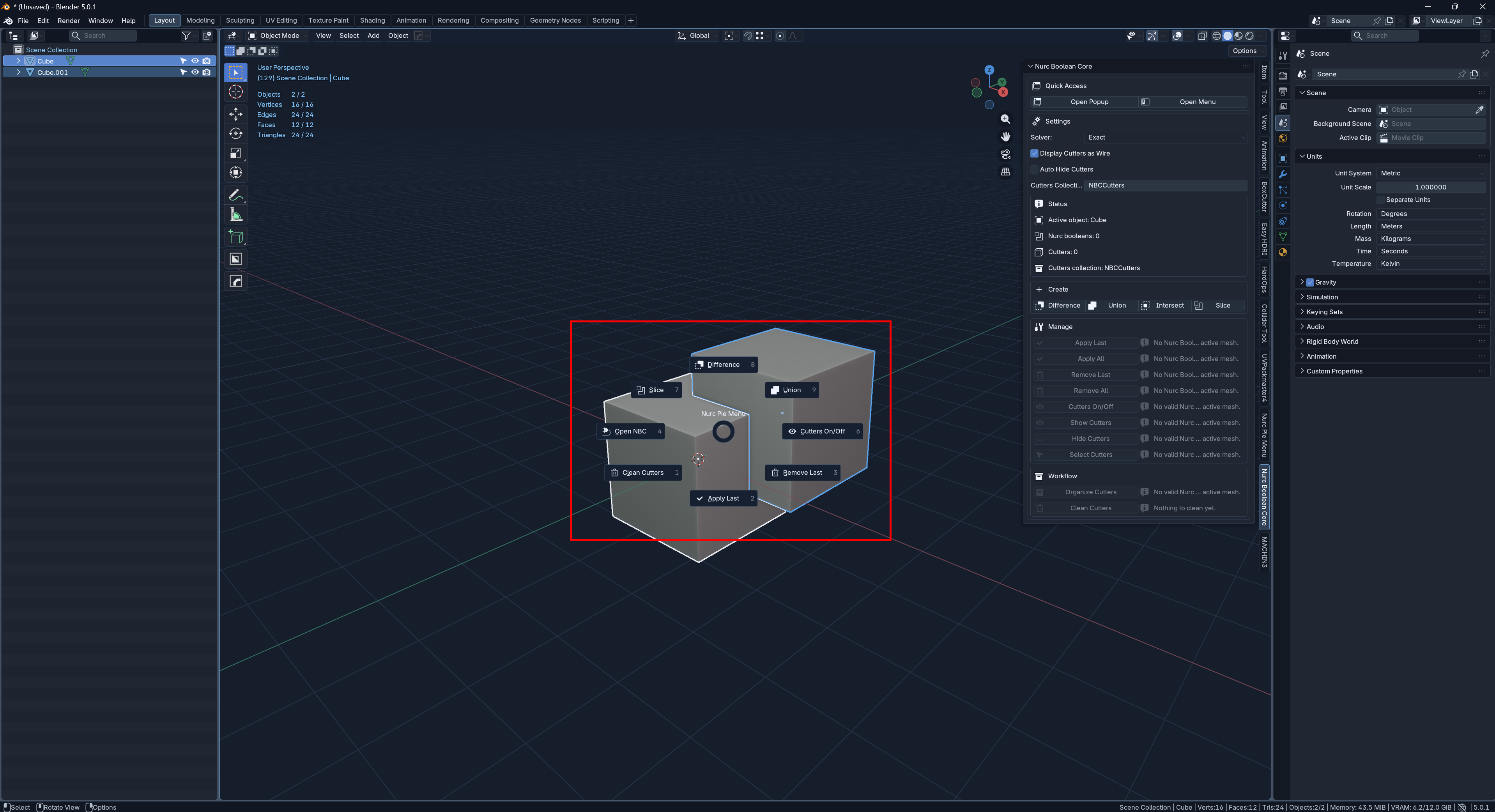
Optional Integrations & Limits
Nurc Pie Menu Bridge
Optional. Reads/writes shared boolean scene-state payloads if a compatible Nurc Pie Menu surface is available.
Sidebar Visibility
A Show sidebar panel preference hides the main panel without uninstalling the add-on.
The add-on manages only its own named boolean modifiers. It does not touch arbitrary Boolean modifiers created outside its workflow. Menu surface exposes a subset of actions only.
You can also watch our video tutorial.
You can also read our User Guide here, you can also read our Complete Guide here, and you can also join our Discord if you have any questions you’d like to ask us.
Have questions about this product?
Login to message
| Blender Extension Compatible | Yes |
| Published | 5 months ago |
| Blender Version | 4.5 - 5.1 |
| Extension Type | Add-on |
| License | GPL |
Discover more products like this
blender addon Cutters non-destructive boolean Workflow booleans mesh hard surface boolean workflow modeling hard surface modeling cutter