 Spencer Magnusson
Easy Camera-Based Visibility
Quickly optimize your scenes based on what is seen by the camera!
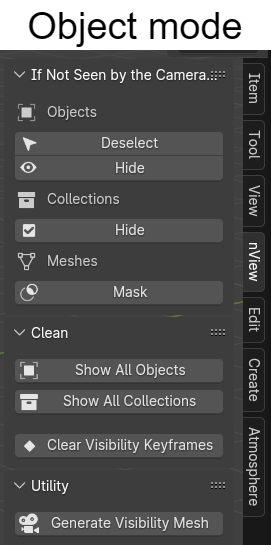
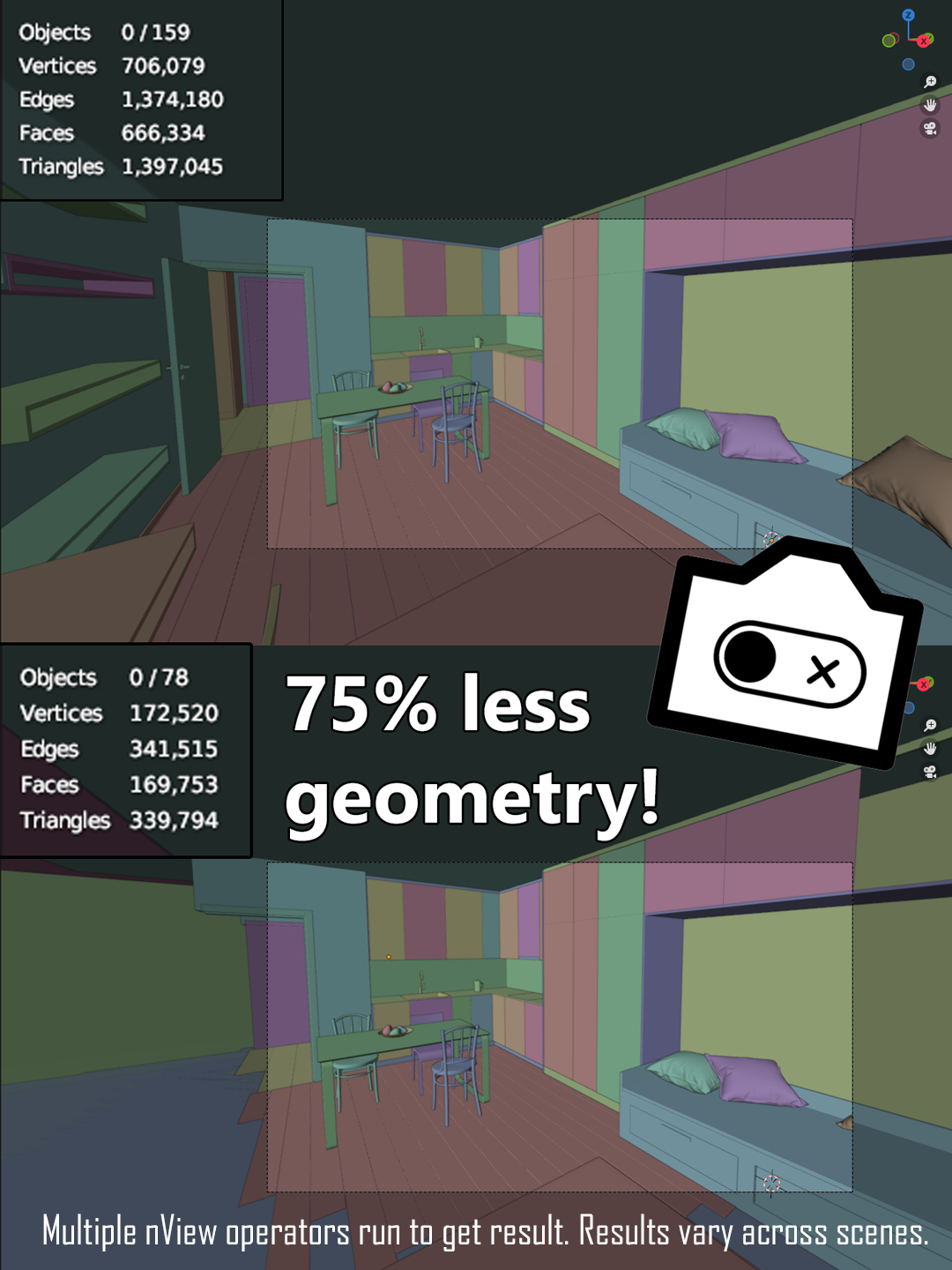
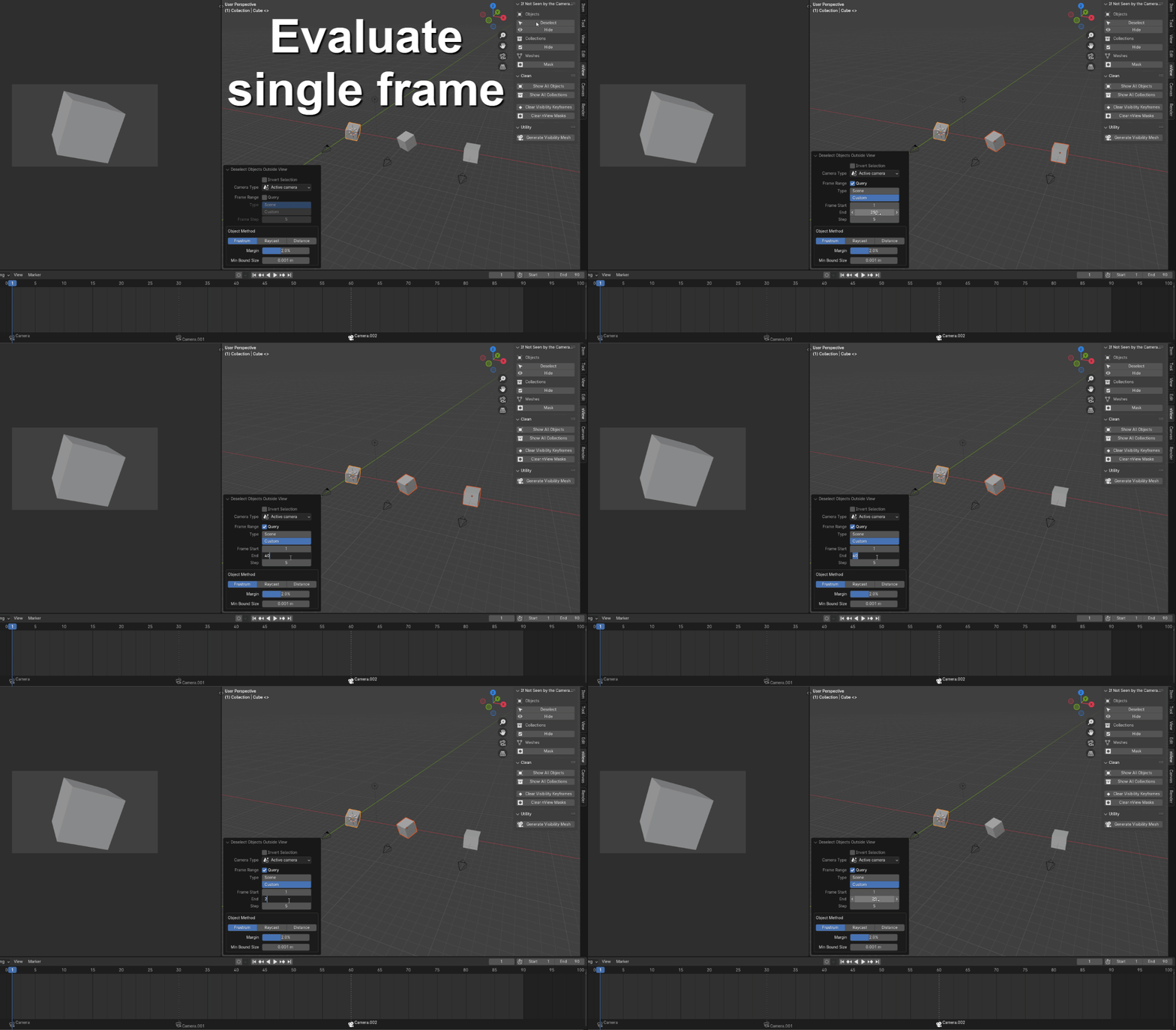
nView detects objects not seen by the camera, letting you choose to hide entire objects, bake their visibility to keyframes, or non-destructively mask geometry outside view.
Improve viewport speed and save rendering time, without compromising anything visually!
nView supports:
- all render engines
- all object types
- both perspective and orthographic cameras
- detection of geometry within instanced collections and linked objects.
My favorite features include:
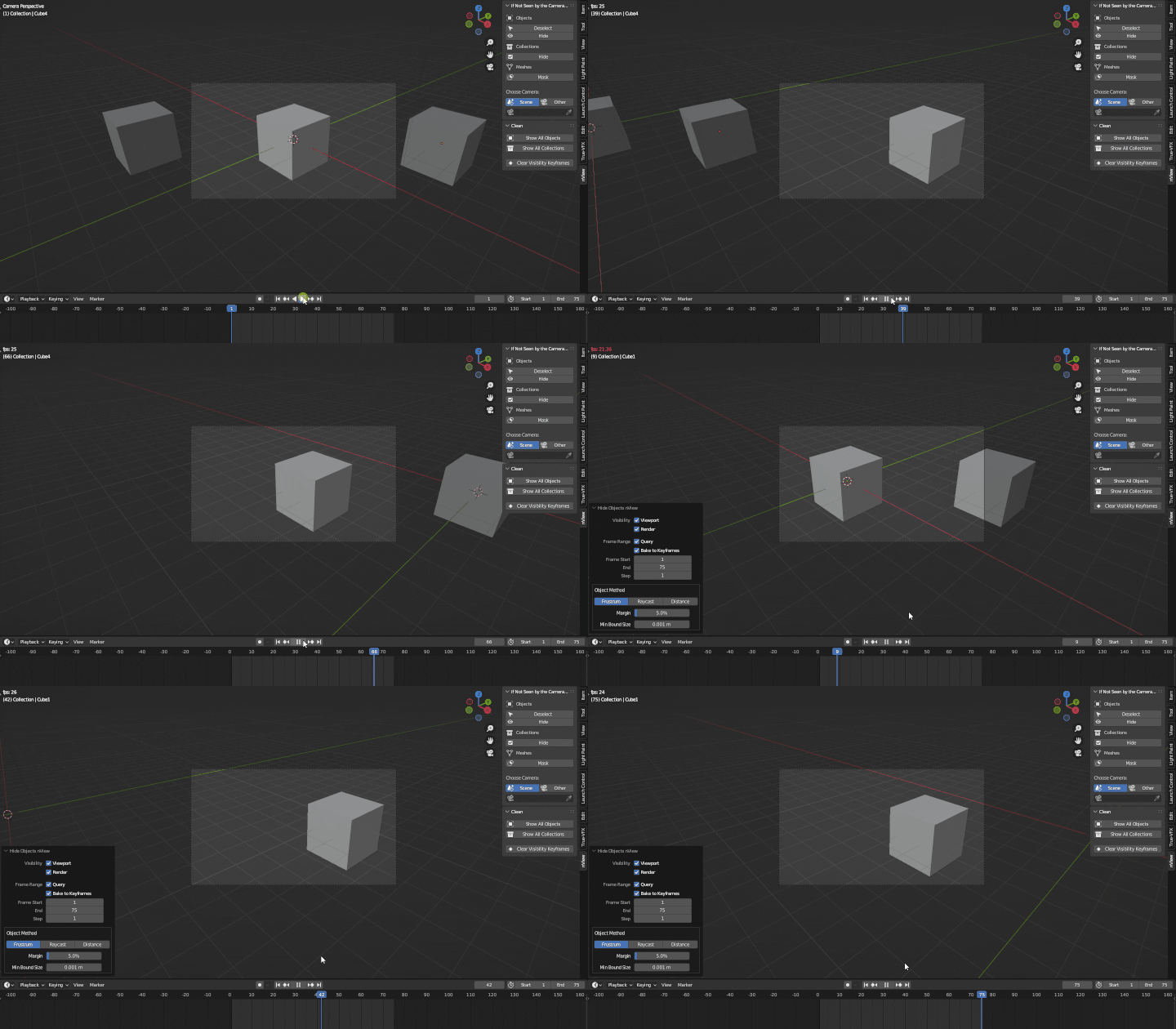
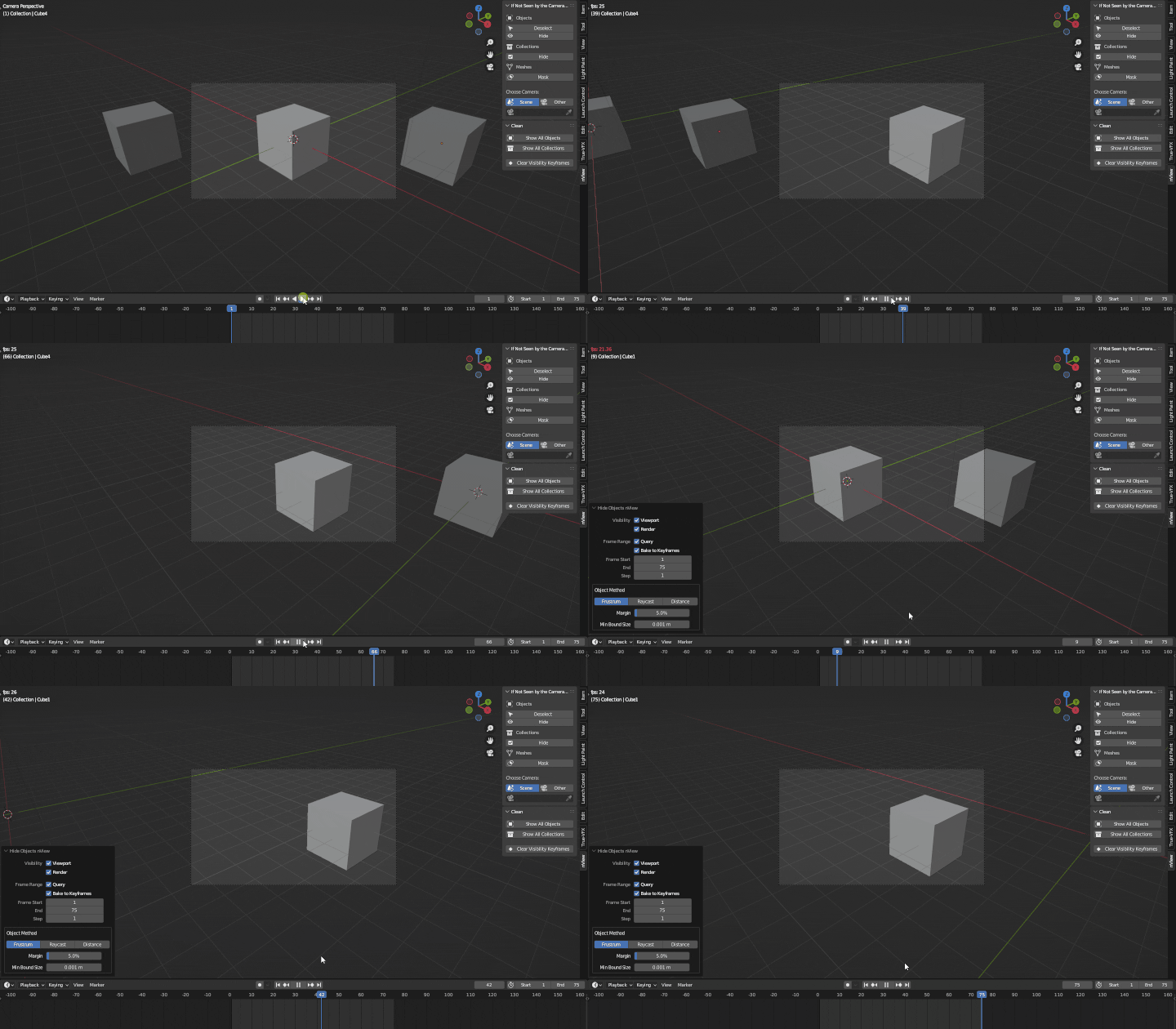
Bake object visibility to keyframes, accelerating viewport playback and render times!
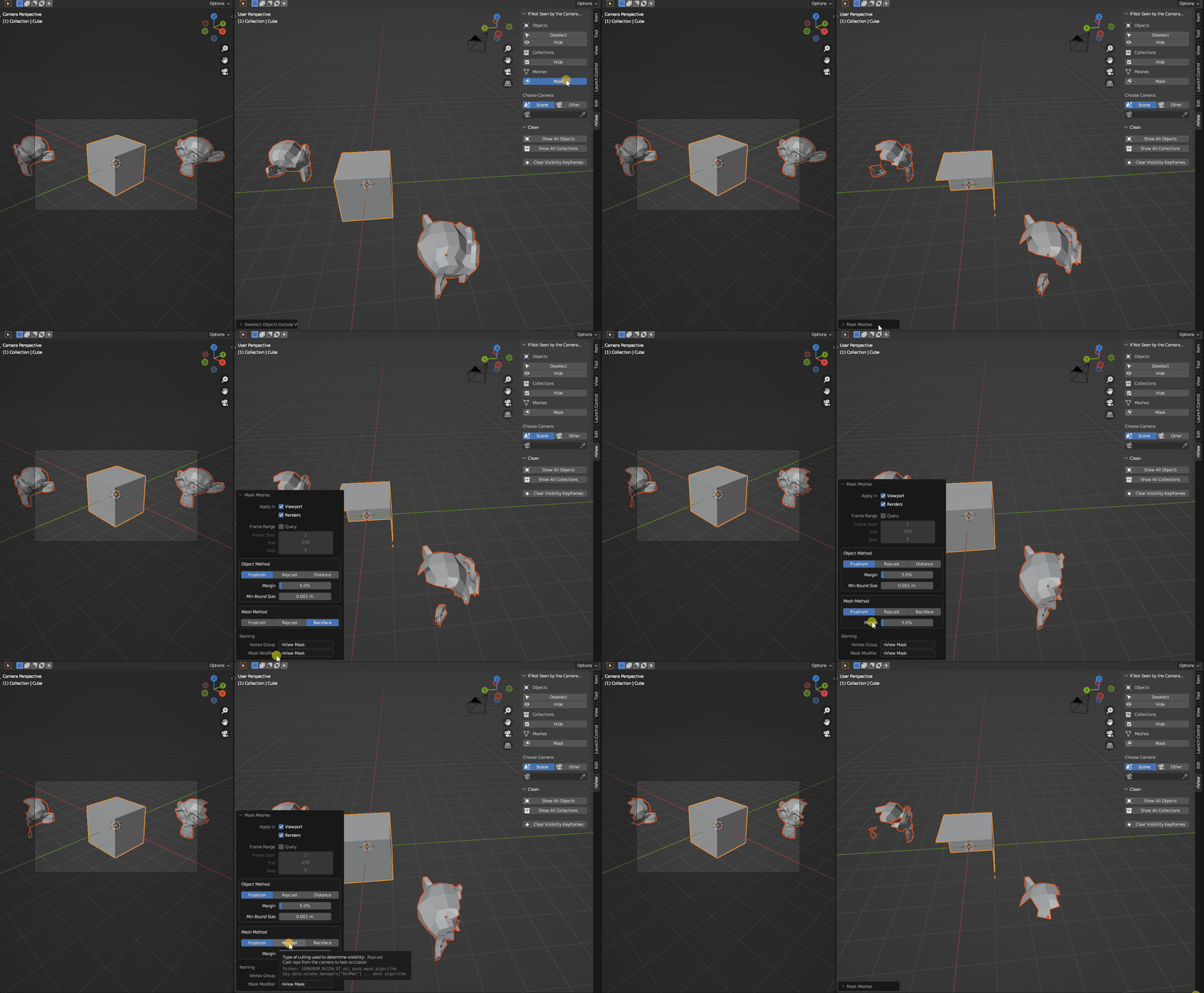
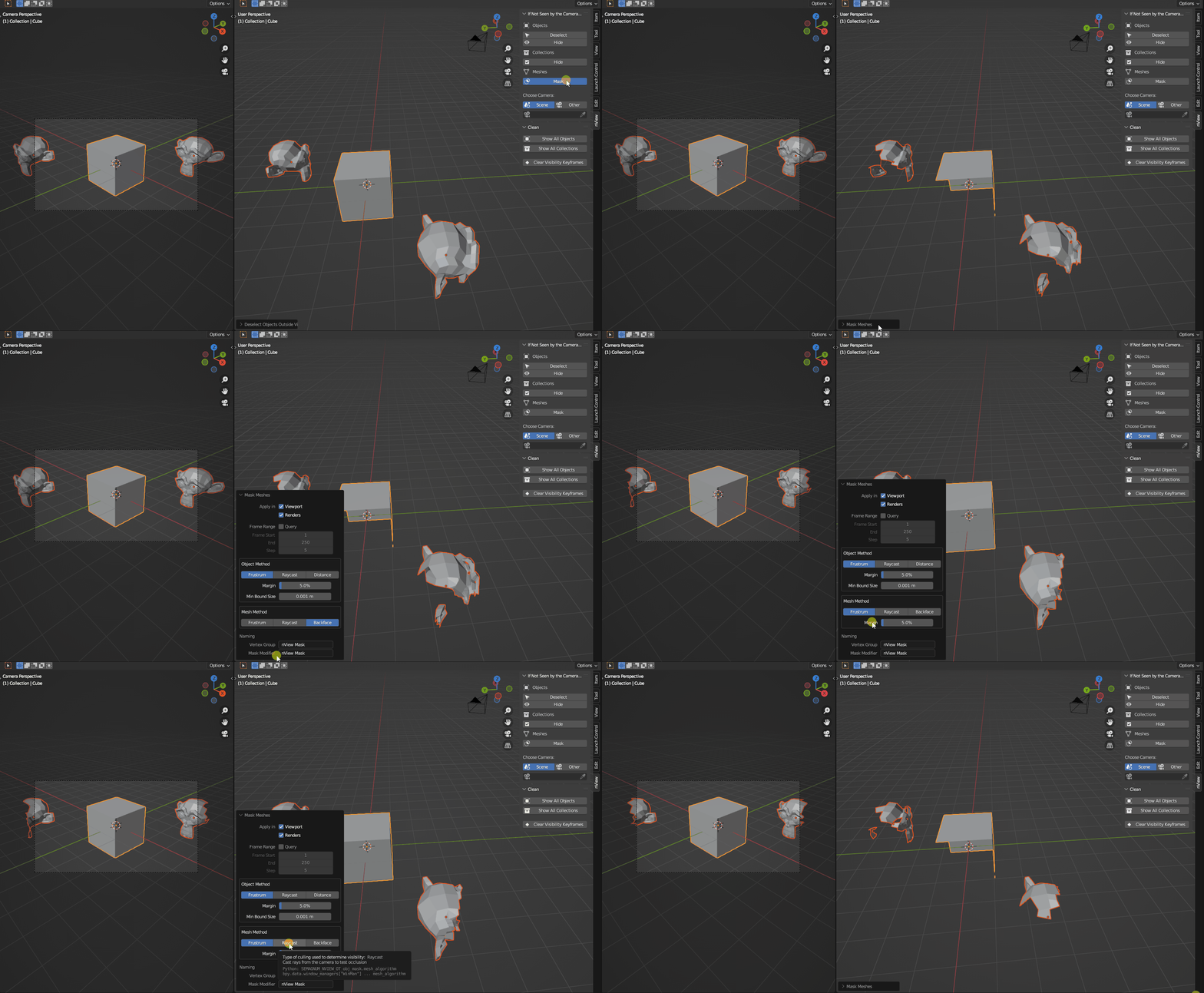
Mask out geometry outside of camera view!
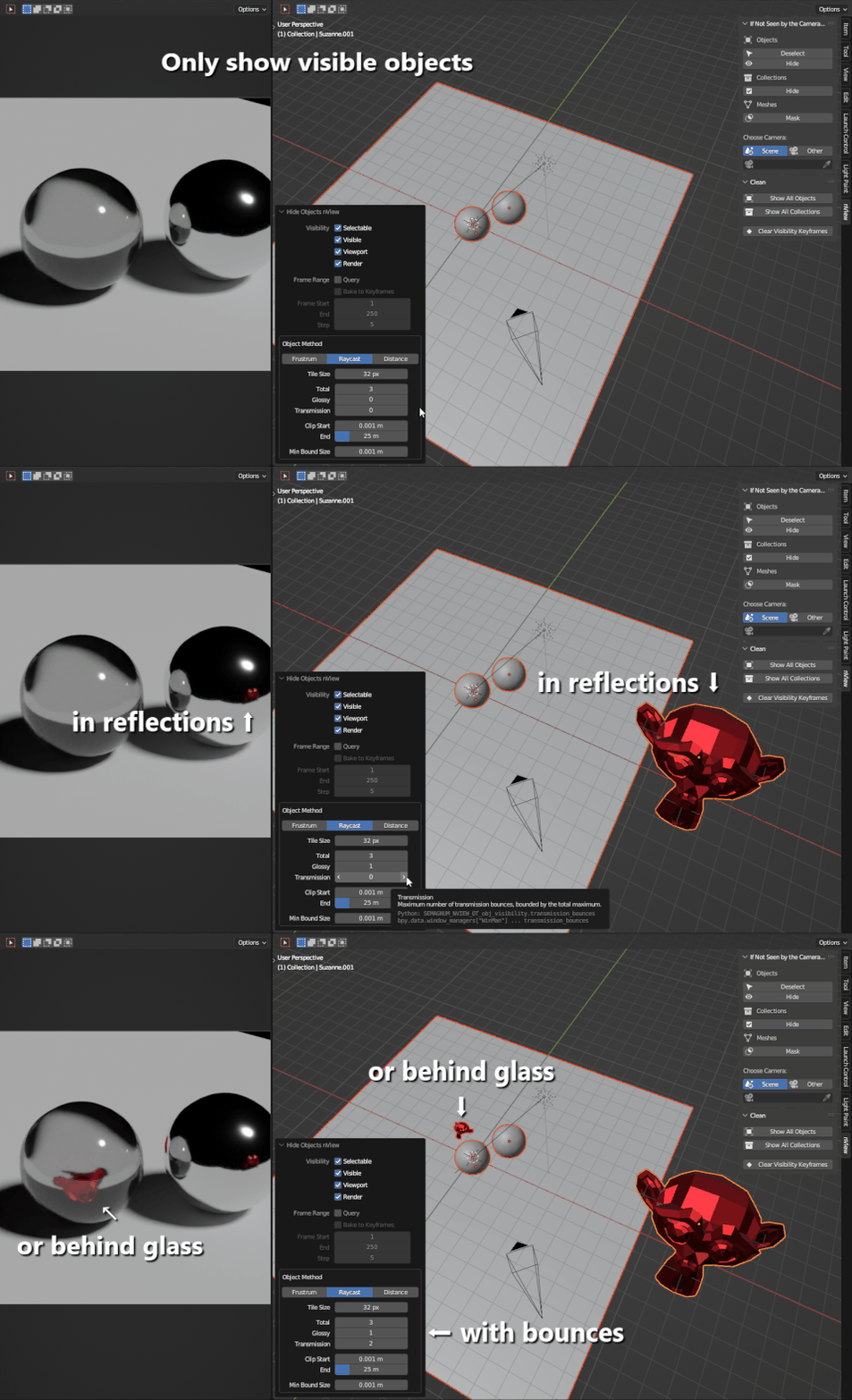
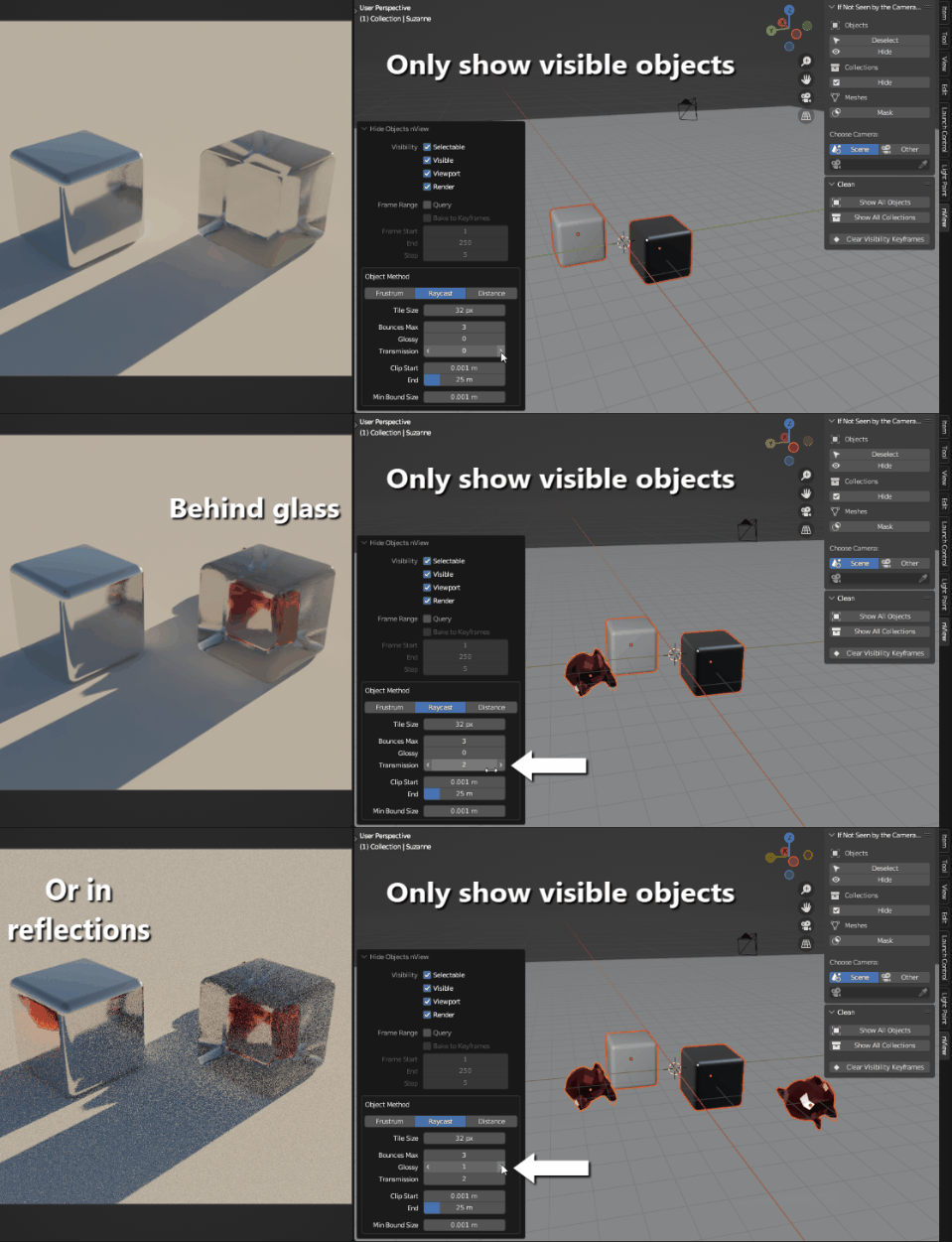
What about objects visible in reflections, or behind transparent objects? You can preserve those too!
Read the documentation tab on this page for a deeper dive. If you have any remaining questions, feel free to message me through the Blender Market. Prepare a minimal file or steps to reproduce your issue for the quickest responses.
(Legacy) Releases and Changelog
Changelog is now visible upon purchasing product versions. These are changes prior to Blender Market's versioning system.
- February 2024 (3.5.4) - some major bug fixes/known issues in margin behavior for the generate camera mesh operator, overwriting mesh vertex groups in the mask operator, and using geometry selection in the mask operator when it should not. Minor optimizations with material ray casting.
- Valentine's Day 2024 (3.5.0) - the frame range now defaults to current scene's frame start and end for convenience, with the option to set a custom start and end frame. Frame step is still custom to balance precision with performance. Also a minor performance improvement for analyzing many objects.
- January 2024 (3.4.7) update tooltips for a couple operators, fixed regression of wrong error message for a missing camera, and new preferences settings, including: customizable panel tab/category name and the toggle to show operation parameters prior to running operations.
- December 2023 (3.4.3) - bug fixes regarding ray cast method edge cases of false positives for instanced collections and bounces. Refactors to simplify and optimize ray cast method.
-
November.3 2023 (3.4.2) - bug fixed with custom cameras, and a new operator to generate meshes from a camera's view boundaries! Useful for boolean operations with geometry nodes.
- November.2 2023 (3.4.1) - a quick bugfix that ensures official support for Blender 4.0! Along with that, Python documentation and major optimizations and refactoring. In short, the raycast method (without bounces) now is 6x faster than previous versions.
- November.1 2023 (3.3.6) - progress percentage shown for animation queries over cursor, bugfix with material check for raycast method.
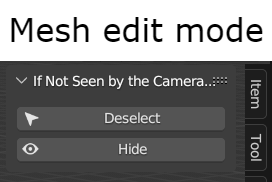
- September 2023 (3.3.4) - bugfix with the raycast method in mesh edit mode failing to filter faces correctly.
-
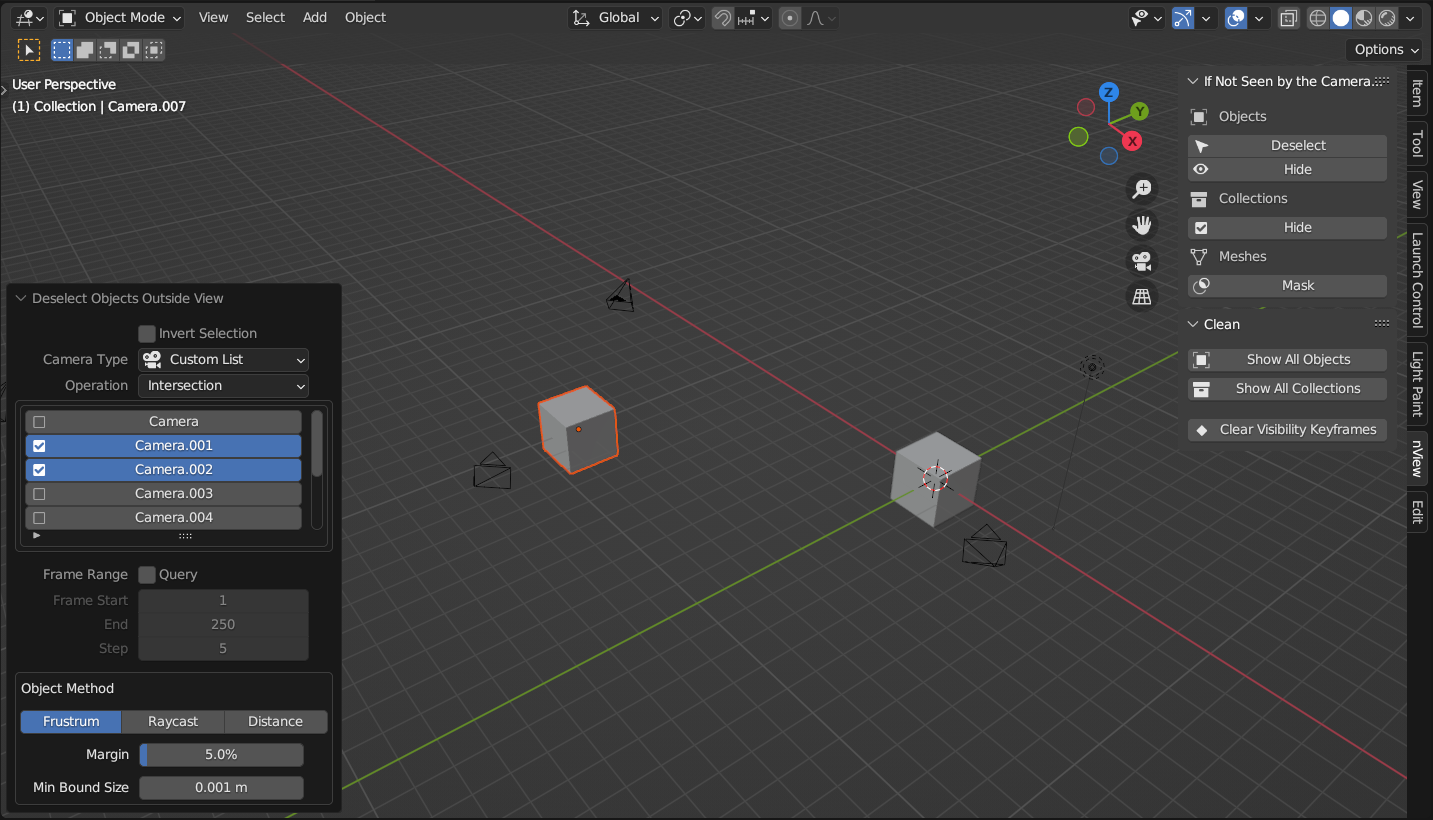
August 2023 (3.3.3) - the custom camera option now has become a custom camera list! You can select multiple cameras to evaluate. You also have the option to evaluate as a union (objects or geometry visible by any camera is considered visible) or an intersection (objects or geometry must be visible by all cameras to be considered visible). Also some bugfixes, including: extraneous camera marker frames being added to animation queries, fixing the backface and occlusion methods to better support orthographic cameras, and remove keyframes operator prematurely clearing some animation data in rare use cases.
- July 2023 (3.2.0) - now supporting transmission bounces as well as glossy ones! Now you can detect objects behind transparent objects (including glass) as well as those seen in reflections. And I updated my automated testing so this add-on officially supports Blender 3.6!
- To simplify the interface, there is no longer a toggle to turn bounces on or off. Simply increase the number of bounces for glossy or transmission to utilize them
- Early Juneteenth 2023 (3.1.0) - ray cast method has been heavily optimized, especially for when selected objects are small relative to the camera.
- June 2023 (3.0.3) - release to the Blender Market! The biggest changes from v2 include:
- Slimmer panel interface, labels and names have been clarified.
- All operators are based on visible selection. The only exception is the "reset all" operators, which of course acts on all objects or collections in the scene, regardless of visibility.
- Instead of providing a resolution for the raycast method, users give a tile size of the camera resolution. A 10px tile size of 1920x1080 casts 192x108 rays. This helps simplify the parameter while preserving precision at higher resolutions.
- A few convenience operators in the main panel are removed, such as the set resolution and set frame range. But since operators remember your settings, you should only need to set these once per operator.
- Animation and bounce properties are tweakable, even if their respective toggles are turned off. Furthermore, if you tweak these properties in the redo panel, the operator will not re-run. This allows you to decide on the frame range before turning the frame range query on, for example.
