Object Animator
 Mergim Sahiti


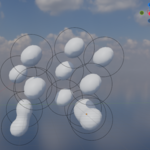
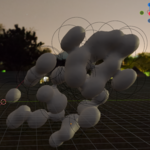
## Installation
1. Download the `Object Animator` Python file (`.py`).
2. In Blender, go to `Edit > Preferences > Add-ons > Install`.
3. Select the `.py` file and enable the addon.
4. Open the 3D Viewport and find the addon in the `SUOA3` tab.
## Usage
1. Select objects you want to animate.
2. Click **Add Selected Objects**.
3. Choose animation types, phase, offset, axes, speed, and amplitude per object.
4. Click **Start Live Animation** to preview.
5. Click **Bake to Keyframes** to bake animations to the timeline.
6. Use **Reset Transform** to restore original position
$19.99
Have questions about this product?
Login to message
| Dev Fund Contributor | |
| Published | about 1 year ago |
| Blender Version | 4.0 - 4.5 |
| Extension Type | N/A |
| Render Engine Used | Blender-Internal, Blender-Game-Engine, Cycles, Eevee |
| License | GPL |
