Object FX — Shatter, Burn & Electrify Any Object
 alastorv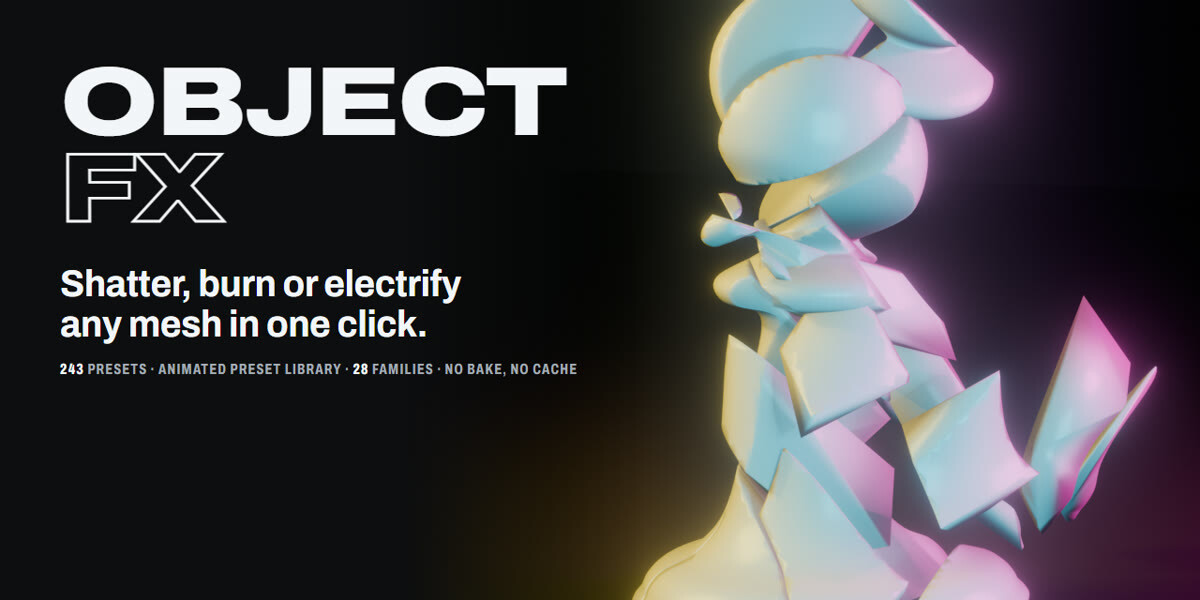


Install the extension
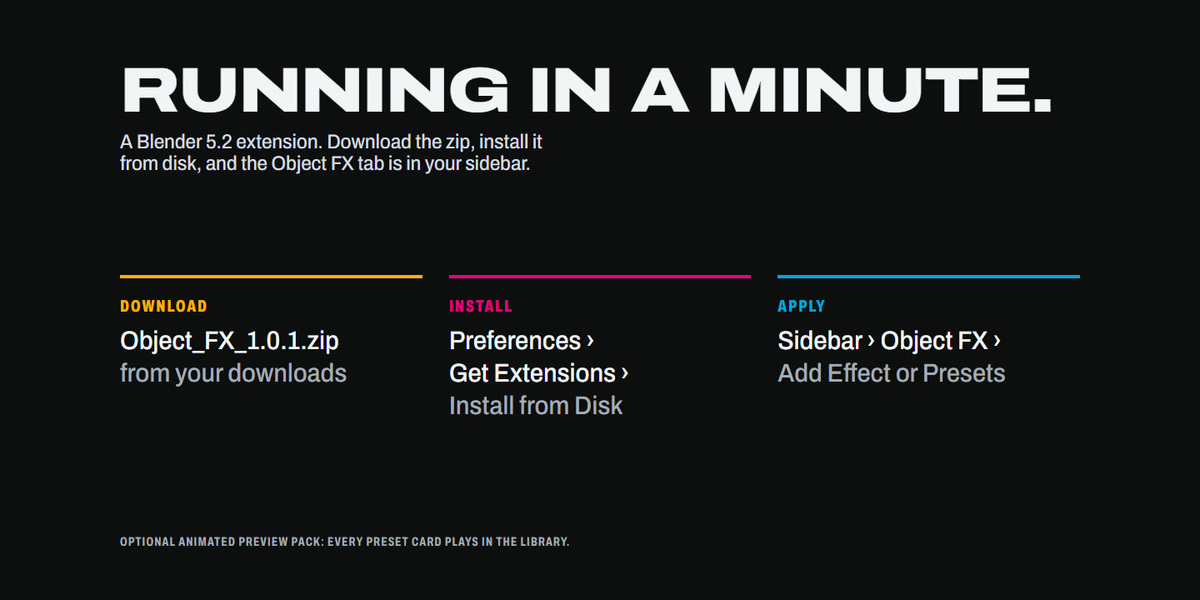
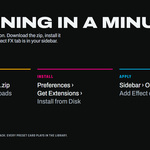
- Download Object_FX_1.0.1.zip (do not unzip it).
- Blender 5.2: Edit › Preferences › Get Extensions › the arrow menu › Install from Disk… and pick the zip.
- Open the 3D Viewport sidebar (N) › Object FX tab.
Install the animated previews (optional pack)
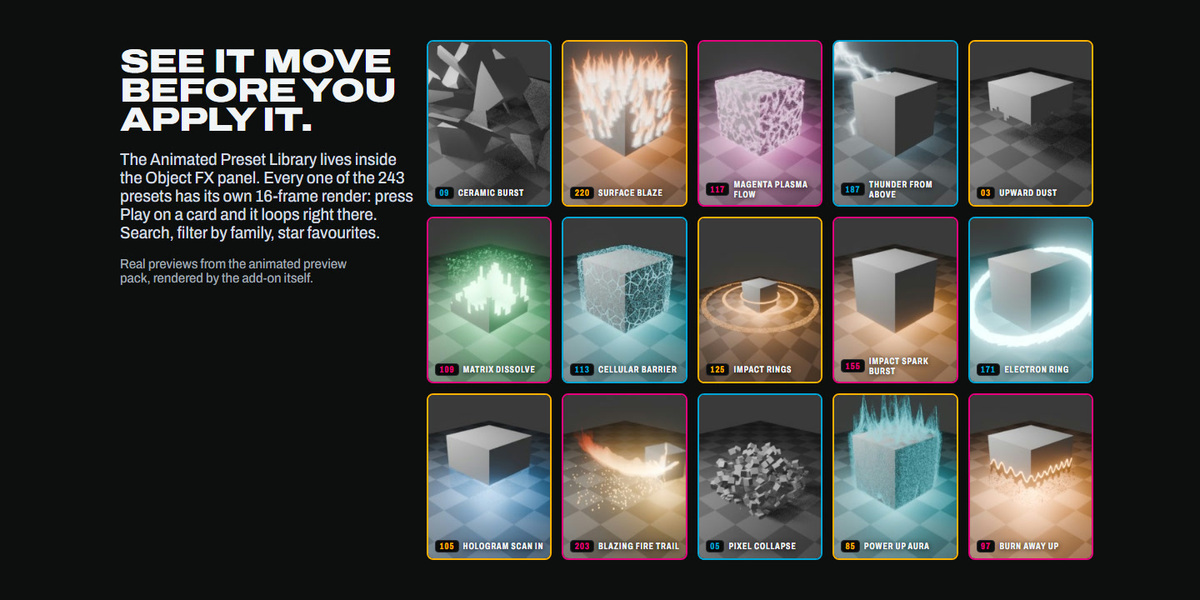
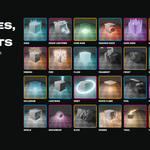
Out of the box every preset card in the Preset Library shows a still thumbnail. The animated previews are a separate zip, Object_FX_Previews_1.0.1.zip, that adds a 16-frame loop to every card. Install it once:
- Select any mesh object so the Object FX panel is fully drawn, open the Object FX tab and open Preset Library.
- Scroll to the bottom of the library and press Install Animated Previews…
- In the file browser choose Object_FX_Previews_1.0.1.zip. Do not unzip it: the pack is checked against its own manifest and only the listed frames are accepted.
- Blender reports Installed … animated preview frames. Every card now has a play button next to its star.
- Press play on a card and its preview loops right on the card. One card plays at a time; press the button again (it turns into pause) to stop it.
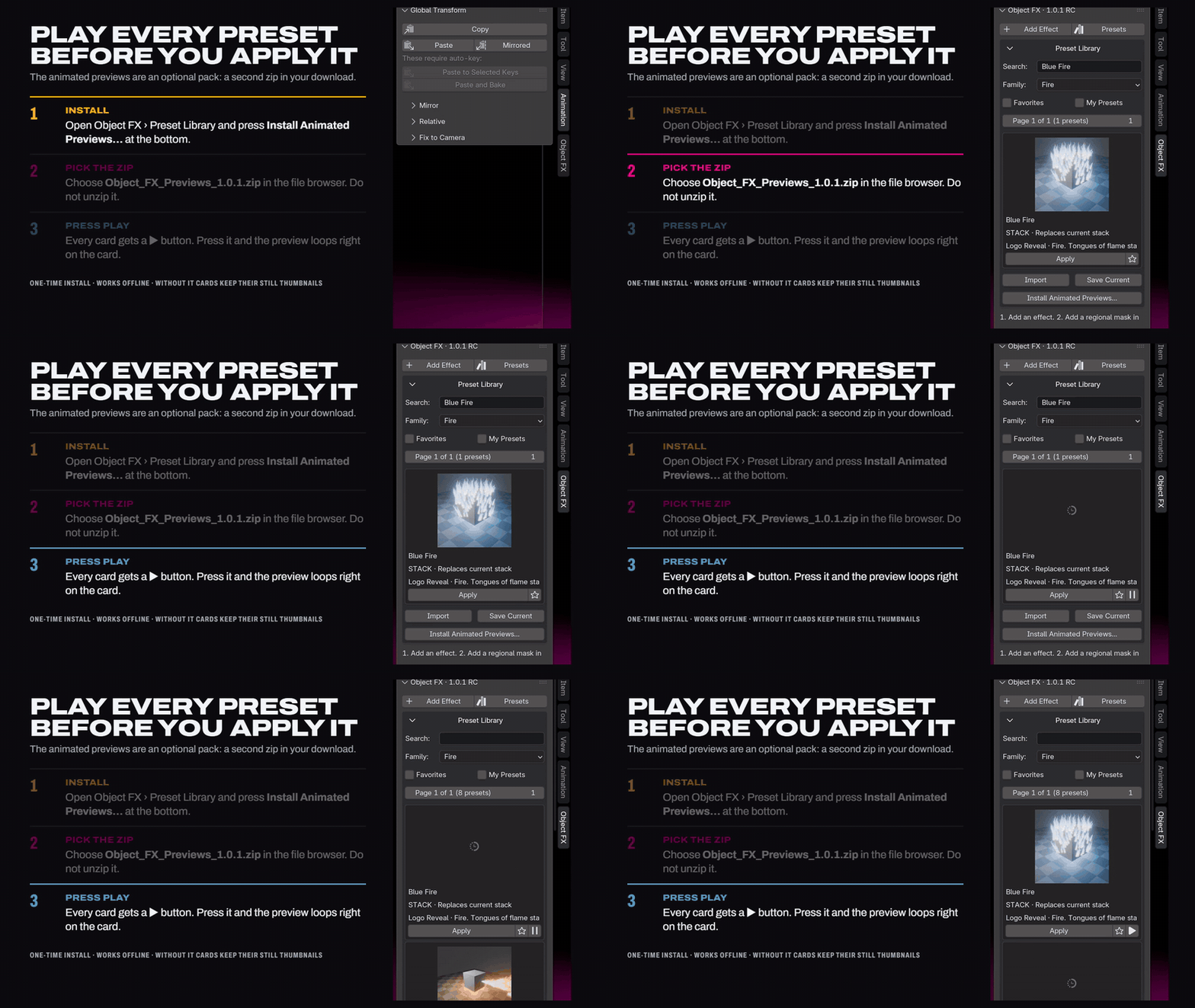
The frames are stored in your Blender user folder, so they stay after a restart. They are stored per Blender version: after moving to a new Blender version, install the pack again there. Without the pack nothing else changes; cards simply keep their still thumbnails.
Quick start
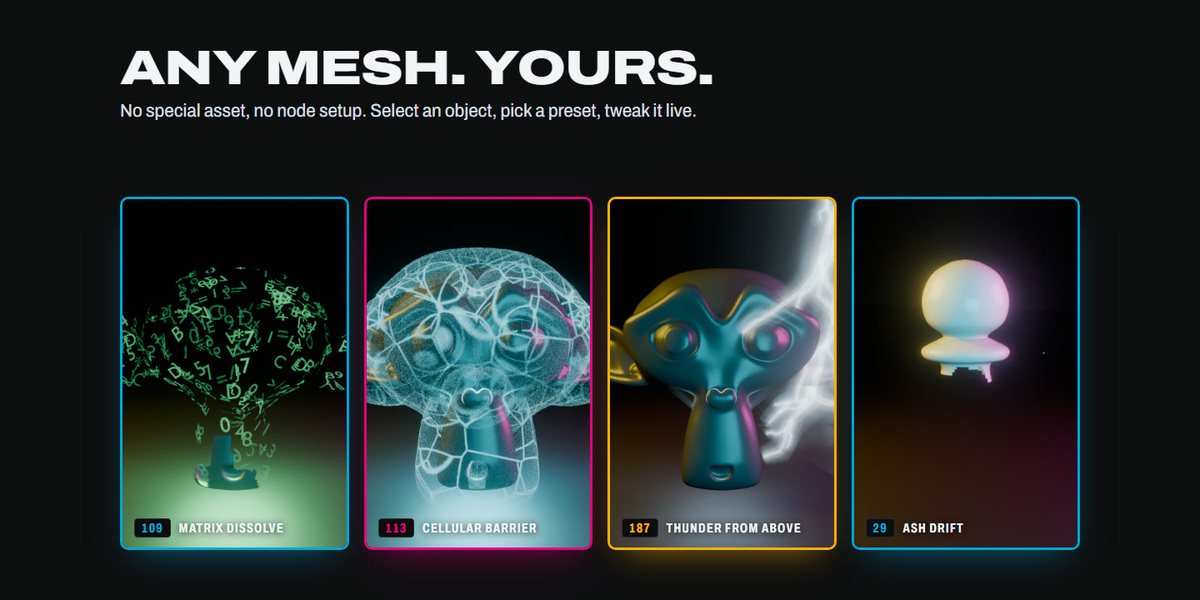
- Select any mesh object.
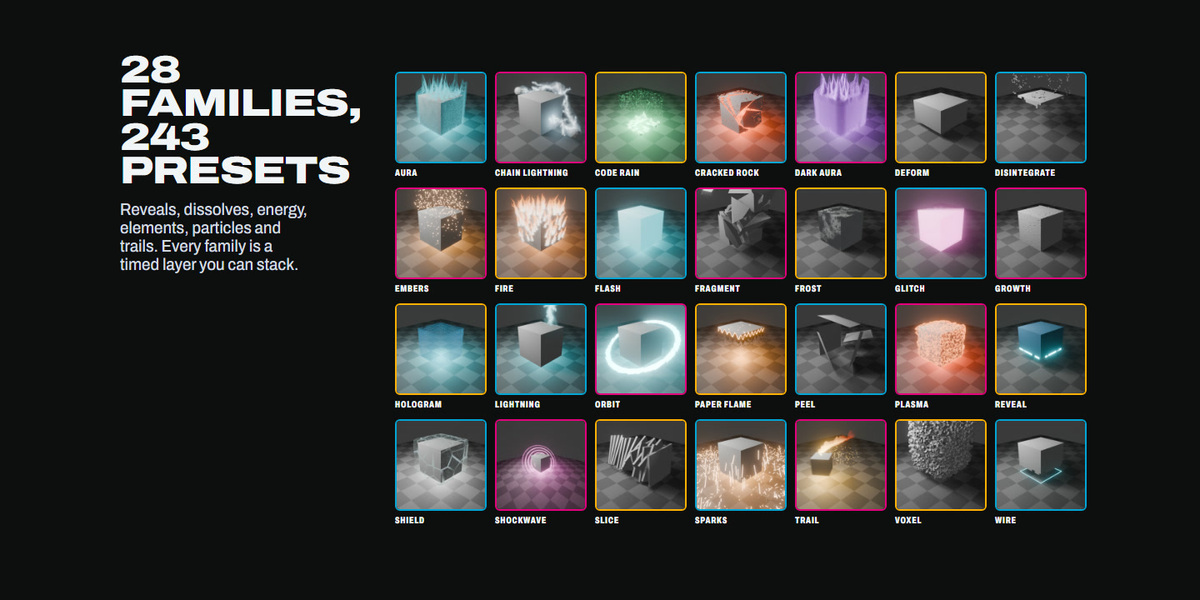
- Click Add Effect and pick a family, or open Presets (or the Preset Library) and press Apply on a card.
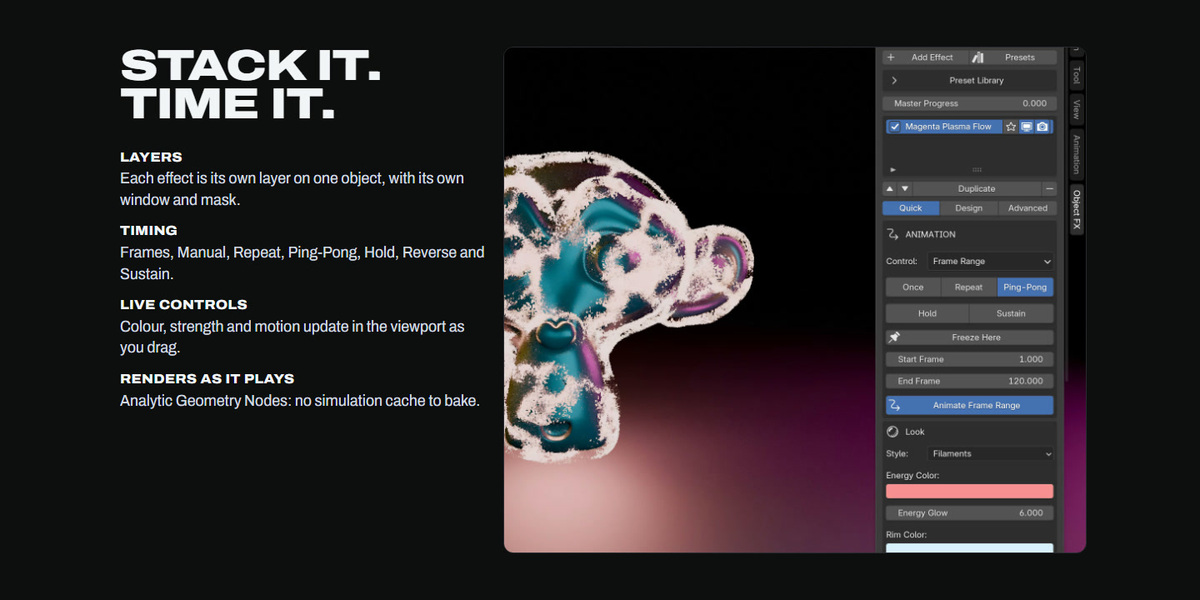
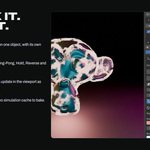
- Set the timing in the ANIMATION box (Frames, Manual, Repeat, Ping-Pong, Hold, Sustain) and press Animate Frame Range.
- Stack more layers on the same object; each has its own window and mask.
- Screen FX (Shatter, Impact, RGB Split, Heat / Shake, Speed Lines) live in the Screen FX panel and can follow an object layer's timing. Press Show Compositor in Viewport to see them in the viewport.
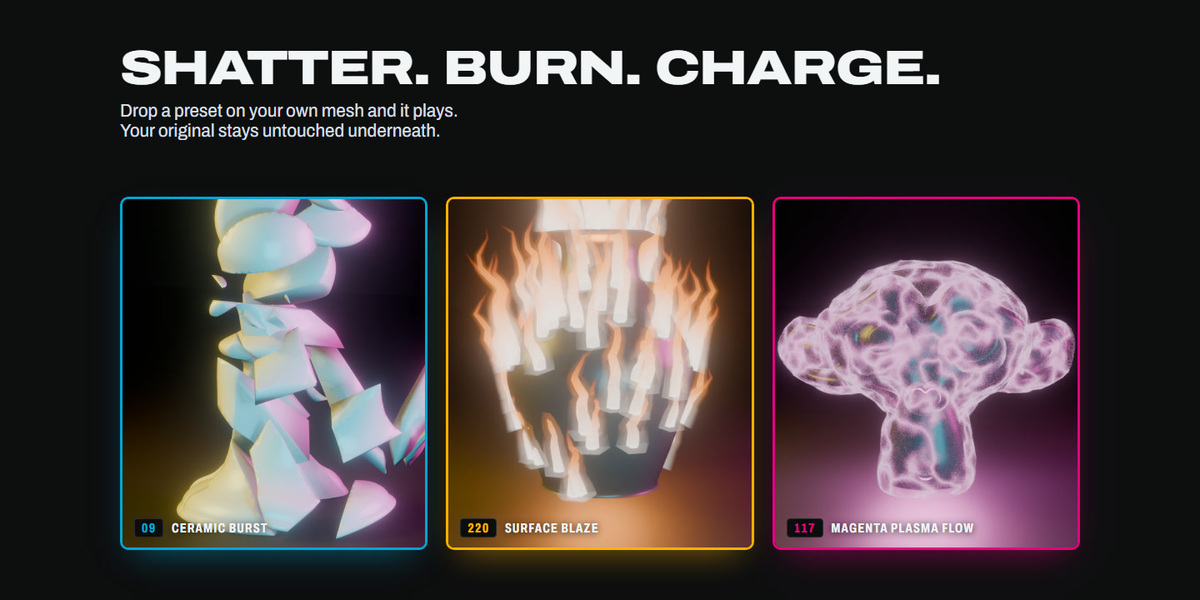
Effects are analytic Geometry Nodes: any frame renders the same as playback, no bake or cache. Your original mesh is never modified; remove the effect and it is exactly as it was.
Have questions about this product?
Login to message
| Blender Extension Compatible | Yes |
| Published | about 6 hours ago |
| Blender Version | 5.2 |
| Extension Type | Add-on |
| Render Engine Used | Eevee |
| License | GPL |