 alastorv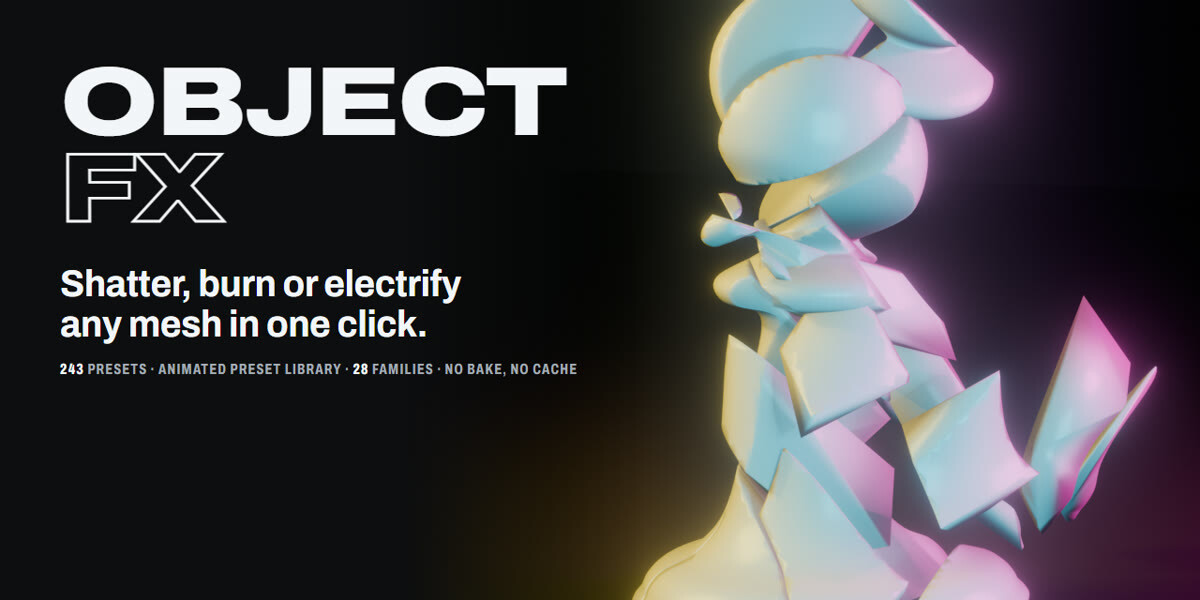
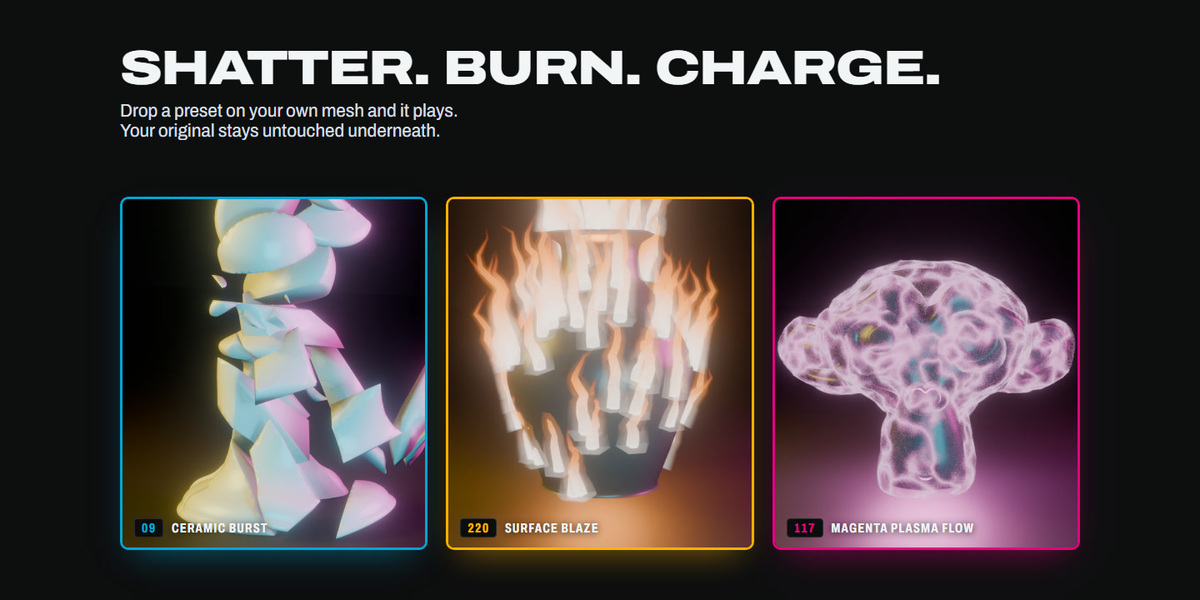
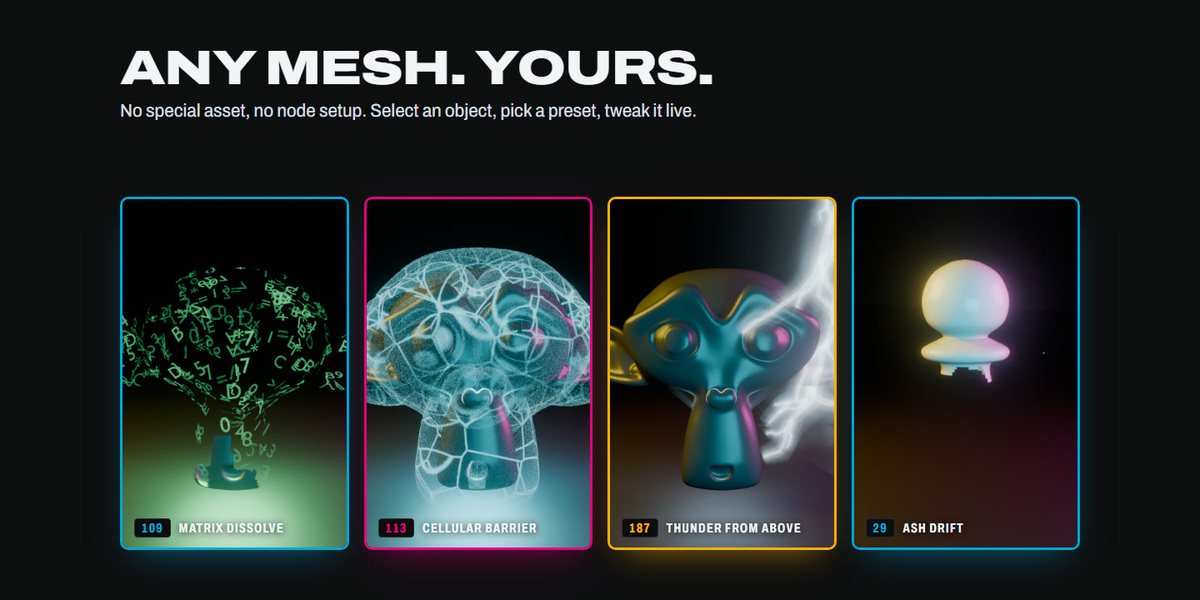

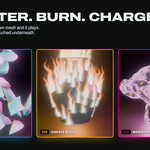
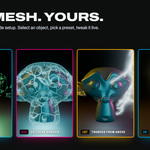
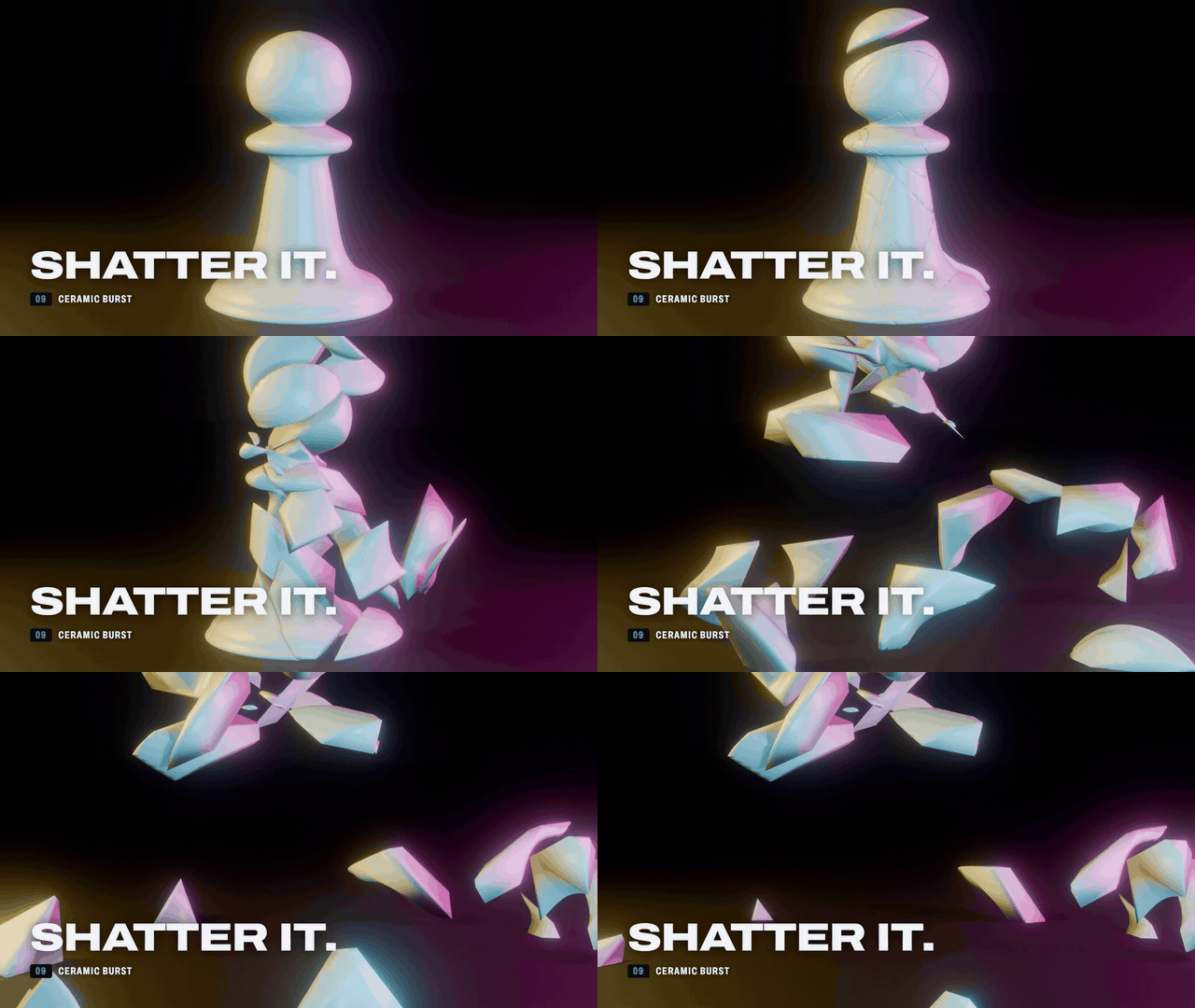
Shatter, burn, charge or strike any mesh in Blender. One click, 243 presets, and your original mesh stays untouched underneath.
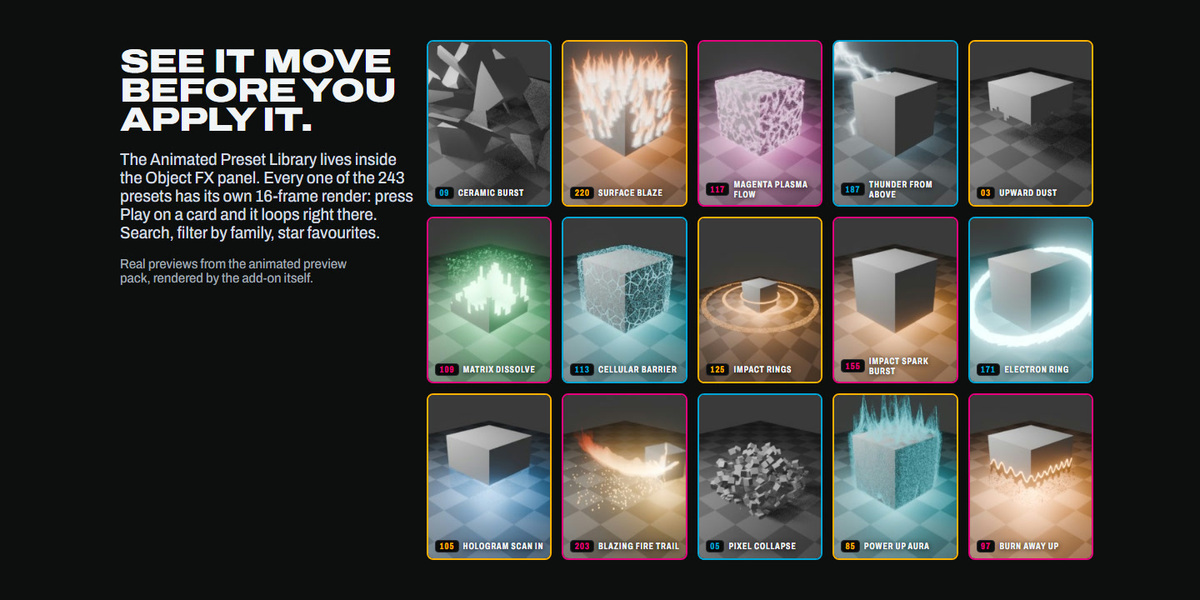
Watch every preset move before you apply it
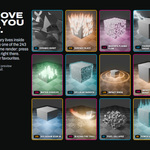
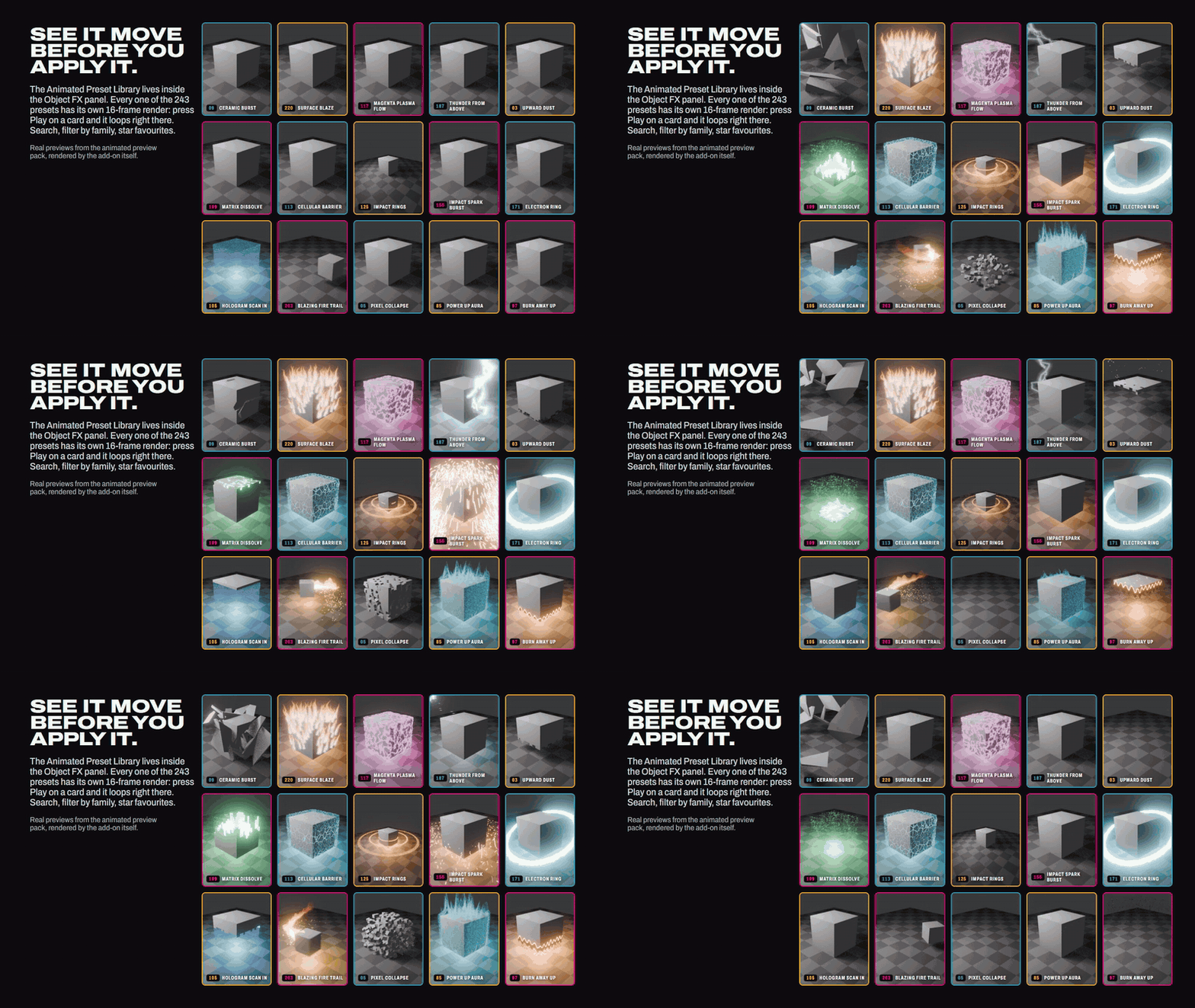
The Animated Preset Library is built into the Object FX panel. Every one of the 243 presets has its own 16-frame preview: press Play on a card and it loops right there on the card. Search, filter by family, star your favourites, then Apply.
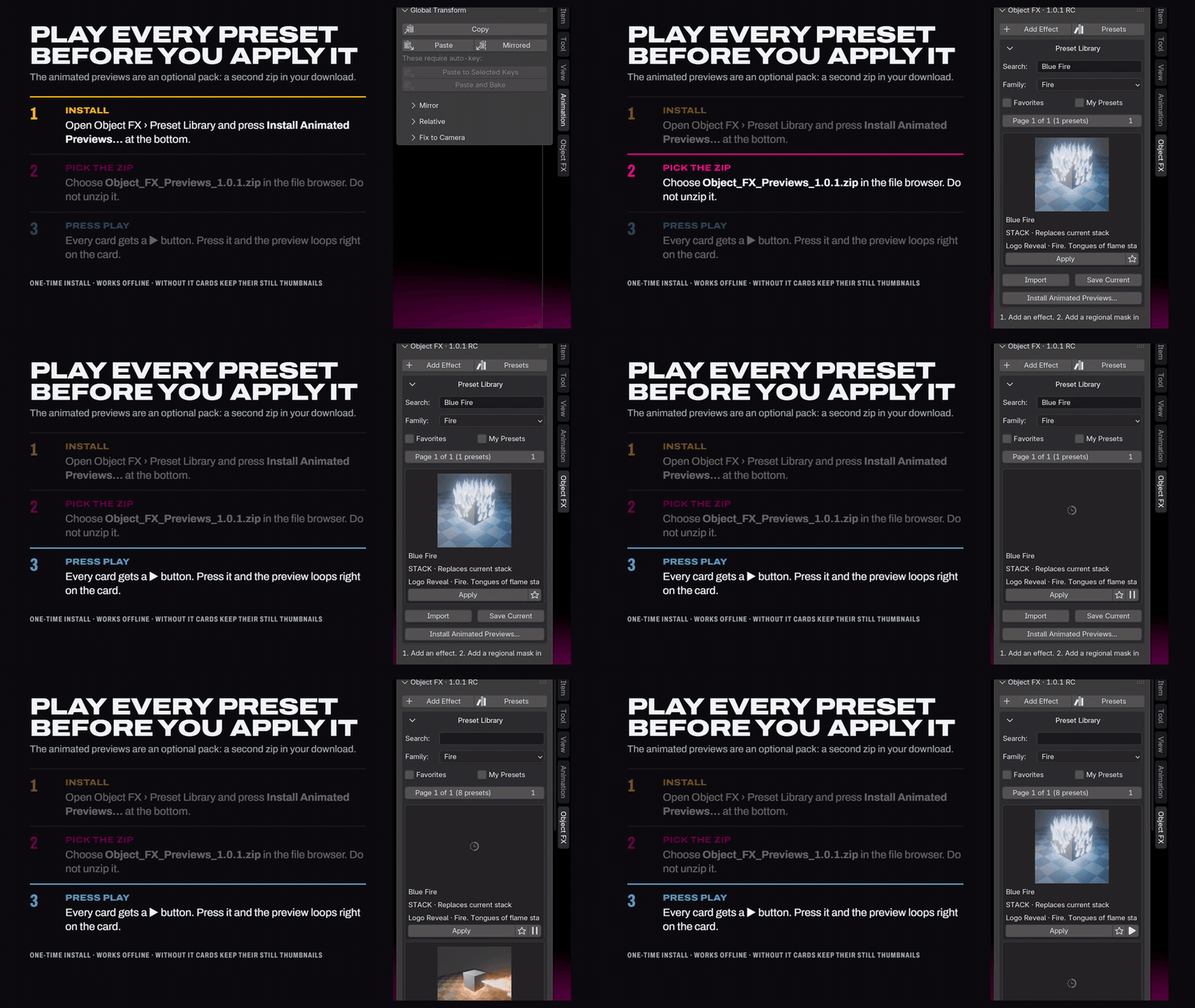
How to install the animated previews
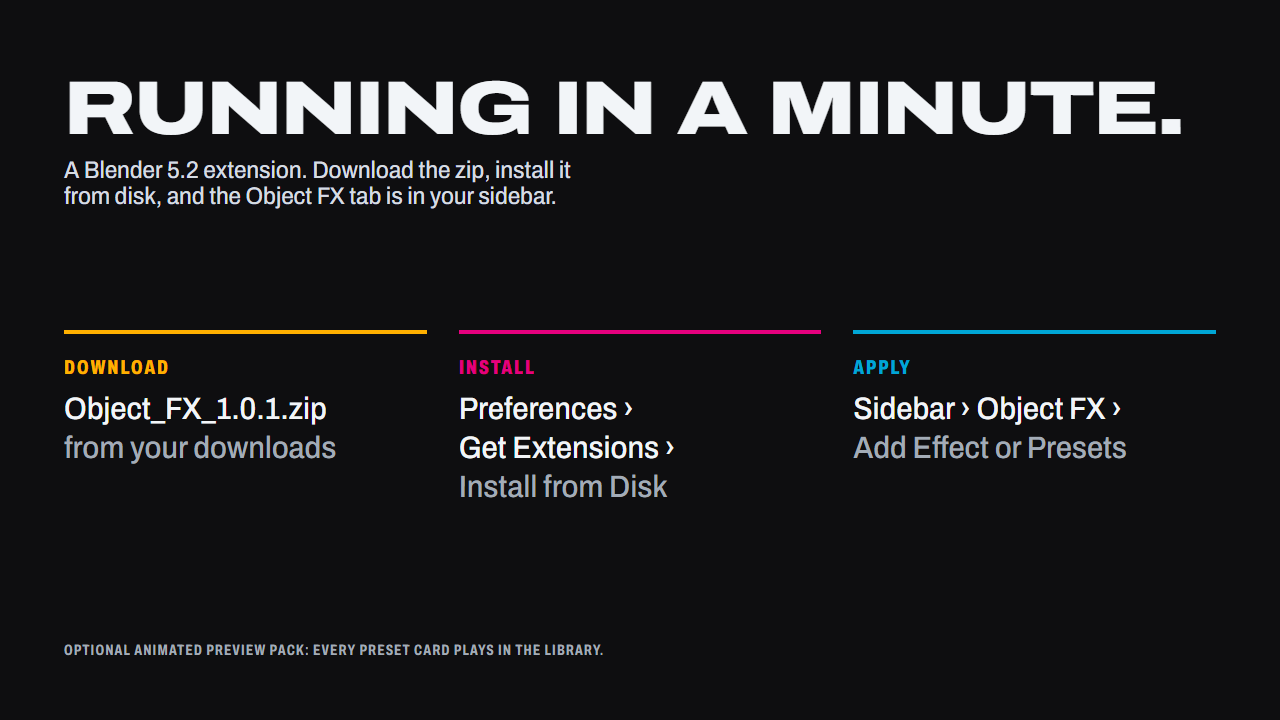
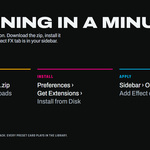
The library works out of the box with still thumbnails. The animated previews are an optional pack: a second zip in your download, installed once from inside Blender.
- Open the 3D Viewport sidebar (press N) and click the Object FX tab. Open Preset Library.
- Scroll to the bottom of the library and press Install Animated Previews.
- In the file browser pick Object_FX_Previews_1.0.1.zip. Do not unzip it first.
- Blender confirms with an Installed animated preview frames message. Every card now has a play button next to its star: press it and the preview loops on the card. One card plays at a time; press again to pause.
The frames are stored in your Blender user folder, so they stay after a restart. If you move to a new Blender version, install the pack again there.
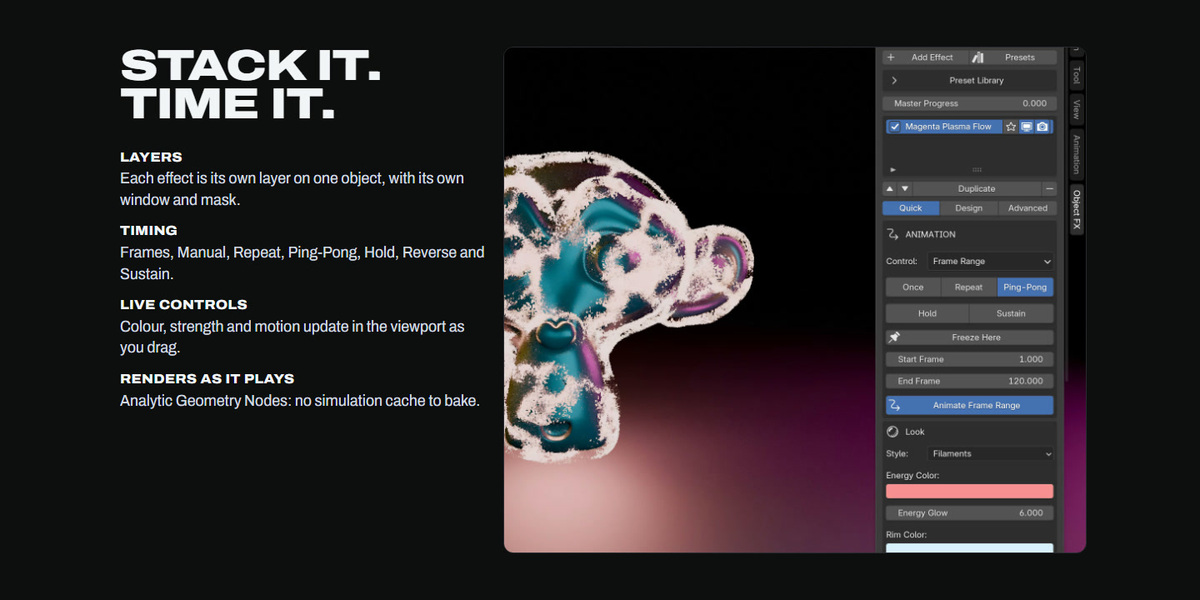
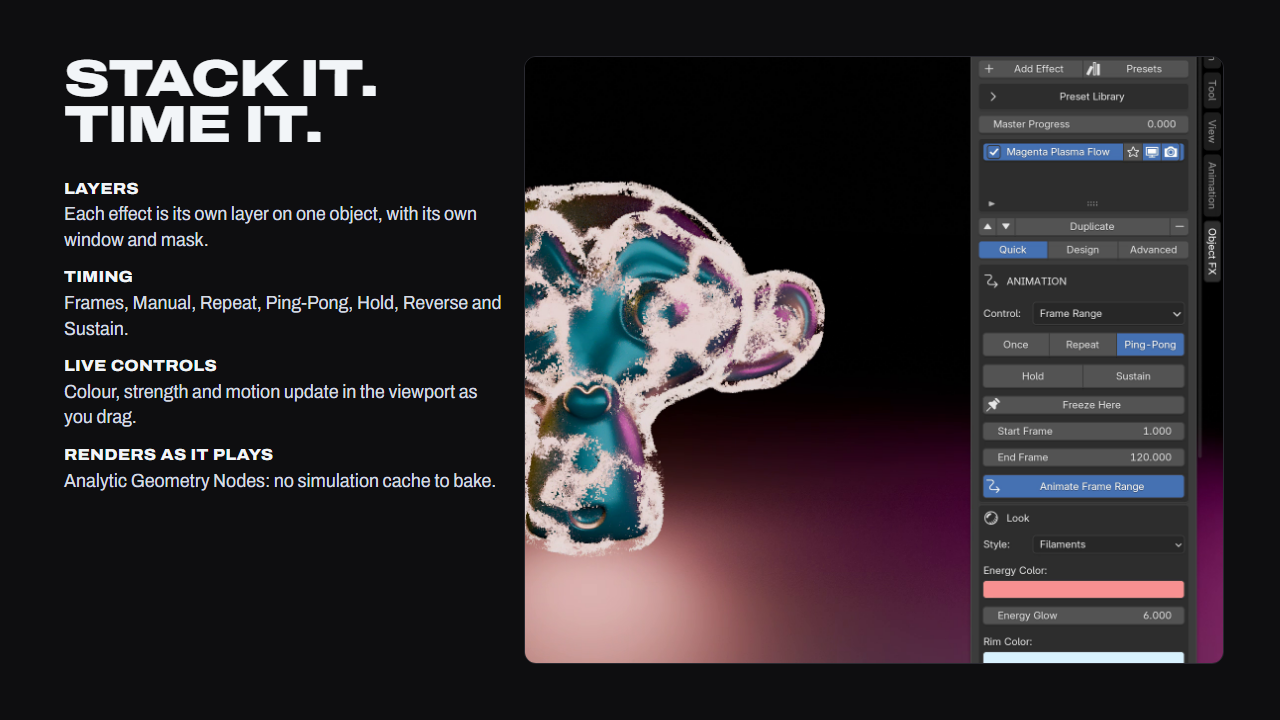
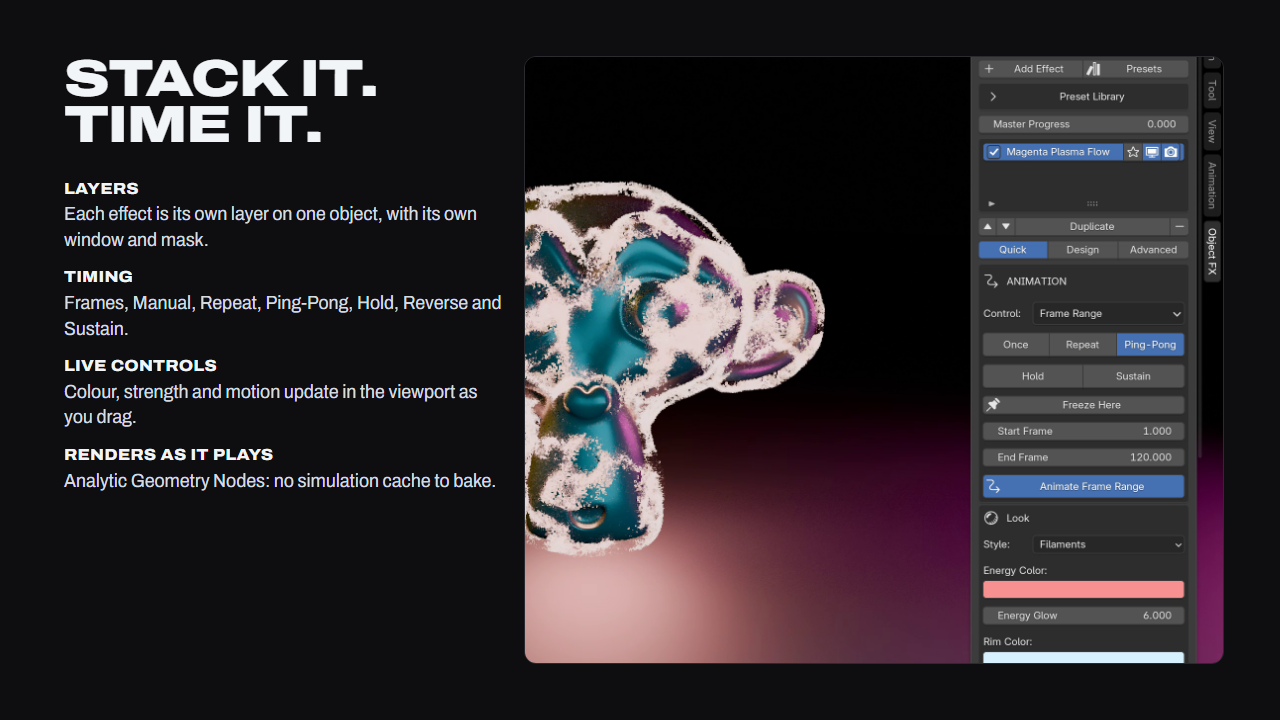
Stack it. Time it.
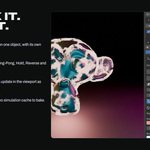
Every effect is its own layer on one object, with its own window and mask. Timing runs on Frames, Manual, Repeat, Ping-Pong, Hold, Reverse or Sustain, and colour, glow, strength and motion update in the viewport as you drag. Effects are analytic Geometry Nodes, so any frame renders exactly as it plays: no bake, no cache.
Effects that read as finished
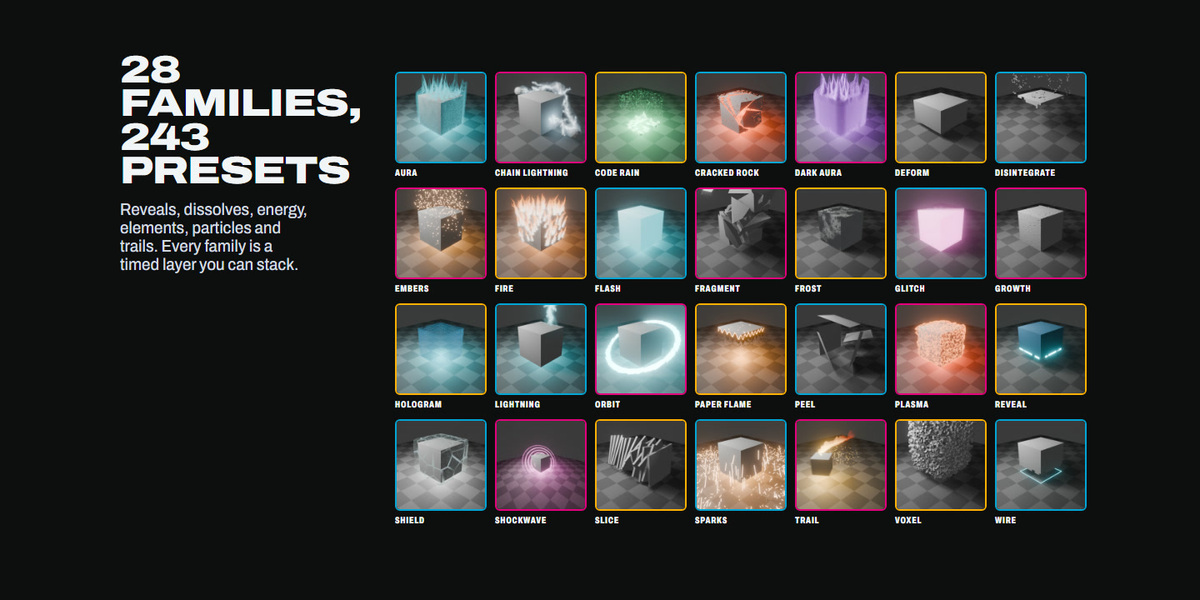
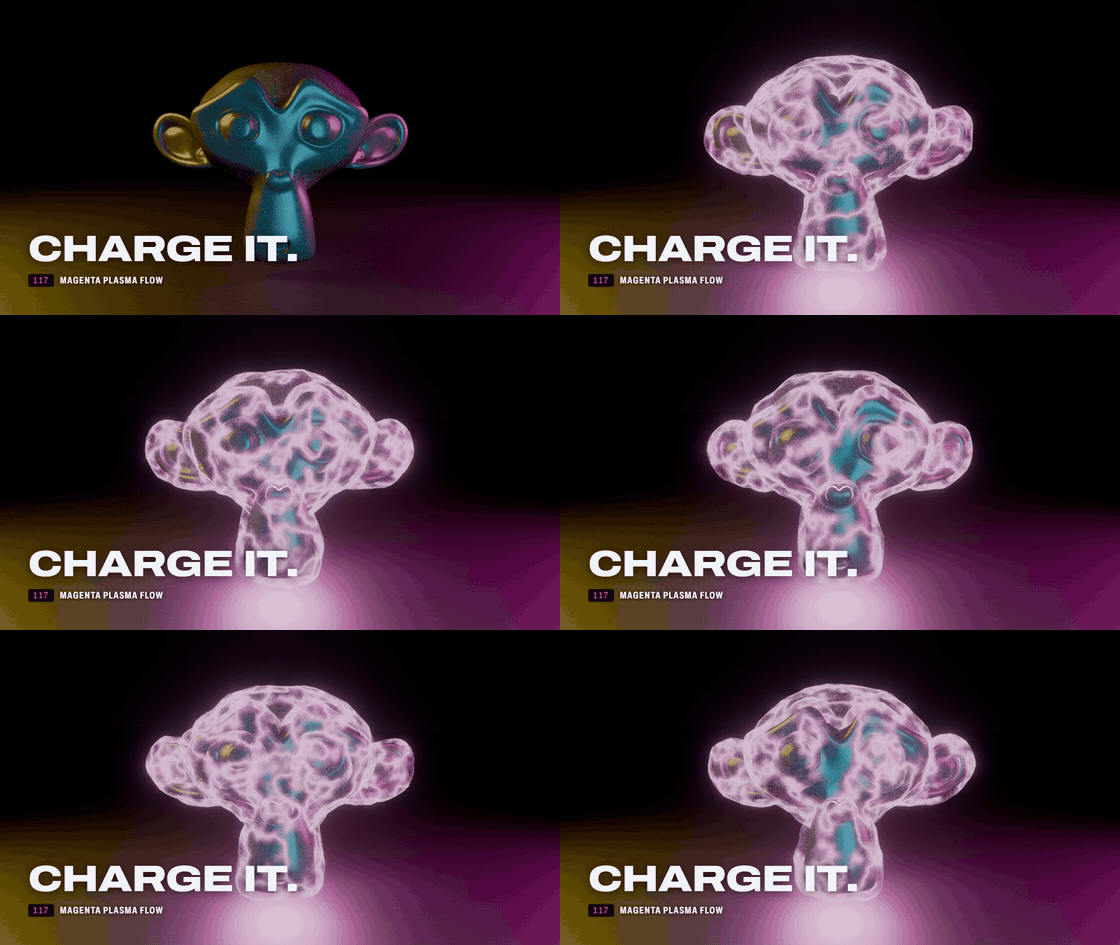
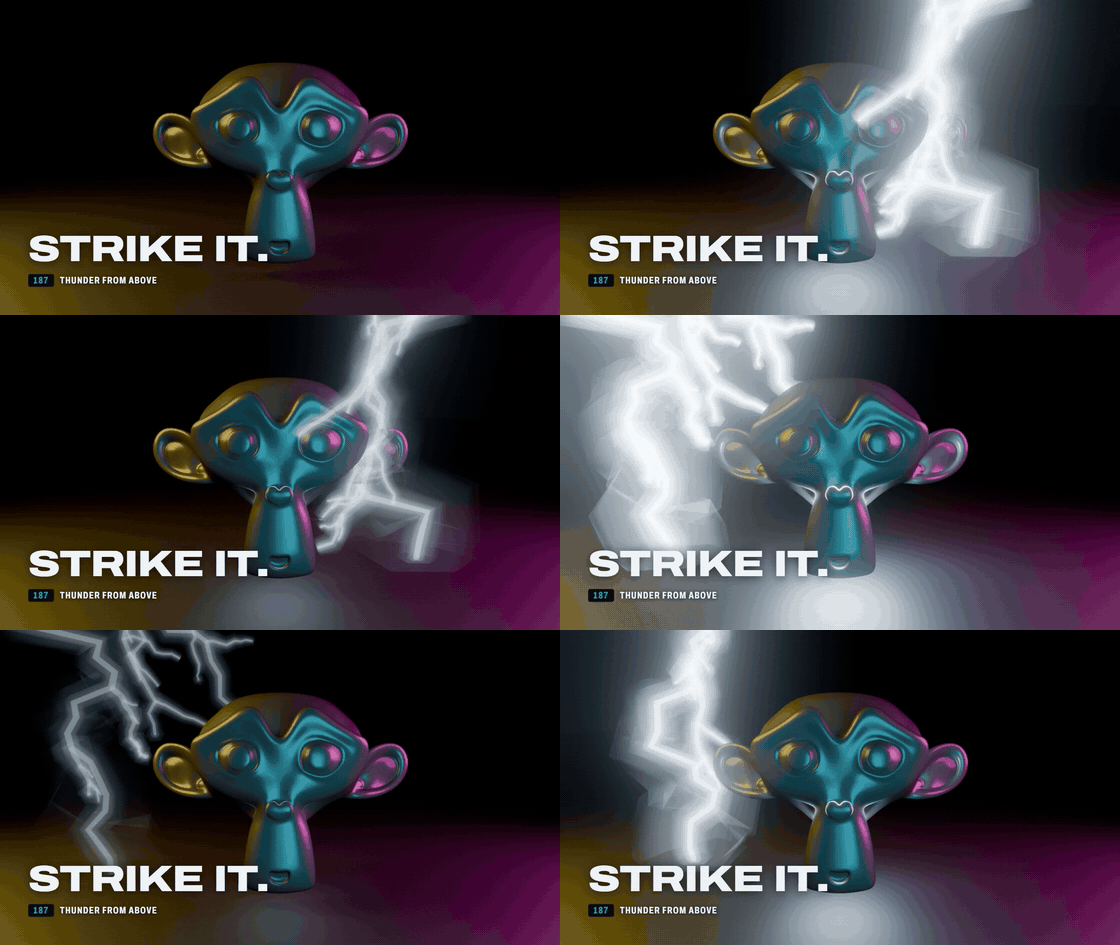
Shatter, plasma, lightning, fire, code rain, force fields, dust, orbits and trails: 28 families, each one a stackable layer. Plus 20 Screen FX presets (Shatter, Impact, RGB Split, Heat / Shake, Speed Lines) that can follow an object layer's timing.
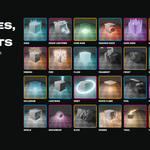
28 families, 243 presets
Reveals, dissolves, fragments, voxels, slices and peels. Energy: aura, plasma, shield, lightning, shockwave. Elements: fire, frost, paper flame, cracked rock. Particles: sparks, embers, orbit, chain lightning, trails.
What is in the download
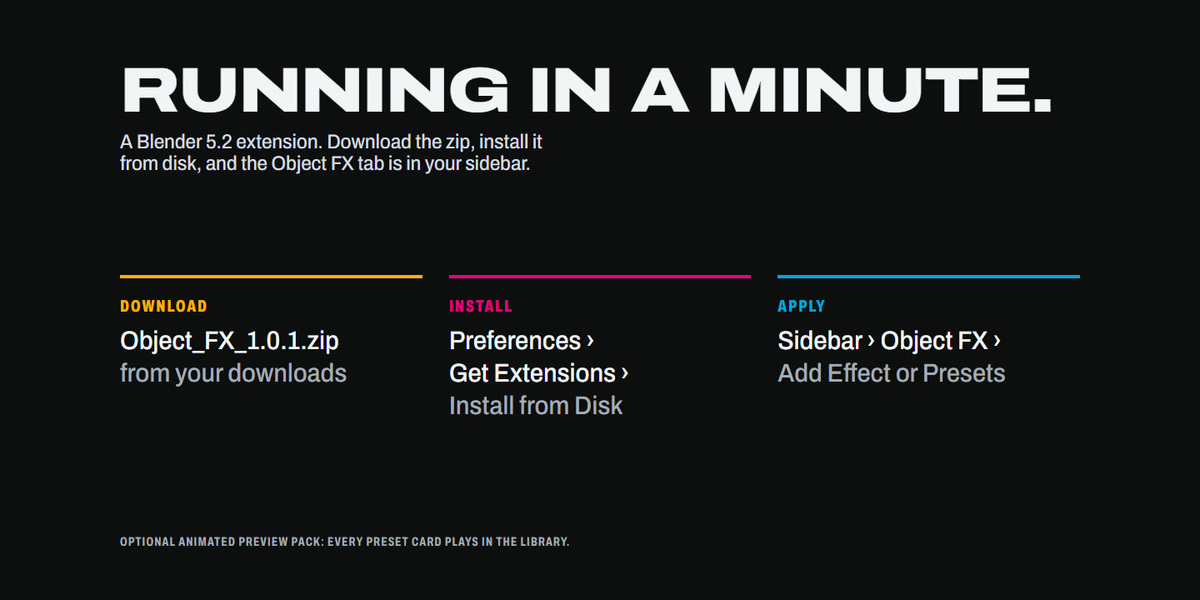
- Object_FX_1.0.1.zip: the extension. Install it from Blender 5.2: Preferences, Get Extensions, Install from Disk. Do not unzip it.
- Object_FX_Previews_1.0.1.zip: the optional animated preview pack (see the install steps above).
Requires Blender 5.2. The Documentation tab has the full setup guide.