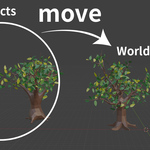
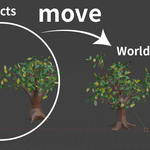
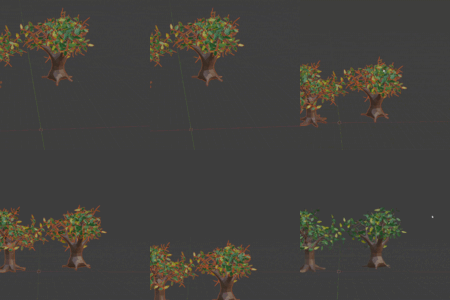
Objects Center
 MrDesignLGC


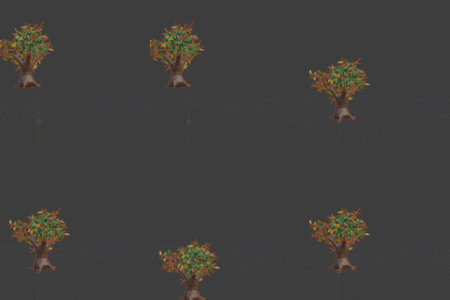
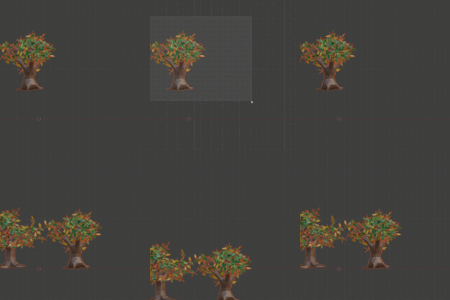
How to install the addon:
- Download the .zip file included with your purchase
- In Blender go to "Preferences" window, then "Addons", and then click on "Install"
- Select the .zip file you downloaded
Location:
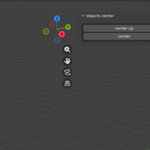
In the 3D Viewport, sidebar
video:
$8
Have questions about this product?
Login to message
| Blender Extension Compatible | Yes |
| Dev Fund Contributor | |
| Published | 8 months ago |
| Blender Version | 4.2 - 5.0 |
| Extension Type | Add-on |
| Render Engine Used | Blender-Internal, Cycles, Eevee |
| License | GPL |
Discover more products like this
addon organize tools bounding box toolbox center of the world standardization efficiency world center