 bhdesign
ObjectTag: Unity-style tags for Blender
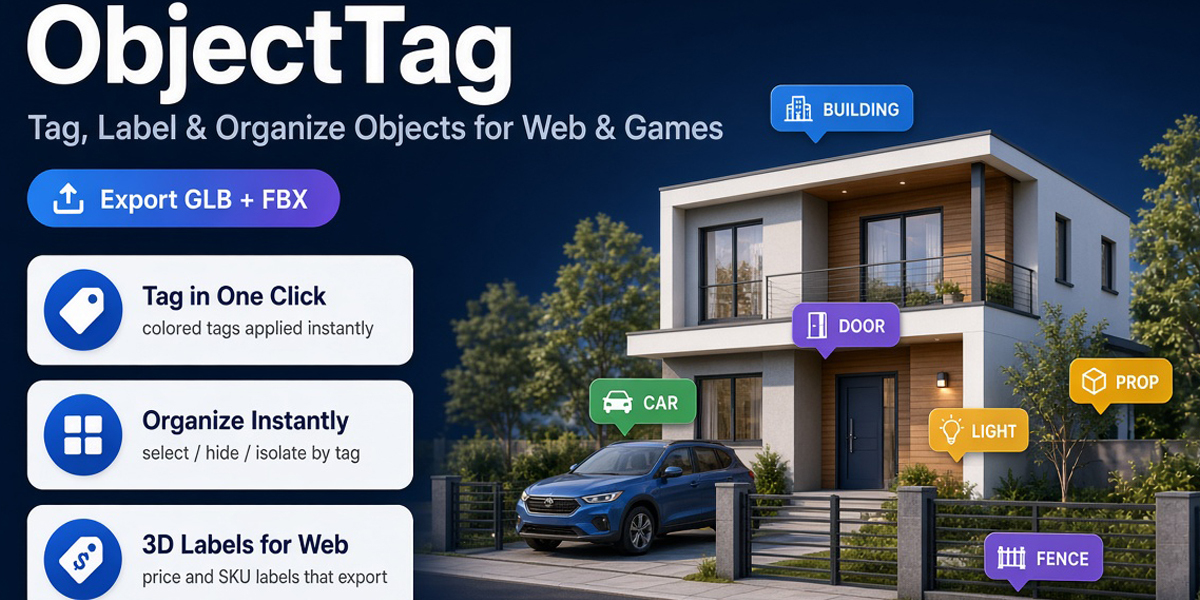
Add Unity-style tags and 3D product labels (price, SKU, names…) to your objects. Organize complex scenes instantly and export cleanly to GLB & FBX.
ObjectTag brings a simple and powerful tagging system to Blender.
Tag your objects in one click, organize your scene by tag, and add real 3D labels that survive export.
Perfect for:
- Product configurators
- Web 3D & e-commerce
- Game asset pipelines
- Complex scene organization
Tags and product labels for Blender, ready for the web.
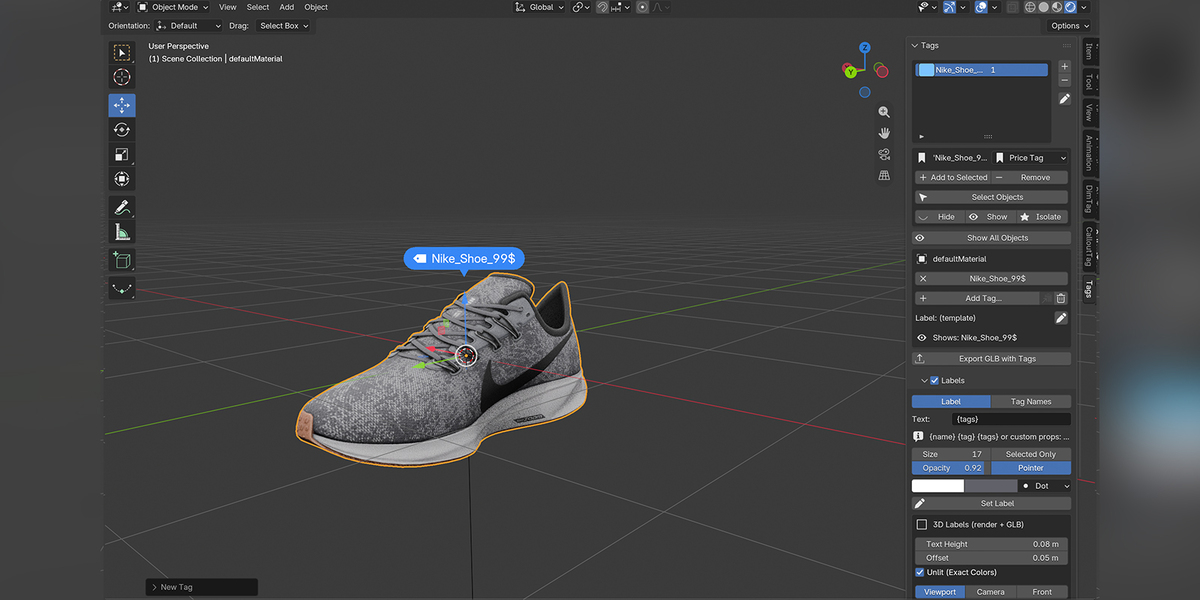
Tag your objects (sale, new, clickable, door) in one click, then select, hide or isolate them by tag, like in Unity or Godot.
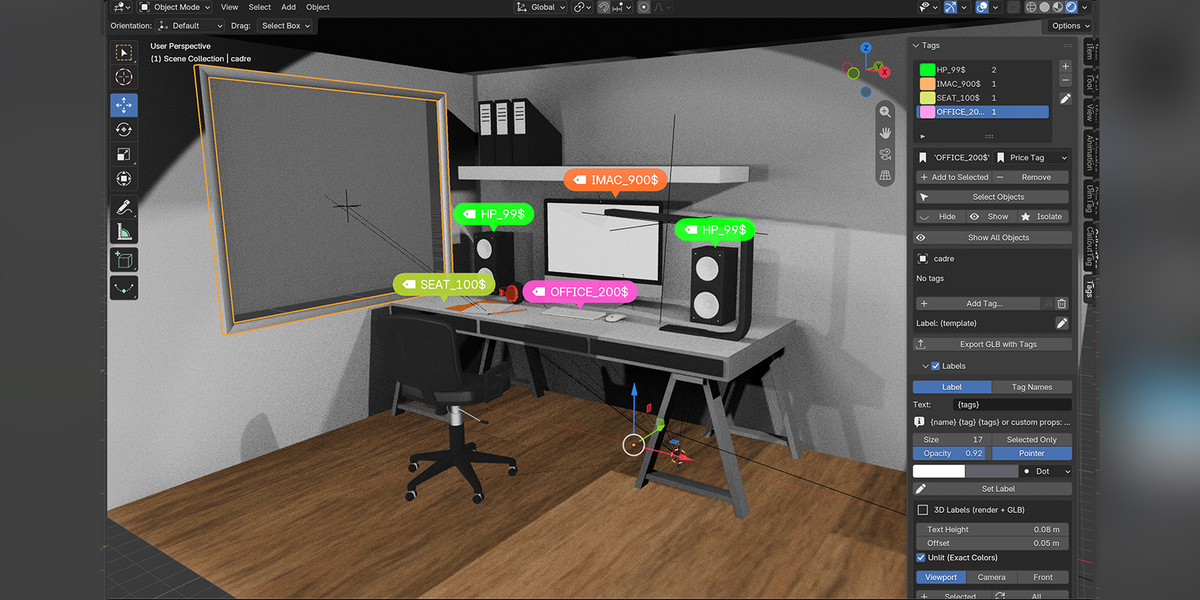
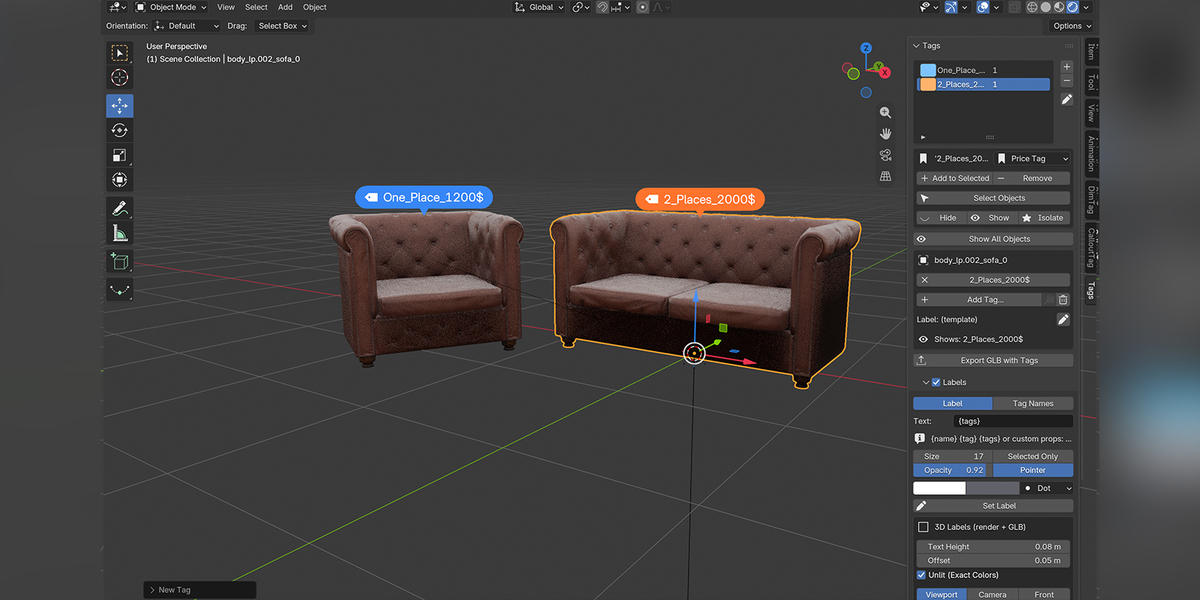
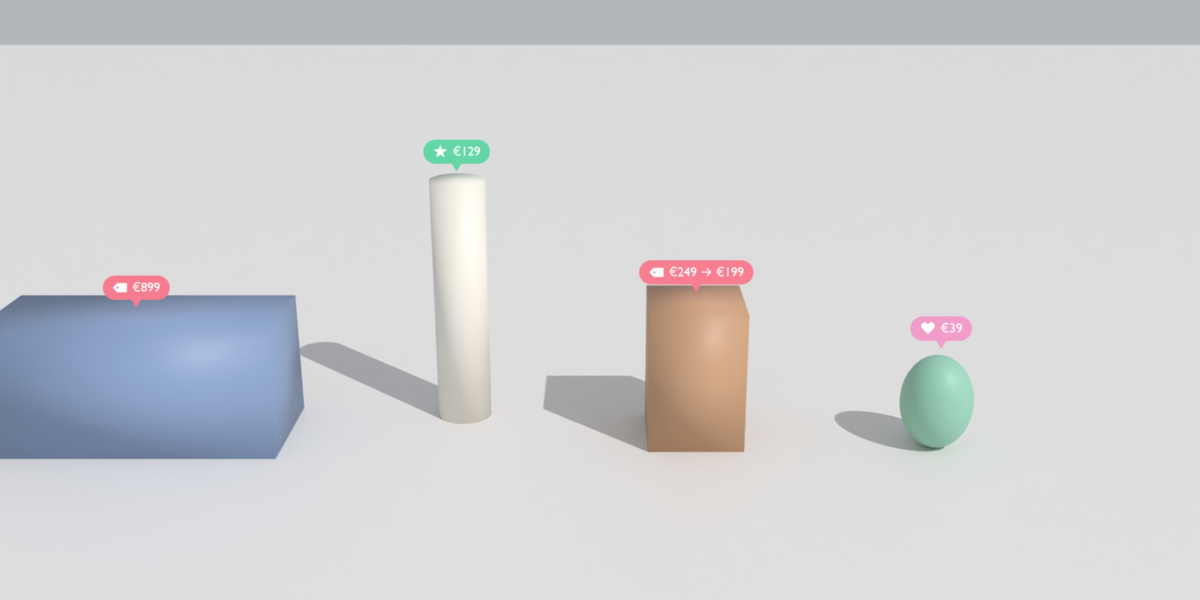
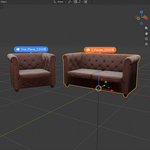
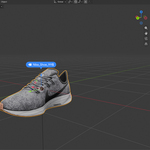
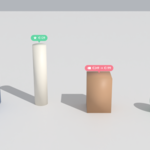
Product labels: show a price, SKU or name above every object, on a colored background with an icon (price tag, cart, star, heart…). Use one template for every product, like €{price} or {sku}, or type a custom label per object. Number many items at once (SKU-{n:03} → SKU-001, SKU-002…).
Real 3D labels: turn the labels into geometry that renders in Cycles and Eevee, follows each product, and exports to GLB with exact colors. That makes them ready for a web shop, configurator or showroom.
Tags travel with your export: "tags": ["sale"], "price": 129 and "label": "€129" are stored on each object in the GLB, readable in Three.js (userData), Godot or Unity.
Main features
1. Tags like in a game engine
- Create tags with a name and a color.
- Add them to the selected objects from the panel, or right-click → Add Tag… with search.
- Include Children: tag a parent and all its children get the tag too.
- Renaming a tag renames it on every object. Deleting it removes it everywhere.
- Copy Tags from Active copies tags to the other selected objects, and Clear Tags removes all tags from the selection.
2. Organize the scene by tag
- Select every object with a tag (Shift adds to the current selection).
- Hide, Show, Isolate by tag, plus Show All Objects.
- An object counter per tag in the list.
- The active object's tags appear as chips you can remove with one click.
3. See your tags
- Viewport labels: tag names float above the objects, in their colors.
- Color Objects by Tag: objects take the color of their first tag in Solid view.
- Labels can be limited to the selected objects, and their size is adjustable.
4. Tags that survive export
-
GLB / glTF: tags are exported as a real list,
"tags": ["clickable", "door"], in each node's extras. -
FBX / Unity: Write Flag Properties adds
tag_door = Trueon each object, which works with formats that don't import lists. - Export GLB with Tags in one click, with the right export options already set.
- Find Tags in Scene picks up tags on imported or appended objects.
Compatibility: Blender 4.2 or newer (tested on 5.0), Windows, macOS and Linux. GPL license.
Use cases: interactive web 3D (clickable objects, hotspots, hide and show groups), game levels (colliders, spawn points, triggers), product configurators (swappable parts, variants), and organizing large scenes.
Reading tags in your engine
// Three.js
gltf.scene.traverse((obj) => {
  if (obj.userData.tags?.includes("clickable")) makeClickable(obj);
});# Godot 4: with glTF extras imported as node metadata
if node.has_meta("extras") and "door" in node.get_meta("extras").get("tags", []):
setup_door(node)// Unity: FBX with "Write Flag Properties" enabled
void OnPostprocessGameObjectWithUserProperties(GameObject go, string[] names, object[] values) {
if (System.Array.IndexOf(names, "tag_door") >= 0) go.tag = "Door";
}