 Salman Animator
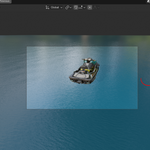
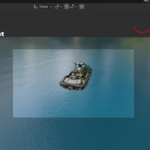
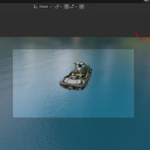
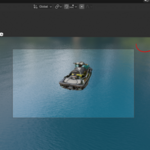
The problem: boats on water are hard to animate
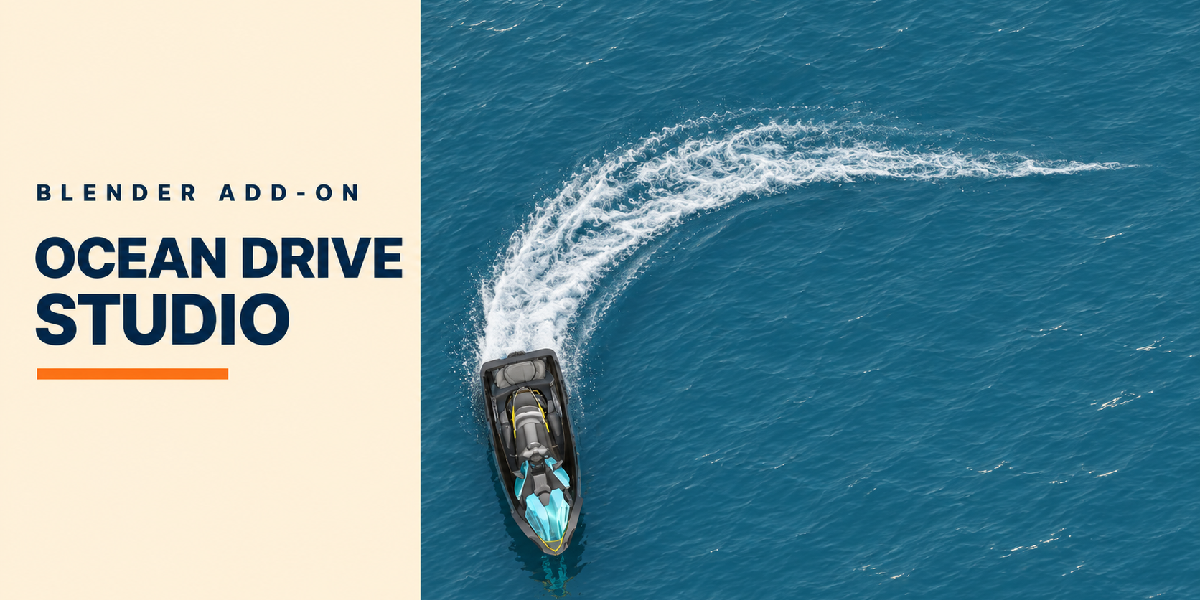
A boat on an ocean should rise and fall with the waves, leave a wake and throw spray. In Blender that usually means an Ocean modifier, a hand keyframed boat that does not really float, and particle systems for the wake. Every change to the waves means fixing the animation again.
The solution: drive it on the ocean
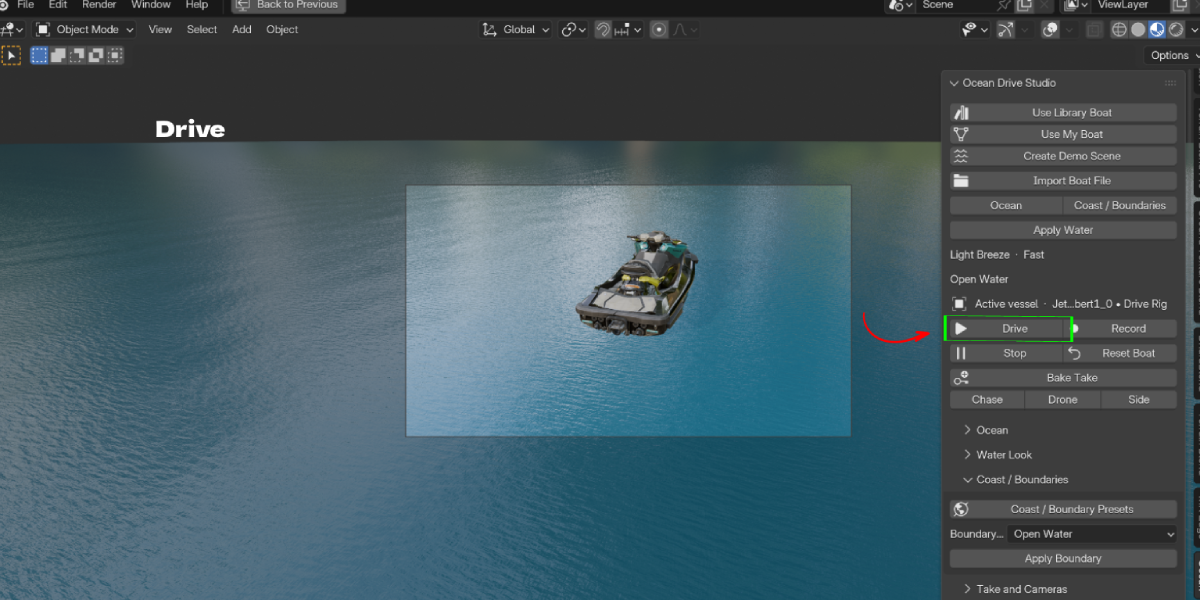
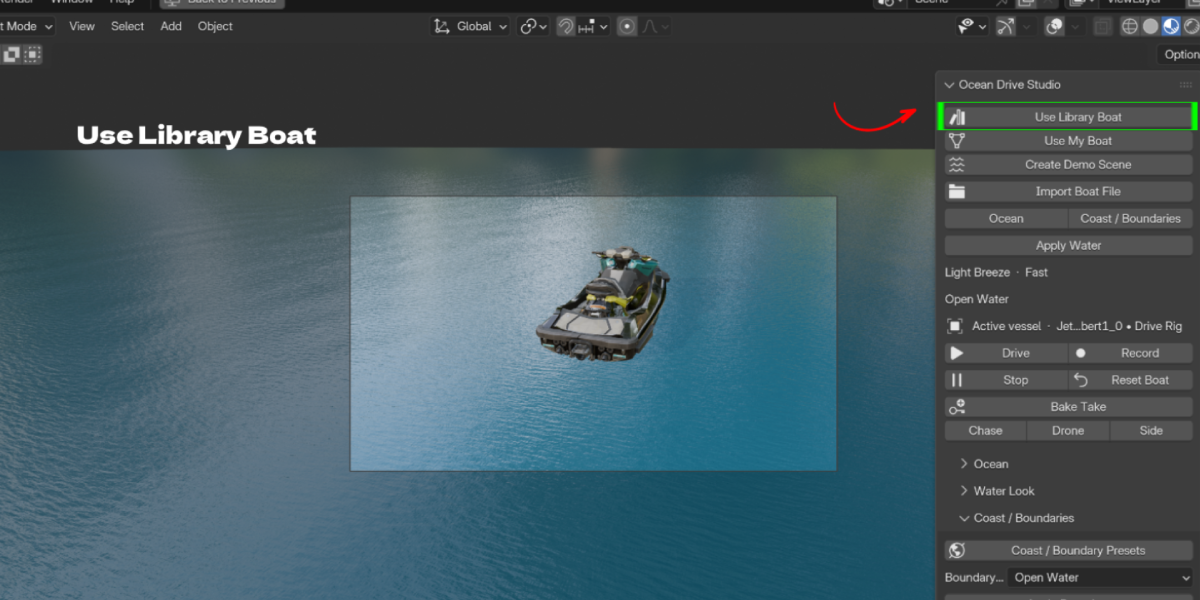
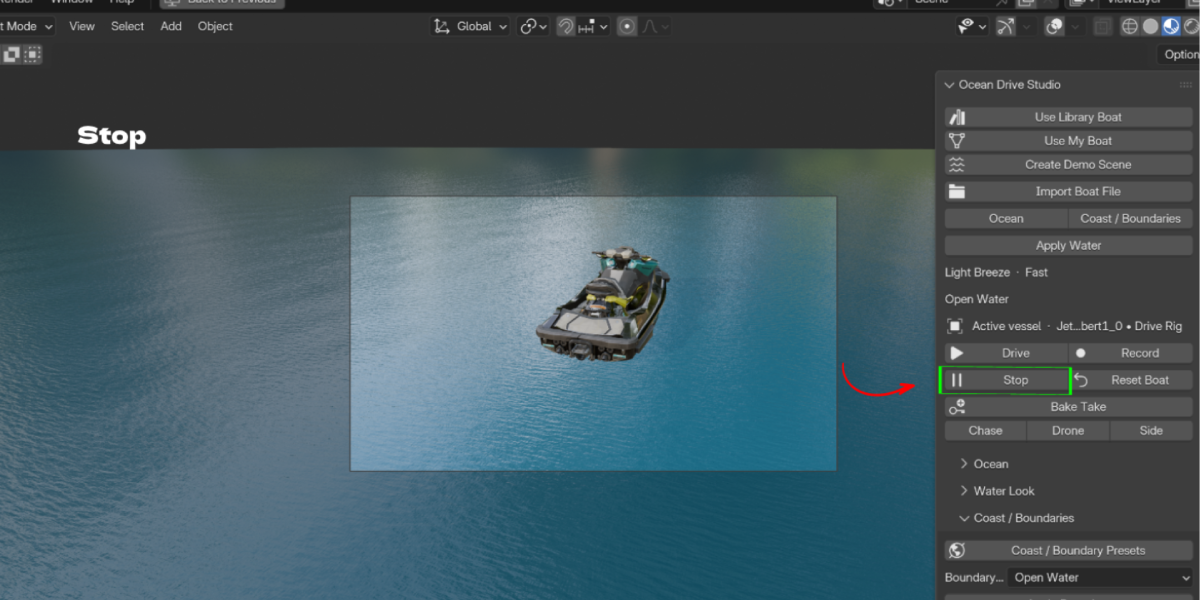
Ocean Drive Studio puts your vessel on a procedural ocean and lets you drive it. Pick a library boat or set up your own model, click Drive, and steer it across the water. Turn on Record, then Bake Take to bake the run into a clean animation with its ocean surface.
Library vessels or your own boat
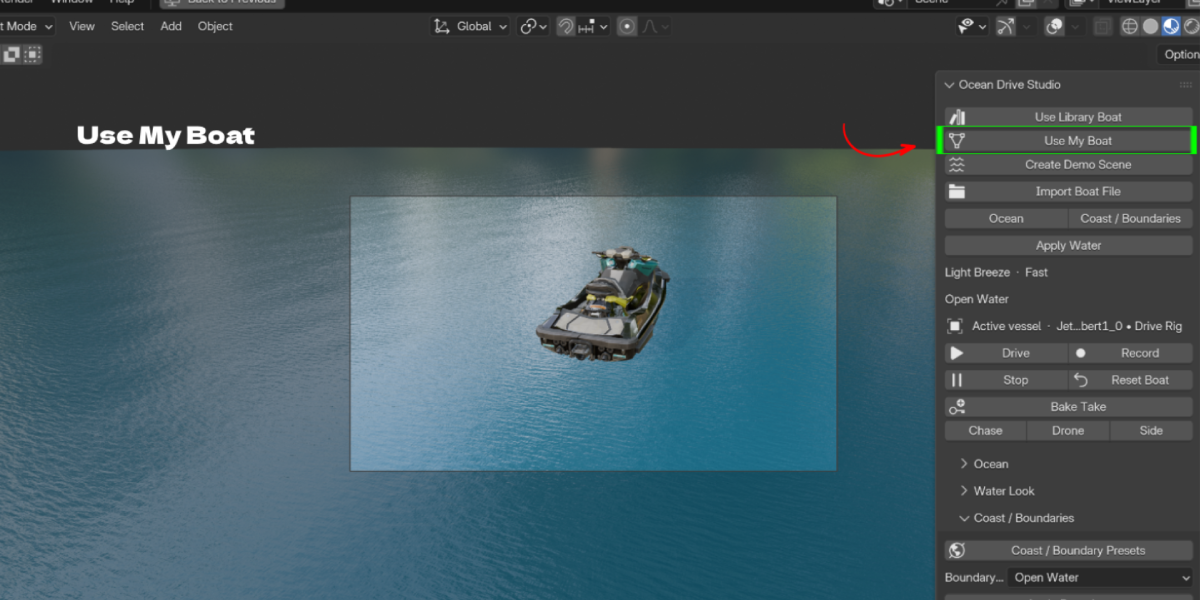
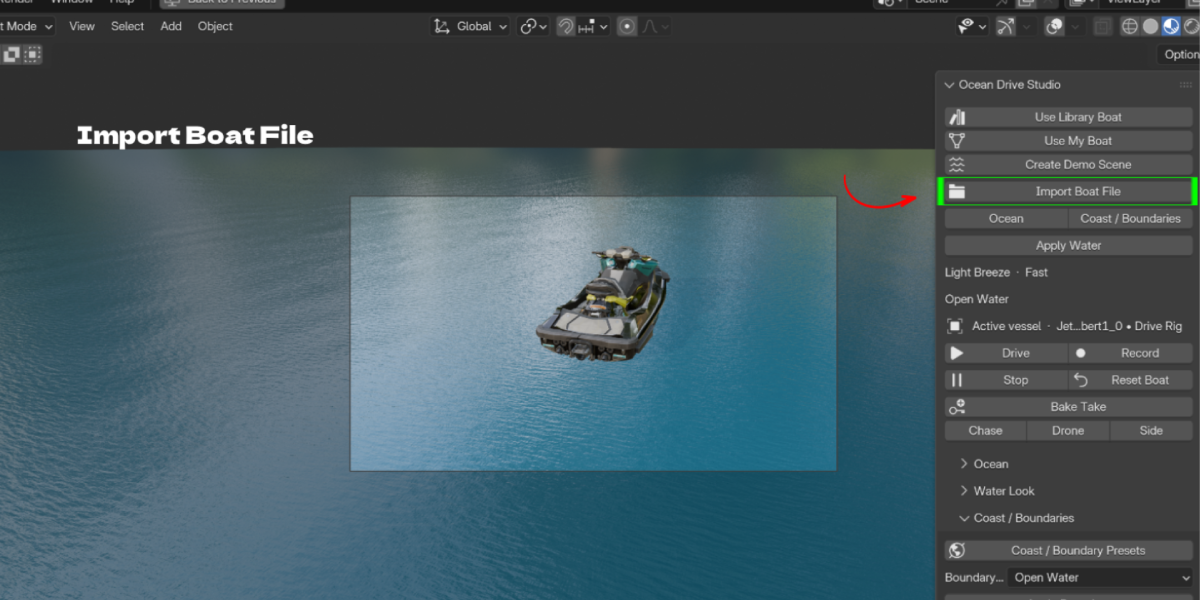
Choose from the built in vessel library, including jet skis, speedboats, inflatable boats and cabin cruisers, or use Use My Boat and Import Boat File to bring in your own model. Set hull pieces, bow axis, mass, draught and waterline so it floats correctly.
Ocean, water and coast presets
Ocean presets set wave height, wavelength, chop, swell and wind. Water Look controls deep and shallow colors, clarity, foam and roughness. Coast and Boundary presets add shorelines and areas such as open water or a wide sandy beach.
Wake, foam and spray
Bow and stern emitters create the wake, prop wash, foam lace, breaking crests and spray mist. Tune wake breakup, wake lifetime, spray amount and drop size.
Cameras and baking
Chase, Drone and Side cameras follow the vessel. Bake Take writes the recorded drive over a frame range, and the ocean surface can be exported as EXR.
Key Features
- Drive on a procedural ocean: steer the vessel live in the viewport. Benefit: natural boat motion without hand keyframing.
- Record and Bake Take: capture a run and bake it over a frame range. Benefit: a clean, renderable animation.
- Vessel library: ready boats with procedural finishes. Benefit: start a scene in seconds.
- Use My Boat and Import Boat File: set up your own model with hull pieces, bow axis and waterline. Benefit: your own vessels float and drive too.
- Buoyancy settings: mass, draught, relative density, center of mass and waterline offset. Benefit: believable floating and pitch.
- Ocean presets and controls: wave height, wavelength, chop, swell, wind and wave heading. Benefit: from calm bays to rough seas.
- Water Look: deep and shallow color, clarity, absorption, foam and roughness. Benefit: water that matches your mood.
- Coast and Boundary presets: shorelines and open water areas. Benefit: complete scenes, not just an endless plane.
- Wake, foam and spray: bow and stern emitters, prop wash, breaking crests and spray mist. Benefit: the details that sell the shot.
- Chase, Drone and Side cameras: cameras that follow the vessel. Benefit: cinematic angles without extra rigging.
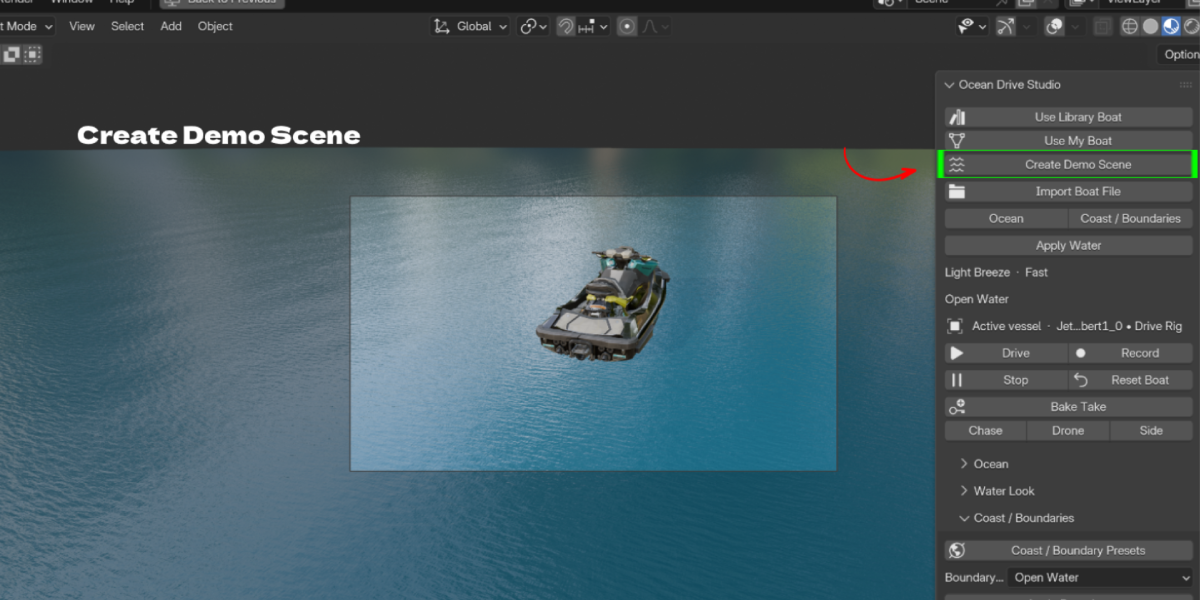
- Create Demo Scene: a ready scene to learn the workflow. Benefit: see results in one click.
- Surface EXR export: bake the ocean surface field. Benefit: reuse the water in other tools.
Workflow Benefits
- Old way: keyframe a boat over an Ocean modifier and fake the bobbing. New way: drive it and let buoyancy handle the motion.
- Old way: build wake and spray with particles. New way: wake and spray emitters are built in.
- Old way: create water shaders, a coast and lighting from scratch. New way: apply ocean, water and coast presets.
- Old way: animate a camera to follow the boat. New way: pick Chase, Drone or Side.
- Old way: bake the ocean and the boat separately and hope they match. New way: Bake Take.
Who it is for
- Motion designers and advertisers: boat, jet ski and yacht commercials
- Animators and filmmakers: chase scenes, rescues and coastal shots
- Archviz artists: waterfront and marina projects with moving boats
- YouTubers and short form creators: quick ocean shots
-
Hobbyists: driving their own boat models for fun
What's included and requirements
- Ocean Drive Studio addon ZIP, version 0.34.0, with 81 preview thumbnails for vessels, boundaries and oceans
- Requires Blender 4.2 or newer
- Works with Eevee (optional ray tracing) and Cycles
- License: GPL-3.0-or-later
- Support: [email protected]
