Ocean Drive Studio: Drive, Record and Bake Boats on an Ocean
 Salman Animator
Requirements
Blender 4.2 or newer. Allow file access when importing boat models or writing baked surface caches.
Install
- Keep the ZIP as it is. Do not unzip it.
- Open Edit > Preferences > Get Extensions, open the menu and choose Install from Disk.
- Pick ocean_drive_studio-0.34.0-salman-animator.zip and enable Ocean Drive Studio.
- In the 3D Viewport press N and open the Ocean tab.
Quick start
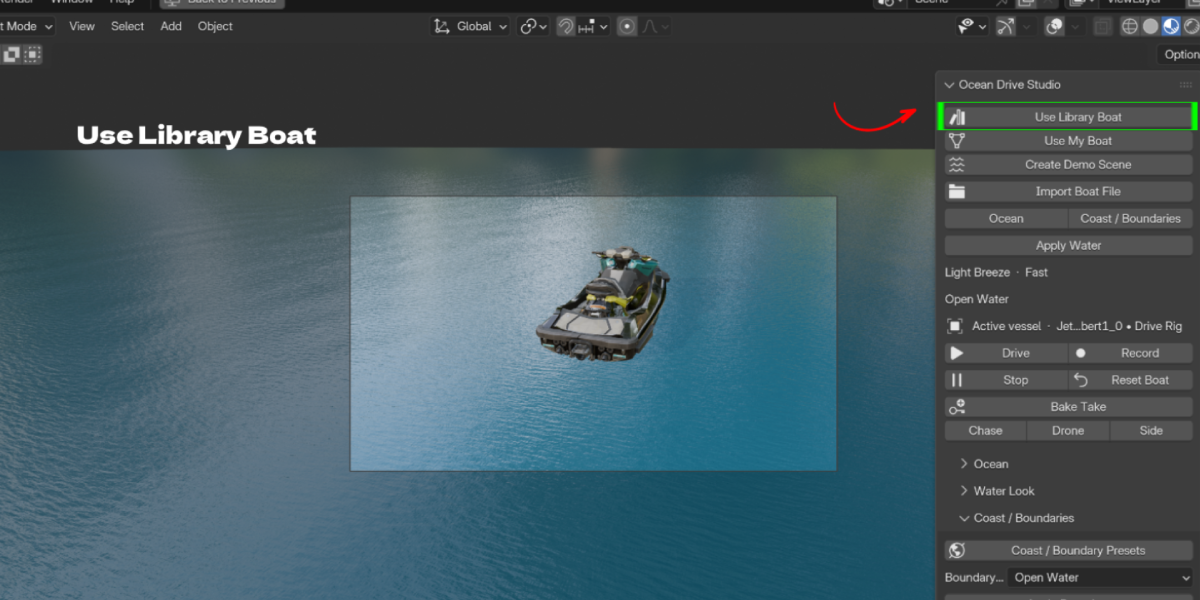
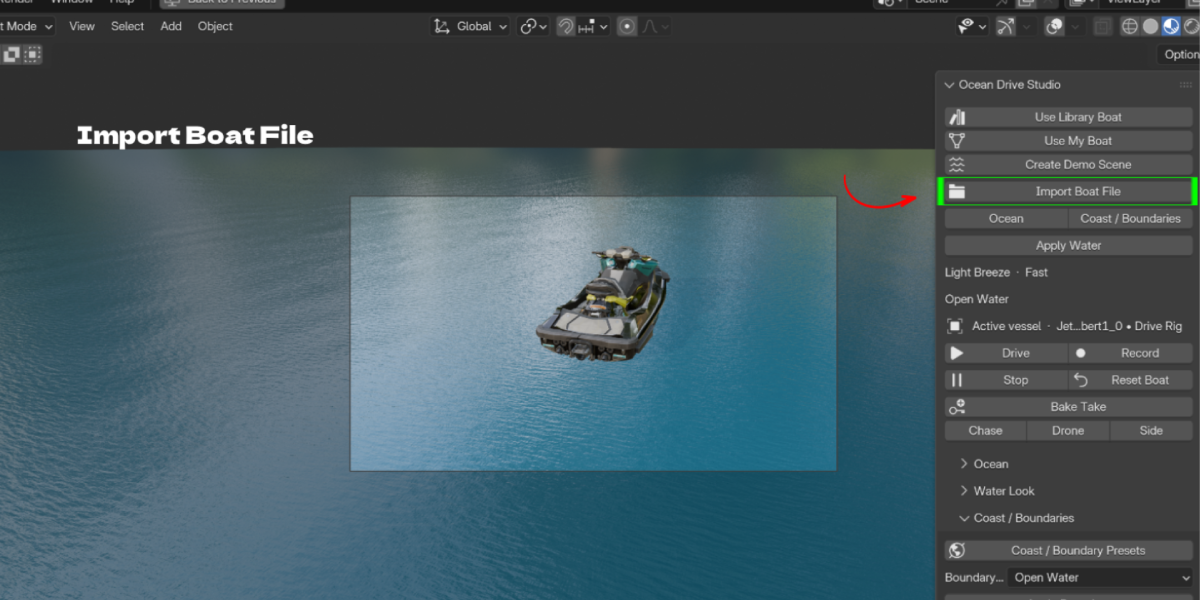
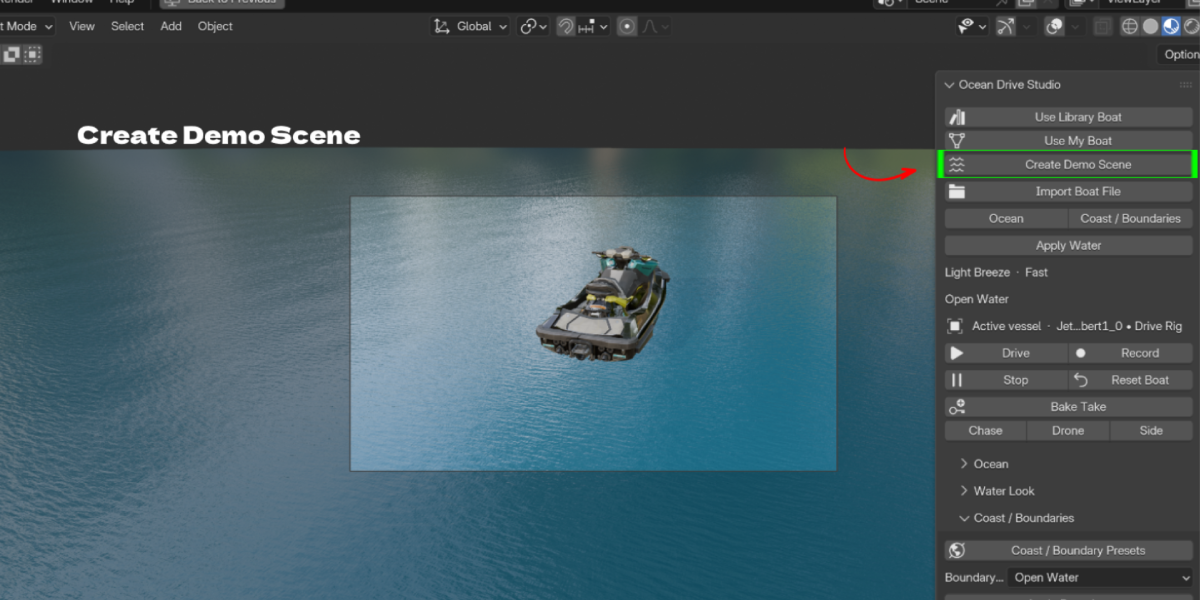
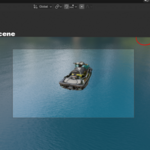
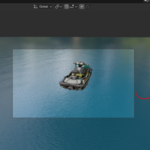
- Click Create Demo Scene, or click Use Library Boat and pick a vessel.
- Choose an Ocean preset and click Apply Water.
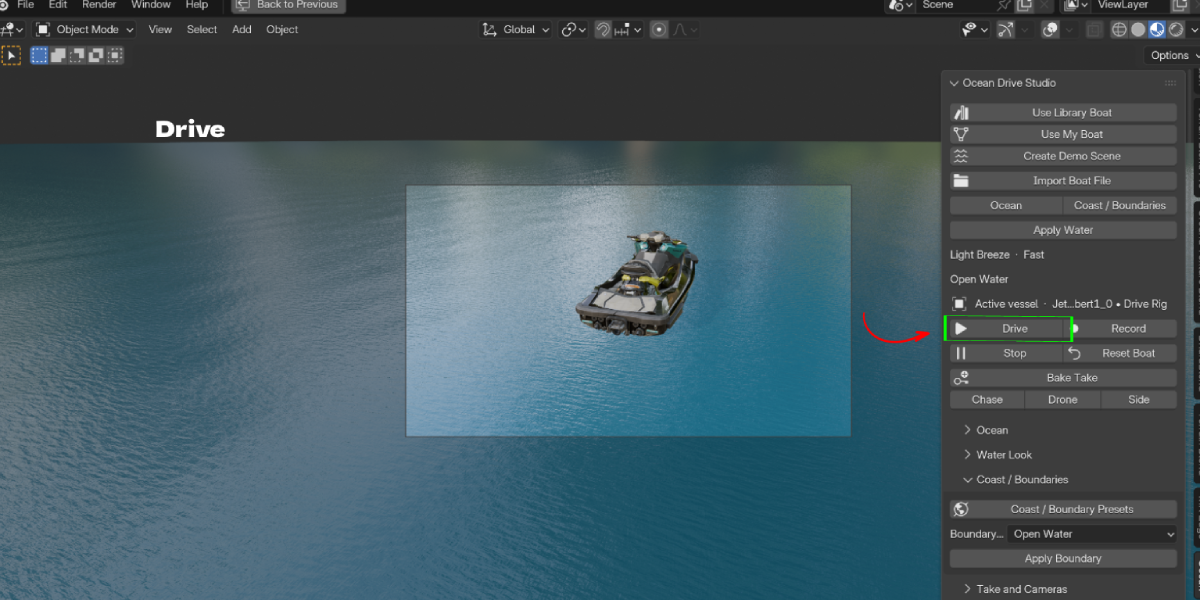
- Click Drive and steer the vessel.
- Turn on Record before driving to capture a take.
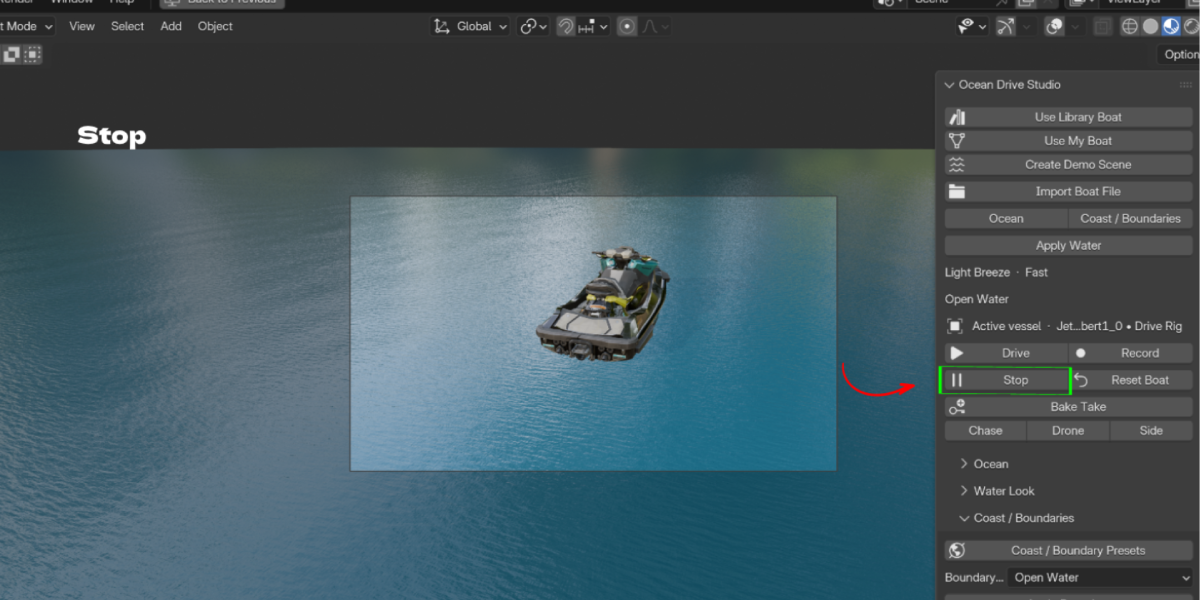
- Click Stop, then Bake Take.
Your own boat
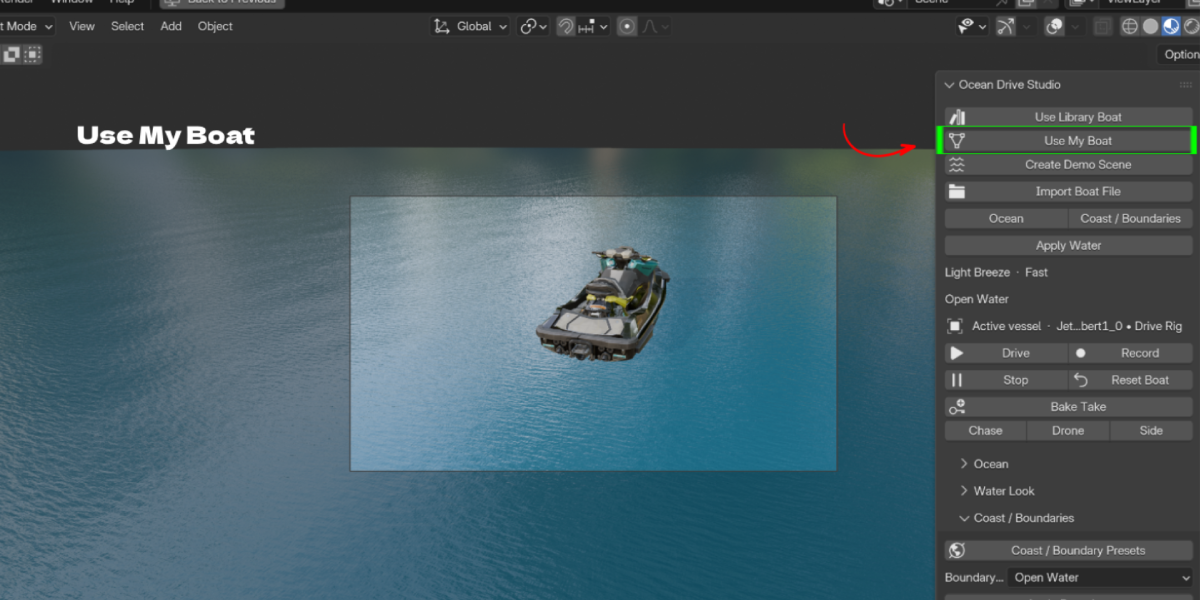
Click Use My Boat or Import Boat File. Choose the hull pieces, set the bow axis (Flip Bow if needed), target length, mass and draught. Use Waterline offset and Model height offset to adjust how it sits. Click Update Boat after changes.
Ocean
Ocean presets, Wave height, Wavelength scale, Chop, Swell strength, Wind speed, Wave heading, Spectrum and Quality.
Water Look
Deep and Shallow Water Color, Clarity, Absorption Distance, Underwater Tint, Foam Color and Intensity, Surface Roughness, Water transmission. Apply Preset Lighting sets matching lights.
Coast / Boundaries
Pick a Boundary preset and click Apply Boundary. Show Boundaries displays the area.
Wake and spray
Bow and stern emitters, Prop wash, Foam lace, Breaking crests, Wake breakup, Wave wake lifetime, Spray amount, Drop size.
Take and Cameras
Set Start and End frames. Choose Chase, Drone or Side camera. Bake Take writes the recorded drive. Export surface EXR writes the ocean surface field.
Tools
Reset Boat, Remove Drive Rig, Disable Water, Remove Water and Buoyancy Debug Overlay.
Limits
This is a real time driving and buoyancy system, not a full fluid simulation. Very detailed or unusual hulls may need manual hull piece setup. The package does not include a demo .blend or EXR cache; Create Demo Scene builds one inside Blender.
Troubleshooting
- The boat sinks: lower Mass or Draught, or raise the waterline. The panel warns when the line is too low.
- The boat drives backwards: click Flip Bow.
- Import fails: allow file access for the addon in Blender's extension settings.
- Water looks dark in the viewport: use Material Preview or Rendered view and Apply Preset Lighting.
- Viewport is slow: lower Quality or use Fast View.
Have questions about this product?
Login to message
| Blender Extension Compatible | Yes |
| Published | 1 day ago |
| Blender Version | 4.2 - 5.3 |
| Extension Type | Add-on |
| Render Engine Used | Cycles, Eevee |
| License | GPL |
