◆ VOYDE PROCEDURAL / ADD-ON / BLENDER 5.0–5.3
OceanLab
Realistic Ocean with Live Interaction
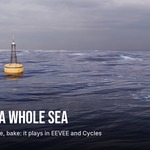
An animated open sea you can see into, in nine ocean types from a tropical lagoon to a storm, with lace foam, props that ride the waves and objects that push the water, live.
OceanLab puts a real ocean under your scene. Pick an ocean type, from a tropical lagoon to a North Atlantic storm, or a sea state from a glassy calm to a hurricane, and it computes wind-driven waves the way ocean simulations do: a swell from far away, wind waves and fine ripples that never repeat, out to the horizon.
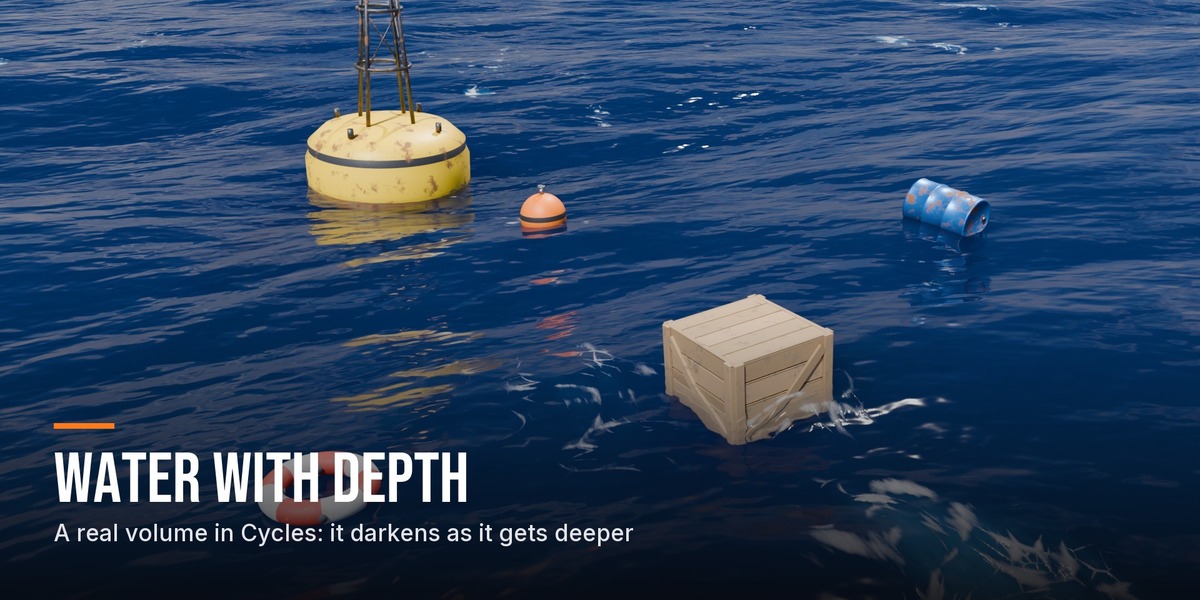
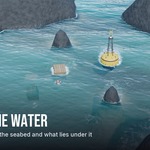
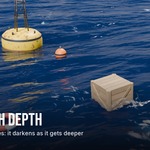
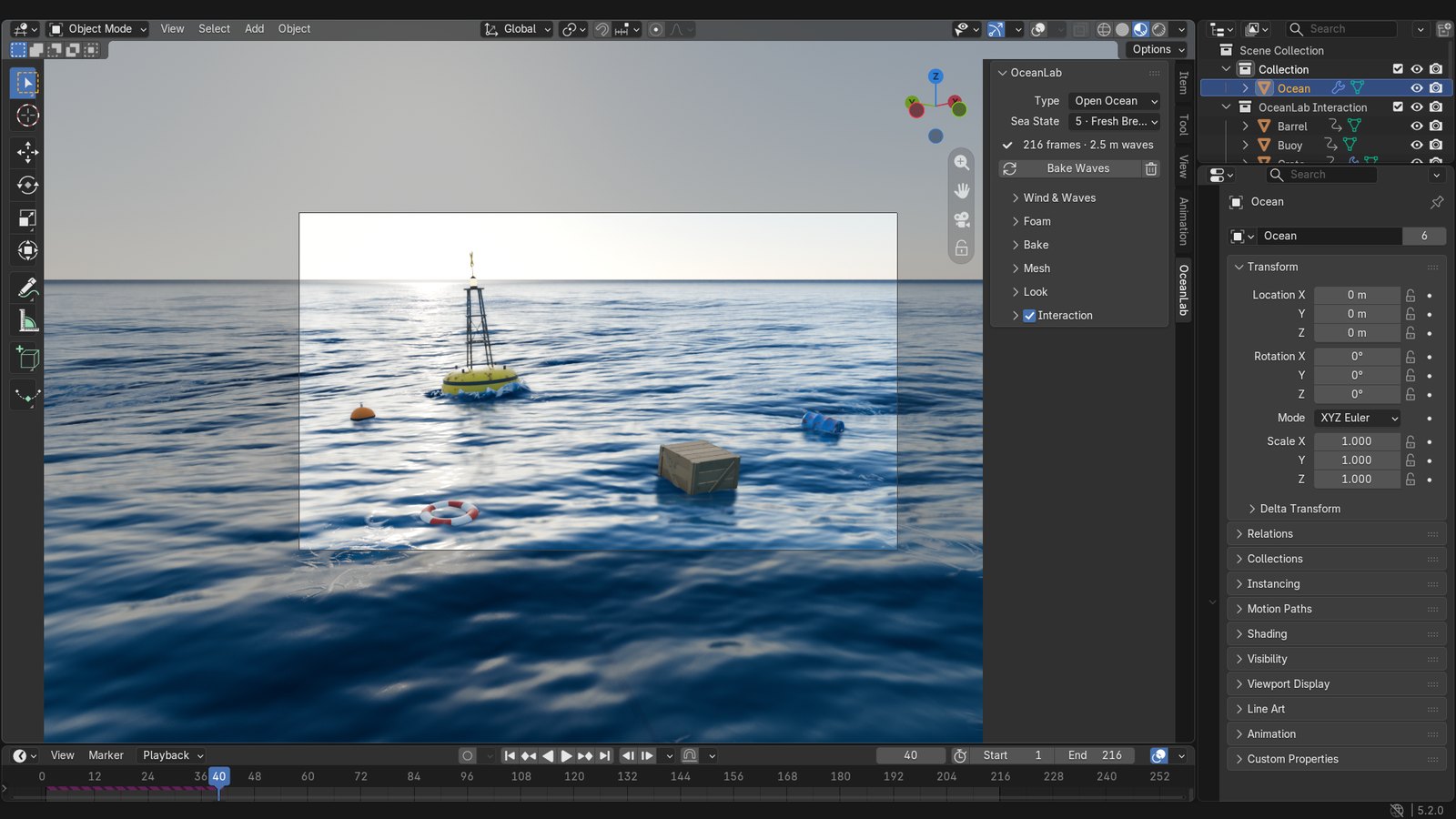
The water has depth. In Cycles it is a clear surface over a volume that absorbs and scatters light, so you see the submerged part of a floating object fade into the sea, crests glow when the sun is behind them and foam casts a soft shadow into the water. EEVEE gets a matching surface version that renders in seconds.
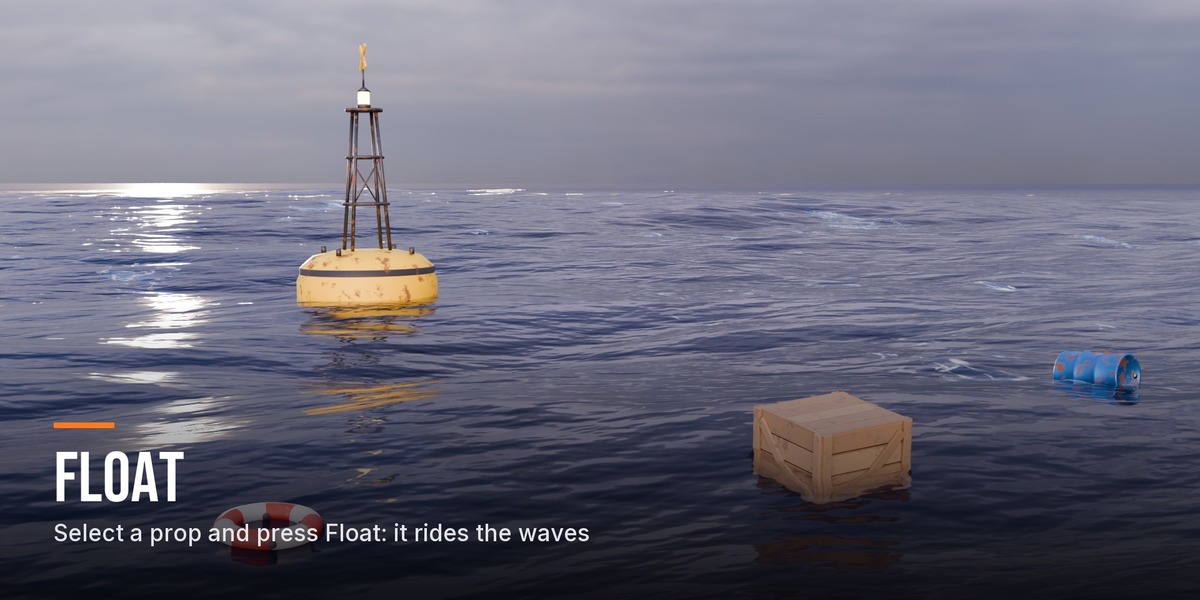
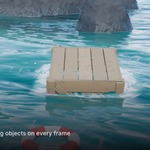
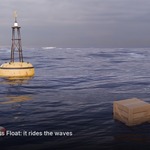
Select a buoy, a crate or any prop and press Float: it rises, falls, bobs and tilts with the waves, follows its own animation across the sea or drifts downwind.
And the objects push back. Press Disturb Water and whatever stands or moves in the sea makes ripples, trails foam or lands with a splash, simulated while the animation plays. It is all Blender nodes, image sequences and keyframes, so the scene plays and renders without the add-on, and on render farms.
BLENDER 5.0 TO 5.3CYCLES & EEVEE9 OCEAN TYPES13 SEA STATESWATER WITH DEPTHFLOATING OBJECTSLIVE INTERACTIONRENDERS WITHOUT THE ADD-ON
01 — KEY FEATURES
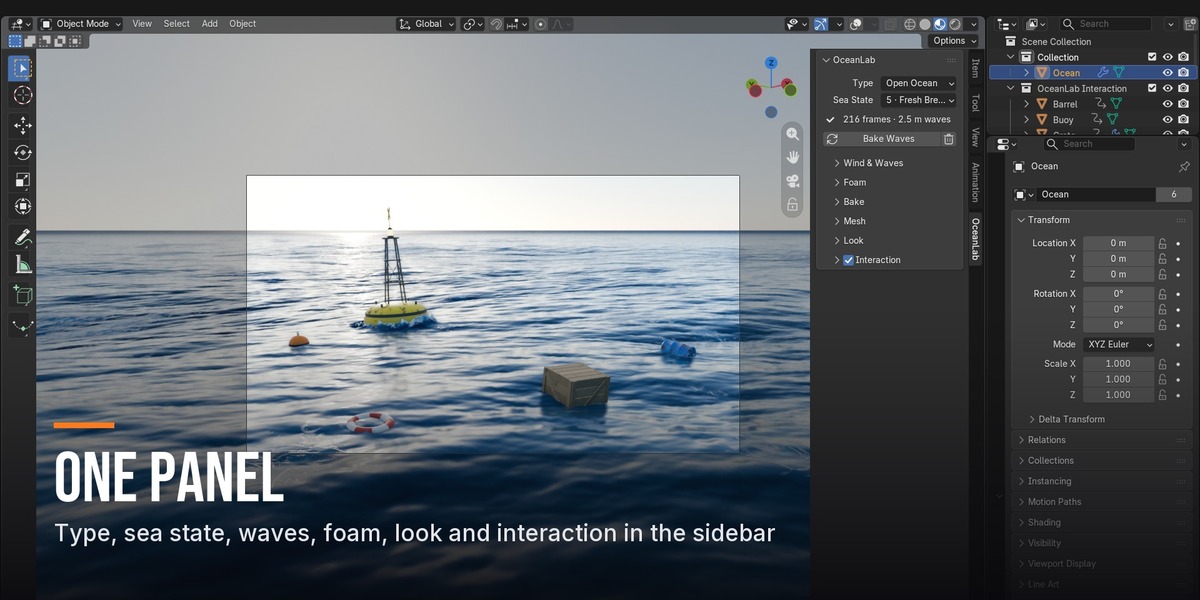
The open sea, from one panel
◆Nine ocean types
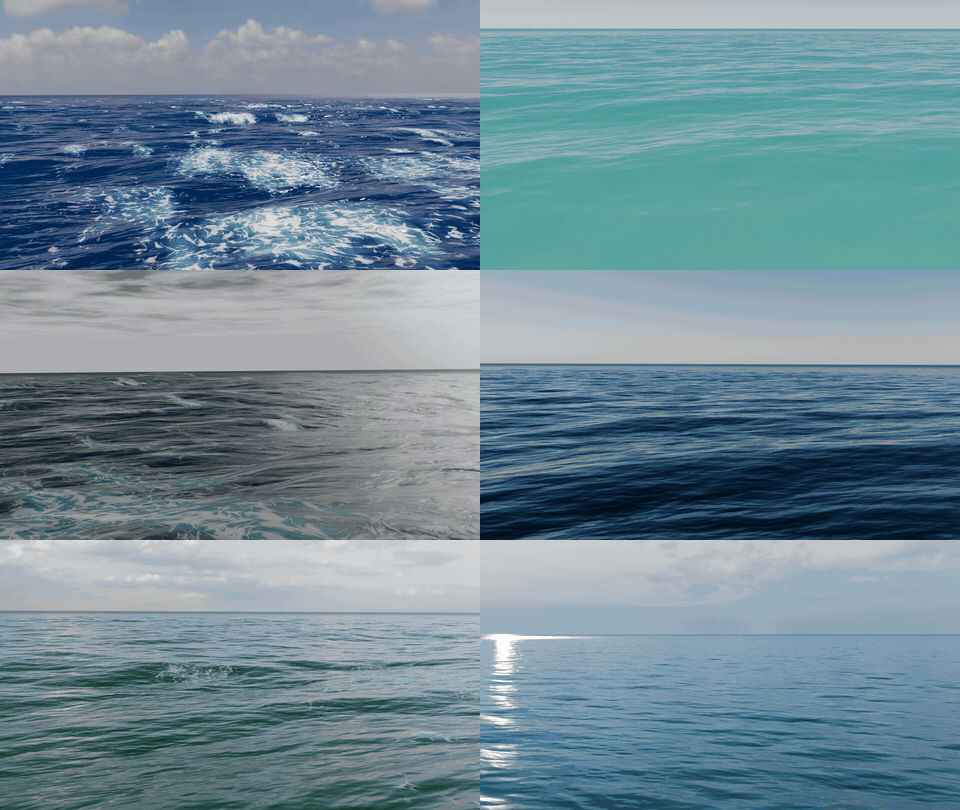
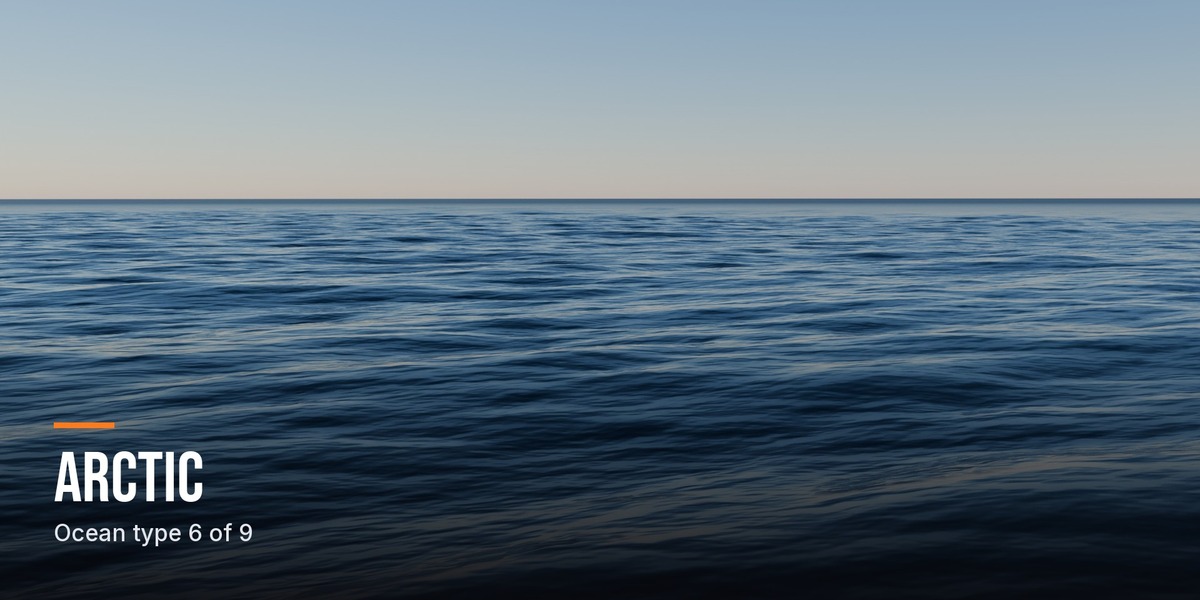
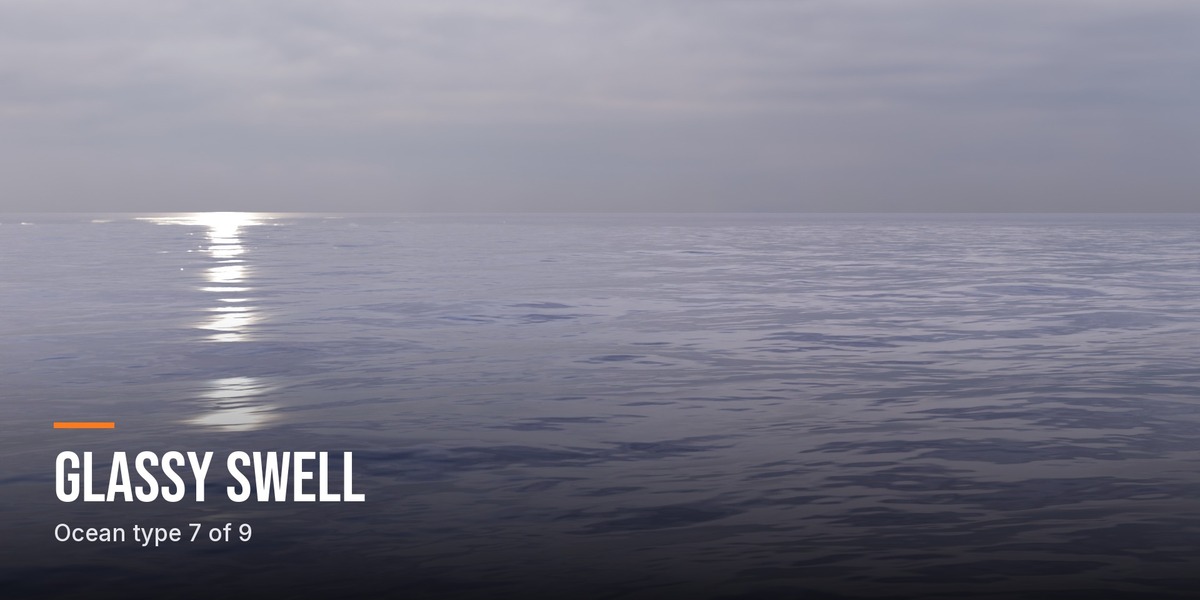
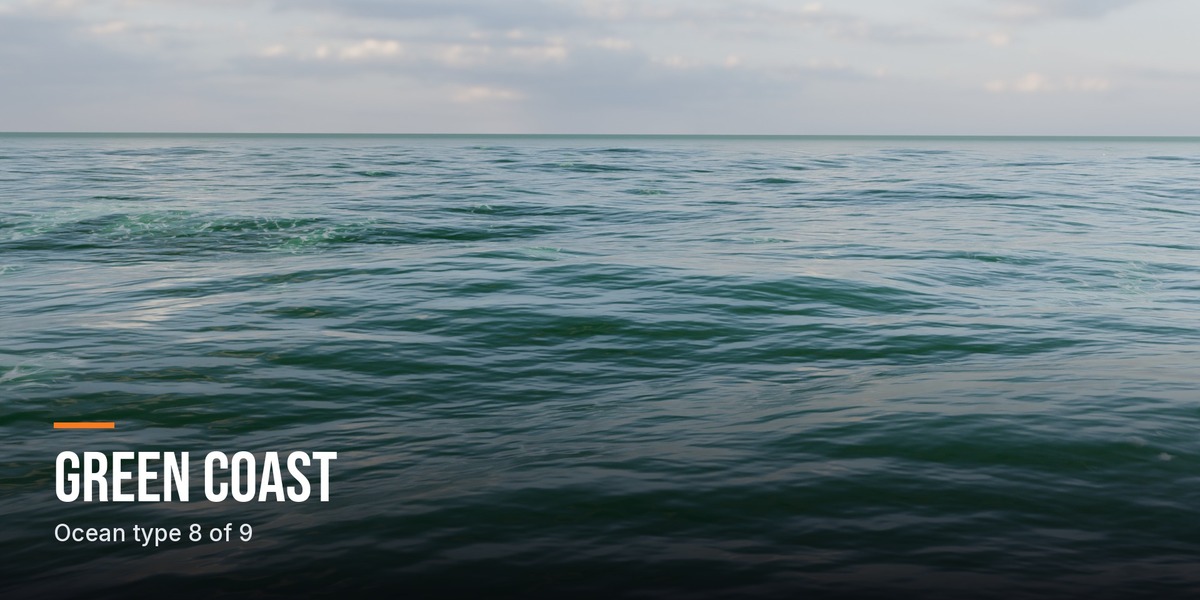
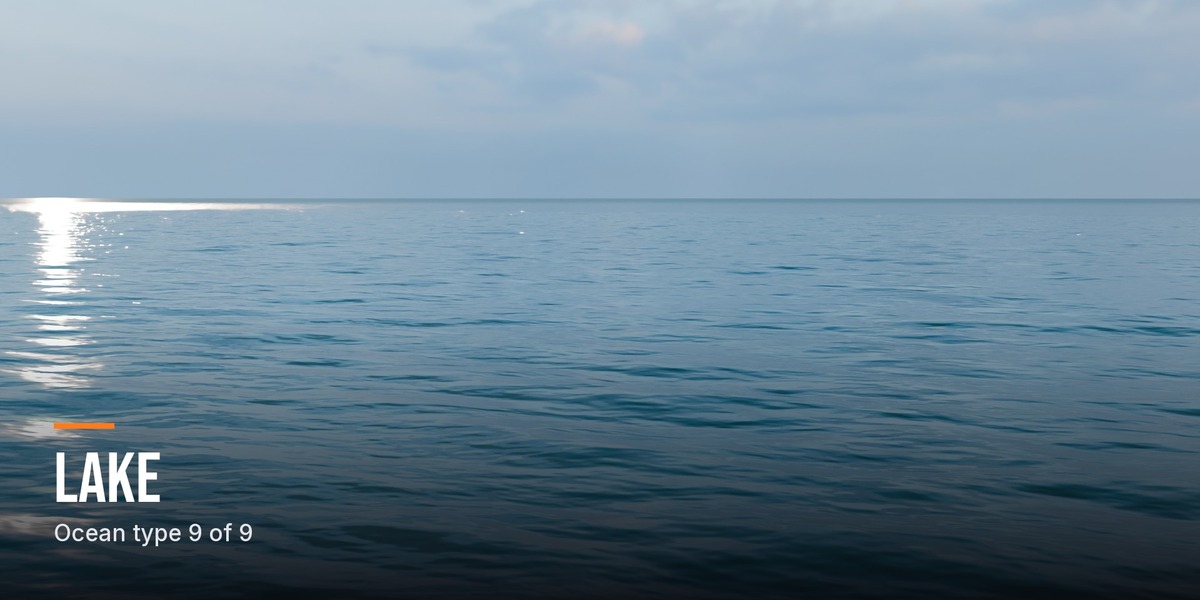
Open Ocean, Tropical Lagoon, Mediterranean, North Atlantic, Storm, Arctic, Glassy Swell, Green Coast and Lake. One menu sets the waves, the swell, the depth and the colour of the water together, and every value stays yours to change.
◆Swell
Long, regular waves from a storm far away, on top of what the local wind raises. With no wind at all it gives a smooth, glassy sea that still heaves.
◆Sea states 0 to 12
One dropdown on the Beaufort scale sets wind speed, fetch, choppiness and foam together. Force 2 for a lake-like calm, Force 9 for a storm.
◆As rough as the real sea
The short waves are as steep, and the whitecaps as many, as measurements at sea say they are for that wind. A gale glitters and foams like a gale, not like a calm sea scaled up.
◆Wind-driven waves
The waves come from an ocean-engineering wave spectrum. Wind speed, how far the wind has blown over open water, direction, alignment, depth and choppiness all change the shape of the sea.
◆Water with depth
In Cycles the sea refracts, absorbs and scatters light. Clarity sets how far you see into it; two colours set what it absorbs and what it glows with. EEVEE matches the colours on a fast surface version.
◆Three-layer foam
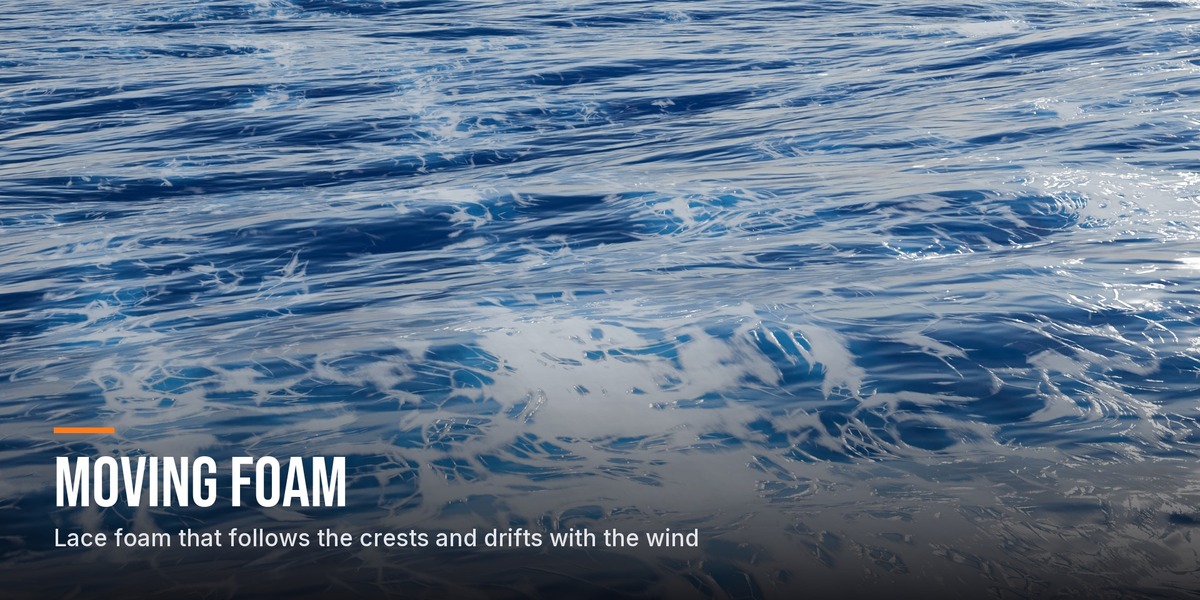
Thick white foam where a crest has just broken, a lace of veins that trails behind it, and pale aerated water around both. It follows every breaking wave, fades over seconds, and its lace keeps moving. Veins writhe, holes open and close, streaks break up and gather again, and the wind carries the foam along. One slider, Foam Motion, sets how lively it is.
◆One mesh to the horizon
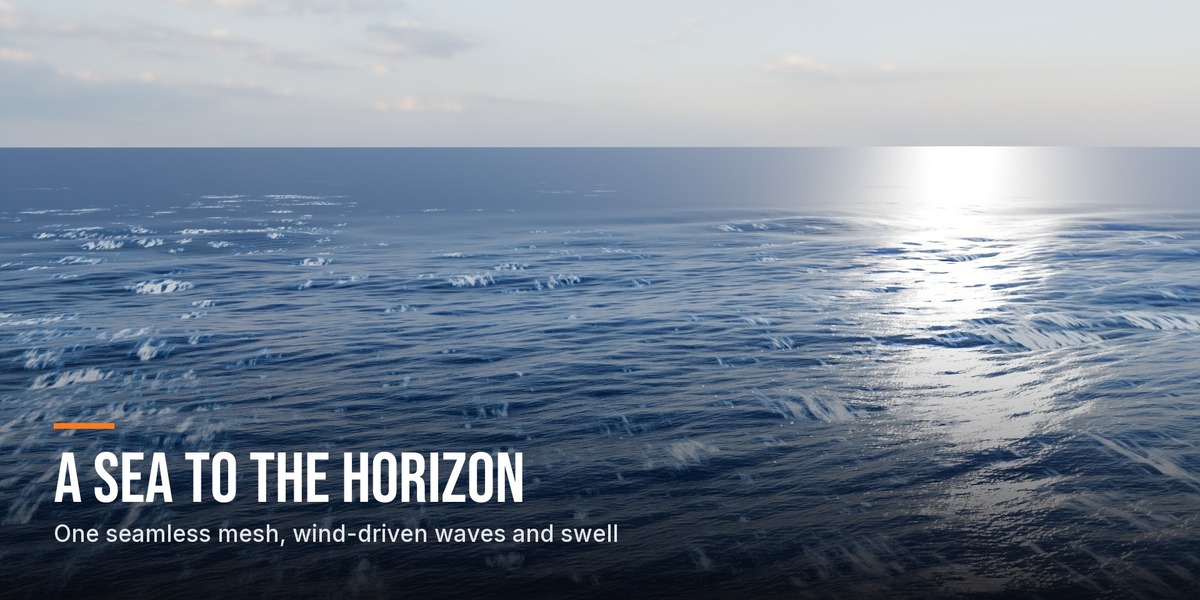
Fine around the camera, growing cells further out, 20 km by default, no seams and no repeating pattern from the air. The fine area follows your camera.
◆Float
Any object rides the waves, with height offset, tilt, sway, footprint, inertia and bobbing. Float several objects at once.
◆Moving objects
Animate an object, press Float, and it stays on the water all along its way. Drift carries debris downwind.
◆Live interaction
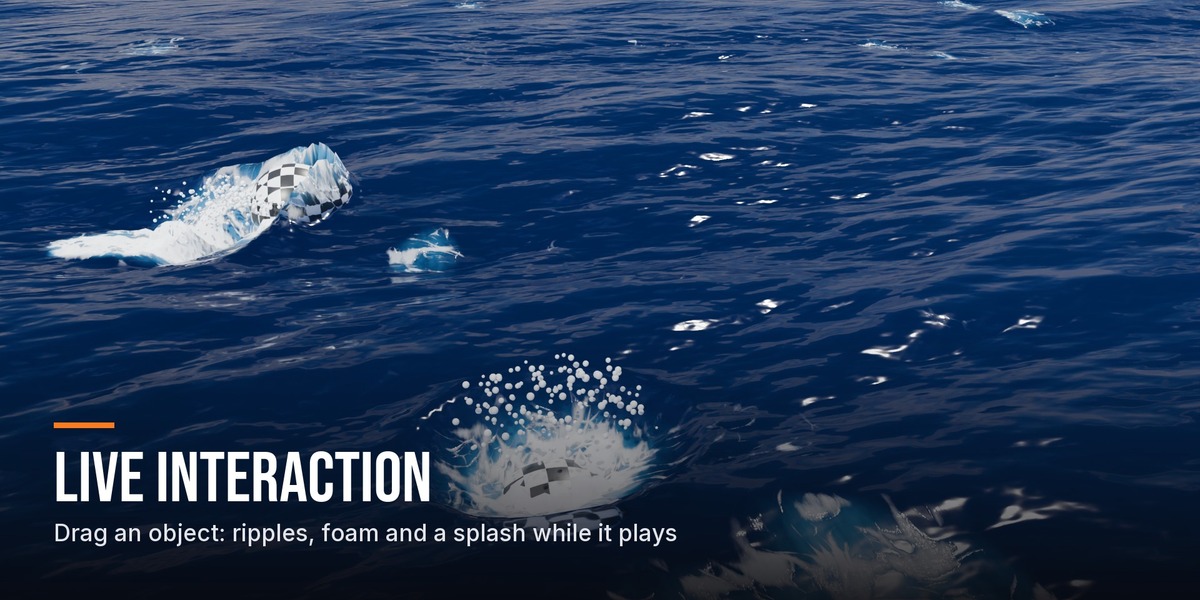
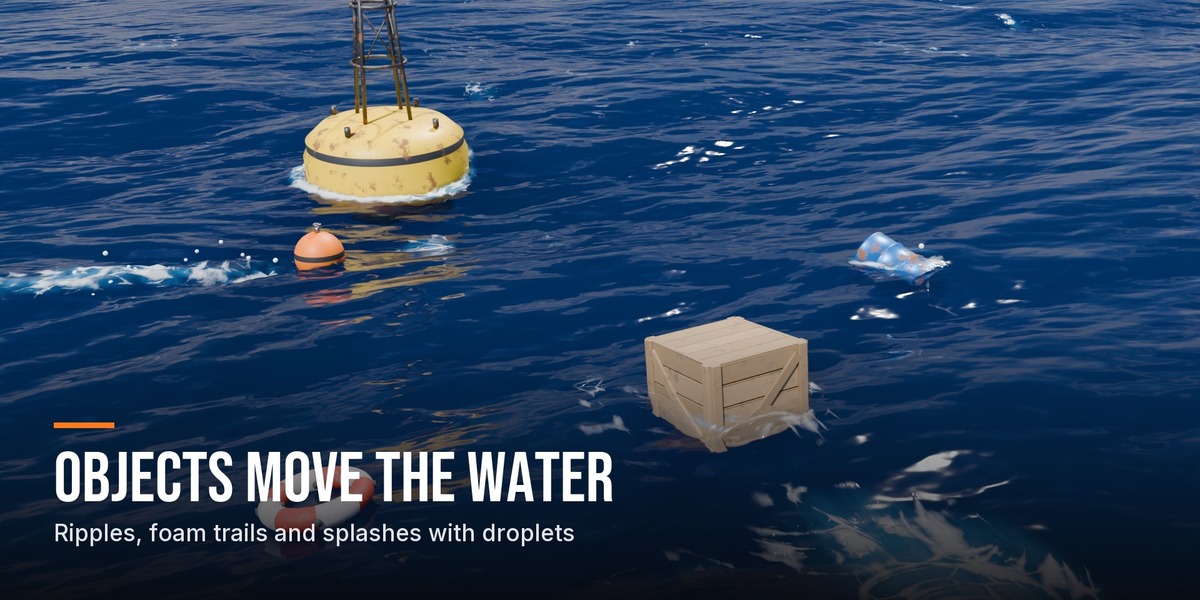
Objects push the water as they move. Ripples spread from them, a towed object trails foam, a dropped one lands with a splash and droplets, and foam gathers along every waterline, simulated while the animation plays.
◆Current
Give the water a steady flow and it carries the foam and the ripples along, around objects and shores. Whatever stands still in it leaves a trail downstream.
◆Live Float
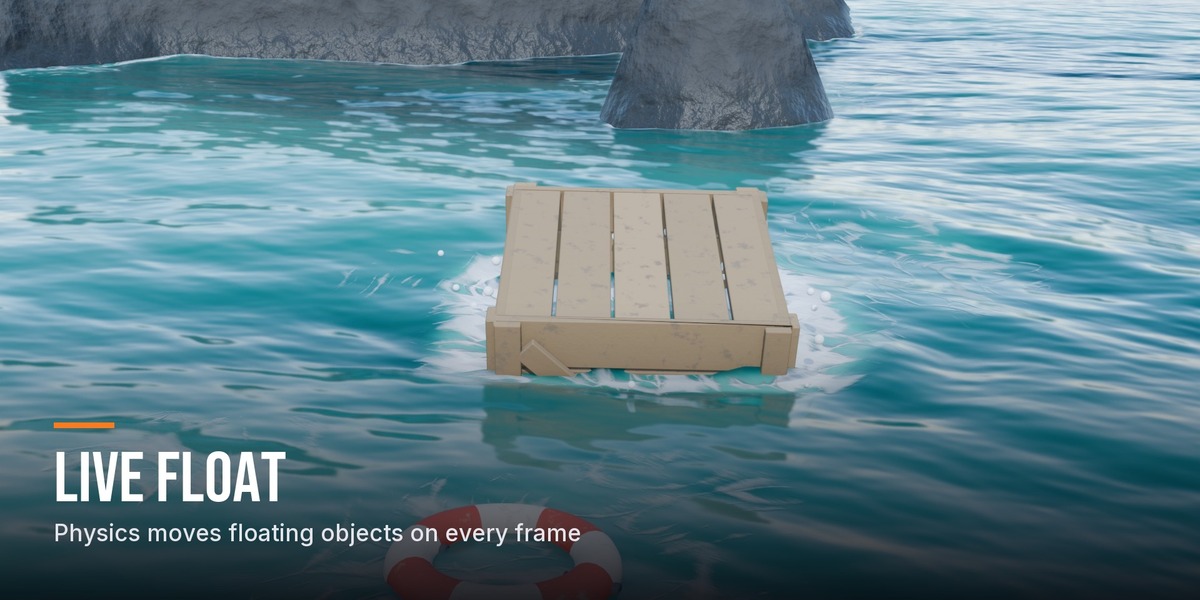
Tick Live and an object is moved by physics on every frame. Drag it, lift it out and drop it, let the current carry it, all while the animation plays.
◆Shores and shallows
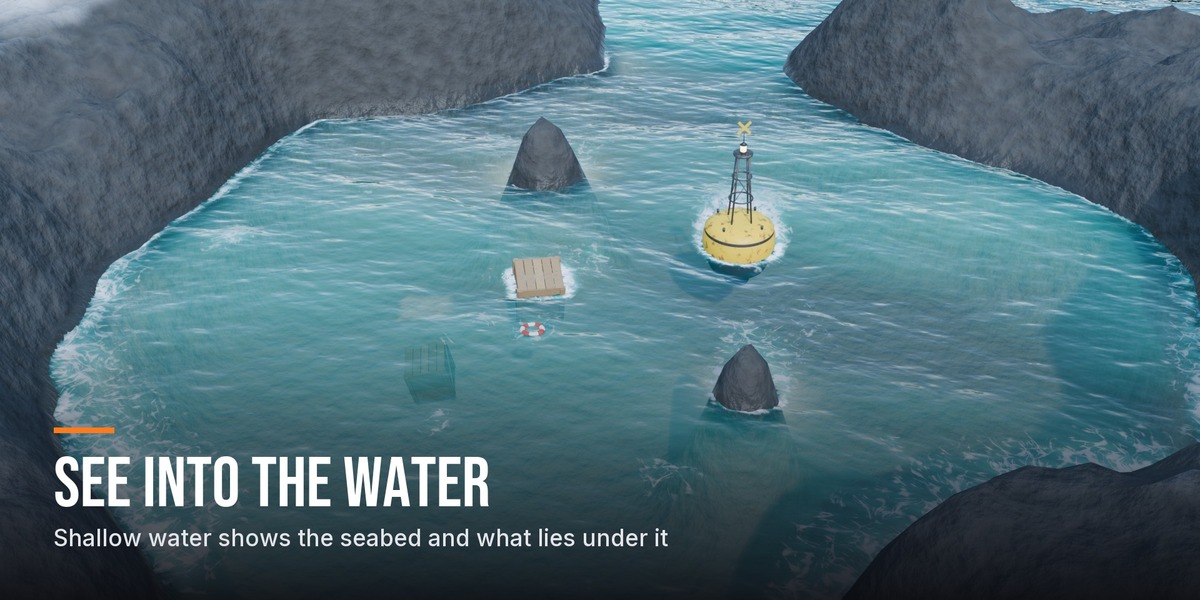
Land is read once, so a whole terrain costs nothing per frame, and in EEVEE shallow water shows the seabed and whatever lies sunk in it.
◆Seamless loops
Bake a loop of any length for turntables and looping backgrounds.
◆Renders anywhere
The mesh, the nodes, the material, the wave images and the keyframes are plain Blender data. Copy the .blend with its cache folder and it renders without the add-on.
02 — OCEAN TYPES
Nine seas in one menu
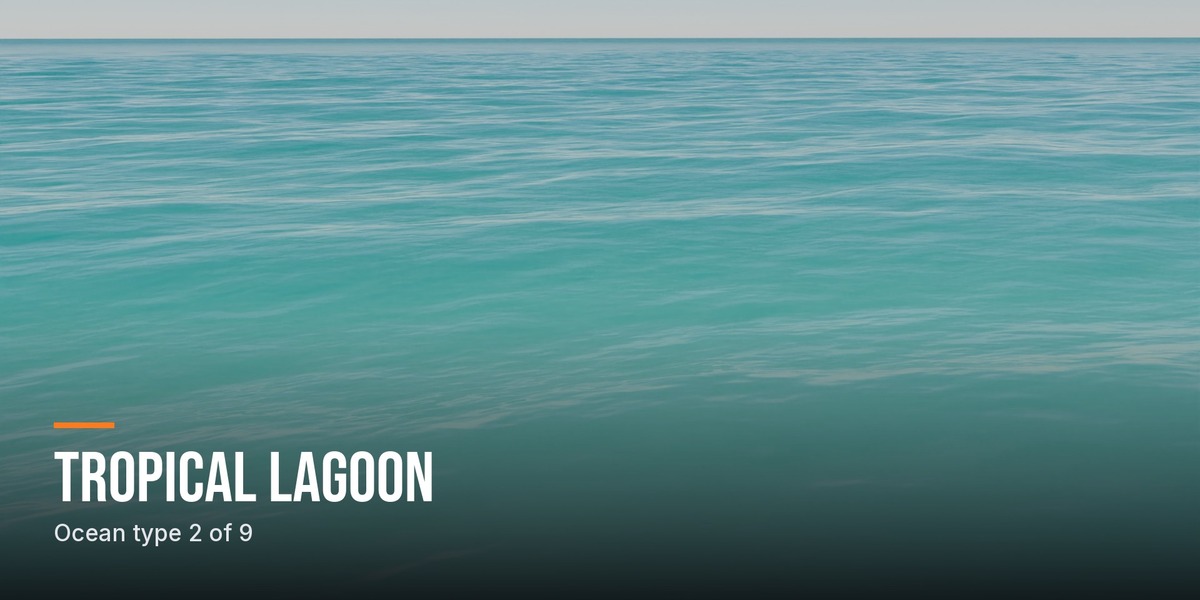
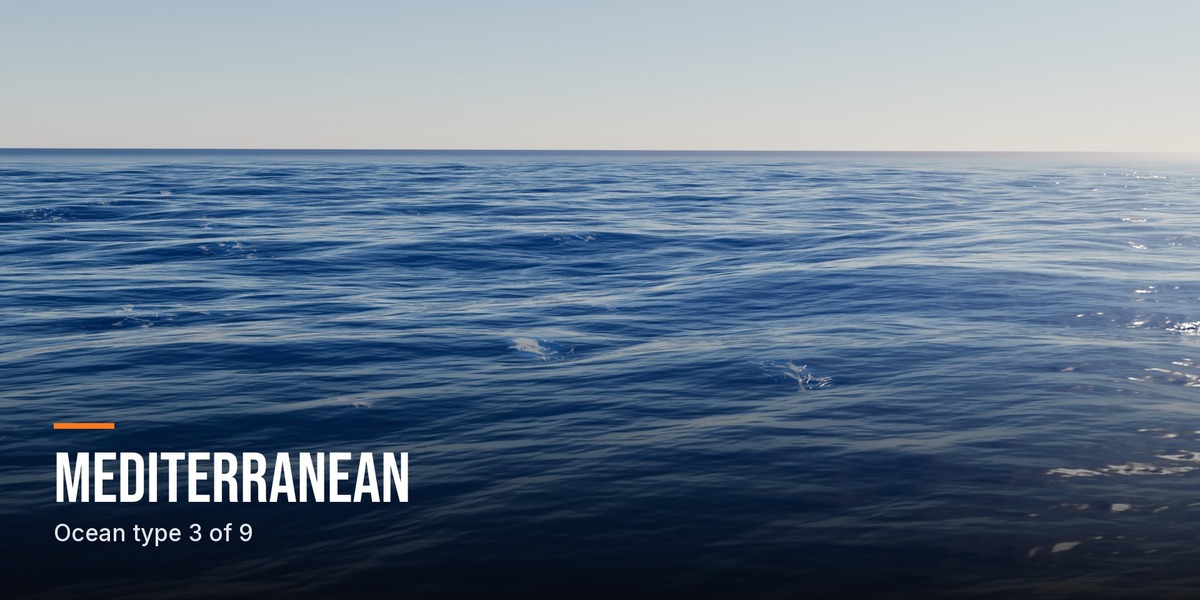
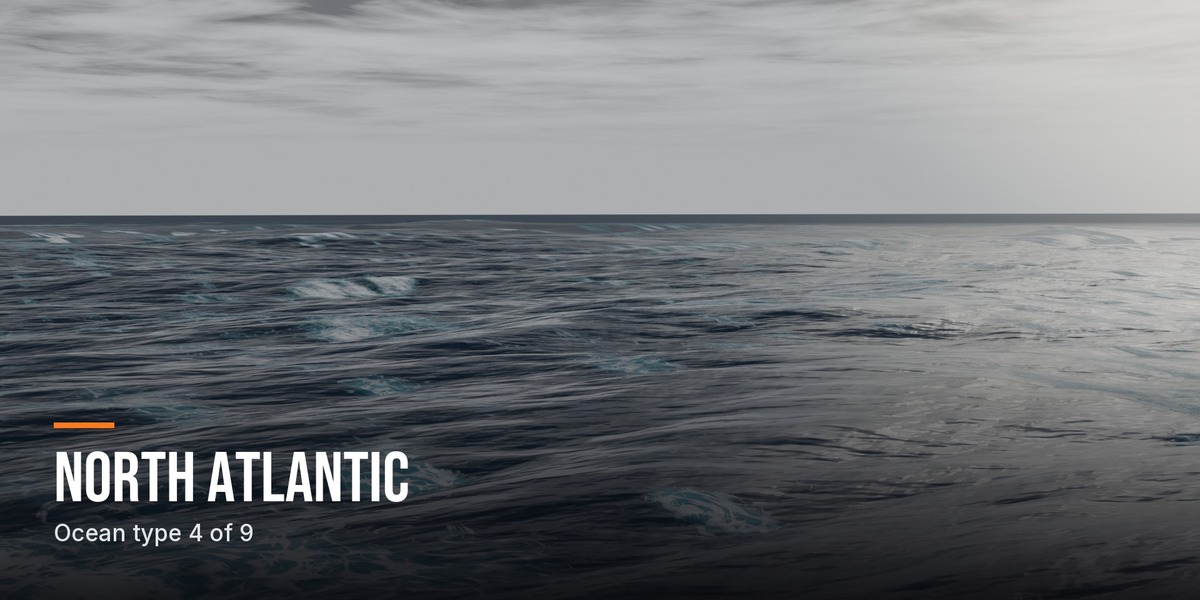
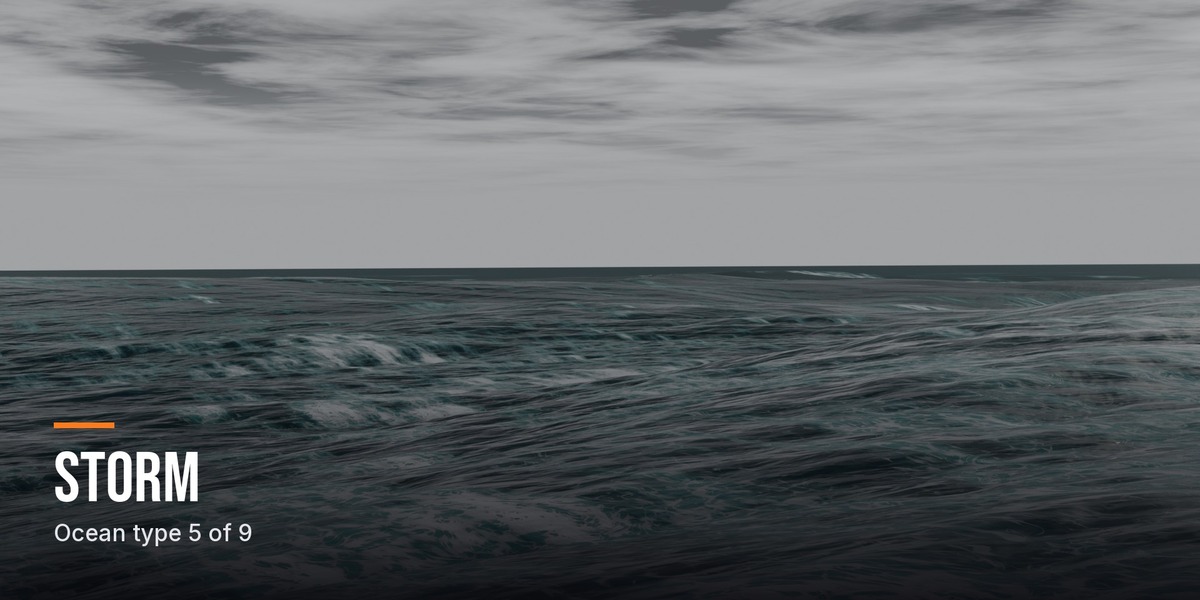
Every picture here is one click in the Type menu, then Bake Waves. A type is a whole sea: how hard the wind blows, the swell that runs under it, how deep the water is, which colours it keeps and how far you see into it. The sky is yours: each sea is shown under one that suits it.
A type is a starting point, not a cage. Everything it sets is an ordinary slider afterwards, so you can take the Storm and calm it down, or give the Lake the water of the lagoon.
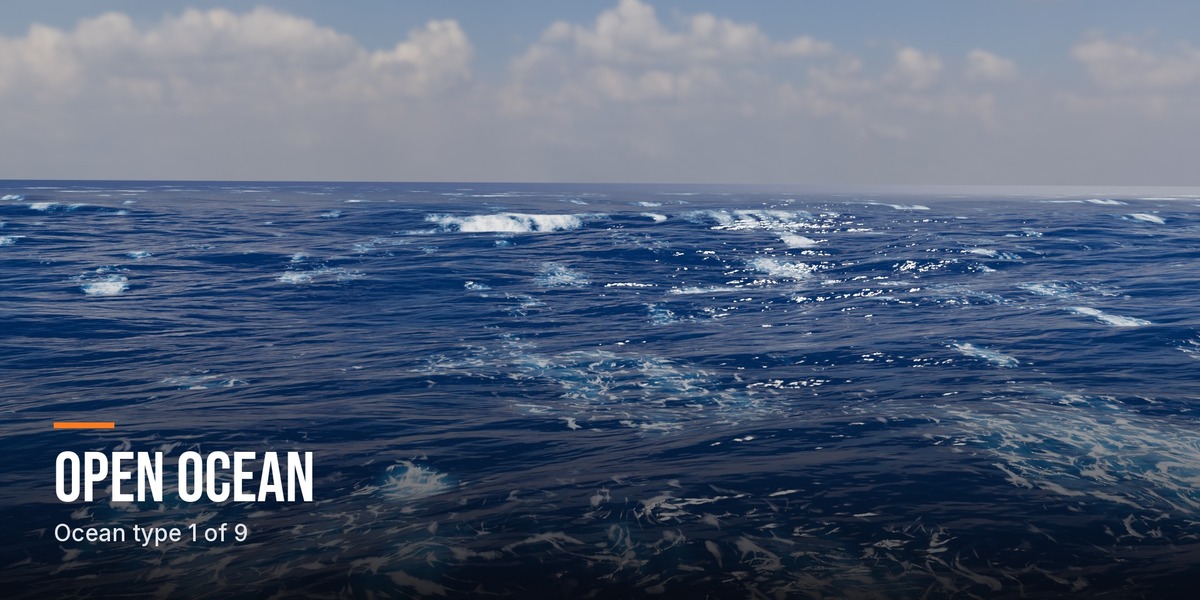
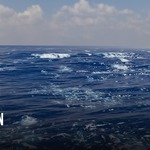
Open Ocean. A fresh breeze over a long swell, deep blue water.
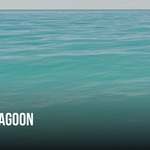
Tropical Lagoon. Four metres of clear water over pale sand.
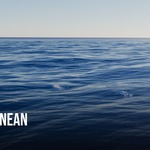
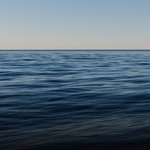
Mediterranean. Clear cobalt water, a gentle breeze.
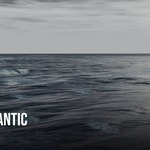
North Atlantic. A strong breeze and a heavy swell under a closed sky.
Storm. A strong gale, nine metre waves, foam in streaks.
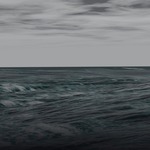
Arctic. Cold, dark and almost still, with a slow swell under it.
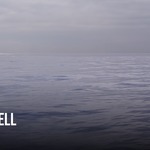
Glassy Swell. Hardly any wind, a smooth swell that mirrors the sky.
Green Coast. Murky green water near the shore.
Lake. Small, short waves and no swell.
03 — REAL WATER
A sea you can see into
Most ocean shaders paint a surface. OceanLab's Cycles water is a clear surface over a real volume: light enters, loses its red first, scatters and comes back, which is where the colour of the sea comes from. The crate's planks, the buoy's hull and the life ring fade as they go under, the way they do in real water.
Clarity is the distance you can see into the water. Deep Water is the hue the sea takes with depth, Wave Glow the colour of the light it scatters back. Lower the Depth below the Clarity and the Seabed colour shows through, for a shallow lagoon.
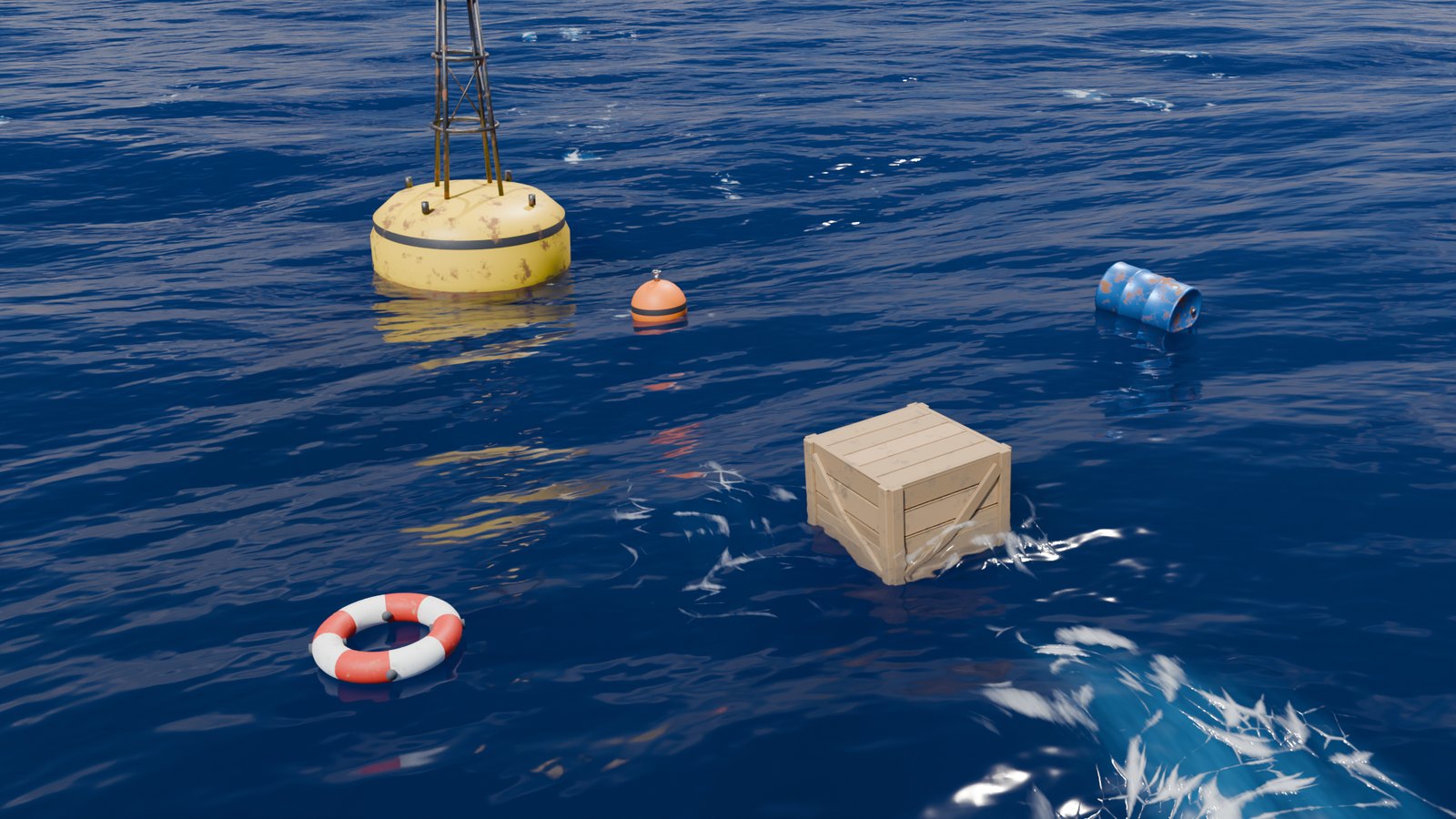
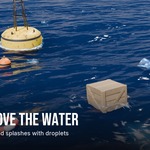
Cycles. The submerged parts of the props fade with depth.
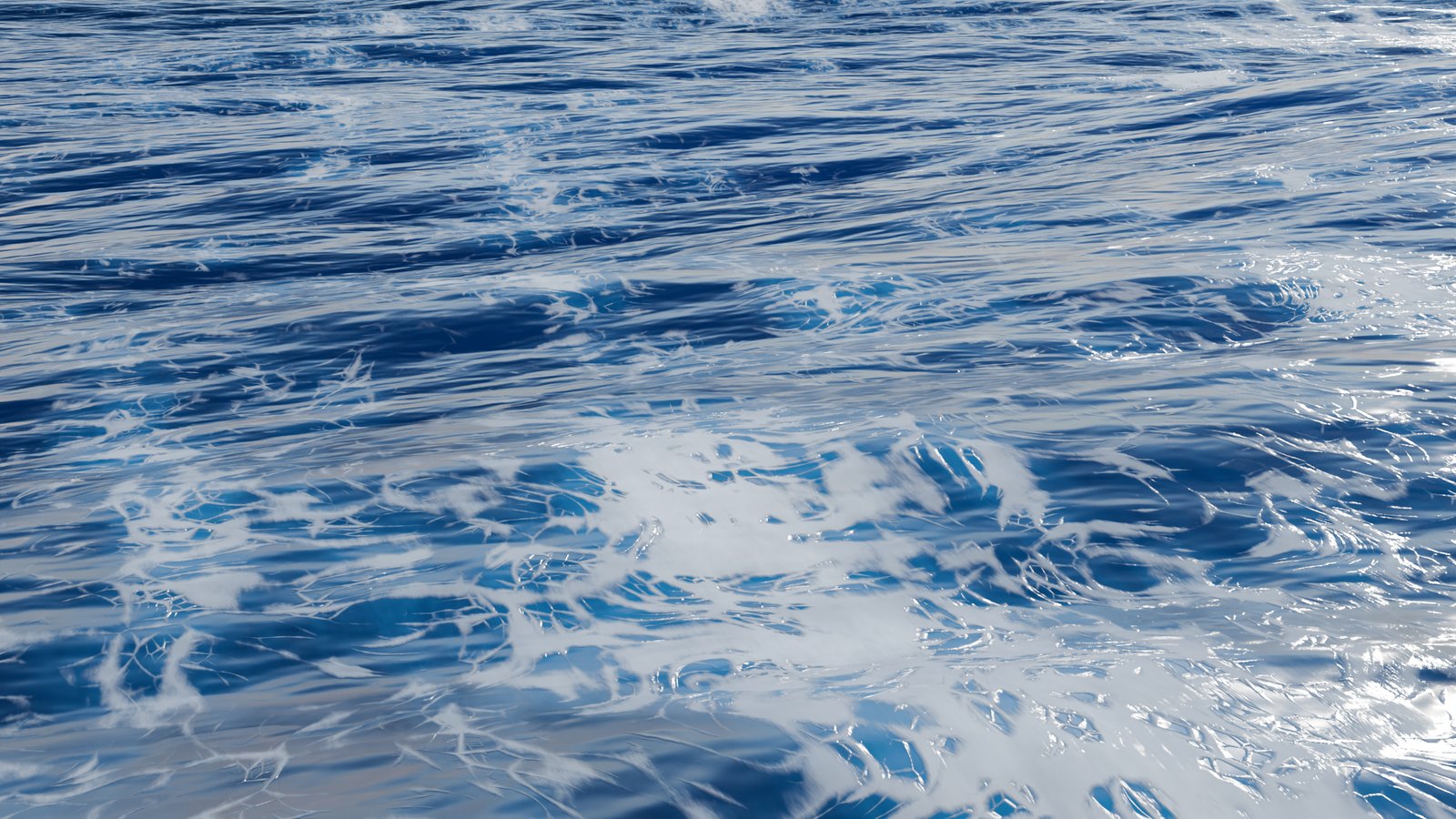
Foam in three layers: thick where the crest broke, lace behind it, aerated water around.
04 — INTERACTION
Objects that push the water
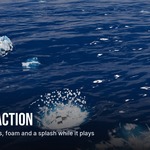
Select what is in the water and press Disturb Water. From then on the sea answers while the animation plays: ripples spread from a bobbing crate, a float towed across the waves trails foam, a drum dropped from above lands with a splash, and foam gathers where every hull meets the water.
It is a small simulation that runs on top of the baked waves, around the camera or any object you choose. It works with whatever moves the objects: Float, your own keyframes, a parent, or your mouse while the timeline plays. Rocks and pillars that stand in the sea get their ripples and foam too. Bake Ripples stores the result in the file for single frames and render farms.
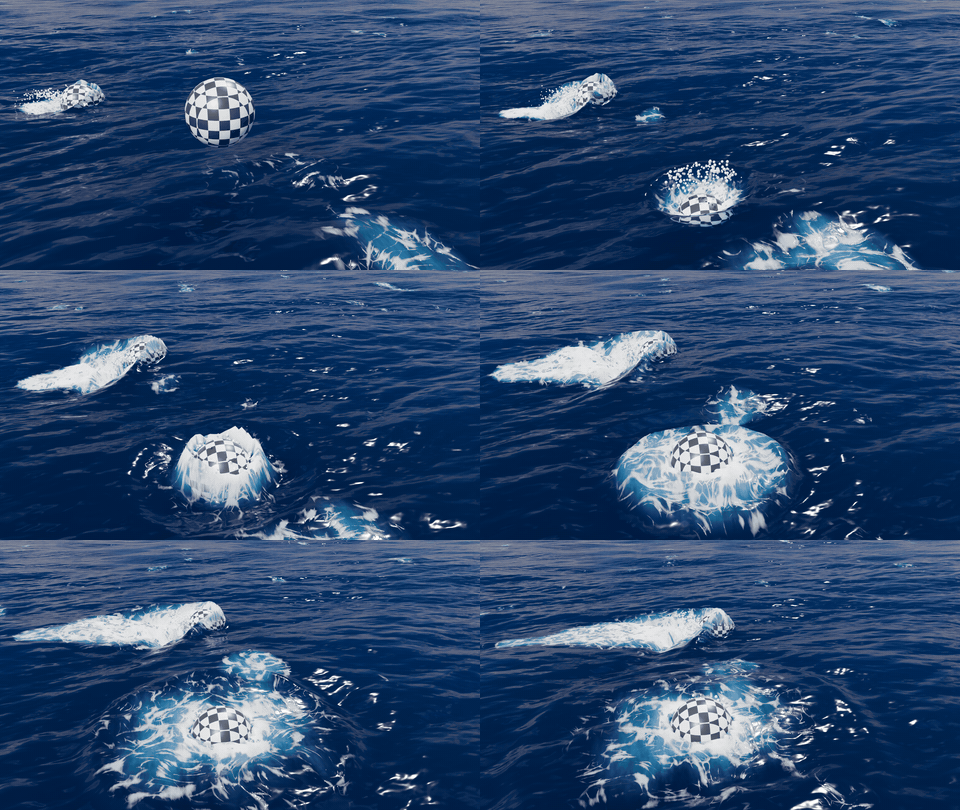
A ball dropped from three metres, moved by Live Float, and one towed past it. Cycles.
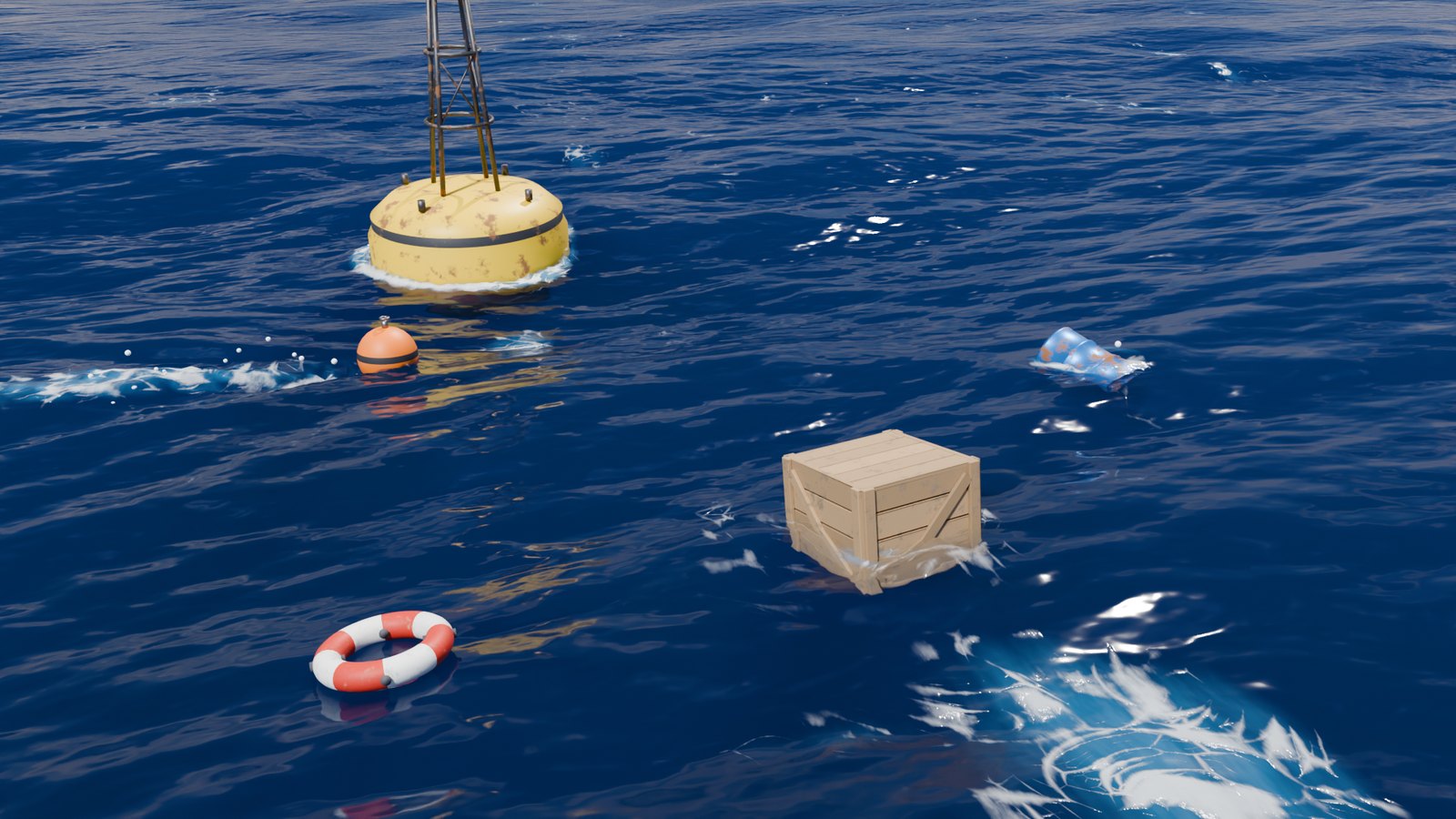
A towed float trails foam, a dropped drum lands with a splash, and every prop has foam at its waterline. Cycles.
05 — SHORES AND CURRENTS
Shallow water, a current and objects that live in it
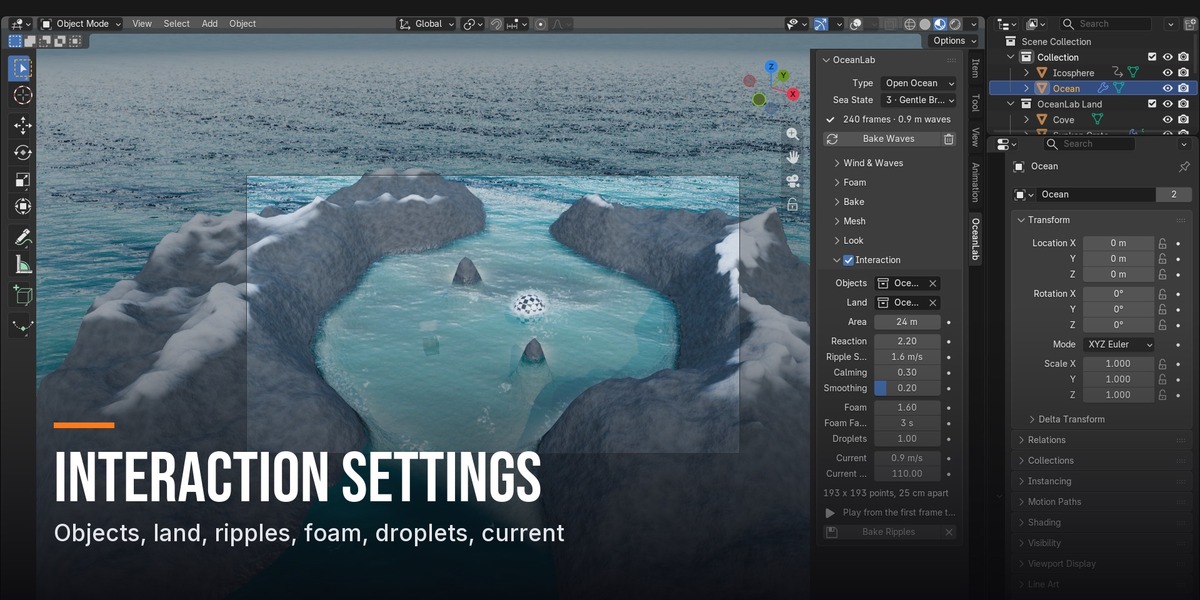
Mark the shore, the rocks and anything else that never moves as Land. It is read once, so a whole terrain costs next to nothing per frame, and the waves foam where they meet it. Give the water a Current and it carries the foam and the ripples along.
Tick See Into Water and EEVEE shows what lies under shallow water too: the seabed, a sunken crate, the submerged part of whatever floats. Tick Live on an object and physics moves it on every frame: drop it in and it dunks, bobs up and travels with the current, with droplets where it hit.
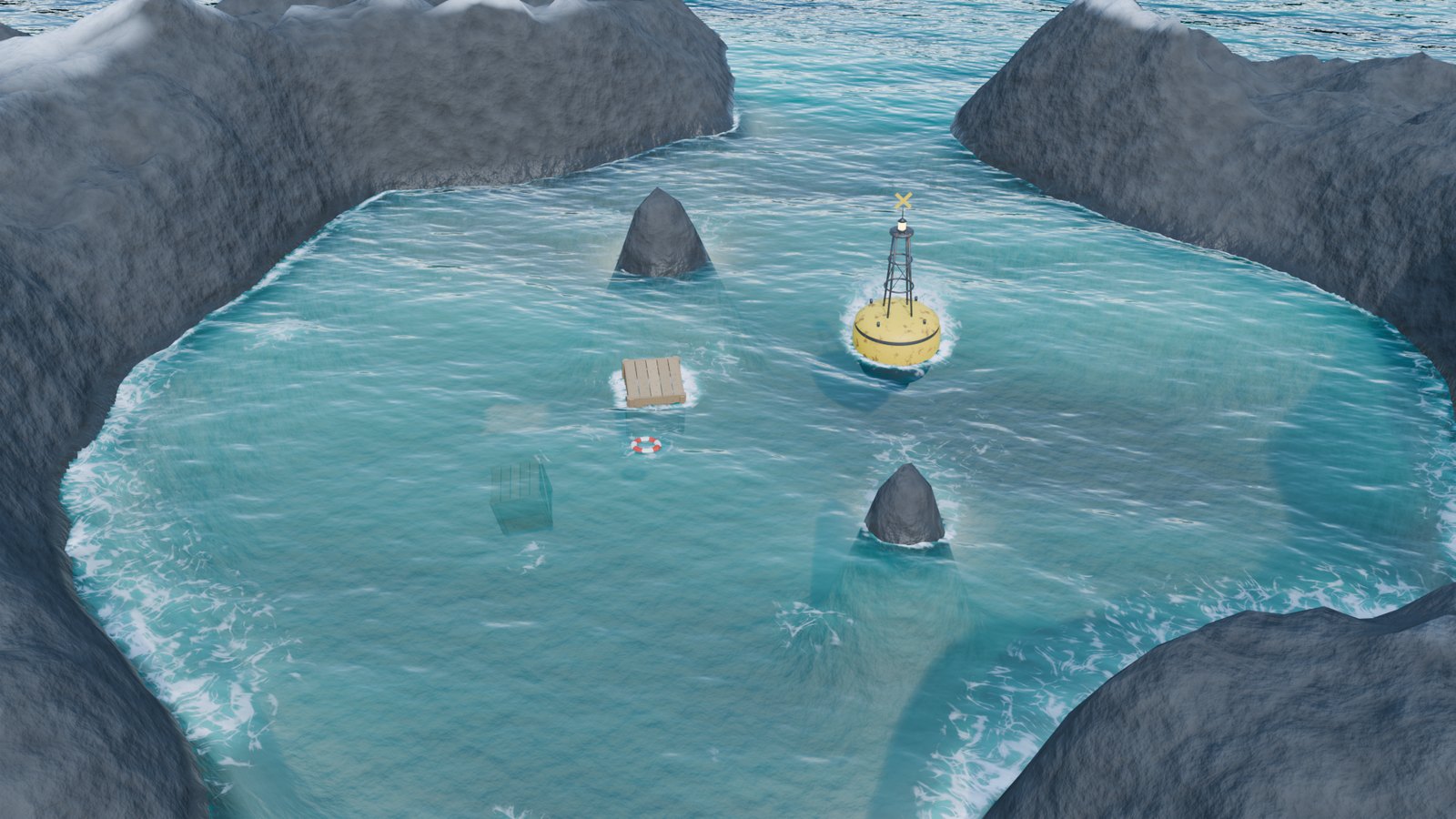
EEVEE. The seabed and a sunken crate show through the shallow water, and foam gathers along the shore.
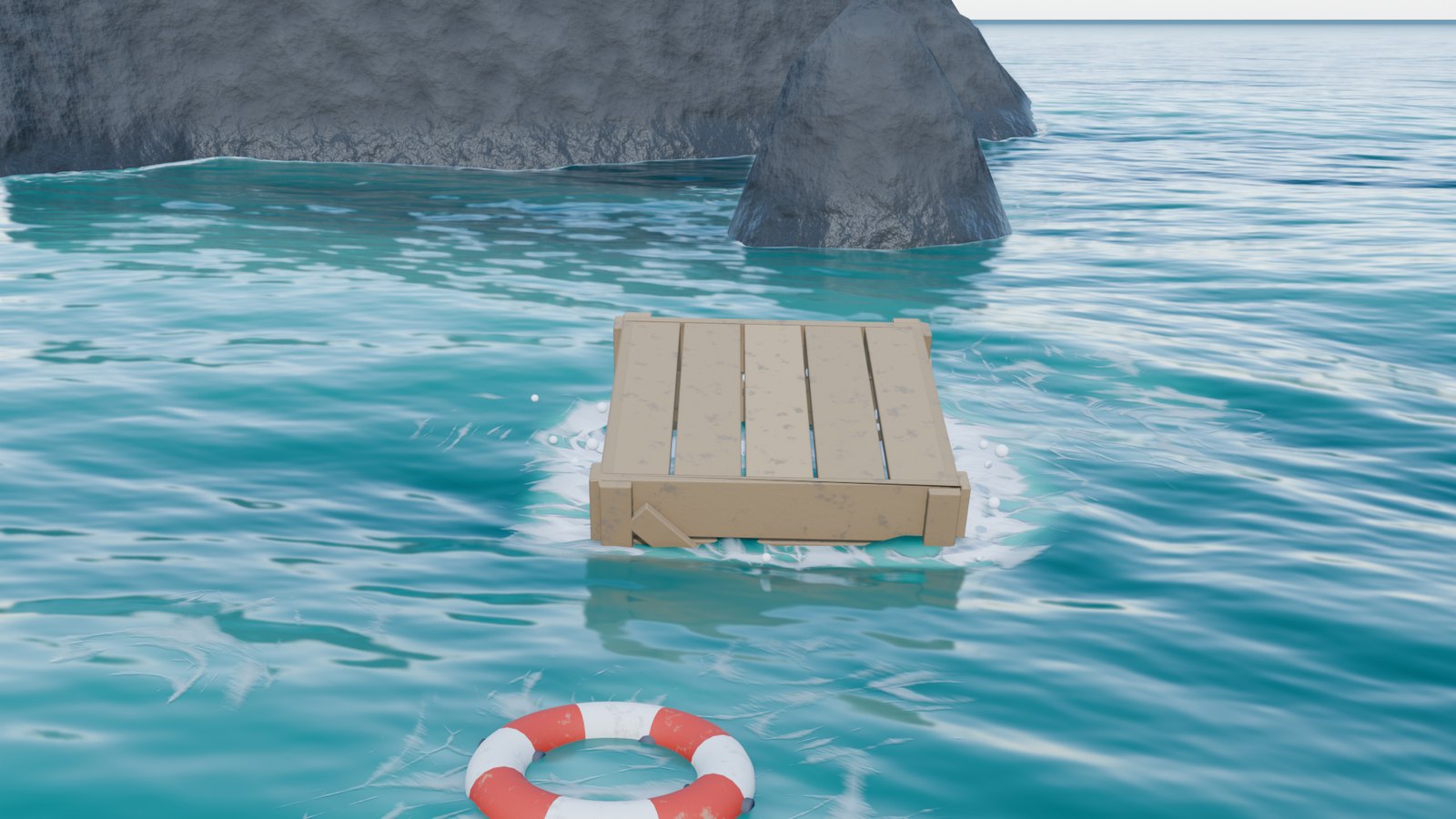
Live Float. A crate dropped from four metres comes back up, moved by physics, with foam and droplets where it hit.
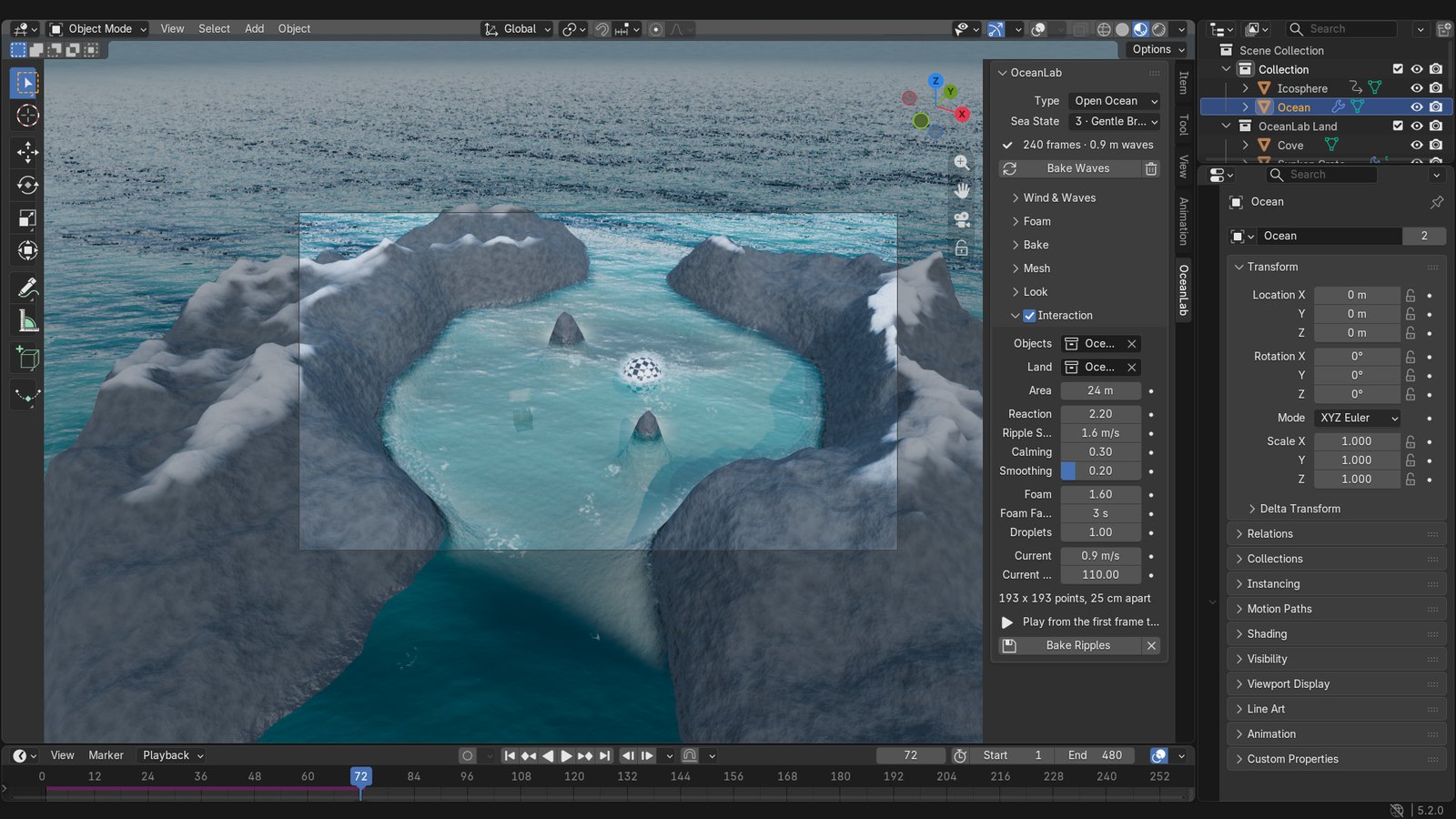
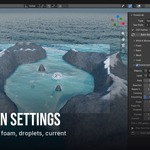
The Interaction panel. Objects, Land, the area, foam, droplets and the current.
06 — SEA STATES
From a light breeze to a violent storm
The same camera, the same light, four settings of one dropdown. Each sea state sets the wind speed, the fetch, the choppiness and the foam together, the way the Beaufort scale describes the sea: force 2 is wavelets with glassy crests, force 11 is a sea white with foam.
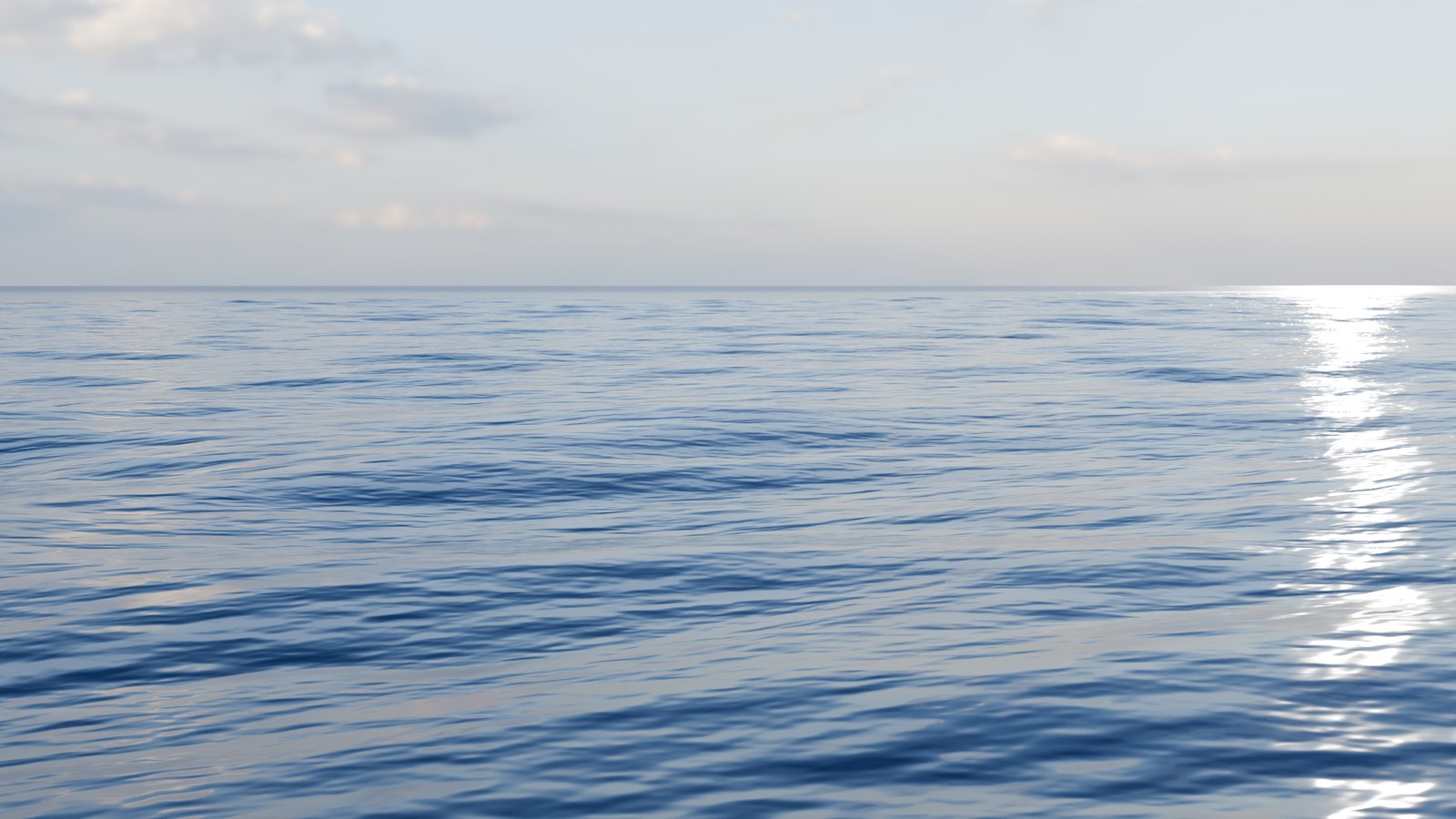
Sea state 2, light breeze: small wavelets, no whitecaps.
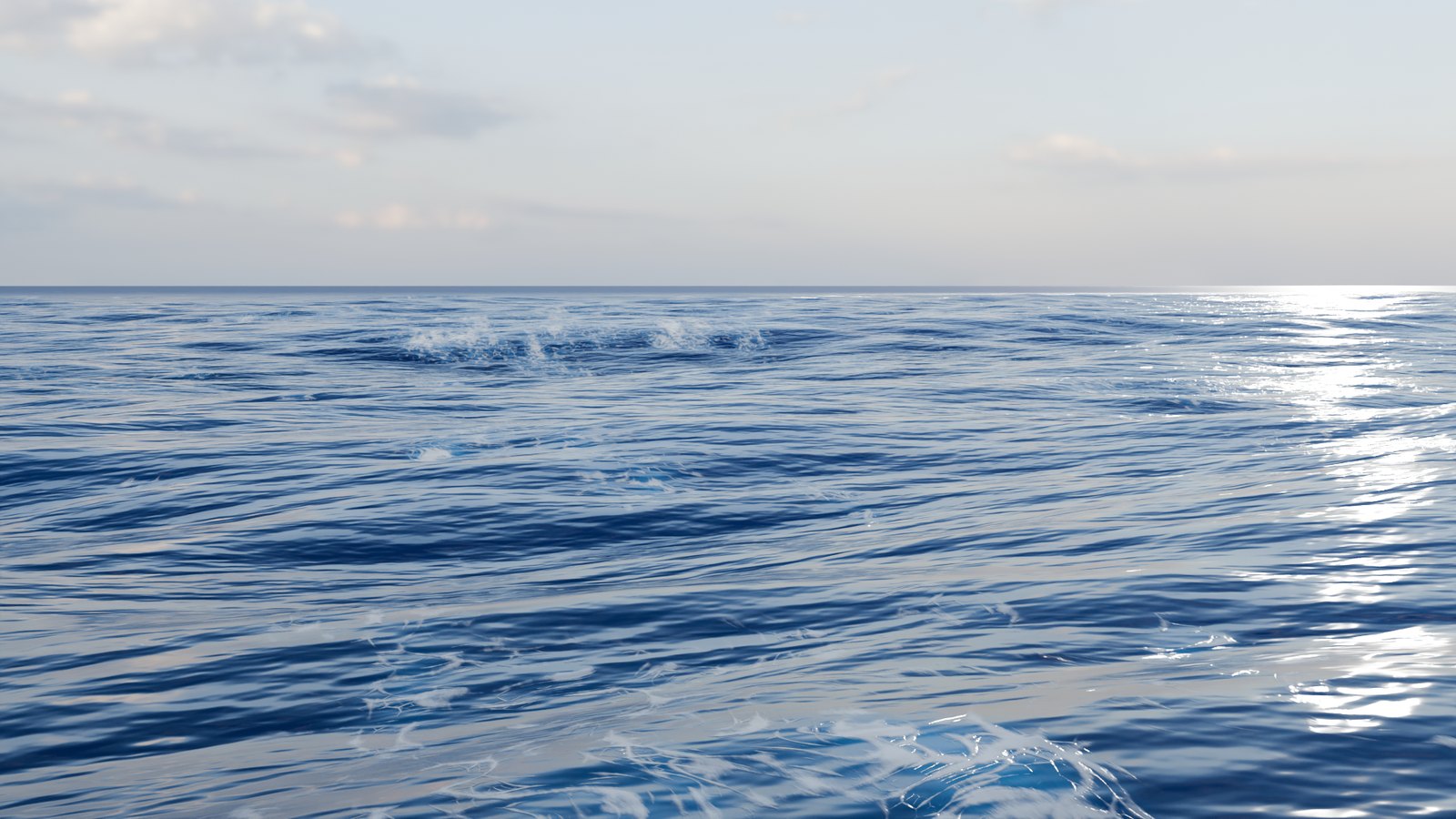
Sea state 5, fresh breeze: moderate waves, whitecaps on the steeper crests.
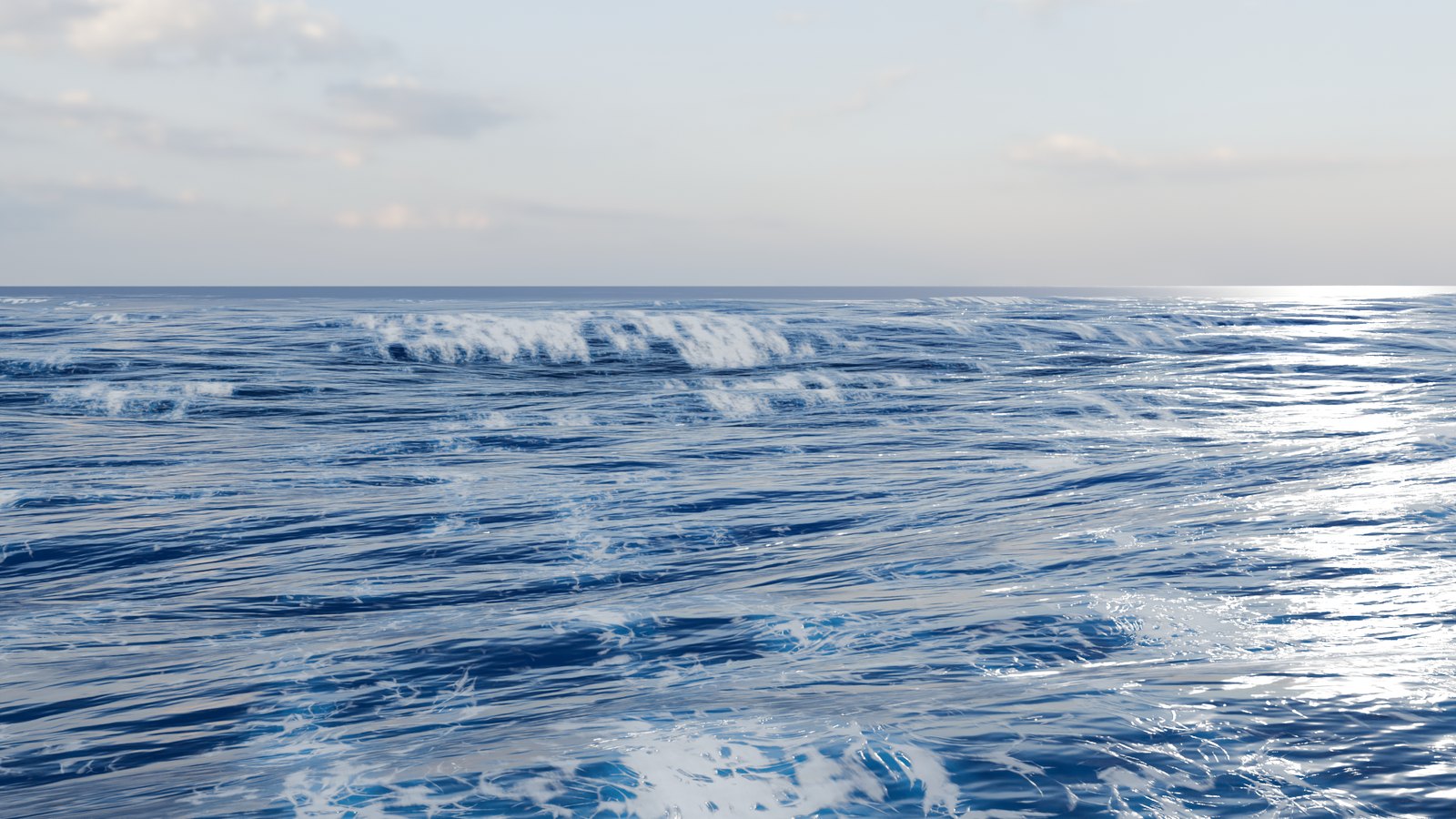
Sea state 8, gale: high waves, crests breaking into foam.
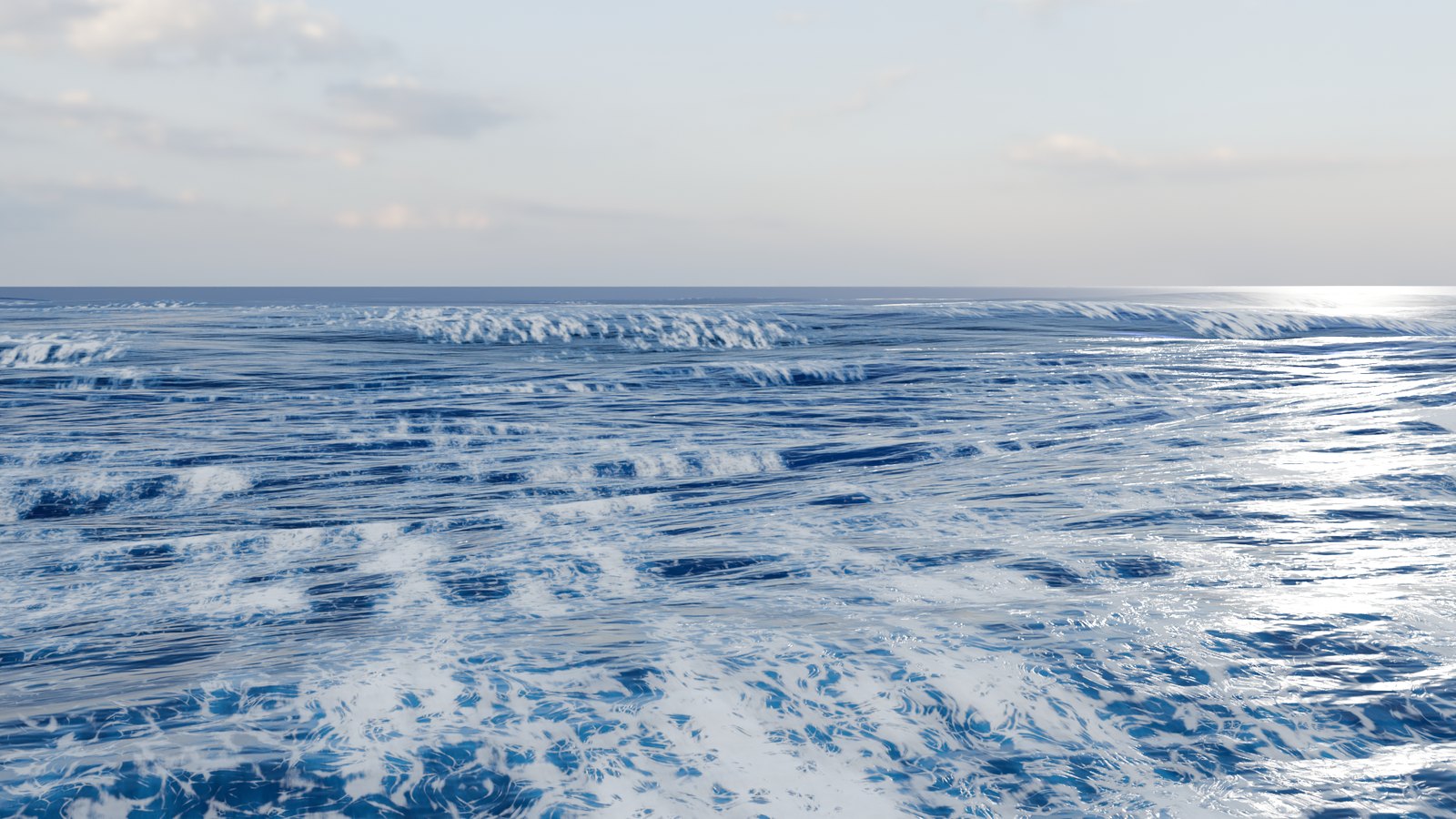
Sea state 11, violent storm: the sea white with foam.
07 — FLOAT
Props that ride the waves, standing still or on the move
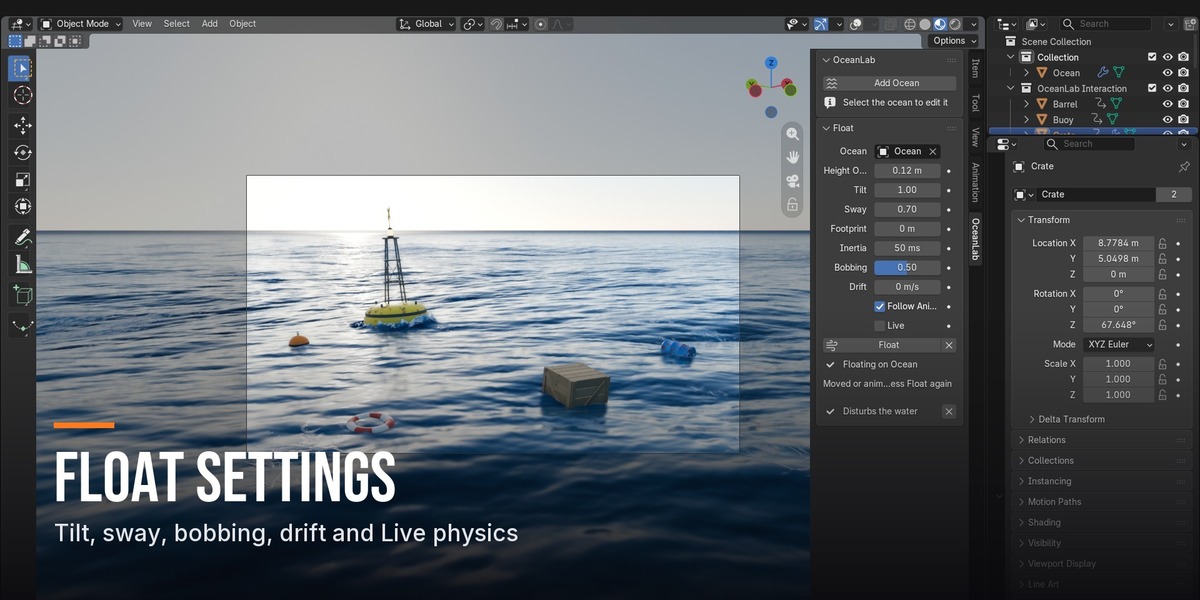
Put the object where you want it and press Float. OceanLab reads the baked waves under it and keyframes its height, tilt and sway over the scene frame range. Your own transform stays the anchor, so you can move the object and press Float again.
Objects that move. Animate the object first, with keyframes, a path or a moving parent, then press Float: it stays on the water all along its way, so a mooring float can be towed across the waves. Drift carries debris downwind at the speed you set.
Footprint sets how much water the object averages, so a big platform moves calmly while a small buoy rides every ripple. Inertia makes heavy things slow, and Bobbing lets an object overshoot and bob after a wave has passed, like a real floating body.
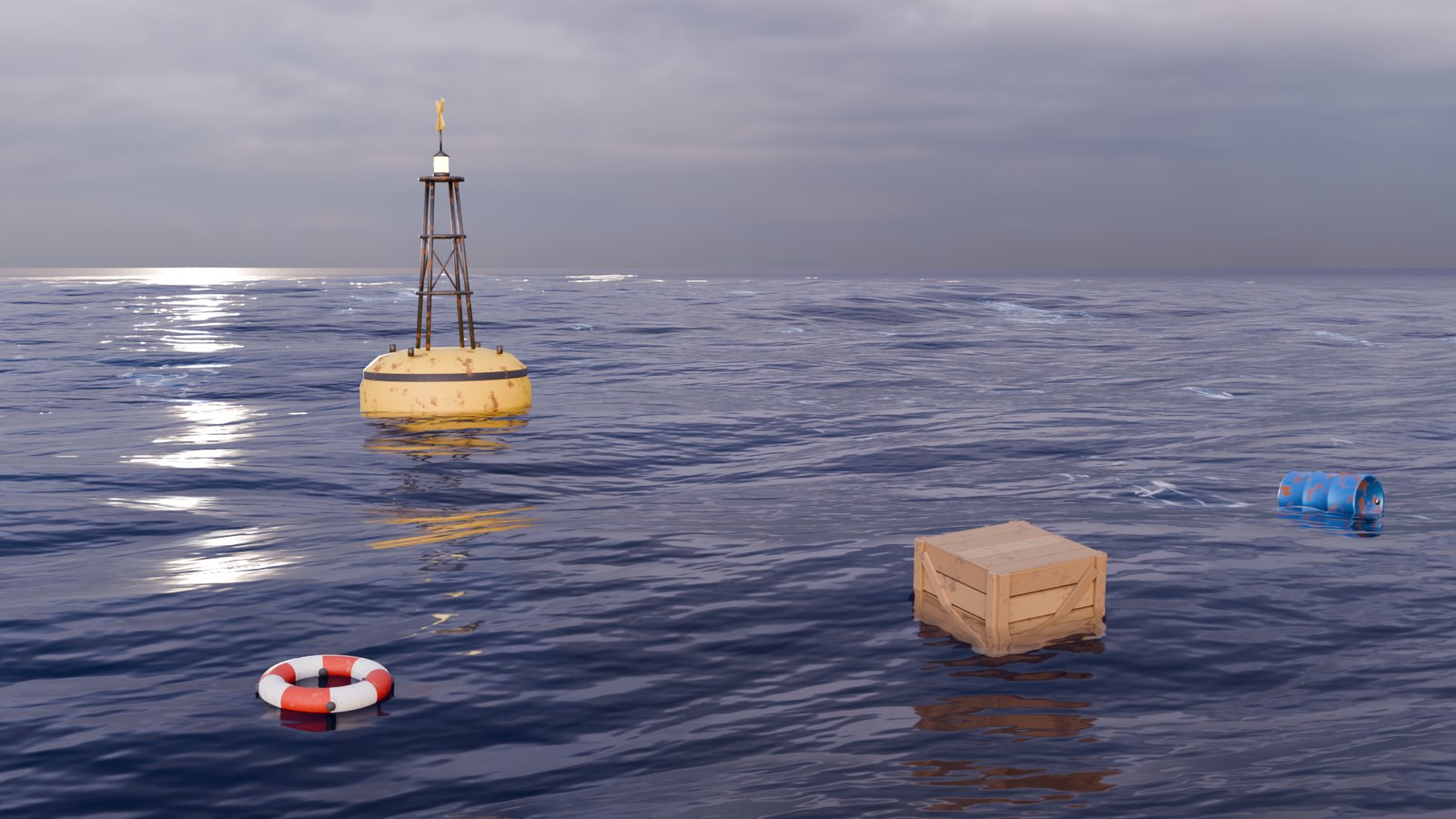
Four props floated with one click each, rendered in Cycles.
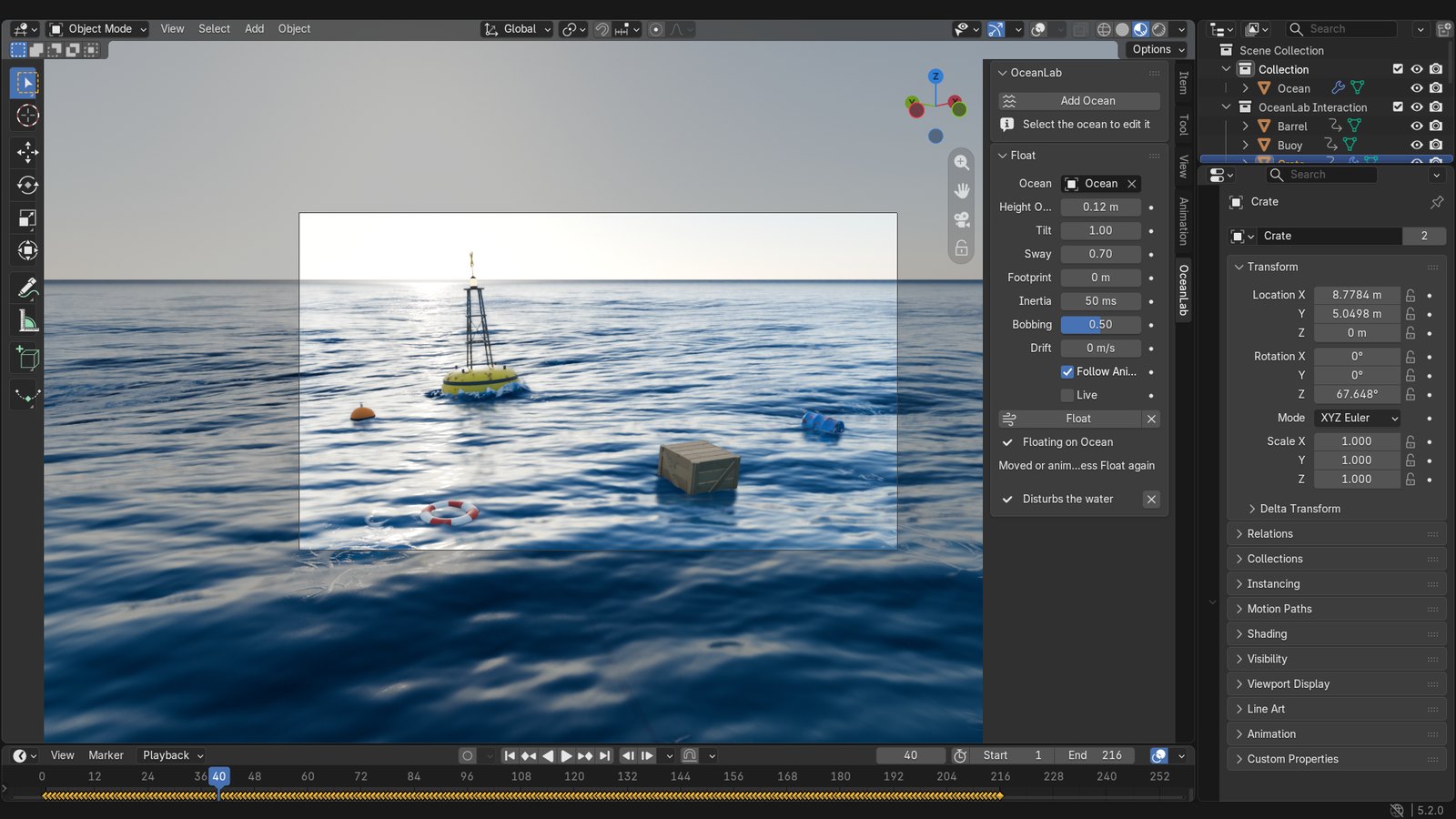
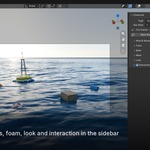
The Float panel beside the viewport.
08 — HOW IT WORKS
Bake once, play
Add the ocean, pick an ocean type or a sea state and bake. The waves are computed for your frame range and written as three small image sequences next to your .blend file. Then press Play: the mesh displaces in the viewport and in the render, and the material samples the same images for ripples and foam.
Wave Scale, Foam Coverage, the colours, Clarity and the mesh detail change instantly. Wind, fetch, direction, seed and the foam settings take a new bake, under a minute for a 240-frame animation at the default resolution.
09 — WIND, WAVES AND LOOK
Shape the sea
Type
One of nine ocean types. Sets the sea state, the swell, the depth and the colours of the water in one go.
Sea State
Beaufort force 0 to 12. Sets the wind, the fetch, the choppiness and the foam in one go.
Swell Height, Length and Angle
Long waves from far away, as high and as long as you say, at any angle to the wind.
Wind Speed and Fetch
How hard the wind blows and how far it has blown over open water. Longer fetch, longer and higher waves.
Wind Direction and Alignment
Where the waves travel, and whether the sea is confused or all one swell.
Choppiness
Horizontal push of the crests, for sharper, steeper waves.
Height Scale and Depth
An overall height multiplier, and shallow water that slows and shortens the waves.
Foam Amount, Softness and Fade
How easily crests break, how soft the edge is, and how long whitecaps last. Foam Coverage and the foam colour change without a bake.
Deep Water, Wave Glow, Glow Strength, Clarity and Seabed
The colours the water absorbs and scatters, how bright it is, how far you see into it and what lies under a shallow sea.
Resolution and tiles
128 for previews, 256 by default, 512 for close-ups, plus the tile size of each wave layer.
Mesh
Follow object, detail radius and spacing, horizon distance and rows, Wave Scale.
Interaction
The collection of objects, the area around the Follow object, Reaction, Ripple Speed, Calming, Smoothing, Foam and Foam Fade, Droplets, Current and Current Direction, a Land collection for what never moves, and Bake Ripples for render farms.
10 — FAR OUT
Water to the horizon
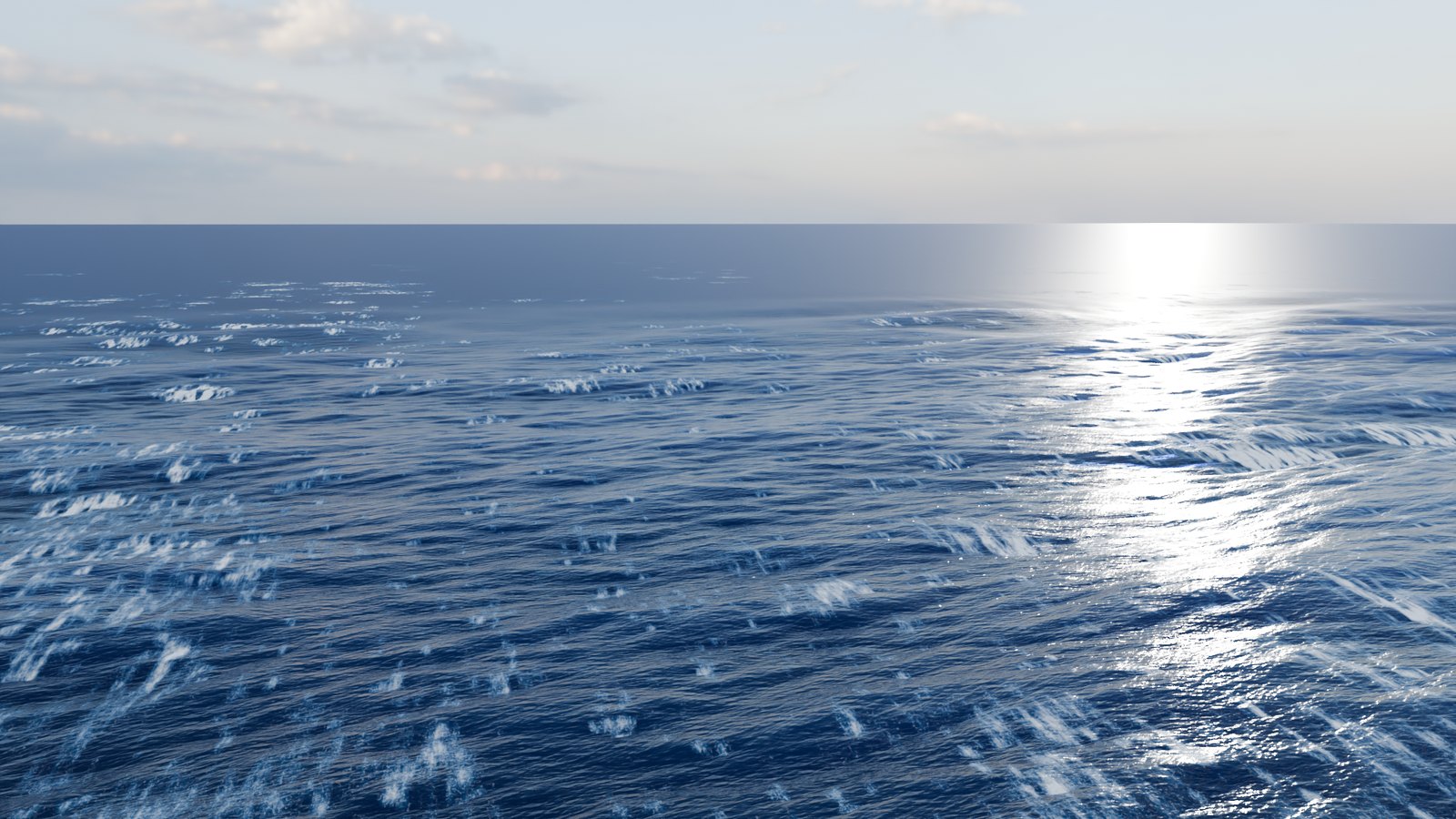
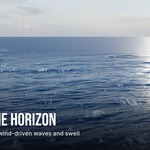
From 260 m up: one mesh, fine where the camera looks and coarser far out, 20 km to the horizon. Far from the camera the waves come in groups and the foam in patches, so nothing repeats.
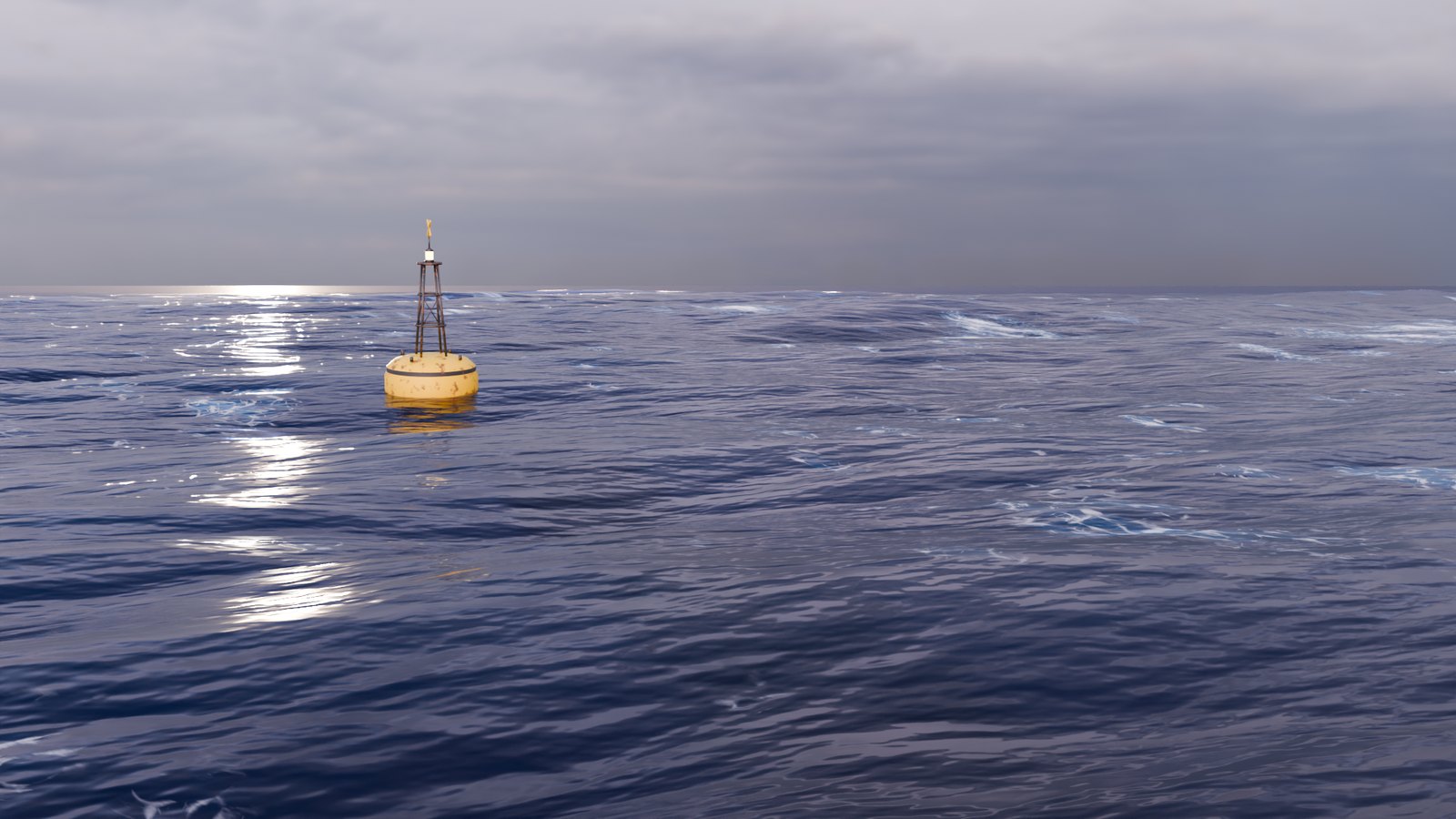
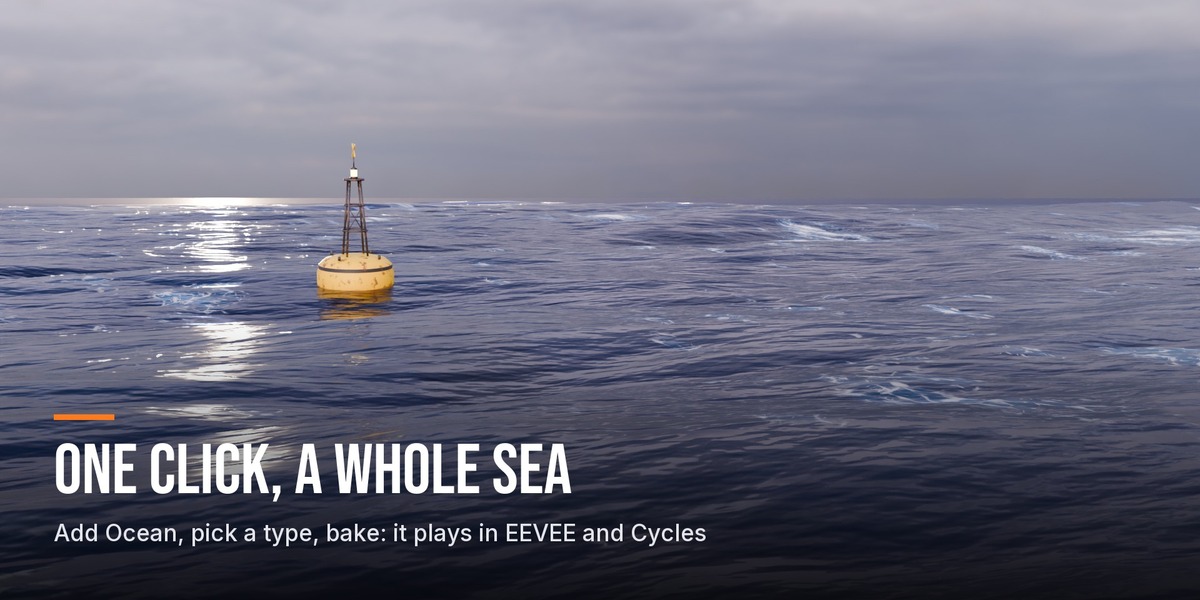
Sea state 5 at dusk, with the buoy floated by the add-on.
11 — PERFECT FOR
Where it helps
◆Open-sea backgrounds◆Product shots on water◆Buoys◆crates and debris◆Towed and drifting props◆Splashes and foam trails◆Looping backgrounds◆Storm scenes◆Aerial and drone shots◆Game cinematics
12 — GETTING STARTED
Install and add an ocean
1In Blender, go to Edit > Preferences > Get Extensions, open the ⌄ menu and choose Install from Disk. Pick ocean_lab-1.0.0.zip; no need to unzip it.
2Save your .blend file, press N in the 3D Viewport and open the OceanLab tab.
3Click Add Ocean. The waves bake for your scene frame range, then press Play.
4Pick another Type or Sea State and click Bake Waves for a different sea. Select a prop and press Float to put it on the water.
5{'Press Disturb Water on the prop, then play from the first frame': 'it pushes the water as it moves.'}
6For the water you can see into, switch the render engine to Cycles and turn on your graphics card under Preferences > System.
13 — FAQ
Good to know
What is an ocean type?
A whole sea in one choice. It sets the sea state, the swell, the depth and the colours of the water. The colours change at once, the waves after Bake Waves, and everything it sets can be changed afterwards. It does not touch your sky or your lights.
Does it work in EEVEE?
Yes, in EEVEE and Cycles. EEVEE renders a surface version of the water in a few seconds per frame. Cycles renders the water as a volume you can see into, which takes longer and looks best in close shots.
Why does the water look different in Cycles and EEVEE?
EEVEE cannot look through a surface into a volume, so OceanLab paints the same colours on the surface there. Colours and foam match; refraction and things fading with depth are Cycles only.
Will my scene still render on a render farm?
Yes. The ocean is a mesh with a Geometry Nodes modifier, a material, three image sequences and keyframes, all saved in the .blend. Copy the cache folder along with the file, and press Bake Ripples first if objects disturb the water.
How long does the bake take and how big is it?
A 240-frame animation at the default resolution bakes in well under a minute on a desktop CPU and takes about 100 MB on disk. The 512 resolution takes about four times as long.
Can a floating object move across the sea?
Yes. Animate it, then press Float; it follows its animation and stays on the water. Drift moves it downwind without any keyframes of your own.
Do objects disturb the water?
Yes. Press Disturb Water on them and they make ripples, foam trails and splashes while the animation plays, with droplets where something hits the water hard. It is a surface effect, so no water flows over an object, and the ripples move an object only when Live is ticked on it.
Is the interaction real time?
It is simulated as the timeline plays, so you see it in the viewport at once. Expect roughly 10 to 20 frames per second on a desktop computer for a bay with a terrain as land, a moving object and a current; a smaller area or larger cells are faster.
Can I see under the water in EEVEE?
Yes, in shallow water. Tick See Into Water and the land and the sunken objects of the interaction show through, fading with depth. The open deep sea stays opaque in EEVEE; Cycles always looks into the water.
Do floating objects react when I move them?
With Live ticked, yes. The object is moved by physics on every frame, so it bobs, falls back in when dropped and travels with the current. Live needs the add-on while it plays; plain Float is keyframes and plays anywhere.
Is there a current?
Yes, in the interaction area. Set its speed and direction and it carries foam and ripples along and slides around objects and shores. It does not move the baked waves or the objects themselves.
Does it do boats or waves breaking on a beach?
OceanLab is the open sea. A moving object leaves ripples and a foam trail, but there is no hull physics, no bow wave and no surf on a shoreline.
Can I put the camera under water?
No. You can see into the water from above; a camera below the surface is not supported.
Can I change the weather without rebaking?
Wave Scale, Foam Coverage, the colours, Clarity and the mesh detail are instant. Wind, fetch, direction, seed and the foam shape need a new bake.
Can I use my renders commercially?
Yes, everything you render with OceanLab is yours.
Which Blender versions are supported?
Blender 5.0 and newer, tested on 5.0, 5.1, 5.2 and 5.3. Blender 4.5 and older are not supported.
14 — DETAILS
What you get
Included
◆OceanLab 1.0.0 Blender extension
◆Nine ocean types and thirteen sea states
◆Demo scene with five props that float and disturb the water
◆Documentation
Compatibility
◆Blender 5.0 or newer
◆Tested on Blender 5.0, 5.1, 5.2 and 5.3
◆Cycles and EEVEE
◆Pure Python, no platform-specific files
License
◆The add-on code is licensed under GPL-3.0-or-later.
◆Developed by Voyde Procedural, code written with AI assistance. No AI-generated images.
 Voyde Procedural
 VOYDE.PROCEDURAL
VOYDEPROCEDURAL.COM / ALL PRODUCTS / X / INSTAGRAM