OceanLab - Realistic Ocean: 9 Ocean Types, Depth, Foam & Live Interaction
 Voyde Procedural
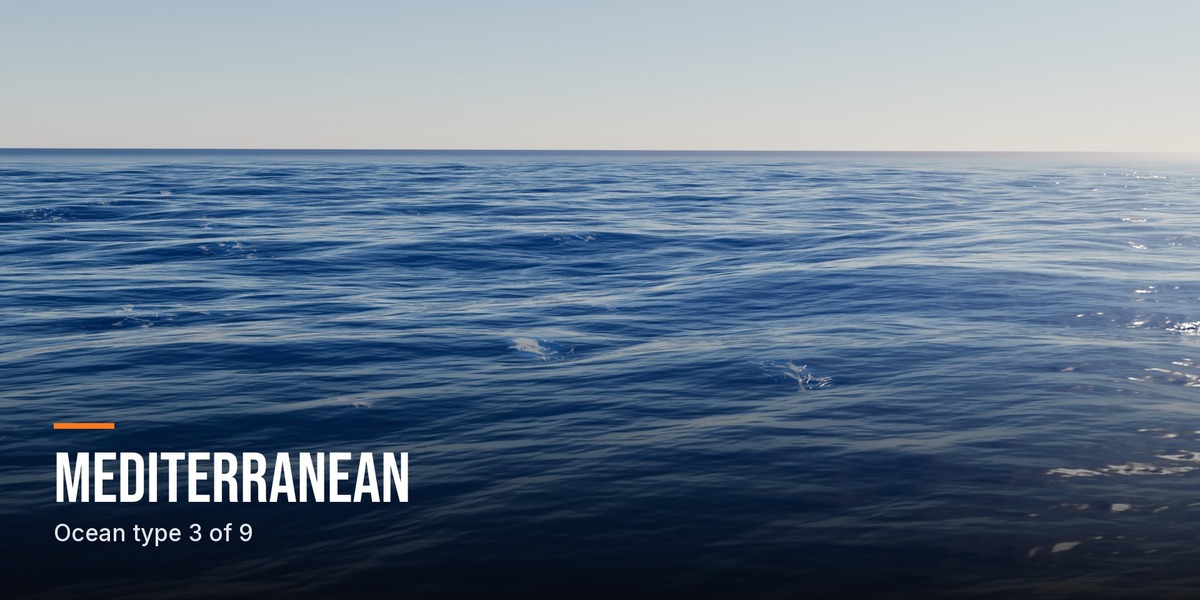
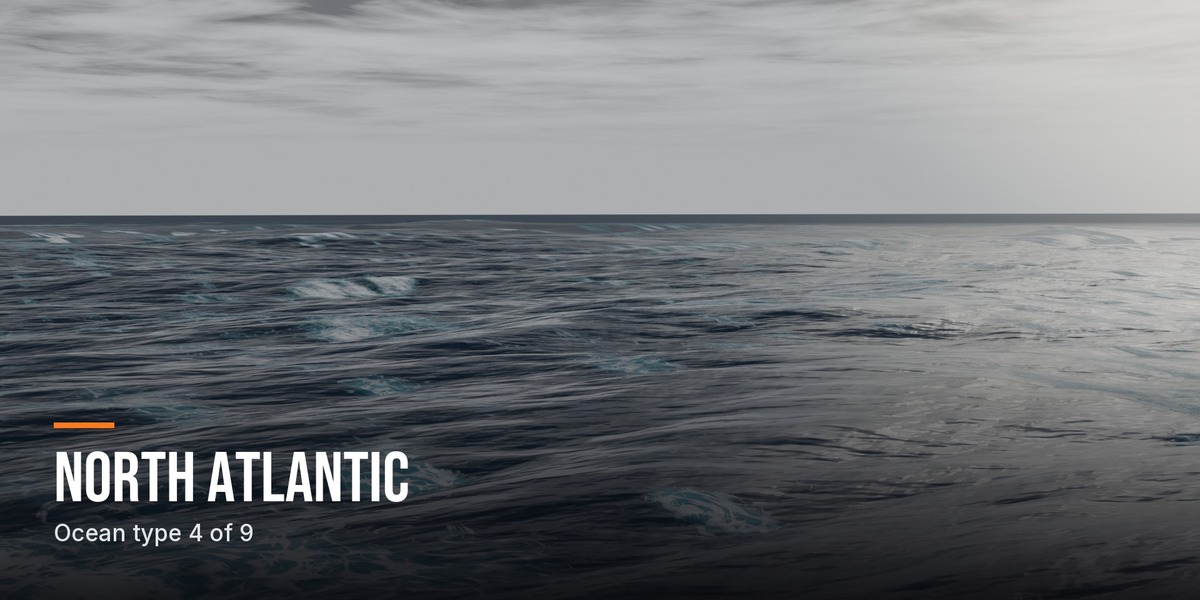
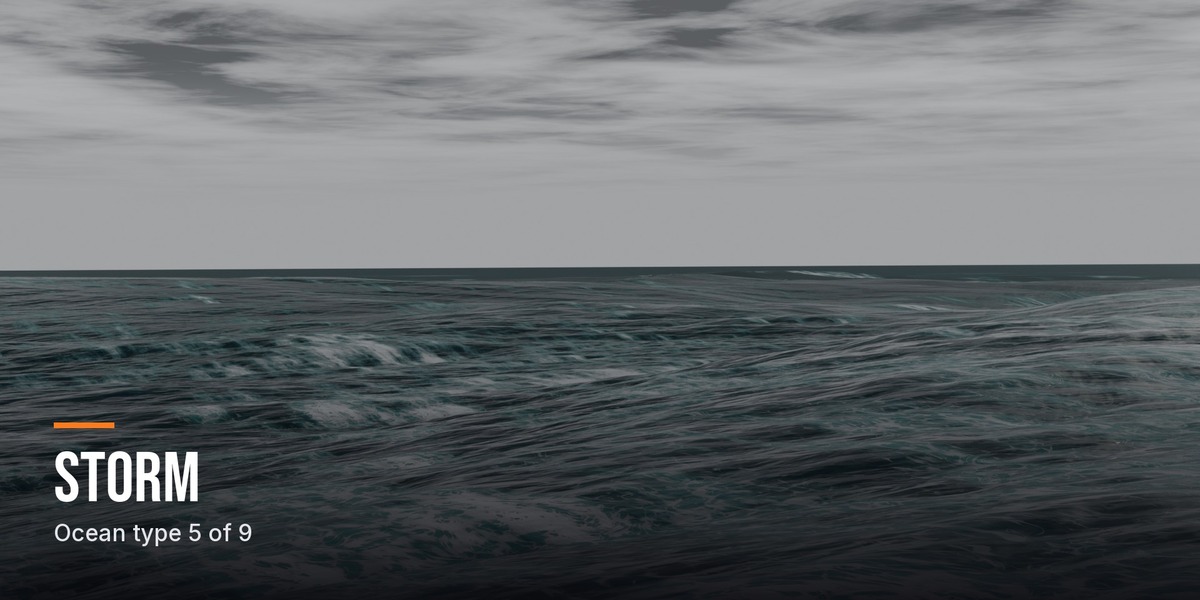
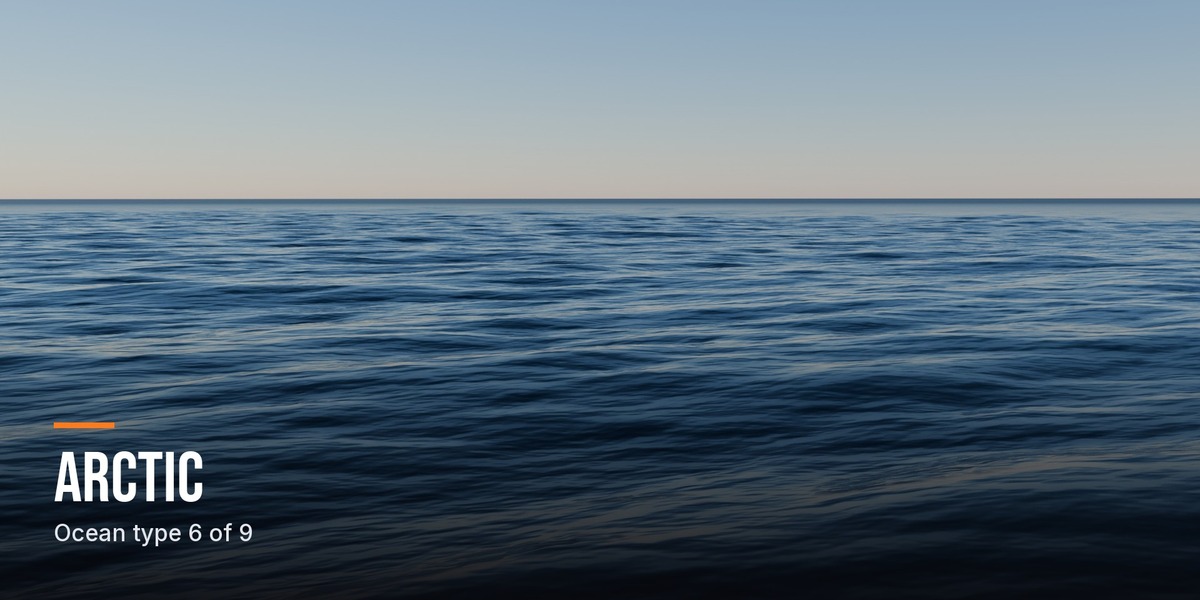
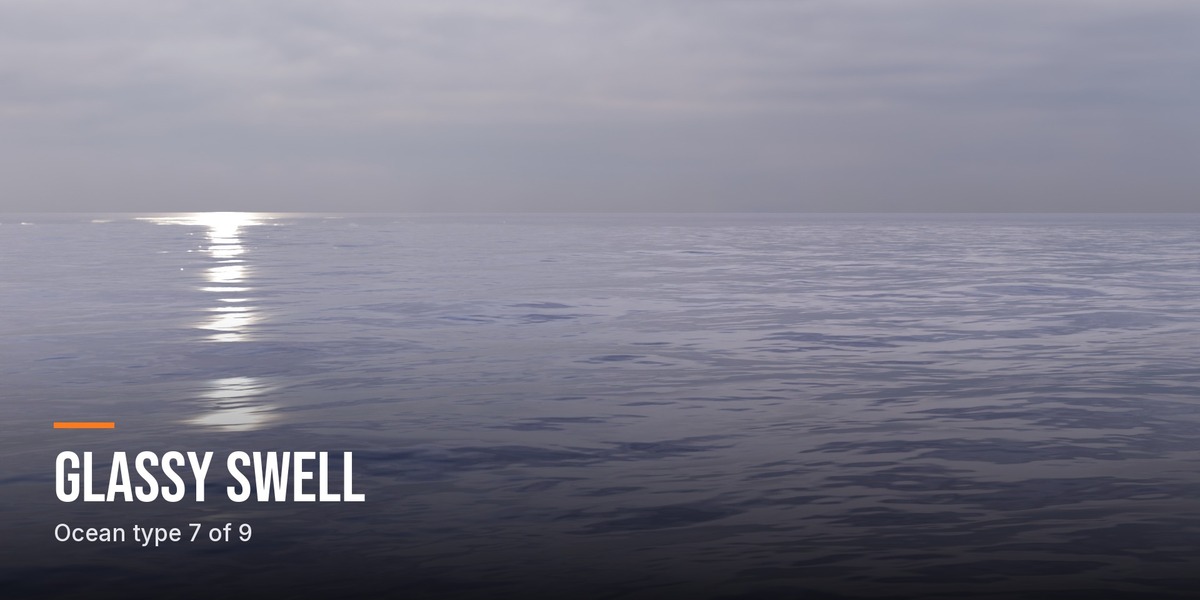
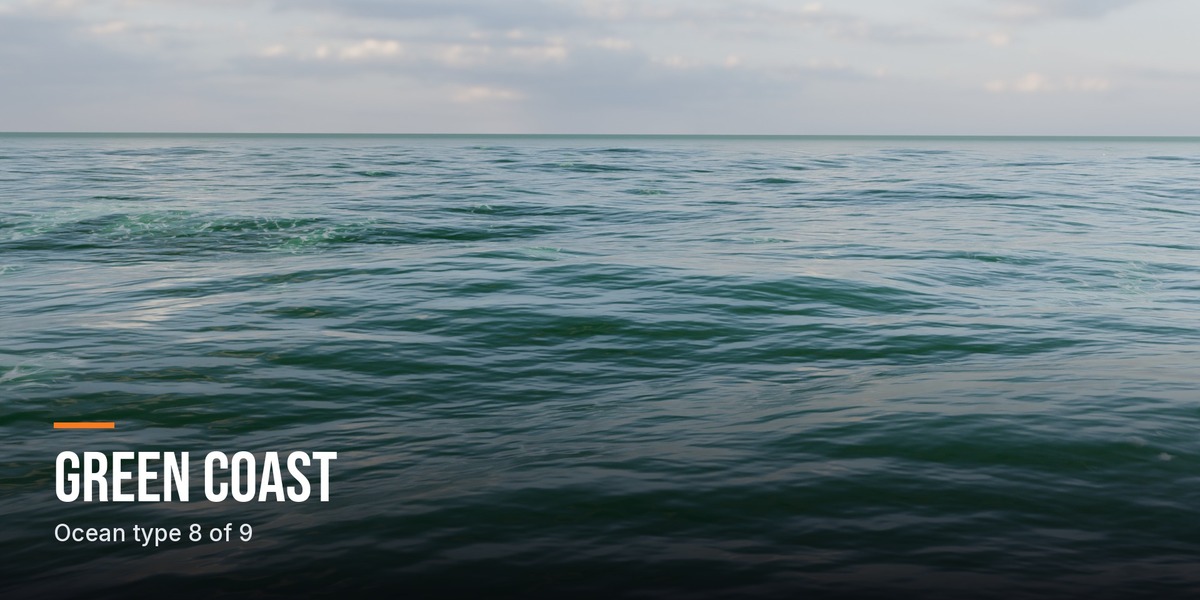
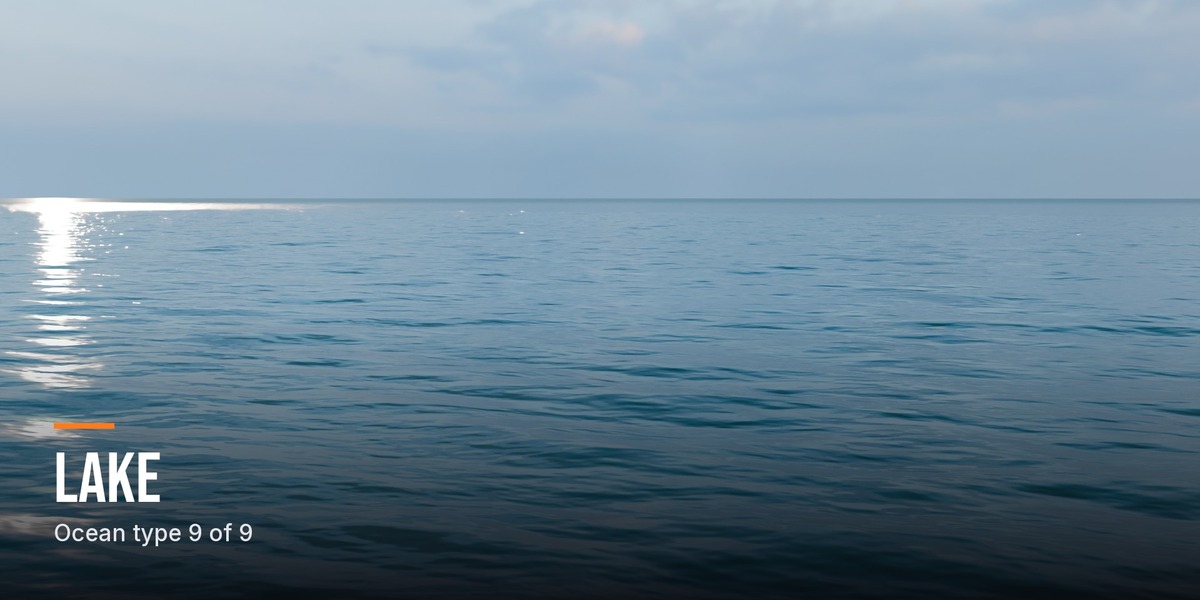
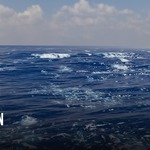
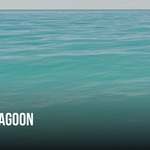
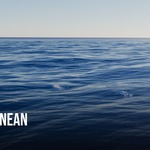
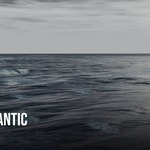
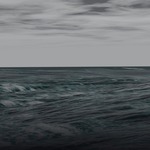
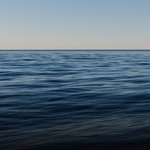
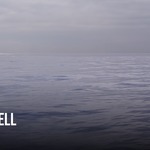
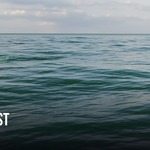
What is an ocean type?
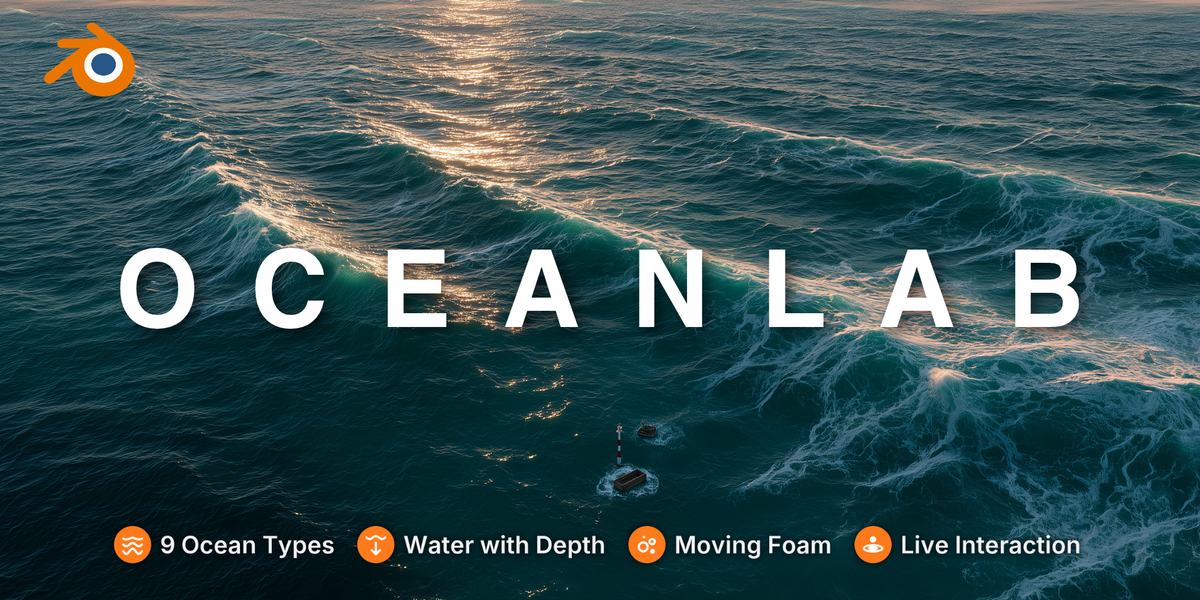
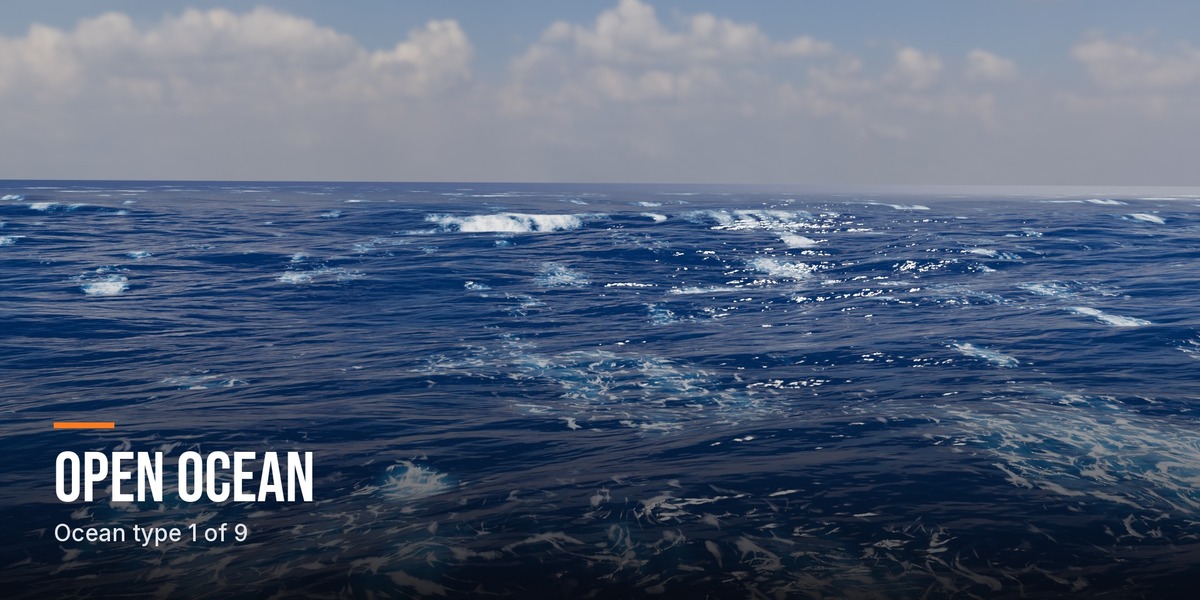
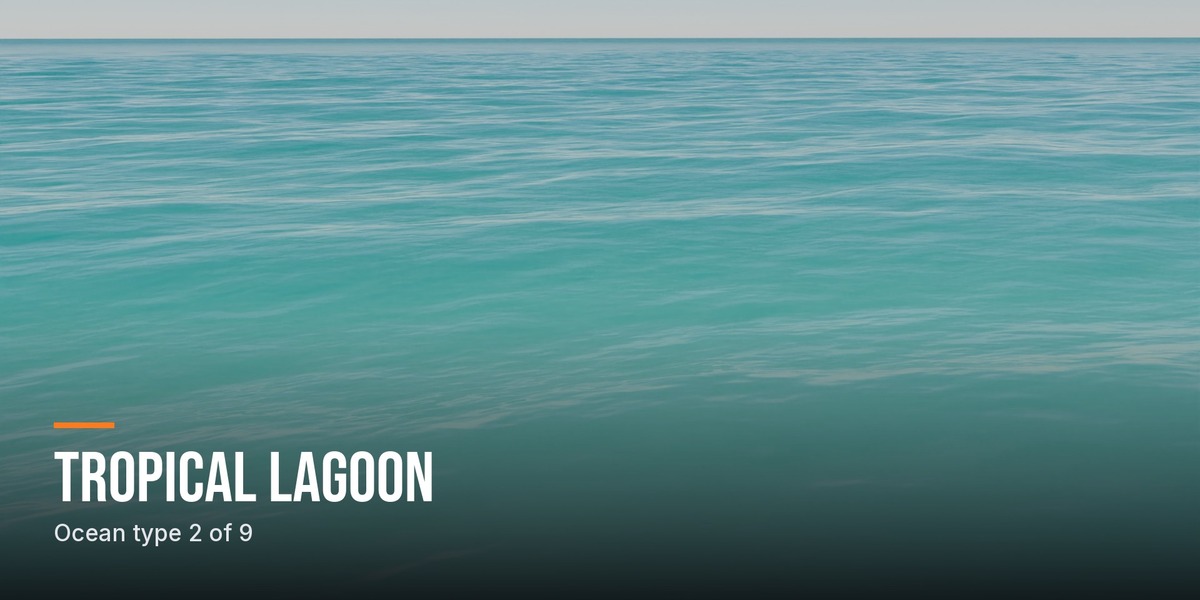
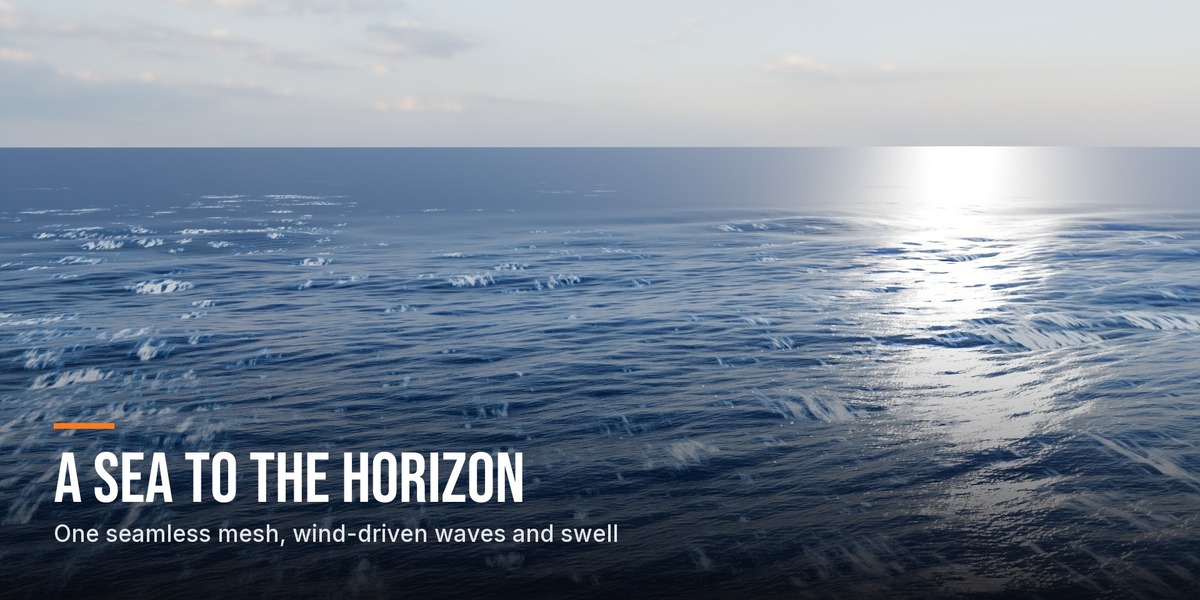
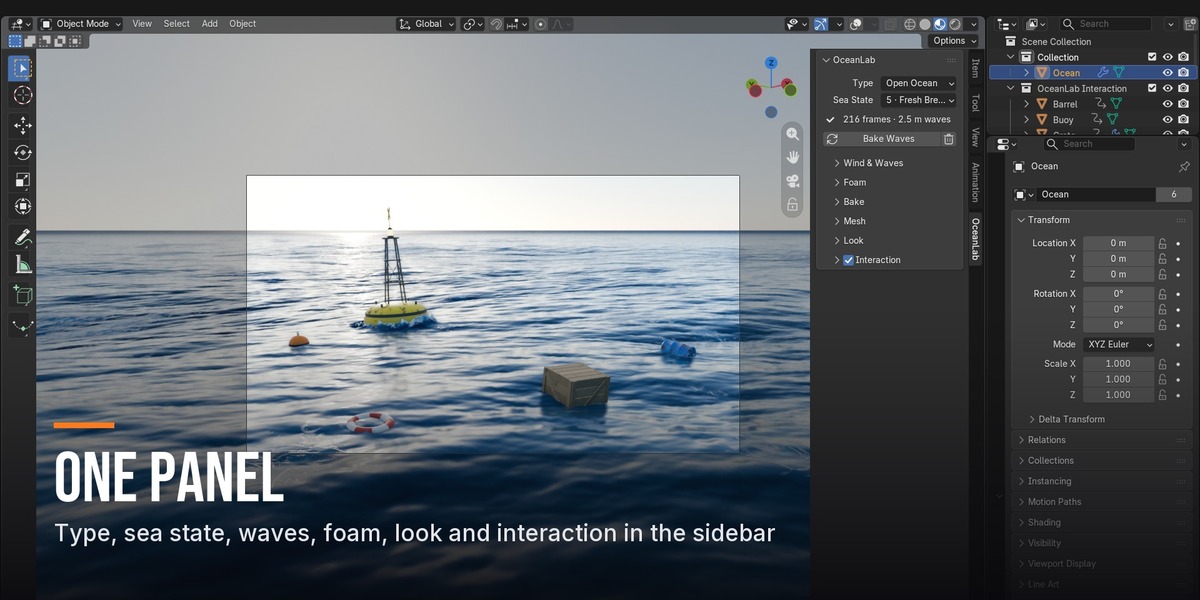
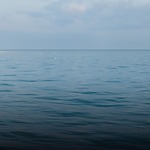
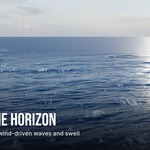
A whole sea in one choice: Open Ocean, Tropical Lagoon, Mediterranean, North Atlantic, Storm, Arctic, Glassy Swell, Green Coast or Lake. It sets the sea state, the swell, the depth and the colours of the water. The colours change at once, the waves after Bake Waves, and everything it sets can be changed afterwards. It does not touch your sky or your lights.
Does it work in EEVEE?
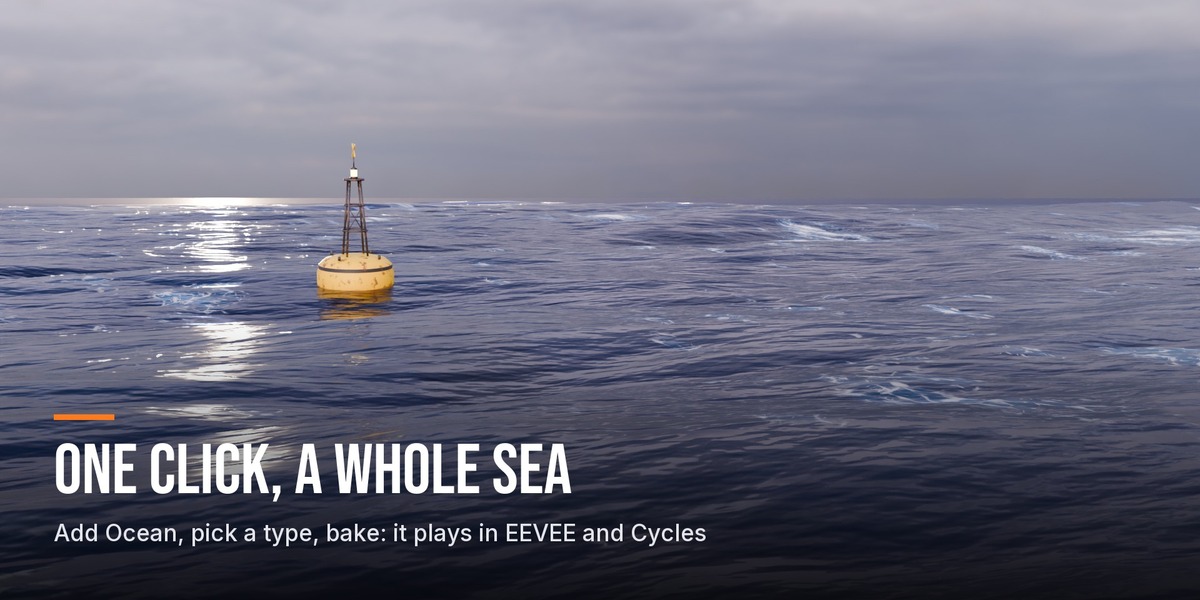
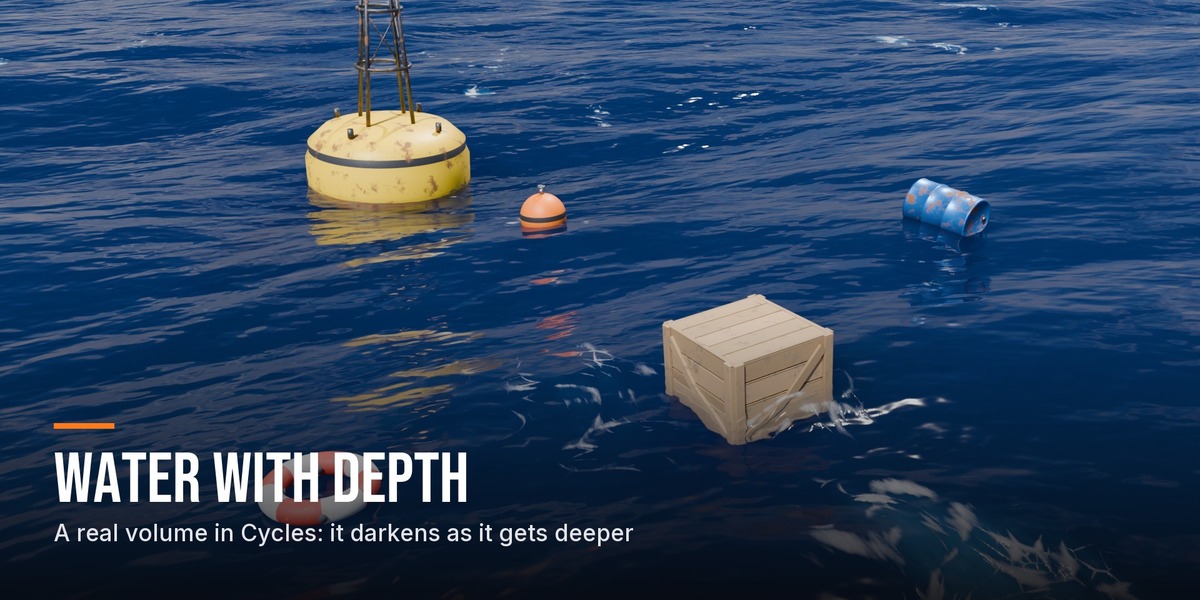
Yes, in EEVEE and Cycles. EEVEE renders a surface version of the water in a few seconds per frame. Cycles renders the water as a volume you can see into, which takes longer and looks best in close shots.
Why does the water look different in Cycles and EEVEE?
EEVEE cannot look through a surface into a volume, so OceanLab paints the same colours on the surface there. Colours and foam match; refraction and things fading with depth are Cycles only.
Will my scene still render on a render farm or on a machine without the add-on?
Yes. The ocean is a mesh with a Geometry Nodes modifier, a material, three image sequences and keyframes, all plain Blender data. Copy the ocean_cache folder along with the .blend file, and press Bake Ripples first if objects disturb the water.
How long does the bake take and how big is it?
A 240-frame animation at the default resolution bakes in well under a minute on a desktop CPU and takes about 100 MB on disk. The 512 resolution takes about four times as long.
Can a floating object move across the sea?
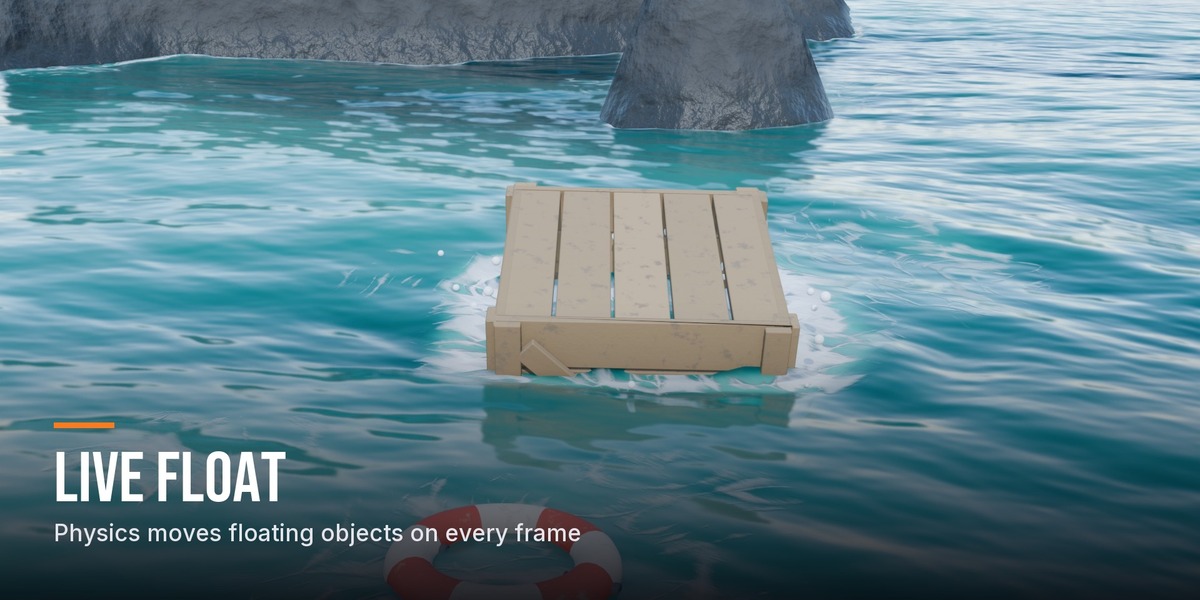
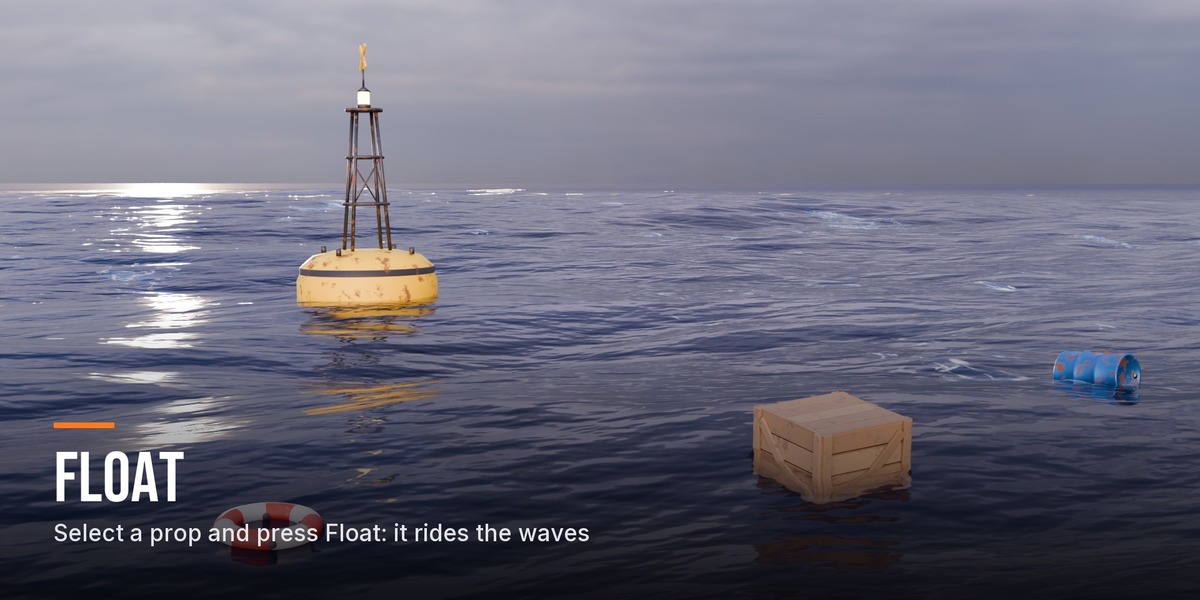
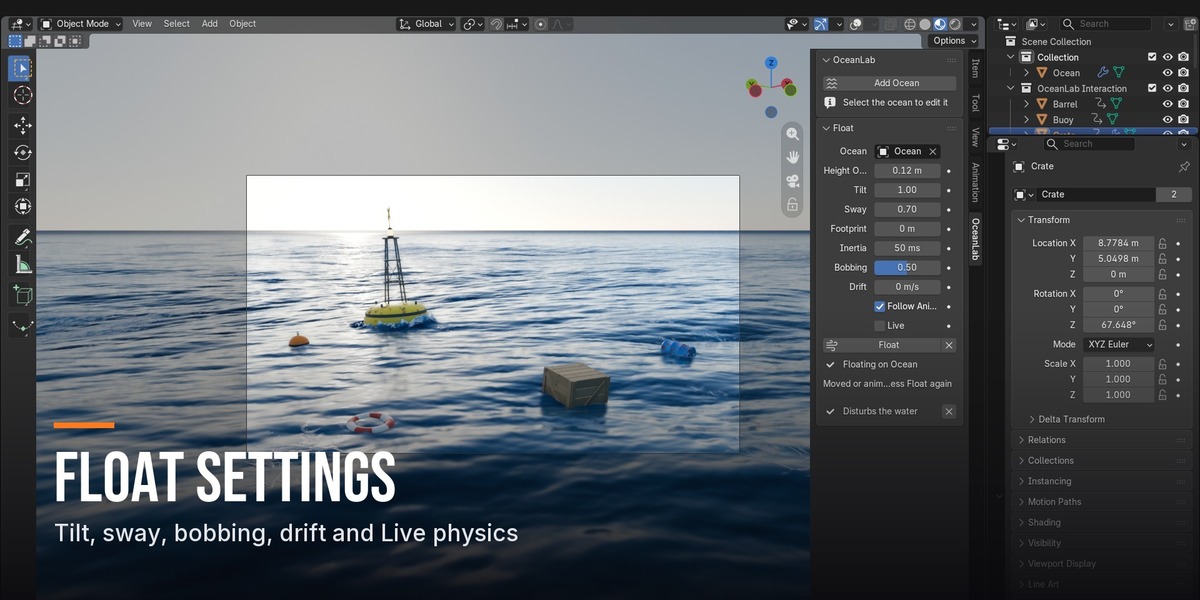
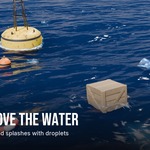
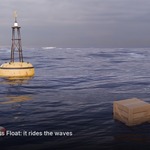
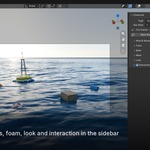
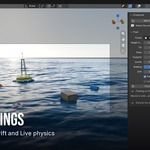
Yes. Animate it, then press Float; it follows its animation and stays on the water. Drift moves it downwind without any keyframes of your own.
Do objects disturb the water?
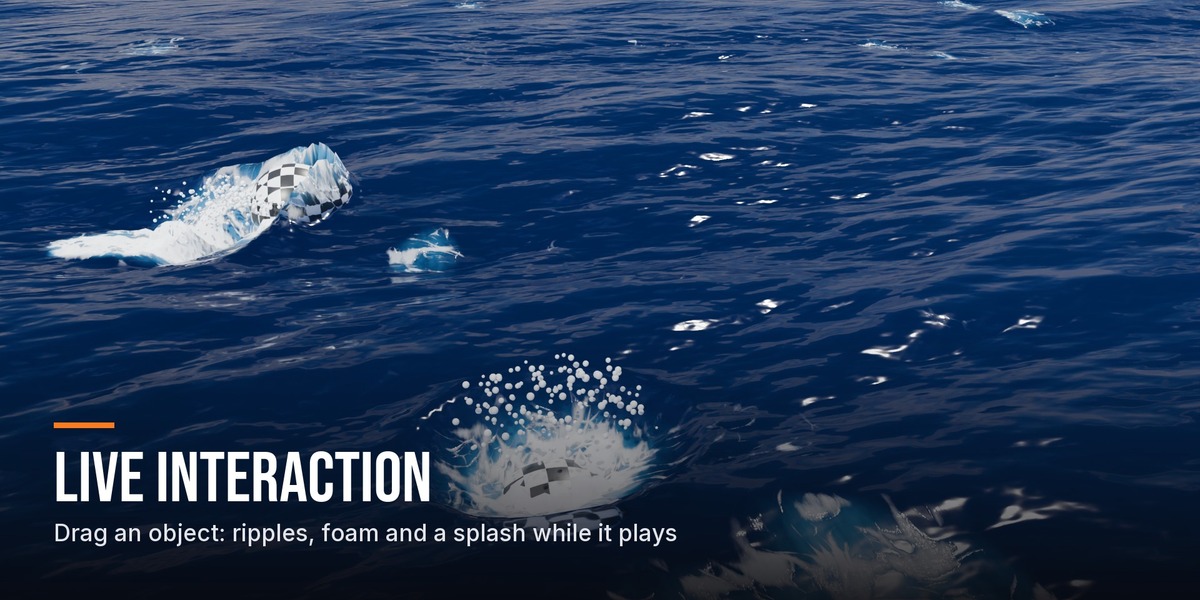
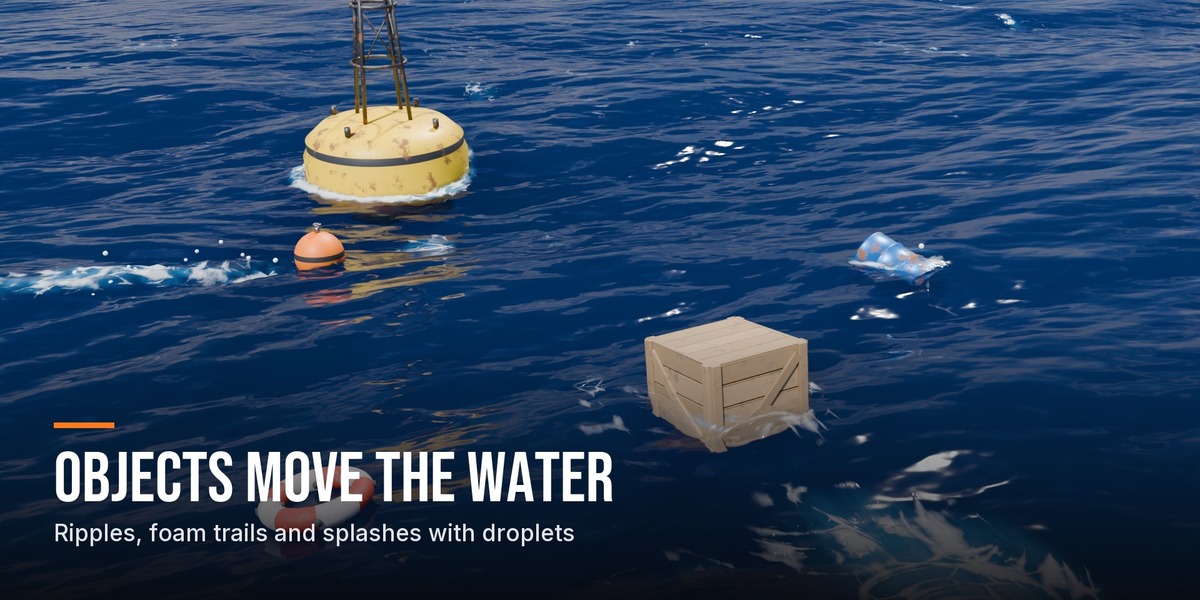
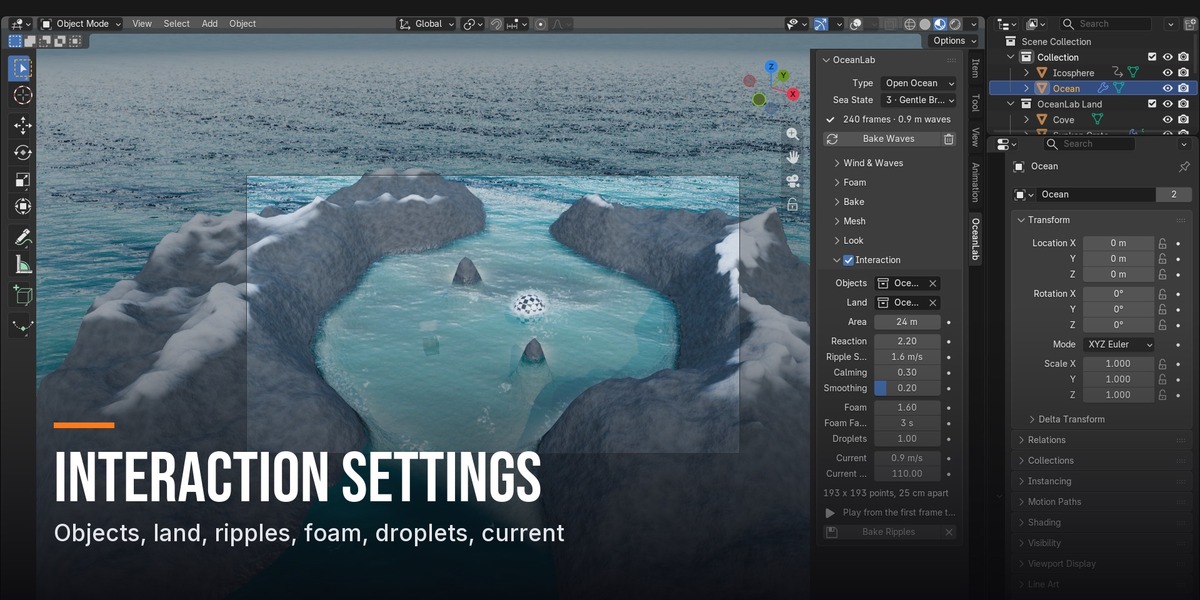
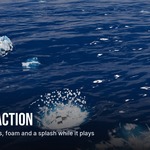
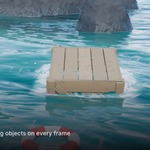
Yes. Press Disturb Water on them and they make ripples, foam trails and splashes while the animation plays, with droplets where something hits the water hard. It is a surface effect: no water flows over an object, and the ripples move an object only when Live is ticked on it.
Is the interaction real time?
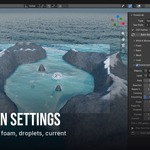
It is simulated as the timeline plays, so you see it in the viewport at once. Expect roughly 10 to 20 frames per second on a desktop computer for a bay with a terrain as land, a moving object and a current; a smaller area or larger cells are faster.
Can I see under the water in EEVEE?
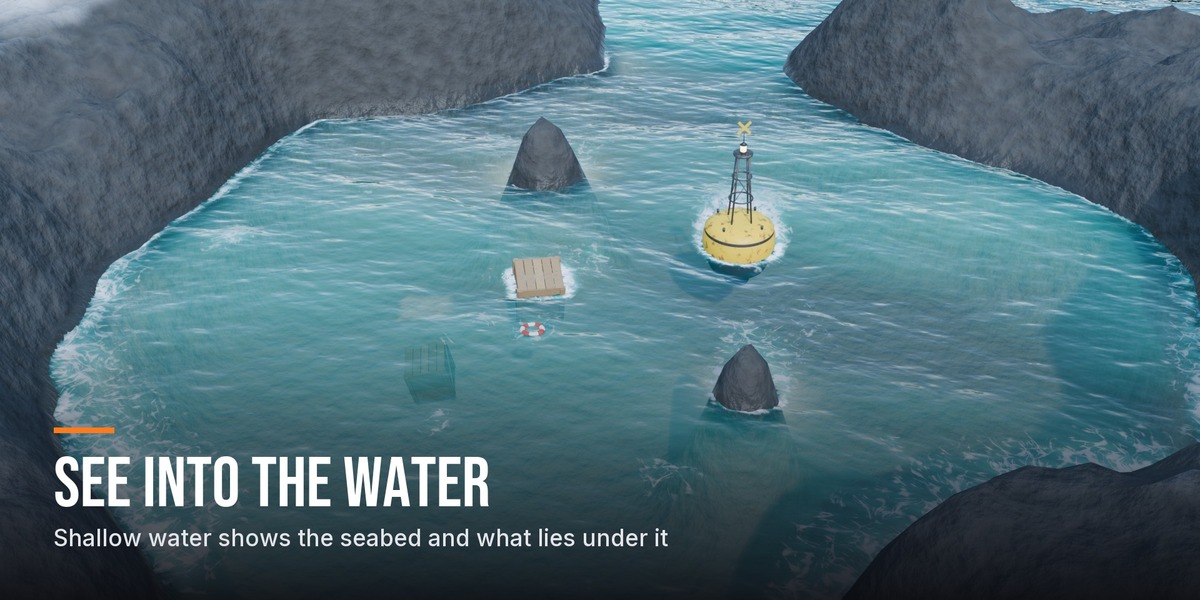
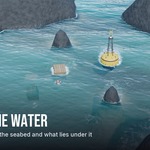
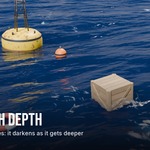
Yes, in shallow water. Tick See Into Water and the land and the sunken objects of the interaction show through, fading with depth. The open deep sea stays opaque in EEVEE; Cycles always looks into the water.
Do floating objects react when I move them?
With Live ticked, yes. The object is moved by physics on every frame, so it bobs, falls back in when dropped and travels with the current. Live needs the add-on while it plays; plain Float is keyframes and plays anywhere.
Is there a current?
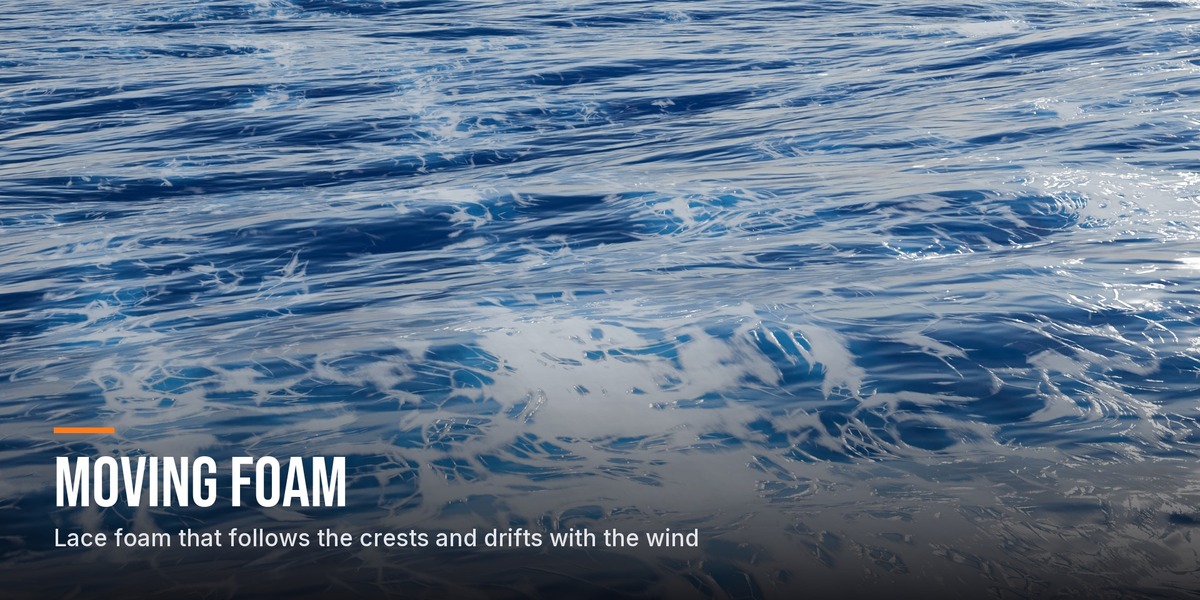
Yes, in the interaction area. Set its speed and direction and it carries foam and ripples along and slides around objects and shores. It does not move the baked waves or the objects themselves.
Does it do boats or waves breaking on a beach?
OceanLab is the open sea. A moving object leaves ripples and a foam trail, but there is no hull physics, no bow wave and no surf on a shoreline.
Can I put the camera under water?
No. You can see into the water from above; a camera below the surface is not supported.
Can I change the weather without rebaking?
Wave Scale, Foam Coverage, the colours, Clarity and the mesh detail are instant. Wind, fetch, direction, seed and the foam shape need a new bake.
Can I use my renders commercially?
Yes, everything you render with OceanLab is yours.
Which Blender versions are supported?
Blender 5.0 and newer (tested on 5.0, 5.1, 5.2 and 5.3). Blender 4.5 and older are not supported.
Have questions about this product?
Login to message
| Blender Extension Compatible | Yes |
| Sales | 60+ |
| Dev Fund Contributor | |
| Published | 1 day ago |
| Blender Version | 5.0 - 5.3 |
| Extension Type | Add-on |
| Render Engine Used | Cycles, Eevee |
| License | GPL |
Discover more products like this
interactive-water ripples foam sea ocean storm ocean simulation waves Water tropical geometry nodes floating objects