 CreateVisions






Latest version tested and fully compatible with Octane Render 2026.4 (build 31.10.0) and Blender 5.2.
Octane Material Studio 1.0.3: Professional Material Management for Octane Render
What's New in Version 1.0.3
- Update-safe global library: your global materials and your layout settings now live in Blender's per-user configuration folder. They stay in place through every future update and reinstall of the addon.
- Automatic one-time migration: on first start, version 1.0.3 picks up an existing library and your settings and moves them to the new location. The five starter materials are only added if you do not have a library yet, they never replace your own materials.
- Full version number in the sidebar: the panel header now shows the exact version, so you always know which build you are running.
Updating from 1.0.2 or earlier: Blender clears the addon folder during installation. For this one update, please copy the folder global_materials and the file oms_preferences.json out of the addon folder before installing, and put them back afterwards. Version 1.0.3 takes them over on its first start. From then on this step is never needed again. Step by step instructions are on the documentation page.
A central material manager built specifically for Octane Render in Blender. Create, organize, preview, and assign materials from one place, with no more hunting through Blender's material slots or shader editor tabs. Manage all your Octane materials with thumbnail previews, categories, favorites, a global material library that persists across all your projects, and reusable node snippets. Part of the Octane addon suite together with Octane Light Studio and Octane HDRI Studio. Compatible with the free version of Octane Render.
What You Get
Octane Material Studio lives in the 3D Viewport sidebar and gives you a complete overview of every material in your scene. Create new materials, organize them into categories, mark favorites, assign them to objects with a single click or the interactive eyedropper, and build a personal material library that follows you across projects.
Material List with Live Previews
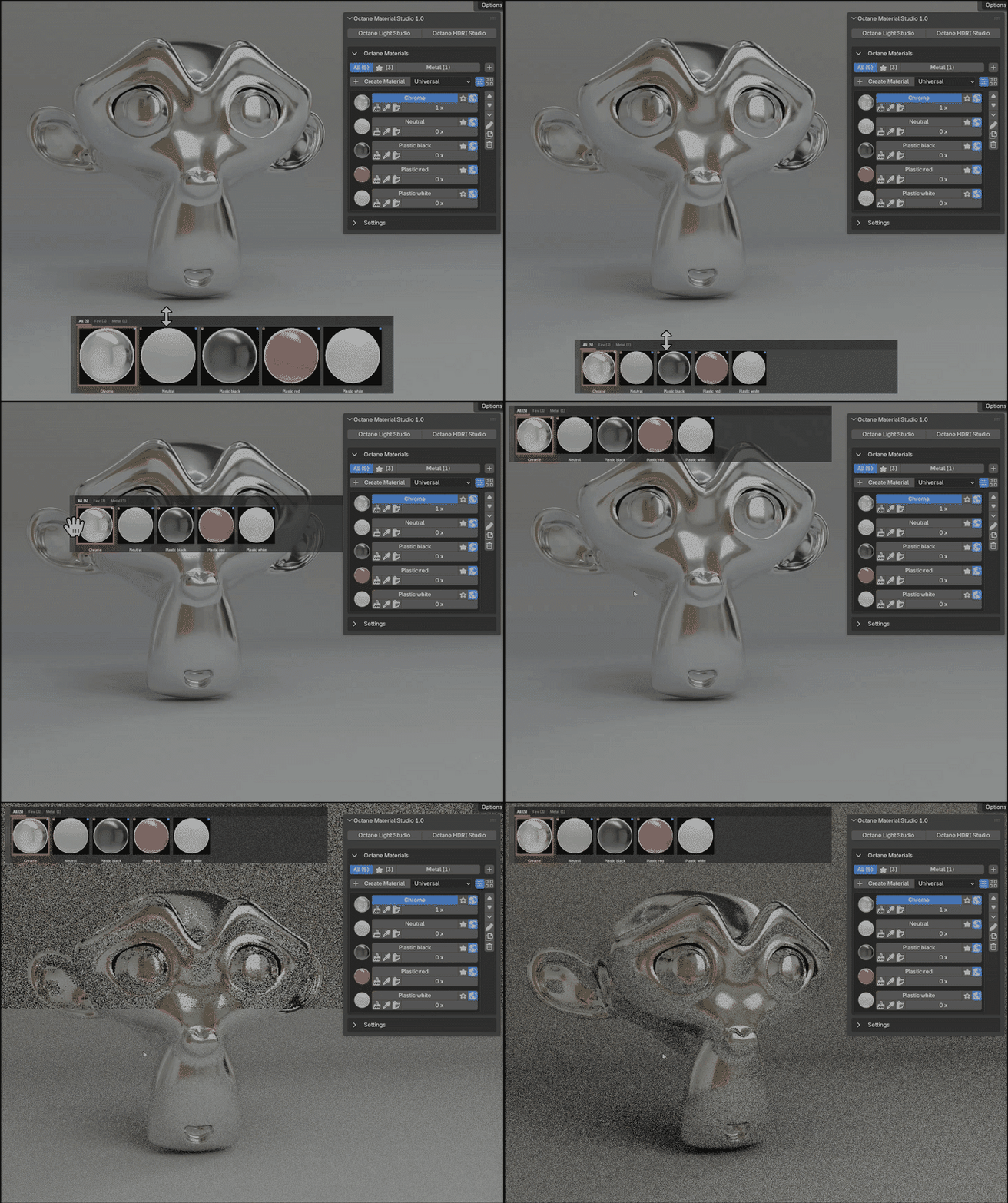
Every material is displayed with a rendered Octane preview thumbnail. The list view shows all controls directly on each material: assign, rename, duplicate, render preview, delete, reorder, mark as favorite, and set as global. Select any material to instantly open it in the Shader Editor. No extra windows, no context switching.
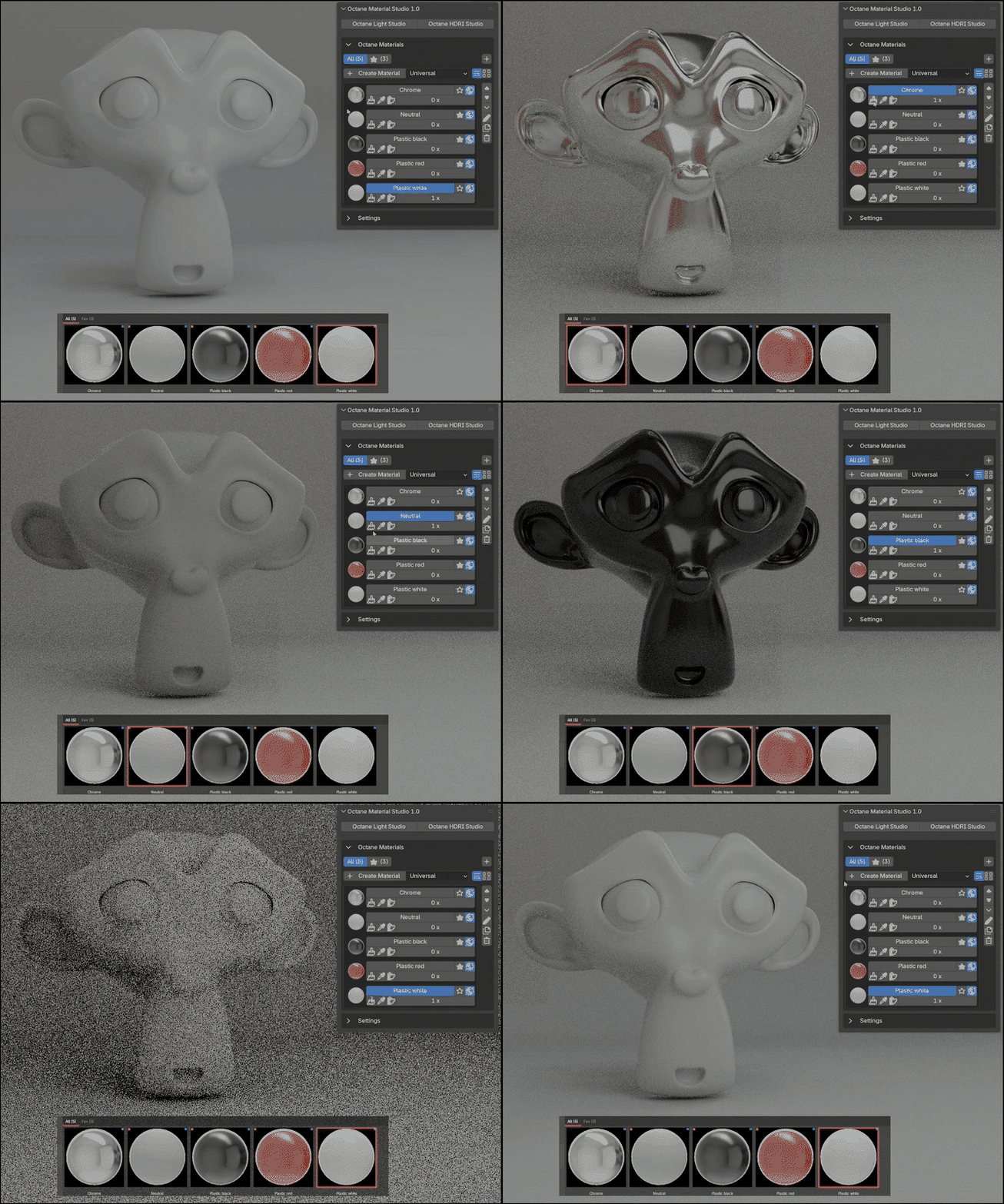
Eyedropper Assignment
Click the eyedropper icon on any material, then click objects directly in the viewport to assign the material. A preview thumbnail follows your cursor so you always know which material you are painting. Click multiple objects in sequence without leaving the mode. Switch to a different material by clicking another eyedropper button, no need to cancel first. Press ESC or right-click when done.
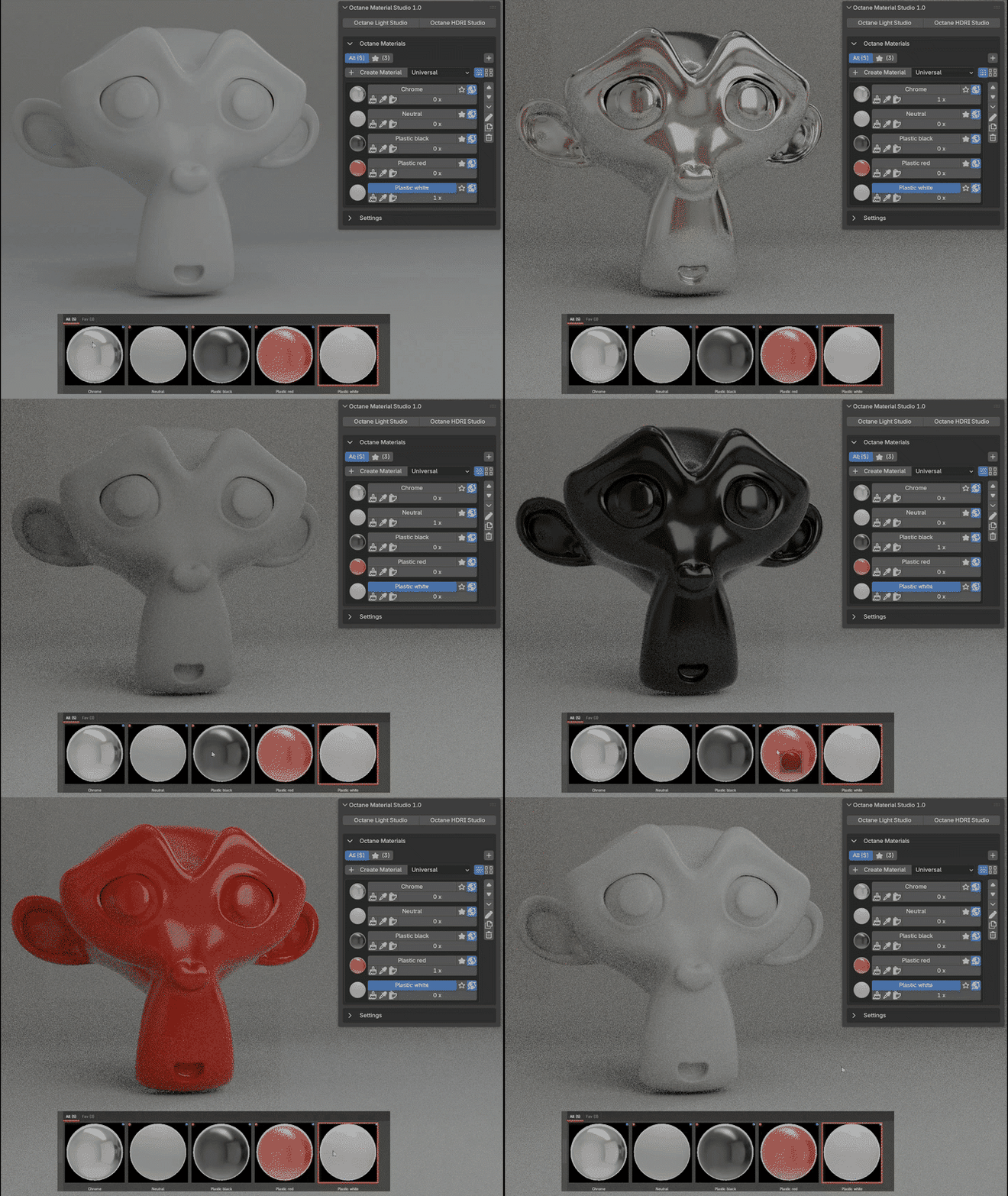
Categories and Favorites
Organize your materials into custom categories: Metals, Glass, Wood, or whatever fits your project. A favorites system lets you star your most-used materials for quick access. The category bar shows material counts at a glance, for example "All (24)", "Favorites (5)", "Metal (8)". Move materials between categories with one click through the context menu.
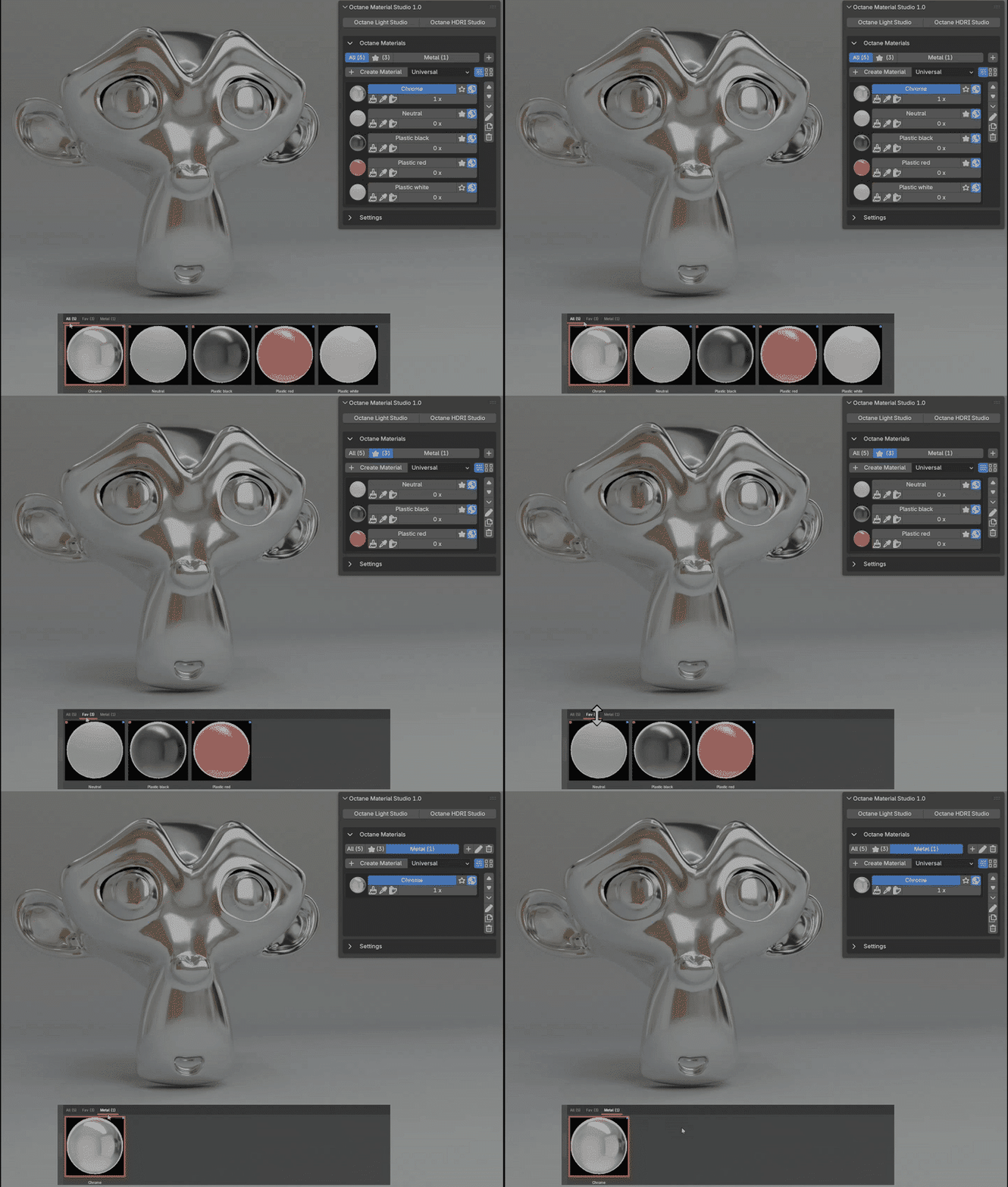
Global Material Library
Mark any material as global and it is saved to a persistent library in Blender's user configuration folder, outside the addon itself. Open a new scene and your global materials are already there, complete with their category assignments and favorite status. Edit a global material and the library updates automatically. Remove the global flag and the material is deleted from the library. Install an update and the library is still there. No manual import or export needed.
Smart Shader Editor Integration
Select a material in the list and the Shader Editor updates automatically. By default the addon uses an existing Shader Editor in your layout, so there are no unwanted pop-up windows. If no Shader Editor is open, one is created. A render preview button in the Shader Editor header lets you update the thumbnail without switching back to the panel.
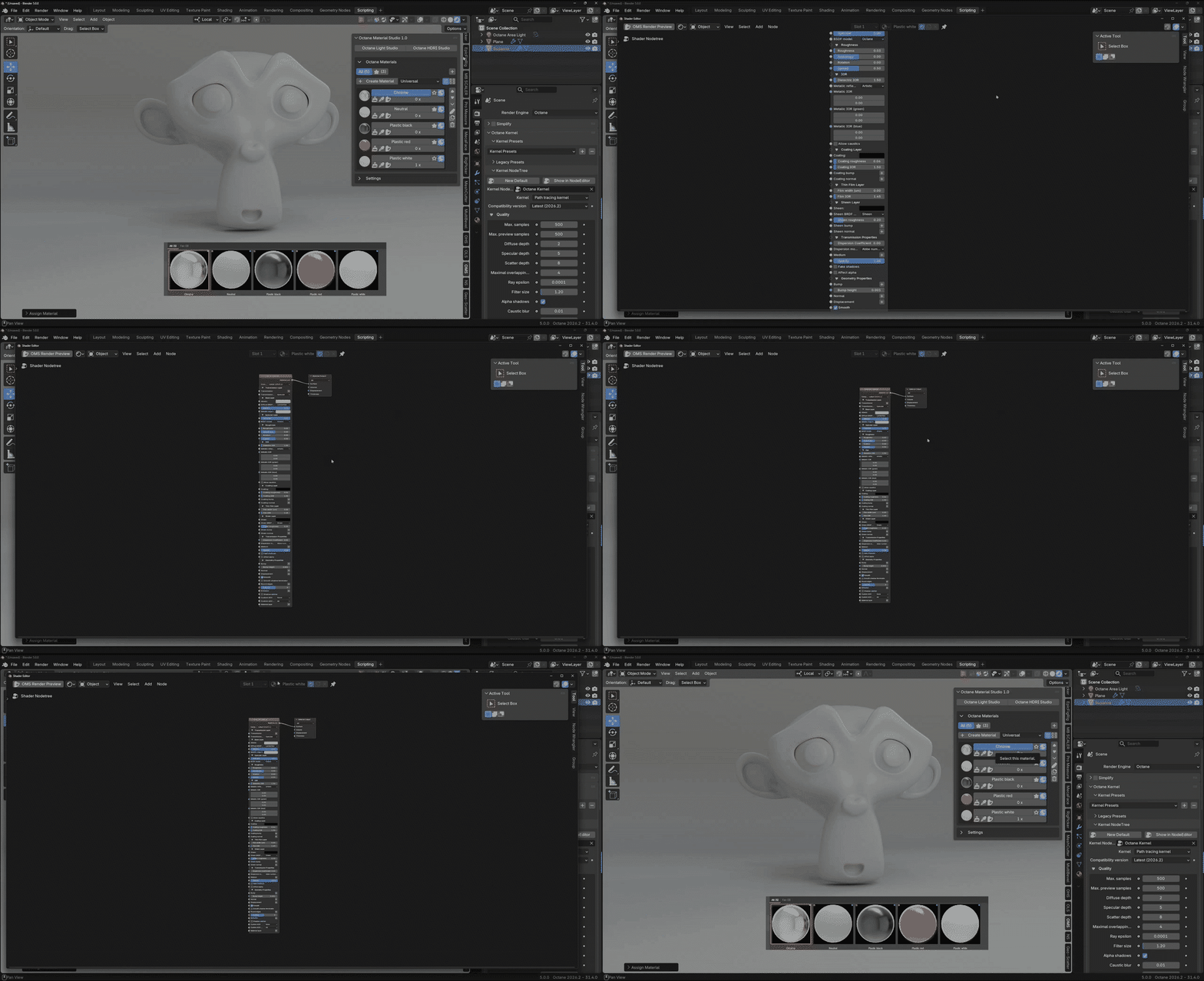
Octane Rendering
Each material gets a rendered Octane preview using a built-in preview scene with camera, lighting, and a shaderball. Previews are cached as PNG files so they load instantly in later sessions. Render individual previews or batch-render all materials that have changed.
Auto-Sync and Dirty Tracking
New materials are detected automatically and added to the list. Renamed materials are tracked and updated. Changed materials are marked as dirty so you know which previews need re-rendering. Loading a file syncs everything automatically, so open any .blend and your materials are ready.
Suite Integration
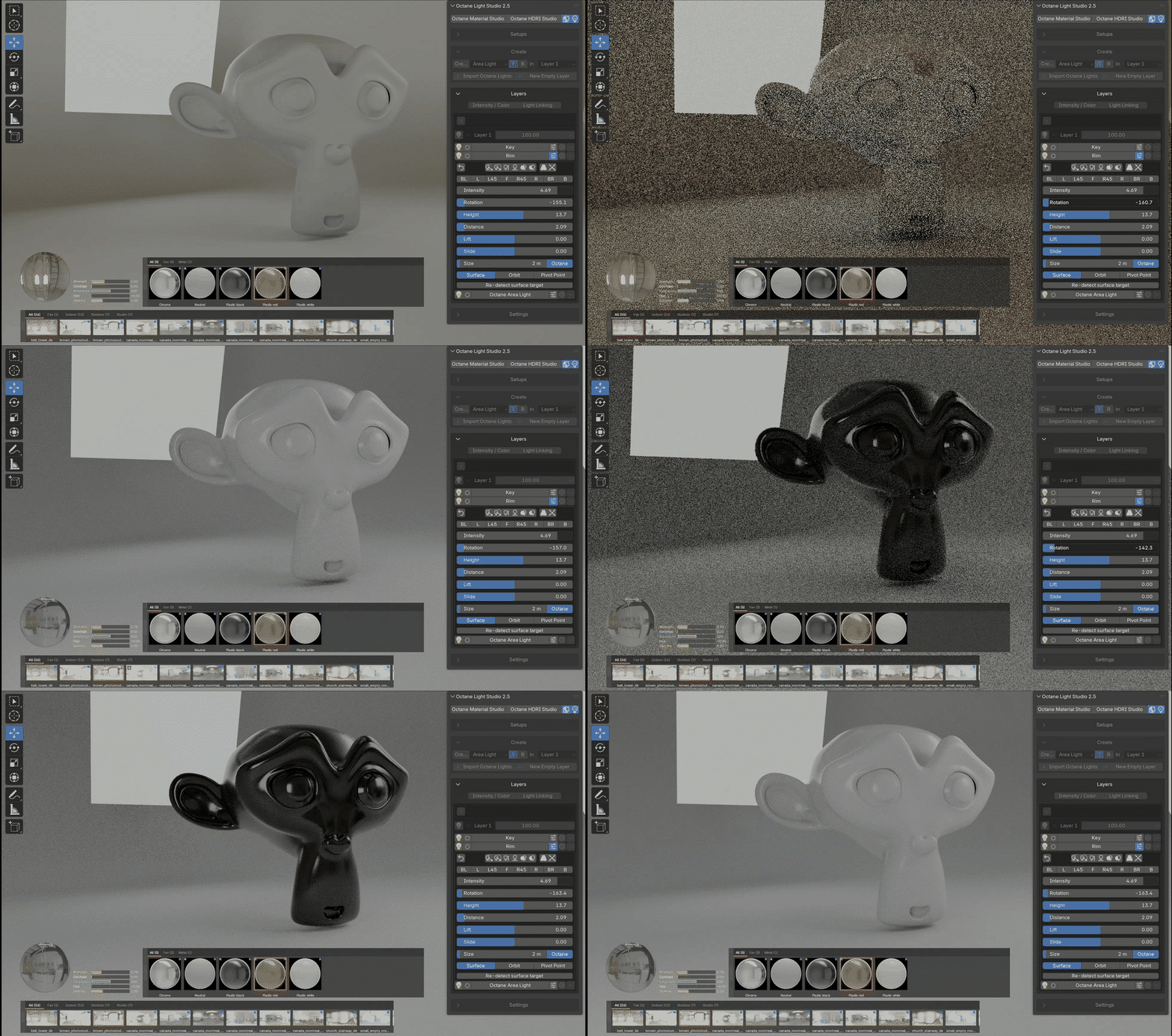
Switch between Octane Material Studio, Octane Light Studio, and Octane HDRI Studio with one click. Toggle buttons show the active state of each addon. All three share a consistent UI pattern and work seamlessly together.
Features at a Glance
- Create Octane materials: Universal, Diffuse, Glossy, Specular, Mix, Toon, Metal, Layered, Composite, Hair, and Shadow Catcher
- List view with full controls per material
- Grid view with adjustable thumbnail size
- Eyedropper mode for viewport material assignment
- Custom categories with material counts
- Favorites with a dedicated filter
- Global material library, persistent across scenes
- Update-safe: library and settings survive every addon update
- Duplicate with automatic numbering
- Reordering via move up and down
- Octane preview rendering with caching
- Smart Shader Editor integration, using an existing editor or a new window
- Auto-sync on file load, rename tracking, dirty detection
- Context menu for quick category assignment
- One-click switching between OMS, OLS, and OHS
Requirements
- Blender 5.0 or newer
- Octane Render for Blender, free version compatible, developed with Octane 2026.3 build 31.9
- Windows