 blenderVfxMaster


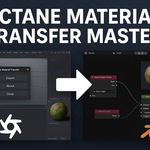
🔁 Octane Material Transfer Master
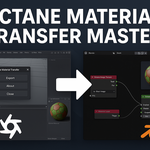
Effortless Material & Mesh Transfer from Cinema 4D to Blender Octane
🚀 What It Does
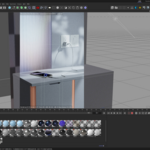
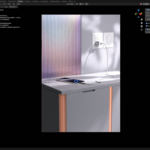
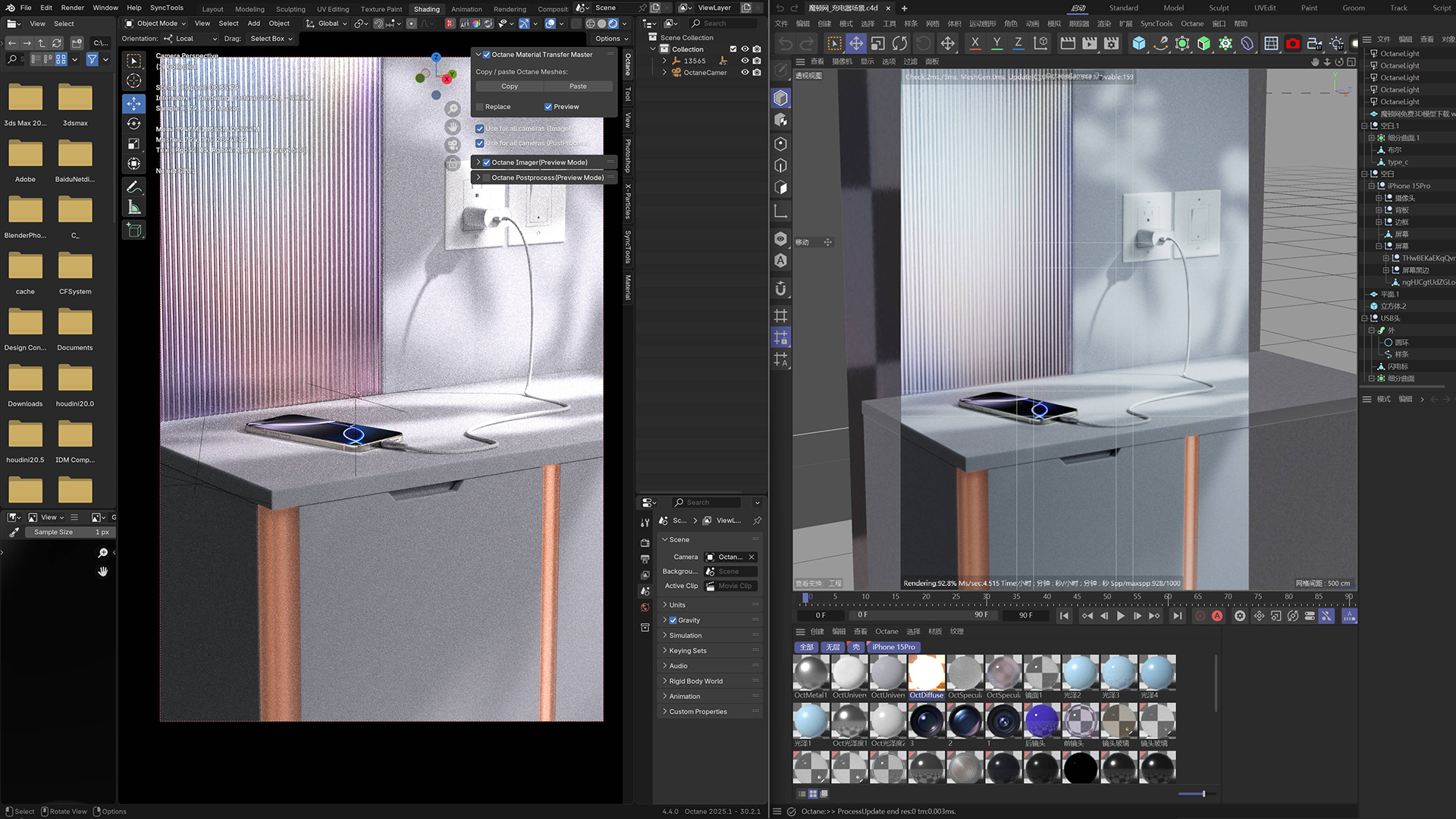
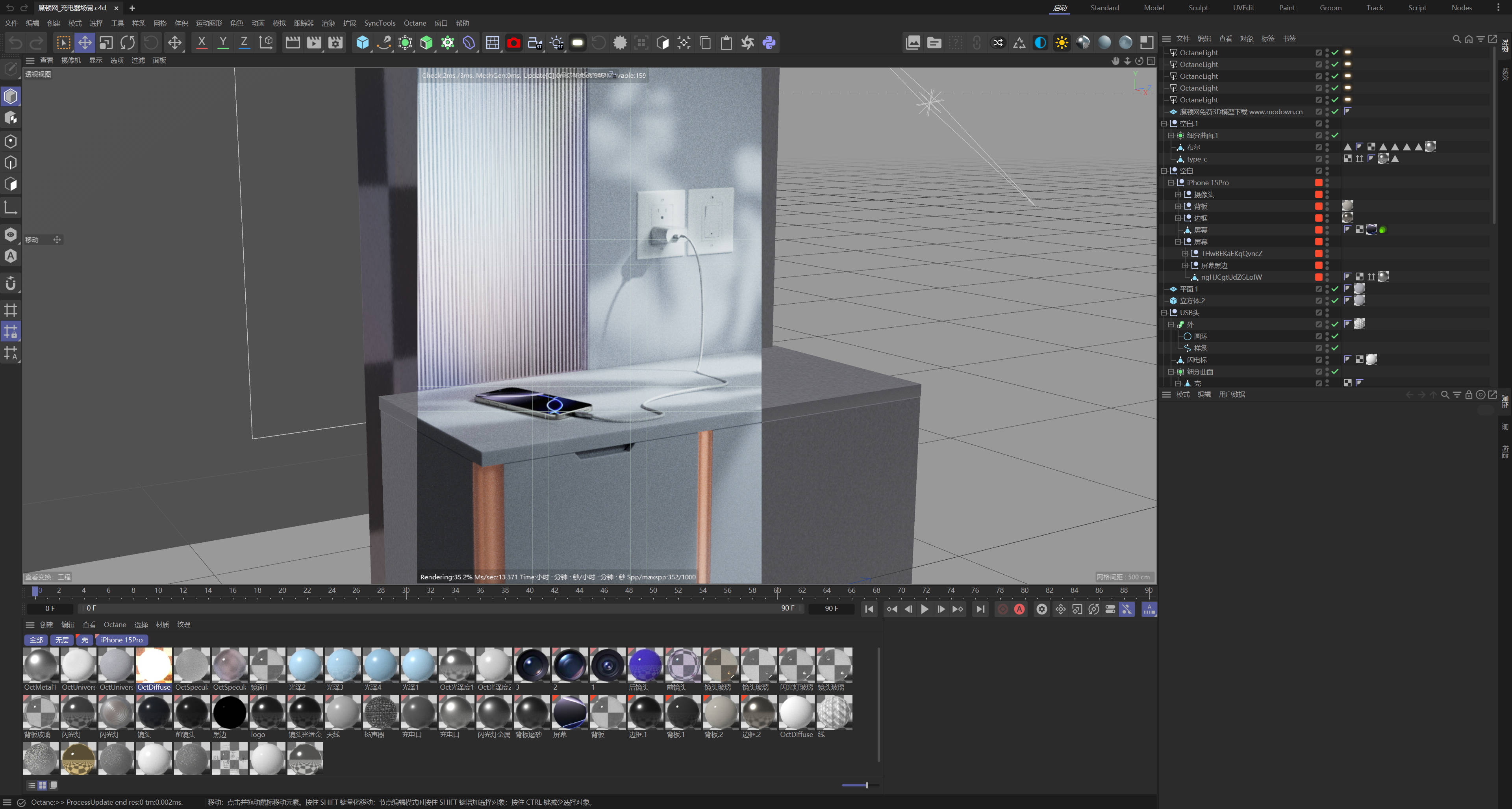
Octane Material Transfer Master bridges the gap between Cinema 4D and Blender by offering a one-click Copy & Paste solution for Octane-compatible assets. Whether you're dealing with complex materials or animated geometry, this tool keeps everything clean, accurate, and ready to render in Blender.
💡 Key Features
-
✅ One-Click Copy from Cinema 4D
Export selected objects and all their Octane configurations with a single click — no manual cleanup required. -
✅ One-Click Paste in Blender
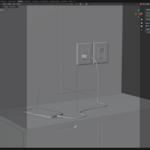
Instantly recreate the original hierarchy, materials, and geometry in Blender with accurate Octane setup. -
✅ Preserves Animation
Transfers animation data when enabled — no baking or re-rigging required. -
✅ Smart Scene Integration
Automatically names, groups, and transforms imported assets. You can even enable “Replace” mode to update previous imports without breaking scene layout. -
✅ Auto Preview & Optimization
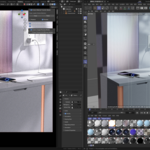
Optionally generates a native Octane preview, applies correct view transforms, and switches the render engine for you. -
✅ No File Browsing Needed
Behind the scenes, a smart caching system keeps everything organized — just click Copy & Paste.

🧰 Use Cases
-
Migrate your Octane-rendered scenes from C4D to Blender without rebuilding materials
-
Update character or prop assets in Blender with a single click
-
Share assets across departments using different DCC tools
-
Simplify collaboration between modelers and render artists
📦 What's Included
-
Cinema 4D exporter script
-
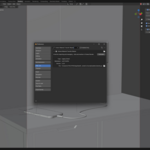
Blender plugin with integrated UI
-
Auto-cache manager
-
Clean install, no dependencies
-
PDF quick-start guide
🔧 Requirements
-
Blender 4.2+
-
Cinema 4D R21 or later
-
OctaneRender installed in both applications
-
Windows or macOS
🗣️ What Artists Say
“It's basically like copy-pasting Octane assets across software. I used to spend hours fixing nodes – not anymore.”
— Freelance 3D Artist
🎁 Bonus
Includes free lifetime updates and priority support for future versions.