Octane Material Transfer
 blenderVfxMaster


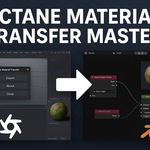
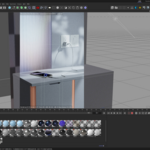
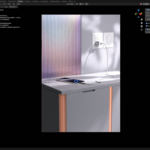
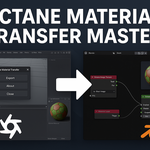
🔁 Octane Material Transfer Master
Effortless Material & Mesh Transfer from Cinema 4D to Blender Octane
🚀 What It Does
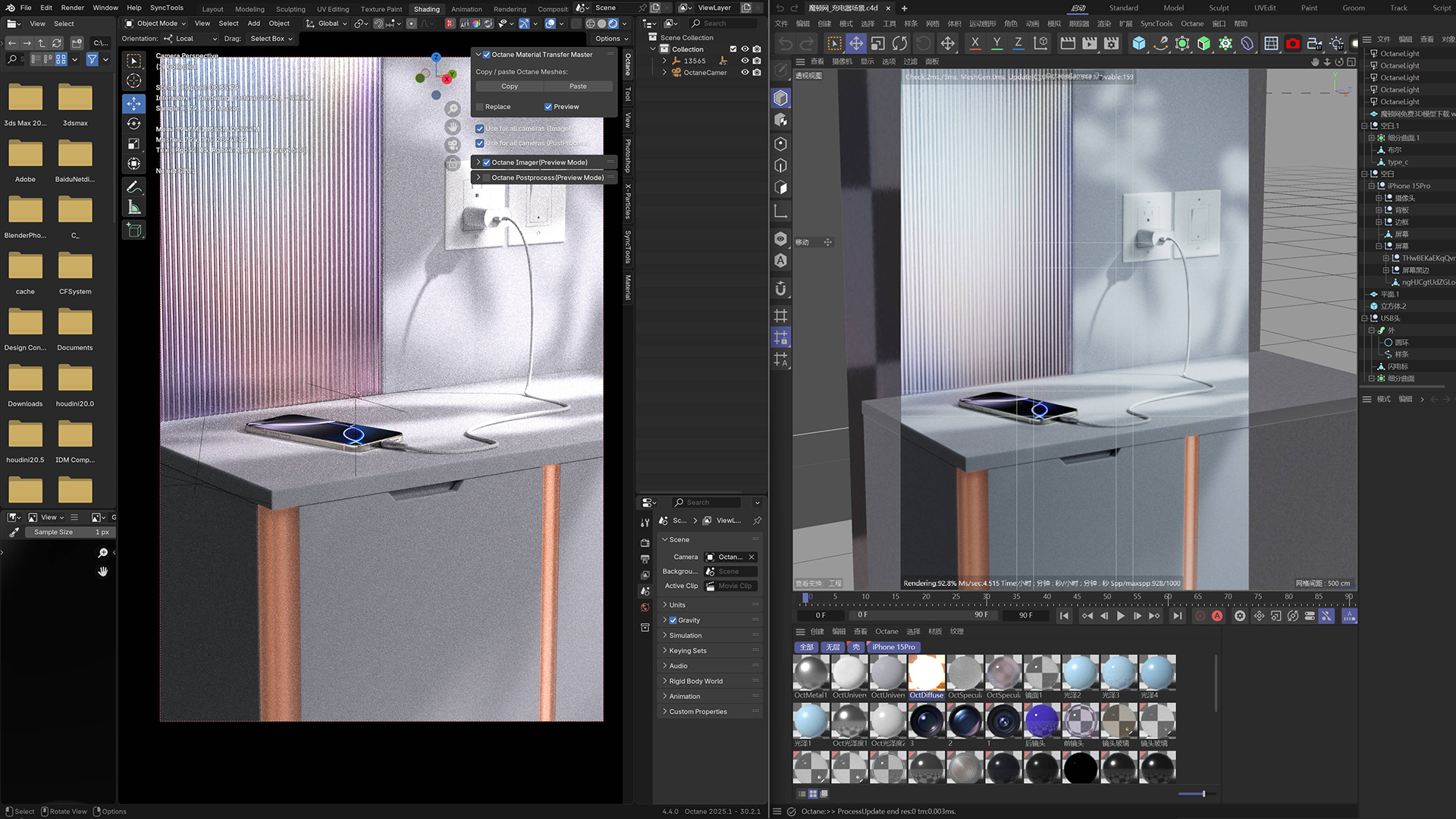
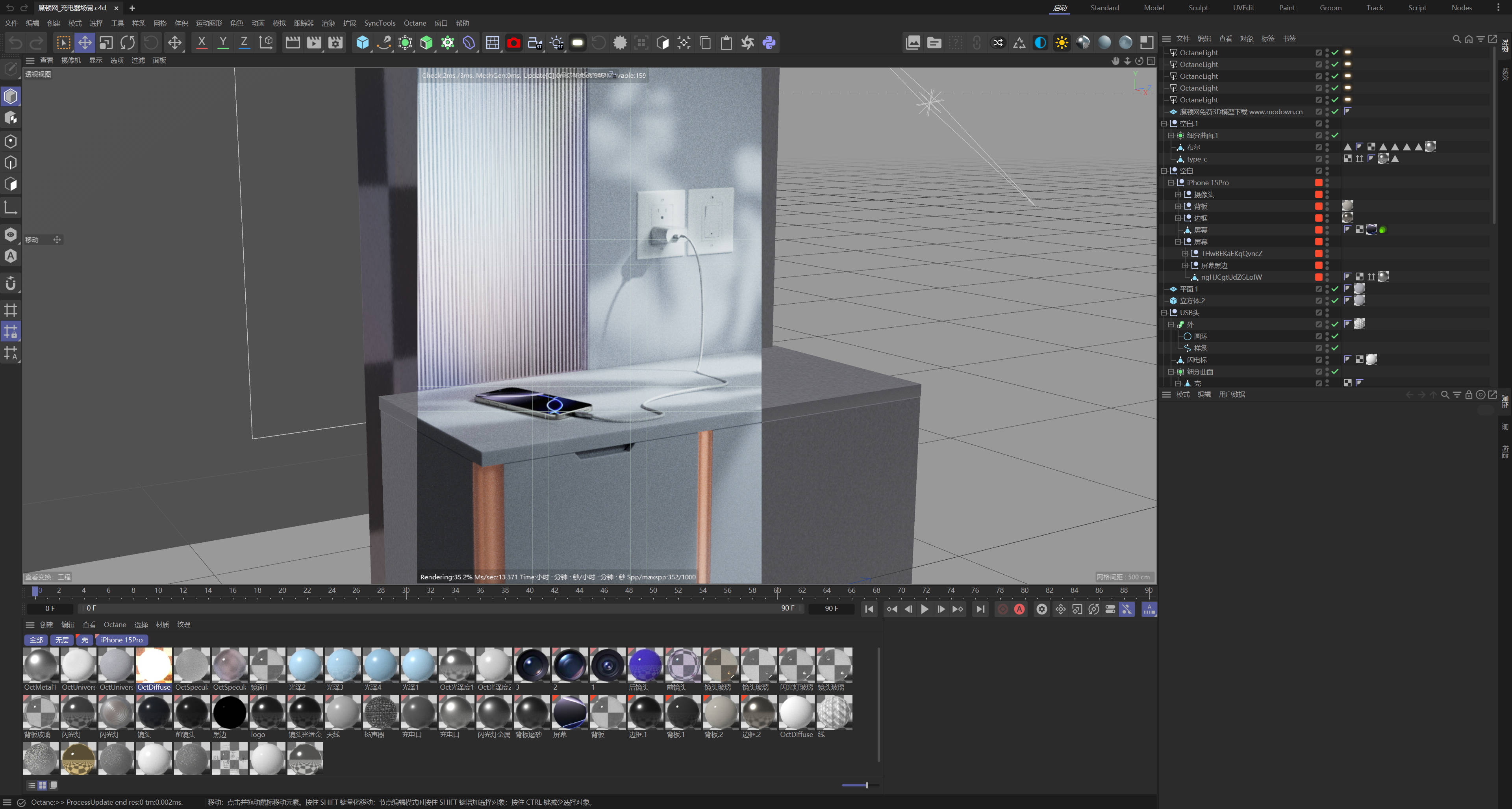
Octane Material Transfer Master bridges the gap between Cinema 4D and Blender by offering a one-click Copy & Paste solution for Octane-compatible assets. Whether you're dealing with complex materials or animated geometry, this tool keeps everything clean, accurate, and ready to render in Blender.
💡 Key Features
-
✅ One-Click Copy from Cinema 4D
Export selected objects and all their Octane configurations with a single click — no manual cleanup required. -
✅ One-Click Paste in Blender
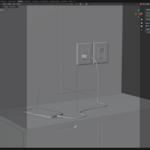
Instantly recreate the original hierarchy, materials, and geometry in Blender with accurate Octane setup. -
✅ Preserves Animation
Transfers animation data when enabled — no baking or re-rigging required. -
✅ Smart Scene Integration
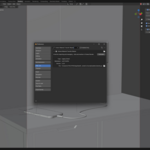
Automatically names, groups, and transforms imported assets. You can even enable “Replace” mode to update previous imports without breaking scene layout. -
✅ Auto Preview & Optimization
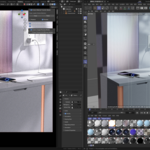
Optionally generates a native Octane preview, applies correct view transforms, and switches the render engine for you. -
✅ No File Browsing Needed
Behind the scenes, a smart caching system keeps everything organized — just click Copy & Paste.

🧰 Use Cases
-
Migrate your Octane-rendered scenes from C4D to Blender without rebuilding materials
-
Update character or prop assets in Blender with a single click
-
Share assets across departments using different DCC tools
-
Simplify collaboration between modelers and render artists
📦 What's Included
-
Cinema 4D exporter script
-
Blender plugin with integrated UI
-
Auto-cache manager
-
Clean install, no dependencies
-
PDF quick-start guide
🔧 Requirements
-
Blender 4.2+
-
Cinema 4D R21 or later
-
OctaneRender installed in both applications
-
Windows or macOS
🗣️ What Artists Say
“It's basically like copy-pasting Octane assets across software. I used to spend hours fixing nodes – not anymore.”
— Freelance 3D Artist
🎁 Bonus
Includes free lifetime updates and priority support for future versions.
Have questions about this product?
Login to message
| Sales | 10+ |
| Published | over 1 year ago |
| Blender Version | 3.6 - 5.2 |
| License |
Discover more products like this
Animation Transfer Material Transfer octane render Scene Integration octane Material Sync Blender Plugin Shader Transfer 3D workflow Cinema 4D to Blender Realtime Sync blender tools C4D Blender Bridge Render Pipeline blender octane Octane Compatibility Mesh import Asset Sync Auto Cache Copy-Paste visual effects