 BlueTools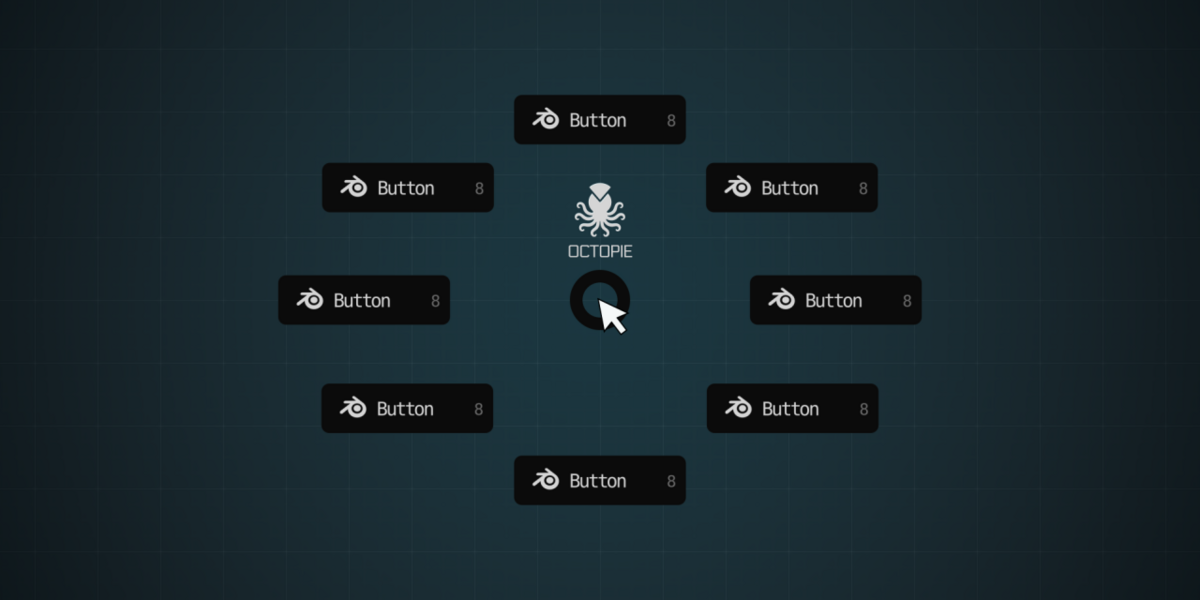
What is OctoPie?
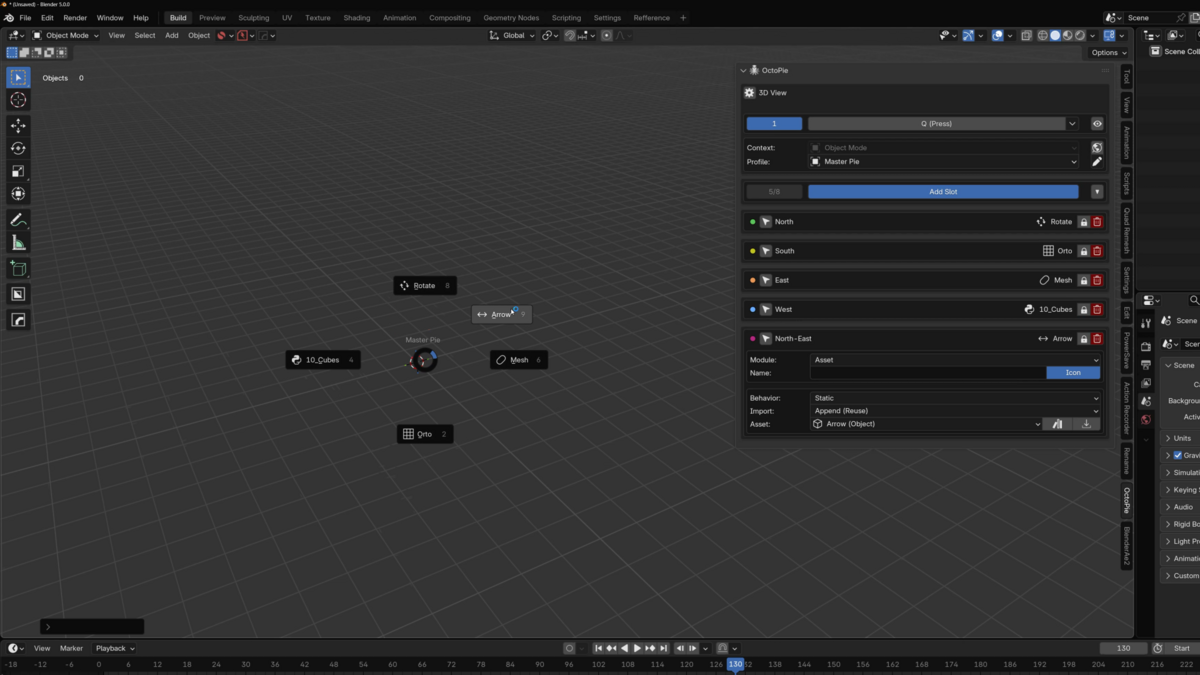
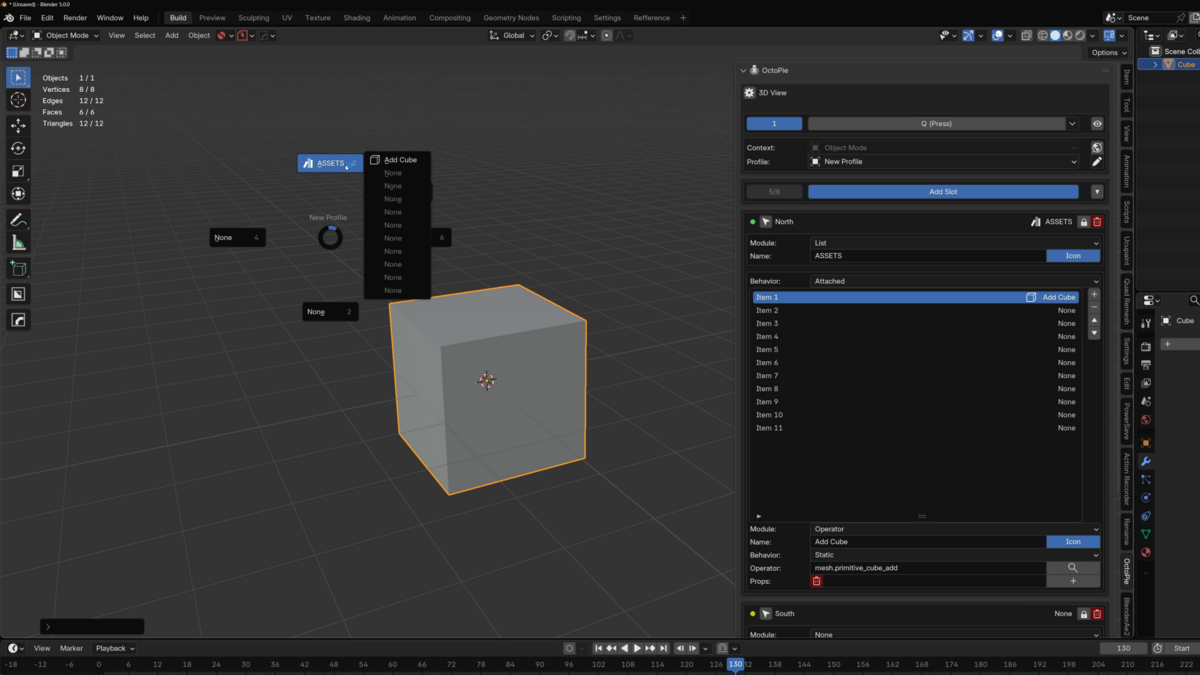
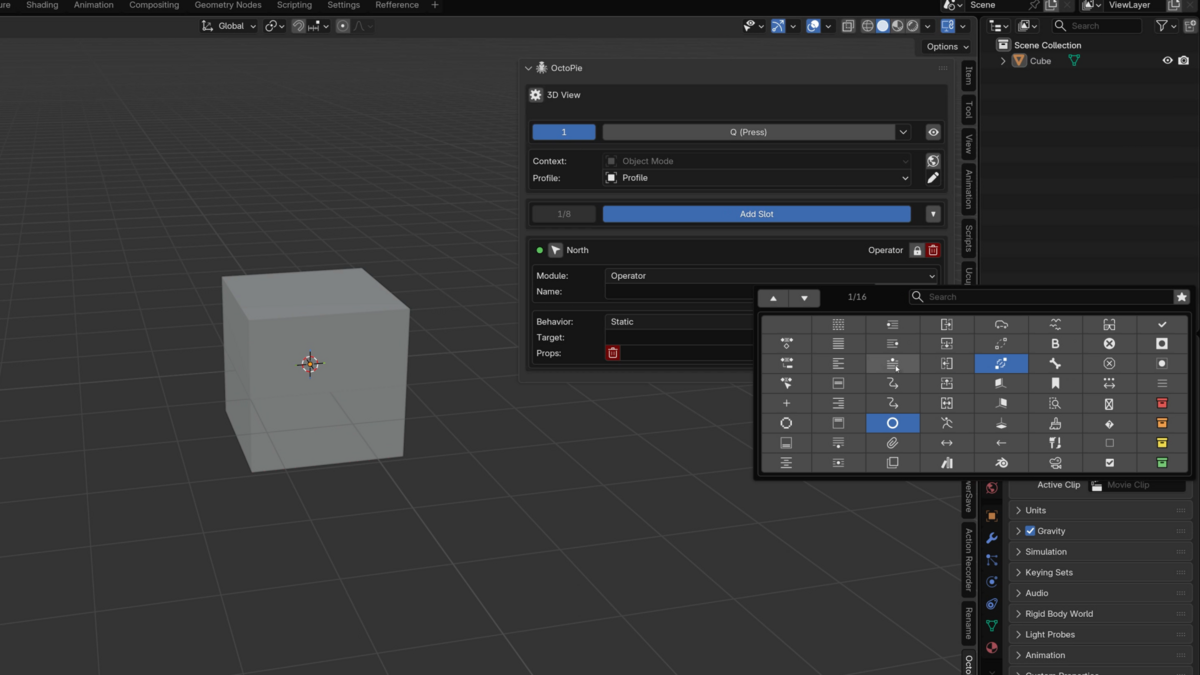
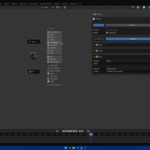
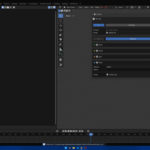
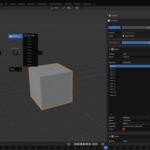
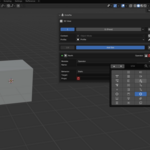
OctoPie is a custom pie menu builder for Blender. It lets you create your own pie menus and fill them with operators, shortcuts, scripts, macros, assets, menus, lists, and nested pie menus.
Which Blender version does OctoPie support?
OctoPie has been tested on Blender 5.0 and newer.
It will most likely work on the Blender 4.x series as well,
but I can’t guarantee full compatibility there yet.
Where do I find OctoPie after installing it?
OctoPie lives in the N-panel.
By default, it is available in the 3D Viewport,
but you can enable it for more editors in the OctoPie preferences.
Can I choose my own shortcut?
Yes. Each pie menu can have its own shortcut, so you can decide how you want to trigger your setup.
What can I add to a pie menu?
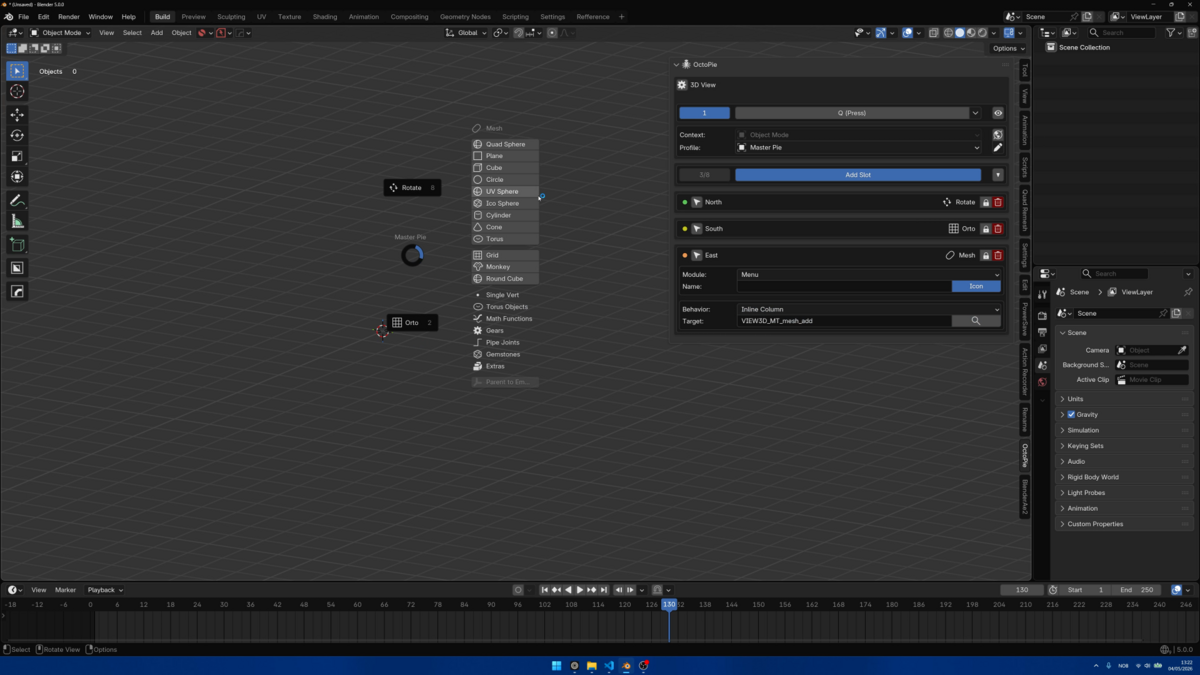
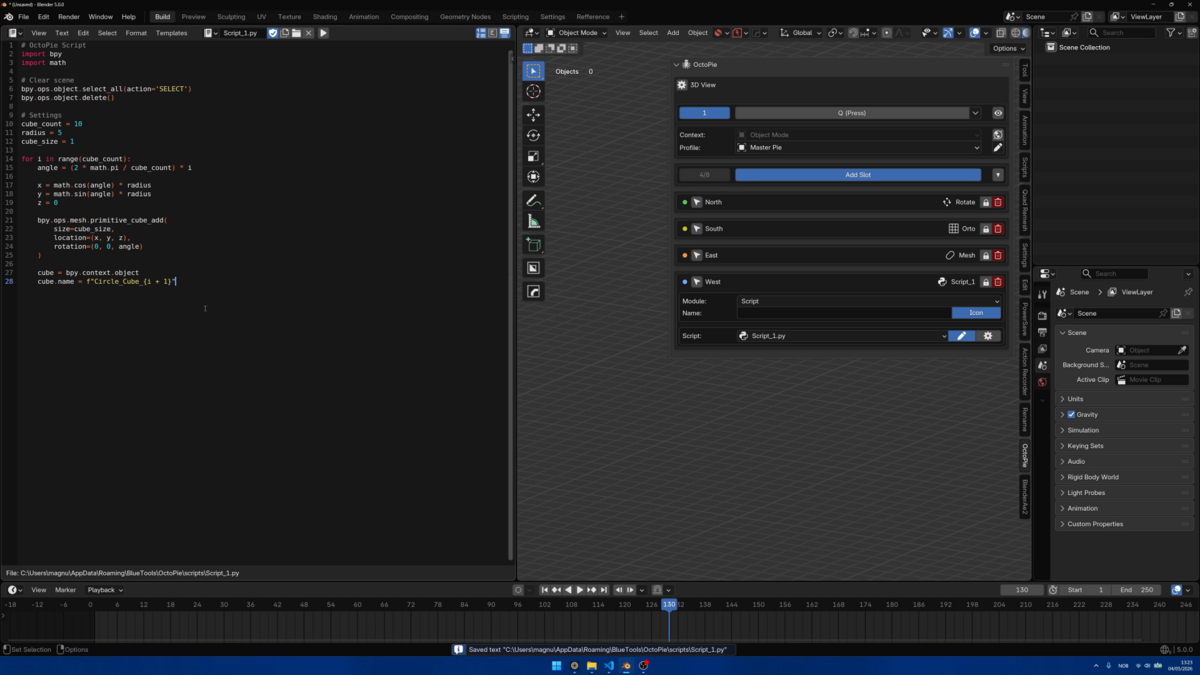
You can add operators, shortcuts, keyboard actions, scripts, macros, assets, menus, lists, and nested pie menus.
What are nested pie menus?
Nested pie menus let one pie menu open another pie menu. This makes it possible to build deeper custom workflows without cluttering one single menu.
Can I use OctoPie for large asset libraries?
Yes. OctoPie includes Lists, which are useful for organizing larger collections of assets, actions, or custom items.
Can I export and share my setup?
Yes. You can export your profile and share it with others, or import profiles made by someone else.
Are imported profiles safe?
Imported profiles may contain Python or external scripts. Always review imported actions before running them.
Is OctoPie still being developed?
Yes. This is the launch version, and OctoPie will continue to improve based on real use, feedback, bug reports, and feature ideas.
$25
Have questions about this product?
Login to message
| Dev Fund Contributor | |
| Published | 2 months ago |
| Blender Version | 5.0 - 5.1 |
| Extension Type | N/A |
| Render Engine Used | Cycles |
| License | GPL |