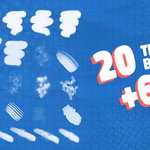
OctoToon - Stylized Paint Brush Set by Chantako
 chantako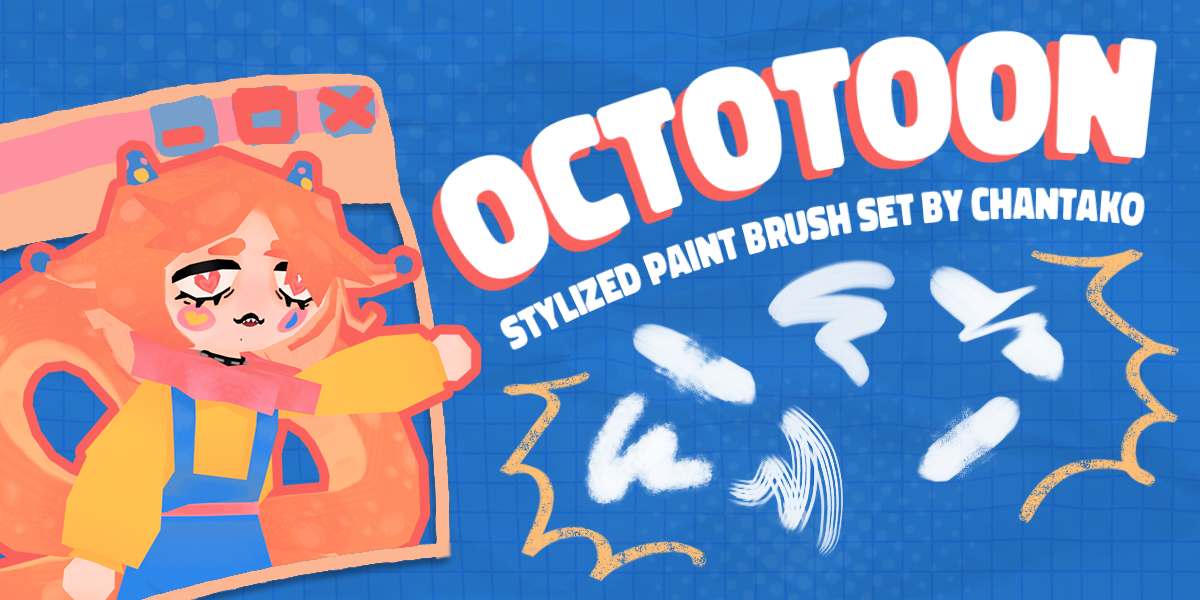
why my pen glitches out for a second?
what happened to me once was that a brush would randomly leave a weird imprint while painting (like an ink sploosh out of nowhere).
what fixed it for me was going to:
preferences > input > tablet > tablet api > switch to wintab
why isn’t pen pressure working?
-make sure the little pen pressure icon next to radius and strength is turned on (it should be blue).
-if you’re on windows, windows ink might be messing with your tablet. check if it’s enabled and turn it off if needed (google should tell you how).
-it could also be your tablet or driver acting up. test if pen pressure works at all, or if it’s just blender giving you trouble.
how do i use the brushes?
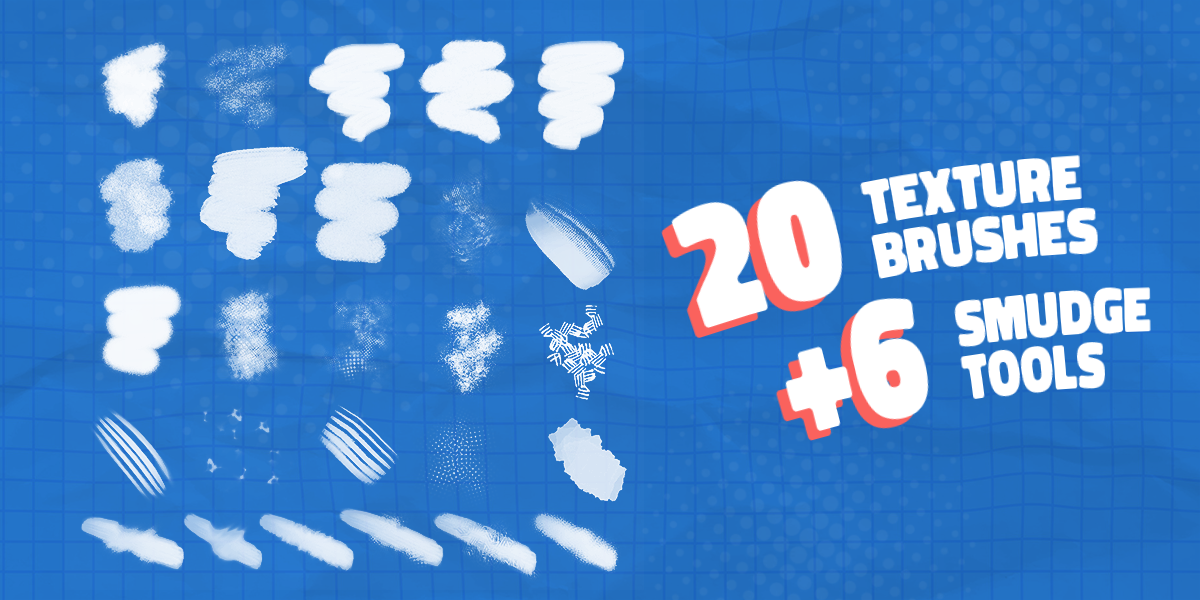
there’s two ways to add octotoon brushes to your blender file:
method 1: appending brushes directly (blender 4.2 and below)
-go to file > append
-open the octotoon4.3 blend file
-open the brush folder
-import all brushes that start with a number
method 2: adding brushes to your asset library (blender 4.3 and higher)
-go to edit > preferences
-in preferences, go to file paths > asset libraries
-click the + icon and select the folder where the octotoon .blend file is
-click add asset library
why is blender lagging when i paint?
blender can get super laggy or even freeze for a few seconds when you’re painting over a large area. an easy fix? close the 2d image viewer showing the texture you’re working on—it helps a ton. zooming in or using a lower texture resolution can also make things run smoother.
$10
Have questions about this product?
Login to message
| Sales | 40+ |
| Rating | 1 ratings |
| Published | over 1 year ago |
| Blender Version | 4.3, 4.2, 4.1, 4.0, 3.6 |
| Extension Type | N/A |
| License | Royalty Free |