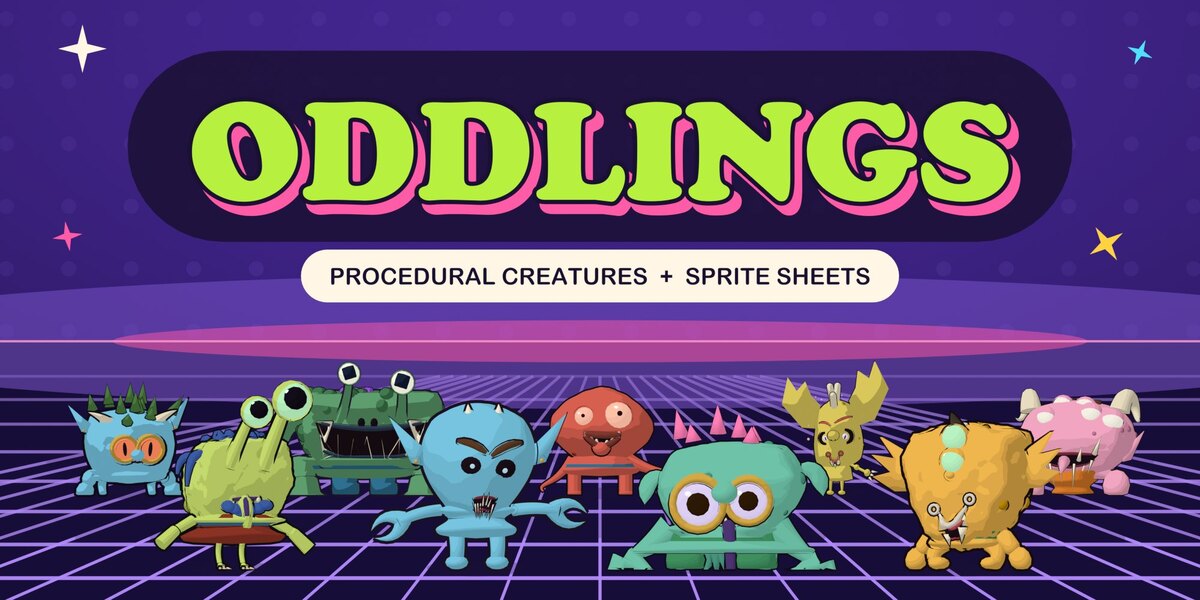
Oddlings – Procedural Creature Generator
 Blender Procedural

Install
Edit > Preferences > Get Extensions, open the menu at the top right and choose Install from Disk. Pick oddlings-0.2.0.zip. Requires Blender 5.2 or newer.
Hatch a creature
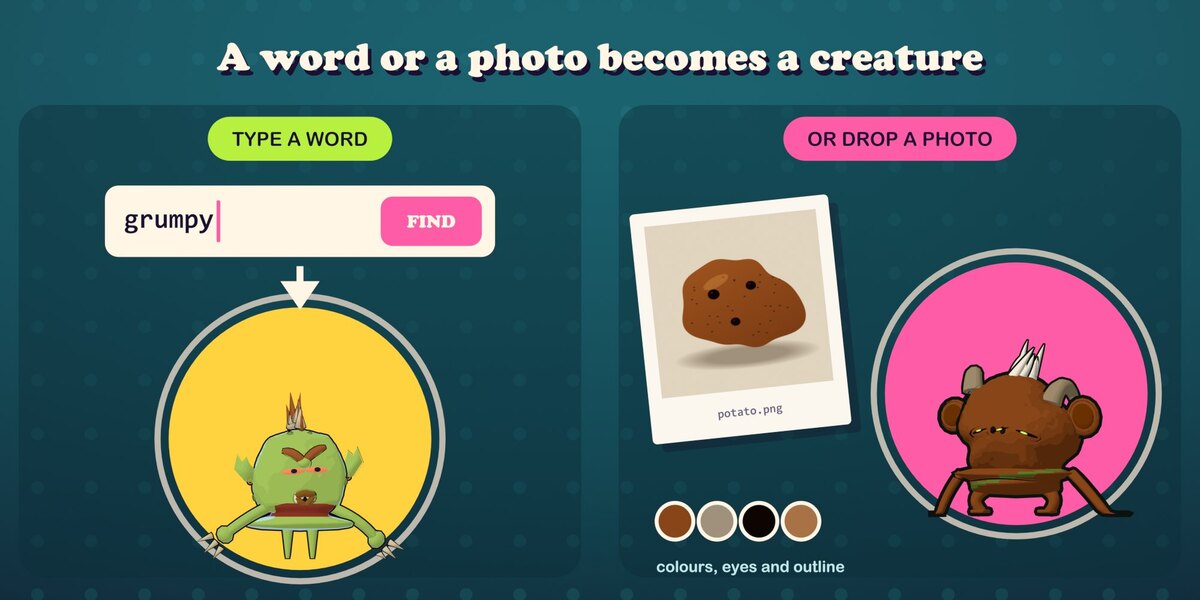
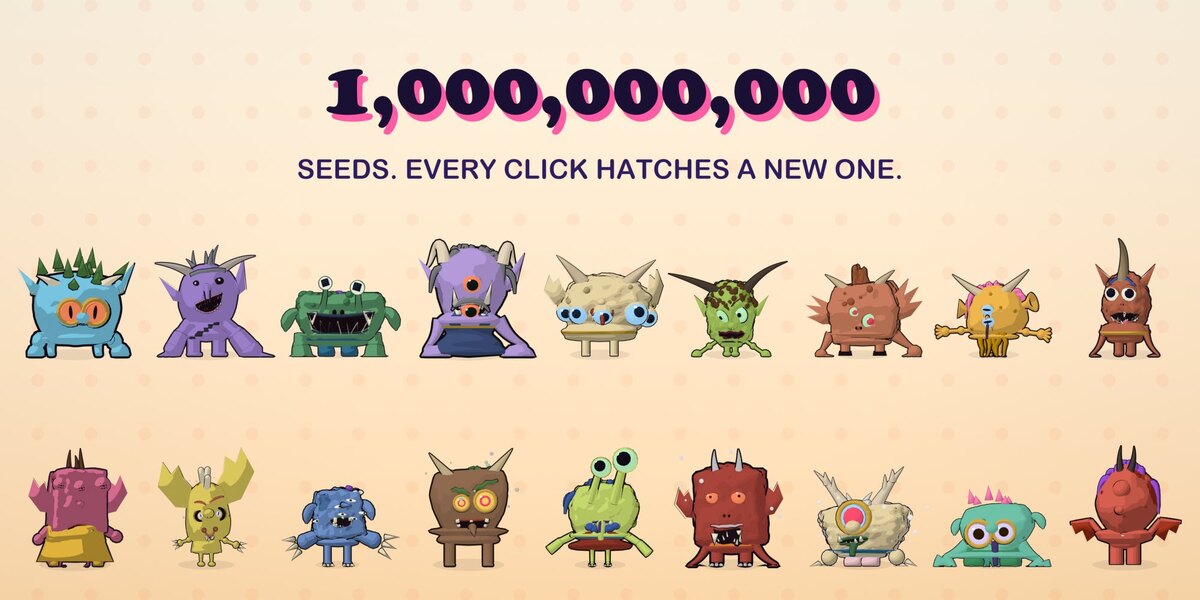
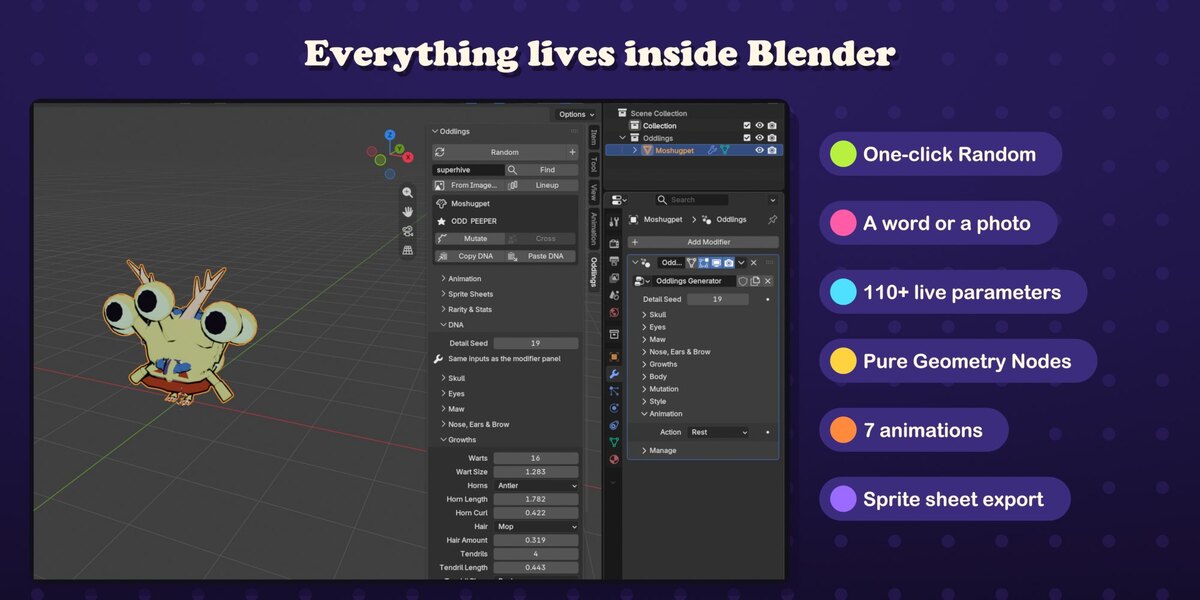
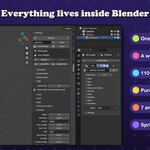
In the 3D Viewport press N and open the Oddlings tab. Click Random (the + button adds a new creature instead of replacing the active one). Type a word, a name or a number and click Find: the same text always gives the same creature. From Image... makes a creature from a photo: its outline becomes the head, dark spots the eyes, its colours the skin. Switch the viewport to Material Preview or Rendered to see the toon look.
Tweak the DNA
Every creature is one mesh object with one Geometry Nodes modifier. The DNA panel (and the modifier panel) holds 111 parameters in eight groups: Skull, Eyes, Maw, Nose/Ears/Brow, Growths, Body, Mutation and Style. Mutate makes small random changes, Cross breeds a child from two selected creatures, Lineup adds a floor grid of random creatures, Copy DNA / Paste DNA store a creature as text. Rarity & Stats shows the creature's tier, class and six stats.
Animate
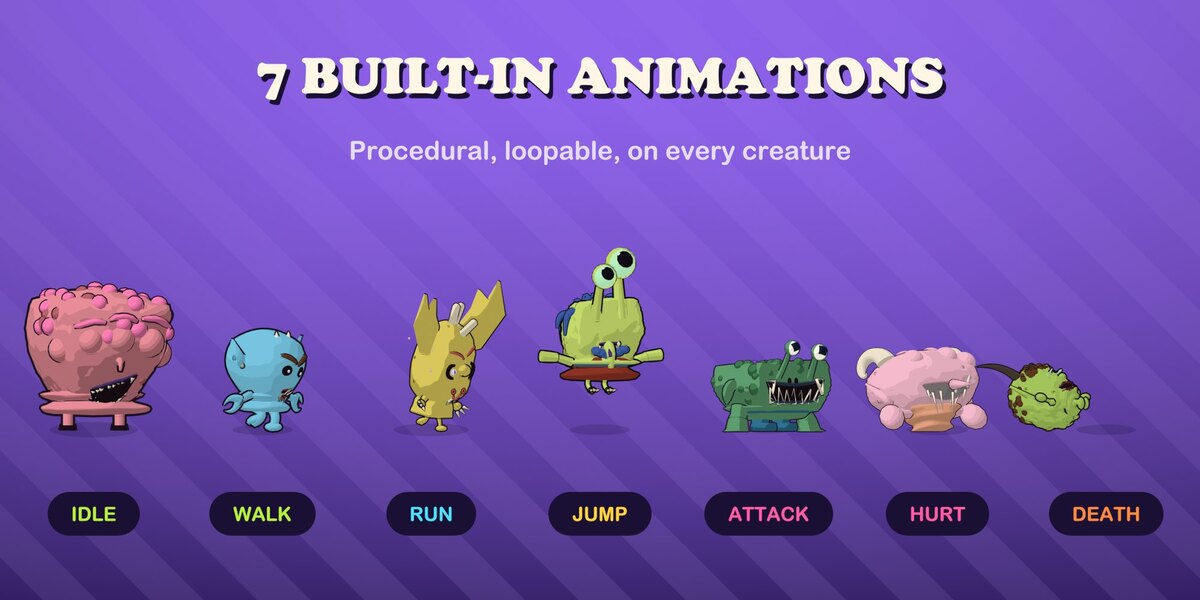
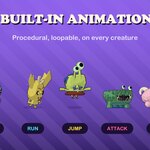
The Animation panel plays one of seven procedural actions (Idle, Walk, Run, Jump, Attack, Hurt, Death) from the scene frame. Loop Frames, Intensity and Time Offset are per creature.
Sprite sheets
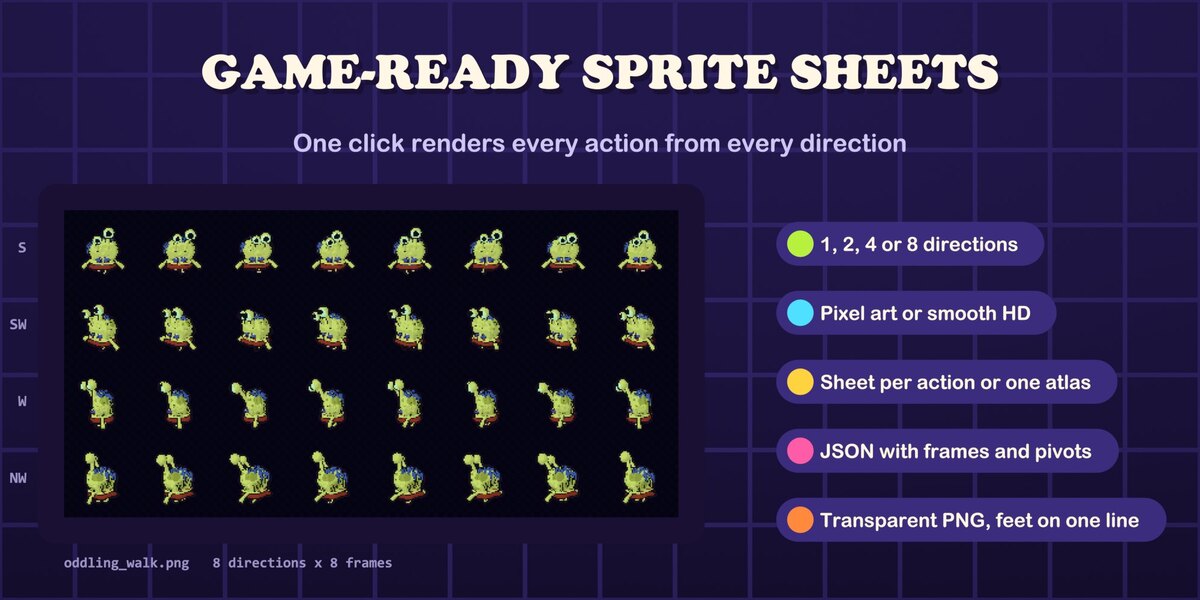
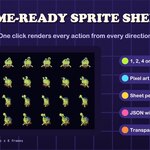
In Sprite Sheets pick the actions, 1/2/4/8 directions, frames per action (2-32), frame size (16-1024 px), camera height, pixel art or smooth frames, outlines, and a sheet per action or one atlas. Export Sprite Sheets renders the selected creatures and writes PNG sheets plus a JSON file (frame rects, Aseprite-style frame tags and durations, pivot, rows, fps) to the Output folder.
Stage, renders, meshes
Setup Stage adds an orthographic camera, a three-light toon rig and a world colour from the creature. Render Pixel Art renders a still or the animation at 1/N resolution and scales it up with sharp pixels. Apply as Mesh (Export panel) makes a plain mesh copy in the current pose with face colours, for Blender's exporters. Reload Generator updates a file's node group to the installed add-on version.
Two-minute video tutorial: watch it here.
Have questions about this product?
Login to message
| Blender Extension Compatible | Yes |
| Published | about 4 hours ago |
| Blender Version | 5.2 |
| Extension Type | Add-on |
| Render Engine Used | Eevee |
| Misc Data | Animated |
| License | GPL |
Discover more products like this
geometry nodes toon pixel art procedural Random Generator monster game assets stylized sprite sheet character-generator animation creature generator