 DrBlender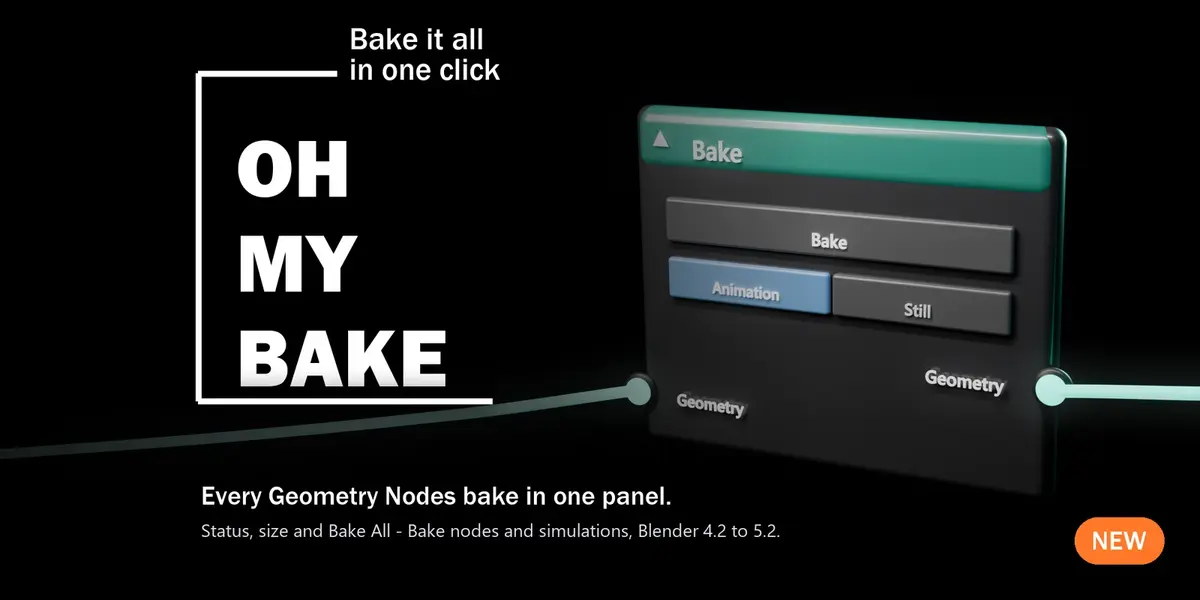
How do I install Oh My Bake?
Edit ▸ Preferences ▸ Get Extensions ▸ ⌄ ▸ Install from Disk… and pick the zip, without unzipping it.
Where do I find it?
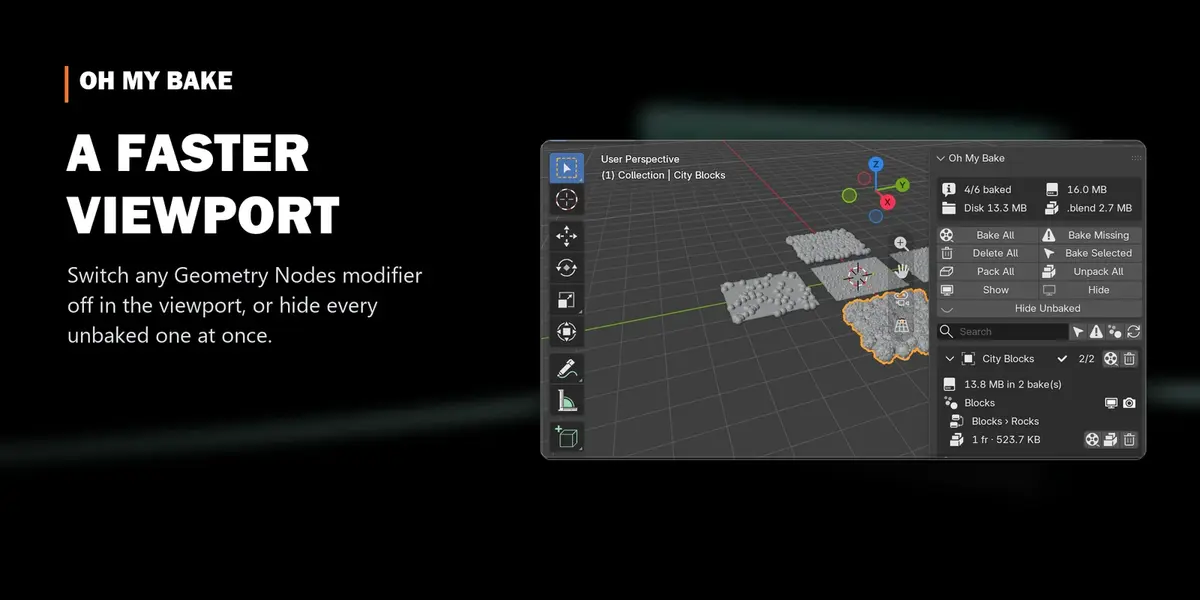
3D Viewport ▸ press N ▸ OhMyTools tab ▸ Oh My Bake panel.
Which Blender versions does it support?
Blender 4.2 LTS up to 5.2 LTS. Packing bakes into the .blend needs 4.3 or newer.
What does it find?
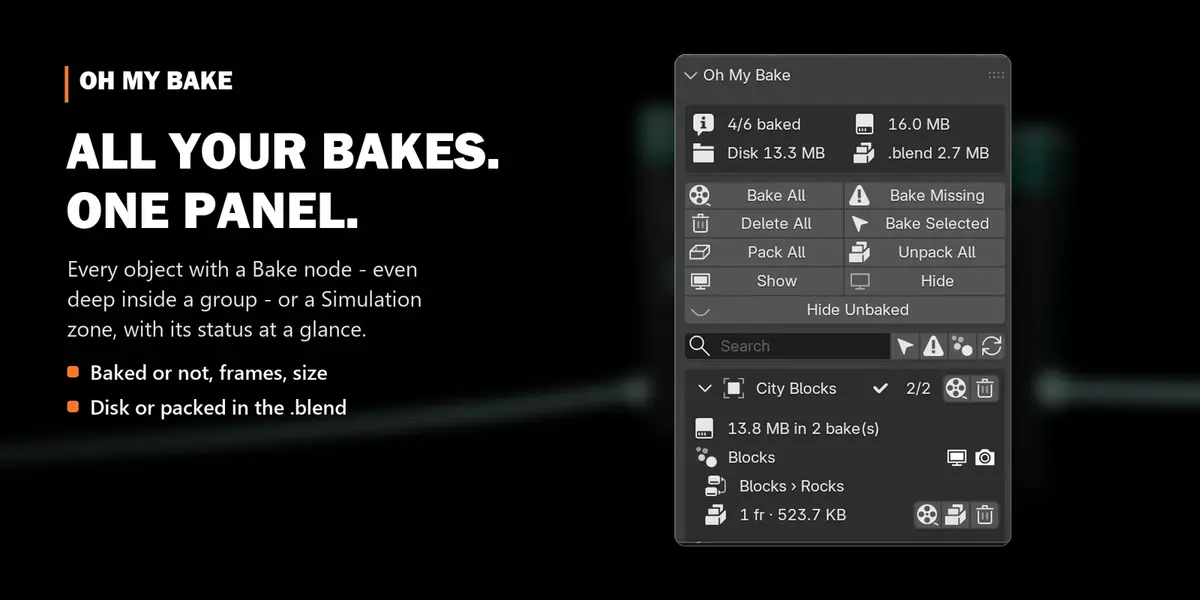
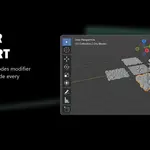
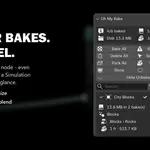
Every Bake node, even nested deep inside node groups, and every Simulation zone, on all objects of the view layer.
Doesn't Blender already have Bake All?
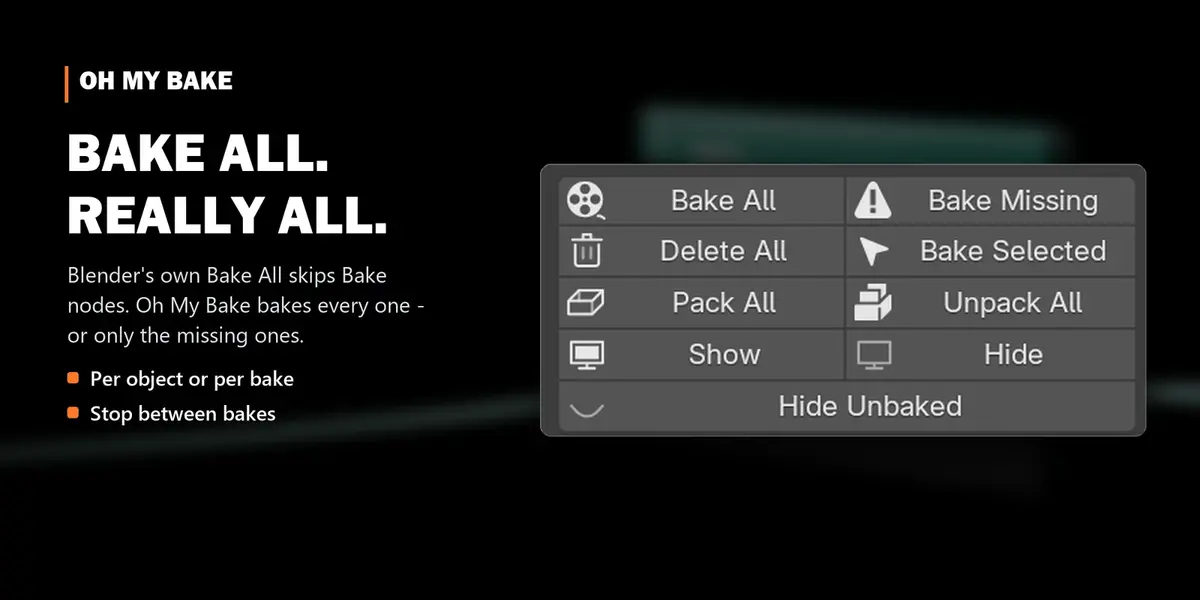
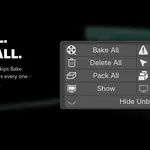
Blender's Bake All only bakes simulations. Oh My Bake also bakes Bake nodes, and can bake only the missing ones.
How do I see how much space my bakes take?
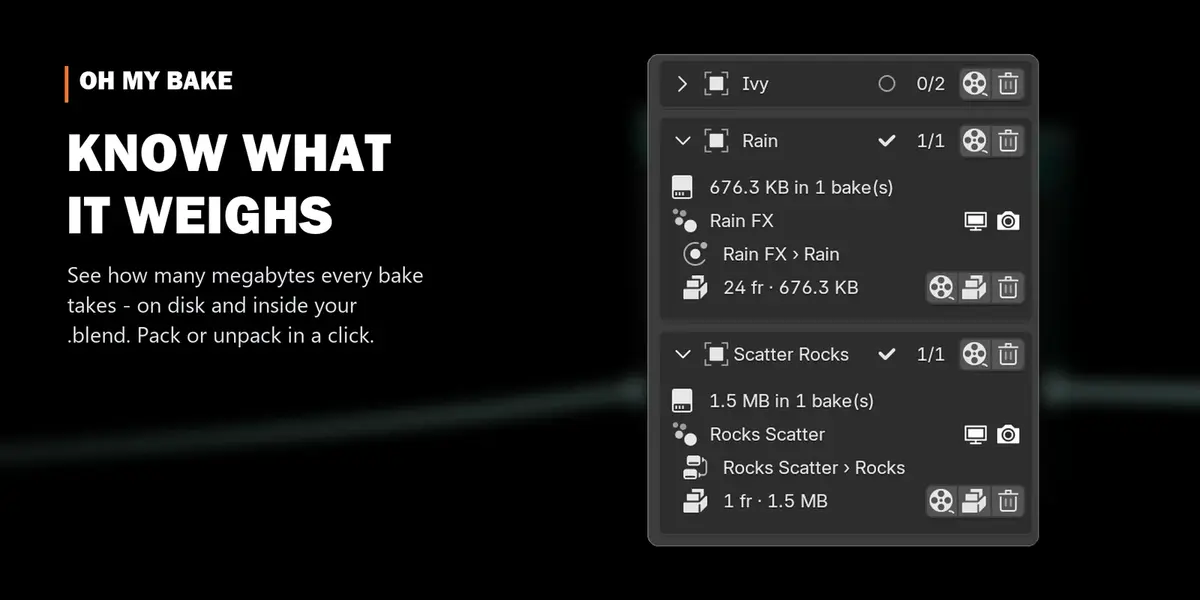
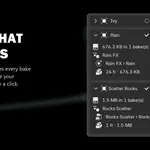
The summary at the top shows the total, split into disk and .blend. Expand an object to see each bake's size.
Can I stop a long Bake All?
Yes. Press Stop in the panel: the bake that's running finishes, and the rest is skipped.
How do I make the viewport faster?
Click the monitor icon of a modifier in the list, or Hide Unbaked to switch off every modifier that still recalculates.
What do Pack and Unpack do?
Pack moves disk bakes into the .blend (one file to share). Unpack writes them to a folder next to the .blend (a smaller .blend).
Is my data safe?
Oh My Bake uses Blender's own bake, delete, pack and unpack operations and only reads the bake folders to measure them. Nothing is sent anywhere.
$5.50
Have questions about this product?
Login to message
| Blender Extension Compatible | Yes |
| Published | 3 days ago |
| Blender Version | 4.5 - 5.2 |
| Extension Type | Add-on |
| License | GPL |
Discover more products like this
procedural motion graphics performance simulation Workflow viewport baking bake manager cache bake file size geometry nodes