 DrBlender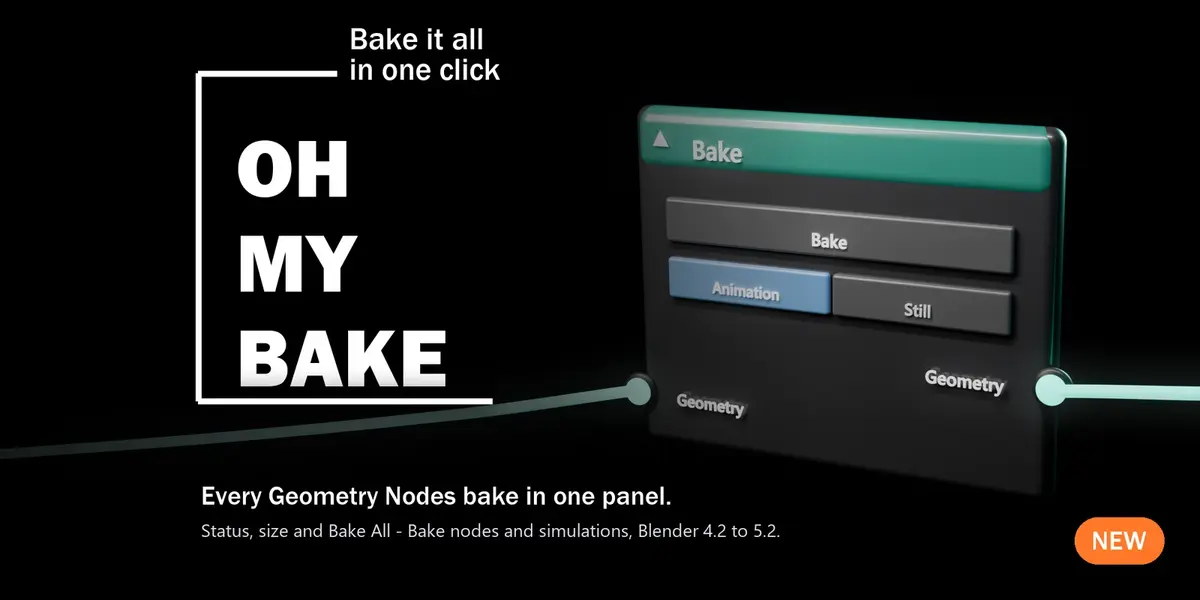
Oh My Bake 1 — User Guide
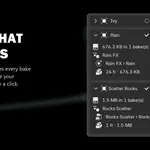
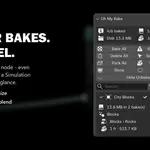
Every Geometry Nodes bake of the scene in one panel: status, frames and size, and Bake All, BakeMissing, Delete, Pack and Unpack for everything, one object or one bake.
Requirements & compatibility
| Blender | 4.2 LTS to 5.2 LTS (tested on 4.2.23, 4.5.8, 4.5.9, 5.2.0 and 5.2.2) |
| Systems | Windows, macOS, Linux (tested on Windows 11 and Ubuntu 24.04 with the official blender.org builds) |
| Bakes | Bake nodes (at any depth inside node groups) and Simulation zones |
| Packing into the .blend | Blender 4.3 and newer (4.2 only bakes to disk) |
| Dependencies | none. Only Blender's own Python, no extra libraries |
| Internet | never used |
Install
- Download
oh_my_bake-1.0.0.zip. Don't unzip it. - In Blender open Edit ▸ Preferences ▸ Get Extensions.
- Click the ⌄ arrow in the top-right corner and choose Install from Disk…
- Pick the zip. Oh My Bake is installed and enabled at once.
Tip: you can also drag the zip from your file browser straight into the Blender window.
Updating: install the new zip the same way.Uninstalling: Preferences ▸ Get Extensions, find Oh My Bake, ⌄ ▸ Uninstall. Your bakes stay as they are.
Where to find it
In the 3D Viewport press N to open the sidebar, then click the OhMyTools tab. The panel is calledOh My Bake.
Quick start
- Save your file if you bake to disk (Blender 4.2 always bakes to disk; 4.3+ packs into the .blend by default).
- Open the Oh My Bake panel. Every object with a Bake node or a Simulation zone is listed.
- Click Bake All. The bakes run one after another, with progress in the status bar.
- Check the summary at the top: how many are baked and how much space they take.
The panel, from top to bottom
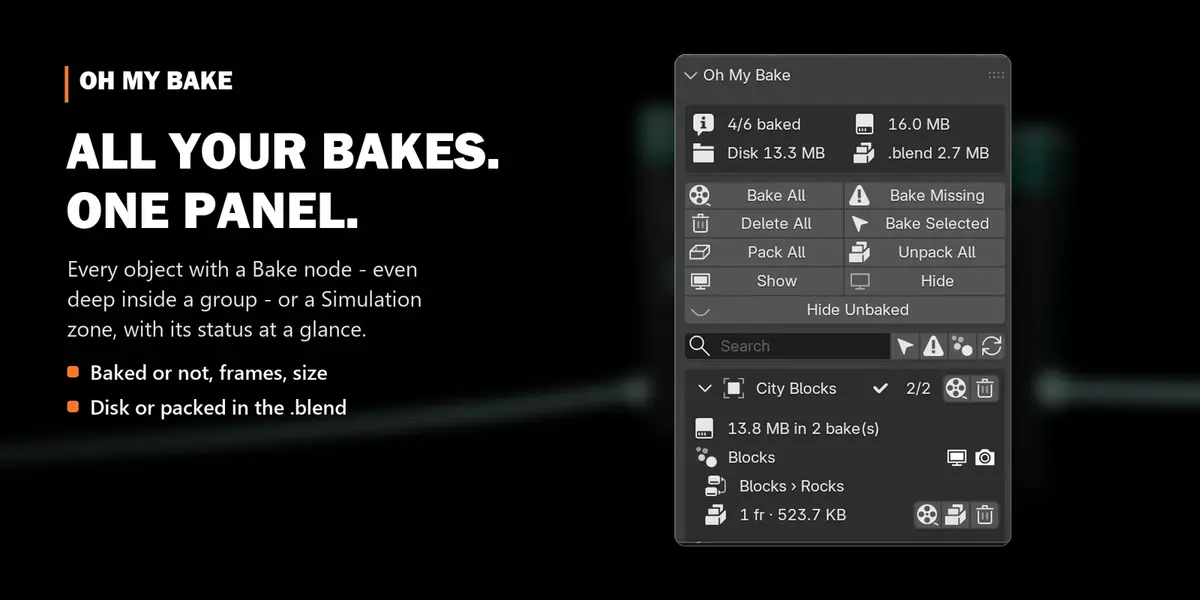
Summary
| Line | Meaning |
|---|---|
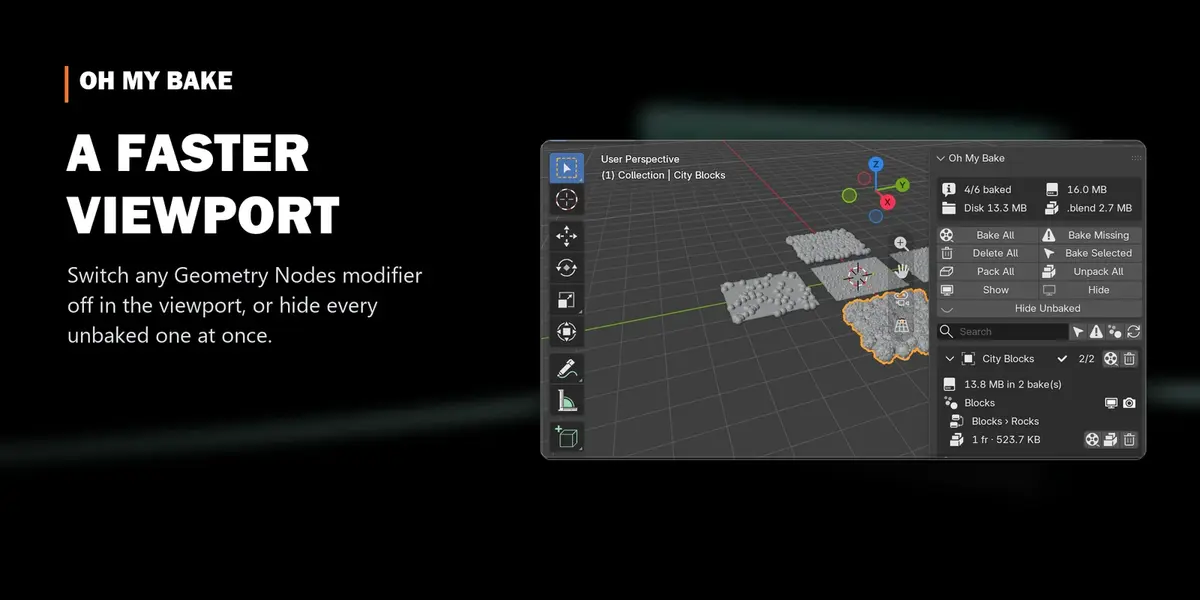
| 4/6 baked | baked bakes / all listed bakes |
| 16.0 MB | total size of all baked data |
| Disk 13.3 MB · .blend 2.7 MB | the same, split into files on disk and data packed inside the .blend (4.3+) |
While several bakes run, the summary shows 3/12: Object › Group › Node and a Stop button.
Buttons
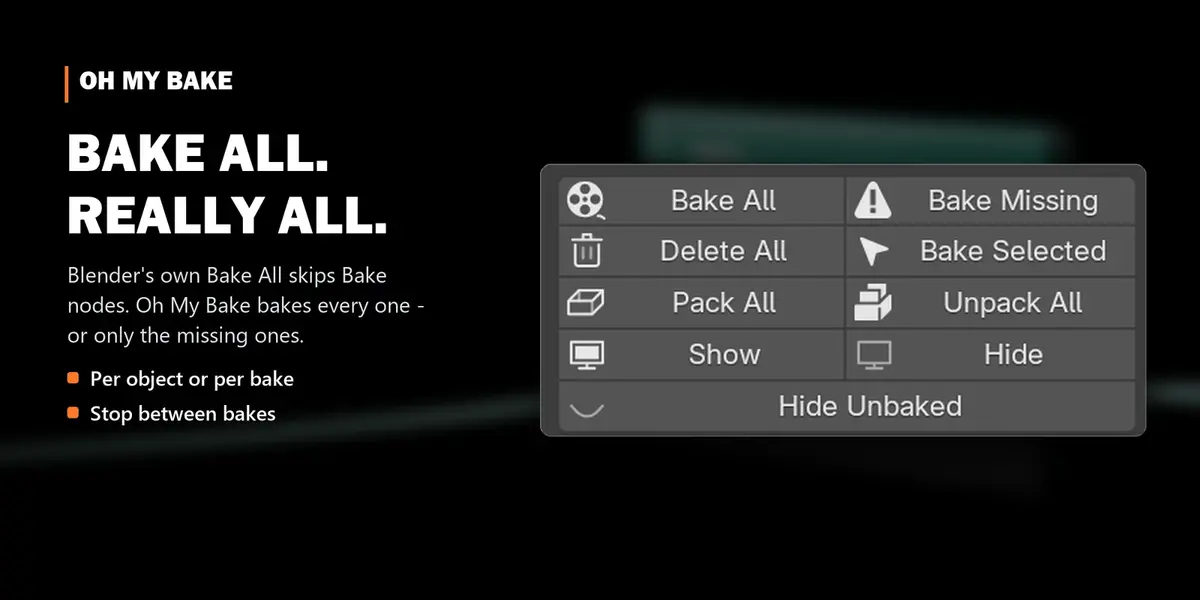
| Button | What it does |
|---|---|
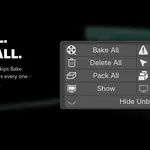
| Bake All | bakes every listed bake (Bake nodes and simulations) |
| Bake Missing | bakes only the ones that hold no data yet |
| Bake Selected | bakes the bakes of the selected objects |
| Delete All | deletes the data of every listed bake and frees the space |
| Pack All (4.3+) | moves disk bakes into the .blend: one file to send or archive |
| Unpack All (4.3+) | writes packed bakes to a folder next to the .blend: a smaller .blend |
| Show / Hide | switches every listed Geometry Nodes modifier on or off in the viewport |
| Hide Unbaked | switches off only the modifiers that aren't fully baked, so they stop recalculating |
Filters
The search field filters by object name. The icons next to it: only selected objects, only objects withmissing bakes, also Geometry Nodes objects without bakes (to switch them off too), and refresh (readsthe status from disk again, e.g. after deleting files by hand).
The list
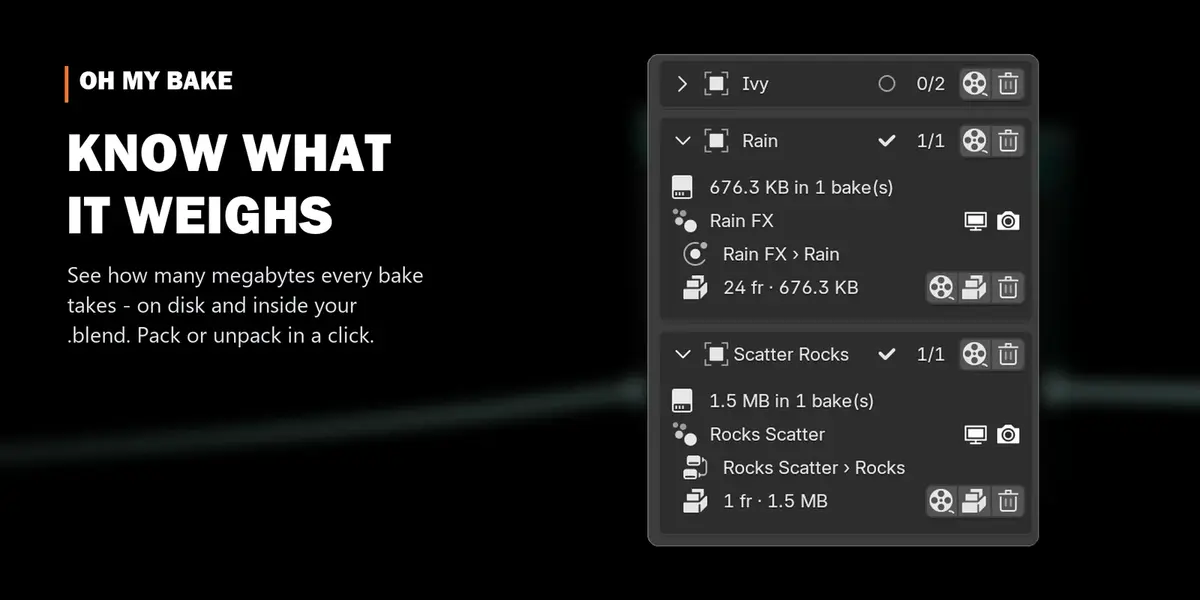
Every object has a row with its name, 2/3 (baked / all) and buttons to bake or delete all of its bakes.Click the arrow to expand it:
- the object's total bake size,
- each Geometry Nodes modifier with its monitor (viewport) and camera (render) switches,
- each bake on two lines: where it lives (Group › Node, a node icon for Bake nodes, a physics icon for simulations), then its status and buttons:
| Status | Meaning |
|---|---|
| folder icon · 24 fr · 676 KB | baked to disk: 24 frames, 676 KB |
| package icon · 1 fr · 1.5 MB | packed inside the .blend |
| circle · Not baked · 1–250 | no data yet, with the frame range it will bake |
| Packed: unknown | a Blender version newer than this add-on stores packed bakes differently; baking and deleting still work |
Bake buttons: bake (the render icon), pack or unpack (4.3+), delete (trash).
Clicking an object selects it (Shift+click adds to the selection). Clicking a modifier also makes it theactive modifier, so it opens in Properties ▸ Modifiers.
Where bakes are stored
- Packed (default since Blender 4.3): inside the .blend. Nothing extra on disk, but the .blend grows.
-
Disk: in a folder next to the .blend, by default
blendcache_<file name>/<object>_<modifier>/. The location is set per modifier (or per bake) in Properties ▸ Modifiers ▸ Bake. - Oh My Bake follows those settings. It never changes where a bake goes, except that Unpack writes to the modifier's folder (Blender's default folder if none is set).
How several bakes run
Bakes run one after another. Between two bakes Blender redraws, so you see the progress and can pressStop: the bake that is running finishes, and the rest is skipped. A single bake can take a while for bigsimulations, and Blender is busy during that one bake, like with Blender's own bake button.
Troubleshooting
- "Save the .blend first": disk bakes are stored next to the .blend, so it needs a location. Save once.
- Some bakes failed: the panel shows how many. Details are in Window ▸ Toggle System Console (Windows) or the terminal (macOS, Linux). Usually the node has nothing connected, or the folder is read-only.
- An object is missing from the list: it's in an excluded collection, or a filter is on (search, selected only, missing only).
- Linked objects (from another .blend) are listed but can't be baked; bake them in their own file.
More tools by Doctor Blender
- Oh My Gear 2 - true involute gears, trains, worms and chains from a curve
- Oh My Graph - channel filters, stagger, retime and loops for the Graph Editor
- Oh My Lights - every light of the scene in one sidebar list
- Simple Shutdown - save the render, then turn the computer off
- Oh My Time - time tracker for every project and .blend
Have questions about this product?
Login to message
| Blender Extension Compatible | Yes |
| Published | 3 days ago |
| Blender Version | 4.5 - 5.2 |
| Extension Type | Add-on |
| License | GPL |
Discover more products like this
motion graphics Workflow file size bake manager baking procedural geometry nodes performance simulation bake viewport cache