Oh Snap! Dynamic Snap to Mesh Tool
 Space Robot




New Features
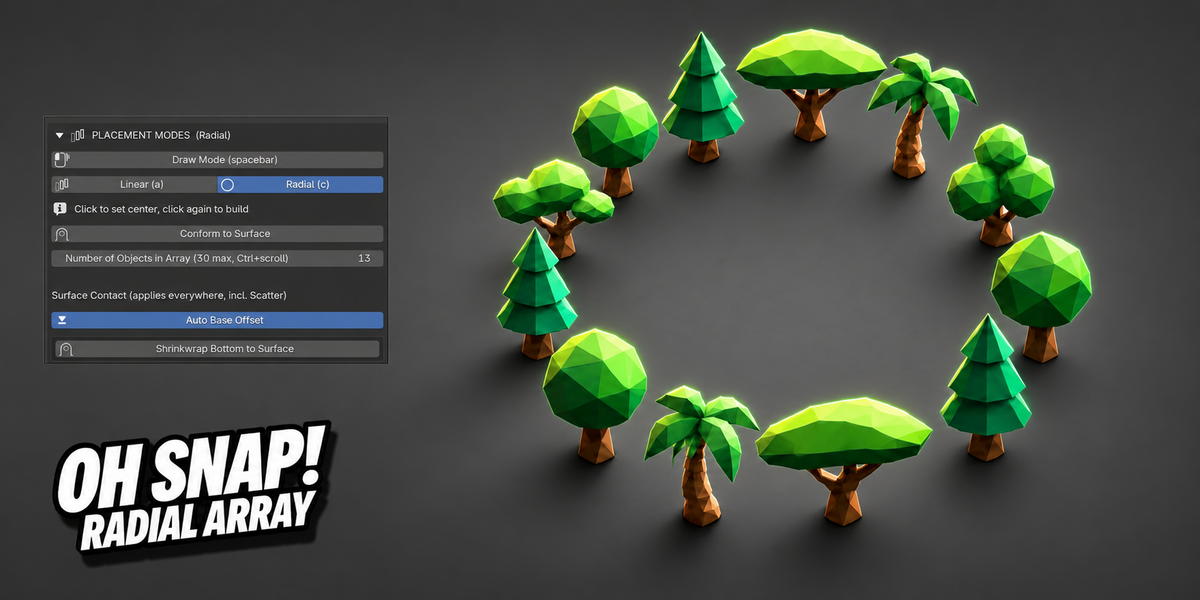
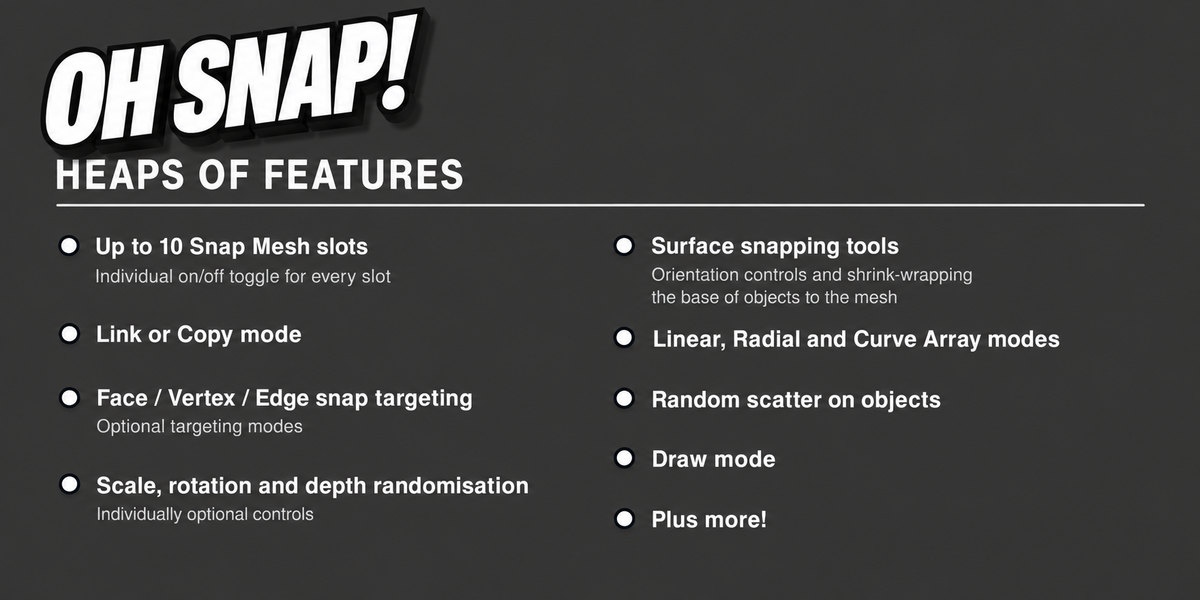
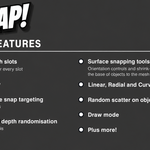
- Radial Array Mode — click to set a center, click again to build a full ring of objects (bolt patterns on flanges, pipe fittings, anything circular)
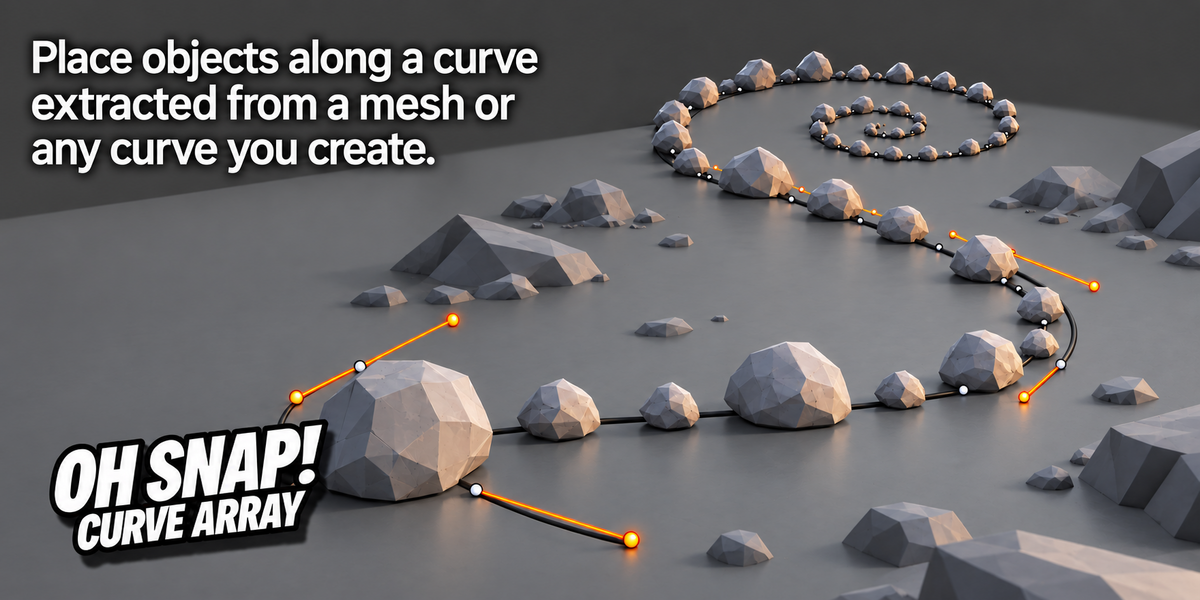
- Curve Array — place objects along any curve, standalone (no need to run the main tool first), with a live preview showing exactly what will land where
- Extract Curve from Selected Edges — build a curve directly from a mesh's own edge loop in one click (e.g. wrapping hardware around a pipe), including automatic closed-loop detection
- Scatter on Selected Object — bulk-place across faces, edges, vertices, or fully at random, with clumping control and a "Top Surfaces Only" option to avoid placing on undersides/overhangs
- Set Clump Point — manually place clumps with a live preview of the actual object (not just a marker), full control over count, clumpiness, radius, scale, depth, and rotation while placing
- Snap Presets — save and instantly switch between full setups (snap mode, randomization, array settings, and optionally which meshes were loaded), with automatic prompts to save changes before switching away from an edited preset
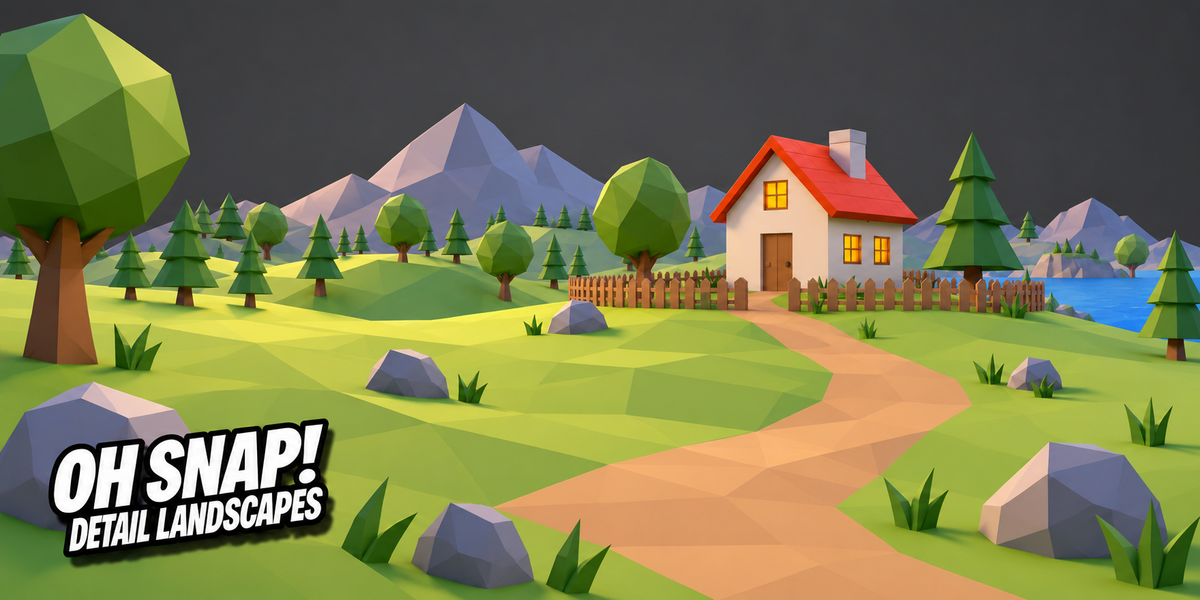
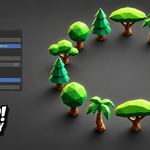
- Orientation Modes — Surface Normal (default), World Up (for trees/posts that need to stay vertical on uneven terrain), Custom Axis, and Limited Tilt
- Shrinkwrap Bottom to Surface — an object's base can now genuinely deform to conform to the surface underneath it (e.g. a brick curving to match a sphere it rests on), live or baked, and applicable to objects you've already placed
- Auto Base Offset — automatically keeps an object's own base (not its origin) touching the surface, fixing the "half-embedded" look for objects with center-based origins
- Ignore Other Snapped Objects — new placements can now skip past anything already placed, so they land on the intended surface instead of on top of earlier objects
- Current Setup summary — a collapsible panel showing everything currently active at a glance (preset, mesh count, snap mode, placement mode, orientation, and more)
- Viewport HUD — a live summary of active settings shown in the viewport while snapping, so you don't need to check the panel
Improvements
- Panel sections now behave like an accordion (opening one closes the others) and show a live summary of their key settings even while collapsed
- "Delete Previous Snapped Objects" now covers every placement mode (interactive tool, Scatter, Curve Array), not just the main tool, and works backward through your placement history one batch at a time
- Session collections are named with the active preset, when one is in use, for easier tracking
- Curve Array now auto-finishes after a successful placement instead of requiring a manual exit
- Closed curves (e.g. a loop extracted around a pipe) now space objects evenly across the full loop, with no crowding at the seam
- Object rotation now stays consistent across placements from the same source mesh, instead of appearing to jump/spin randomly
- The Curve Array panel now clearly shows which mesh (if any) will be used for surface orientation
Bug Fixes
- Fixed random scale not resetting when toggled off, leaving placed objects stuck at a stale random size
- Fixed Radial Array objects occasionally appearing embedded in or upside-down relative to the surface
- Fixed the "R/T rotate" shortcut being mislabeled in the panel and documentation
- Fixed the preset-switch confirmation showing a generic "Cancel" button instead of a clear "Don't Save" option
Updated to work in Blender 4.4 and above. Thanks to Adam @ OICHTENTAL Creative.

Discover more products like this
shrinkwrap randomize objects Radial Array procedural scatter object randomization Snap to mesh scatter advanced array tool greeble hard surface detailing curve array object placement snap Oh Snap