Old Bookshelf (Procedural)
 Lucas Knepper
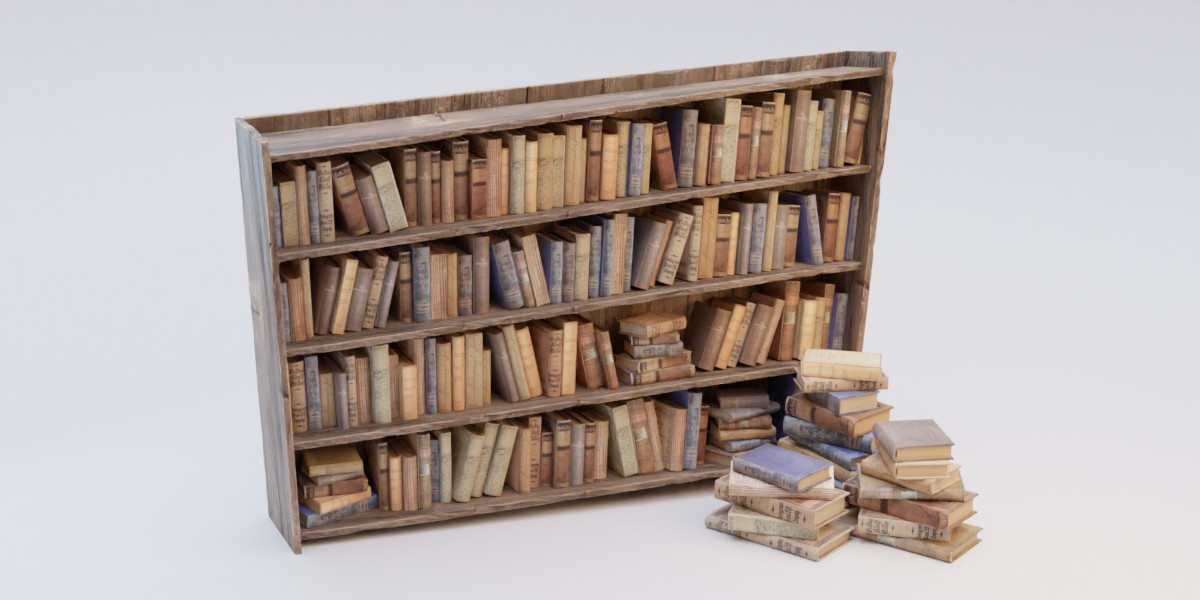
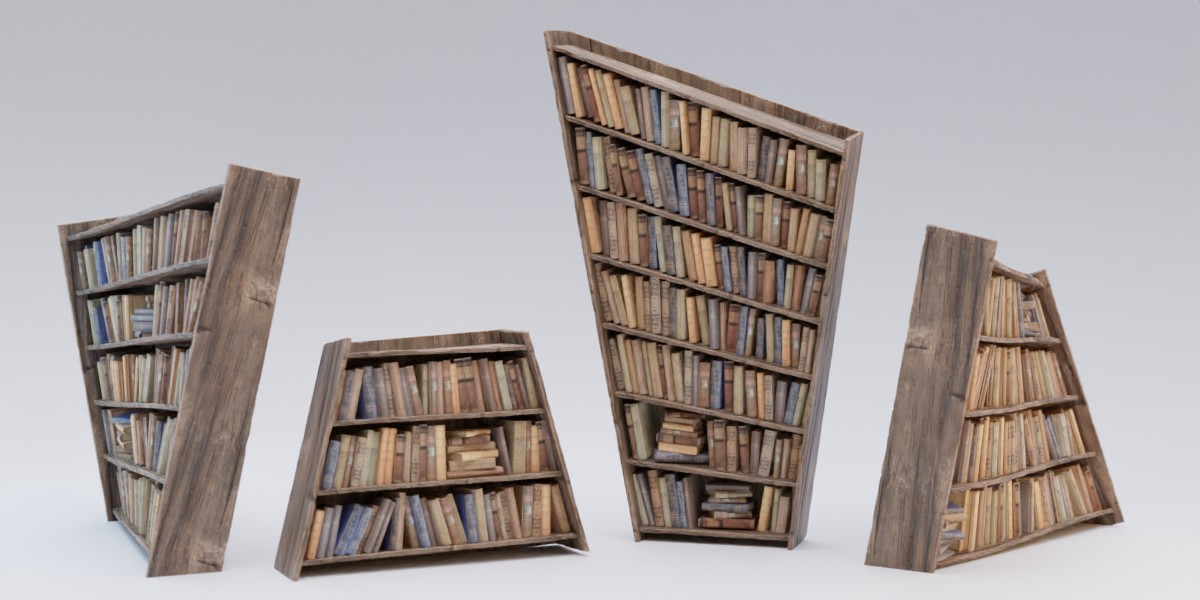
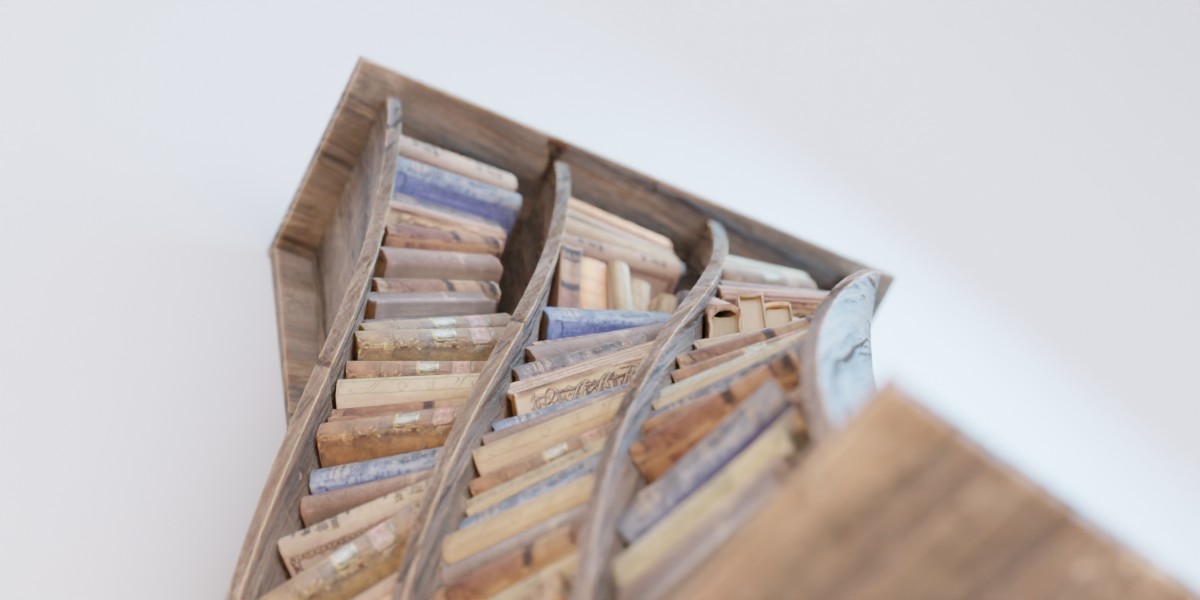
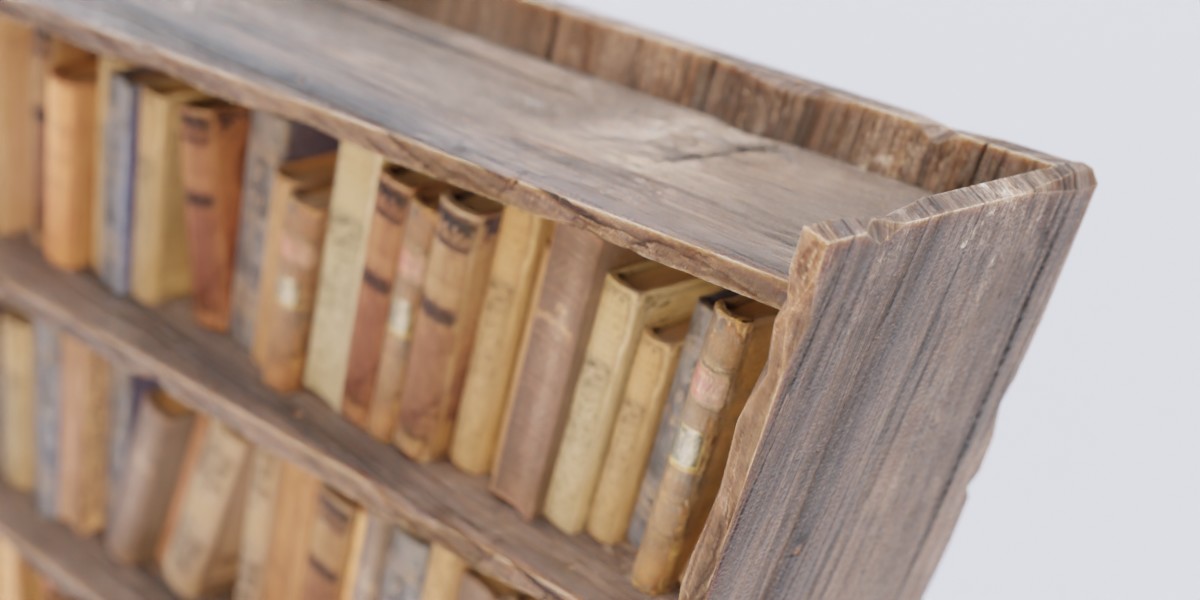


This product has been updated to the Geometry Nodes features present in 5.0+. The legacy version that works with Versions 3.1+ can still be downloaded (as bookshelf_legacy.blend) but should not be opened in 5.1+ as it causes crashing.
To use the bookshelf in your own project, I recommend appending the collection called "bookshelf" from the downloadable file into your project file. This way the handles used for manipulating the shelf's shape, the wood-material and the book variations will automatically be imported along with an object carrying the main Geometry Node tree. The books-collection containing the various book models can be made invisible with the checkbox as it's only there to be instanced.
The bulk of the customization options can be found under the modifier tab of the properties panel with the bookshelf selected. I recommend playing around with the parameters to get a feel for their effects. If the performance is bad, try disabling the Notches as mentioned in the FAQ. Here's a list of roughly what every parameter does:
- Book collection should hold the collection which contains the various book models that will be scattered on the shelves. If you want to make your own books, make sure that they measure 1 by 2 by 2 units with their origin sitting at the base of the bounding box, in the middle of the edge opposite from the book's spine. The book models will be automatically squashed and stretched to create variations.
- Handle 1 and Handle 2 should hold the two empties which mark the edges of the shelf. By default these are arrow empties.
- Reverse flips the bookshelf to have its face on the opposite side.
- Seed is the seed to all (pseudo-)random values of the node tree. Flip trough the seeds to find different random generations of the shelf you may prefer or to get rid of weird constellations of books.
Shelf parameters:
- Count defines the amount of horizontal shelves.
- Backboard defines whether the shelf should have a backing or be see-through.
- Thickness defines the thickness of the shelf boards as well as the boards at the side of the shelf.
- Depth defines the depth of the bookshelf.
- Inset defines how far the shelves are inset in comparison to the side planks.
- Top gap defines the offset of the highest shelf from the top of the shelf.
- Bottom gap defines the offset of the lowest shelf from the ground.
- Resolution defines the density of the geometry of the planks. This becomes particularly relevant with extreme twisting of the boards. Note that the parameter is in terms of distance between neighbouring edge loops. The smaller the value this parameter is set to, the more finely subdivided the geometry.
- Material needs to hold the material, you want the boards of the shelf to have. When using your own material for this, make sure to use the Vector output of an Attribute node set to uv_map in place of a UV Map for texture mapping.
Notches:
- Frequency controls how many dents and notches appear in the edges of the planks. Set to 0.0, there will be no blemishes in the planks.
- Size defines how big these dents and notches should be.
Books
- Thickness defines the mean thickness of the books placed on the shelves as well as those scattered in stacks.
- Top gap defines the mean amount of space that should exist between the top of the books and the shelf above.
- Front gap defines the mean amount of space that should exist between the front of the books and the shelf's edge.
- Stack rate defines how common the occurrence of book stacks should be on the shelves.
-
Slant rate defines what amount of books should be leaning. Set to 0.0, all books will be packed tightly and orderly. Turned up, clusters of books will lean on their neighbours.
- Slant angle defines how much those books should be leaning
Variance:
Here you can define how much the books' dimensions should vary from book to book.
-
$15
Have questions about this product?
Login to message
| Sales | 100+ |
| Rating | 2 ratings |
| Dev Fund Contributor | |
| Published | about 4 years ago |
| Blender Version | 4.2 - 5.1 |
| License | Royalty Free |

Discover more products like this
loveblender antique book bookshelves bfcm22 furniture spring24 wood old bcon22 Book bfcm23 rustic summer23 procedural bookshelf Generator