OmniMirror
 SqueezyPixels
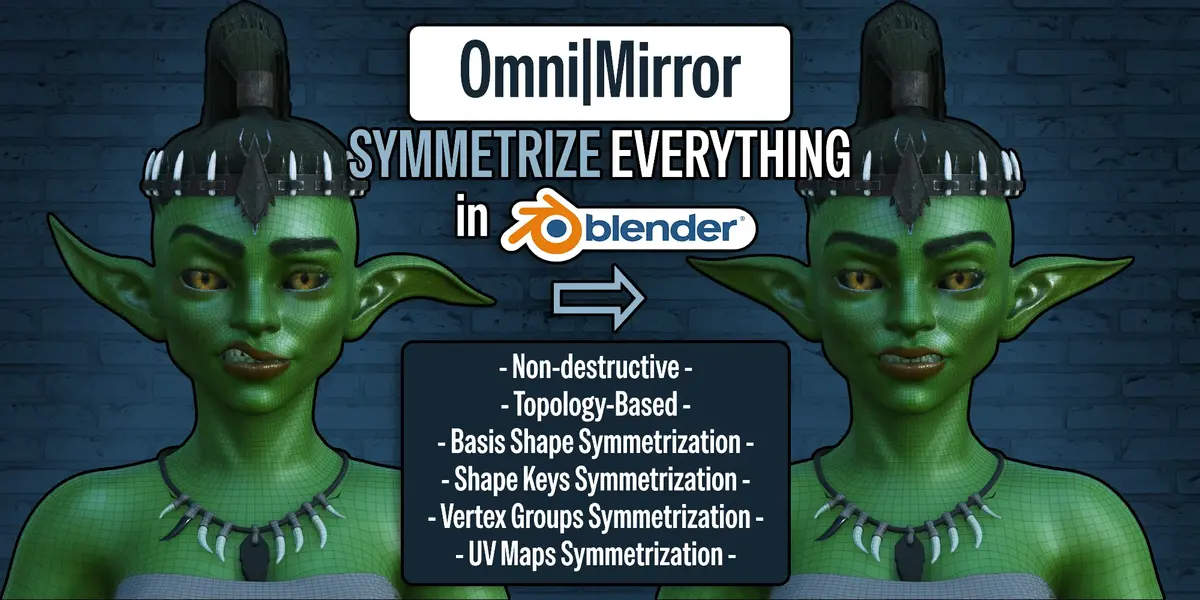
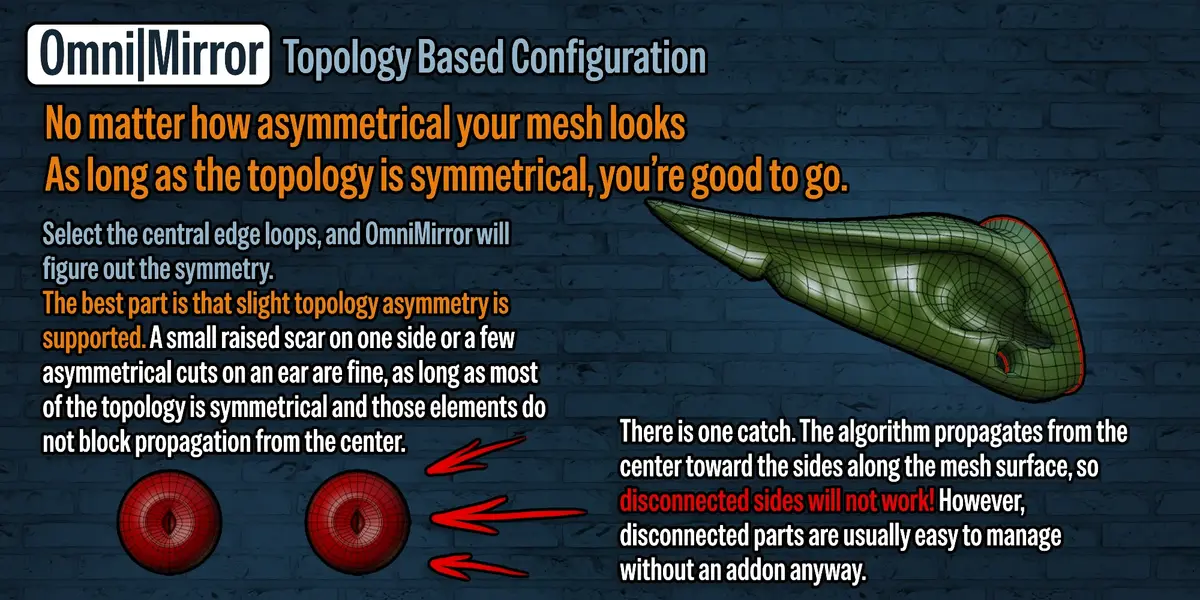
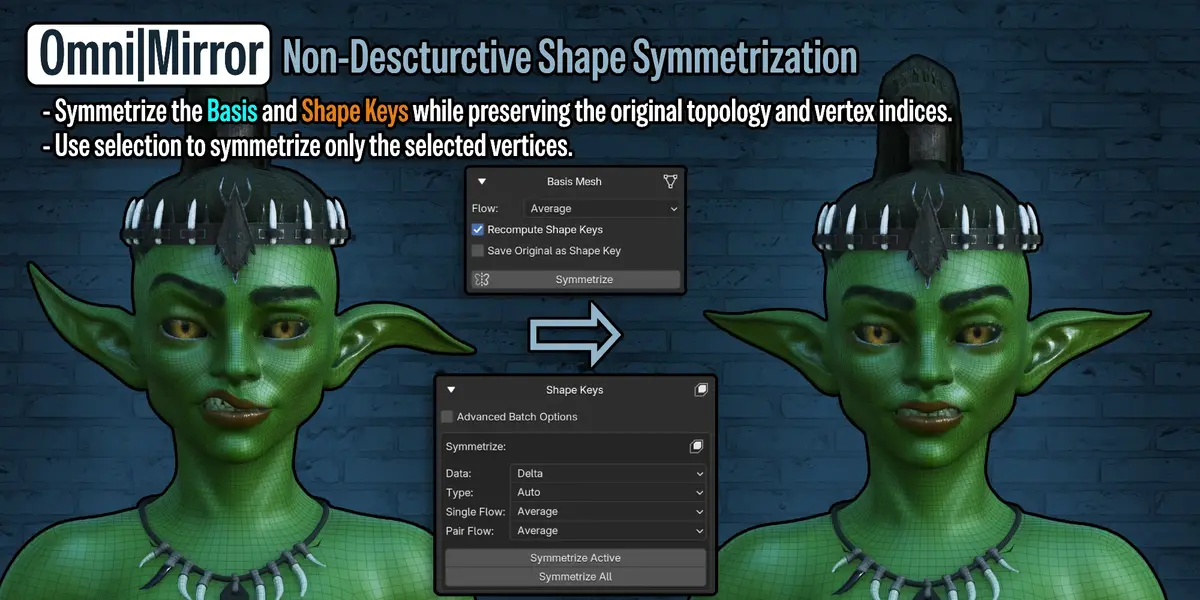

No. The two sides need enough corresponding vertices and edges for OmniMirror to establish useful pairs. The shape can be asymmetric, and small local topology differences can be handled as unassigned regions.
Usually no. OmniMirror needs enough matching topology on both sides to pair the vertices. Most scans and AI-generated high-poly meshes have different connectivity on each side, even when the model looks symmetrical. Retopologizing them with matching topology can make them suitable for OmniMirror.
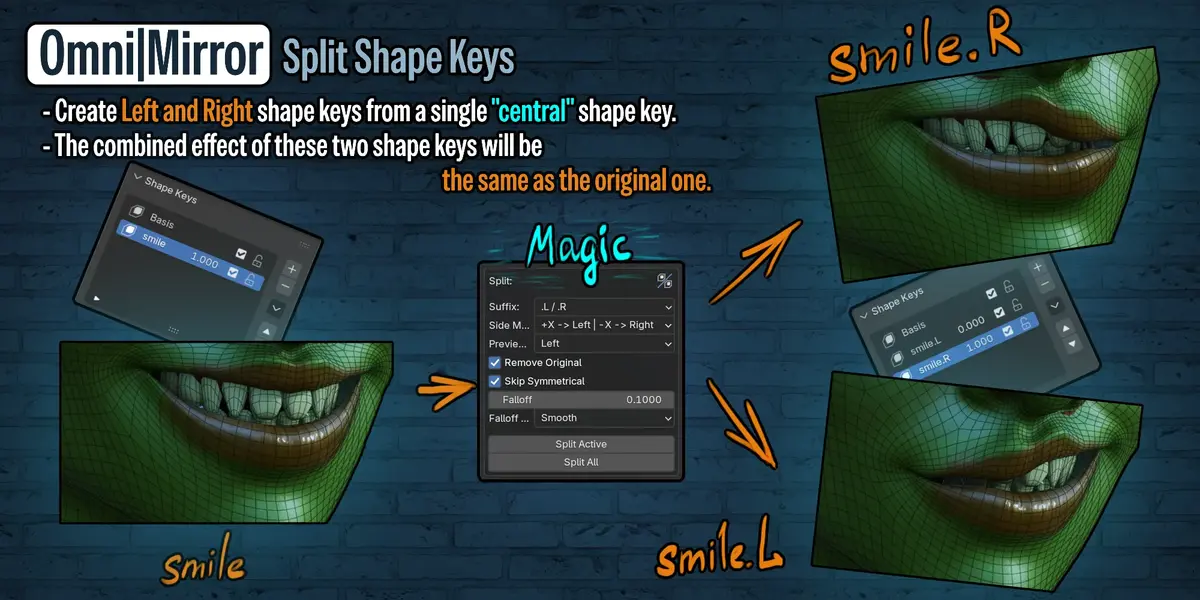
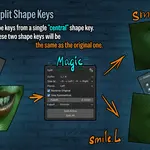
There is some overlap, such as mirroring a shape key or vertex group. OmniMirror’s workflow starts with a saved symmetry configuration that you can use across different operations. You can define the center of an asymmetric mesh, reuse the same vertex pairs for geometry and data, split expressions into left and right keys, and align paired UV islands before symmetrizing them.
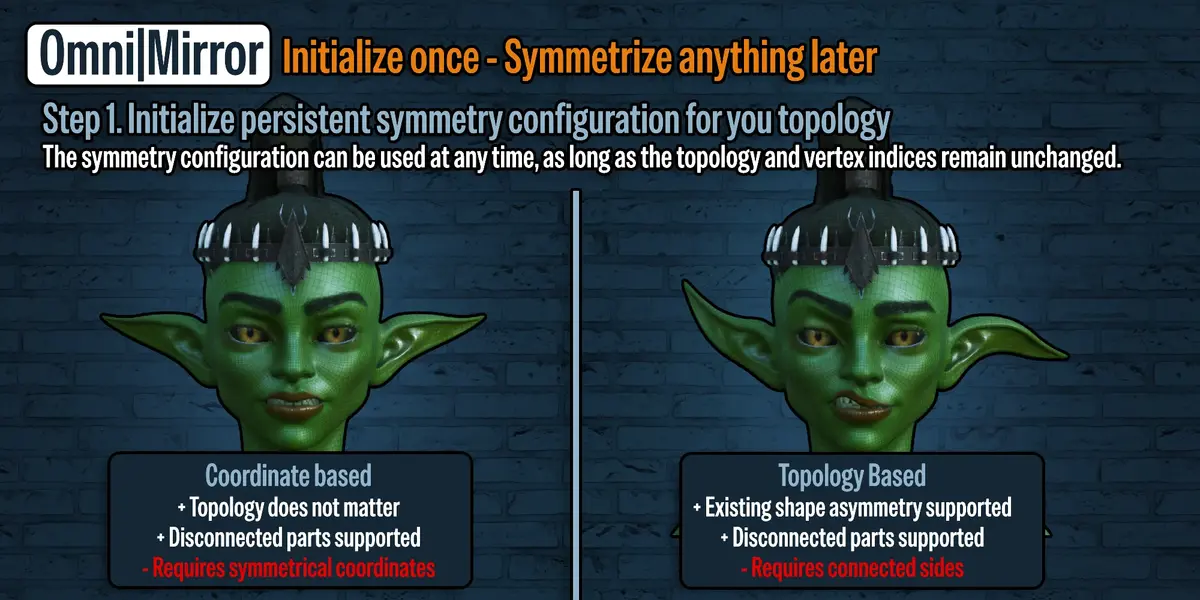
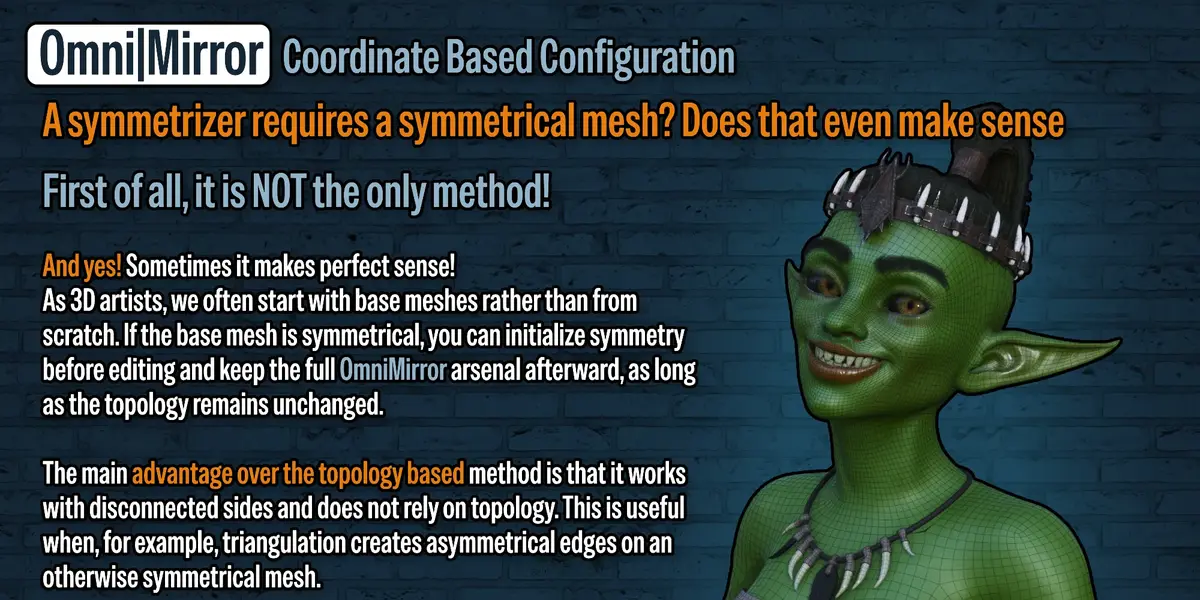
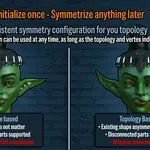
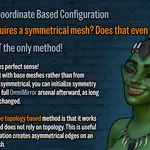
Yes, if the mesh has enough symmetry for the method you choose. Use Coordinate Based if the vertex positions mirror across the axis. Use Topology Based if the connectivity mirrors. Automatic triangulation can split corresponding quads along different diagonals, so even a few mismatched splits can interrupt topology matching. If the vertex positions still match, try Coordinate Based.
The configuration tells OmniMirror exactly which vertices are counterparts, which define the center, and which are unassigned. Setting that correspondence up front gives you control over what the tools use and lets them keep using the same pairs even after the shape changes.
Yes. Create it once for a mesh and reuse it for geometry, vertex groups, shape keys, UVs, and edge properties. The configuration stays valid as long as the topology and vertex order stay the same.
An FBX or OBJ round trip can reorder vertices even when the imported mesh looks identical. The saved pairs refer to vertex indices, so a different order can make the old configuration point to the wrong vertices. Create a fresh configuration on the mesh after importing it back into Blender.
OmniMirror can save the configuration even when it cannot assign some vertices to the center or match them with a counterpart. The warning includes the actual count. These are the messages for each creation method.
- Coordinate Based — “Created config with N unassigned vertices. Use Select Unassigned Vertices to inspect them.”
- Topology Based — “Created topology config with N unassigned vertices. Check the center seeds and mesh connectivity.”
Use Select Unassigned to see where the vertices are. If they are limited to a small asymmetric area, try the operation you need and inspect the result. If roughly 10% or more of the mesh is unassigned, check that the center is defined correctly and that the two sides have matching connectivity. Treat 10% as a troubleshooting guide.
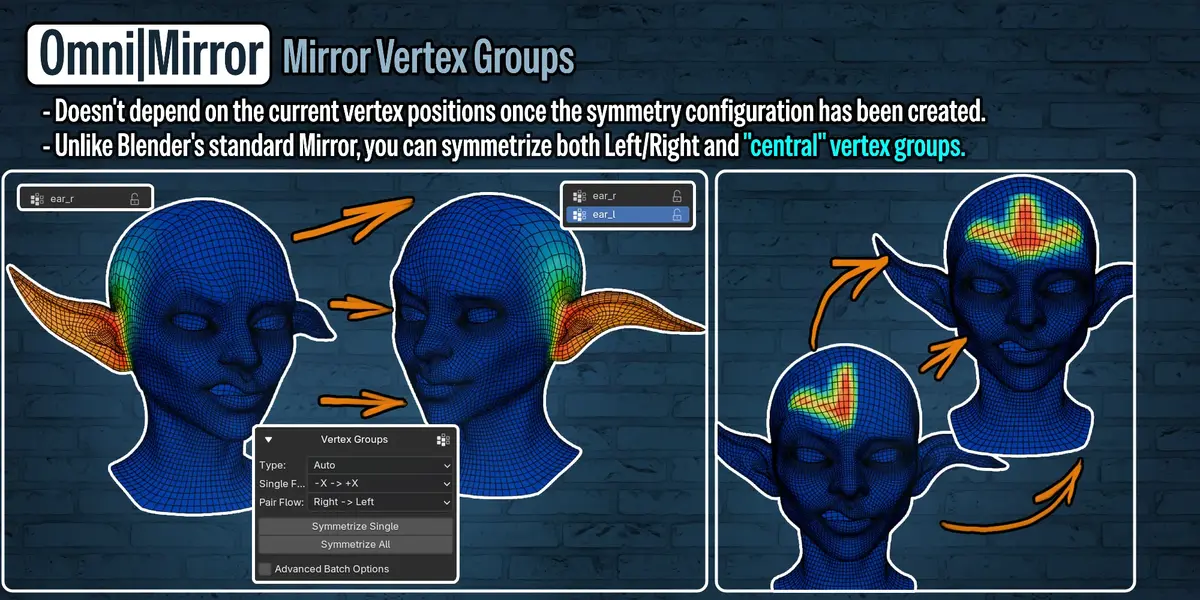
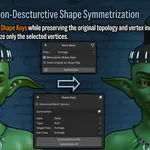
Blender’s tools are a good fit when they find the pairs you need. OmniMirror gives you more control over the correspondence. With Topology Based, you can explicitly define the center from a selection or vertex group, even if those vertices sit off the mirror plane. It can also interpolate unassigned shape key offsets or vertex weights around small topology differences when the corresponding option is enabled.
You can mirror between paired items such as ear_l and ear_r, or symmetrize within a single item, such as a centered smile shape key or a spine, neck, or head vertex group. Within a single item, you can copy in either direction or average both sides.
Have questions about this product?
Login to message
| Blender Extension Compatible | Yes |
| Dev Fund Contributor | |
| Published | 1 day ago |
| Blender Version | 4.2 - 5.2 |
| Extension Type | Add-on |
| Render Engine Used | Cycles, Eevee |
| License | GPL |

Discover more products like this
mesh symmetry Non-Destructive Editing shape keys modelling Workflow topology uv map symmetry