On the Rocks (Addon) V1.8.0 | Formations, Bricks, Walls, Walkpaths, Damages, Landscapes, Crystals, Creations
 Dennis Hafemann

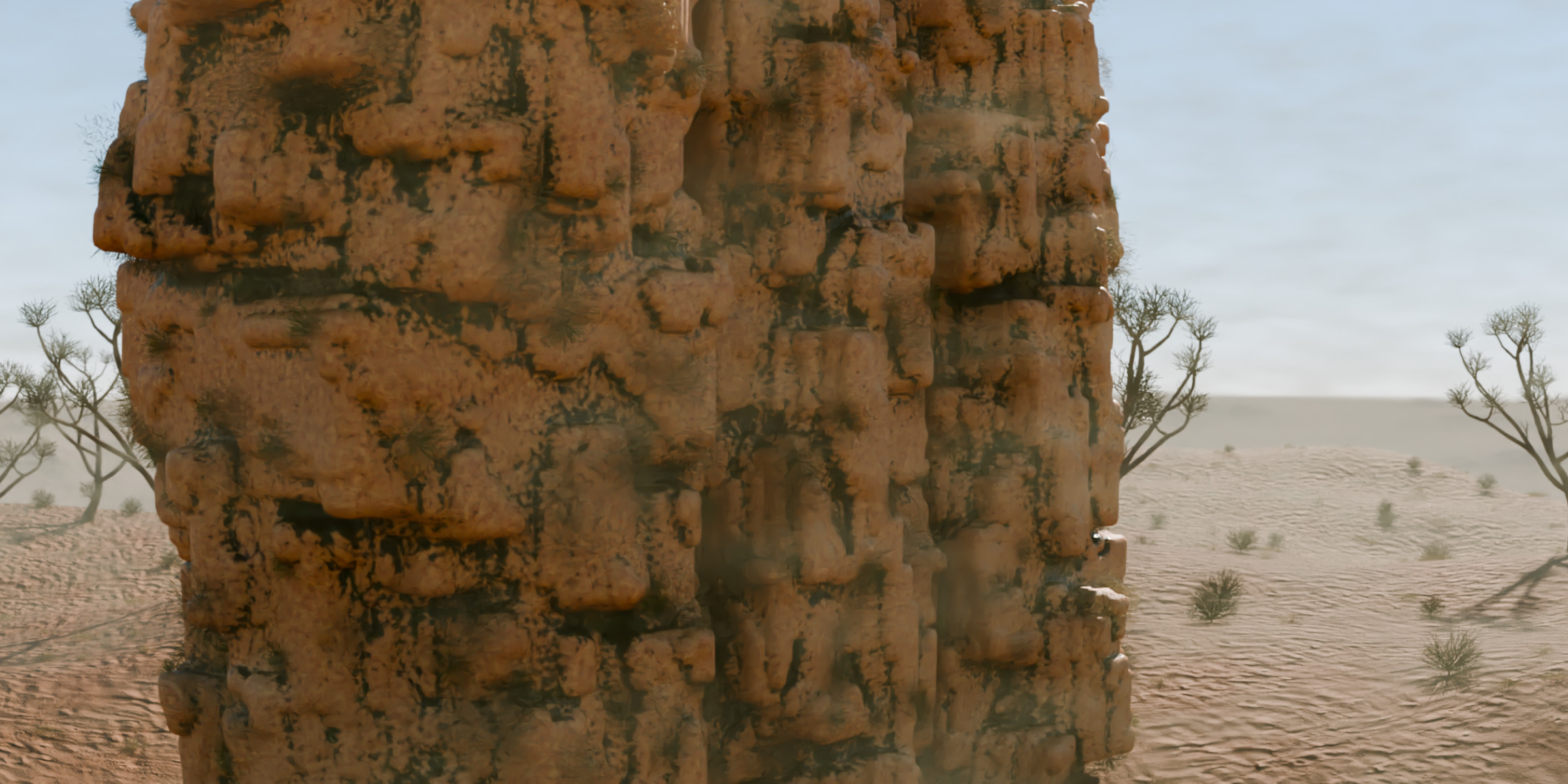

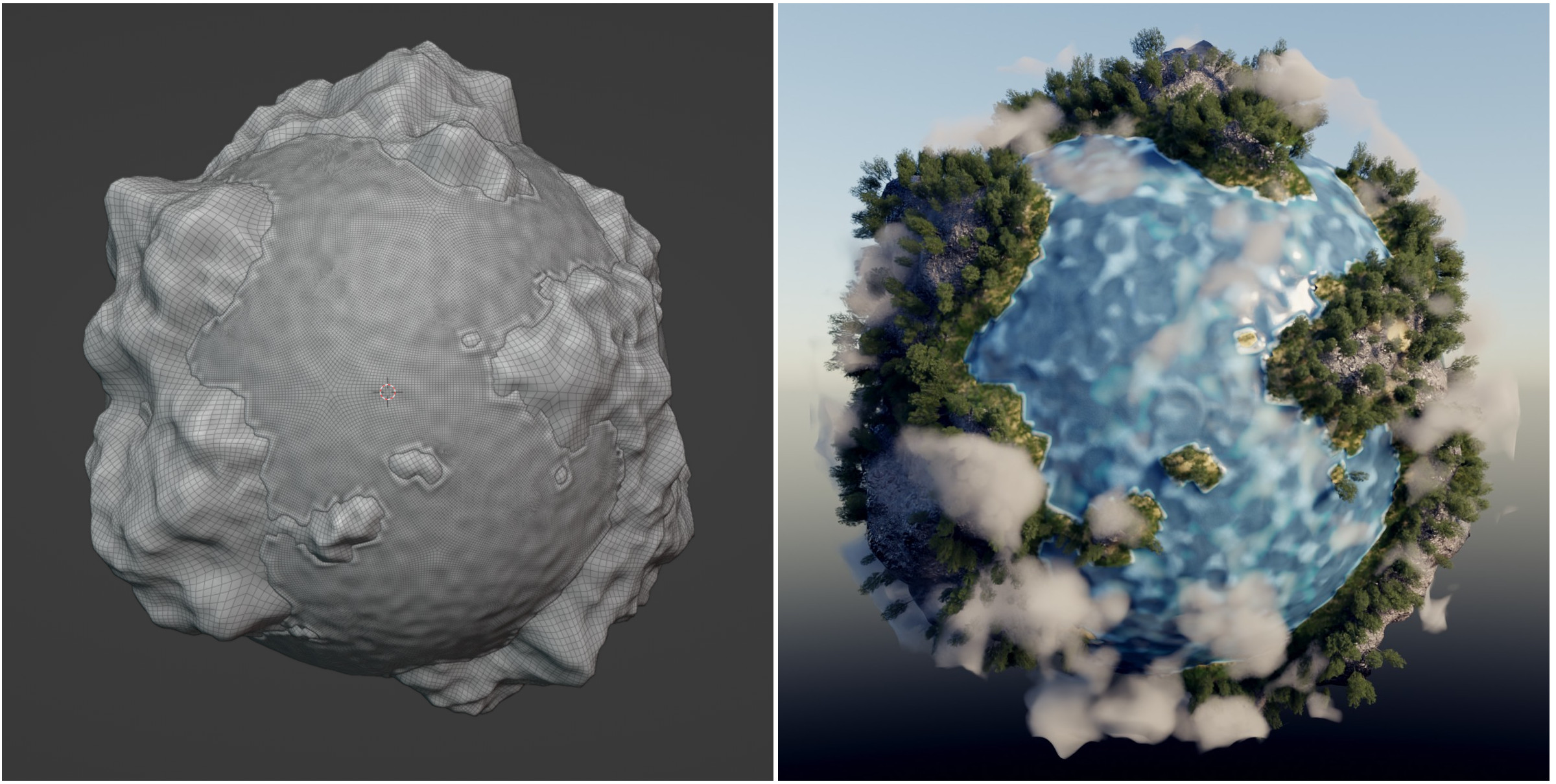
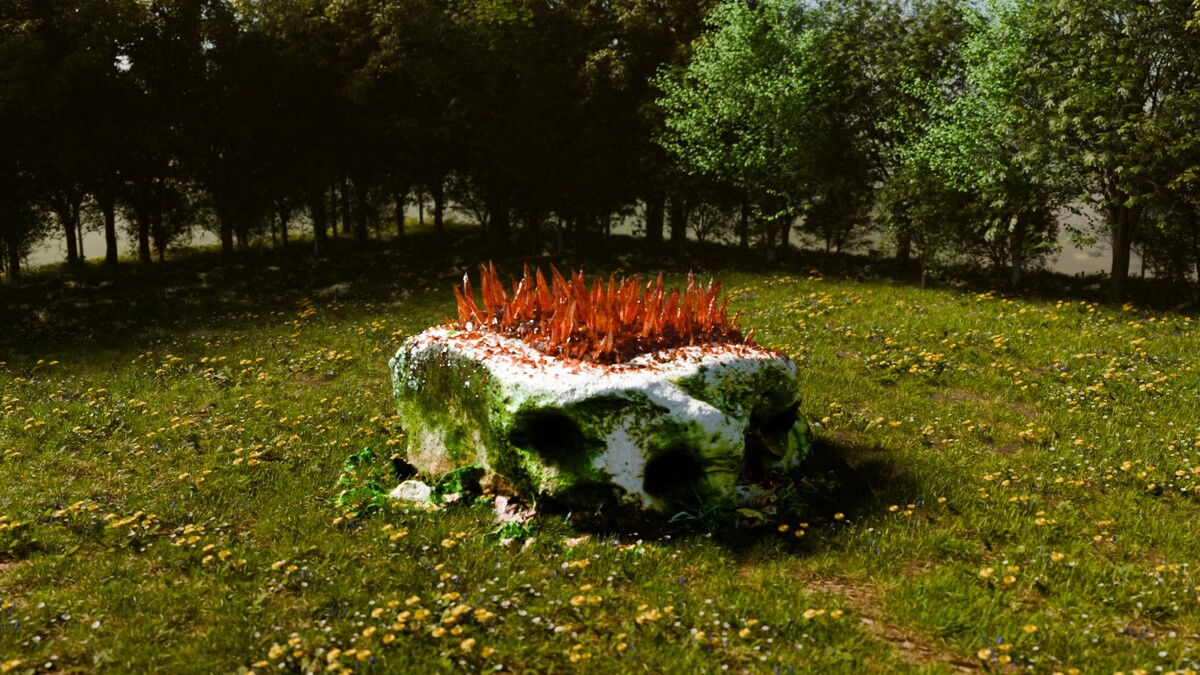
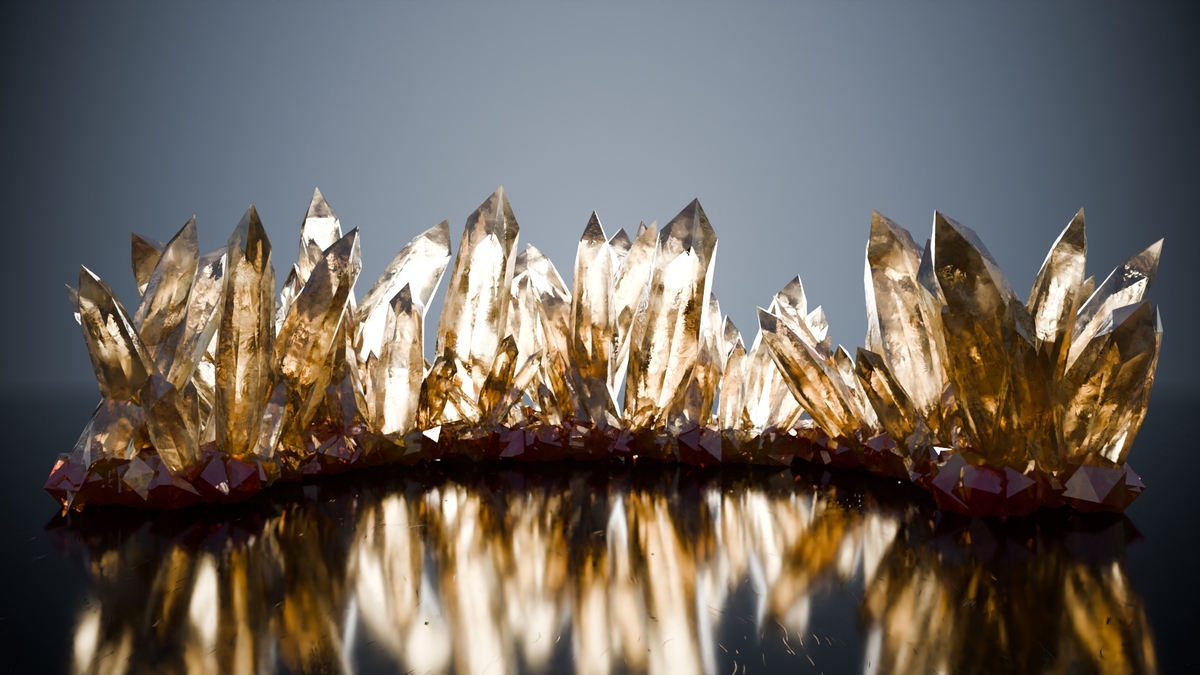
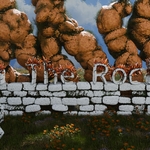
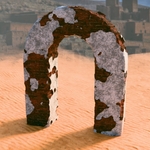
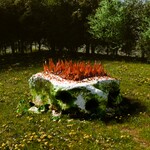
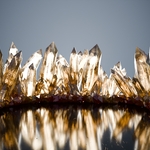
How to use
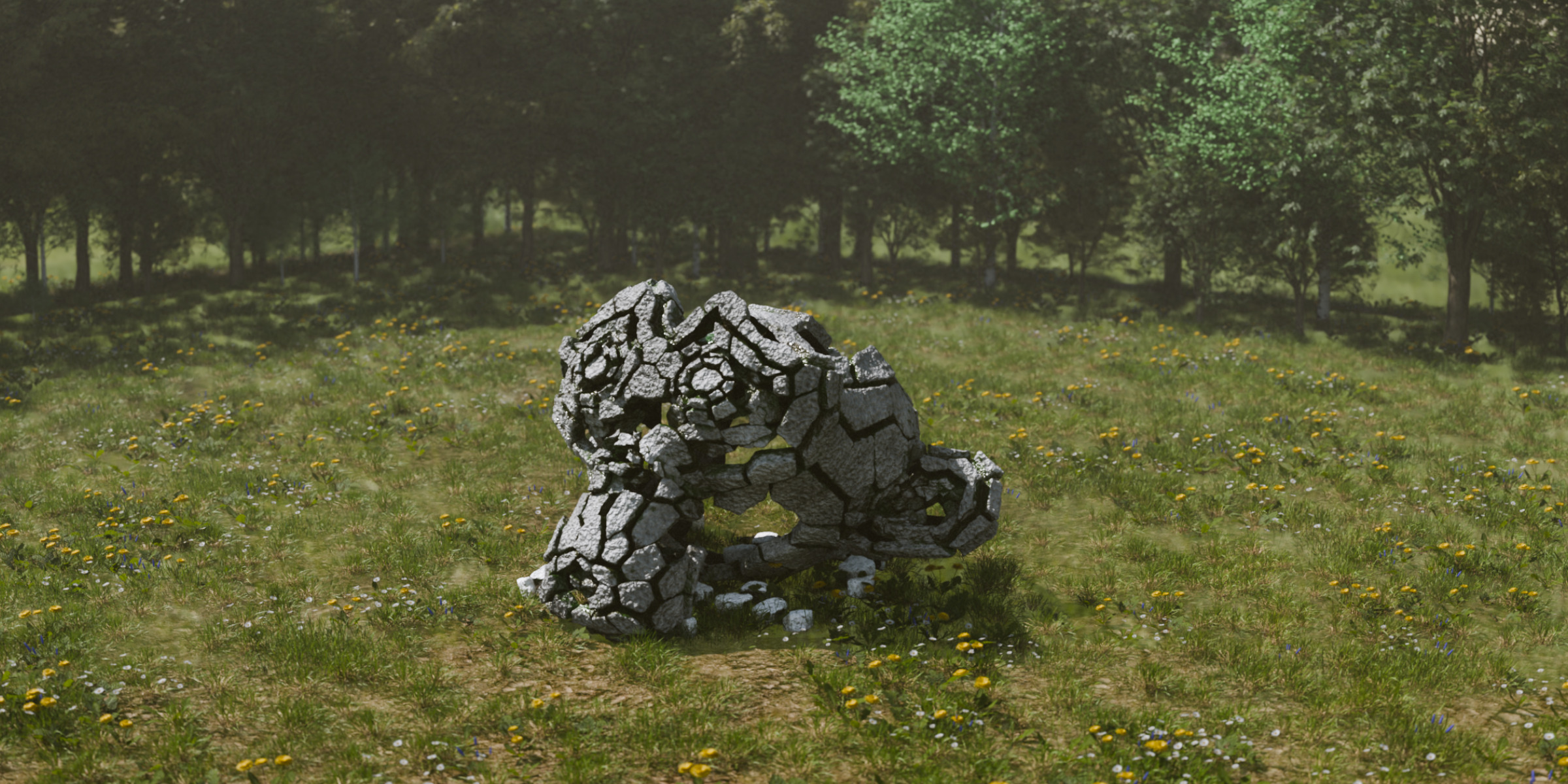
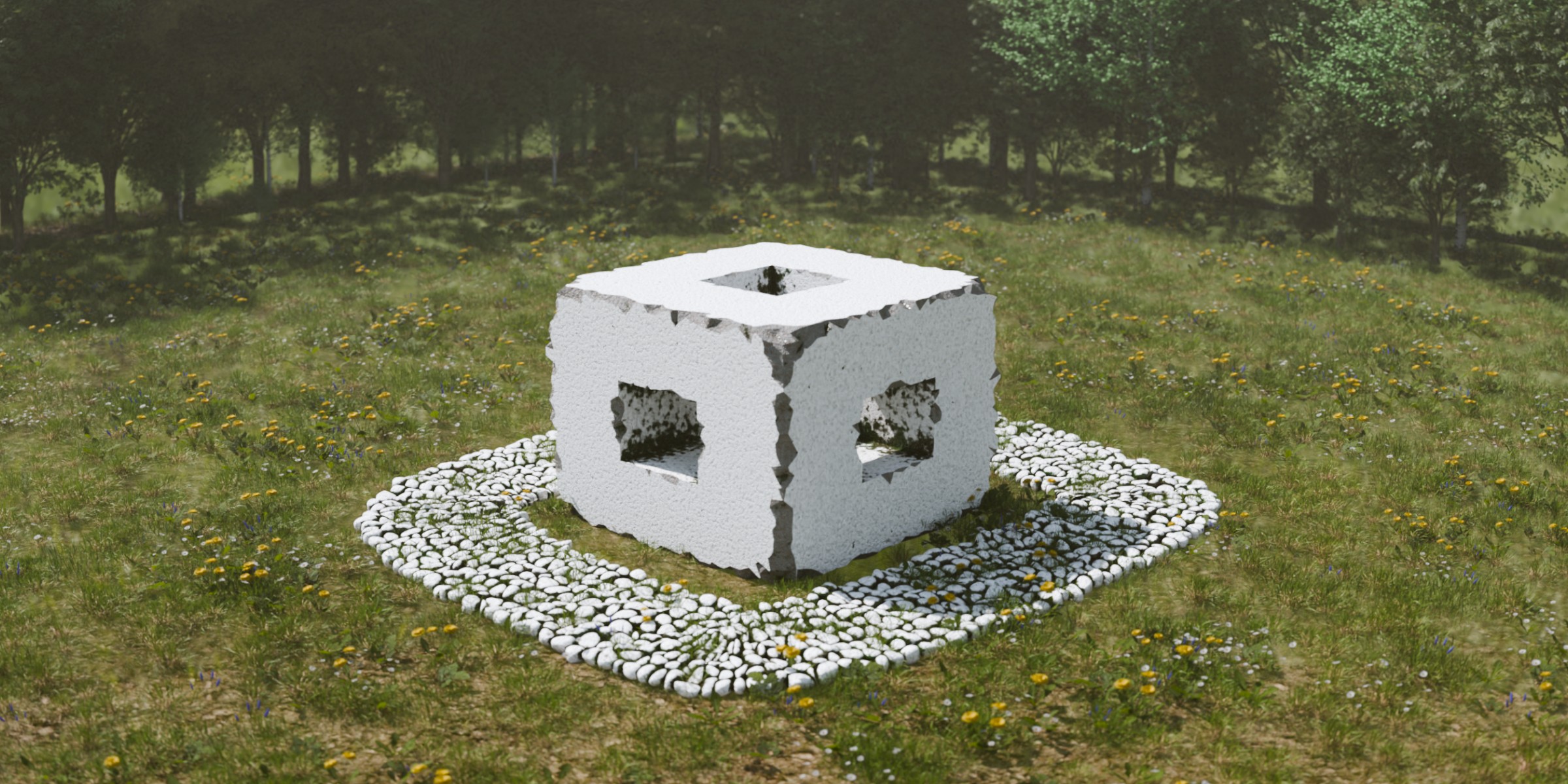
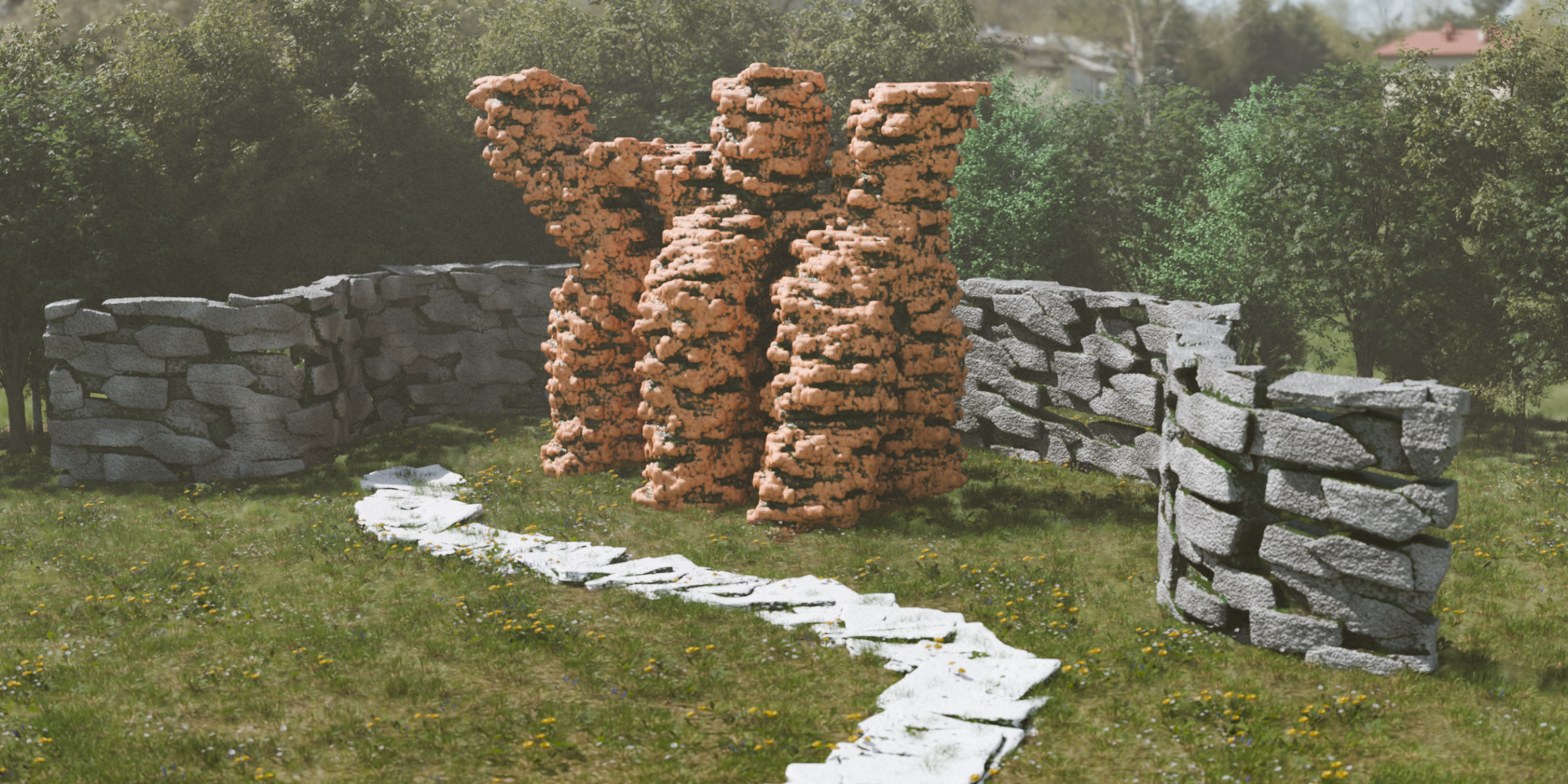
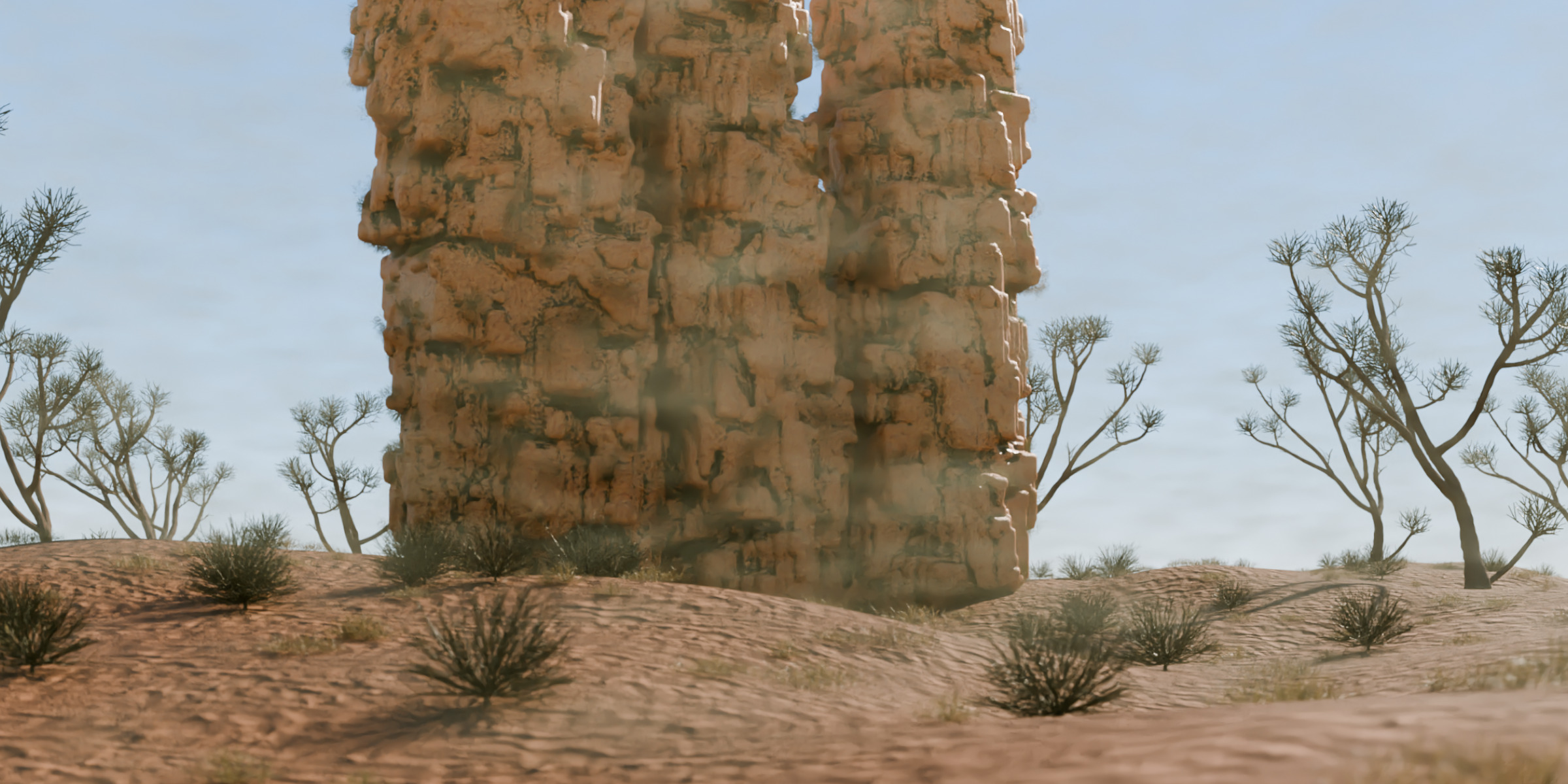
On The Rocks Addon - (Images from OTR v1.4.0)
The On The Rocks addon is separated in different parts, with different functionalities. It basically add different geometry nodes modifiers to the selected objects, which can be adjusted and custmized for your needs. All parameters are separated in different section, easy to understand their values and how the behave.
|
Presets You can click the image and choose a preset, click "Apply" and add it to your scene. The presets are ready to go models, applied with materials and geomotry nodes modifier (tools) with adjusted parameters to show what the addon can do and how to do it. |
|
|
Materials You can click the image and choose a material, click "Apply" to apply the selected material to you selected objects to the material slot of the object. If On The Rocks-tools were applied to the object, the material will also be set to modifier material socket. |
|
|
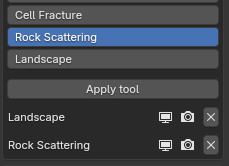
Tools Select your objects in the 3D Viewport, select a tool, "Apply" it, it's that easy. All selected objects will then have a geometry nodes modifier according to the selected tool. Some tools uses the wireframe of the mesh, e.g. Formation, some tools uses the faces and mesh itself, e.g. Bricks Wall or Landscape. All tools can be customized and adjusted in the modifiers tab. |
|
|
Quickly enable/disable the tools of the selected objects, for viewport and render mode. | |
|
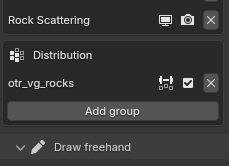
Quickly handle tool distribution, using vertex groups and weight painting, on several tool (Cell Fracture, Rock Scattering, Landscape). | |
|
Draw freehand Select a tool, click "Draw freehand" als draw a bezier curve as you like... the geometry nodes modifer according to the selected tool will then be applied to the curve, can be adjusted and customized for your needs. The "Draw freehand"-Cell Fracture tool needs a selected object. The object will then be fractured primarily in the area of the drawn curve. |
|
|
Creation Select a Creation-tool, click "Create". You'll get a newly create object with a geometry nodes modifiers, according to the selected tool, applied. You now can adjust and customize the parameters via the modifiers tab. |




On The Rocks Assets - Addon / Pack - OTRA / OTRAP:
- Download the "On The Rocks Assets"-files (addon, asset pack).
- Drag / Drop the addon to Blender.
- Unpack the asset pack somewhere on your computer, so that Blender and the installed addon can reach it.
|
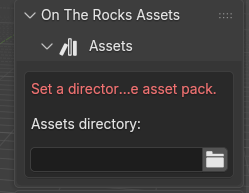
Choose the directory where you unpacked the asset pack files. |
|
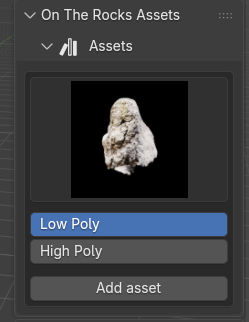
If correctly, you will see, and can chose from, low and high poly assets of stones, with low poly and 2K textures and high poly and 4K texures. |
 Included
Includes 12 months of
- Support from Dennis Hafemann
- Product updates
Extend this product’s Support Period +12 months: 50% of product price
Have questions before purchasing?
Login to message