 Mejam
Mejam


How to install?
Open Blender. Go to Edit > Preferences > Add-ons.
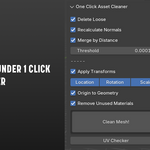
Click on "Install from Disk...". Choose the .zip. The add-on will appear on the N-Panel as "Asset Cleaner".
Enjoy!
Notes:
- When you save your Blender file you may be asked to save 1 modified image.
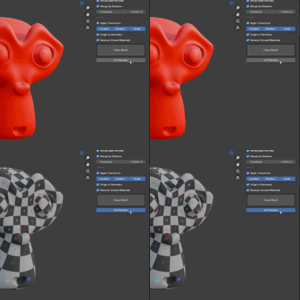
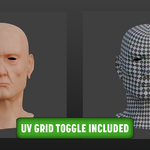
This is the UV grid created by the addon. Saving it is optional and won't affect your project. OCAC will automatically create a new UV grid if one doesn't exist.
- Will my materials be safe if I quit my session while leaving UV Checker "ON"?
Yes. UV Checker automatically remembers materials, even between sessions, and assigns a Fake User as an extra safeguard.
Included: Lifetime updates
$5
Have questions about this product?
Login to message
| Blender Extension Compatible | Yes |
| Published | 12 months ago |
| Blender Version | 4.0 - 4.5 |
| Extension Type | Add-on |
| Render Engine Used | Cycles, Eevee |
| License | GPL |

Discover more products like this
blender mesh cleanup clean Fast asset cleanup clean-mesh UV Checker Asset Cleaner blender mesh cleanup addon one-click uv mapping checker