 Domenas


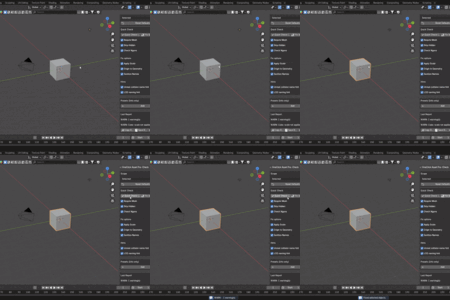
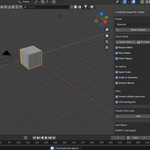
OneClick Asset Pre-Check is a lightweight Blender add-on that helps you quickly identify common asset issues without exporting anything.
It provides a fast PASS / WARN overview and optional safe fixes, making it ideal as a last check before export or asset delivery.
What it does:
• Runs validation on selected objects, the active collection, or the entire scene
• Optional filters to require mesh objects and skip hidden objects
Checks performed:
• Object is not a mesh
• Scale is not applied (scale ≠ 1,1,1)
• Object has no materials
• Mesh has no UV maps
• Ngons (faces with more than 4 vertices)
• High polygon count (over 200,000 faces)
• Duplicate object names within the checked scope
Informational hints (not warnings):
• Object names starting with UCX_ / UBX_ / USP_ / UCP_ (collision-style naming)
• Object names containing “LOD”
Report & results:
• Generates a readable report inside Blender
• Stores the last report and status for review
• Result status is PASS or WARN
• Report can be saved to a Blender Text Block, copied to clipboard, or cleared
Safe fixes (Fix Selected):
• Sanitize Names – trims whitespace, replaces spaces with underscores, and removes duplicate underscores
• Apply Scale – applies object scale (sets scale to 1,1,1)
• Origin to Geometry – sets the object origin to its geometry (bounds-based center)
Fixes do not modify mesh topology, but they may change transforms or origin placement.
Interface location:
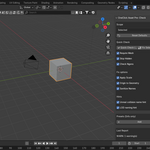
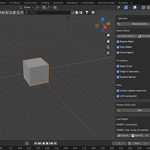
3D Viewport → Sidebar (N-panel) → Export tab
Panel name: OneClick Asset Pre-Check
Compatibility:
• No exporting or file writing
• No external libraries
• No network or background processes
• Designed as a fast, non-destructive pre-check tool
If you find this add-on useful, please consider leaving a rating. Your feedback helps support future updates and lets other users know what to expect. Thank you!
