One Click Export — Batch Export to Multiple 3D Formats in One Go
 Salman Naseem
Quick Start:
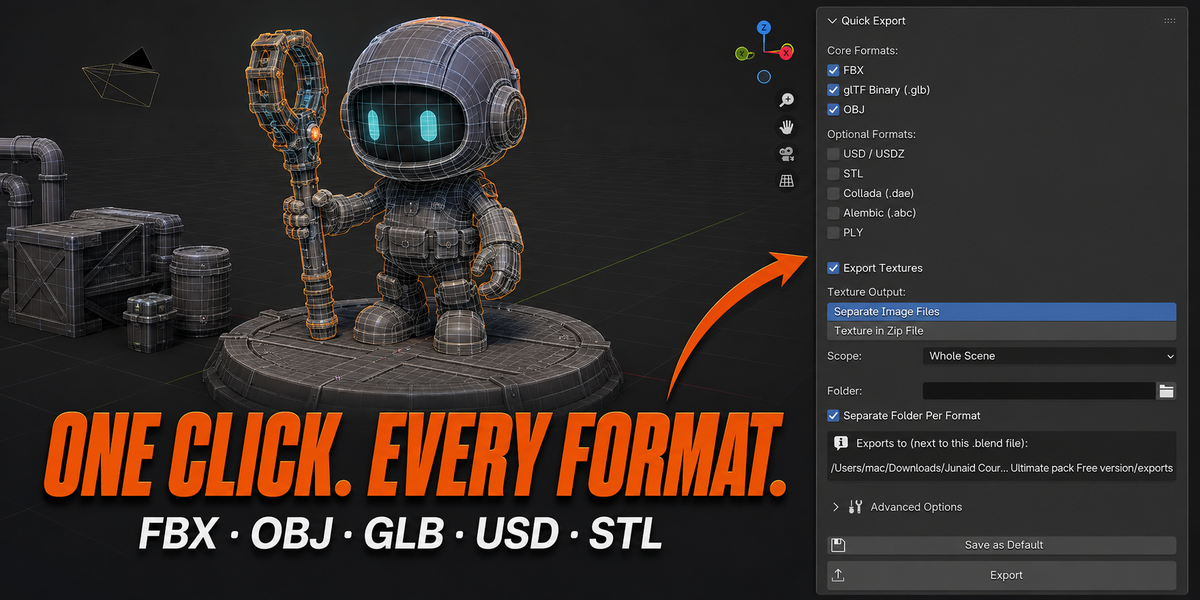
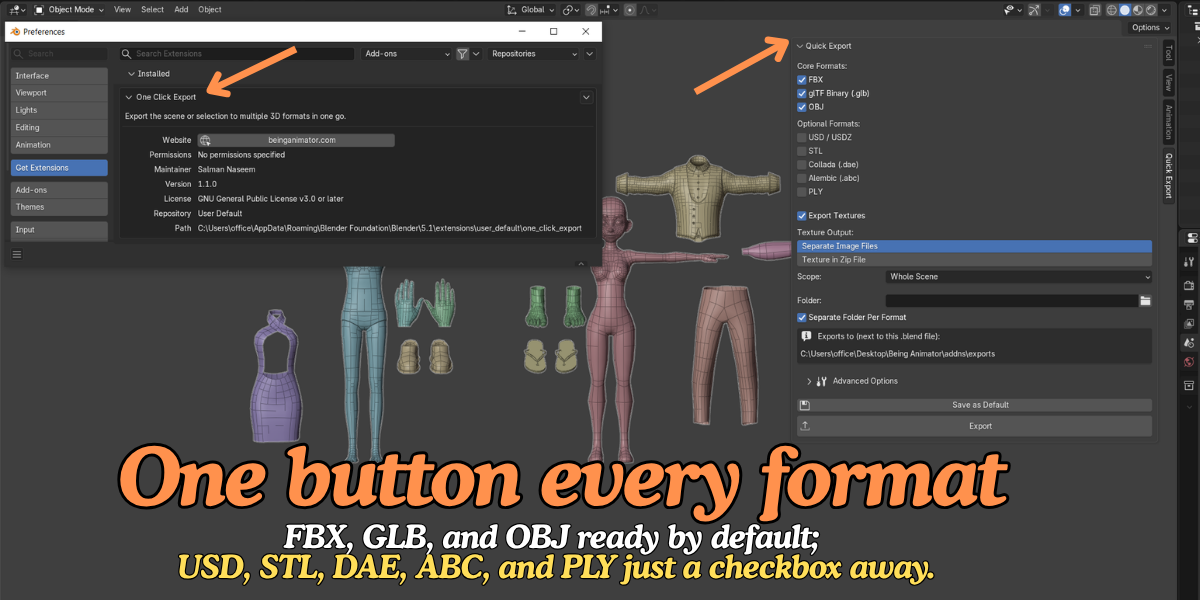
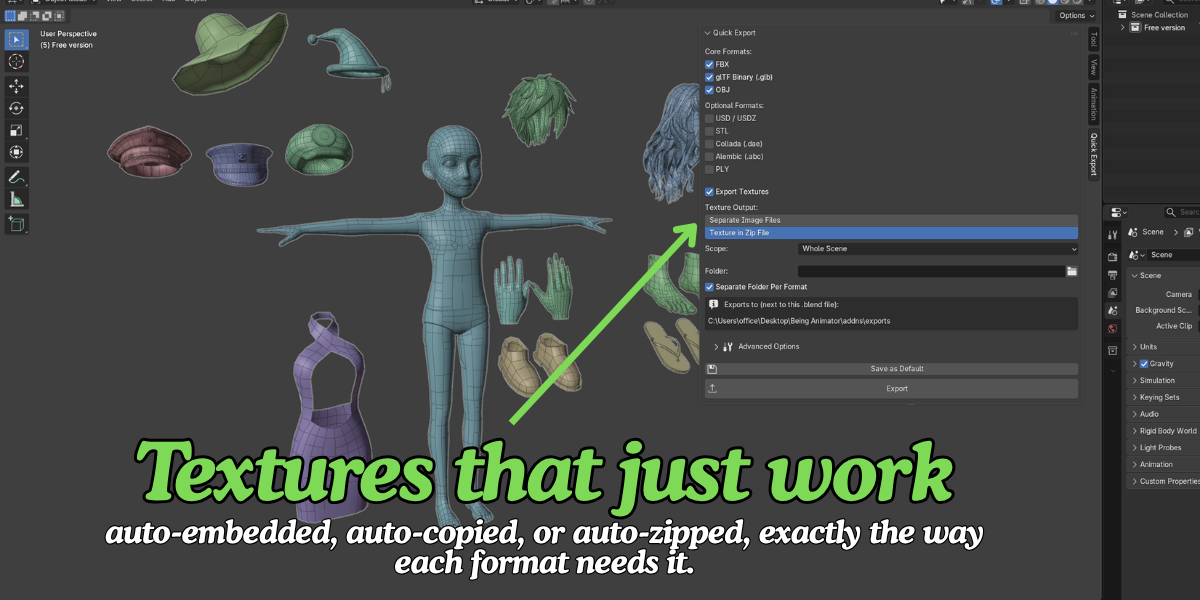
- Open the Quick Export tab in the 3D Viewport sidebar (press
N). - Check the formats you want (FBX, GLB, OBJ on by default).
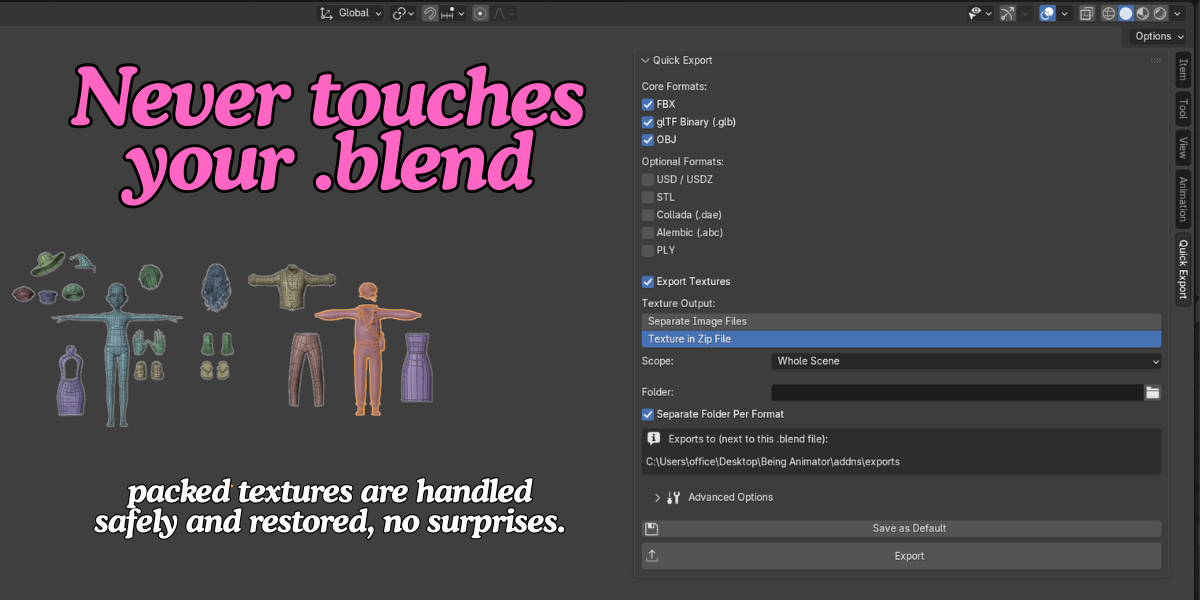
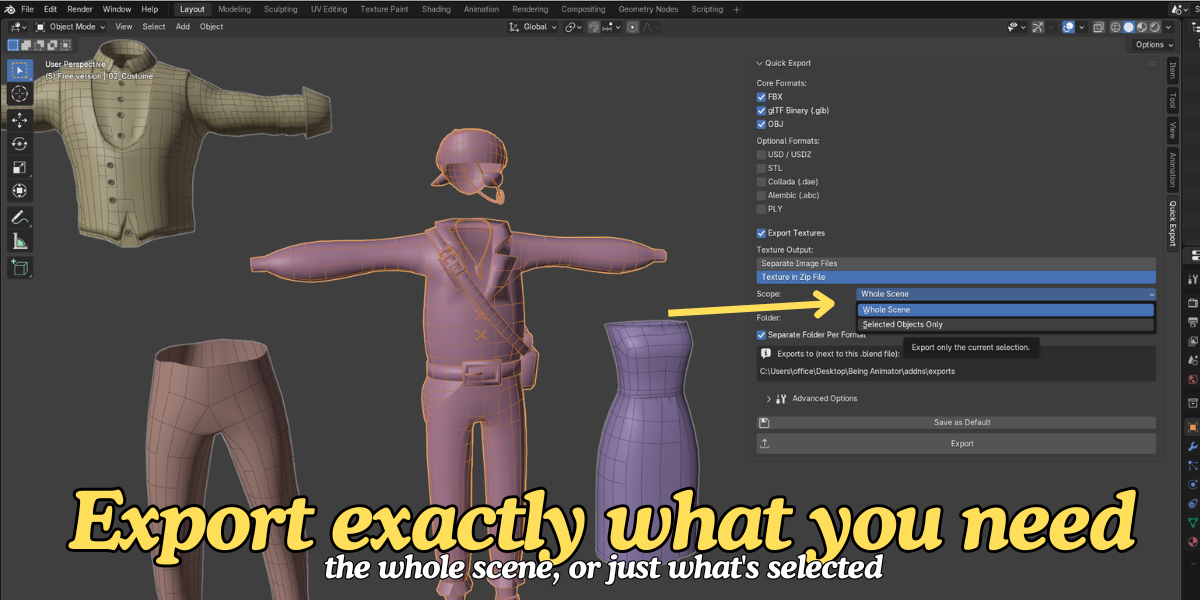
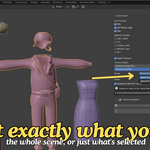
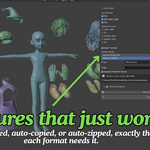
- Choose your texture output (embedded/separate files/zipped), export scope (scene or selection), and folder.
- Click Export — done.
- Optional: click Save as Default to make this your one-click setup going forward.
Access the same export from File > Export > One Click Export (All Formats) at any time. Advanced per-format options (scale, apply modifiers, axis) are tucked into a collapsible "Advanced Options" section. If a format fails to export, the others still complete, and a report shows exactly what happened.
Have questions about this product?
Login to message
| Blender Extension Compatible | Yes |
| Published | 2 months ago |
| Blender Version | 3.2 - 5.2 |
| Extension Type | Add-on |
| Render Engine Used | Cycles, Eevee |
| License | GPL |
