 StraySpark Studio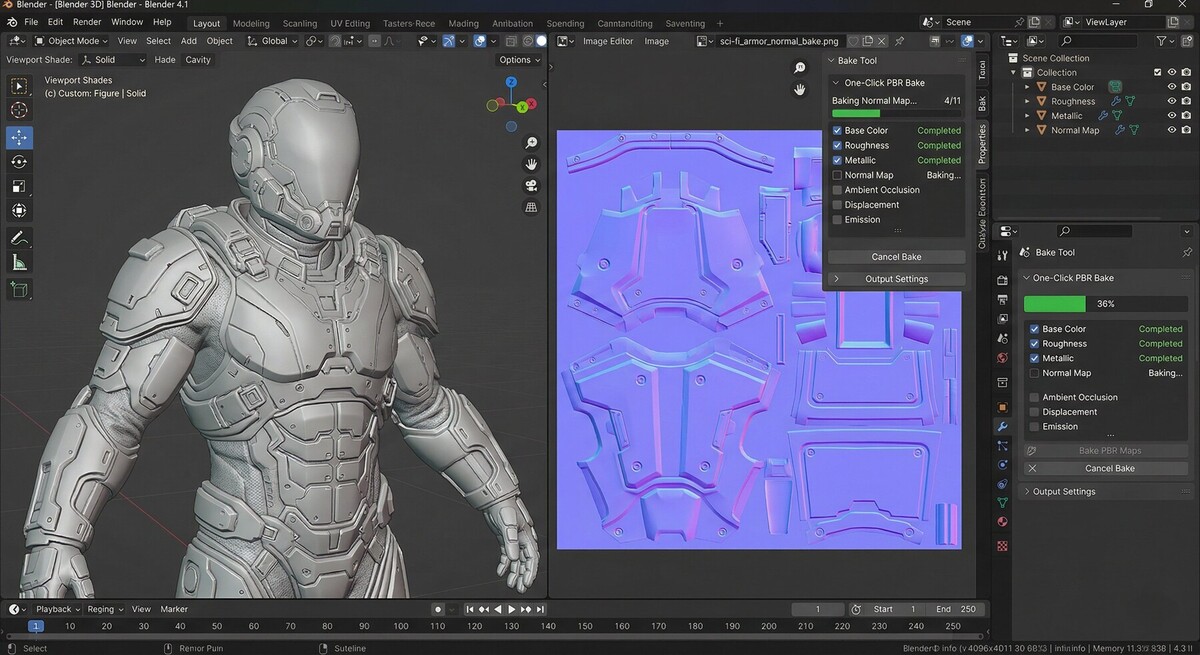
One-Click PBR Bake & Export V2 — One button. Every texture. Any engine.
Stop hand-wiring bake setups.
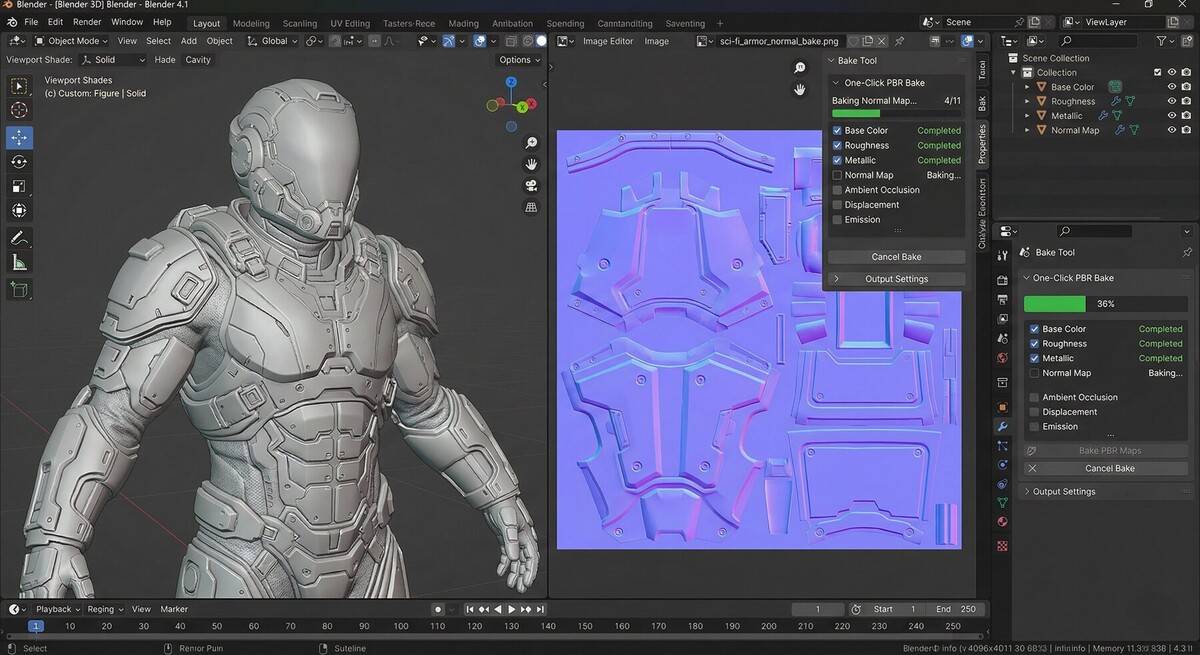
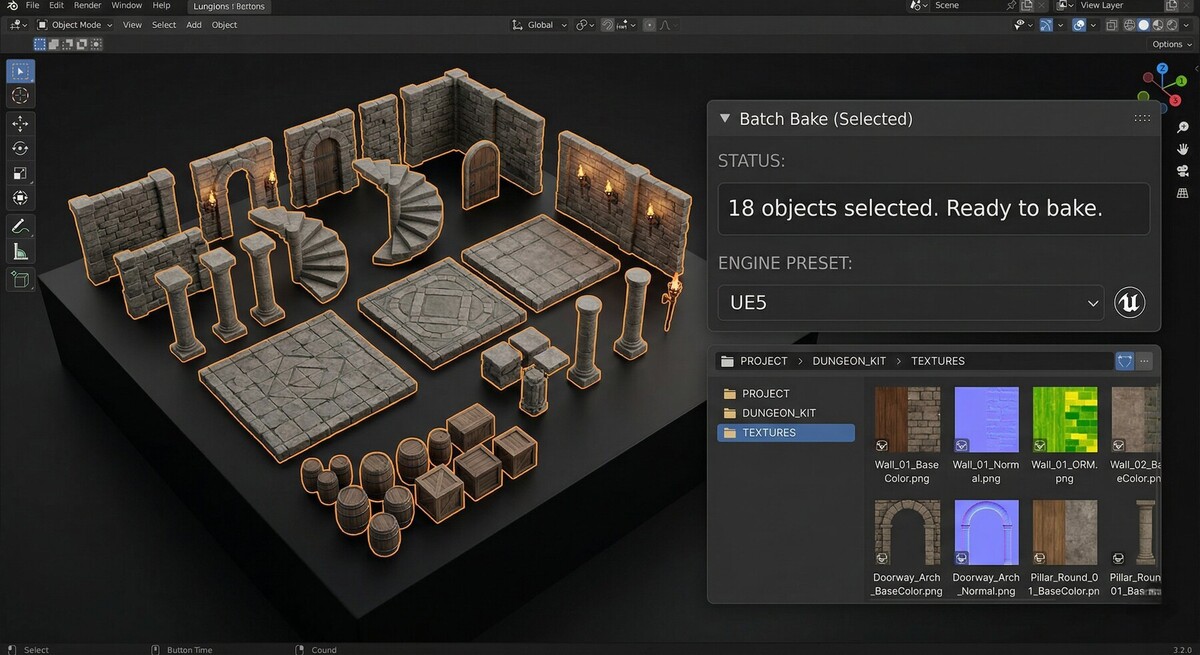
Select your meshes, choose your engine, press BAKE. One-Click PBR Bake reads whatever shader tree you've built — procedural, node-heavy, multi-material — and gives you clean, correctly-named texture maps ready to drop into your engine.
Everything you need to bake
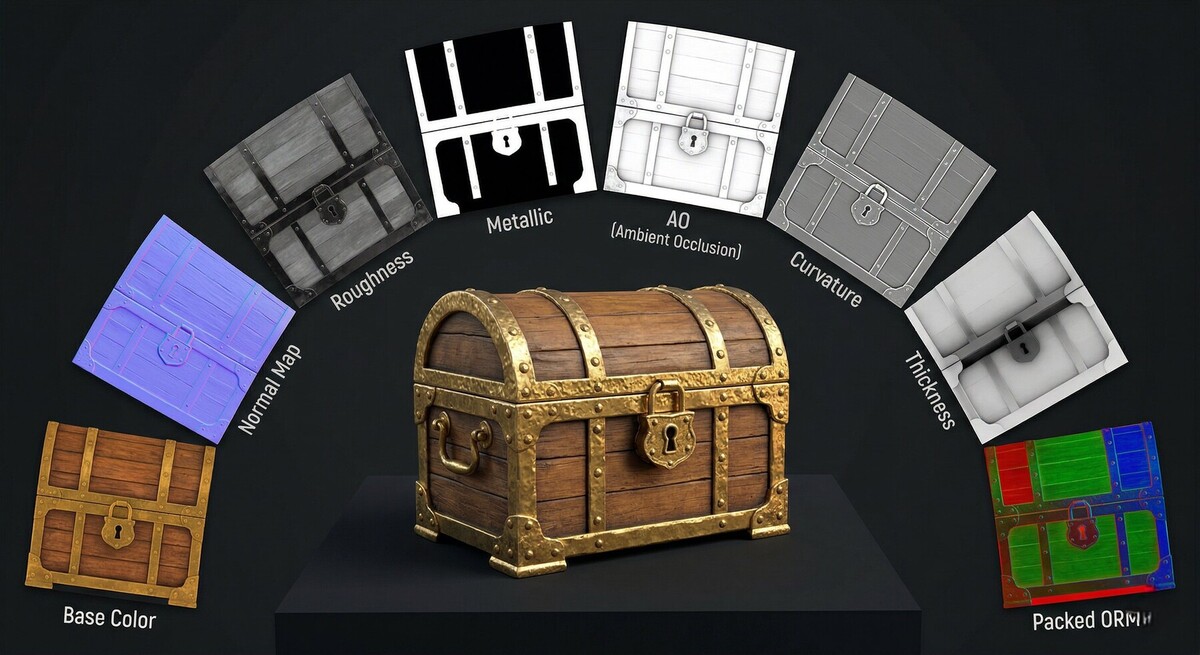
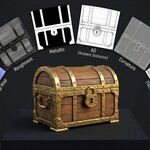
43 channels. The full Principled BSDF — Base Color, Roughness, Metallic, Normal, AO, Alpha, Emission, Displacement, plus Subsurface, Coat, Sheen, Transmission, Specular, Anisotropy and IOR. All of Blender's native bake types. Curvature, Cavity, Convexity and Thickness for your wear and dirt masks. Material, Object and UV Island ID maps for Substance Painter hand-off.
Bake any node socket. Point at any output in your material graph and turn it into a texture. Nothing in your setup is off-limits.
Real UDIM. Occupied tiles are detected from your UV layout automatically. Every tile bakes and saves as Name.1001.png, Name.1002.png, and so on.
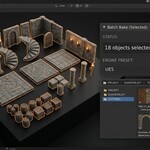
Texture sets your way. One set per object, one per material, or every selected object baked into a single shared set — with optional UV repacking to lay them out for you.
Keep working while it bakes. Background baking hands the job to a second Blender process. Your session stays completely free.
Get it right the first time
Pre-flight checks run before you commit. Overlapping UV islands — the number-one cause of a ruined bake — plus missing materials, bad object scale, out-of-range UVs, degenerate faces and unwritable output folders. Most problems come with a one-click fix.
Apply the result back to your object as a finished material, so you can check the bake in the viewport instead of opening files in an image viewer.
Bake reports in plain text, JSON, or a self-contained HTML page with thumbnails you can send to a client or a lead.
Built for real pipelines
- Anti-aliasing at 2× or 4× with correct normal-map renormalisation
- Edge dilation beyond Blender's margin, for textures that survive mip-mapping
- Cage object support for high-to-low transfers
- Channel packing — ORM, Unity Metallic/Smoothness, or fully custom: any source component into any slot, with per-slot inversion
- Per-channel overrides — normals at 2048, roughness at 512, height as EXR, in one pass
- Naming templates with live preview — {object}, {material}, {channel}, {res}, {udim} and more
- Formats — PNG (8/16-bit), OpenEXR (16/32-bit), JPEG, Targa, TIFF, WebP
Nine engine presets
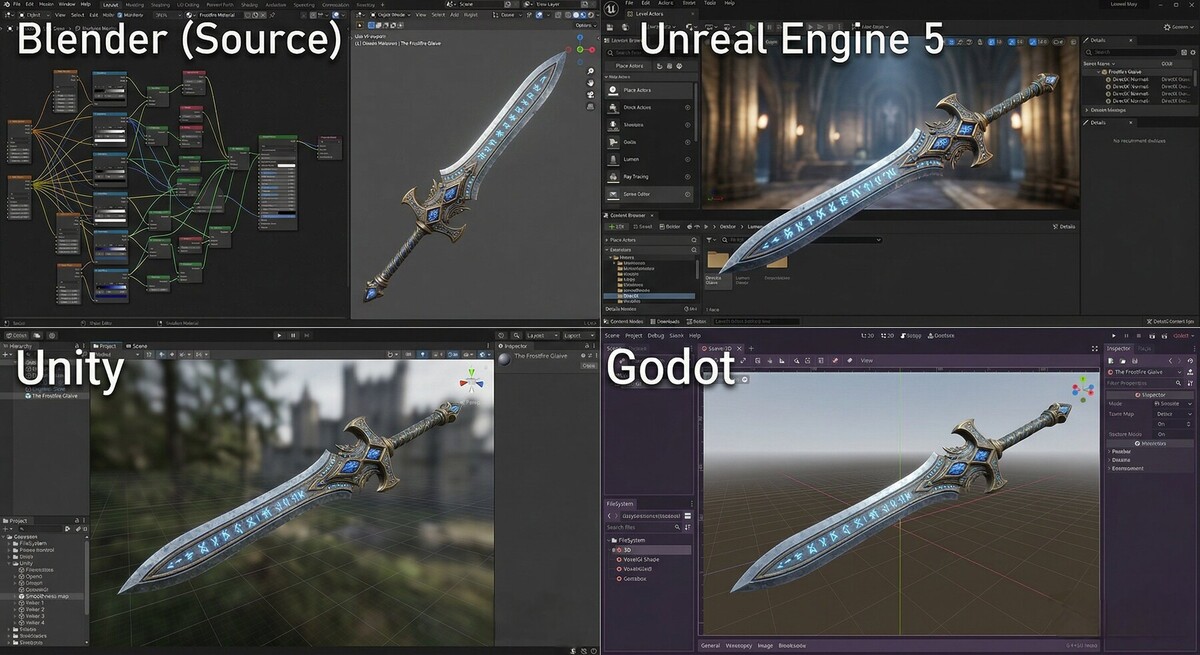
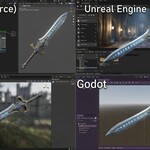
Unreal Engine 5 · Unreal 5 Nanite · Unity URP · Unity HDRP · Godot 4 · glTF/Web · Sketchfab · Film/VFX · Substance Painter hand-off
Each one sets the resolution, format, packing and normal-map convention your target expects — including the DirectX green-channel flip Unreal needs and Unity doesn't. Save and share your own presets as .json.
Your scene is never at risk
Materials, render settings, sample counts and selection are all restored exactly as you left them — including when a bake fails. Channels that need altered geometry work on temporary copies, so shape keys and linked meshes are safe. Your compositing setup is never touched.
Requirements
Blender 4.2 LTS or newer. No external dependencies or downloads.
Created by StraySpark Studio