One-Click Pbr Bake & Export V2 — 43-Channel Pbr Baking For Blender
 StraySpark Studio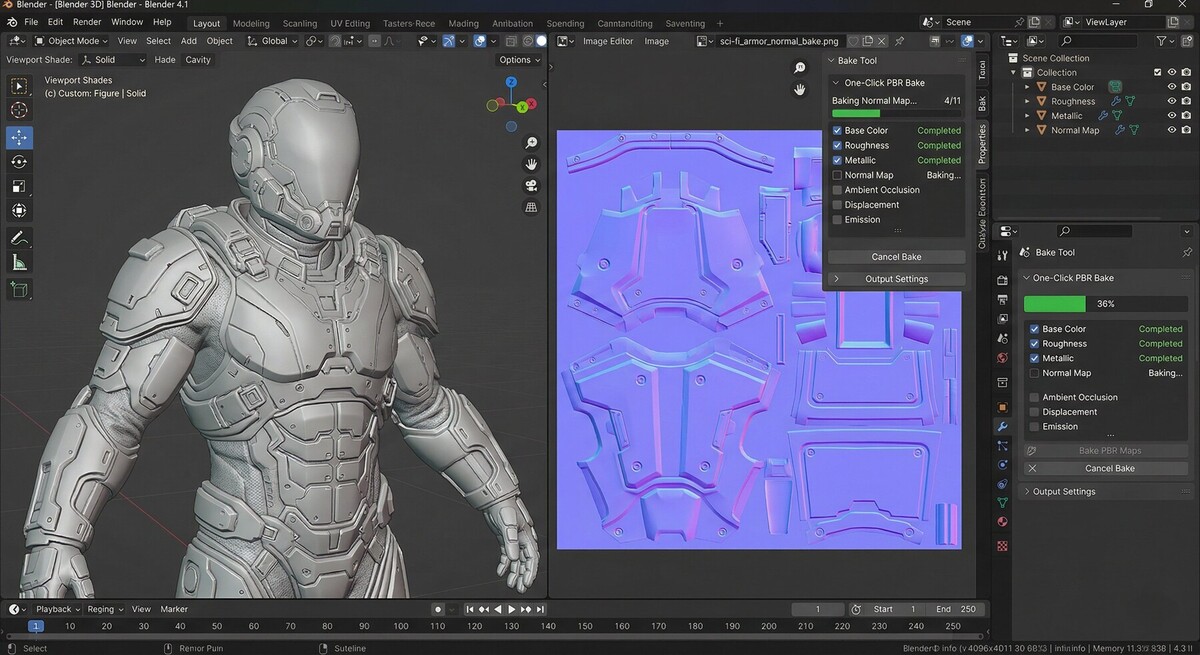
One-Click PBR Bake & Export
by StraySpark Studio
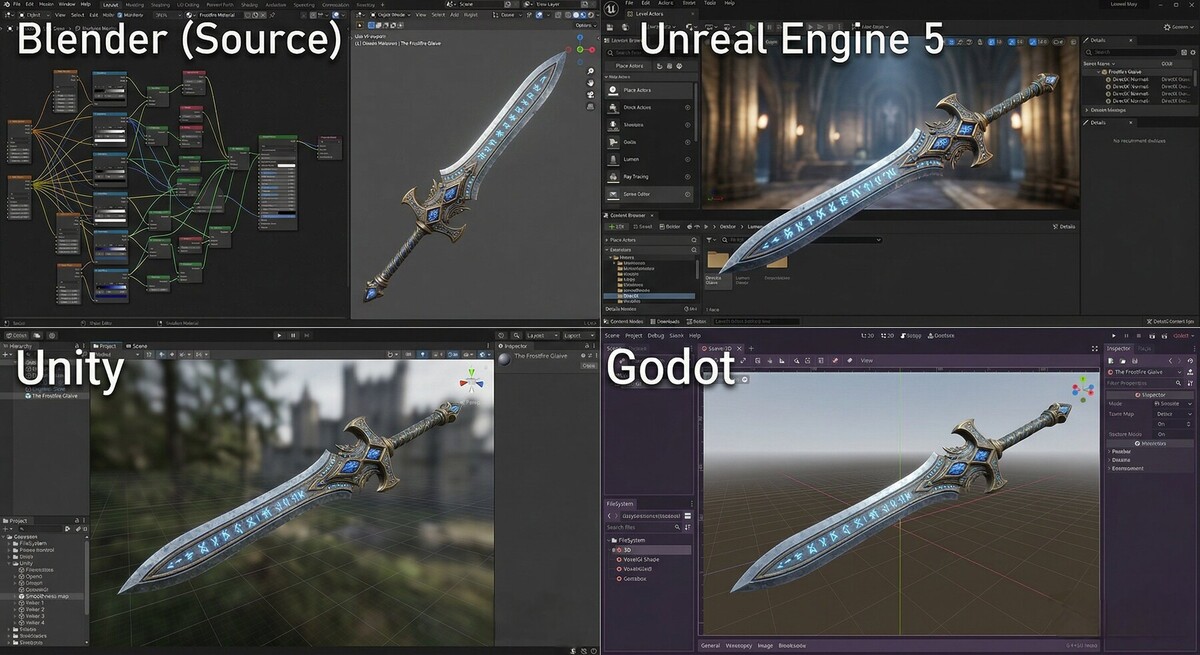
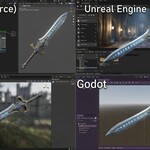
The fastest way to bake PBR textures in Blender. Select your objects, press one button, and get production-ready texture maps for Unreal Engine, Unity, Godot, or any PBR pipeline — in seconds, not hours.
Features
Core Baking Engine
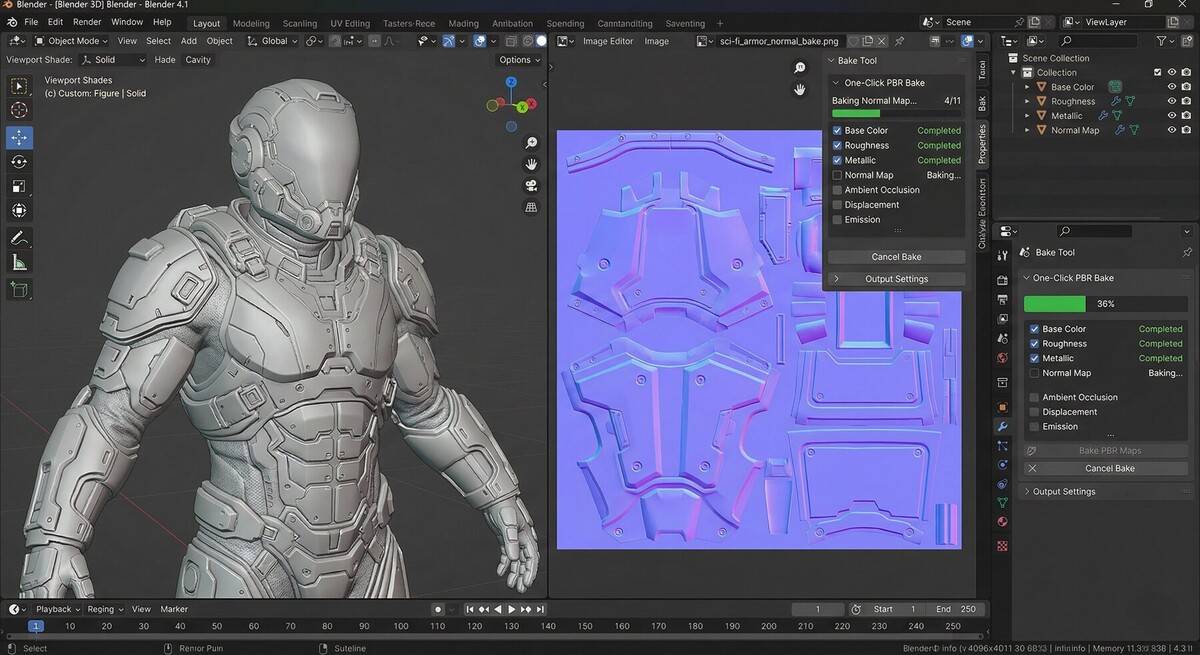
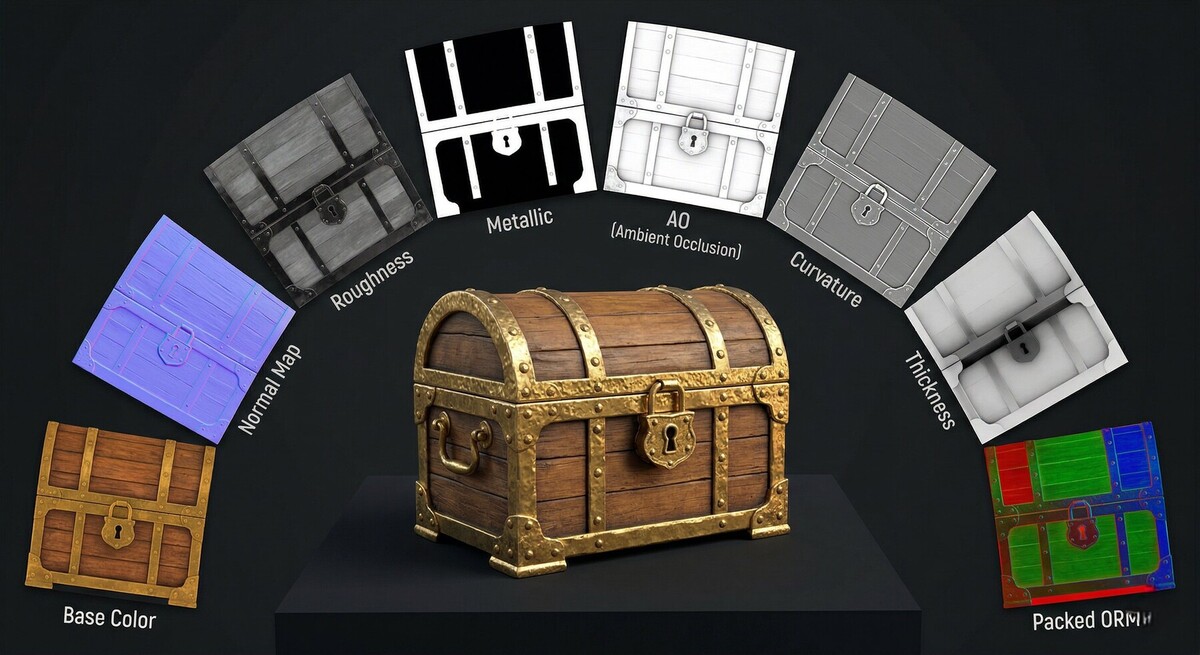
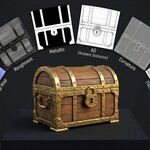
- One-click full PBR bake — Base Color, Roughness, Metallic, Normal, AO, Emission, Alpha, and Displacement channels, all from a single button press
- Channel isolation technique — intelligently rewires your Principled BSDF node tree to extract each channel cleanly via Emission baking, then restores everything perfectly
- Timer-based async baking — Blender stays responsive with a live progress bar while channels bake sequentially
- Node tree safety — all original connections are stored and restored, even on errors or cancellation. Your shader setup is never at risk
Batch & Multi-Object
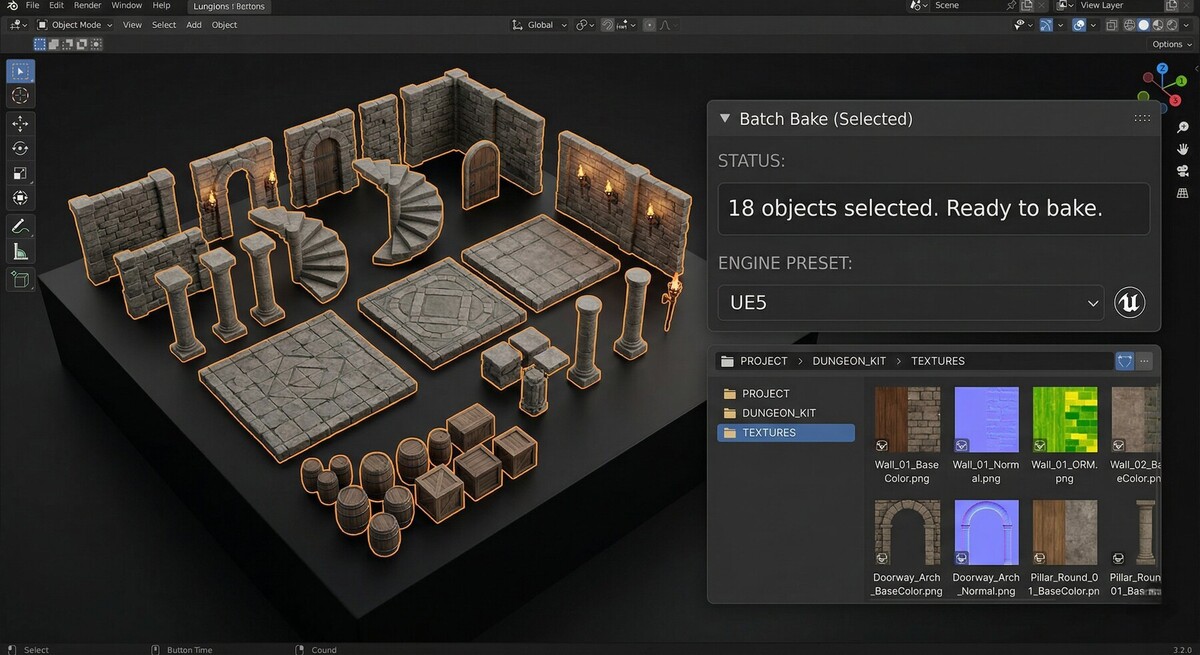
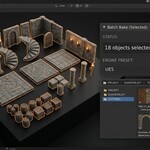
- Batch bake — select multiple objects and bake them all in one go. Each object gets its own texture set, named automatically
- Auto-naming — intelligently names textures by object or material name, with sanitized filenames and configurable suffixes
- Per-material naming — for multi-material objects, optionally use material names instead of object names for cleaner output
Advanced Channels
- Curvature map — bake edge and cavity masks, just like Substance Painter. Perfect for procedural wear, dirt, and edge highlighting
- Thickness map — ray-cast mesh thickness for subsurface scattering, translucency, foliage, and wax materials
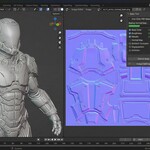
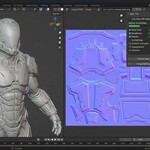
- World space normals — bake world-space normal maps for terrain blending workflows in UE5 and Unity
Channel Packing
- ORM packing — pack AO (R) + Roughness (G) + Metallic (B) into a single texture with one checkbox
- Custom channel packing — configure any combination of channels into R/G/B/A slots. Build your own packed textures for any engine or pipeline
- Smoothness inversion — automatically invert roughness to smoothness for Unity's metallic workflow
High-to-Low Baking
- Selected to active — bake detail from high-poly source meshes onto low-poly targets
- Auto cage extrusion — configurable ray distance for capturing high-poly detail
- Normal + AO transfer — the most common game-dev bake workflow, built in
Quality & Performance
- Denoise — apply Cycles denoiser to AO and other noisy channels for cleaner results at lower sample counts
- UDIM support — bake across multiple UV tiles for film and AAA pipelines
- Configurable margin — set bake margin per-preset to prevent seam artifacts
- Auto UV unwrap — objects without UVs are automatically Smart UV Projected (configurable in preferences)
Engine Presets
| Preset | Resolution | Format | Normals | Packing | Use Case |
|---|---|---|---|---|---|
| UE5 Standard | 2048 | PNG 8-bit | DirectX (flipped G) | ORM packed | Unreal Engine 5 |
| Unity Standard | 2048 | PNG 8-bit | OpenGL | Separate | Unity HDRP/URP |
| Web / Low-Res | 1024 | PNG 8-bit | OpenGL | Separate | Three.js, WebGL |
| Film / High-Res | 4096 | EXR 32-bit | OpenGL | Separate | VFX, film, archviz |
Output & Export
- Multiple formats — PNG (8/16-bit), OpenEXR (32-bit HDR), JPEG
- Open output folder — one-click button to open your baked textures in your file manager
- Re-export — re-save baked textures to a different format or location without re-baking
- Bake log — saves a summary text file with all settings, channels, timings, and file paths for every bake session
User Interface
- N-Panel tab — clean, organized panel in the 3D Viewport sidebar
- Texture preview — thumbnail grid showing all baked maps directly in the panel
- Progress tracking — real-time progress bar with channel name and count
- Cancel support — stop mid-bake without corrupting your node trees
- Collapsible advanced settings — keeps the UI clean for common workflows
Installation
Blender 4.2+ (Extension Format)
- Download the
.zipfile - Open Blender → Edit → Preferences → Add-ons
- Click Install from Disk → select the downloaded
.zip - Enable "One-Click PBR Bake & Export"
- Open the N-Panel (press
Nin the 3D Viewport) → click the "PBR Bake" tab
Compatibility
| Blender Version | Status |
|---|---|
| 4.2 LTS | Supported |
| 4.3 | Supported |
| 4.4 | Supported |
| 5.0+ | Supported |
Requirements:
- Cycles render engine (automatically switched during baking, restored after)
- No external dependencies — uses only Blender's bundled Python and numpy
Quick Start
- Select your mesh object(s) in the 3D viewport
- Open the N-Panel → PBR Bake tab
- Choose a preset (UE5, Unity, Web, or Film) or customize settings
- Toggle the channels you want to bake
- Click BAKE ALL
- Find your textures in the output directory (default:
//textures/next to your.blendfile)
Batch Baking
- Select multiple mesh objects in the viewport
- Click Batch Bake All Selected
- Each object gets its own texture set, named automatically
High-to-Low Baking
- Select your high-poly mesh(es)
- Shift+click your low-poly mesh (making it the active object)
- Enable "Selected to Active" in Advanced settings
- Adjust Cage Extrusion as needed
- Click BAKE ALL — normals and AO are transferred from high to low
Custom Channel Packing
- Bake the channels you need
- Open the Channel Packing section
- Assign channels to R / G / B / A slots
- Click Pack Custom — get a single packed texture
Channel Reference
| Channel | Bake Method | Color Space | Description |
|---|---|---|---|
| Base Color | Emission isolation | sRGB | Albedo / diffuse color |
| Roughness | Emission isolation | Non-Color | Surface roughness (0=smooth, 1=rough) |
| Metallic | Emission isolation | Non-Color | Metalness (0=dielectric, 1=metal) |
| Normal | Cycles native | Non-Color | Tangent or object-space normal map |
| AO | Cycles native | Non-Color | Ambient occlusion |
| Emission | Emission isolation | sRGB | Emissive / self-illumination |
| Alpha | Emission isolation | Non-Color | Opacity / transparency mask |
| Displacement | Emission isolation | Non-Color | Height / displacement |
| Curvature | Geometry analysis | Non-Color | Edge and cavity mask |
| Thickness | Ray-cast sampling | Non-Color | Mesh thickness for SSS |
| World Normal | Cycles native | Non-Color | World-space normal direction |
File Naming Convention
Baked textures follow this naming pattern:
{ObjectName}_{Channel}.{ext}
Examples:
Hammer_BaseColor.png
Hammer_Roughness.png
Hammer_Normal.png
Hammer_ORM.png
Hammer_Curvature.png
Hammer_CustomPack.png
For multi-material objects with per-material naming enabled:
RustyMetal_BaseColor.png
WoodHandle_BaseColor.png
Preferences
Access via Edit → Preferences → Add-ons → One-Click PBR Bake & Export
| Setting | Default | Description |
|---|---|---|
| Auto UV Unwrap | On | Automatically Smart UV Project objects without UV maps |
| Clean Up Temp Images | On | Remove temporary bake images from the .blend after export |
Bake Log
Every bake session generates a log file in the output directory:
bake_log_Hammer_20260410_122252.txt
Contents include:
- Date and time
- Blender version
- Object name, material count, UV map used
- Each channel baked with duration
- Output format, resolution, and file paths
- Any errors or warnings
Troubleshooting
"No materials found"
Your object needs at least one material with Use Nodes enabled and a Principled BSDF connected to the Material Output.
Baked textures are black
- Ensure the Principled BSDF inputs have connections or non-zero default values
- Check that UVs exist and have no overlapping islands (for unique bakes)
Baked textures have seams
- Increase the Margin setting (default 16px, try 32px for 4K textures)
- Check UV island spacing in your UV layout
Normal map looks wrong in engine
- UE5: Use the UE5 preset (flips green channel for DirectX convention)
- Unity: Use the Unity preset (OpenGL convention, no flip)
Bake is slow
- Reduce AO Samples for faster ambient occlusion
- Enable Denoise to get clean results at lower sample counts
- Use GPU compute in Cycles preferences
Changelog
v1.1 (April 2026)
- Added batch baking for multiple selected objects
- Added curvature map baking (edge + cavity detection)
- Added thickness map baking (ray-cast mesh thickness)
- Added world space normal map baking
- Added custom channel packing (configurable R/G/B/A)
- Added smoothness inversion for Unity workflow
- Added Cycles denoiser integration for baked channels
- Added UDIM tile support
- Added bake session logging
- Added texture preview thumbnails in the panel
- Added "Open Output Folder" button
- Added per-material naming option for multi-material objects
v1.0 (April 2026)
- Initial release
- PBR channel baking (Base Color, Roughness, Metallic, Normal, AO, Emission, Alpha, Displacement)
- ORM channel packing
- Engine presets (UE5, Unity, Web, Film)
- Timer-based async baking with progress display
- Auto UV unwrap fallback
- Cancel support with node tree restoration
License
Proprietary — All Rights Reserved. This addon is licensed for personal and commercial use by the purchaser only. Redistribution, resale, or sharing of the source code is prohibited. See the included LICENSE file for full terms.
Support
- Website: strayspark.studio
- Bug Reports: Open an issue or contact us through the website
- Feature Requests: We'd love to hear from you
Built with care by StraySpark Studio
Have questions about this product?
Login to message
| Blender Extension Compatible | Yes |
| Published | 3 months ago |
| Blender Version | 4.0 - 5.2 |
| Extension Type | Add-on |
| Render Engine Used | Cycles, Eevee |
| License | GPL |