 thtmaster



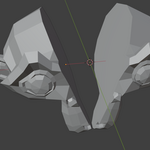
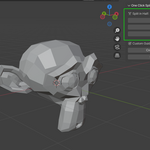
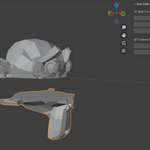
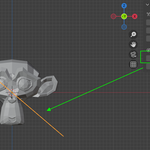
## How to Use One Click Splitting
1. Select a mesh object
2. Open the “PrusaSplit” tab in the sidebar (press N)
3. Click “Split by Axis” or “Create Guide Plane”
4. Use “Cut with Guide” to slice your object freely
Compatible with Blender 3.0 – 4.4+
$1
Have questions about this product?
Login to message
| Blender Extension Compatible | Yes |
| Sales | 40+ |
| Published | about 1 year ago |
| Blender Version | 3.0 - 4.4 |
| Extension Type | Add-on |
| Render Engine Used | Cycles, Eevee |
| License | GPL |