 VertexModeler Inc.
|
VERTEXMODELER / ONECLICK ASSET One click.
|
SELECT IT. SAVE IT. USE IT AGAIN. |
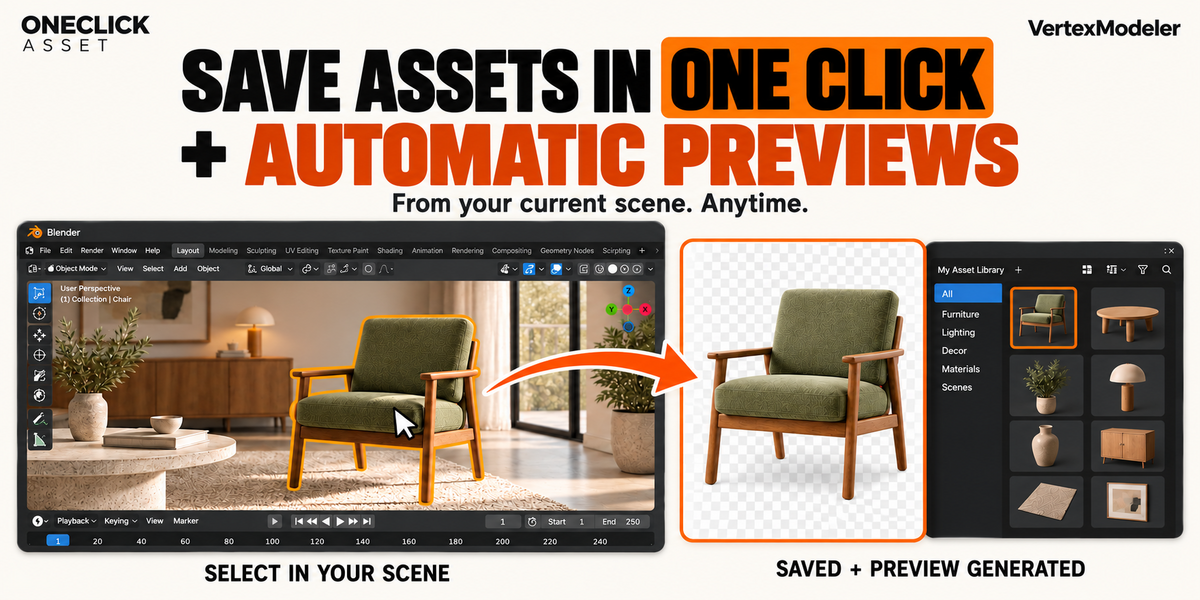
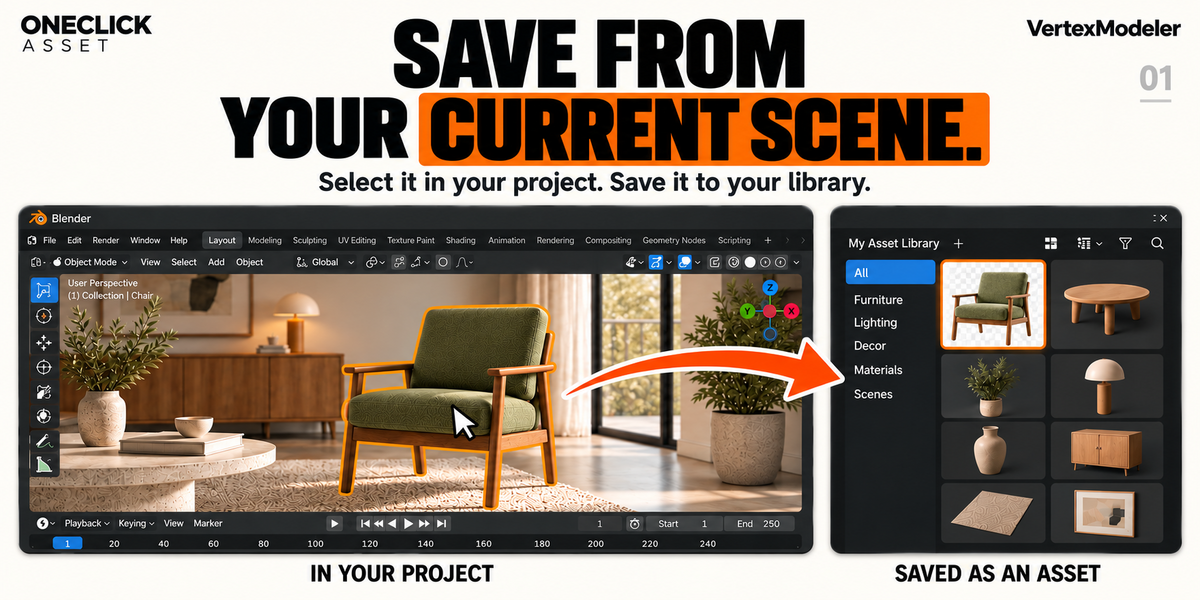
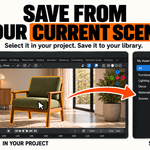
From your scene to your library.Keep the chair, lamp or complete set you want to reuse. Save it directly from the project you are working on. |
|
|
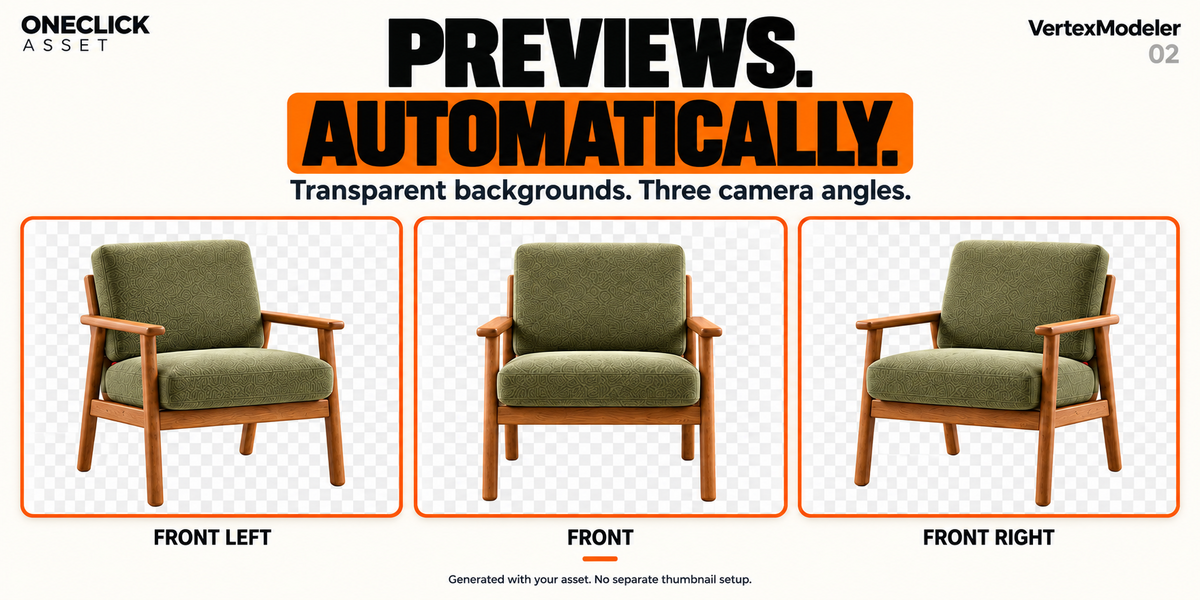
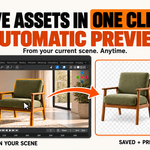
01 / AUTOMATIC PREVIEWS The thumbnail comes with it.Automatic framing and a transparent background give your asset a clear preview, without a separate thumbnail workflow. |
|
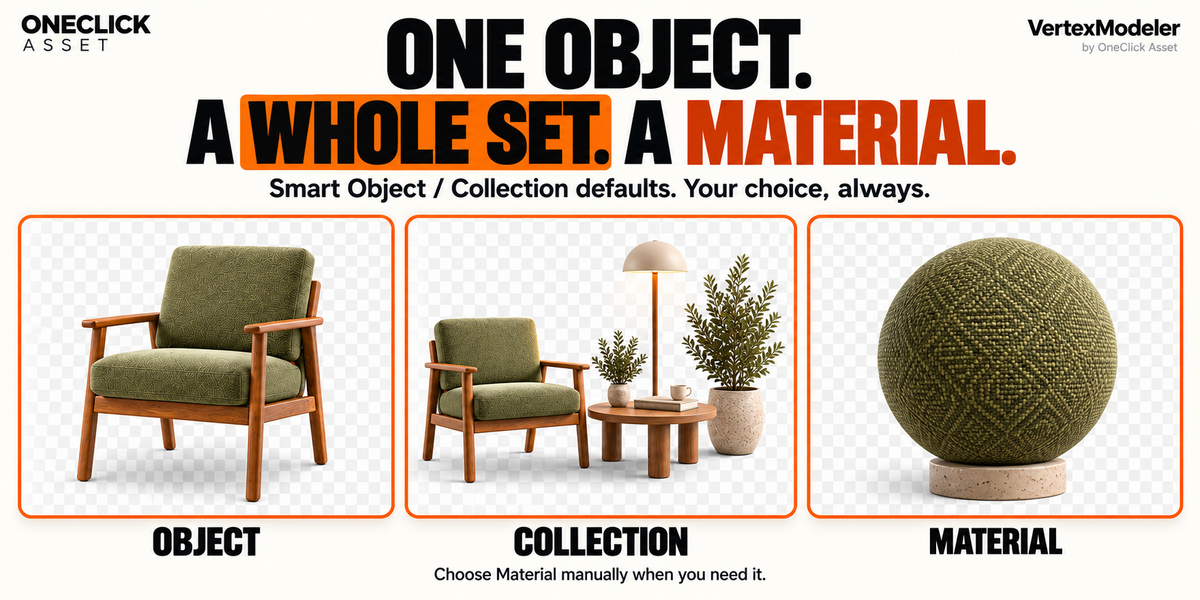
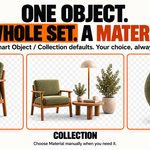
02 / SMART ASSET TYPES One object. Or the whole set.One selected object suggests Object. Multiple objects suggest Collection. Change the choice whenever you need, or export a material separately. |
|
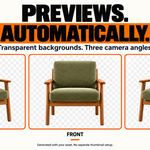
03 / YOUR PREFERRED VIEW Show its best angle.Choose Front Left, Front or Front Right, each with a gentle downward view. Adjust orientation and margins; set preview quality in Preferences. |
|
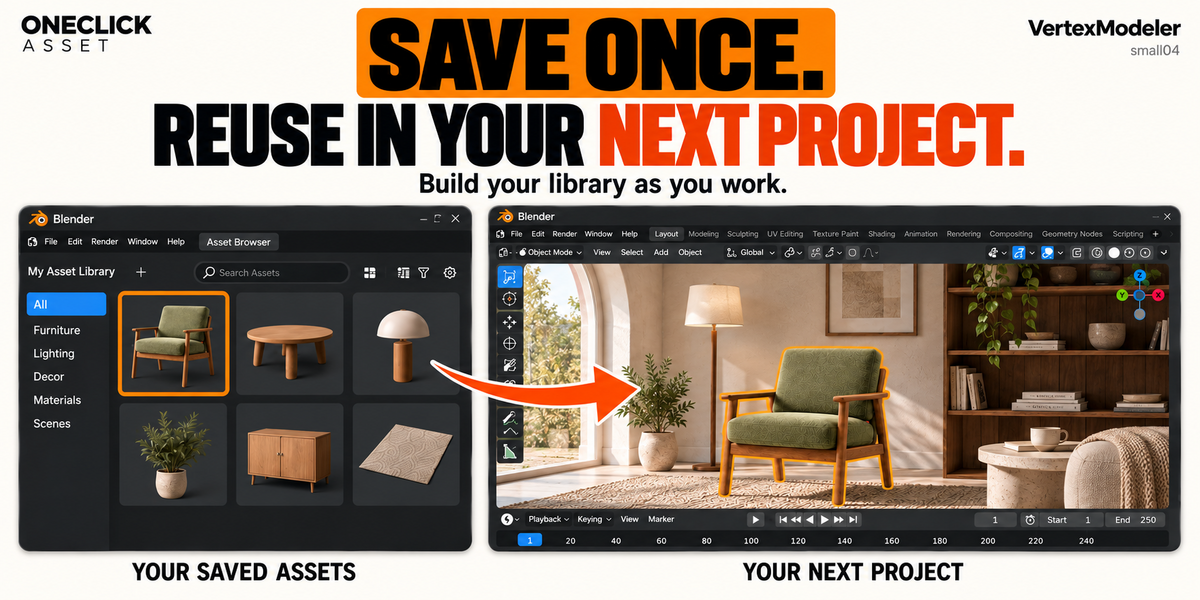
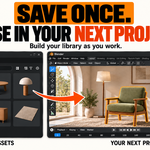
04 / READY TO REUSE Build a library as you work.Save to an existing catalog or create a new one. Find and reuse your saved work through Blender’s Asset Browser in future projects. |
|
A SIMPLE START Register a writable local asset library once. Select your objects in Object Mode, open OneClick Asset: Export Asset, check the destination and confirm. The asset and preview are saved together. Export uses copies, preserving your source objects. Preview rendering takes time; faster quality settings reduce detail. |
Your next project starts here.Keep the work worth keeping. Let OneClick Asset handle the asset and its preview. WINDOWS x64 / BLENDER 4.0–5.2 Requires a writable local asset library. Exported assets use the file format of your Blender version. This is an asset creation tool; demonstration models are not included. |
Oneclick Asset – One Click To Save Assets & Generate Previews

Discover more products like this
asset library Workflow scene organization thumbnail generator 3d assets Automatic Previews asset management one-click asset export Blender Add-on asset-browser productivity
$12$9
 Included
Includes 12 months of
- Support from VertexModeler Inc.
- Product updates
Extend this product’s Support Period +12 months: 50% of product price
Have questions before purchasing?
Login to message
| Blender Extension Compatible | Yes |
| Published | 15 days ago |
| Blender Version | 4.2 - 5.2 |
| Extension Type | Add-on |
| Render Engine Used | Blender-Internal, Cycles, Eevee |
| License | GPL |