 Virtual Lens

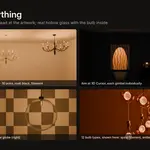
Stop hunting for light fittings. Generate them.
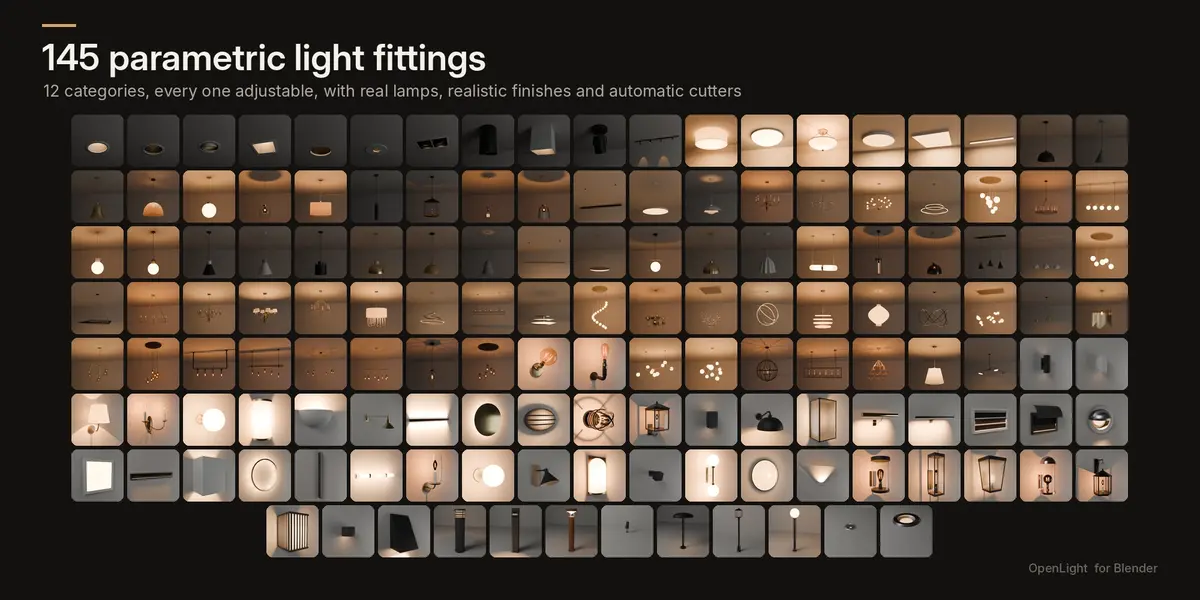
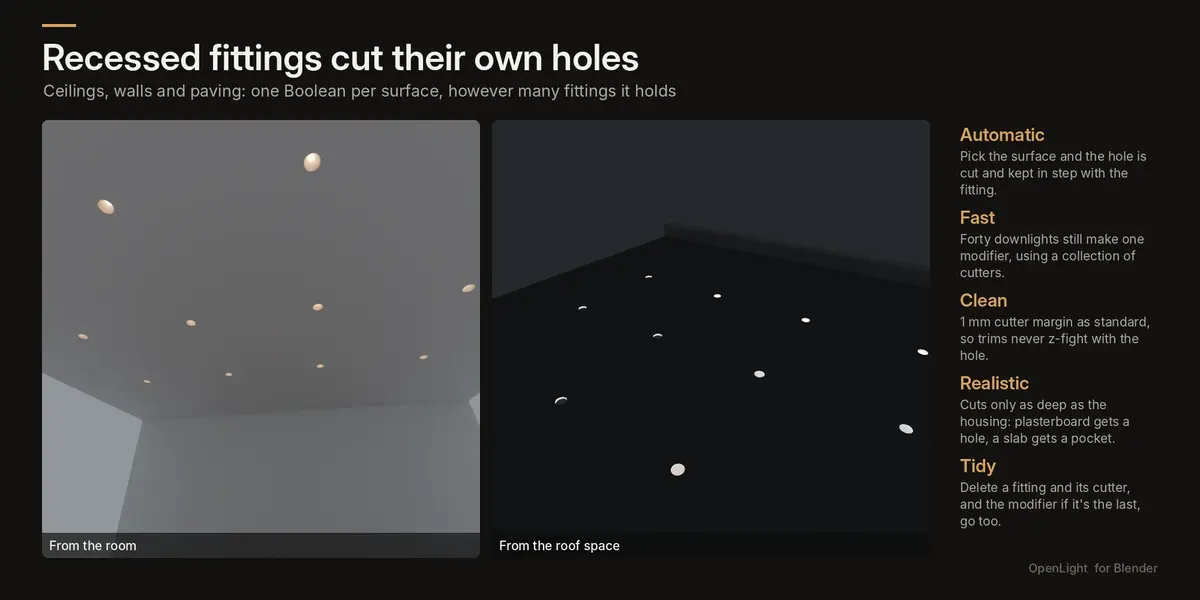
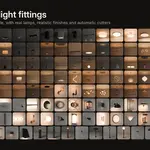
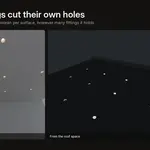
OpenLight adds a library of 145 parametric light fittings to Blender. Every one is built from settings rather than fixed meshes. Resize it, change the number of arms, set the drop, swap the finish and relight it in seconds. Recessed fittings cut their own holes in your ceilings, walls and paving.
Built by an architectural and interior visualisation studio for its own archviz work: realistic proportions, real lamps in every fitting, and finishes that hold up in close-up renders.
12 categories, 145 fittings
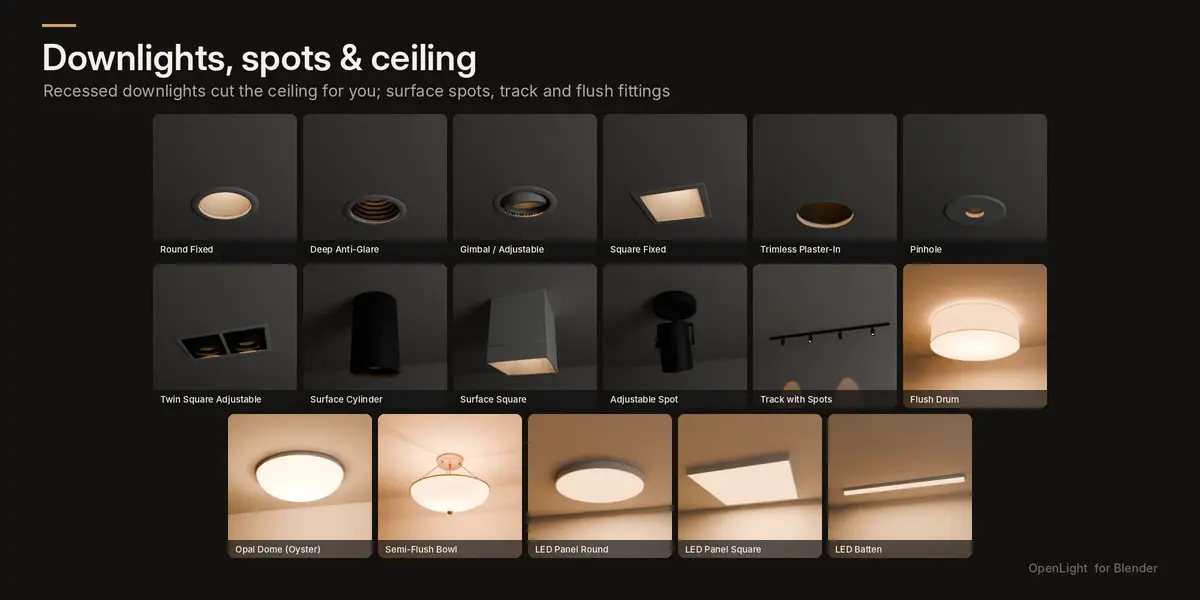
- Downlights (7): fixed, deep anti-glare, gimbal, square, trimless plaster-in, pinhole, twin adjustable
- Surface spots and track (4): cylinders, adjustable spots, track with heads
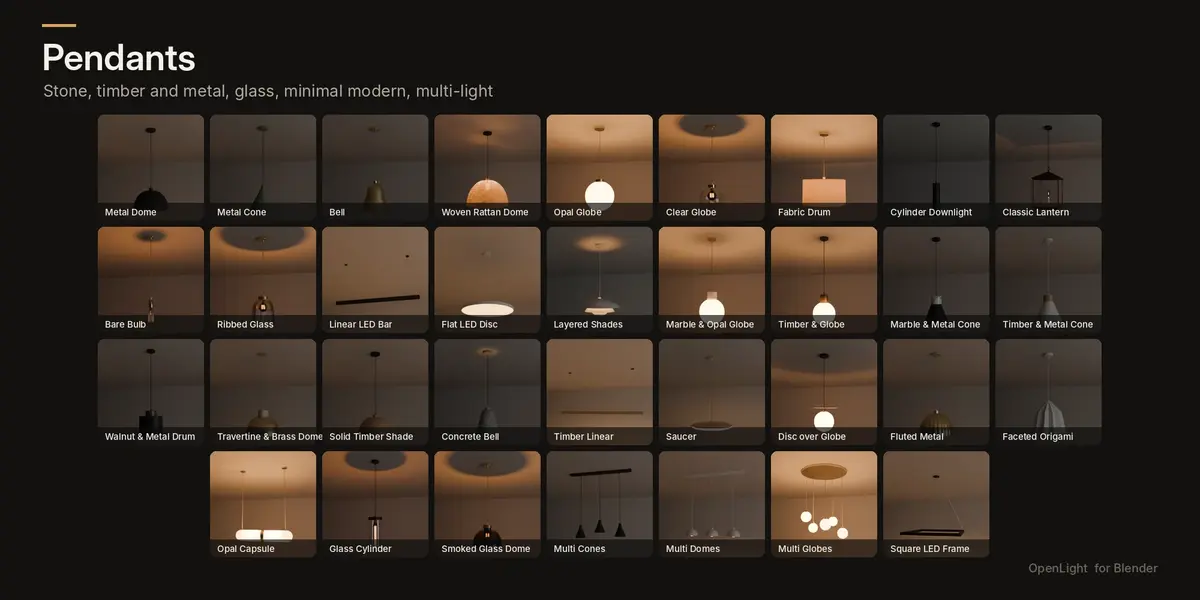
- Pendants (34): metal domes, cones and bells; opal and clear globes; marble, travertine, timber and metal combinations; fluted, faceted, saucer, capsule and glass designs; multi-light rows and rings
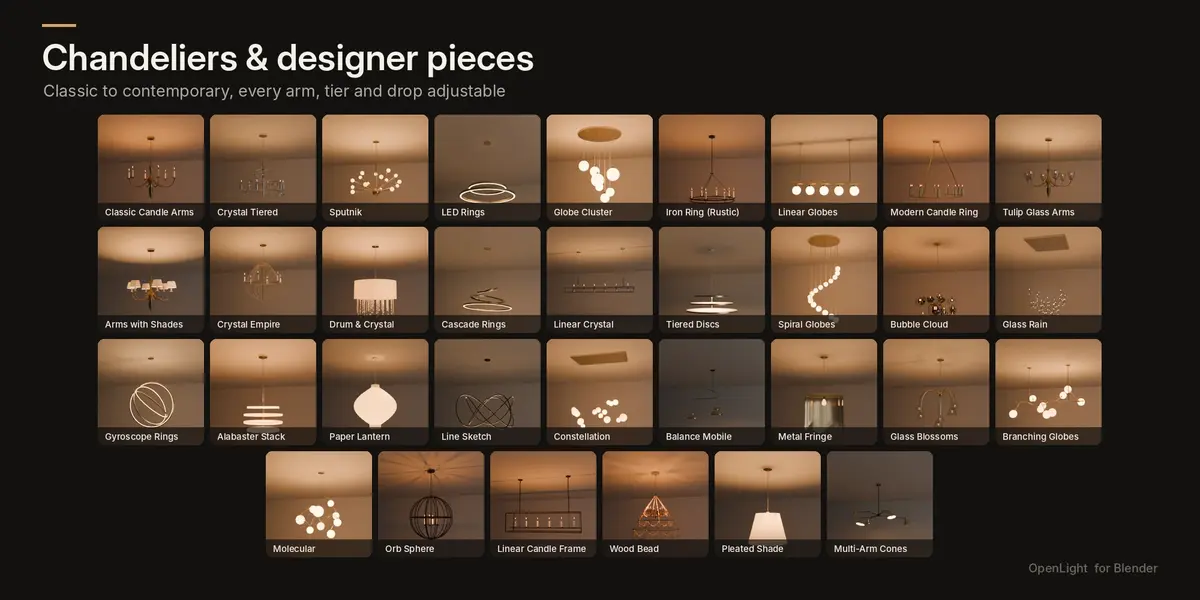
- Chandeliers (16): classic candle arms, crystal tiered, crystal empire, drum and crystal, tulip glass arms, arms with shades, sputnik, LED rings, cascade rings, tiered discs, spiral globes for stairwells
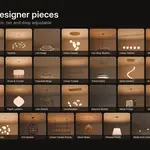
- Designer statement (17): branching globes, molecular, orb, bubble cloud, glass rain, gyroscope rings, alabaster stack, paper lantern, line sketch, constellation, balance mobile, metal fringe, glass blossoms and more
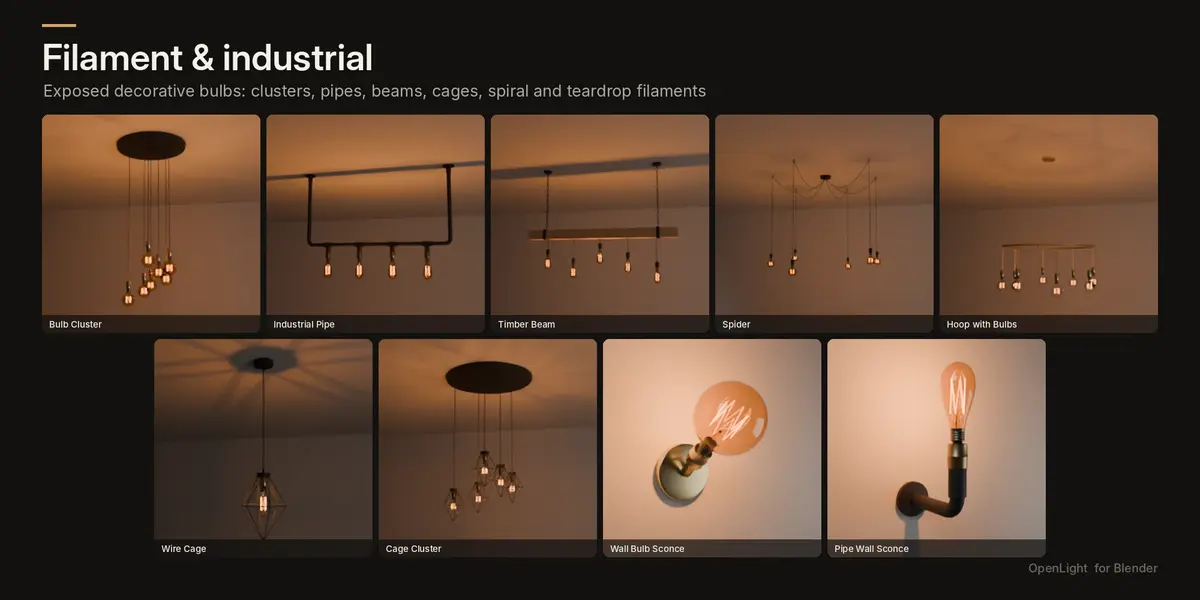
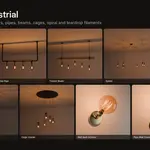
- Filament and industrial (9): bulb clusters, pipe, timber beam, spider, hoop, wire cages, filament wall sconces
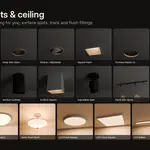
- Ceiling lights (6): flush drums, oyster, semi-flush bowls, LED panels and battens
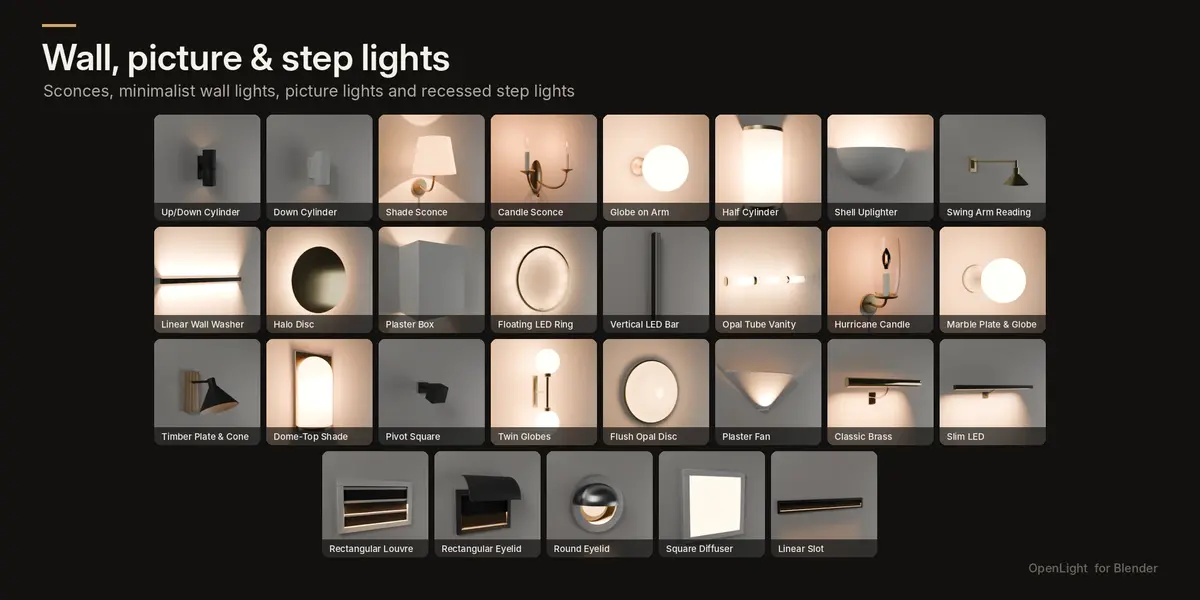
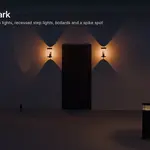
- Wall lights (22): up/down cylinders, sconces, candle sconces, globes, plaster uplighters, swing arms, washers, halo, floating ring, vanity tube, hurricane, marble and timber plates, pivot heads and more
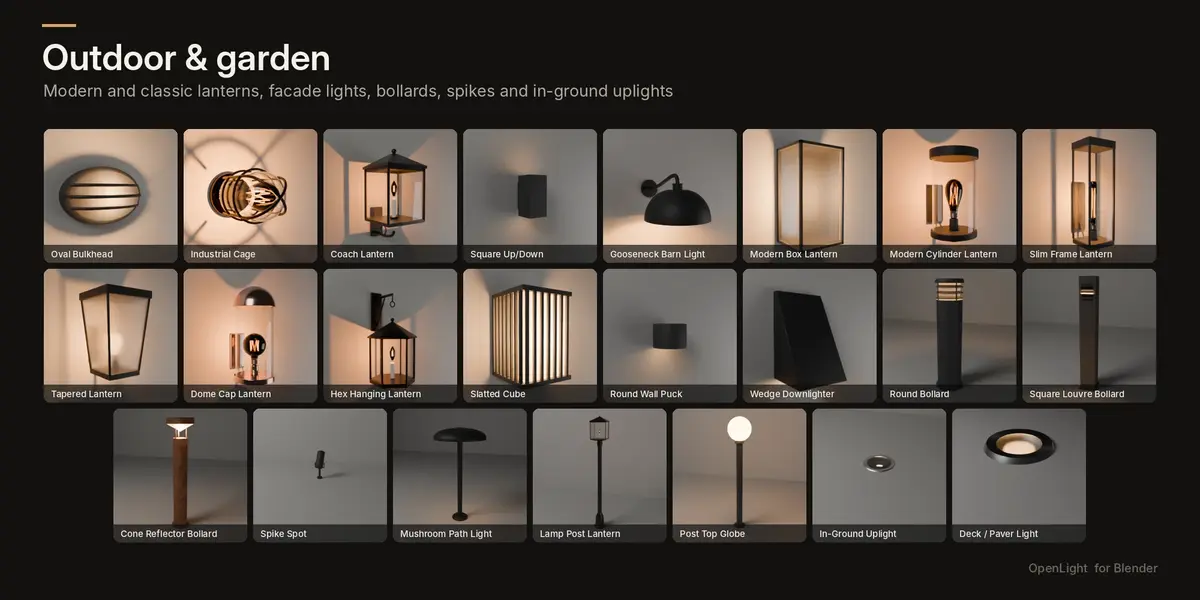
- Outdoor wall (14): bulkheads, cage lights, coach lanterns; modern cylinder, slim, tapered, dome-cap and hex lanterns; slatted cubes, pucks and wedges
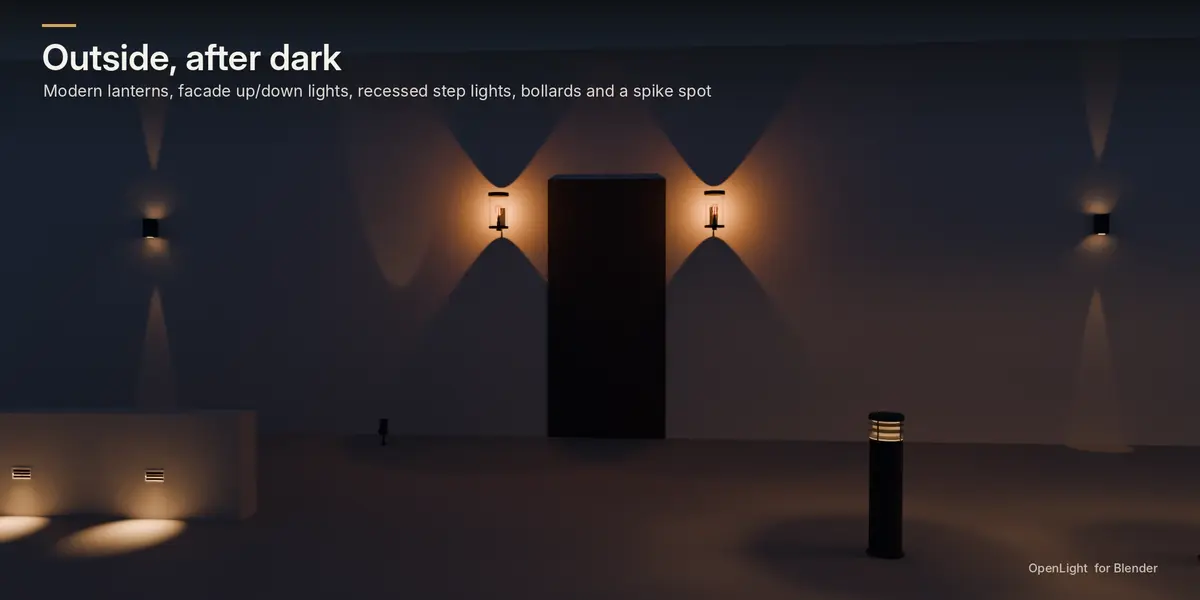
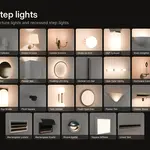
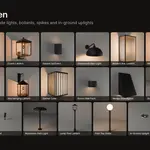
- Picture lights (2), step and foot lights (5) recessed into the wall, and garden lights (9): bollards, spikes, path lights, lamp posts, in-ground and deck lights
Built for archviz
- Automatic cutters. Downlights, step lights and in-ground lights cut the surface they sit on. Each surface gets one Boolean modifier however many fittings it holds, so a ceiling with 40 downlights stays fast. A 1 mm cutter margin by default means no shading overlap at the trim.
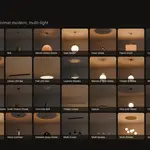
- Real lamps in every fitting, with colour temperature (1800 to 6500 K), dimmer, power, beam angle and softness.
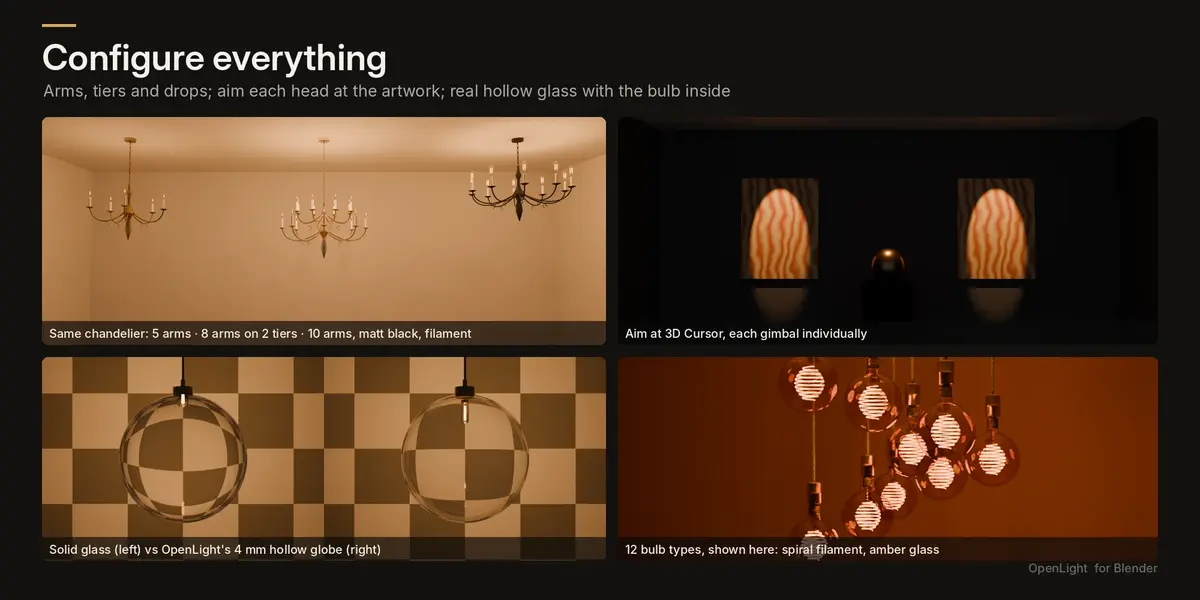
- Realistic glass. Clear globes are hollow 4 mm blown glass with a visible LED capsule or filament inside. The light's own ball is hidden from the camera and from glass, so globes look like real bulbs, not glowing spheres.
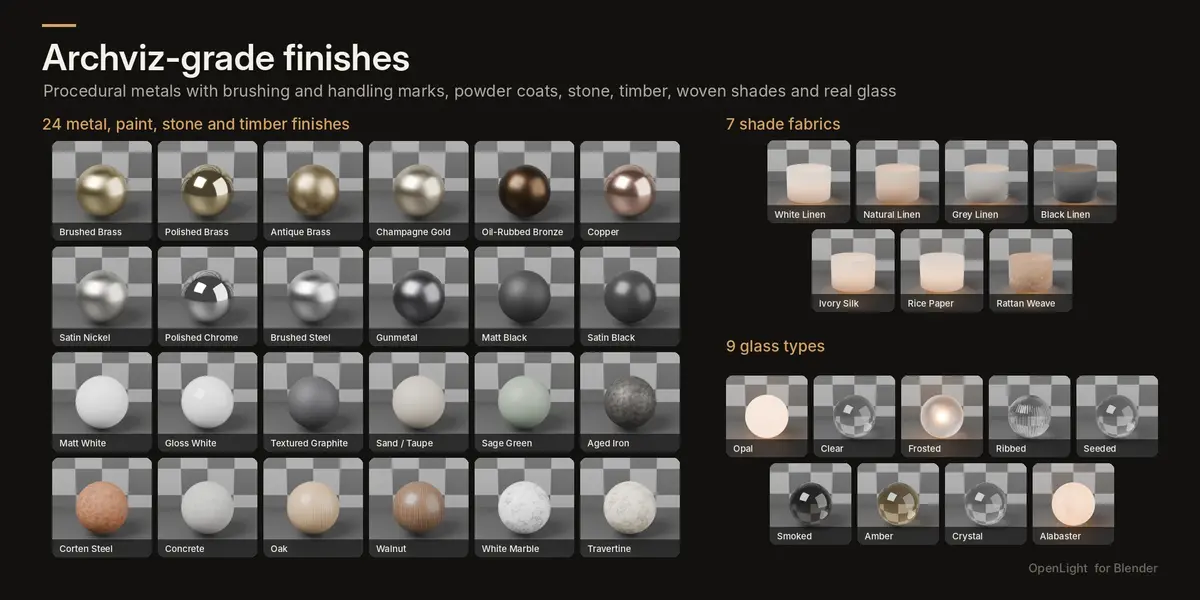
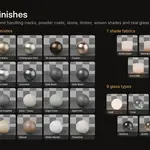
- 24 finishes: brushed, polished and antique brass, champagne gold, oil-rubbed bronze, copper, satin nickel, chrome, brushed steel, gunmetal, powder coats, aged iron, corten, concrete, oak, walnut, marble and travertine. Plus 7 translucent shade fabrics, including rattan weave, and 9 glass types.
- 12 bulb types: opal, classic and ST64 filament, G95 to G200 globes, spiral, candle, tube, long tube and teardrop, in clear, amber or smoke glass.
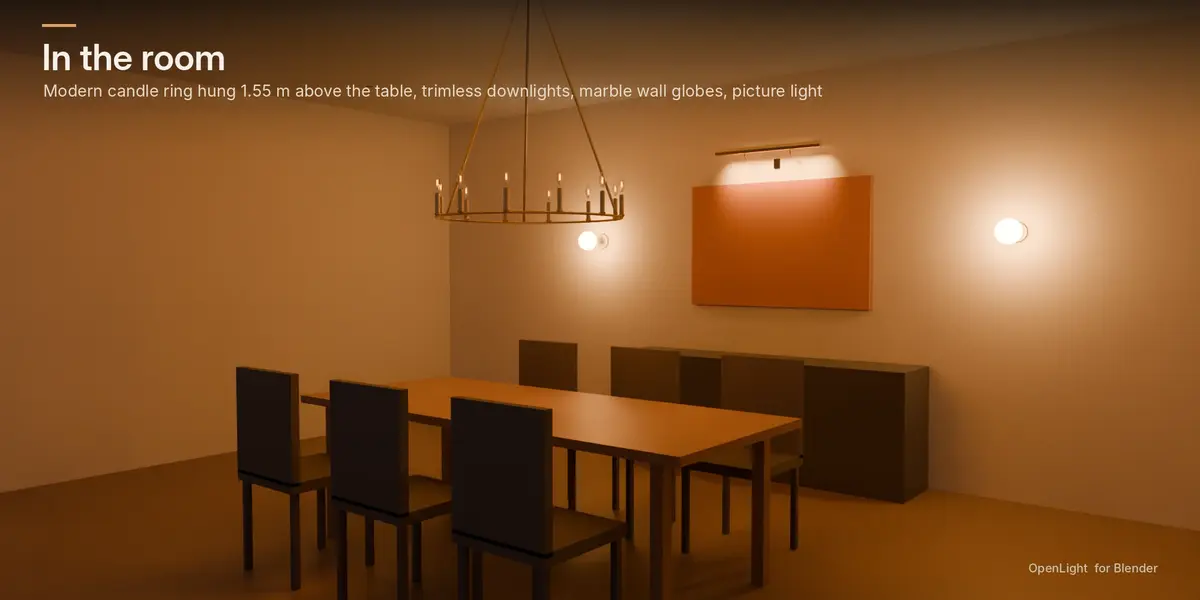
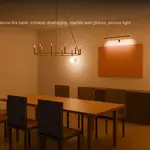
- Hang by height above floor. Set the bottom of a pendant at 1.6 m over the table and it adapts to any ceiling height.
- Configure multi-light fittings: arms, tiers, globe counts, spread, staggered drops, and cable type and colour.
- Aim at 3D Cursor. Point gimbals, spots and uplights at artwork, individually across an array.
- Your own materials stay put. Click any part, assign a material, and it survives every change to the fitting.
- Scene Lighting panel: a master dimmer and an on/off switch for every fitting in the scene.
- Picture browser of the whole library, with search, plus everything under Shift+A.
What's included
- OpenLight add-on (Blender extension zip)
- Demo .blend with all 145 fittings in labelled bays
- 15-page illustrated user manual (PDF)
Requirements
Blender 4.2 LTS or newer. Tested on 4.2 LTS and 5.2. Cycles is recommended for glass and shade translucency; EEVEE is supported.
Installation
Edit > Preferences > Get Extensions > drop-down (top right) > Install from Disk > choose the zip. OpenLight then appears in the N-panel and under Shift+A > OpenLight.
FAQ
Do I need the add-on installed to render scenes I've made?
No. Fittings are ordinary meshes and lights. You need the add-on only to change their settings.
Can I use my own materials?
Yes. Click any part of a fitting and assign a material. OpenLight keeps it when you change the fitting.
Will it cut a thick concrete slab?
A recessed fitting cuts as deep as its housing, so a slab gets a pocket and a plasterboard ceiling gets a clean hole, as in reality.
Are these replicas of designer brands?
No. All 145 fittings are original designs in the spirit of current interior styles.
Can I export to other software?
Yes. Use Make Static to turn a fitting into plain objects, then export as usual.
Also from Principia Design
OpenFrame: parametric doors, windows, skylights and balustrades that cut your walls. It pairs naturally with OpenLight.
Updates and licence
Free updates for all 1.x versions. The add-on code is GPL-3.0-or-later, as Blender add-ons must be. Use the fittings in personal and commercial renders and animations.