OpenSet Connect: 100,000+ Free 3D Models Inside Blender
 Andrew Luzhetskyi
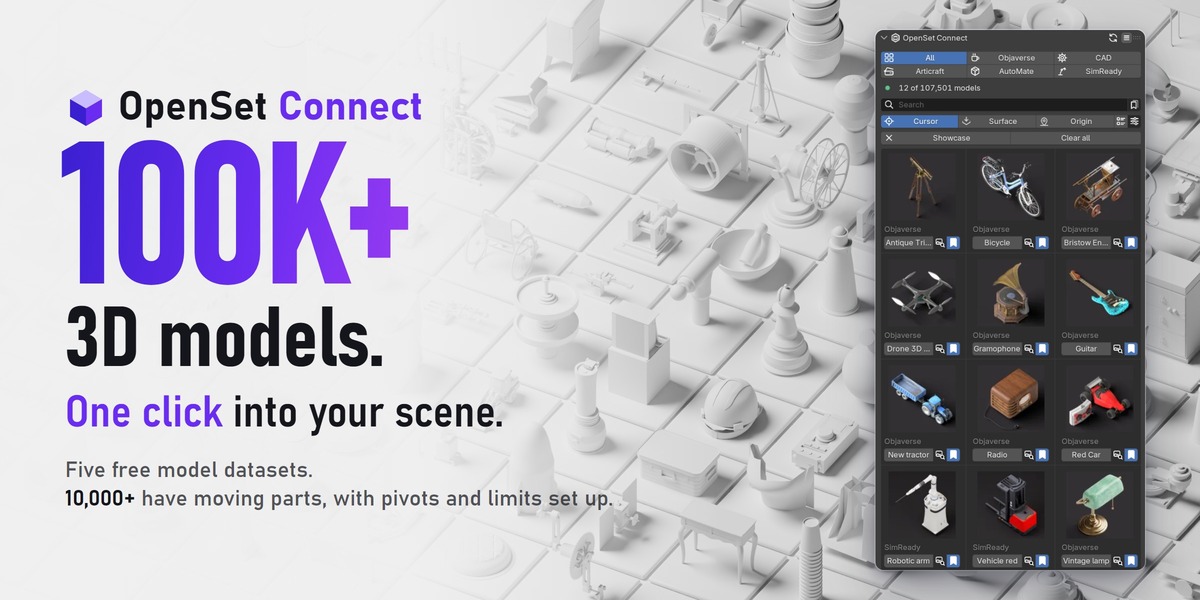
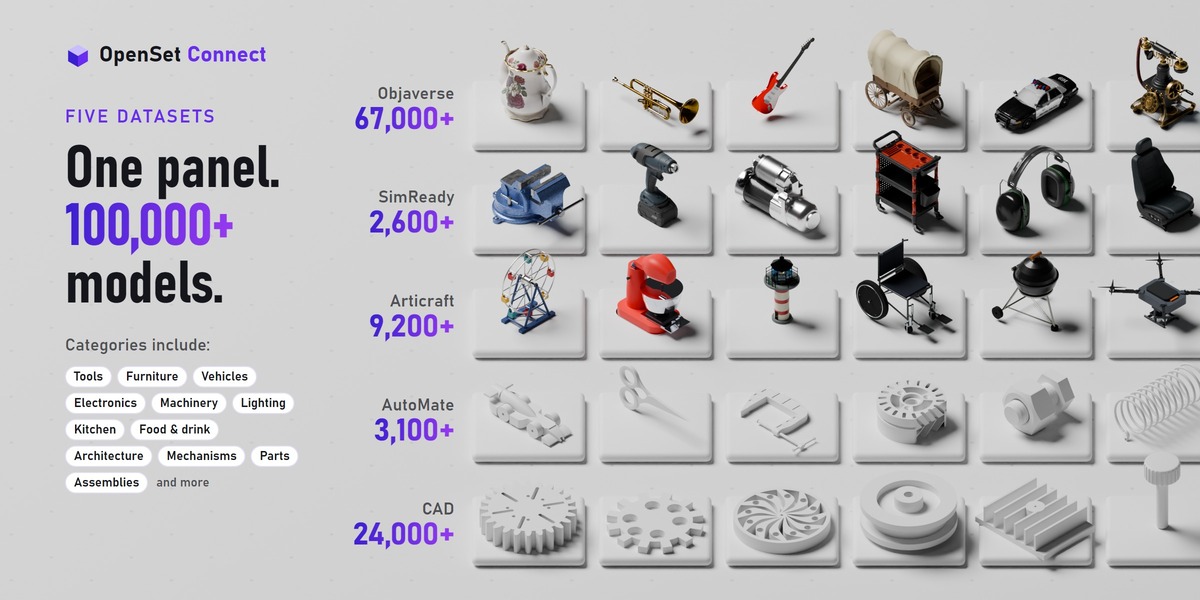
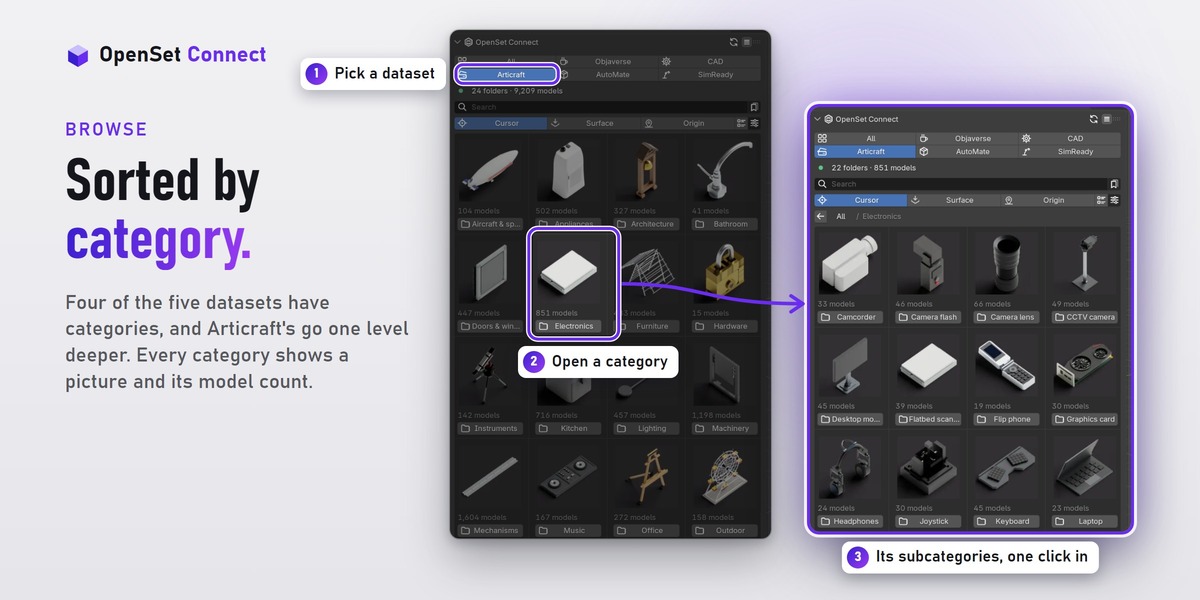
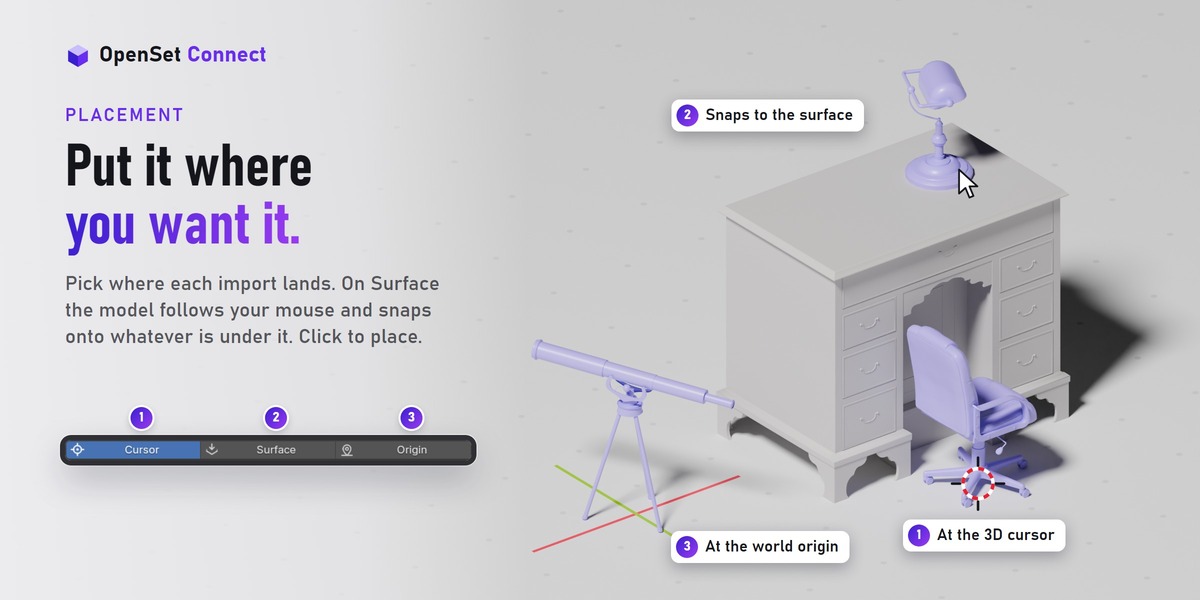

No. You are buying the OpenSet Connect add-on: a bridge to free datasets published on Hugging Face by Sandflow, the Allen Institute for AI and NVIDIA. The models are free. There is no license key and nothing to activate.
A one-time purchase, not a subscription. New versions appear on your Superhive orders page.
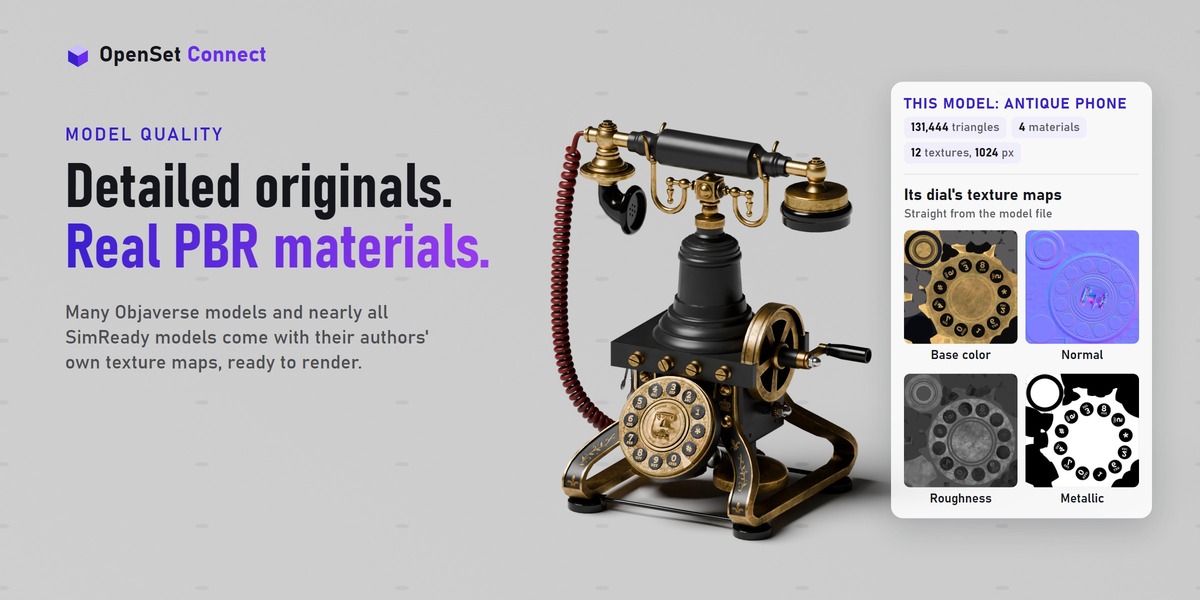
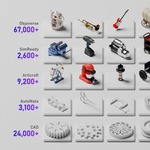
It depends on the dataset. Objaverse and SimReady are the original files: Objaverse models are as their authors made them (median about 11,300 faces, many textured), and SimReady assets are detailed and textured. CAD, Articraft and AutoMate are Sandflow rebuilds: simple shapes with flat colors and no textures, about 550 to 2,600 triangles for a typical model (median of a 15-model sample per dataset). The thumbnails show each model as it is.
Most of them, yes. Almost all are CC BY 4.0 or CC0. About 1,400 Objaverse models are CC BY-NC 4.0, for personal work only. Their info popup says so, and Commercial use only hides them.
Click Credit in a model's info popup, or Copy scene credits in Credits and licenses, and paste it where you share your work. The line has the creator, the license and the link; for CAD, Articraft and AutoMate it also says the model was rebuilt. CC0 models need no credit.
Blender 5.1 or newer. It does not work on Blender 5.0 or 4.x.
It has no compiled parts, so it should, but I have tested it on Windows only. If something does not work on your system, please message me and I will fix it.
No. All five datasets together are more than 700 GB, and they stay online. OpenSet Connect downloads only the models you import, and keeps them within a size limit you set (500 MB by default), so your disk never fills up with models you do not use.
Yes, to import a model you have not added before, and Blender's Allow Online Access must be on. Browsing works offline: the index and thumbnails ship inside the add-on. Models you added before come from your cache.
No tracking, and no uploads. The add-on only downloads models from Hugging Face, as any download would; it never sends your files or personal data.
The add-on itself is about 158 MB installed, mostly thumbnails. Downloaded models are kept in a cache with a size limit you set (500 MB by default). The oldest unused models are removed first, and models already in your scenes keep working.
In the add-on's own folder inside your Blender user settings, unless you choose another one. In Preferences, open Downloads: Open folder shows where it is, Folder moves your downloads somewhere else (another drive, for example), and Clear downloads empties it. Models already in your scenes keep working.
No. The first time you add a model over 50 MB, it shows the size and asks first. SimReady assets are the biggest: 35.7 MB for a typical one, and up to about 1.8 GB. Models already downloaded never ask. Add all always asks and names the total.
Nothing is added to your scene, and a partial download is never used as a model. The panel shows what went wrong and a Retry button. A SimReady download picks up where it stopped.
Open Edit > Preferences > System > Network, turn on Allow Online Access, and import again.
Click the Refresh icon in the panel header. If it stays blank, use Clear downloads in Preferences.
Free some space, lower Size limit, or click Clear downloads in Preferences. You can also choose another Folder there.
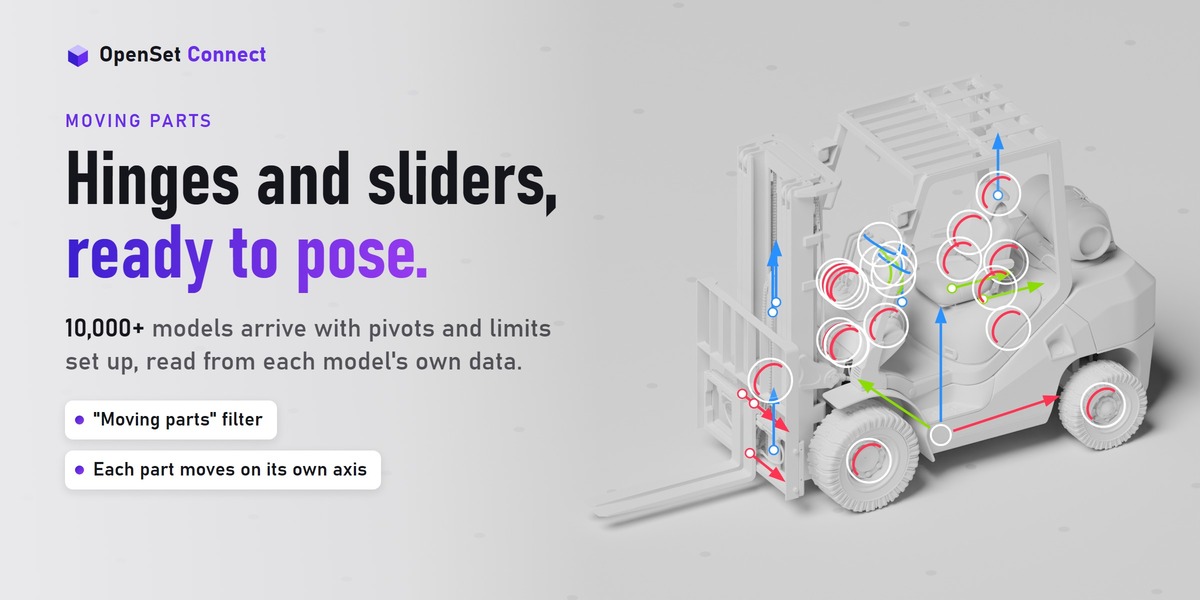
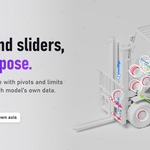
Yes, on 10,000+ models. Select a joint's pivot and turn or slide it: the part moves on its own axis and stops at its limits. You can key it to animate it.
Yes. Scale the root, or apply scale on the root only (applying it to all objects breaks sliders). Duplicate with all its objects selected. glTF and FBX exports work, but the joint limits are not exported.
The models are normal Blender objects with normal materials, so you render them like anything else.
If you installed from the Superhive repository in Blender, press Update in Get Extensions. If you installed a ZIP, install the new ZIP the same way. No need to uninstall first.
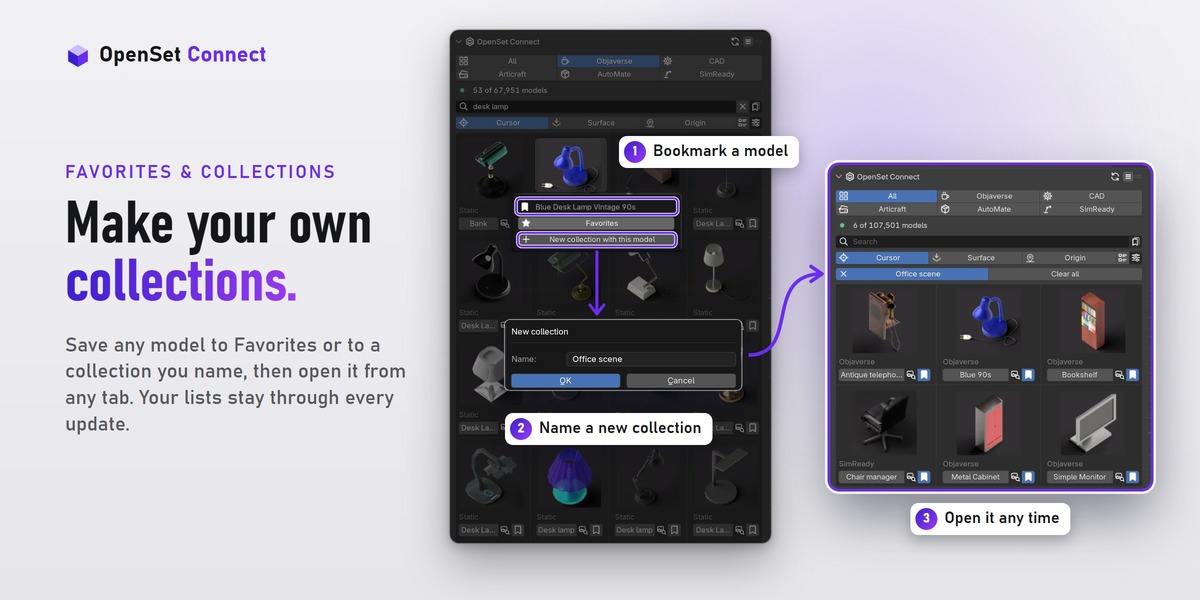
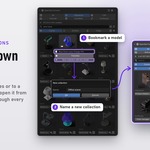
No. Favorites, collections, Recent and Most used survive updates, and even an uninstall and reinstall (settings go back to defaults): a backup copy in Blender's config folder comes back by itself. Export in Preferences saves them to a file, to move them to another computer.
No. The add-on points at a fixed version of each dataset, so a model is the same file every time.
For a CAD, Articraft or AutoMate model, write to Sandflow with the model's id; that is the contact their dataset cards give. For any other model, message me on Superhive.
CAD, Articraft and AutoMate are rebuilt models: flat colors, no image textures and no UVs. The biggest SimReady assets are large downloads, up to about 1.8 GB (a model over 50 MB asks before its first download). Collections cannot be renamed or deleted in the panel yet. I have tested on Windows only.
In Preferences, open Troubleshooting and turn on Write a log file, repeat what went wrong, then click Report a problem in the Preferences header and paste the report in a message to me here. Add the model name and what you clicked. I read every message.
Have questions about this product?
Login to message
| Blender Extension Compatible | Yes |
| Dev Fund Contributor | |
| Published | about 1 hour ago |
| Blender Version | 5.1 - 5.2 |
| Extension Type | Add-on |
| Render Engine Used | Cycles, Eevee |
| License | GPL |

Discover more products like this
objaverse asset library furniture free models import asset-browser props usd 3d models cad Joints Articulated