 dika3d


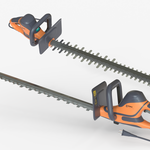
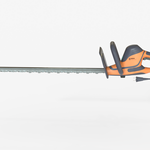
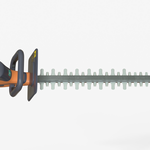
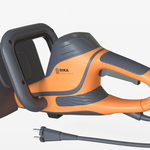
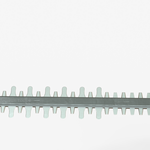
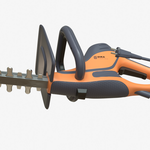
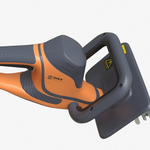
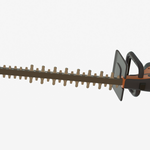
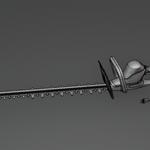
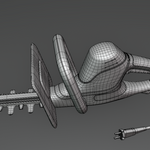
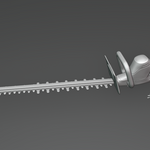
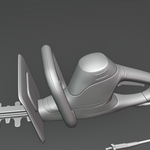
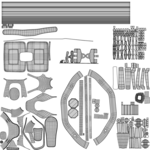
- /Blender/ — contains the .blend scene with materials and lighting setup
- /FBX/ — contains the FBX export
- /OBJ/ — contains the OBJ export
- /GLB/ — contains the GLB export for web/AR use
- textures.zip — a separate archive next to the Blender fle
Important: For the Blender scene, the "textures" folder must remain in the same directory as the .blend file. The scene uses relative paths to link the textures, so moving or renaming the folder will cause materials to appear pink or missing. If textures appear pink in Blender:
1. Go to File → External Data → Find Missing Files
2. Select the "textures" folder next to the .blend file 3. Blender will automatically relink all textures
Have questions about this product?
Login to message
| Published | 4 months ago |
| Blender Version | |
| Render Engine Used | Cycles, Eevee |
| Misc Data | Uvs-Unwrapped, Low-High-Resolution, Normal-Mapped, Textured |
| License | Royalty Free |

Discover more products like this
electric-hedge-trimmer Professional Electric Hedge Trimmer landscaping pruning-tool hedge-cutter lawn care outdoor equipment bush-trimmer electric-cutter product-visualization garden-equipment hedge-trimmer shrub-trimmer gardening engineering Orange Professional Electric Hedge Trimmer mechanical industrial-tool yard-tool garden-tool trimming-tool power tool